
TRANSCRIPT
Free Instagram Reels Downloader
An Instagram Reels downloader for public Reels: preview the title and length, then save the video as MP4 or the audio as MP3 in the qualities available.
You are responsible for having the rights to download this content. See our copyright disclaimer.
What Is an Instagram Reels Downloader?
An Instagram Reels downloader turns a public Reel link into a downloadable MP4 video file or an MP3 audio file. It is different from Instagram's own save and share controls, which keep a Reel inside the app: a downloader hands you a file you can store, rewatch offline, edit, and move into another tool. The hardest case is a private, removed, or restricted Reel, where there is no stable media file to fetch and a good tool says so instead of hanging. That boundary is where a reliable free Instagram Reels downloader earns its place: one public URL, clear MP4 or MP3 choices, visible processing status, and a temporary delivery link. Whether you search for a free Instagram Reels downloader, a way to download an Instagram Reel, or an Instagram Reel to MP4 or MP3 converter, the result should be a clean file you can actually reuse.
How the Instagram Reels Downloader Works
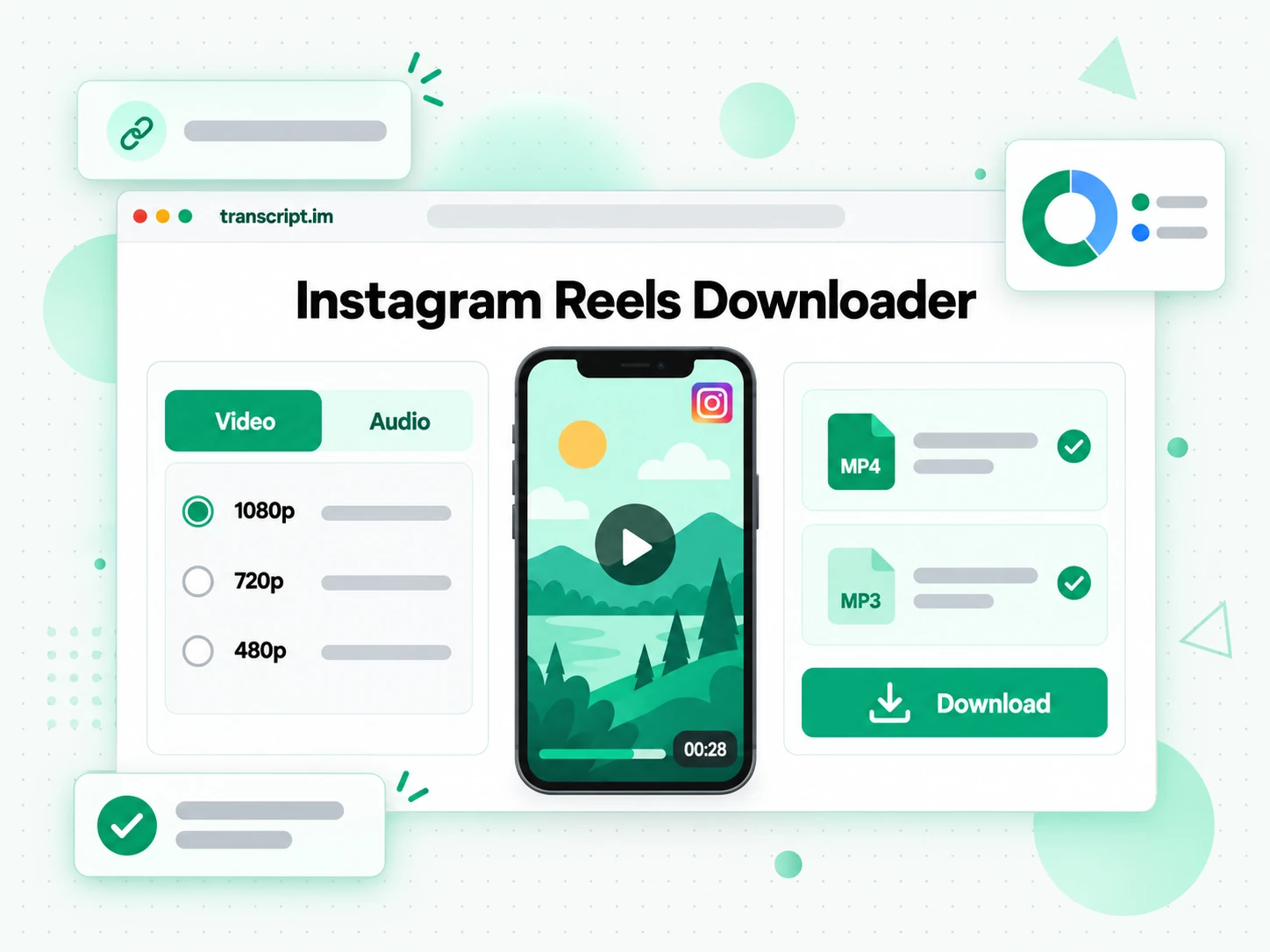
One pasted Reel link takes you from a public post to a downloadable MP4 or MP3 in three steps.
Paste the Instagram Reel Link
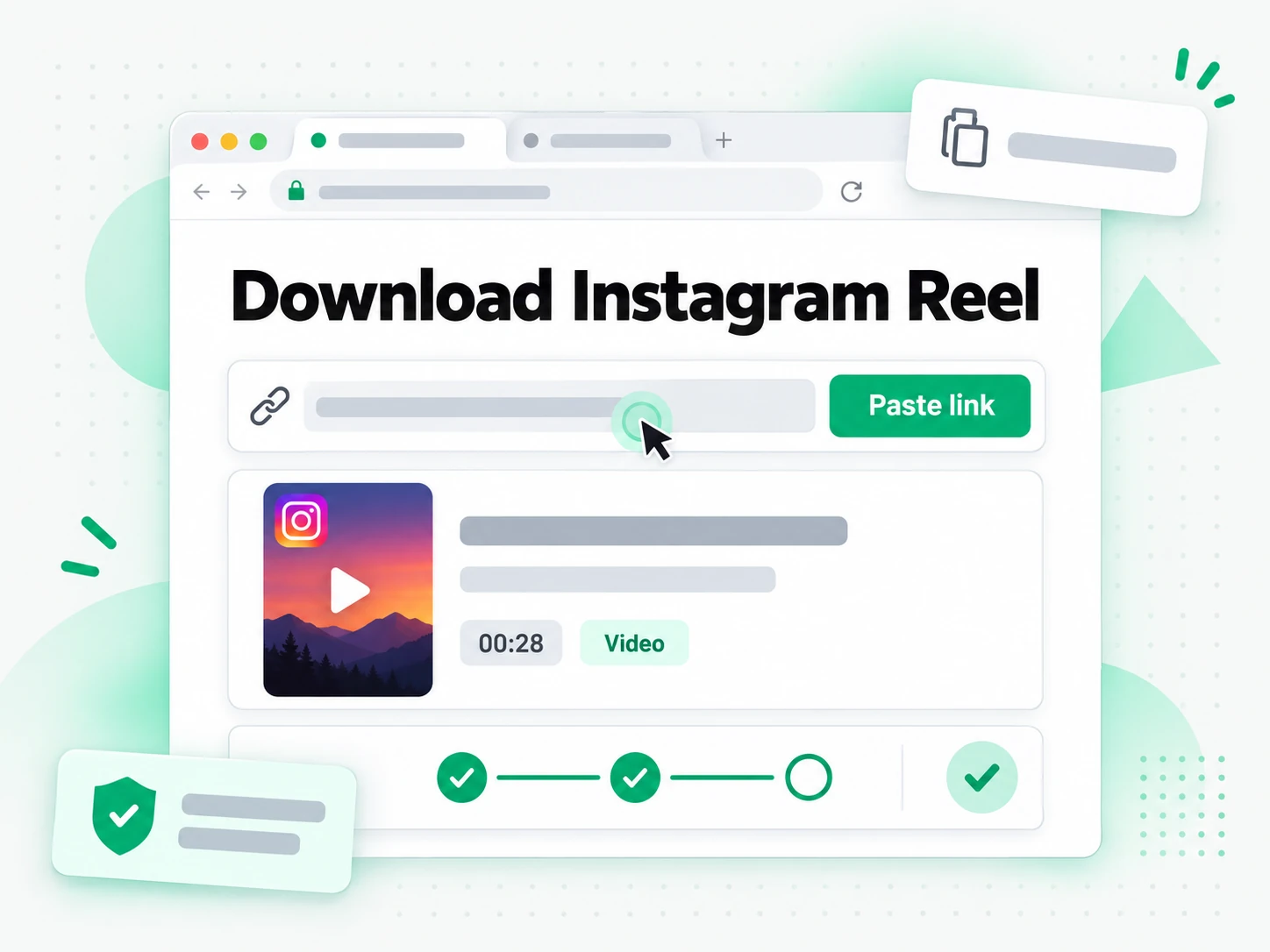
Copy the URL of any public Instagram Reel and paste it into the Instagram Reels downloader at the top of this page. It reads the Reel's title, thumbnail, and length before you pick a format, so you can confirm the link points at the right post before anything is processed. There is no extension and no desktop software to install: the public URL is the only input the downloader needs, whether you are on a phone, a laptop, or a shared machine. When the Reel is private, removed, or otherwise restricted, the tool returns a clear message instead of leaving you on an endless loading screen.
- Works from a pasted public Reel link
- Shows title, thumbnail, and length before you choose
- No browser extension or desktop app required
Choose MP4 Quality or MP3 Bitrate
Choose MP4 when the visuals matter, or MP3 when the authorized audio is the part you need. Instagram Reels are vertical video and most top out around 720p to 1080p depending on how the creator uploaded the post; pick a resolution, or choose an MP3 bitrate from 128 to 320 kbps. If your pick is not available for that specific Reel, the downloader automatically delivers the next-best quality and tells you it happened, so you are never left wondering why a file came back smaller than expected. The MP3 option is there for cases where a clean audio file is genuinely useful, such as turning a talk or an interview into something you can transcribe later.
- MP4 resolutions from 360p up to 1080p, Reel-dependent
- MP3 bitrates of 128, 192, 256, and 320 kbps
- Automatic next-best fallback with a visible note
Download the Finished File
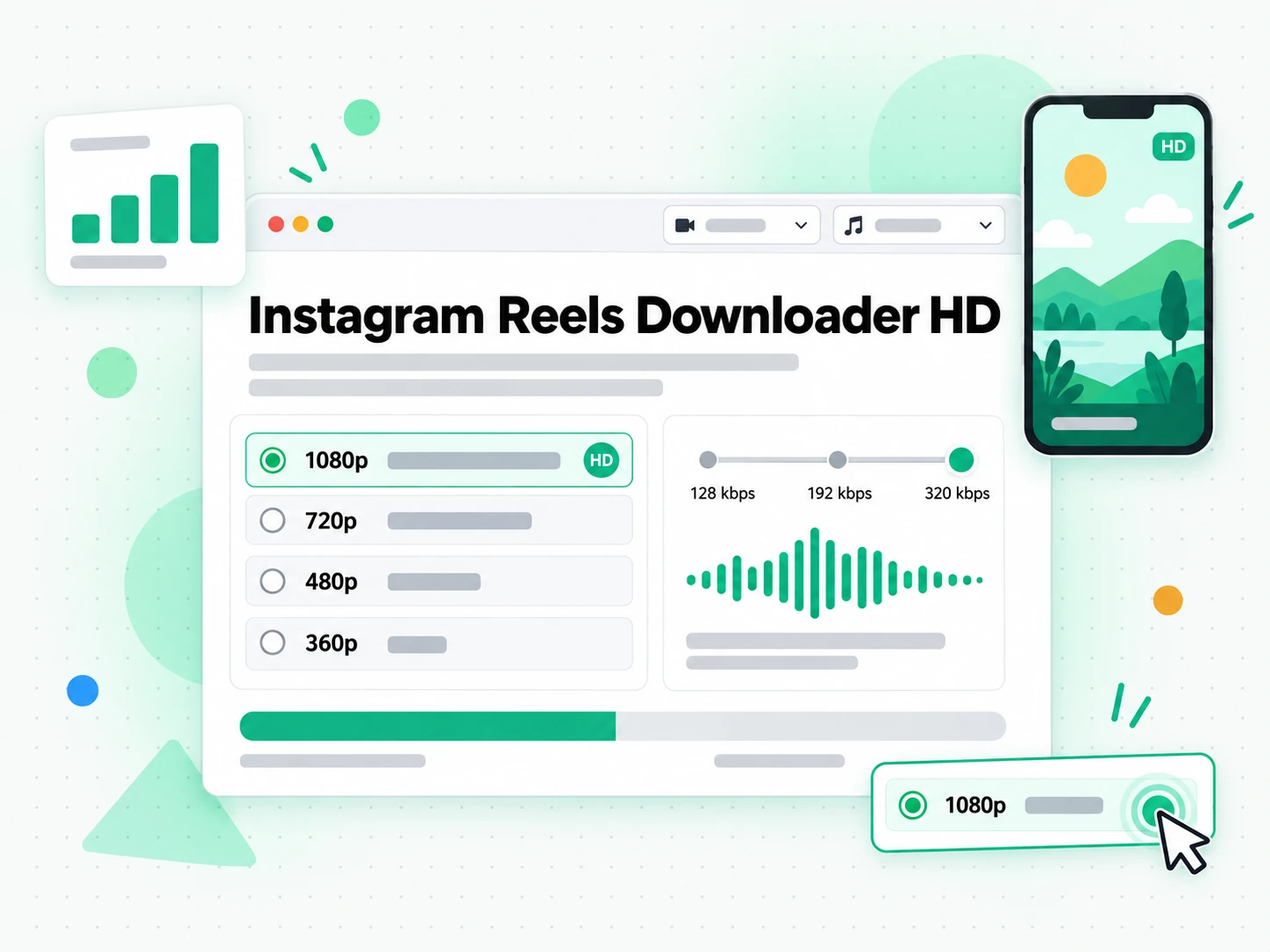
When processing finishes, this free Instagram Reels downloader hands you a direct file link rather than a player you have to screen-record. Save the MP4 or MP3 to your device while the link is active; it stays open for 30 minutes, and after that the file is removed from delivery. There is no watermark added by transcript.im, no silent upscaling, and no claim to create pixels the source never had: you get the media the public Reel actually provides, at the quality you selected or the closest available match. Any branding the creator or platform already embedded stays part of the source video.
- Direct download link, no screen recording
- Link stays active for 30 minutes
- No added watermark and no fake upscaling
Why transcript.im Beats Screen-Recording a Reel
✅ transcript.im
Paste any public Reel link and transcript.im is a reliable free Instagram Reels downloader that returns the actual media file as MP4 or MP3, with the available quality choices shown up front and a direct link to save. You get the source video and a clean audio track, not a copy of your screen, and there is nothing to trim, crop, or re-time once the download lands.
❌ Screen recording
Recording your screen to keep a Reel captures notifications, player controls, and black borders along with the video, and it usually costs you resolution and audio quality. There is no audio-only option, no quality menu, and no clean file at the end — just a shaky capture you still have to edit.
Who an Instagram Reels Downloader Is For
A downloader helps anyone who needs a local copy of a Reel they own, have permission to use, or otherwise hold the rights to.
Archive Reels from your own account
Creators can keep local copies of their own published Reels before changing an account, retiring a campaign, or reorganizing a content library.
- Save each Reel as a predictable MP4 that is easier to catalog than a link that may later be edited or removed.
- Keep it alongside briefs, captions, approvals, and performance notes so the file survives platform changes you do not control.
- Store it in the original vertical framing so the archive matches what the audience actually saw.
- Protect against an accidental deletion or an account handed to someone else.
- Reference the file long after the campaign has ended and the feed has moved on.
Review approved creative offline
Agencies and in-house social teams often need to review a client-owned or licensed Reel in an edit suite, a presentation, or an approval meeting where the network is unreliable.
- Download an authorized copy to avoid buffering during the review.
- Slow down the opening frame and compare pacing without asking the room to open the same app at once.
- Check on-screen copy frame by frame while everyone hopes the connection holds.
- Attach the creator, campaign, approval status, and usage rights so the download stays in its permitted context.
- Give frame-by-frame feedback from a stable local MP4.
Prepare captions and transcripts
An MP4 or MP3 file can be used as input for Instagram transcription, subtitle timing, accessibility review, quotation checks, and searchable research notes.
- Feed the audio into a transcription step to turn a spoken Reel into text you can search, quote, and translate.
- Keep the downloaded MP3 so the spoken words stay intact while you work on the rest.
- Time subtitles and captions against the local media file.
- Verify speaker consent, music licensing, and the creator's terms before publishing a transcript or an edited clip.
- Remember the download does not create rights to the speech, music, or footage.
Study licensed social campaigns
Marketing teams can retain authorized campaign examples for creative analysis, hook review, pacing comparisons, and internal training.
- Compare the opening frame, on-screen copy, edit rhythm, and call to action across several Reels.
- Work from local files instead of switching between tabs.
- Onboard new social staff with what a brand's best-performing posts have in common.
- Treat competitor content as reference material unless you have explicit permission for redistribution or derivative use.
- Study a stable set of files instead of a live feed the algorithm keeps changing.
For Localization Teams
Dubbing or subtitling a Reel starts with a file, not a live post. Teams preparing another language version can keep an authorized copy, work against its exact timing, and hand the audio and captions to translators.
- Work from a stable local MP4 instead of a stream that buffers during timing work.
- Keep the original audio so translators hear the pacing they must match.
- Time translated captions against the saved media file.
- Store the usage rights and approval with the file before it is shared.
- Confirm permission for the new version before anything is published.
How to Download an Instagram Reel
- 1
Paste the Instagram Reel Link
Copy the URL of any public Reel from Instagram's share menu and paste it into the box at the top of this page. There is no extension and no software to install: the public link is all the Instagram Reels downloader needs, whether you are on a phone, a laptop, or a shared computer.
You are responsible for having the rights to download this content. See our copyright disclaimer.
- 2
Fetch the Video and Audio
Start the download and our reliable free Instagram Reels downloader loads the media behind the public Reel, then shows its title, thumbnail, and length so you can confirm the right post. Private, removed, or restricted Reels stop here with a clear message instead of a download that never starts.
- 3
Choose MP4 Quality or MP3 Bitrate
Pick MP4 for the picture, or MP3 when authorized audio is enough. Resolution choices run up to 1080p depending on the source, and MP3 bitrates run from 128 to 320 kbps. If your exact pick is unavailable, our free Instagram Reels downloader hands you the next-best quality and says so.
- 4
Save the Finished File
When processing finishes, save the file from the direct link while it is active. The link stays open for 30 minutes, and the file is removed from delivery after that, so download it to your device as soon as it is ready rather than leaving the tab open.
Use Your Instagram Reels in the Apps You Already Have
Video Players and Editors
The MP4 opens in VLC, QuickTime, Premiere, Final Cut, CapCut, and DaVinci Resolve without conversion, so a saved Reel is ready for a review, a rough cut, or a re-edit.
Cloud Storage and Content Libraries
Drop the file into Google Drive, Dropbox, or a shared team folder so the Reel lives with the rest of a campaign instead of sitting in a downloads folder.
Google NotebookLM and AI Assistants
Paste the Reel transcript into NotebookLM as a source, or hand the text to ChatGPT, Claude, Gemini, Kimi, or Manus for a rewrite or a repurposed caption.
Builders Using the API and MCP
transcript.im also exposes an API and an MCP server, so a script or an agent can resolve a public Reel and pass the saved file into the rest of your pipeline.
transcript.im vs Other Instagram Reels Downloaders
Different tools answer different questions. Use this table to pick the one that matches what you actually need from an Instagram Reels downloader.
| Tool | What it does | Use it when |
|---|---|---|
| transcript.im | Downloads public Reels as MP4 with quality choices or as MP3 audio, with a direct link and clear processing status. | When you need a clean Instagram Reel file you can store, edit, or transcribe. |
| Instagram's own save and share controls | Bookmark or share a Reel inside the app, with no downloadable file at the end. | When you only need to revisit a post inside Instagram. |
| Screen recording | Captures whatever is on your screen, including notifications, player controls, and black borders. | As a last resort, when no download source is available for a Reel. |
| Generic online Reel downloaders | Return one fixed MP4 for a public Reel, often without MP3 audio or quality options. | When a single default video file is all you need. |
| Browser extensions | Add a download button to your browser after requesting broad page permissions. | When you accept the install and it still works after a platform change. |
Instagram Reels Downloader Related Tools
Instagram Reels Downloader FAQs
What is an Instagram Reels downloader?
A reliable free Instagram Reels downloader turns a public Reel link into a downloadable media file, usually an MP4 video or an MP3 audio track. It works from the URL alone, so you do not need a desktop app, and it returns a file you can store, edit, or feed into another tool instead of a post locked inside the app.
How do I download an Instagram Reel?
Copy the public Reel URL from Instagram's share menu and paste it into the box at the top of this page. The downloader loads the title, thumbnail, and length, then lets you choose MP4 quality or MP3 bitrate and save the finished file from a direct link.
Can a free Instagram Reels downloader work on a Reel with no captions?
Yes. Captions are irrelevant to a download: the tool fetches the media behind the public Reel rather than reading a caption track, so a Reel with no captions, no on-screen text, or audio only in another language downloads exactly the same way.
What MP4 resolutions does the reliable free Instagram Reels downloader offer?
Resolutions run from 360p up to 1080p, depending on how the creator uploaded the Reel. Instagram Reels are vertical video and most top out around 720p to 1080p, so the downloader shows the choices that actually exist for that source and delivers the highest available quality for the file.
What MP3 bitrates can I choose for Reel audio?
You can pick 128, 192, 256, or 320 kbps when you save a Reel as MP3. Choose a lower bitrate for a compact voice file, or a higher one when the authorized audio needs more detail, such as music or a recording you plan to transcribe.
Is there a length limit for an Instagram Reel?
No. Reels of any length can be downloaded. Longer Reels take a little more time to process, so keep the page open until the file is ready.
Why can't the downloader save a private or removed Reel?
Only Reels from public accounts expose a stable file that a downloader can fetch. Private accounts, deleted posts, and Reels that Instagram blocks from external access have no downloadable media, so the tool returns an error instead of a stuck progress bar.
How long does a finished Reel download link stay active?
The direct link stays active for 30 minutes after the file finishes processing. After that the file is removed from delivery, so save the Instagram Reel to your device as soon as it is ready rather than leaving the tab open for later.
Can I download Instagram Reels on my phone?
Yes. Open this page in a modern mobile browser, copy the public Reel URL from Instagram's share menu, paste it above, and choose MP4 or MP3. Your browser controls where the completed file is stored, usually Downloads or Files, and may preview an MP4 before offering a save action.
Does the downloader add a watermark or upscale the Reel?
No. The free Instagram Reels downloader processes the media source available for the public Reel and adds no transcript.im watermark, and it does not claim to create missing pixels through upscaling. Any branding already embedded by the creator or the platform stays part of the source video.
How is this different from screen-recording a Reel?
Screen recording captures notifications, player controls, and black borders along with the video, and usually costs you resolution and audio quality. Downloading the Reel instead gives you the actual media file, with a clean MP4 or an audio-only MP3 and no capture artifacts to trim.
Can I repost an Instagram Reel I downloaded?
The file still belongs to its creator. You can download a public Reel for personal or authorized use, but reposting someone else's content without permission is a copyright and platform-policy matter between you and them, and the downloader grants no rights to the media.
MP4 & MP3, One Reel Link
Download an Instagram Reel
Use the free Instagram Reels downloader: paste a public link, choose MP4 or MP3, and download a direct file.