
TRANSCRIPT
Free YouTube Shorts Transcript Generator
Supported: YouTube, TikTok, Instagram, LinkedIn, Twitter — video, short, reel, or playlist.
What Is a YouTube Shorts Transcript?
A YouTube Shorts transcript is the written record of the speech in one YouTube Short, set out as timestamped lines you can read without playing the clip. It is not the caption file on the player, and it is not lettering burned into the frame. A YouTube Shorts transcript is plain text you can search, copy, quote, translate, and hand to an AI tool. If the creator published a caption track, the generator reads that track. If the Short has none, it transcribes the spoken audio. A YouTube Shorts transcript generator covers Shorts that have no caption track. People look this up as a YouTube Shorts transcript, a YouTube Shorts transcript generator, or YouTube Shorts to text, and each of those should come back as text you can reuse. A full-length upload belongs on the long-form page, where you can get the transcript of any YouTube video.
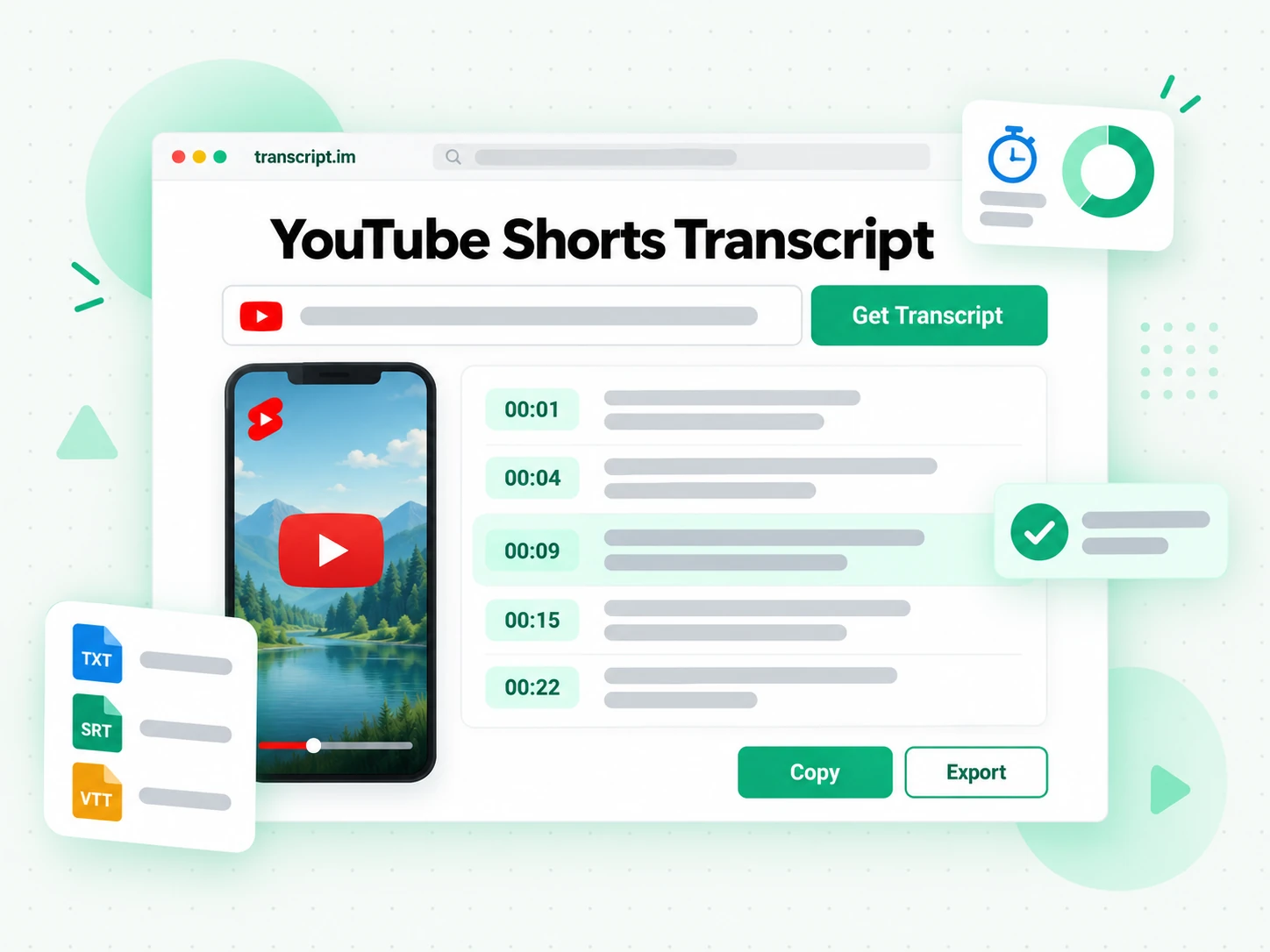
How the YouTube Shorts Transcript Generator Works
One pasted Shorts link takes you from a vertical clip to a searchable YouTube Shorts transcript in three steps.
Turn a Shorts Link Into a Transcript
Paste a public YouTube Shorts link into the YouTube Shorts transcript generator. It checks the creator's caption track first and, when that track is missing, transcribes the spoken audio with AI. Either path returns a YouTube Shorts transcript whose timestamps stay lined up with what was said. A YouTube Shorts transcript extractor used to mean pausing the Short and typing the words out. Here the link is the whole input: you do not fetch a separate caption file, and you do not save the video to your device before the text appears.
- Reads a public Shorts link, with no video download
- Uses AI transcription when the caption track is missing
- Keeps each line aligned to the spoken audio
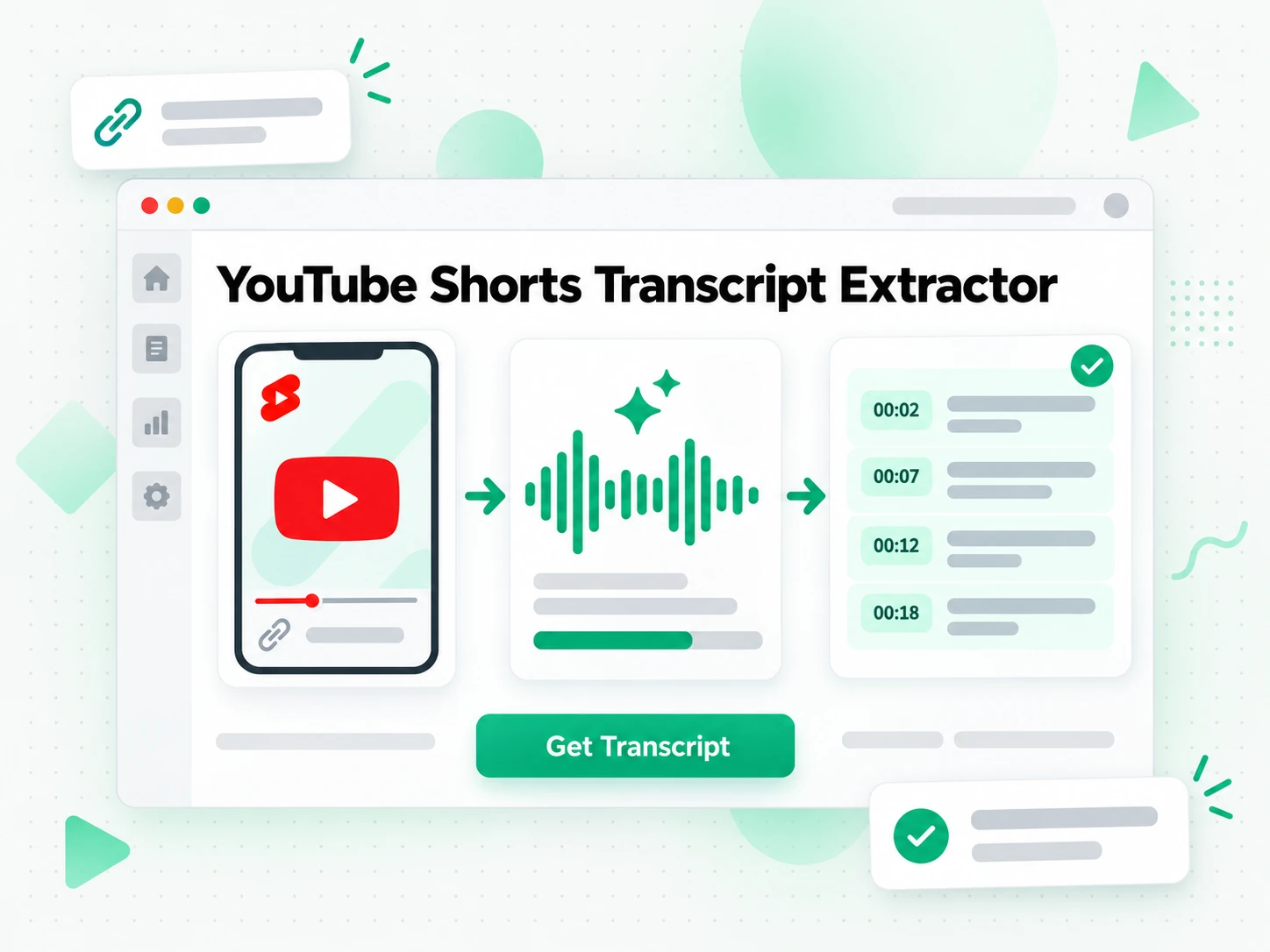
Read and Search Short-Form Text
Once the YouTube Shorts transcript is ready, search it for a phrase, jump to that timestamp, or open Summary, Core Points, and MindMap to see how a short clip is built. A shorts transcript is brief, but the line you want is still easier to find as text than by scrubbing a vertical player. Copy one line or the whole passage. The text stays in the browser, so checking a wording does not mean replaying the Short from the start.
- Summary, Core Points, and MindMap from the same text
- Search a phrase and copy the matching line
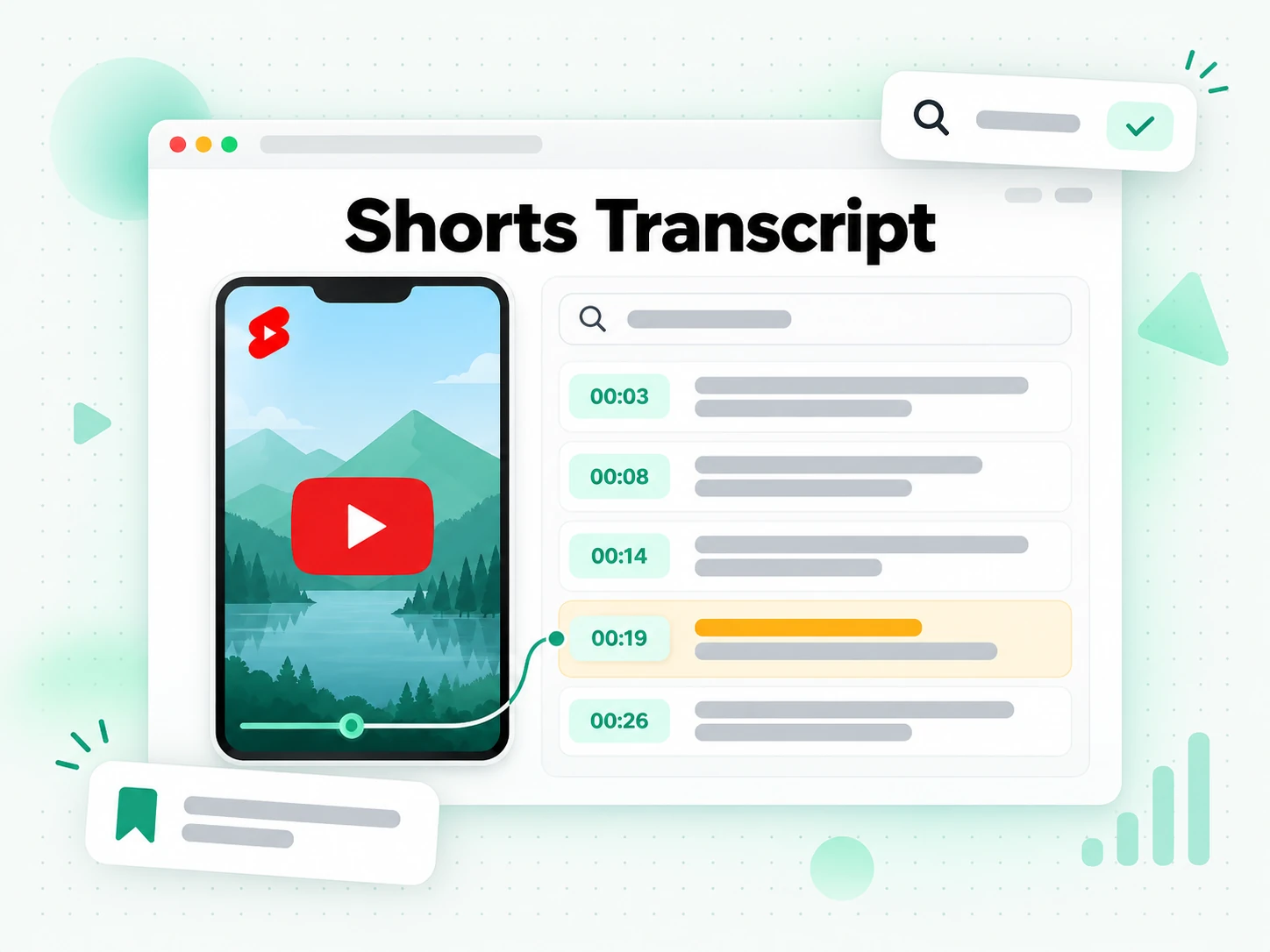
Export, Translate, or Reuse
Keep the YouTube Shorts transcript as notes in TXT, or hand an editor SRT or VTT when the next cut needs a timed track. You can translate those lines into another supported language and still see which second each line came from. From there the wording can seed a new caption, a summary, or the draft of the next Short. YouTube Shorts to text is this same export: the speech leaves the player as a file you can open somewhere else.
- TXT for notes, SRT or VTT for an editor
- Translation leaves each timestamp in place
- Reuse the wording as a caption or a draft
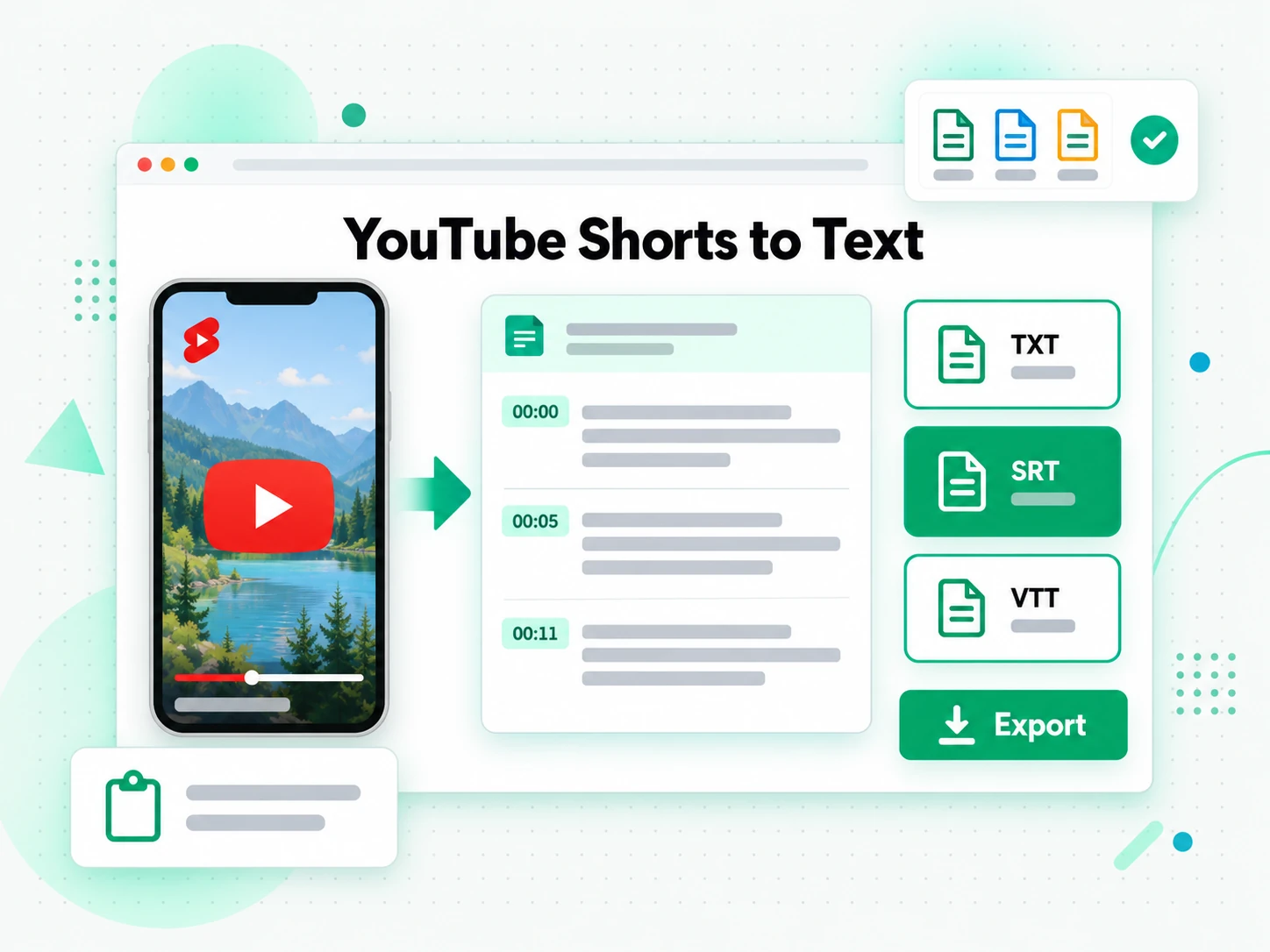
Why transcript.im Beats YouTube's Own Shorts Captions
✅ transcript.im
Paste a public Shorts link and get the full YouTube Shorts transcript, with or without a caption track. You can search it, copy it, save TXT or a timed SRT or VTT, and translate or summarize without switching tools.
❌ YouTube's own Shorts captions
YouTube Shorts captions show up only when a caption track was already published, and they stay tied to playback. You cannot lift the whole Short as clean text, search it, save TXT or a timed file, or translate it. A Short that was never captioned gives you no words at all.
Who a YouTube Shorts Transcript Is For
A YouTube Shorts transcript is for anyone who needs the spoken words of a Short as text, not another replay of a clip that is already over.
For People Rebuilding a Short
A Short you want to remake already has a spoken script. Pull the YouTube Shorts transcript, keep the lines that carried the hook, and rewrite the rest instead of transcribing by ear. The useful part is the spoken line, not a paraphrase you half remember.
- Lift the spoken hook and see the exact words that opened the Short.
- Keep the timestamp so you can replay only the line you are rewriting.
- Export TXT when the next draft lives in a doc, not in the player.
- Drop a weak line without rewatching the whole clip to find it.
- Start the next script from wording you already know landed.
For Creators Rewriting Copy
On-screen captions and the spoken line are often different. A YouTube Shorts to text pass gives you the speech itself, so the rewrite follows what was said rather than what was printed on the frame.
- Separate speech from burned-in type before you rewrite the caption.
- Tighten the opening line using the words viewers actually heard.
- Draft a caption that matches the speech instead of paraphrasing it.
- Turn one Short into a post without losing the claim that was spoken.
- Check a name or a number against the timestamp before you publish.
- Export SRT when the new cut needs captions of its own.
For Social Editors
Editors pull lines out of many Shorts for roundups, quotes, and cutdowns. A YouTube Shorts to transcript pass collects those lines from the link, with the moment each one was said.
- Quote a spoken claim with the timestamp an editor can verify.
- Collect lines from several Shorts into one notes doc.
- Find a repeated phrase by searching instead of replaying each clip.
- Hand a clean passage to the person writing the roundup.
- Keep the original wording when a paraphrase would change the claim.
For Watching Without Sound
A commute, a quiet room, or a hearing loss should not hide what a Short said. Read the YouTube Shorts transcript and follow the speech while the picture stays muted. The clip can keep playing with the sound off.
- Read the speech when the sound has to stay off.
- Jump to a timestamp if you only need one sentence.
- Copy a line into a chat instead of forwarding the clip alone.
- Translate the lines when the Short is not in your language.
For Language Learners
Shorts are dense: a new word is gone before you can look it up. A YouTube Shorts transcript lets you stop on the line, check it, and say it back.
- Read a line, then replay only that timestamp.
- Look up a word without losing the rest of the sentence.
- Shadow the speech with the text in front of you.
- Translate the transcript into a language you already know.
- Save TXT so the lines are still there after the Short scrolls away.
How to Generate a YouTube Shorts Transcript
- 1
Paste the Shorts Link
Copy the public Shorts URL from the share sheet and put it in the input on this page. That is how to get transcript of YouTube Shorts without a separate app: the link is the only input, on a phone browser or a laptop. A youtube.com/shorts address is read as one video.
- 2
Generate the Transcript
Start the generator. It reads the caption track when the Short has one, and it transcribes the spoken audio when it does not. You get a YouTube Shorts transcript with timestamps lined up to the speech, including Shorts that never had captions. The same path is how to get transcript from YouTube Shorts when all you were given is the link.
- 3
Read, Search, and Copy
Search the YouTube Shorts transcript for a word, jump to the timestamp, and copy one line or the full passage. You read the wording instead of scrubbing a vertical player until the phrase comes around again.
- 4
Export, Translate, or Reuse
Write the YouTube Shorts transcript out as TXT for notes, or as SRT or VTT when a timeline needs captions. Translate the lines if you need another language, or pass them to an AI tool as the raw speech. One Short can feed notes, a caption pass, and a draft.
Use Your Shorts Transcript in the Apps You Already Have
Google NotebookLM
Add the YouTube Shorts transcript to a notebook as a text source, then ask what the Short claimed and which line said it. NotebookLM reads text, so a shorts transcript is a source it can cite. A clip the model cannot watch is not.
ChatGPT, Claude, Gemini, Kimi, and Manus
ChatGPT, Claude, Gemini, Kimi, and Manus can take the lines as source material: a tighter hook, a translation, or a thread that keeps the claims the Short actually spoke.
Video Editors and Subtitle Tools
Export SRT or VTT and drop the file into the editor when your own cut needs captions, or start a translation from the same timestamps.
Builders Using the API and MCP
Builders can call the transcript.im API or connect over MCP, ask for a YouTube Shorts transcript from a public link, and send that text on to the next step in their own pipeline.
transcript.im vs Other YouTube Shorts Transcript Tools
This page is for a YouTube Shorts transcript. Match the row to the job you have, and for a standard upload use transcript.im's YouTube transcript tool.
| Tool | What it does | Use it when |
|---|---|---|
| transcript.im | Timestamped YouTube Shorts transcript from captions or from speech, plus search, export, translation, and AI views. | When you need the spoken words as text you can reuse. |
| YouTube built-in Shorts captions | A read-along caption track that shows up only if one was already published, with no export. | When you only want to glance at a captioned Short. |
| Transcript downloader sites | They return the existing caption file and usually stop when the Short has no track. | When the Short is already captioned and the file is enough. |
| Video editor caption tools | Author captions inside an editor after the media is already on the timeline. | When you are cutting the video, not reading a link. |
| Manual copy and paste | Selecting whatever the player shows, one line at a time, if a panel exists. | For a single quote, when the panel is actually there. |
Related tools
YouTube Shorts Transcript FAQs
What is a YouTube Shorts transcript?
A YouTube Shorts transcript writes down what was said in a single Short, one timestamped line at a time. The source is the published caption track when the Short has one, and the spoken audio when it does not.
How to get transcript of a YouTube Shorts video?
Paste the public Shorts URL into the generator on this page. It reads captions first, or transcribes the spoken audio when there are none, and returns a YouTube Shorts transcript with timestamps.
Can the YouTube Shorts transcript generator work on a Short with no captions?
Yes. When a Short has no caption track, the YouTube Shorts transcript generator transcribes the spoken audio, so you still get timestamped lines without waiting for the creator to add captions.
How do I turn YouTube Shorts into text?
YouTube Shorts to text means the same paste-a-link step: the generator writes the speech as plain lines you can copy. The timestamps stay on each line, so the text still points at the moment it was said.
What are YouTube Shorts captions, and how do they differ from a transcript?
YouTube Shorts captions are the timed track the player draws on the picture. A YouTube Shorts transcript is the speech written out so you can search it, copy it, and save it. One plays; the other is a document.
What does a YouTube Shorts transcript extractor do?
A YouTube Shorts transcript extractor takes a public Shorts link and pulls the speech into text. On this page that means reading the caption track or transcribing the audio, then handing you timestamped lines.
How do I export a YouTube Shorts transcript?
Generate the YouTube Shorts transcript, then download it as TXT, SRT, or VTT. TXT suits notes and drafts. SRT and VTT suit an editor or a player that expects a subtitle file.
How is a YouTube Shorts transcript different from a long video?
A YouTube Shorts transcript covers one short vertical clip. A standard upload is a different page: the YouTube transcript generator reads full-length videos with the same caption-or-audio path, and this page stays on Shorts.
Can I get a YouTube Shorts transcript on a phone?
Yes. Open this page in the phone browser, paste the Shorts link from the share sheet, and read the YouTube Shorts transcript there. There is no separate phone app to install for that step.
Can a YouTube Shorts transcript read words that are only on screen?
No. A YouTube Shorts transcript comes from the caption track or from spoken audio. Lettering burned into the picture is not read, so a Short with no speech and no captions does not become text.
Why is my YouTube Shorts transcript missing some words?
It depends on the source. A creator caption track is usually tighter, while AI transcription can miss names, music under the voice, or two people talking at once. Clearer speech gives a cleaner YouTube Shorts transcript.
What is the difference between a YouTube Shorts transcript and a subtitle file?
A YouTube Shorts transcript is the text you read and search. A subtitle file is the SRT or VTT you export when a player or an editor needs a timed track. Both can come from the same Shorts link.
Can I turn a YouTube Shorts transcript into a summary or a mind map?
Yes. The YouTube Shorts transcript can be folded into a Summary, Core Points, or a MindMap, and you copy whichever view you need. The source lines keep their timestamps when you want to check a point.
YouTube Shorts Transcript Generator
Paste any public Shorts link and copy the timestamped lines you need.