
TRANSCRIPT
Free Video to Text Converter
Supported: YouTube, TikTok, Instagram, LinkedIn, Twitter — video, short, reel, or playlist.
Upload or drag a video or audio here
One audio or video file at a time. Common formats are supported.
What Is a Video to Text Converter?
A video to text converter turns everything spoken in a video into written text, split into timestamped lines you can read and reuse. It is different from the subtitle or caption track that plays over the video: a video to text result is plain text you can search, copy, quote, translate, and feed into AI tools, while subtitles are a timed file built for a player. The hardest case is a video with no caption track at all, or a local file you upload yourself, where there is nothing to extract and the audio has to be transcribed from scratch. That is where simple converters stop and where a real video to text converter earns its place. Whether you search for a video to text converter, a way to convert video to text, or a tool to upload video get text, the result should be clean, searchable text you can reuse.
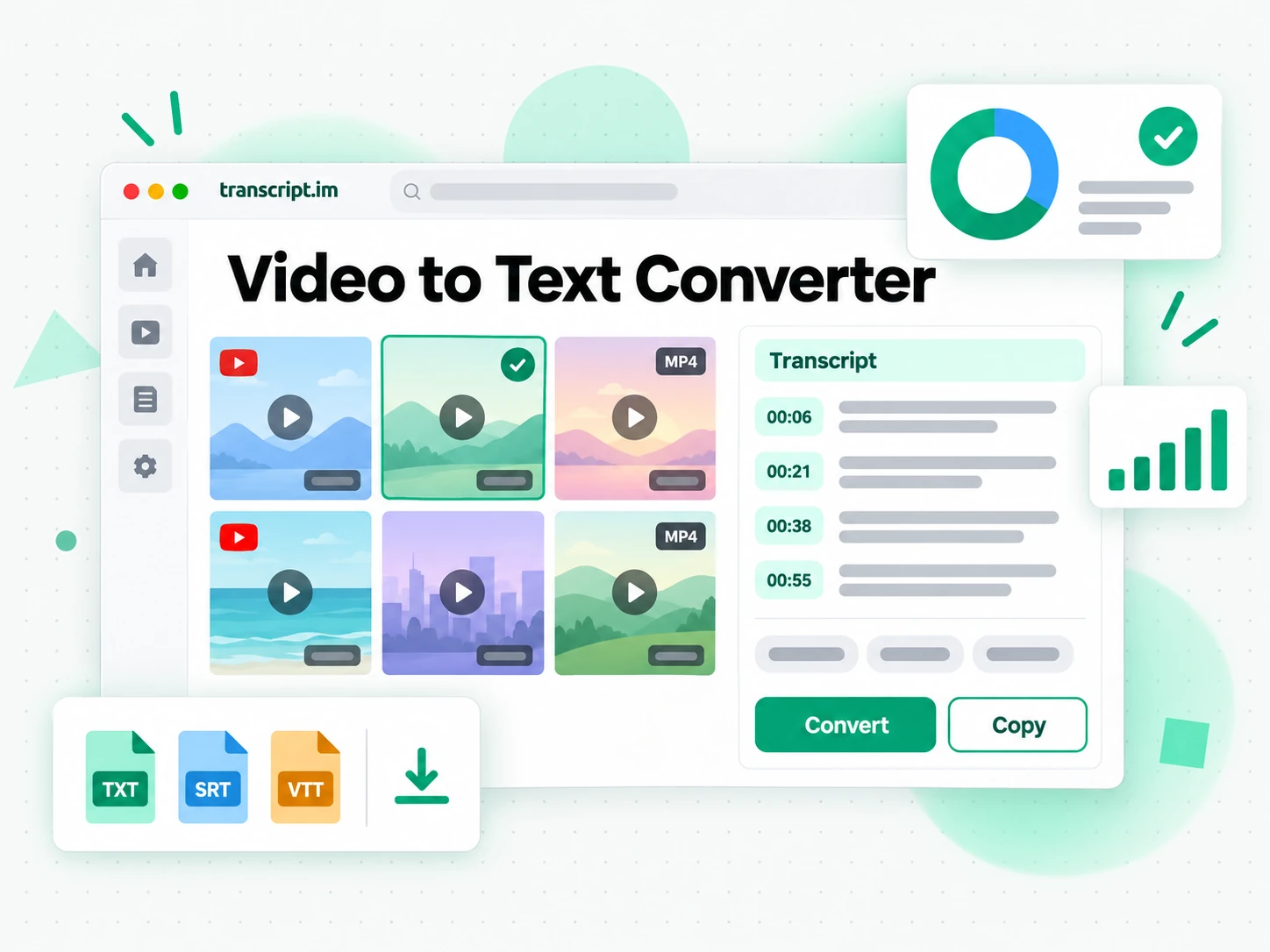
How the Video to Text Converter Works
One uploaded file or pasted link takes you from a video to a searchable video to text result in three steps.
Turn a Video Into Text
Upload an MP4 or another common video format, up to 5 GB, or paste a public video link. The video to text converter looks for the creator's existing caption track first and, when there is none, transcribes the spoken audio with AI instead. Either way you get a complete video to text result with timestamps that stay aligned to what was actually said, so a job that used to take an hour of scrubbing finishes without you typing a word. Existing captions are used when available, and Whisper-grade AI handles the rest.
- Accepts MP4 and other common formats up to 5 GB
- Also works from a pasted video link
- Falls back to AI transcription when captions are missing
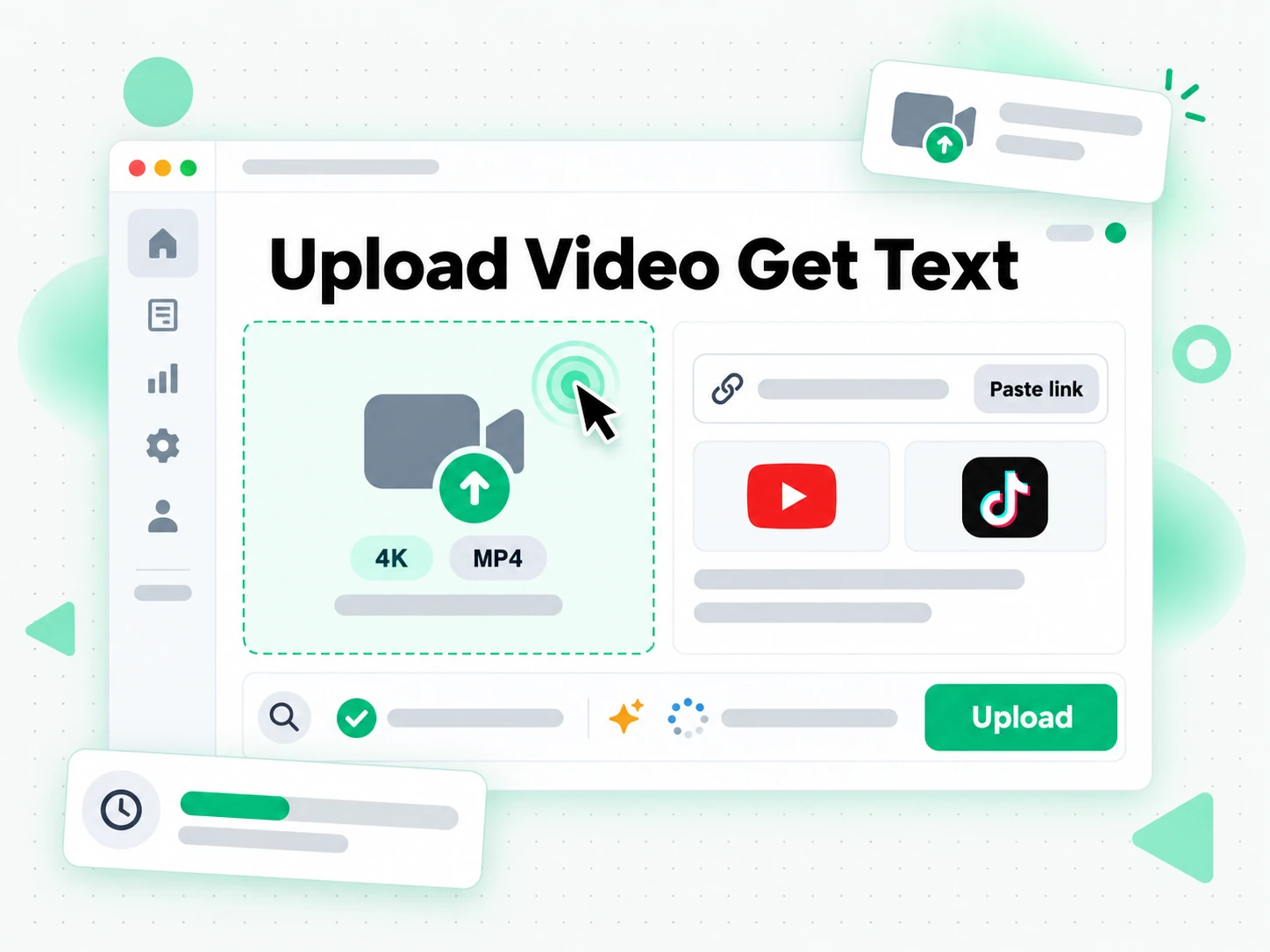
Read and Search the Text Without Rewatching
Once the video to text output is ready you can search it for a quote, jump to a moment by timestamp, or run Summarize, Outline, and MindMap to see how the recording is structured. Instead of dragging the playhead and hoping you remember the wording, you read the text and find the exact line you need. Copying a line takes one click, the full video to text result stays searchable in the browser, and a long recording stops being something you have to rewatch to reference.
- Search and copy the full text in the browser
- Jump to any moment by timestamp
- Summary, outline, and mind map views from one transcript
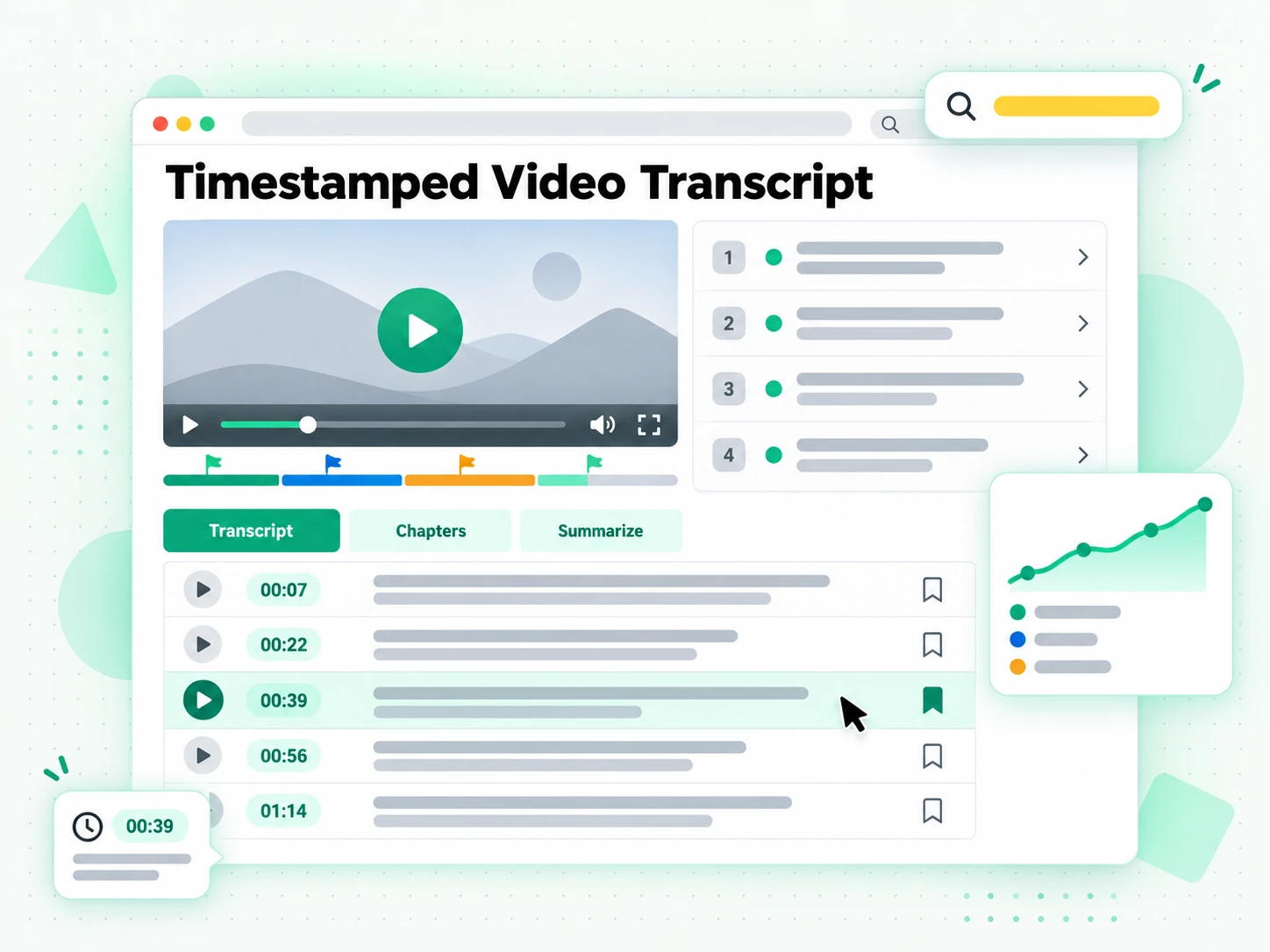
Export, Translate, or Summarize the Text
Download the video to text result as TXT, SRT, or VTT, translate it into another supported language with timestamps preserved, or hand it to an AI tool as a brief for a new script. A video to text result you can export is one you can reuse, whether that means pasting it into your notes, turning a recording into a blog post, or producing subtitles for your own edit. Because the output keeps its timestamps, the same text can become a subtitle file, a summary, a mind map, or a first draft.
- Download as TXT, SRT, or VTT
- Translate into another supported language
- Rewrite into a script, post, or thread
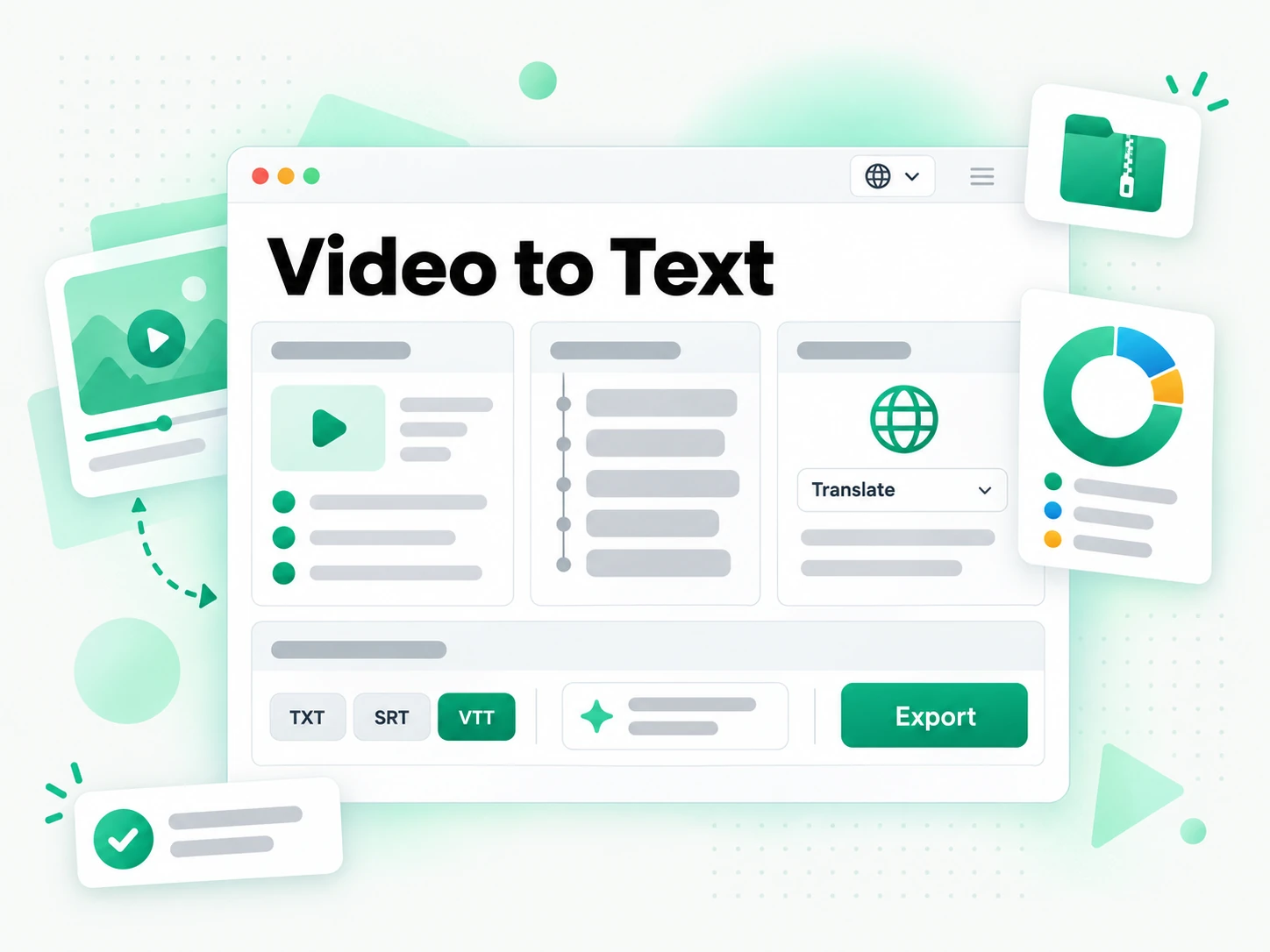
Why transcript.im Beats Manual Transcription
✅ transcript.im
Upload a file or paste a link and get the full, timestamped text of any video, captioned or not. A video to text result stays searchable, copyable, exportable as TXT, SRT, or VTT, and translatable, and you can summarise it in the same place you read it.
❌ Manual transcription
Typing what you hear means replaying the same minute again and again, and it gets worse for an hour-long recording or a file with no captions. There is no search across the finished text, no timestamps you can trust, no export format, and no translation — just a slow document that only you can check.
Who a Video to Text Converter Is For
A video to text converter helps anyone who would rather read, search, or reuse spoken words than rewatch a video.
For Content Creators and Localizers
Start from a video to text result and you already have the raw material for your next piece. One recording can be reshaped for whichever channel or language you publish on.
- Repurpose one recording — a webinar, a demo, or an old upload — into a blog post, a newsletter, or a fresh script.
- Localize the transcript into another language and keep the original timestamps.
- Quote the exact moment a point was made instead of scrubbing through the footage.
- Draft the next cut from the lines that already worked in the last one.
- Feed several weeks of content from a single recording instead of one upload.
- Match each channel's format from one text — long-form, thread, or short.
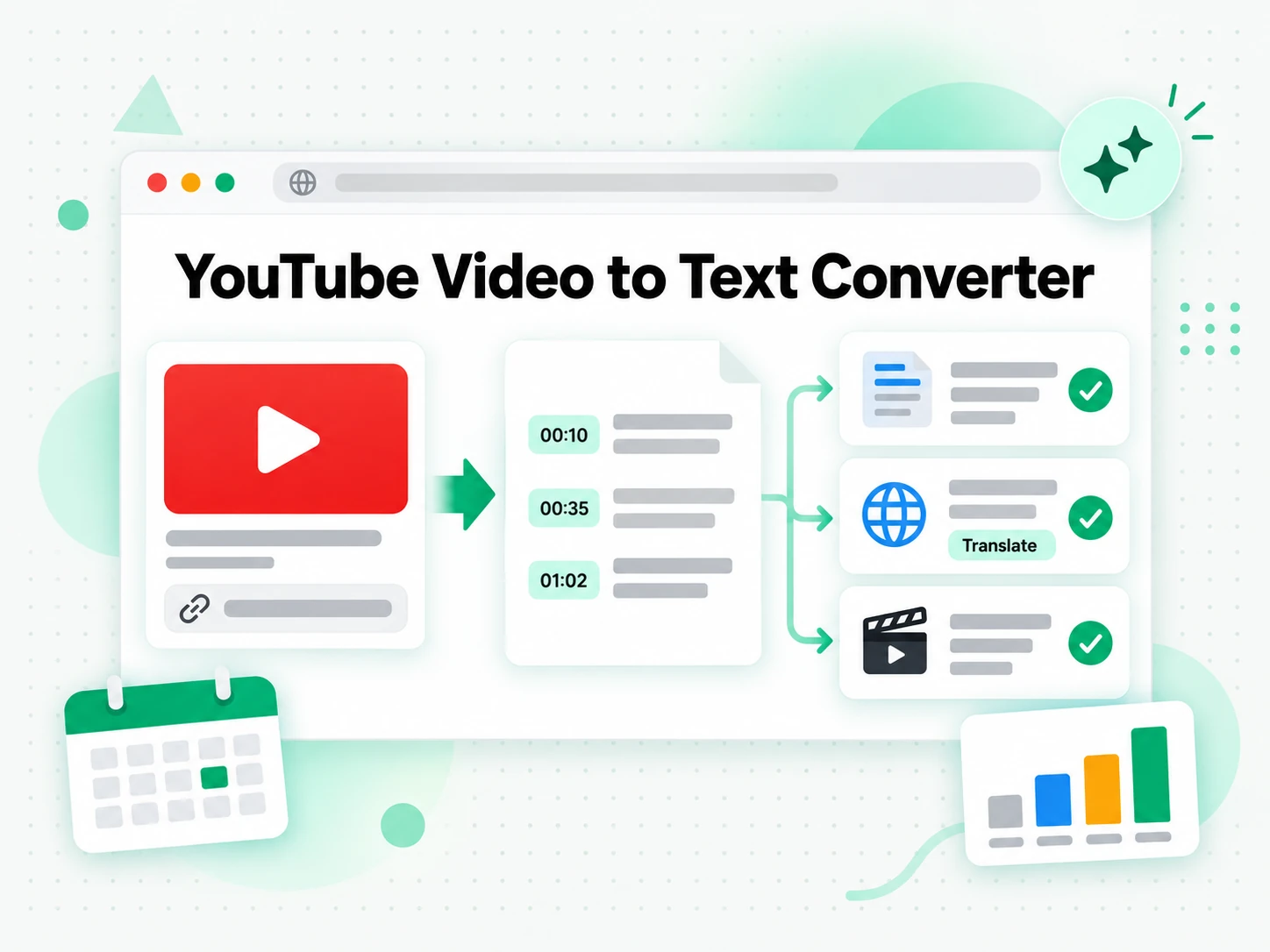
For Students and Researchers
Lectures, tutorials, and interview recordings are easier to study as text. Convert a video to text and you can read, search, and cite the recording instead of pausing every few minutes.
- Search the whole recording for a term instead of rewinding to find it.
- Jump to the timestamp where a concept was explained and read it again.
- Turn the output into a summary, an outline, or a mind map before a deadline.
- Verify every quote against the source in one click for a paper.
- Compare a term across sessions by lining the transcripts up side by side.
- Export as TXT for a clean study document you can highlight offline.
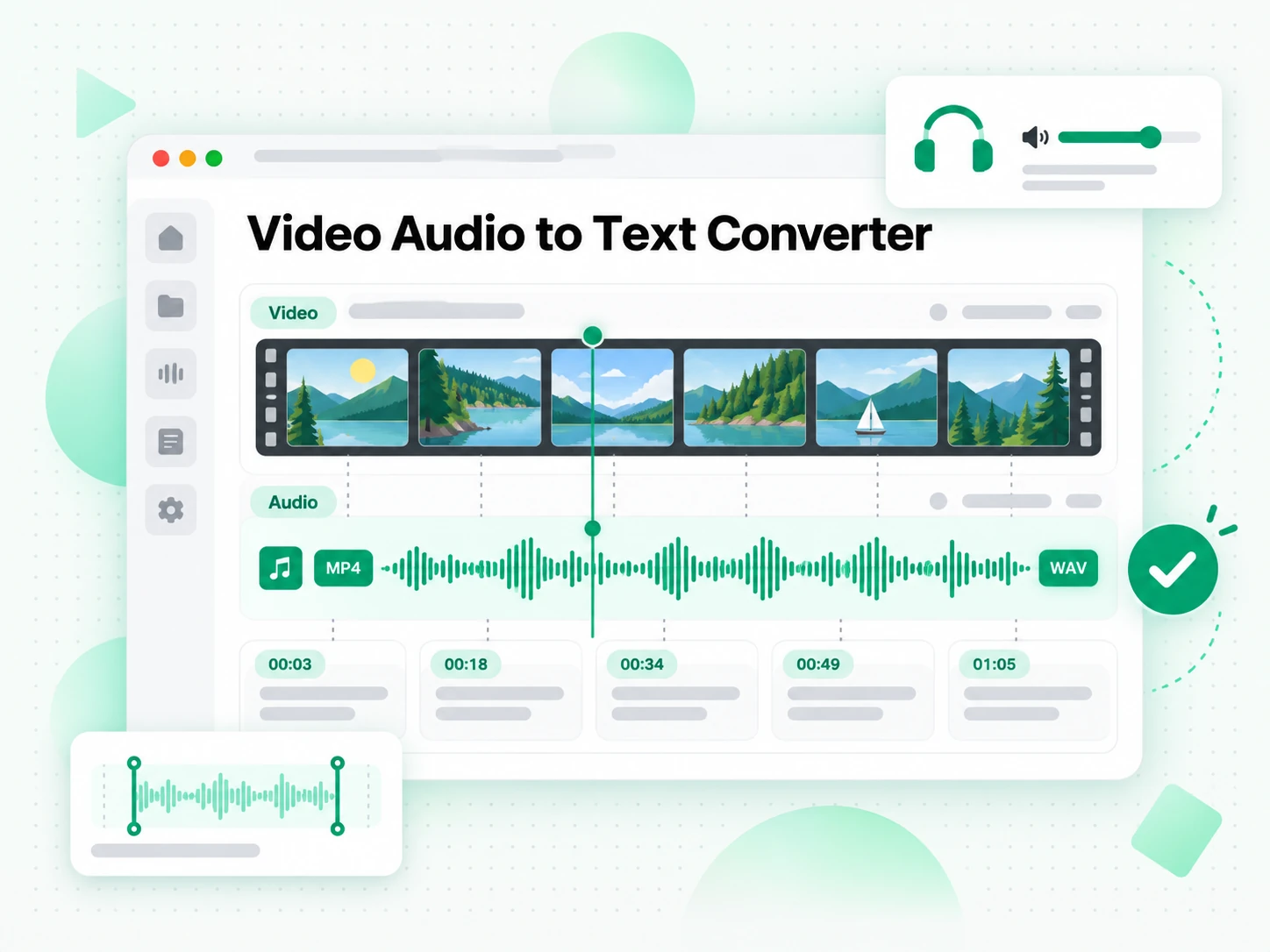
For Sales and Marketing Teams
One video to text result can power a whole campaign. Turn a single recording into tailored pitches, follow-up emails, and landing-page copy for different customers.
- Pull the strongest line a prospect actually said and quote it in outreach.
- Adapt one recording into pitches, follow-up emails, and landing-page copy.
- Export SRT to caption a localized version of the same ad.
- Summarise the transcript for a sales deck or a creative brief.
- Reuse proven wording across segments instead of replaying the clip.
- Brief the next video from the script that already performed.
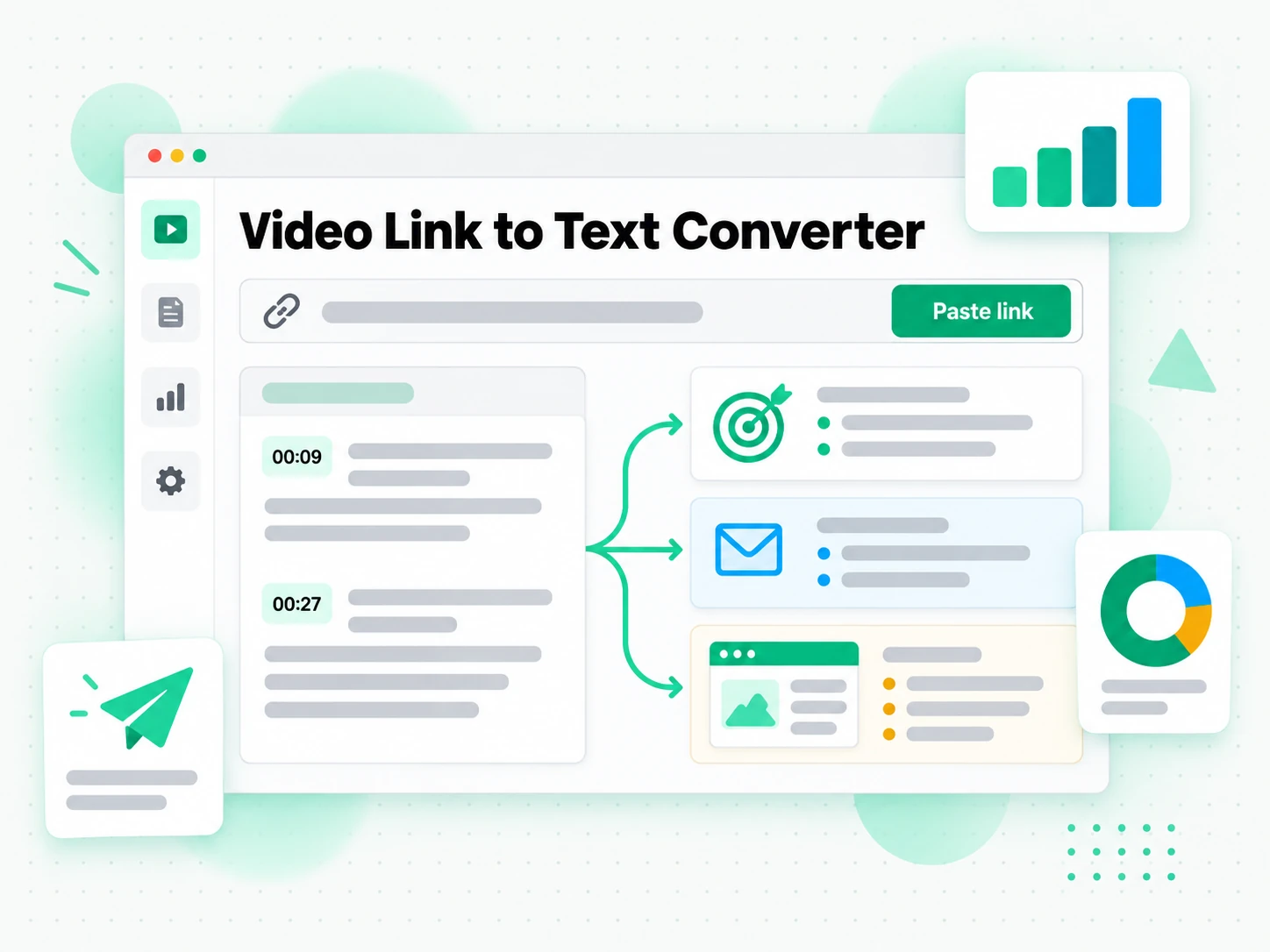
For Accessibility and Subtitle Teams
Video content only reaches everyone when it carries captions. A video to text result gives an accessibility team the words and the timing to build a subtitle file and a transcript page for the same recording.
- Build a caption file from the transcript instead of starting from silence.
- Sync each line to the video using the preserved timestamps.
- Export as SRT or VTT for the player or the platform upload.
- Publish a transcript page as an accessible companion to the video.
- Check a speaker's name or a term against the recording before release.
For Researchers and Fact-Checkers
A video interview or press conference is evidence, and the words are what get cited. A video to text transcript turns the recording into searchable text where each claim can be checked against the moment it was made.
- Search a recording for a claim instead of watching it again.
- Verify a statement against its timestamp before it enters a report.
- Compare how a story was told across several videos.
- Keep a dated transcript of the source material.
- Export the text to share the evidence with a colleague.
How to Convert a Video to Text
- 1
Upload the Video or Paste a Link
Drag in a local video file — MP4, MOV, MKV, and more, up to 5 GB — or paste a public video link. There is no software to install: the file or the link is all the input the video to text converter needs, whether you are on a phone, a laptop, or a shared computer.
Upload or drag a video or audio here
One audio or video file at a time. Common formats are supported.
- 2
Convert the Video to Text
Start the conversion and it reads the existing caption track when one exists, then falls back to AI transcription of the spoken audio when it does not. The result is a full video to text result with timestamps that stay aligned to what was said, so even a recording without captions comes back as readable text.
- 3
Read, Search, and Copy
Search the text for a phrase, jump to a timestamp, and copy a single line or a whole passage. Instead of scrubbing the player to find a quote, you read the video to text output as text and reuse the exact wording you need.
- 4
Export, Translate, or Reuse
Download the text as TXT, SRT, or VTT, translate it into another supported language with the timestamps preserved, or hand it to an AI tool as a brief. The same video to text result can become notes, subtitles, a summary, or a first draft.
Use Your Video to Text Result in the Apps You Already Have
Google NotebookLM
Paste the text into a notebook as a source to summarise the recording and ask questions about it. NotebookLM works from text, so a clean video to text result is exactly what it needs.
ChatGPT, Claude, Gemini, Kimi, and Manus
Paste the text into the assistant you already use — ChatGPT, Claude, Gemini, Kimi, or Manus — and treat it as a brief: draft a summary, rewrite it for a different audience, or pull out the arguments in order.
Video Editors and Subtitle Tools
Export SRT or VTT and drop it straight into your editor to caption your own cut, or start a translation from the same timestamped file.
Builders Using the API and MCP
transcript.im also exposes an API and an MCP server, so a script or an agent can convert a video to text and pass the result into the rest of your pipeline.
transcript.im vs Other Video to Text Tools
Different tools answer different questions. Use this table to pick the one that matches what you actually need from a video to text converter.
| Tool | What it does | Use it when |
|---|---|---|
| transcript.im | Full timestamped text for uploaded files and linked videos, captioned or not, with search, export, translation, and AI views. | When you need a clean video to text result you can reuse, not just read. |
| Video player caption tracks | Built-in captions that only appear when the creator or platform added them, with no clean export. | When a captioned video only needs a quick read. |
| Google NotebookLM | Summarises a source and answers questions about it inside a notebook. | When the goal is Q&A over the video, not the text itself. |
| Transcript downloader sites | Return the caption track for captioned videos, usually without an AI fallback or translation. | When a captioned video is all you need. |
| Manual transcription | Typing or selecting the words by hand while the video plays. | For a single short quote, when nothing else is available. |
Related tools
Video to Text FAQs
What is a video to text converter?
A video to text converter turns everything spoken in a video into written text, split into timestamped lines. It uses the creator's captions when they exist, or transcribes the audio with AI when they do not, so you end up with readable text rather than a file locked to a player.
How do I convert a video to text?
Upload a video file or paste a public link into the video to text converter. It reads the existing captions first, or transcribes the audio with AI when there are none, then returns the full text with timestamps you can search and copy.
Can the video to text converter work on a video without captions?
Yes. When a video has no caption track, the converter transcribes the spoken audio with AI instead, so you still get a complete timestamped video to text result without the creator having added captions. The timestamps stay aligned to what was actually said.
What video formats can I upload to the video to text converter?
MP4 and other common video formats such as MOV, MKV, WebM, and AVI, up to 5 GB per file. You can also paste a public video link instead of uploading anything, which is useful when a large file would take a while to send.
Can I paste a video link instead of uploading a file?
Yes. Paste a public video URL and the converter pulls the existing captions or transcribes the audio, so a video to text result comes back without a download step. The link is all the input it needs.
Does the video to text converter support multiple languages?
Yes. It detects the spoken language automatically across supported source languages, then returns the text in that language. You do not have to tell it which language the video is in before you start.
Can I translate the text into another language?
Yes. After the video to text conversion, translate the result into another supported language in one step, with the timestamps preserved. The translated text lines up with the same moments in the video.
How accurate is the video to text output?
Accuracy depends on the source. Creator captions are usually precise, while AI transcription can mishear names, accented speech, or overlapping voices. A clean, high-quality audio track gives the best video to text result, and you can convert the video again later if a better copy is uploaded.
Can I download the video to text result?
Yes. Download the text as TXT for notes and documents, SRT for a video editor, or VTT for a web player. All three formats keep the timestamps, so a line in the file still matches a moment in the video.
How long can a video be for the video to text converter?
Any length of public video works, and uploads can go up to 5 GB per file. Long recordings come back as searchable text you can jump through by timestamp instead of scrolling, so a two-hour session is as easy to navigate as a short clip.
How is this different from a video player's built-in captions?
A player only shows captions when the creator or platform already added them, and gives you no clean way to copy the whole text. The video to text converter works on any public video, captioned or not, and lets you search, copy, export, translate, and summarise the result.
Can I use the text with Google NotebookLM or ChatGPT?
Yes. Copy the text or export it, then add it to Google NotebookLM as a source or paste it into ChatGPT, Claude, Gemini, Kimi, or Manus for summarising, rewriting, or new drafts. Because the text is plain and timestamped, it drops in without cleanup.
Video to Text Converter
Drop in your video file and get a timestamped transcript you can copy, translate, or summarize.