
TRANSCRIPT
Free Video Transcript Generator
Supported: YouTube, TikTok, Instagram, LinkedIn, Twitter — video, short, reel, or playlist.
Upload or drag a video or audio here
One audio or video file at a time. Common formats are supported.
What Is a Video Transcript?
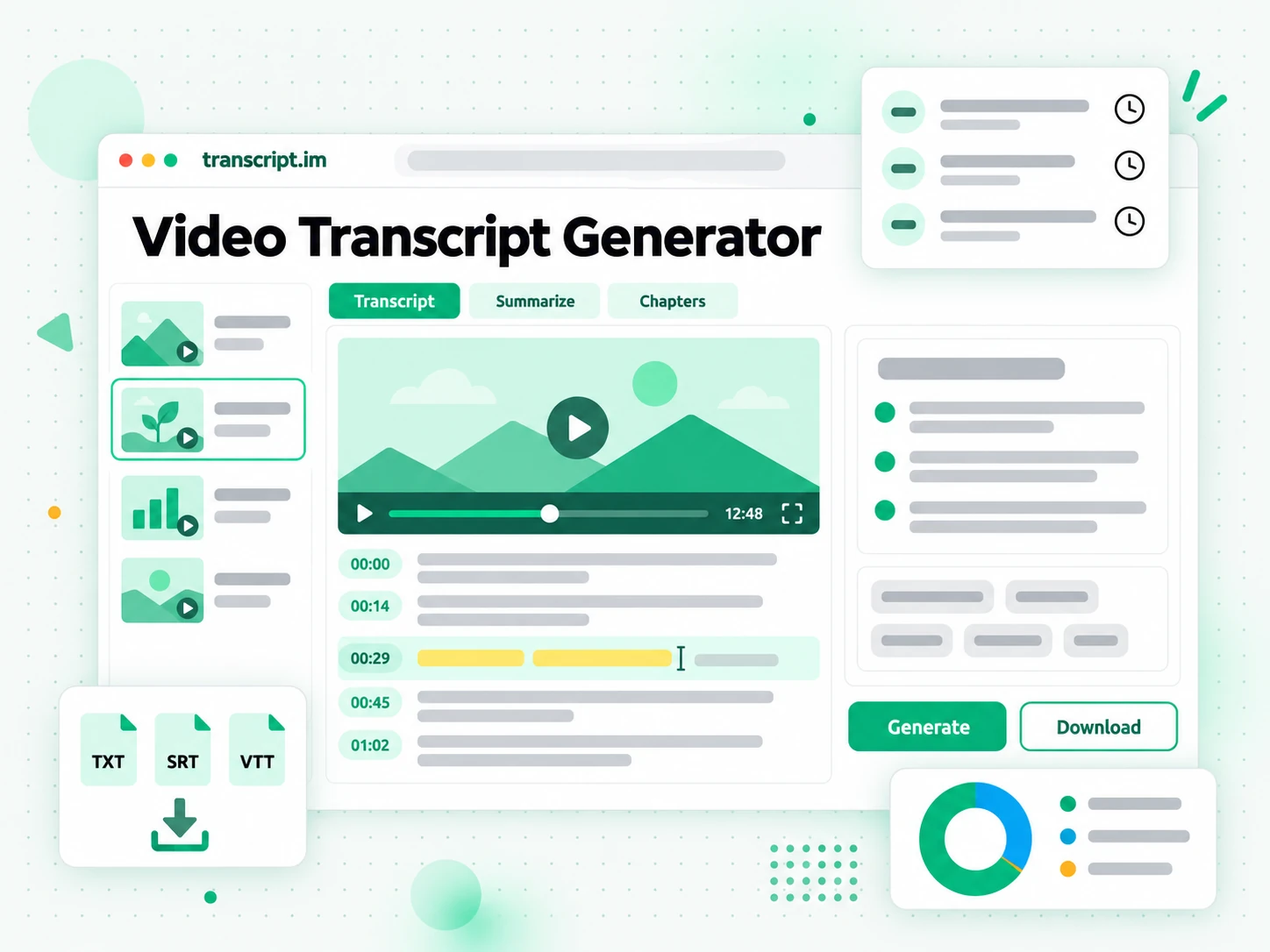
A video transcript is the full written text of everything spoken in a video, split into timestamped lines. It is different from the subtitle or caption file that plays over the video: a video transcript is the plain text you can read, search, copy, quote, translate, and feed into AI tools, while captions are a timed track built for a player. You can generate a video transcript from a creator's existing captions when they exist, or from AI transcription of the audio when a video has no captions at all. That second case, and any video that lives on your own drive, is where most tools stop working and where a real video transcript generator earns its place. Whether you search for a video transcript generator, a free video transcript generator, or a youtube video transcript generator, the result should be readable, searchable text you can reuse.
How the Video Transcript Generator Works
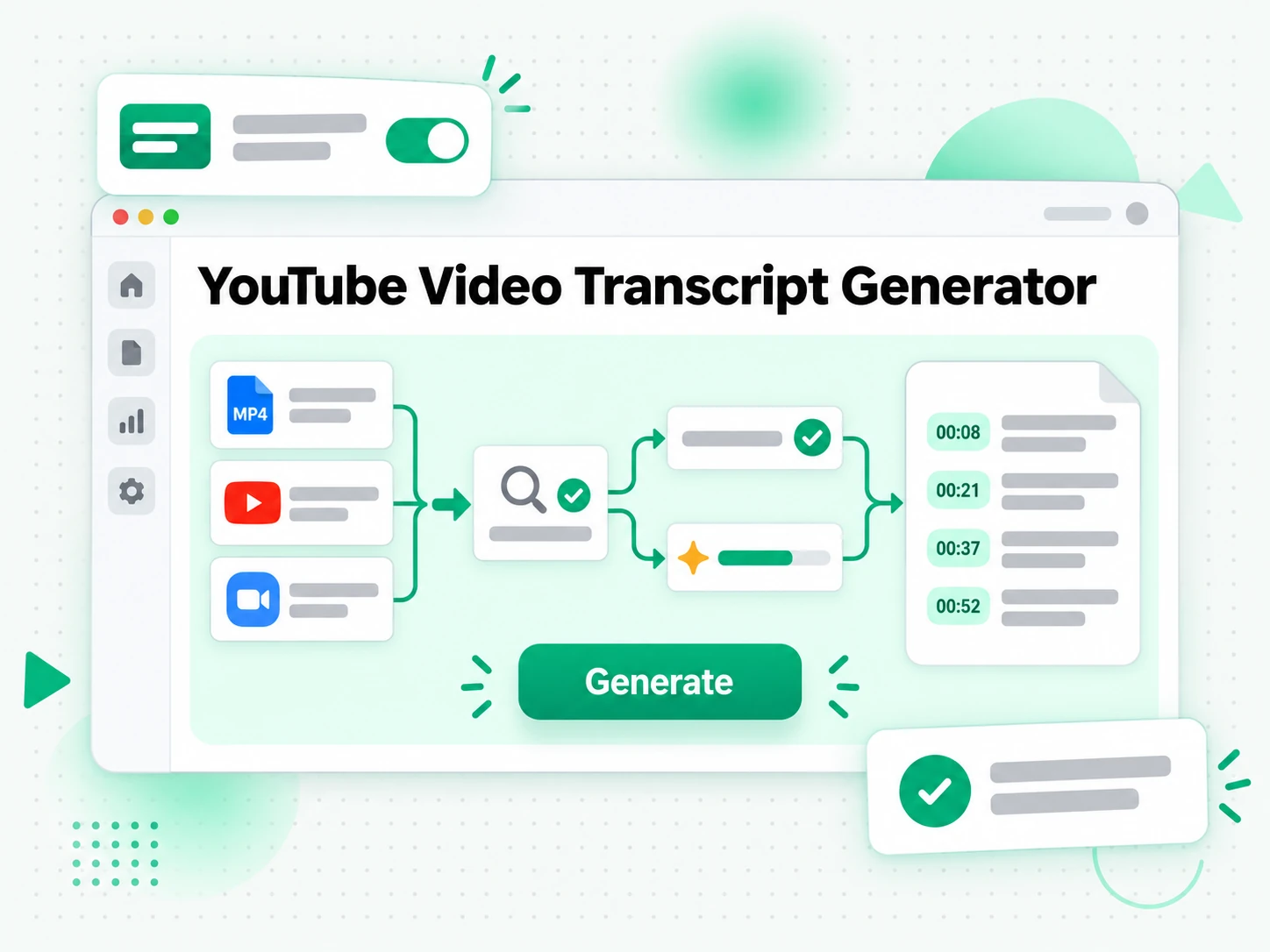
One uploaded file or pasted link takes you from a video to a searchable, exportable transcript in three steps.
Turn a Video or Link Into a Transcript
Upload a local video or paste a YouTube, TikTok, or Instagram link into the video transcript generator. It looks for the creator's existing caption track first and, when there is none, transcribes the spoken audio with AI instead. Either way you get the complete video transcript with timestamps that stay aligned to what was actually said, so a file you recorded last week and a clip you found this morning both come back as text. The point is to turn any video into a transcript when all you have is a link or a file, with no download step.
- Works from an uploaded file or a pasted platform link
- Falls back to AI transcription when captions are missing
- Timestamps stay aligned to the spoken audio
Read and Search the Transcript
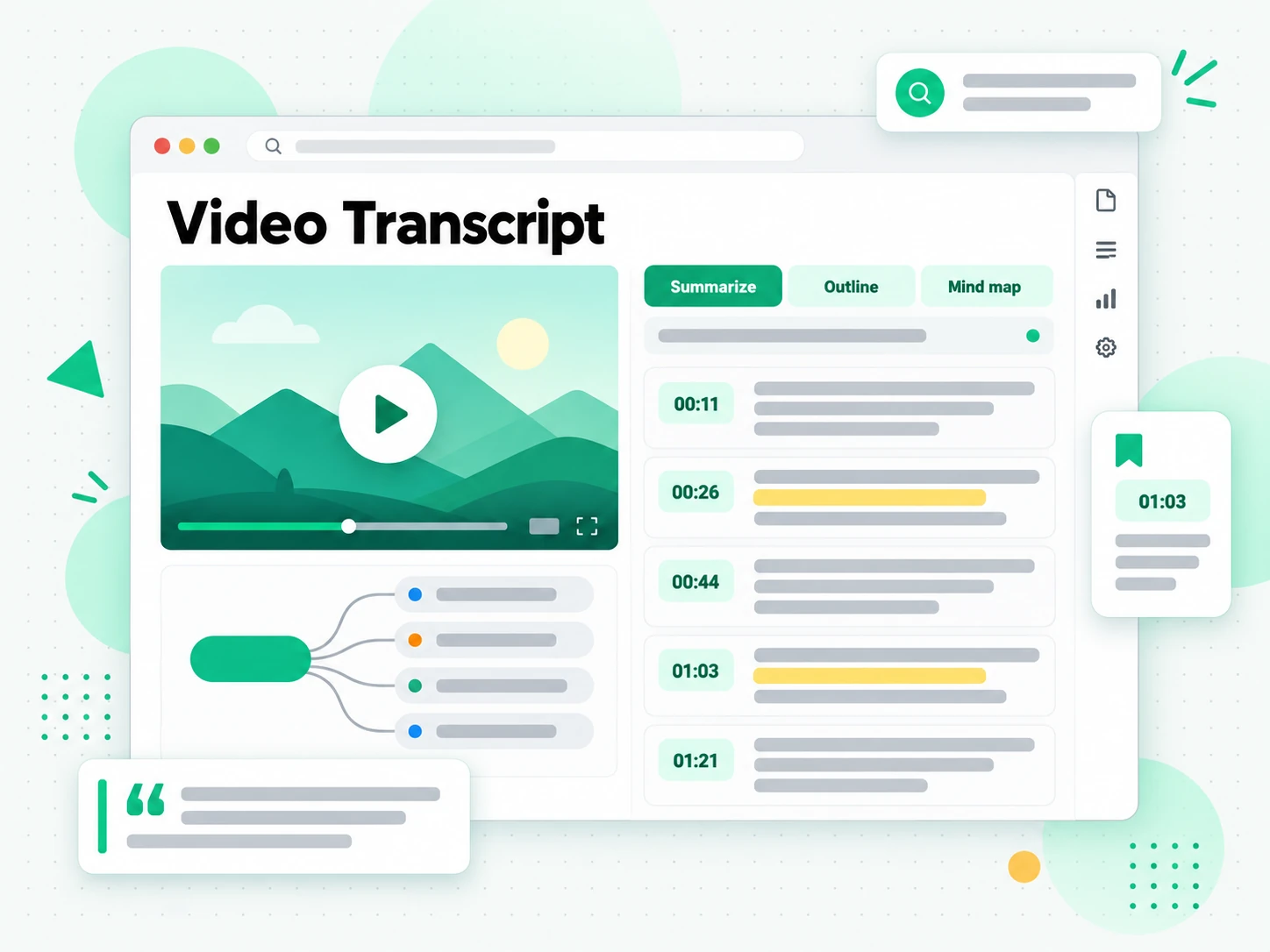
Once the video transcript is generated you can search it for a quote, jump to a moment by timestamp, or run Summarize, Outline, and MindMap to see how the video is structured. Instead of dragging the playhead and hoping you remember the wording, you read the video transcript as text and find the exact line you need. Copying a line out of a video transcript takes one click, the full transcript stays searchable in the browser, and a long recording stops being something you have to rewatch to reference.
- Summary, outline, and mind map views from one transcript
- Search and copy the full text in the browser
- Jump straight to any moment by timestamp
Export, Translate, or Reuse the Text
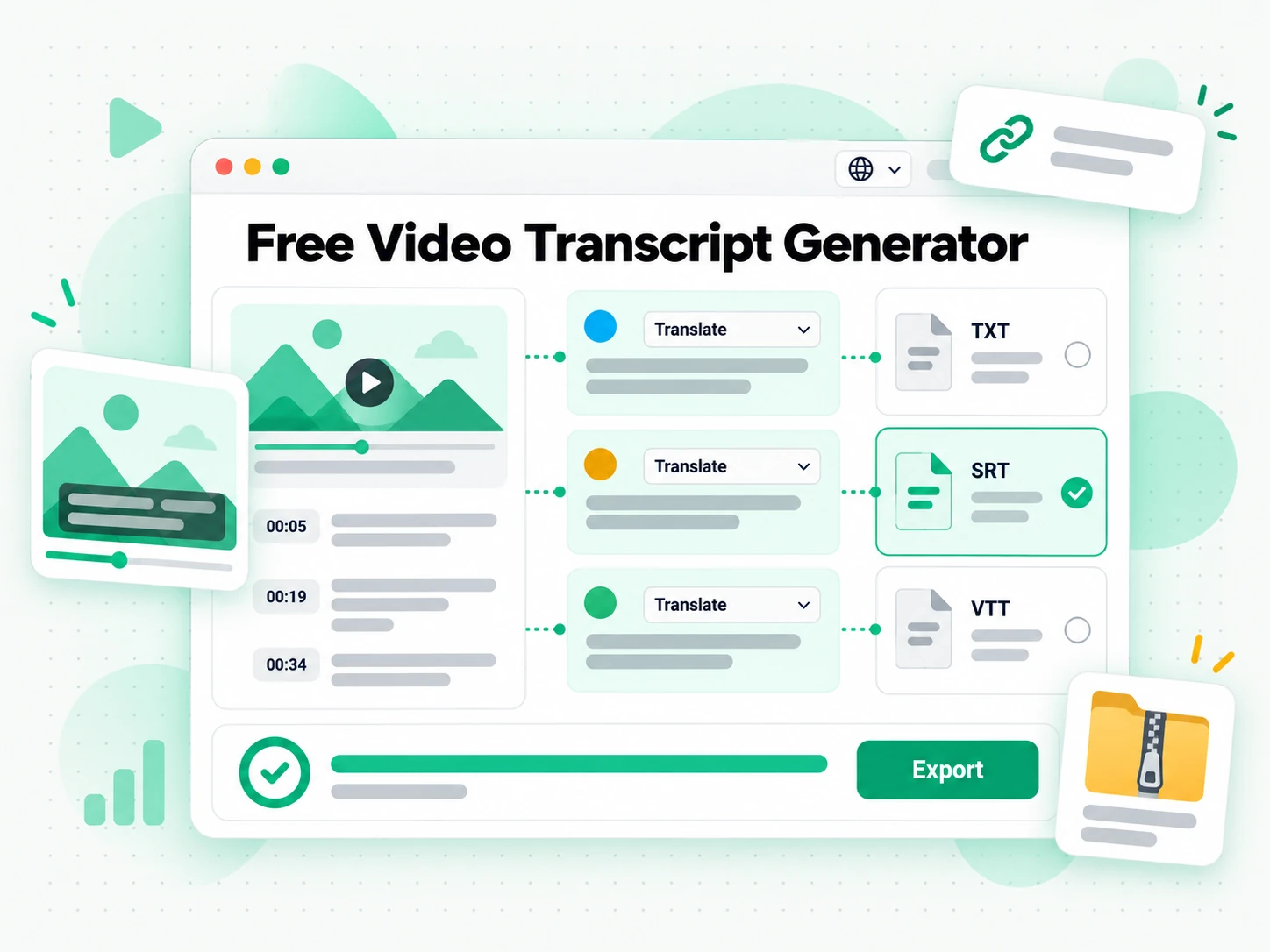
Download the video transcript as TXT, SRT, or VTT, translate it into another supported language with the timestamps preserved, or hand it to an AI tool as a brief for a new script. A transcript you can export is a transcript you can reuse, whether that means pasting a video transcript into your notes, turning a recording into a blog post, or producing subtitles for your own edit. Because the output keeps its timestamps, the same video transcript can become a subtitle file, a summary, a mind map, or a first draft. The text leaves as a clean file you keep.
- Download as TXT, SRT, or VTT
- Translate into another supported language
- Rewrite into a script, post, or thread
Why transcript.im Beats Built-In Video Captions
✅ transcript.im
Upload a video or paste a public link and get the full, timestamped video transcript, captioned or not. The text stays searchable, copyable, exportable as TXT, SRT, or VTT, and translatable, and you can summarise it in the same place you read it.
❌ Built-in video captions
A player shows captions only when the file or the platform already carries them, and even then it is built for reading along, not for reusing the text. There is no clean copy of the whole passage, no search across a long video, no TXT, SRT, or VTT export, no translation, and nothing at all for a recording you made yourself.
Who a Video Transcript Generator Is For
A video transcript generator helps anyone who would rather read, quote, or reuse spoken words than rewatch a video.
For Meeting and Interview Recorders
Meeting and interview recordings pile up faster than anyone can review them. Upload the export from Zoom, Teams, or a phone recorder and read the conversation as searchable text instead of replaying it to find one decision.
- Upload the recording from Zoom, Teams, or a phone and transcribe it in one pass.
- Find the decision by searching a phrase, then check the timestamp it came from.
- Share the exact wording with a colleague instead of forwarding a long file.
- Keep a written record of what was agreed, exported as TXT for your notes.
- Translate the transcript when the meeting was not in your first language.
For Students and Note Takers
Lectures, tutorials, and long study videos are easier to work through as text. Read a timestamped video transcript instead of pausing every few minutes, search it for a term, and jump straight to the moment it was explained.
- Copy the exact line you need into your notes, with the timestamp to check it later.
- Search a whole lecture for a definition, a formula, or a name you half-remember.
- Translate the transcript into your own language when the video is not in it.
- Export as TXT to keep a clean, printable study document you can read offline.
- Summarise first when you only need the argument, then read the parts that matter.
For Researchers and Fact-Checkers
When a claim matters, you need the precise wording and the moment it was said, not a paraphrase from memory. A searchable video transcript turns a vague reference into a citation you can stand behind.
- Find the exact quote and the timestamp that proves where it came from.
- Compare how a claim changed across interviews, panels, and follow-ups.
- Quote accurately instead of reconstructing a sentence from memory.
- Archive the source by exporting the transcript before a video is edited or removed.
- Cross-check speakers by searching one term across several recordings.
For Content and Video Creators
Start from a video transcript and you already have the raw material for your next piece. Upload your own recording or paste a reference clip, pull the transcript, then reshape it for whichever channel you publish on.
- Summarise the transcript and add it to the video description to rank higher in search.
- Turn key points into social posts, threads, and newsletters that send viewers back to the video.
- Draft blog posts and show notes from the transcript instead of starting from a blank page.
- Create quizzes, memes, and infographics from the strongest lines to reuse old content.
- Write the next script by restructuring what already worked in a previous video.
- Export SRT or VTT to caption your own cut or a translated version of it.
For AI Power Users and Builders
A transcript is the clean text layer that AI tools work best from. Drop it into the assistant you already use, then summarise, cluster, and question the source instead of feeding it a video the model cannot watch.
- Google NotebookLM: add the transcript as a source to summarise the video and ask questions about it.
- ChatGPT, Claude, Gemini, Kimi, and Manus: paste the transcript as a brief for summaries, rewrites, or new drafts.
- Generate notes and mind maps from the text, then keep the ones that are useful.
- Translate or restructure the transcript for a different audience.
- Feed an agent or an API with the transcript so the rest of your pipeline has the text it needs.
How to Generate a Video Transcript
- 1
Upload a Video or Paste a Link
Add your input at the top of the page: drop a local video on the File tab, or switch to the Link tab and paste a YouTube, TikTok, or Instagram URL. There is no software to install, and the link or file itself is all the video transcript generator needs, whether you are on a phone, a laptop, or a shared computer.
Upload or drag a video or audio here
One audio or video file at a time. Common formats are supported.
- 2
Generate the Transcript
Start the generator and it reads the creator's caption track when one exists, then falls back to AI transcription of the spoken audio when it does not. The result is a full video transcript with timestamps that stay aligned to what was said, so even a recording with no captions comes back as readable text.
- 3
Read, Search, and Copy
Search the transcript for a phrase, jump to a timestamp, and copy a single line or the whole passage. Instead of scrubbing the player to find a quote, you read the video transcript as text and reuse the exact wording you need.
- 4
Export, Translate, or Reuse
Download the video transcript as TXT, SRT, or VTT, translate the text into another supported language with the timestamps preserved, or hand it to an AI tool as a brief. The same video transcript can become notes, subtitles, a summary, or a first draft.
Use Your Video Transcript in the Apps You Already Have
Google NotebookLM
Add the video transcript as a text source to summarise the video and ask questions about it. NotebookLM works from text, so a clean video transcript is exactly what it needs.
ChatGPT, Claude, Gemini, Kimi, and Manus
Paste the video transcript into the assistant you already use — ChatGPT, Claude, Gemini, Kimi, or Manus — and treat it as a brief: draft a summary, rewrite it for a different audience, or pull out the arguments in order.
Video Editors and Subtitle Tools
Export SRT or VTT and drop it straight into your editor to caption your own cut, or start a translation from the same timestamped file.
Builders Using the API and MCP
transcript.im also exposes an API and an MCP server, so a script or an agent can generate a video transcript and pass it into the rest of your pipeline.
transcript.im vs Other Video Transcript Generators
Different tools answer different questions. Use this table to pick the one that matches what you actually need from a video transcript.
| Tool | What it does | Use it when |
|---|---|---|
| transcript.im | Full timestamped transcript from an uploaded file or a public video link, with search, export, translation, and AI views. | When you need a clean transcript you can reuse, not just read. |
| Built-in video captions | Read-along captions that appear only when the video or platform already supplies them, with no export or translation. | When a captioned video only needs a quick read. |
| Google NotebookLM | Summarises a source and answers questions about it inside a notebook. | When the goal is Q&A over the video, not the transcript text itself. |
| Transcript downloader sites | Return the caption track for captioned videos, usually without an AI fallback or translation. | When a captioned video is all you need. |
| Manual copy and paste | Selecting lines from the player by hand, one at a time. | For a single short quote, if the panel even exists. |
Related tools
Video Transcript Generator FAQs
What is a video transcript?
A video transcript is the written text of everything spoken in a video, broken into timestamped lines. It comes from the creator's captions when they exist or from AI transcription of the audio when they do not, and it works for a file you upload as well as a video link.
How do I generate a transcript from a video?
Upload a video file or paste a public video link into the video transcript generator. It reads the existing captions first, or transcribes the audio with AI when there are none, then returns the full video transcript with timestamps.
Can the video transcript generator work on a video without captions?
Yes. When a video has no caption track, the generator transcribes the spoken audio with AI instead, so you still get a complete timestamped video transcript without needing anyone to have added captions.
Can I upload a video file instead of pasting a link?
Yes. Switch to the File tab and upload a local video — MP4, MOV, MKV, and more — and the generator transcribes it the same way it handles a pasted link. The File tab also covers a source that is not on a supported platform, so a recording from your own drive works the same way.
Which video platforms can I paste a link from into the video transcript generator?
YouTube, TikTok, and Instagram. Paste any public video URL on the Link tab and the platform is detected automatically.
What video formats can I upload to the video transcript generator?
MP4, MOV, MKV, AVI, and other common video formats. The generator reads the spoken audio from any of them, including files that carry no subtitle track of their own.
What formats can I export the video transcript in?
TXT for plain text, SRT for video-editor subtitles, and VTT for web-player captions. TXT is best for notes and documents, while SRT and VTT drop straight into a video editor or a web player.
Does the video transcript generator support multiple languages?
Yes. It detects the spoken language automatically across supported source languages, and you can translate the finished video transcript into another supported language with the timestamps preserved. That means a talk in one language can be read, quoted, or repurposed in another without retiming the transcript.
Can I use a video transcript with Google NotebookLM?
Yes. Copy or export the transcript and add it to a notebook as a text source. NotebookLM then summarises the video and answers questions about it, which a video the model cannot watch would not allow, and the same text can be pasted into any assistant as a brief.
How accurate is the video transcript generator?
Accuracy depends on the source. Creator captions are usually precise, while AI transcription can mishear names, accented speech, or overlapping voices. A clean, high-quality audio track gives the best video transcript, and you can re-run it after a better recording.
How is this different from a video to text converter?
Both return timestamped text from the same AI engine. The video transcript generator accepts either an uploaded file or a pasted YouTube, TikTok, or Instagram link, while a video to text converter focuses on converting a single uploaded file.
What is the difference between a video transcript and a subtitle?
A subtitle is a timed track displayed over the video, while a video transcript is the readable text of what was said. The transcript is what you copy and search; subtitles are what you export into a player or editor, and here you can get either from the same input.
Try the Video Transcript Generator
Upload a file or paste a link to read a timestamped transcript and copy it.