
TRANSCRIPT
Free Twitter Video Transcript Generator
A Twitter video transcript for public X posts, replies, and quoted clips: AI transcribes the audio into timestamped lines you can search, quote, translate, or summarize. Free within the free quota; beyond it, a paid subscription billed by usage.
What Is a Twitter Video Transcript?
A Twitter video transcript is the full written text of everything spoken in a Twitter video, split into timestamped lines. It is different from the video itself: the transcript is text you can read, search, quote, translate, and paste into ChatGPT or NotebookLM, while the Twitter video is something you have to watch and scrub through. Twitter has no built-in transcript feature, and a posted Twitter video carries no caption file to read instead, so pulling a precise quote out of a reply or a news video means replaying it by hand. A real Twitter video transcript generator works from the audio itself, so a Twitter video with no captions still comes back as readable text. Whether you search for a Twitter video transcript, an X video transcript, a Twitter transcript generator, or Twitter video to transcript, the result should be text you can actually reuse.
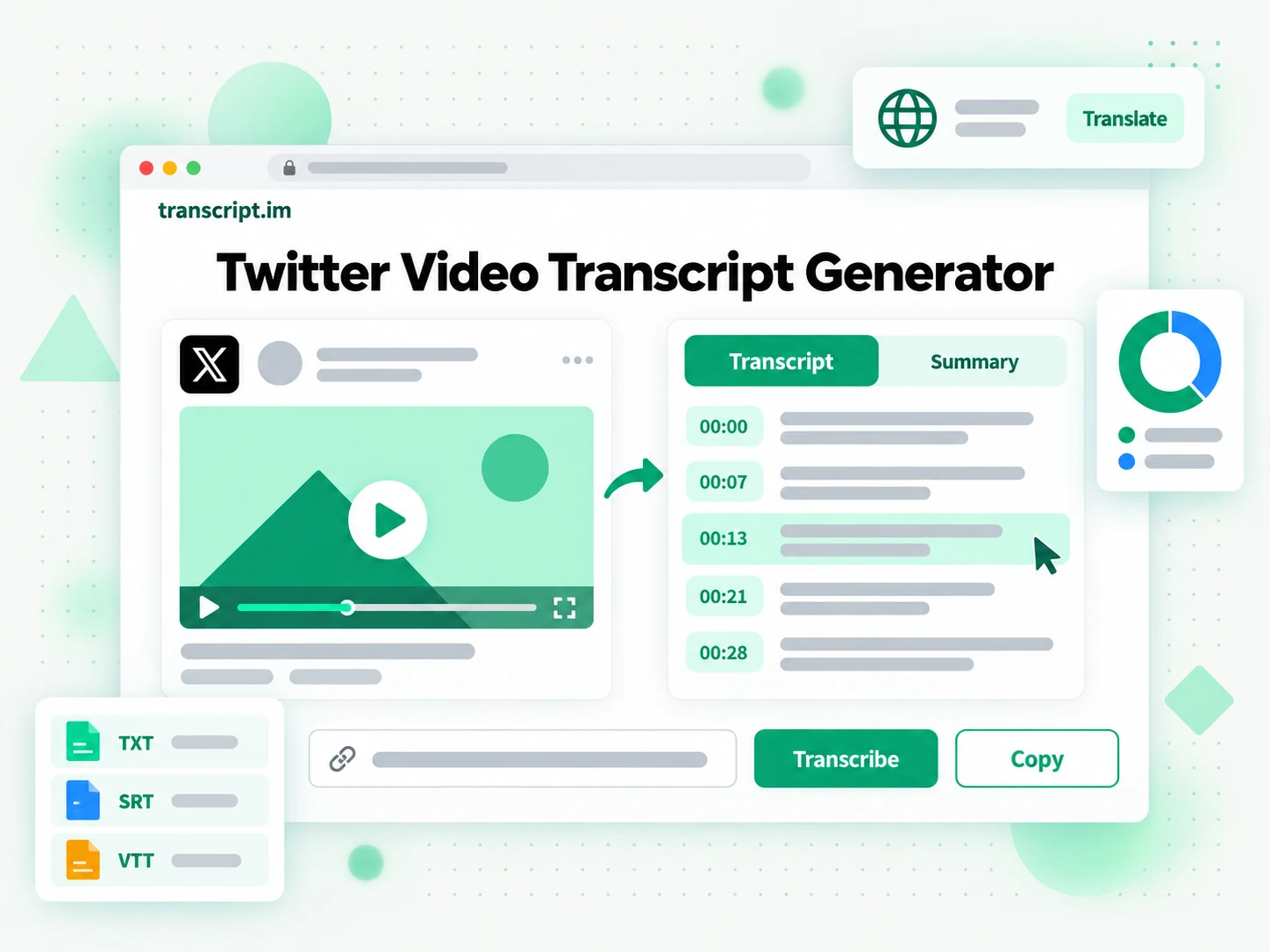
How the Twitter Video Transcript Generator Works
One pasted link turns a Twitter video into a searchable, exportable Twitter video transcript in three steps.
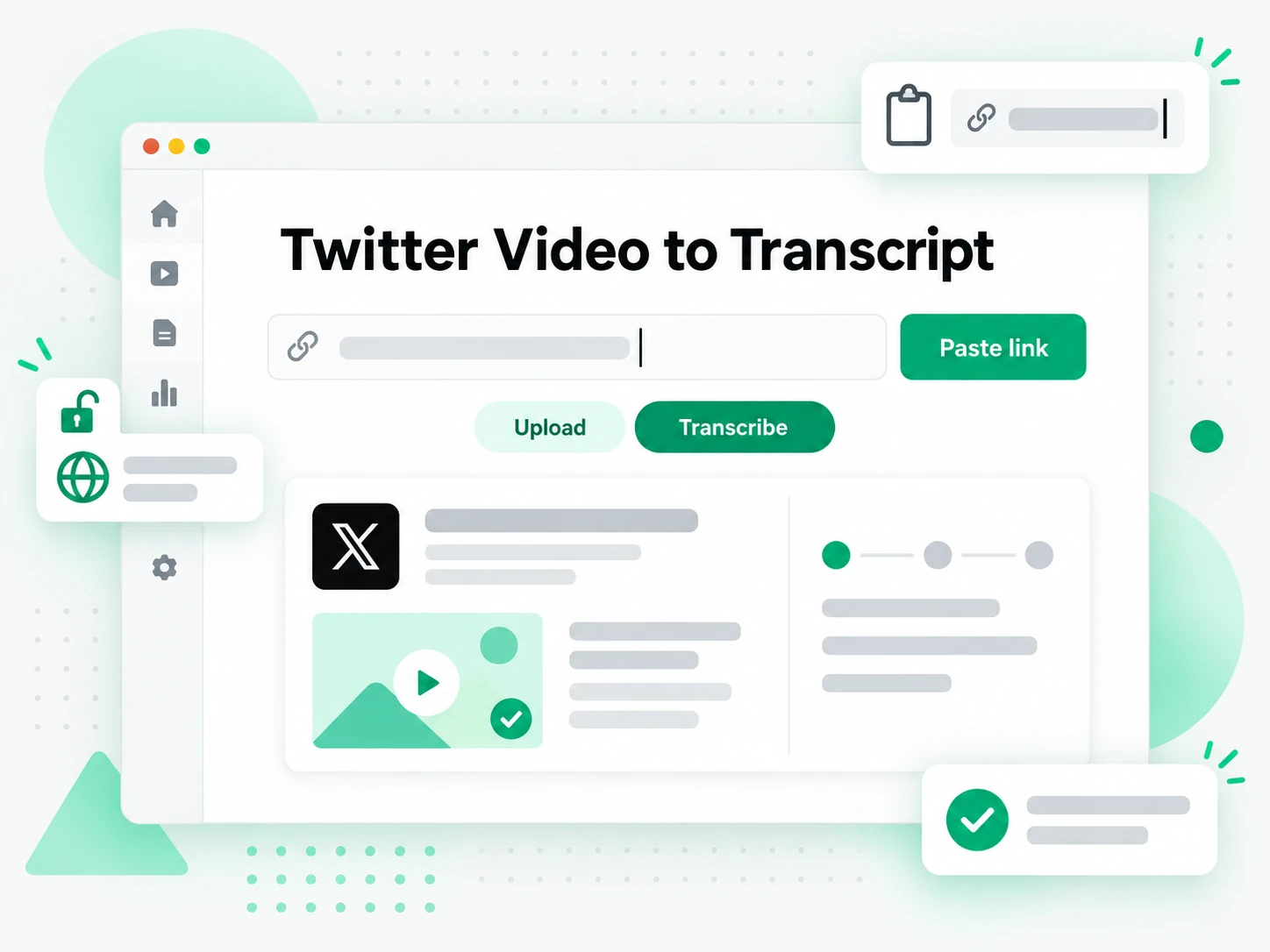
Paste the Public Twitter Video Link
Copy the URL of a public Twitter or X video and paste it into the box at the top of the page. There is no download and no software to install: the link itself is all the input the Twitter video transcript generator needs. With no caption file to pull from, the next step reads the audio rather than looking for a track that is not there. The same Twitter video to transcript flow handles a video reply, a quoted post, and a standalone video, so the free video transcript generator handles every kind of Twitter video. Switching from an X video to a YouTube video, the YouTube transcript page keeps the same one-paste flow.
- Works from a pasted Twitter video link, with no download step
- Handles video replies, quoted posts, and standalone videos
- No extension or extra software to install
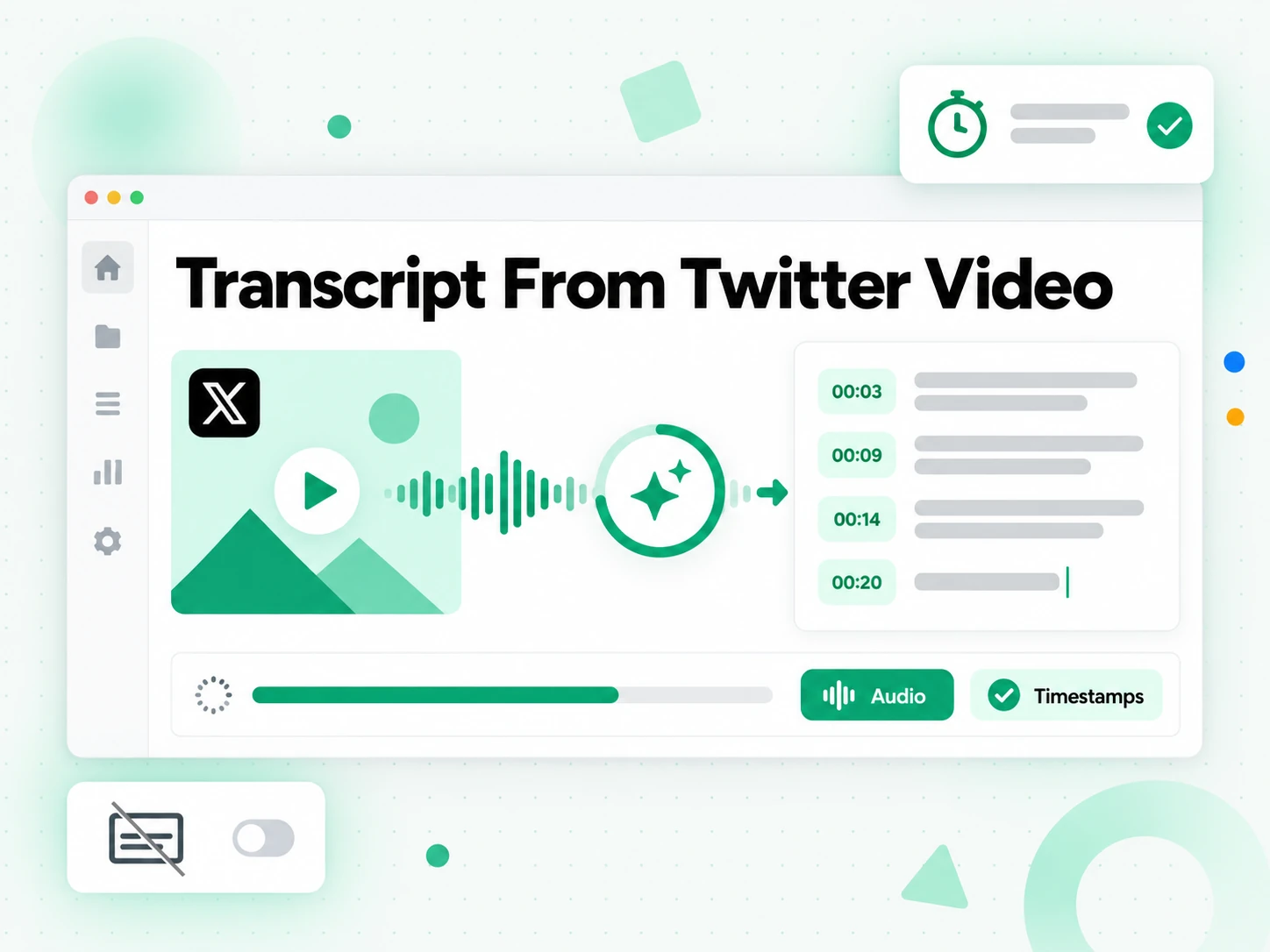
Transcribe the Twitter Video's Audio
The Twitter video transcript generator transcribes the speech with AI and returns a Twitter video transcript, timestamped, that stay aligned to what was actually said. With no caption track to inherit, the timing is built from the speech itself rather than from a block of text spread across the runtime, so a fast X video still comes back in sync. Inaudible sections are left as gaps instead of being invented, which matters when the words are going to be quoted rather than skimmed.
- AI transcription when the Twitter video has no captions
- Timestamps stay aligned to the speech
- Inaudible passages are left out, not guessed at
Read, Search, Download, or Translate
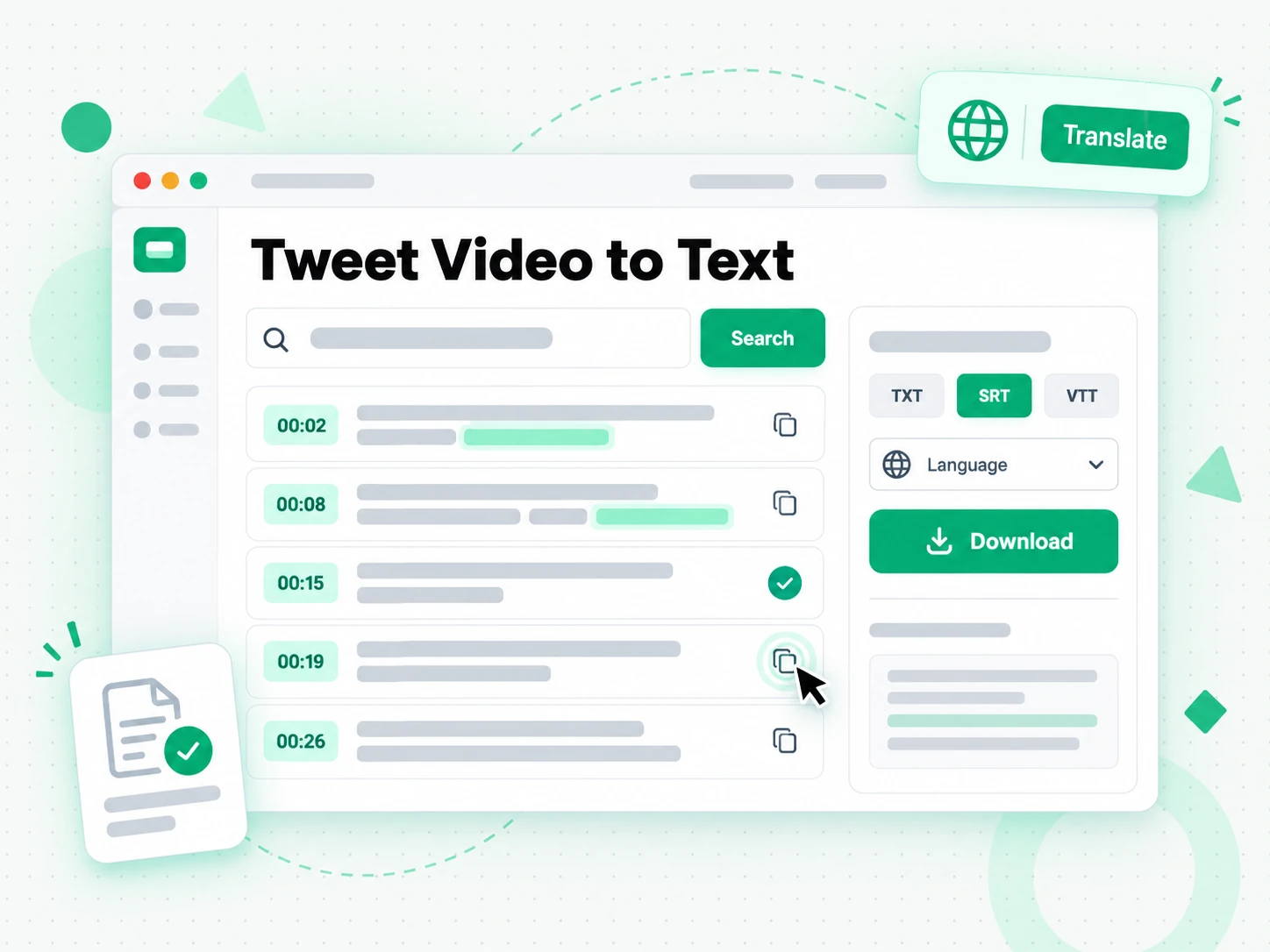
Once the Twitter video transcript is generated, search it for a phrase, jump to a timestamp, and copy a single line or the whole passage. Download it as a TXT file, or as an SRT or VTT subtitle file, translate it while the timestamps stay in place, or hand it to ChatGPT as a brief. Because the output keeps its timestamps, the same Twitter video transcript can become a quote for an article, a subtitle file, a summary, or a first draft of your own post.
- Search and copy any line in the browser
- Twitter video transcript download as TXT, SRT, or VTT
- Translate and keep the timestamps
Why transcript.im Beats Twitter's Built-In Video Player
✅ transcript.im
Paste the link of a Twitter video and this free Twitter video transcript generator returns the full, timestamped Twitter video transcript: Twitter video to transcript in one step. The text is searchable, copyable, ready to download as a text or subtitle file, and translatable, and it works on an X video that was never captioned.
❌ Twitter's built-in video player
It can play the Twitter video but offers no transcript, no search, and no export. Pulling a quote means scrubbing back and forth by hand, and there is nothing at all to read when the audio is hard to follow.
Who Needs a Twitter Video Transcript
Anyone who needs the words from a Twitter video as text, not a video to replay, gets more from a Twitter video transcript.
For Journalists and Writers
A Twitter video is often where a story surfaces first, and the exact wording is what you need to quote. A Twitter video transcript turns a video you would otherwise rewind into a citable source with a timestamp on every line.
- Find the precise line by searching the text instead of rewinding the video.
- Check the timestamp attached to every line before a quote goes into print.
- Search the Twitter video for a name or phrase you only half-remember.
- Copy lines straight into a draft without pausing playback.
- Keep a citable record with the source post saved beside the text.
- Share the transcript with an editor so the sourcing can be verified.
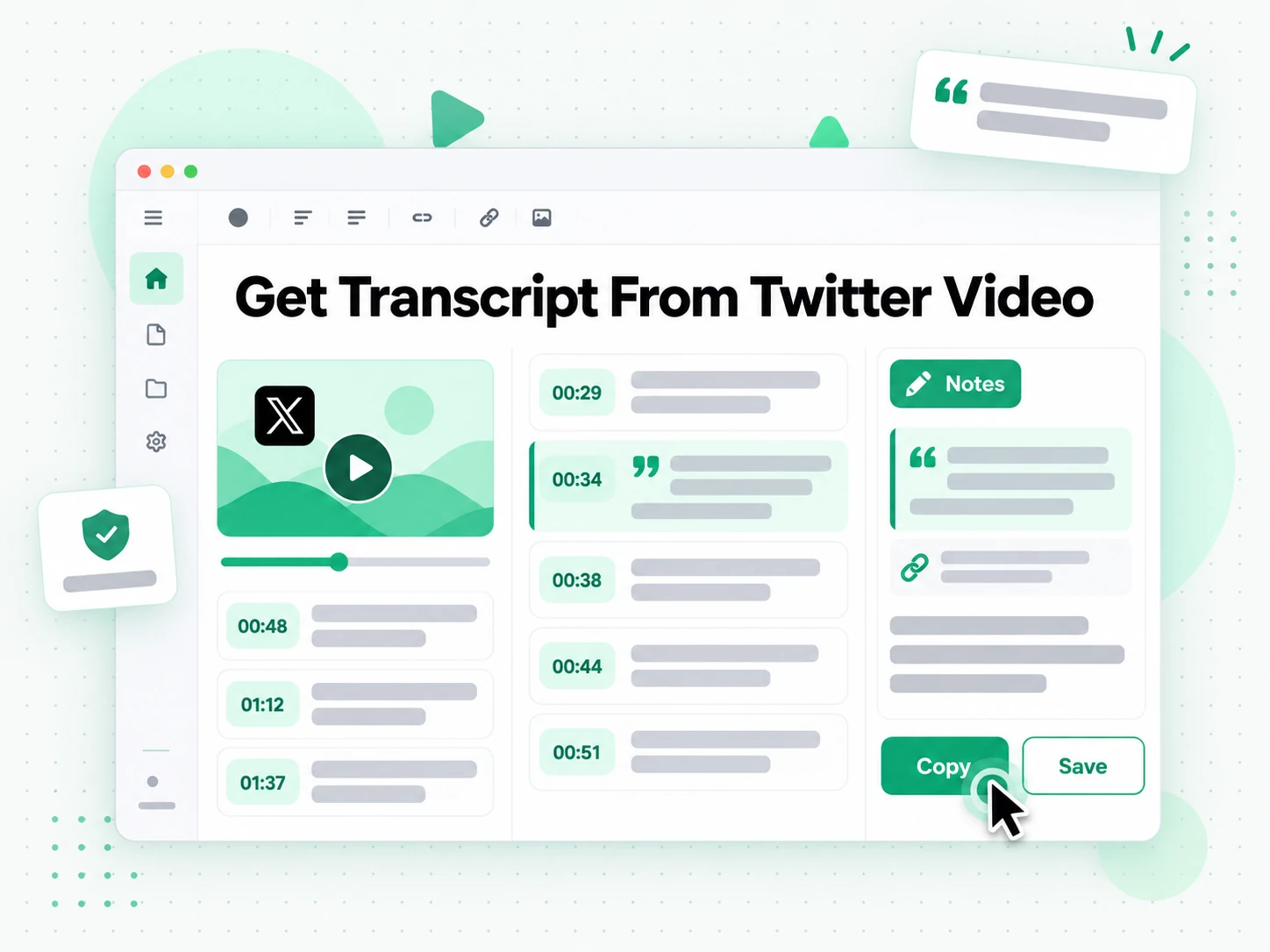
For Researchers and Analysts
A stream of Twitter videos is otherwise unsearchable, with no text to scan and no way to compare one video with another. A Twitter video transcript turns that timeline into material you can actually work through, and the free video transcript generator handles it one link at a time.
- Search one term across several Twitter videos to see how a topic is framed.
- Compare videos side by side by reading instead of replaying each one.
- Pull exact quotes with timestamps for citations and footnotes.
- Keep a dated record before a post is edited or deleted.
- Track how a claim changed across days or weeks.
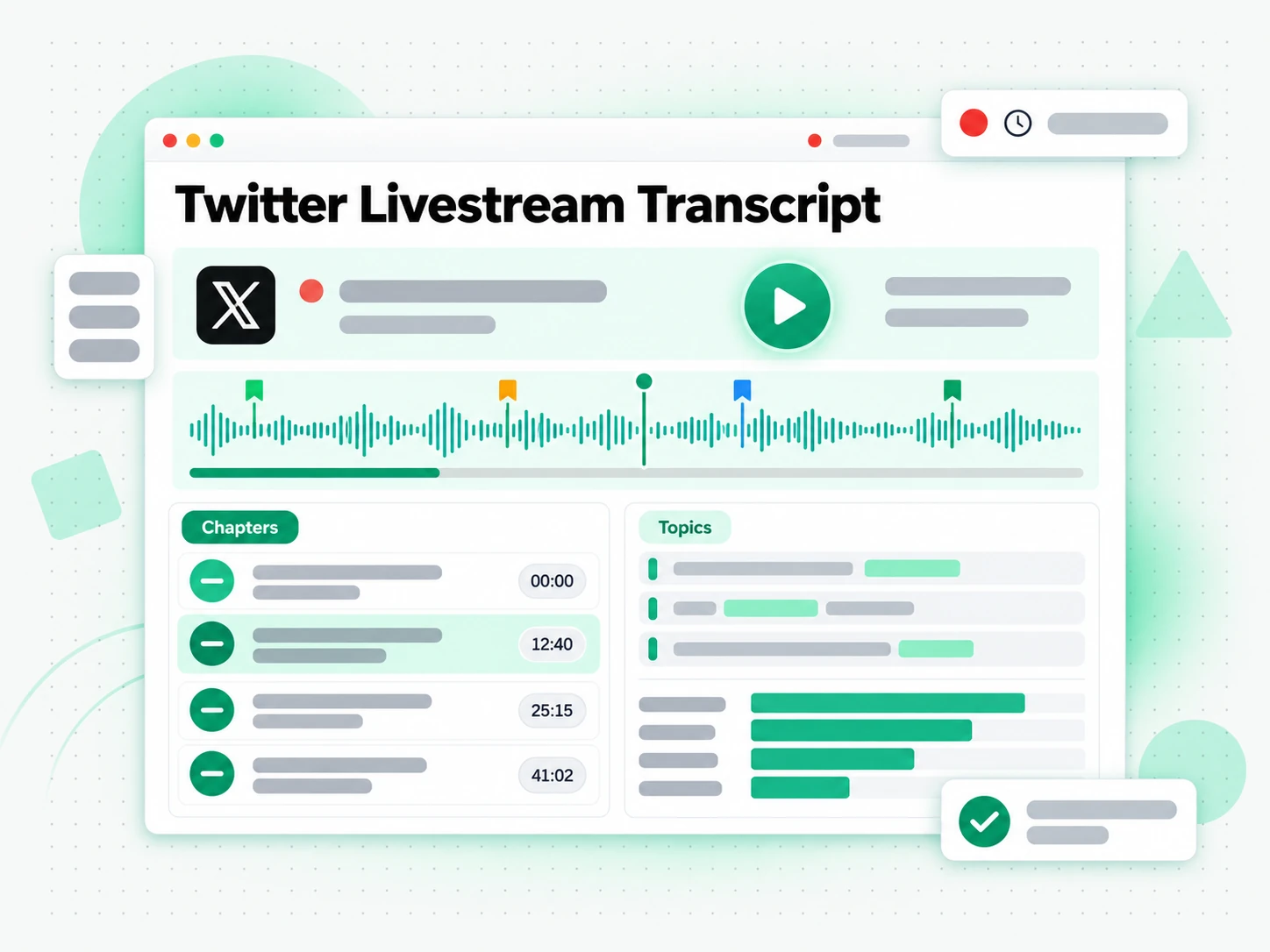
For Content Creators and Social Media Managers
A Twitter video transcript gives you the raw material for a reply, a quote-post, or a longer piece without transcribing anything yourself. One X video can support several posts instead of a single reaction to it.
- Lift the strongest line from a Twitter video for a thread or a caption.
- Summarise a longer Twitter video reply into a short written post.
- Translate a post for another audience while keeping the meaning intact.
- Feed the text to your editing tools and AI assistant so one video powers several posts.
- Plan your next post from the questions the video raised.
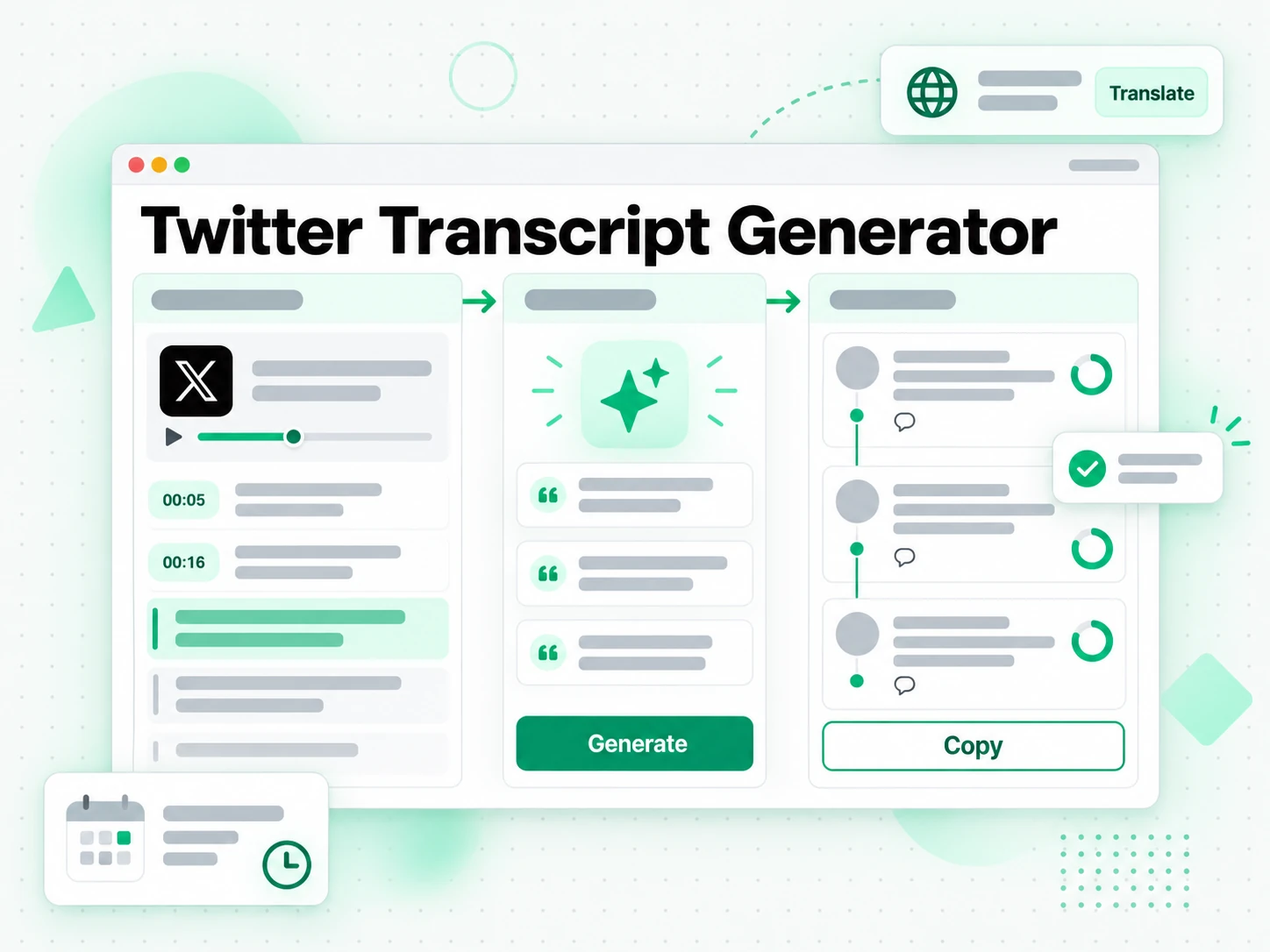
For Moderators and Compliance Teams
When a Twitter video needs to be reviewed, a transcript is the record that makes the review possible. It turns a moderation decision into something that can be checked and explained.
- Search for a term across Twitter videos during a review.
- Keep a timestamped copy of what was actually said.
- Reference the exact wording later instead of relying on a memory of the video.
- Document the decision so it can be checked and explained.
- Archive the evidence before the post changes or disappears.
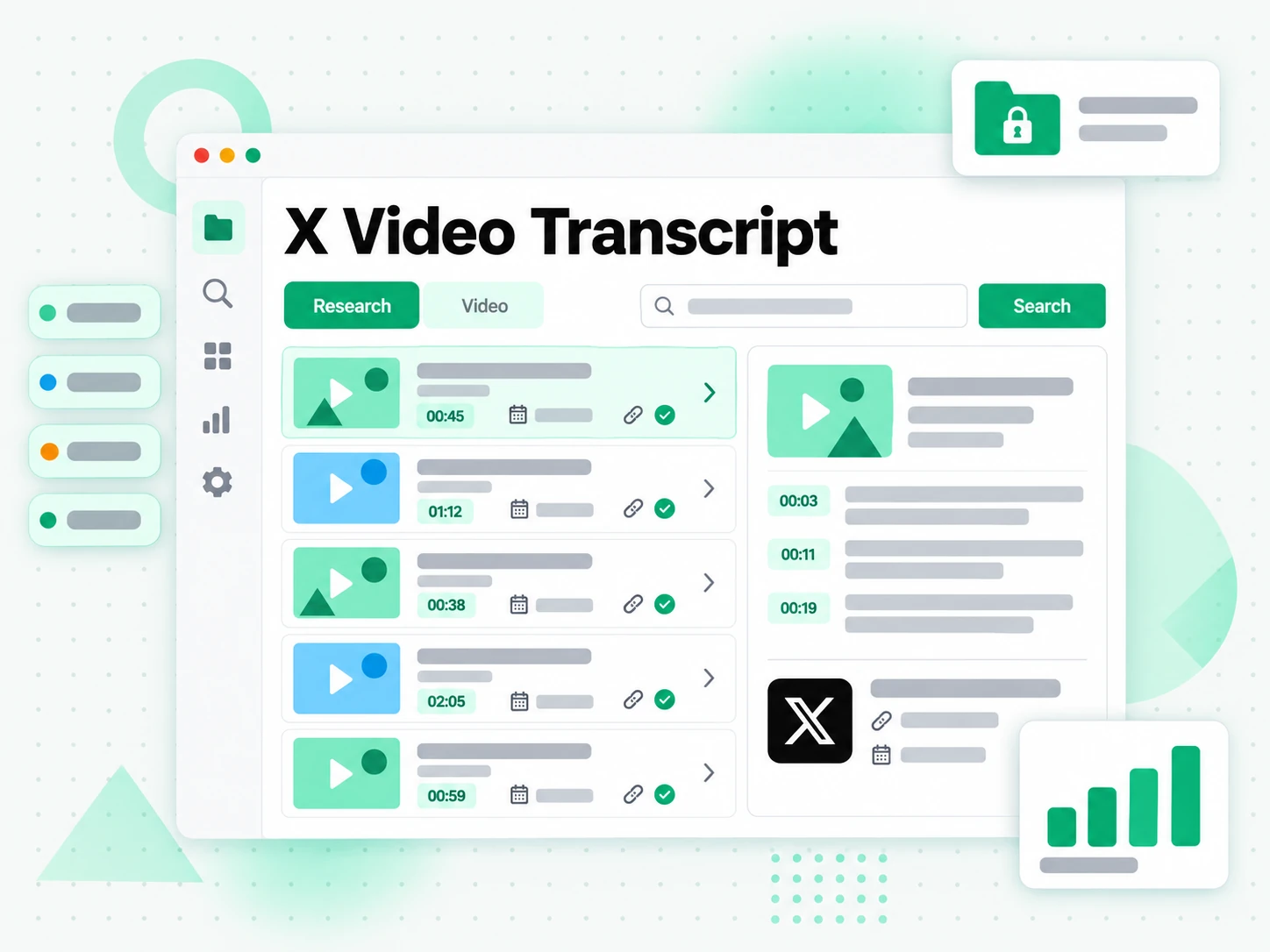
For Customer Support and Community Teams
When a customer posts a video explaining a problem, the spoken words matter as much as the picture. A Twitter video transcript makes the report searchable and easy to share with the engineers who will fix it.
- Search the Twitter video for the exact complaint instead of replaying it.
- Share the text with engineering without forwarding a video.
- Keep the timestamped record with the support ticket.
- Spot the same issue across several videos by searching one term.
- Archive the words before the post changes or disappears.
How to Get a Transcript of a Twitter or X Video
- 1
Paste the Twitter Video Link
Copy the URL of the Twitter video and paste it into the box at the top of the page. There is no download and no software to install: the link is all the input this free Twitter video transcript generator needs.
- 2
Transcribe the Twitter Video
Start it: the Twitter video transcript generator transcribes every spoken word with AI, returning a full Twitter video transcript, every line timestamped, that stay aligned to what was said. Twitter keeps no captions, so the audio is the source.
- 3
Read and Search the Transcript
Search the Twitter video transcript for a phrase and jump to its timestamp. Copy a single line or the whole passage, and check the wording against the Twitter video before you rely on the quote.
- 4
Download, Translate, or Reuse
Download the Twitter video transcript as a TXT file or a subtitle file, translate it with its timestamps, or hand it to ChatGPT as a brief for your own post.
Use Your Twitter Video Transcript in the Apps You Already Have
Google NotebookLM
Add the Twitter video transcript as a text source to summarise the video and ask questions about it. NotebookLM works from text, so a clean Twitter video transcript is exactly what it needs.
ChatGPT, Claude, Gemini, Kimi, and Manus
Paste the transcript into the assistant you already use as a brief for a summary, a rewrite, or a set of follow-up questions.
Writing, Editing, and Caption Tools
Drop the Twitter video transcript into your notes app, a document, or a caption editor. Because the text keeps its timestamps, it lands in the structure you already work in.
Builders Using the API and MCP
transcript.im also exposes an API and an MCP server, so a script or an agent can generate a Twitter video transcript and pass it into the rest of your pipeline.
transcript.im vs Other Twitter Video Transcript Tools
Different tools answer different questions. Use this table to pick the one that matches what you actually need from a Twitter video transcript.
| Tool | What it does | Use it when |
|---|---|---|
| transcript.im | Free Twitter video transcript generator: a full timestamped transcript for any public Twitter video, with search, copy, export, and translation. Free quota included; extra use is paid. | When you need the words as text you can reuse, not just watch. |
| Twitter's built-in video player | Plays the Twitter video, with no transcript, search, or export. | When you only need to watch the Twitter video. |
| Google NotebookLM | Summarises a source and answers questions about it inside a notebook. | When the goal is Q&A over the Twitter video, not the transcript text itself. |
| Twitter transcript downloader sites | Return captions for videos that have them, if the platform exposes a caption file at all. | When a Twitter video happens to carry captions you can read. |
| Manual replay and typing | Replaying the clip and typing out the words by hand. | For a single short quote, if you have the time. |
Twitter Video Transcript Related Tools
Twitter Video Transcript FAQs
What is a Twitter video transcript?
It is the written text of everything spoken in a Twitter video, broken into timestamped lines. Twitter provides no transcript of its own, so the text is generated from the video's audio.
How do I get a transcript of a Twitter video?
Paste the Twitter video URL in. The Twitter video transcript generator transcribes the speech with AI and returns the full Twitter video transcript with timestamps, ready to read, copy, or export.
Can the Twitter video transcript generator work without a caption file?
Yes. Twitter exposes no caption file for posted videos, so the Twitter video transcript generator works from the audio directly. That is why it also handles videos that the platform never captioned.
Is this Twitter video transcript generator free?
Yes. Drop the Twitter video link in and the free Twitter video transcript generator returns the timestamped transcript in the browser, with nothing to install and no extension to add. Free use covers the free quota; beyond it you need a paid subscription, billed by usage.
Does it work on an X video?
Yes. X is the new name for Twitter, so an X video link works the same way: the Twitter video transcript generator returns an X video transcript with timestamps from the speech.
Which Twitter videos can be transcribed?
Any public Twitter video. A protected account, a members-only post, or a deleted video cannot be read, so there is nothing to transcribe. The free video transcript generator handles video replies and quoted posts like standalone videos.
How is this different from the Twitter video player?
The player can only show the video, while this Twitter video transcript generator returns the words as text you can search, copy, export as subtitles, and translate. It also covers videos the platform never captioned.
Does the Twitter video transcript generator support multiple languages?
Yes. It detects the spoken language automatically across supported source languages, and the finished Twitter video transcript can be translated into another supported language with its timestamps kept.
Can I copy a Twitter video transcript into my notes or an AI tool?
Yes. Copy the full text or a single timestamped line, and copy the Twitter video transcript into notes, a document, or ChatGPT for summarising and rewriting. The text is plain and clean, so it drops in without cleanup.
Can I use a Twitter video transcript with Google NotebookLM?
Yes. Add the Twitter video transcript as a text source in a notebook. NotebookLM can then summarise the video and answer questions about it, which a Twitter video the model cannot watch would not allow.
Does the Twitter video transcript include timestamps?
Yes. Every line carries its timestamp, so a quote can be traced back to the exact moment in the Twitter video rather than being taken on trust.
Does the Twitter video transcript generator work on a Twitter Spaces recording?
Spaces audio is not a posted Twitter video, so it is not covered by the link flow. If a recording is published as a Twitter video, it can be transcribed like any other public Twitter video.
Can I transcribe a Twitter video reply or a quoted post?
Yes. Paste the URL of the specific post that contains the Twitter video. A video reply and a quoted post go through the same Twitter video to transcript step as a standalone video.
What is the difference between a Twitter video transcript and a subtitle?
A subtitle is a timed track displayed over the Twitter video, while a Twitter video transcript is the readable text of what was said. The transcript is what you copy and search; subtitles are what you export into a player or editor.
Try the Free Twitter Video Transcript Generator
Paste a public Twitter video URL and the Twitter video transcript generator returns a timestamped Twitter video transcript.