
TRANSCRIPT
Free Twitter Video Downloader
A Twitter video downloader for public x.com and twitter.com status links: compare the direct MP4 qualities the post publishes and save the original clip without re-encoding.
You are responsible for having the rights to download this content. See our copyright disclaimer.
What Is a Twitter Video Downloader?
A reliable free Twitter video downloader saves the native clip from a public X or Twitter status as a direct MP4 file you can keep and open on your own device. It is different from the player you watch in and from a screen recorder: a free Twitter video downloader resolves the media the post already publishes, so you pick an available quality instead of capturing a re-compressed playback. The hardest case is a public clip the platform never gave a save button for at all, which is exactly where a real Twitter video downloader earns its place. Paste an x.com or legacy twitter.com status URL, review the direct MP4 variants, and save the file without an extension or a conversion queue. Whether you search for a twitter video downloader, an x video downloader, or a way to download twitter video, the result should be the direct MP4 file the post actually publishes.
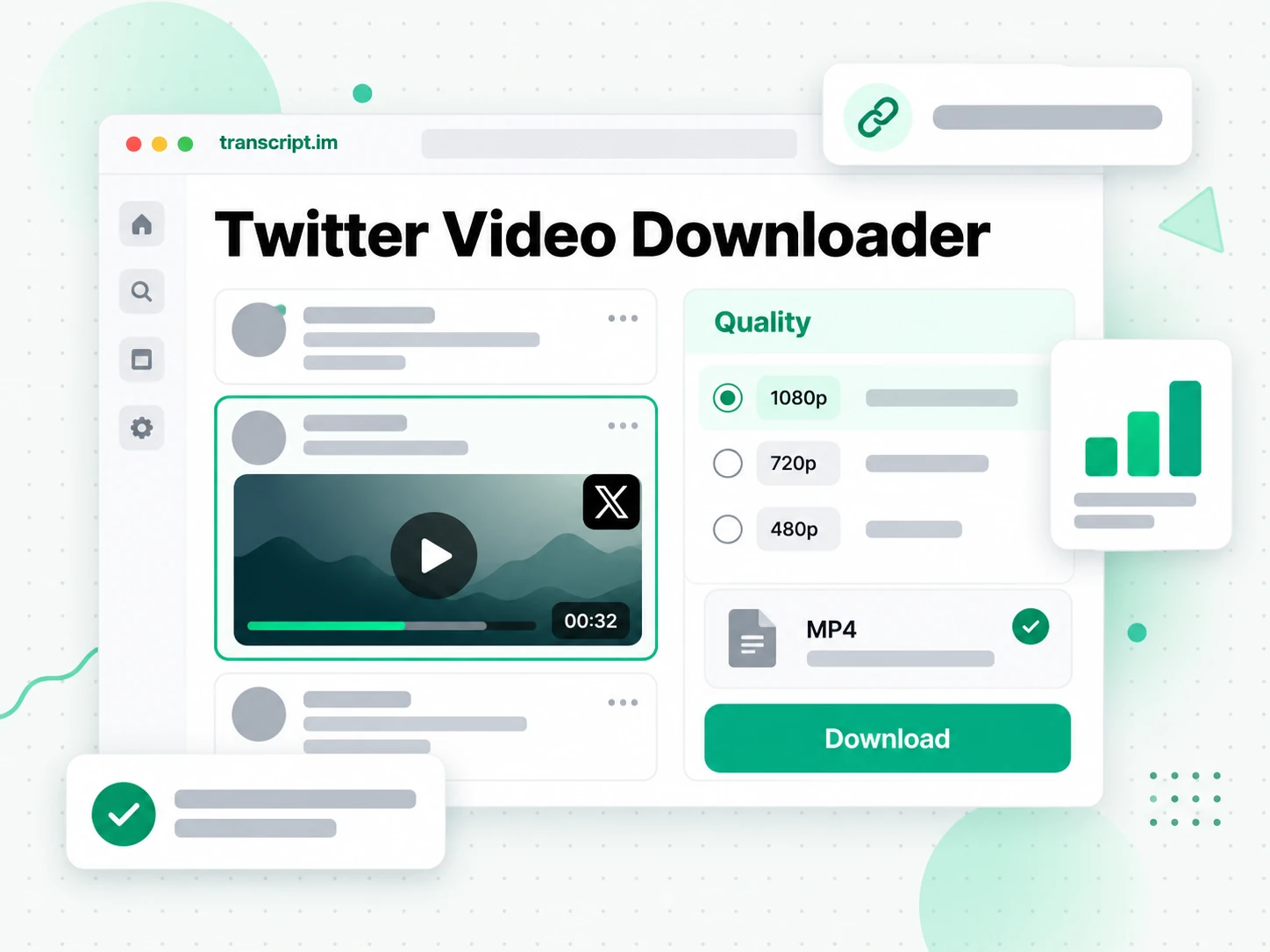
How the Twitter Video Downloader Works
One public X or Twitter status URL becomes a direct MP4 download in three steps.
Paste the Public X or Twitter Status URL
Open the public post, use Share, and copy the status link, then paste it into the box at the top of the page. The Twitter video downloader accepts current x.com status URLs and legacy twitter.com status URLs because both identify the same public post. A profile page, a search page, a bookmark, a private message, or a protected-account post does not expose the public status media the resolver needs. Because the input is just a link, there is no download and no software to install, and the same flow covers an original post, a reply, and a quoted post that carries its own clip.
- Accepts x.com and twitter.com status links
- Works from a pasted link, with no extension or software
- No X account, cookie, or authorization flow

Review the Direct MP4 Quality Options
The resolver reads the public post metadata and inspects the media variants X publishes for that status. A single post can offer direct MP4 files alongside streaming playlists, so the reliable free Twitter video downloader filters the list down to the files a browser can actually save. HLS playlist entries are removed, and what remains is direct MP4 options with real dimensions or quality labels attached. The tool never invents a higher resolution and never re-encodes a smaller variant, so every quality you see reflects a file the source already exposes.
- Direct MP4 variants only, with HLS playlists filtered out
- Available qualities come from the post, not invented
- Dimensions and quality labels shown for a clear choice

Download the Selected Twitter Video
Pick an MP4 option and save the file through your browser. Because the transfer uses the selected public media source rather than a conversion job, the download can begin without waiting for transcript.im to render a new file. Your browser decides whether the MP4 opens in a player, drops into the Downloads folder, or asks where to save it, and nothing about the original frames, audio, or existing creator marks is altered on the way through. Once it is on your device, the same Twitter video download can feed an editor, a subtitle tool, or a transcript workflow, so the clip stops being something you can only stream and becomes a file you can work with.
- No server-side transcode before download
- No transcript.im watermark or branded end card
- Saves the direct MP4 source the post publishes
Why transcript.im Beats X's Built-In Video Player
✅ transcript.im
Paste any public Twitter status URL and get the direct MP4 files that post already publishes, ready to save in the quality you pick. There is no extension to install, no re-encode in the middle, and no watermark added, so the reliable free Twitter video downloader hands you the source variant itself rather than a recording of it.
❌ X's built-in video player
The built-in player streams a Twitter video and offers no save at all, so the only fallback is to record the screen and hope the controls stay out of frame. You are left with a re-compressed capture at playback resolution, with no say over quality and nothing that behaves like a clean MP4 file.
Who a Twitter Video Downloader Is For
A reliable free Twitter video downloader helps anyone who needs the file from a public X or Twitter post on their own device, not a stream they have to return to.
Back up video from your own posts
Archive videos you published from accounts your team controls. The downloader keeps the source-quality MP4, so the backup matches what the post actually showed.
- Keep the source-quality MP4 instead of a screen recording of the stream.
- Save the status URL, caption, publication date, and campaign notes with each clip.
- Run a campaign retrospective or content inventory from one folder.
- Edit or migrate approved clips into an asset library.
- Recover a video after the original post is edited, deleted, or locked.
- Name clips by campaign and date so the archive stays easy to browse.
Transcribe an authorized clip
Upload an MP4 you own or may use to transcript.im for a searchable Twitter video transcript, captions, or notes. Transcription makes the clip easy to read and reuse, but it does not grant permission to republish.
- Create searchable text for interviews, announcements, event clips, or teaching.
- Let a teammate read what was said instead of replaying the clip.
- Generate captions you can edit and sync to the video.
- Pull quotations and notes from the spoken words.
- Keep the permission you already had beside the file.
- Re-run the transcription when you improve the audio or need another language.

Review a licensed campaign reference
Brand and agency teams can review an authorized campaign clip as a direct MP4 instead of a live post that might change or disappear.
- Review frame by frame with a file rather than a stream.
- Take the largest available source when visual details matter.
- Use a smaller variant for quick internal sharing.
- Play the clip in a meeting even when the room cannot open the link.
- Keep the licence or approval beside the downloaded file.
- Tie the review to the terms it was shared under.

Preserve evidence with provenance
Researchers and journalists sometimes capture a public clip as part of a documented investigation. The file alone is not enough: the method has to preserve attribution and chain of custody.
- Record the status URL, account, capture time, visible context, and legal basis.
- Prefer a direct copy at source quality over a screen recording of a stream.
- Hash and log the file the same day it is captured.
- Keep the capture note with the MP4 rather than in a separate email.
- Verify the account behind the post before relying on the clip.
- Store the file so you can point back to its origin, not a clip of uncertain provenance.

For Community and Support Teams
Users often post a screen recording when they report a bug or demonstrate a workaround. Save an authorized copy of the clip, so the evidence stays available after the post is edited, deleted, or restricted.
- Keep the clip with the ticket instead of a link that may disappear.
- Store the status URL, handle, and capture time beside the file.
- Play the recording in a review even when the team cannot open the post.
- Compare what the clip shows against the steps in the report.
- Check with the poster and your terms before reusing the clip.
How to Download a Twitter Video
- 1
Paste the Twitter Post Link
Copy the URL of a public X or Twitter post that contains a clip and paste it into the box at the top of the page. There is no download and no software to install: the link itself is all the reliable free Twitter video downloader needs, whether you are on a phone, a laptop, or a shared computer.
You are responsible for having the rights to download this content. See our copyright disclaimer.
- 2
Review the MP4 Options
Start the downloader and it reads the public post metadata, then lists the direct MP4 variants X publishes for that status. HLS playlists are filtered out, so every choice on screen is a file your browser can actually save. You see the real dimensions rather than a promised resolution.
- 3
Choose and Download the Twitter Video
Pick the quality you want and save the file through your browser. The transfer uses the direct public media source, so it starts without a conversion queue, and the MP4 arrives without a watermark or a branded end card added on top. Choose the largest dimensions for detail, or a lighter variant for sharing.
- 4
Keep, Convert, or Reuse the File
Once the Twitter video download is on your device, move it into an editor, a subtitle tool, or a transcript workflow. The same MP4 can become captions, a written record, or the source for your next edit, and it stays yours to use within the rights and permissions you hold.
Use Your Downloaded Twitter Video in the Apps You Already Have
Video Players and Editors
The MP4 opens in VLC, QuickTime, Premiere, Final Cut, CapCut, and DaVinci Resolve without conversion, so a downloaded Twitter clip is ready for a review, a rough cut, or a re-edit.
Cloud Storage and Asset Libraries
Drop the file into Google Drive, Dropbox, or a shared brand library. Because it is a standard MP4, it also embeds cleanly in slide decks, wikis, and campaign folders.
Google NotebookLM and AI Assistants
Upload the downloaded Twitter video to transcript.im to get text, then add that text to Google NotebookLM as a source or paste it into ChatGPT, Claude, Gemini, Kimi, or Manus for summaries, rewrites, and new drafts.
Builders Using the API and MCP
transcript.im also exposes an API and an MCP server, so a script or an agent can take a public Twitter status, download the file, and pass it into the rest of your pipeline.
transcript.im vs Other Twitter Video Downloader Tools
Different tools answer different questions. The Twitter video downloader you pick should match what you actually need from the file, so use this table to compare the common routes.
| Tool | What it does | Use it when |
|---|---|---|
| transcript.im | Direct MP4 variants for any public X or Twitter status, at the real published dimensions, with quality choices and no added watermark. | When you need the cleanest file the post actually publishes. |
| X's built-in video player | Streams a Twitter video for viewing, with no save option and no control over quality. | When you only need to watch the clip. |
| Other Twitter video downloader sites | List MP4 links too, often buried under redirect pages, pop-ups, and fake download buttons, with no quality detail. | When a single copy is worth navigating the ads. |
| Screen recording apps | Capture playback as a re-compressed clip, usually with player controls and notifications caught in frame. | When nothing else works and a rough copy is enough. |
| Browser download extensions | Add a save button inside the page, at the cost of broad permissions on every site you visit. | When you accept extension permissions for occasional saves. |
Twitter Video Downloader Related Tools
Twitter Video Downloader FAQs
What is a free Twitter video downloader?
A free Twitter video downloader is a tool that saves the original clip from a public X or Twitter status as a direct MP4 file. It resolves the media the post already publishes, so you choose an available quality instead of recording your screen.
How do I download a Twitter video?
Copy the status URL from x.com or twitter.com, paste it into the free Twitter video downloader, and review the direct MP4 options. Choose the quality you want and save the file through your browser, with no extension or conversion queue in between. The same flow works on a phone, a laptop, or a shared computer.
Can the free Twitter video downloader save a clip with no download button?
Yes. The resolver works from the public post itself rather than from any save control, so a Twitter video the built-in player will not let you keep can still be downloaded as an MP4. You get the published variants, not a recording of playback.
What MP4 quality can I download from a Twitter post?
The Twitter video downloader lists the direct MP4 variants the post actually publishes, with their dimensions or quality labels. It does not invent a higher resolution or re-encode a smaller one, so you pick from the real options.
Can the free Twitter video downloader save an animated GIF?
Often yes. X commonly stores an animated GIF upload as a looping MP4, so the free Twitter video downloader can return it as a playable file. A static image that is not attached as public status media uses a different format and may not be supported.
Does the downloader accept both x.com and twitter.com links?
Yes. You do not need to rewrite an old twitter.com link into an x.com link, because the free Twitter video downloader recognizes both status URL forms and extracts the same public post identifier from each.
Does transcript.im re-encode or watermark the Twitter video?
No. The downloader hands over the selected public MP4 source instead of transcoding it, and it adds no watermark or end card. Any marks already in the creator's upload stay exactly as they were.
Does the free Twitter video downloader work on protected or deleted posts?
No. A protected, private, deleted, or region-restricted post does not expose the public media the resolver needs, and transcript.im does not use an account session to bypass those controls. The post has to open and play while signed out.
Why does the downloader show no video for a Twitter post?
The post may be text-only, image-only, protected, or linked to an external media site rather than containing native X media. Confirm that the Twitter video plays inside the public X player before you retry the download. A retry after the post becomes public again will usually work.
Can I repost the Twitter video I downloaded?
Downloading does not grant copyright, publicity, privacy, trademark, or distribution rights. Reuse only a Twitter video you own, license, or have explicit permission to publish, and follow the relevant laws and platform policies. Keep the permission or license beside the file so the reuse stays inside its bounds.
How is transcript.im different from other Twitter video downloader sites?
Other Twitter video downloader sites often bury the MP4 links under redirect ads and pop-ups with no quality detail. transcript.im filters the list to direct MP4 variants, shows real dimensions, and keeps the file free of added watermarks.
What is the difference between downloading a Twitter video and screen recording it?
A download keeps the direct MP4 source at its published resolution, while screen recording re-compresses playback and often captures controls or notifications. One keeps the source file the post publishes; the other makes a new file from what appears on screen. The Twitter video downloader gives you the cleaner file.
Try the Free Twitter Video Downloader
Use the reliable free Twitter video downloader: paste a public status URL, choose a direct MP4 quality, and save authorized video.