
TRANSCRIPT
AI Video Summarizer
Supported: YouTube, TikTok, Instagram, LinkedIn, Twitter — video, short, reel, or playlist.
What Is an AI Video Summarizer?
An AI video summarizer turns any video — a YouTube link, a TikTok or Instagram clip, or a local file you upload — into a short written video summary of what it says. It is different from the transcript it is built from: the transcript is the full word-for-word text, while the summary keeps the key points, the structure, and the conclusions and leaves the rest out. It is also different from a video outline, which shows how the recording is organised chapter by chapter rather than what it argues. The hardest case is a video with no captions at all, where there is nothing to read and the audio has to be transcribed before any summary can exist. That is where a real AI video summarizer earns its place. Whether you search for an ai video summarizer, a way to summarize video with ai, or a plain video summary tool, the result should be short, accurate, and traceable to the source.
How the AI Video Summarizer Works
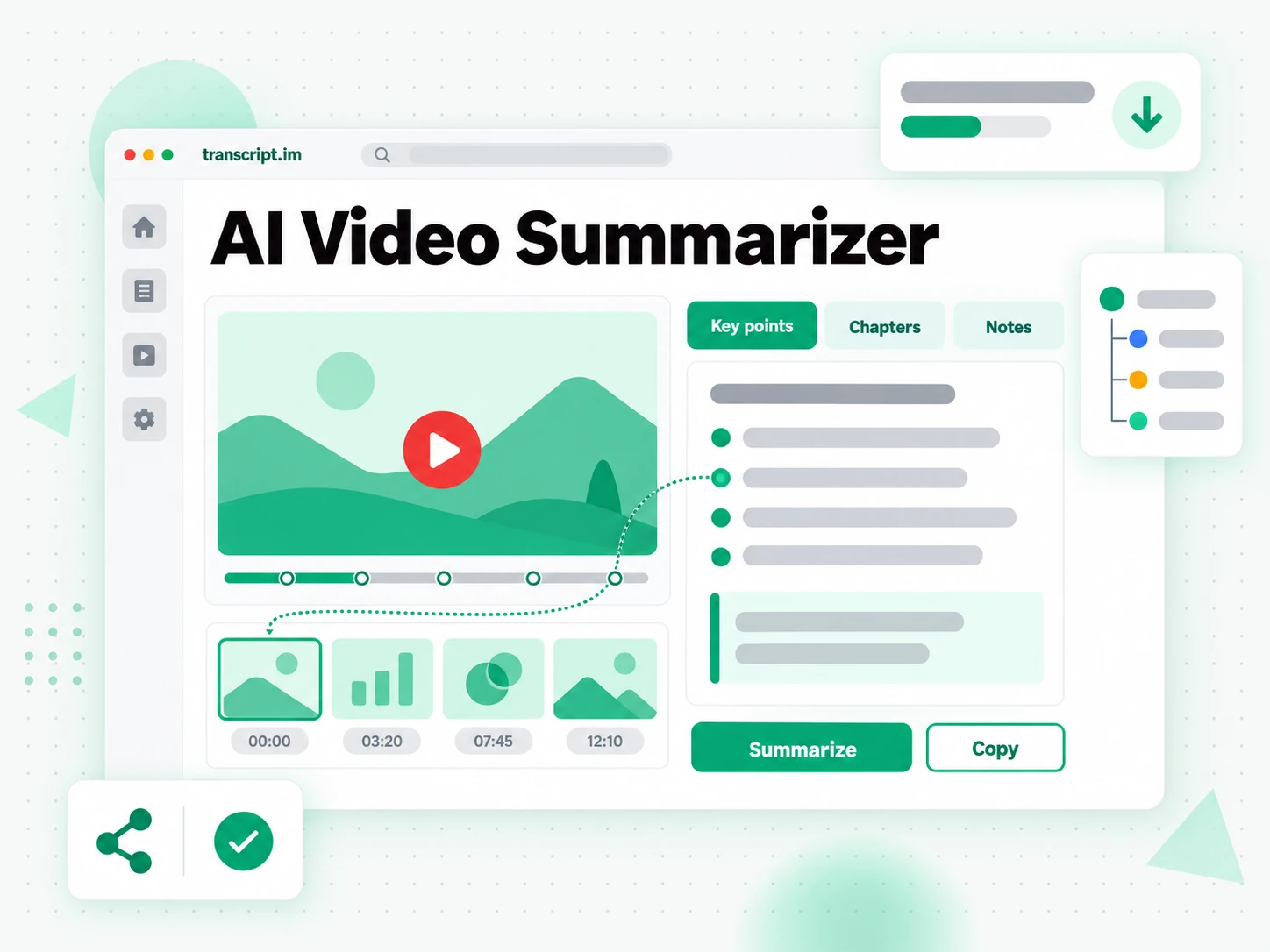
One pasted link or uploaded file takes you from a full-length video to a video summary you can read in minutes, in three stages.
Turn Any Video Into a Transcript
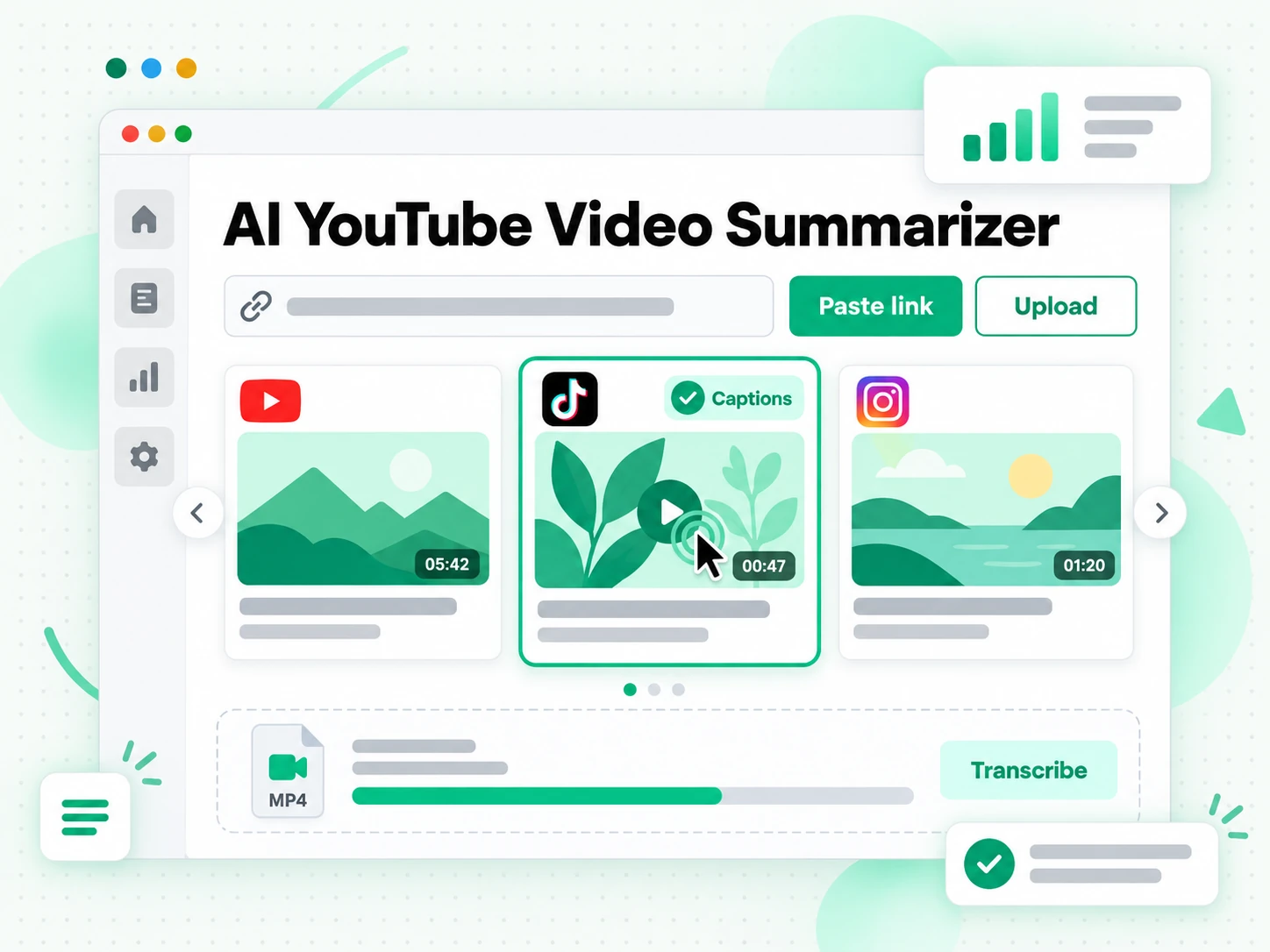
Paste a YouTube, TikTok, or Instagram link, or upload a local video or audio file up to 5 GB. The AI video summarizer reads the creator's existing caption track when there is one and, when there is none, transcribes the spoken audio with AI instead, so the summary is always built from the complete transcript rather than a preview. There is no download step and no separate caption file to hunt down: the link or the upload is the only input it needs. A job that used to mean watching the whole recording now starts from a full, timestamped transcript of everything that was actually said.
- YouTube, TikTok, and Instagram links, or a file upload
- Captions used first, AI transcription as fallback
- Built from the full transcript, not the opening minutes
Distill the Transcript Into Key Points
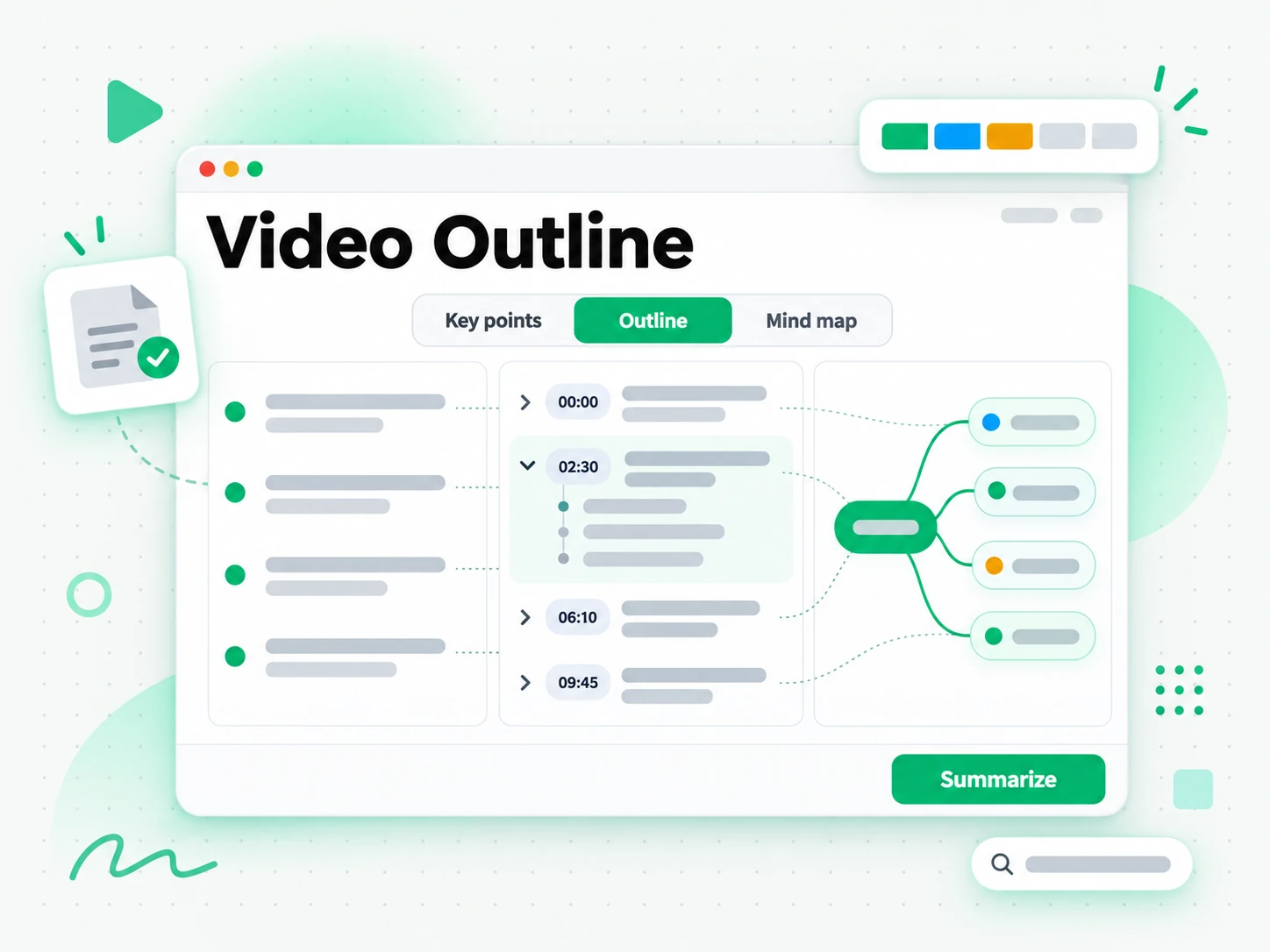
From that full transcript the summarizer produces a video summary, a video outline, or a mind map, depending on the preset you pick: Core Points, Chapters, or Study Notes. Every key point is drawn from the whole recording, so a conclusion is not lost simply because it was said at the end, and each point keeps the timestamp of the moment it came from. Instead of scrubbing through an hour of footage to find the three sentences that matter, you read the summary first and open the transcript only where a claim needs checking.
- Core Points, Chapters, and Study Notes presets
- Every key point linked to its timestamp
- A video outline or mind map from the same transcript
Translate, Rewrite, or Export the Summary
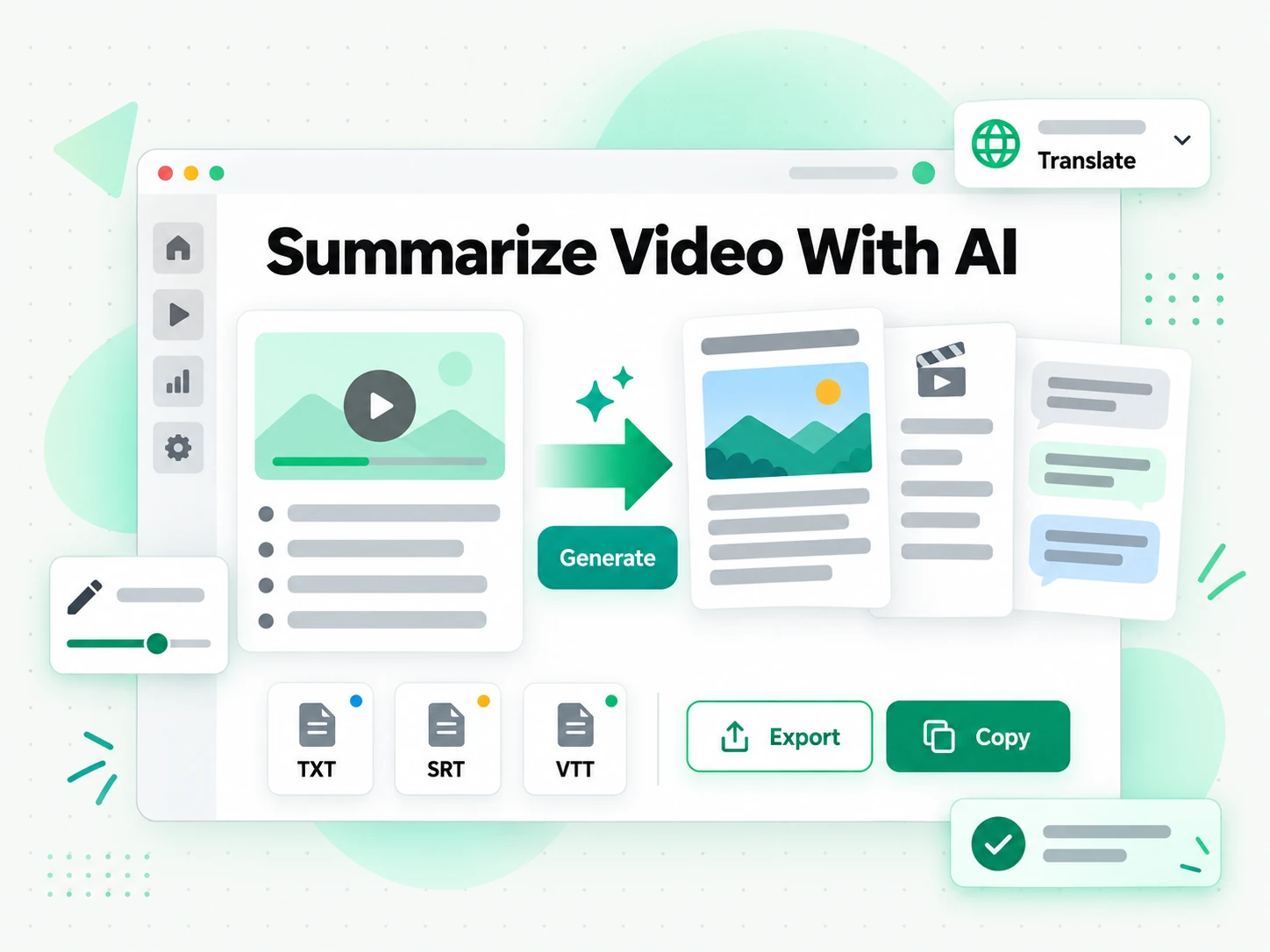
Copy the video summary, translate it into another supported language with the timestamps preserved, or rewrite it into a blog post, a script, or a thread. Export the transcript behind it as TXT, SRT, or VTT when you need the full text rather than the short version. A summary you can export is a summary you can reuse: paste it into your notes, send it to a colleague who will not watch the video, or start a new draft from the points that already worked. Because the output keeps its timestamps, the same video summary can become a briefing, a set of show notes, or the outline of your own talk.
- Copy, translate, or rewrite the finished summary
- Export the transcript as TXT, SRT, or VTT
- One-click translation with timestamps preserved
Why transcript.im Beats Platform Built-in Summaries
✅ transcript.im
Paste any public link or upload a file and get a summary drawn from the full transcript, captioned or not. The same workspace keeps the transcript searchable, copyable, exportable as TXT, SRT, or VTT, and translatable, and every point can be traced back to the timestamp where it was said.
❌ Platform built-in summaries
They appear only on some platforms and only for some videos, usually where captions or chapters already exist, and a video without captions gets nothing at all. There is no export, no search across the result, no translation, and no way to reuse the summary outside the app that produced it.
Who an AI Video Summarizer Is For
An AI video summarizer helps anyone who needs the substance of a video without watching all of it.
Speed up research and learning
Students and researchers use a video summary to decide whether a talk is worth watching in full and to pull out the key claims without replaying the recording.
- Decide whether a lecture is worth the time before you commit to watching it.
- Search the transcript for a term and jump to the moment it was explained.
- Keep the outline as your notes, or check any point against the exact wording.
- Scan a one-hour talk before a deadline instead of opening the video.
- Reuse the summary for revision and skim it again before an exam.
Repurpose video content at scale
Creators turn one source video into a blog post, a thread, a newsletter, and a script, all starting from a summary of what already worked.
- Summarise first, then reshape the key points for whichever channel you publish on.
- Quote the strongest line accurately by returning to its timestamp.
- Feed several pieces from one upload instead of a single release.
- Keep earning attention from the written versions after the video scrolls away.
- Compare competitor videos by summarising several and reading the points side by side.
Build personalized sales videos
Sales teams summarise competitor webinars, customer calls, and product demos to extract talking points, objections, and positioning angles quickly.
- Give the whole team the same short brief from a ninety-minute recording.
- Check the exact wording whenever a point needs to be verified.
- Build tailored pitches and follow-ups without every rep watching every recording.
- Reuse the summary as a call script, a one-pager, or the basis of a demo.
- Keep objection handling current by summarising the latest customer calls.
Create localized video ad creatives
Marketing teams summarise existing brand videos and turn the result into a brief for new ad creatives without starting from scratch.
- Reuse the message by translating the summary into another supported language.
- Hand a clear brief to a designer or an AI tool for the localized cut.
- Find the moment a claim was made through its timestamp and reuse it.
- Support several markets from one source video.
- Double the summary as an outline for the next campaign.
For Executives and Team Leads
A recorded webinar, a competitor's keynote, or a long internal briefing rarely needs to be watched start to finish. An AI video summary gives a team lead the claims, figures, and decisions in a short read they can act on.
- Skim a long recording before deciding whether the whole team needs to watch it.
- Pull the numbers and decisions into a one-page brief for a meeting.
- Check a claim against the transcript before repeating it onward.
- Compare several recordings by reading the summaries side by side.
- Share the summary so everyone starts from the same picture.
How to Summarize a Video with AI
- 1
Paste a Link or Upload the Video
Copy a YouTube, TikTok, or Instagram URL and paste it into the box at the top of the page, or drag in a local file up to 5 GB. There is no software to install: the link or the upload is all the input the AI video summarizer needs, whether you are on a phone, a laptop, or a shared computer.
- 2
Generate the Transcript
Start the tool and it reads the creator's existing captions when they exist, then transcribes the spoken audio with AI when they do not. The result is a full timestamped transcript, so even a video without captions comes back as readable text the summarizer can work from.
- 3
Read and Check the Key Points
Read the video summary, the outline, or the mind map, then check any point against the transcript by jumping to its timestamp. Instead of scrubbing through the footage to confirm a claim, you read the short version first and open the exact moment only when it matters.
- 4
Export, Translate, or Reuse
Copy the summary, translate it into another supported language with the timestamps preserved, or export the transcript as TXT, SRT, or VTT. The same video summary can become notes, show notes, subtitles, or a first draft.
Use Your Video Summary in the Apps You Already Have
Google NotebookLM
Add the transcript or the summary to a notebook as a text source, then summarize the talk and ask questions about it. NotebookLM works from text, so a clean transcript is exactly what it needs.
ChatGPT, Claude, Gemini, Kimi, and Manus
Paste the video summary into the assistant you already use — ChatGPT, Claude, Gemini, Kimi, or Manus — and treat it as a brief: draft a longer piece, rewrite it for another audience, or pull out the arguments in order.
Video Editors and Subtitle Tools
Export the transcript as SRT or VTT and drop it straight into your editor to caption a cut, or start a translation from the same timestamped file.
Builders Using the API and MCP
transcript.im also exposes an API and an MCP server, so a script or an agent can summarize a video and pass the result into the rest of your pipeline.
transcript.im vs Other AI Video Summarizer Tools
Different tools answer different questions. Use this table to pick the one that matches what you actually need from a video summary.
| Tool | What it does | Use it when |
|---|---|---|
| transcript.im | Full timestamped summary and transcript for any captioned or uncaptioned video, with search, export, translation, and AI views. | When you need a video summary you can reuse and check, not just read. |
| Platform built-in summaries | Short automatic summaries on some videos, usually only where captions or chapters already exist, with no export. | When a supported video only needs a quick overview. |
| Google NotebookLM | Summarizes a source and answers questions about it inside a notebook. | When the goal is Q&A over the video, not the summary itself. |
| AI summarizer apps | Turn a pasted link into bullet points, often with no timestamps or full transcript behind them. | When you only need loose bullets and do not have to verify them. |
| Manual note taking | Watching the whole video and writing the key points by hand. | For a short clip, when nothing else is available. |
Related tools
AI Video Summarizer FAQs
What is an AI video summarizer?
An AI video summarizer turns any video into a short written video summary of its key points, structure, and conclusions. It works from the full transcript rather than a preview, so the summary covers the whole recording and not just the opening minutes.
How do I summarize a video with AI?
Paste a YouTube, TikTok, or Instagram link into the AI video summarizer, or upload a local file, and it reads the existing captions or transcribes the audio with AI. It then returns a video summary, a video outline, or a mind map built from the complete transcript.
Can the AI video summarizer work on a video without captions?
Yes. When a video has no caption track, the summarizer transcribes the spoken audio with AI first and then builds the summary from that text. A video without captions still comes back with key points and timestamps attached to them.
Which video sources can I summarize with AI?
Public YouTube, TikTok, and Instagram links, plus local video and audio files up to 5 GB. The same tool handles a short clip and a multi-hour recording, and a pasted link needs no download before the summary is generated.
Can the AI video summarizer produce a video outline or mind map?
Yes. From the same transcript you can switch between Core Points, Chapters, Study Notes, and a mind map, so you get the format that fits the task instead of one fixed output. The outline shows how the video is structured, while the summary states what it argues.
Does the AI video summarizer work on long videos like lectures and webinars?
Yes. A one-hour lecture and a multi-hour conference recording summarize just as well as a short clip, because the summary is built from the full transcript. You can search it or jump to any section by timestamp instead of scrolling through the whole text.
Can I translate the video summary into another language?
Yes. After the summary is generated, translate it into another supported language with the timestamps preserved, so the translated points still line up with the same moments in the original video and stay easy to check.
Can I download the video summary and the transcript?
Yes. Copy the summary, or export the transcript behind it as TXT, SRT, or VTT. TXT suits notes and documents, while SRT and VTT are ready for a video editor or a web player, and all three keep the timestamps.
How accurate is the video summary?
The summary reflects what was actually said, so accuracy depends on the source. Creator captions are usually precise, while AI transcription can mishear names, accented speech, or overlapping voices; a clean, high-quality audio track gives the best video summary.
Can I use the video summary with Google NotebookLM or ChatGPT?
Yes. Add the transcript to Google NotebookLM as a source, or paste the video summary into ChatGPT, Claude, Gemini, Kimi, or Manus as a brief for rewriting, answering questions, or starting a longer draft.
How is this different from a platform's built-in video summary?
A built-in summary appears only on some videos and gives you no way to export, search, or translate it. The AI video summarizer works on any captioned or uncaptioned video and keeps the transcript, the export options, and the timestamps that let you verify the summary.
What is the difference between a video summary and a video transcript?
A video transcript is the full word-for-word text, while a video summary is the shortened version that keeps the key points, the structure, and the conclusions. Here you get both from the same link, and every point in the summary traces back to its line in the transcript.
Try the AI Video Summarizer
Paste a link or upload a file — get a summary, outline, or mind map from the full transcript.