
TRANSCRIPT
Free Lecture Notes Generator
Supported: YouTube, TikTok, Instagram, LinkedIn, Twitter — video, short, reel, or playlist.
What Is a Lecture Notes Generator?
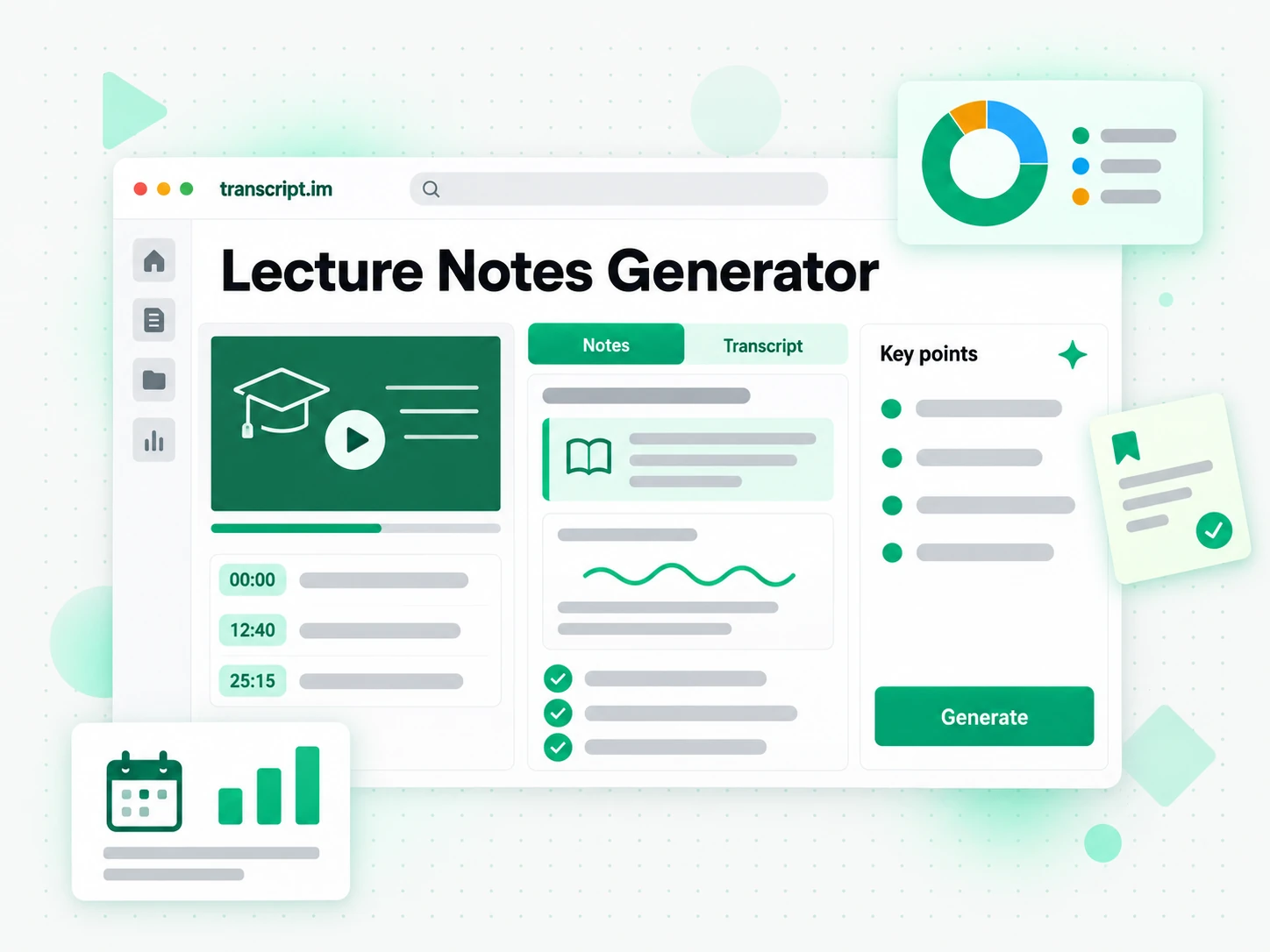
A lecture notes generator turns any recorded lecture into structured study notes — an overview, the key definitions, worked examples, and takeaways — instead of a flat wall of text. It is different from a raw transcript or a caption track: a lecture transcript is the plain record of everything the lecturer said, while lecture notes organize that record by topic so you can actually study from it. The hardest case is a lecture with no captions at all, an audio-only recording, or a speaker who moves too fast for you to write — where there is nothing to copy and the audio has to be transcribed from scratch. That is where a real lecture notes generator earns its place. Whether you search for a lecture notes generator, an ai lecture note taker, lecture notes from video, or study notes from lecture, the result should be organized notes you can review and reuse.
How the Lecture Notes Generator Works
One pasted lecture link or uploaded recording takes you from a lecture to structured study notes in three stages.
Turn a Recorded Lecture Into Study Notes
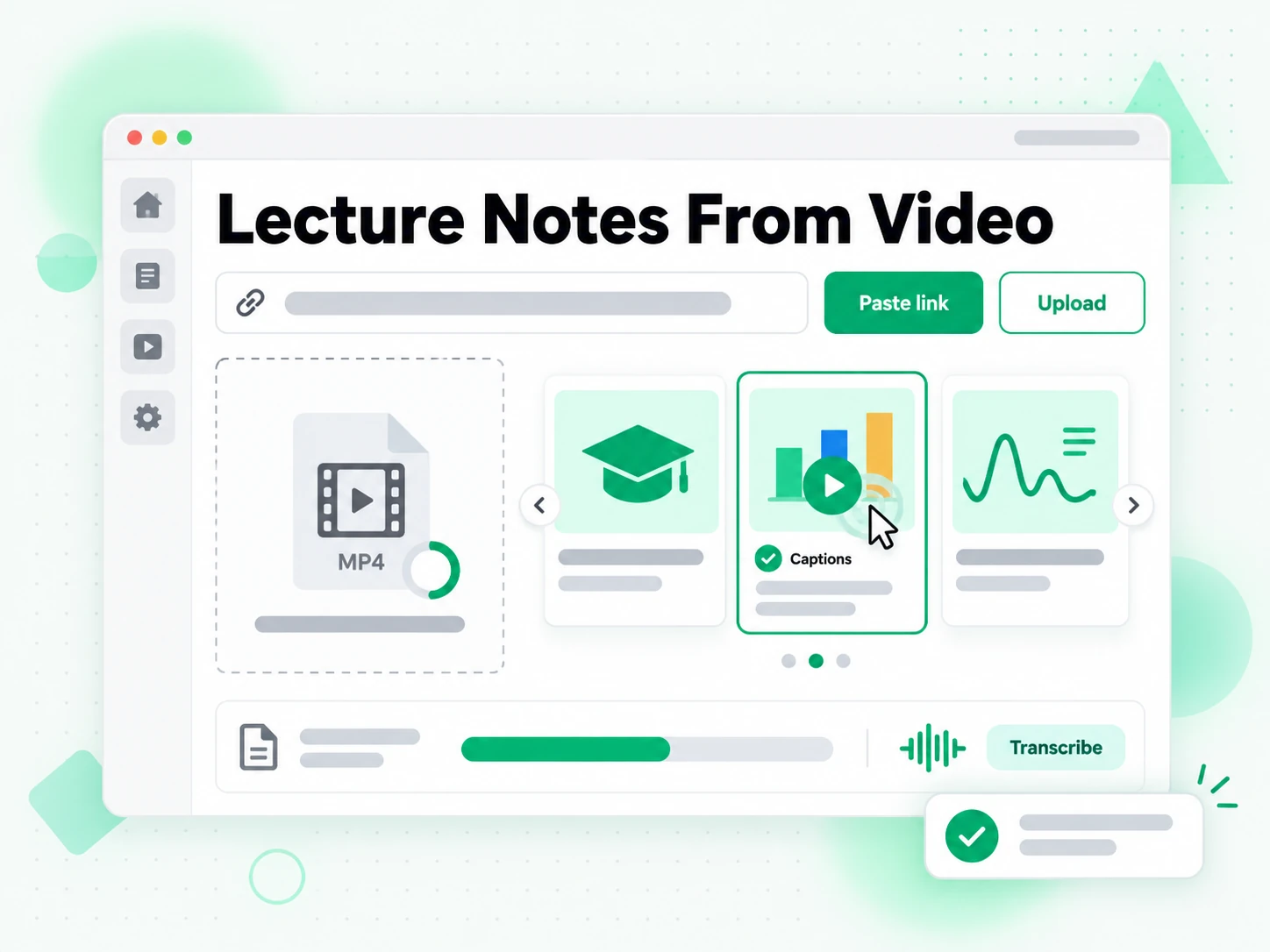
Paste a link to a recorded lecture on YouTube, TikTok, or Instagram, or upload a local video or audio file up to 5 GB. The lecture notes generator looks for the creator's existing caption track first and, when there is none, transcribes the spoken audio with AI instead, detecting the spoken language automatically. Either way you get the full lecture transcript with timestamps that stay aligned to what was actually said, so a ninety-minute class that used to take an hour of re-listening becomes searchable text. Every definition or example you later quote traces back to the moment it was spoken.
- Accepts YouTube, TikTok, and Instagram links, or a local upload
- Local video or audio files up to 5 GB
- Falls back to AI transcription when captions are missing
Structure the Transcript Into Notes, Not a Wall of Text
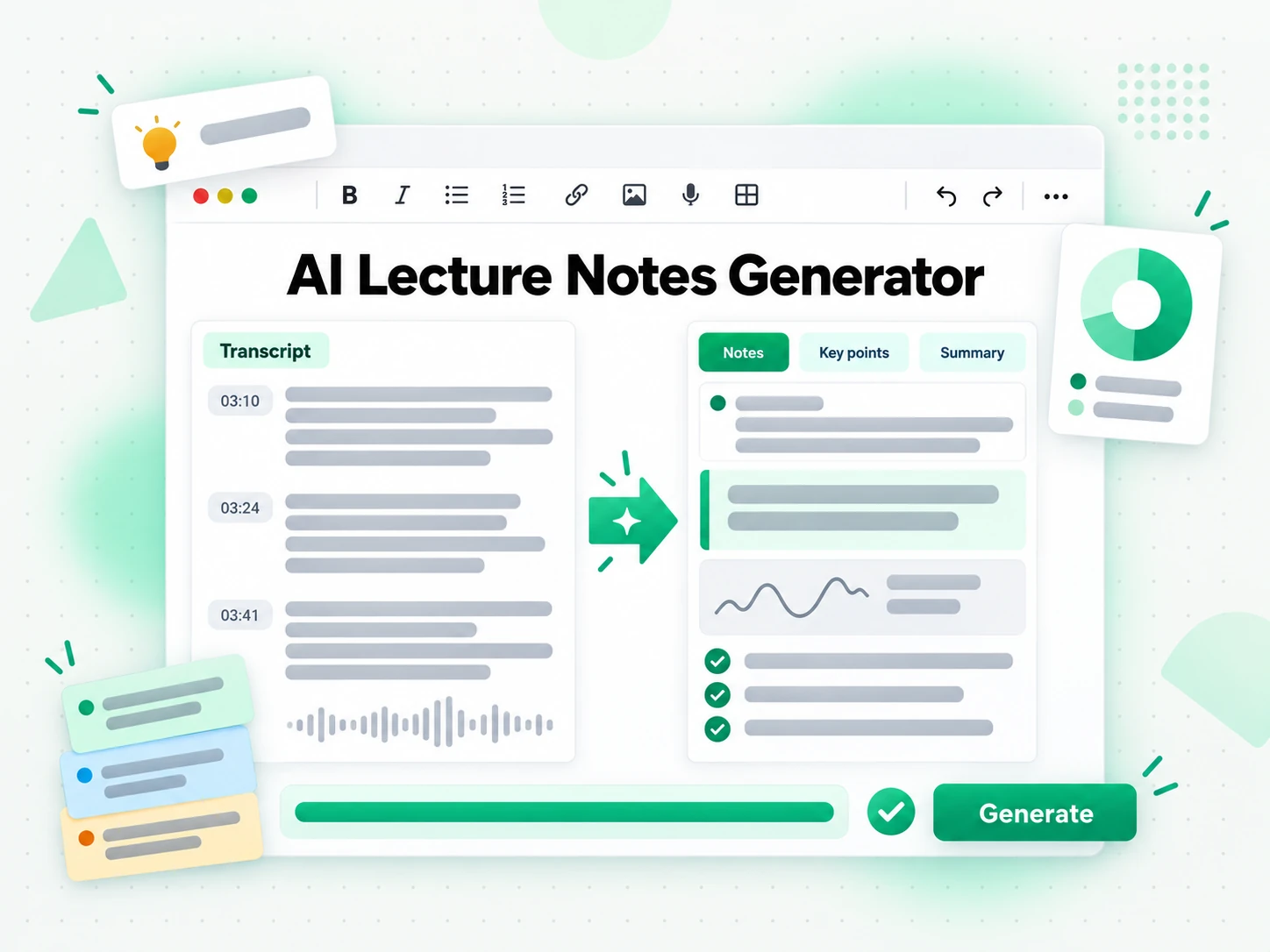
Once the transcript is ready, the generator reorganizes it into lecture notes built for studying: a short overview, the key definitions the lecturer introduced, the examples used to explain them, and the takeaways worth remembering, all arranged under headings that follow the structure of the lecture. Instead of scrolling through an unstructured dump, you get a document you can skim before an exam or annotate as you read. You can search the whole class for a term, jump to a timestamp, run a summary or a mind map, and copy the exact line you need.
- Overview, key definitions, examples, and takeaways
- Organized by topic with headings, not a transcript dump
- Search, summaries, and mind maps from the same lecture
Translate or Export the Notes
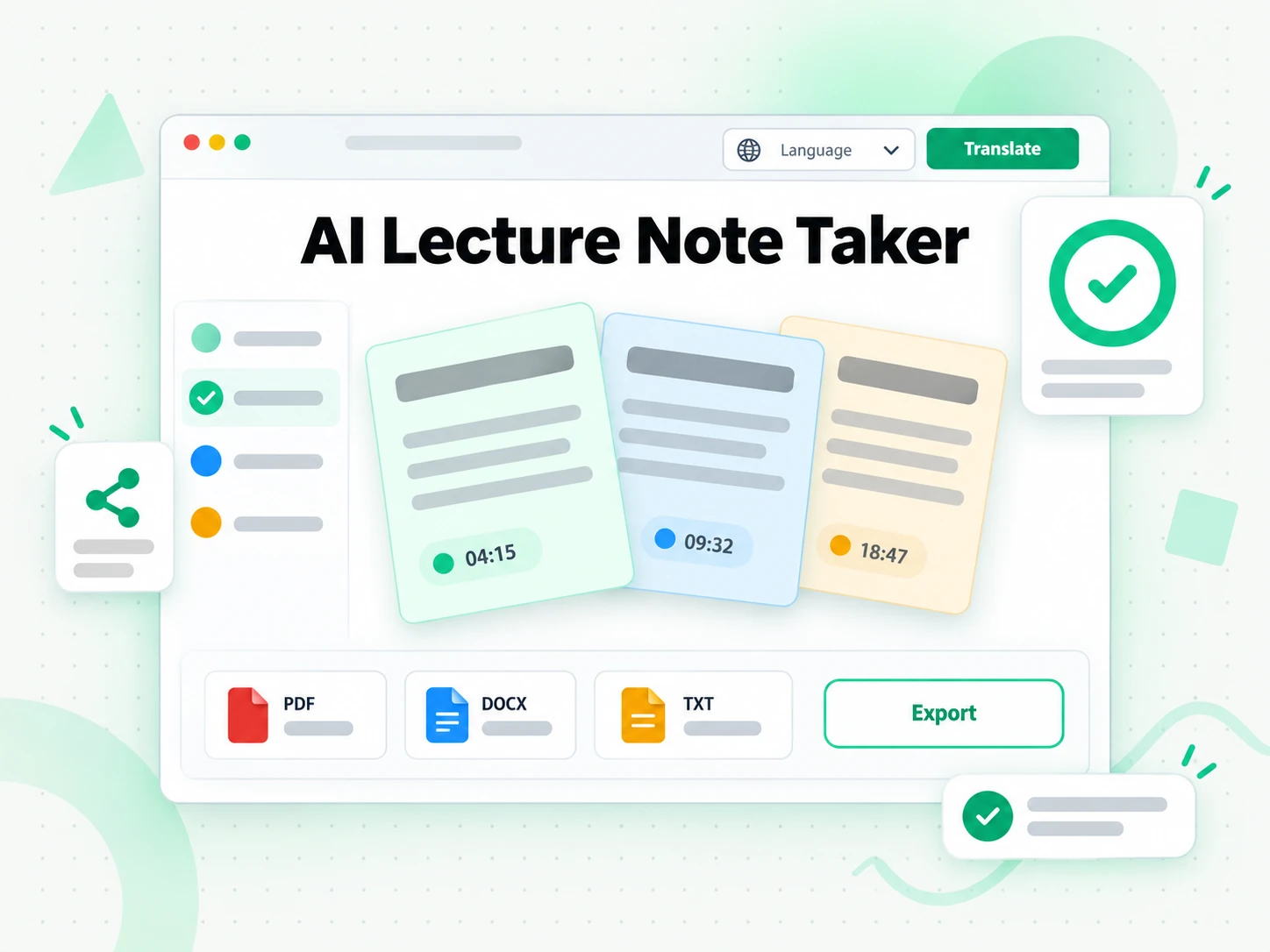
Translate the lecture notes or the underlying transcript into another supported language in one step, with the timestamps preserved, which helps when a course is taught in a language you are still learning or when you share notes with classmates who read a different one. Copy the structured notes straight into your study app, or download the transcript as TXT, SRT, or VTT for a document, a player, or a video editor. Because the output is plain text, one lecture can become a set of study notes, a summary, a mind map, or a brief you hand to ChatGPT, Claude, Gemini, Kimi, or Manus.
- One-click translation with timestamps preserved
- Copy the notes or download the transcript as TXT, SRT, or VTT
- Reuse the text in an editor, a player, or an AI tool
Why transcript.im Beats Taking Notes by Hand
✅ transcript.im
Paste any recorded lecture link or upload a file and get structured study notes — overview, definitions, examples, and takeaways — from a lecture that was captioned or not. The notes stay searchable, copyable, exportable as TXT, SRT, or VTT, and translatable, and the transcript behind them is readable in the same place.
❌ Taking notes by hand
Writing while the lecturer is still talking means missing the point you were trying to record, and the notes you keep are patchy, hard to search, and impossible to quote accurately weeks later. There is no transcript to check, no translation for a class taught in another language, and no way to recover the minutes you spent looking down instead of listening.
Who a Lecture Notes Generator Is For
A lecture notes generator helps anyone who would rather read, search, and quote a lecture than re-listen to it.
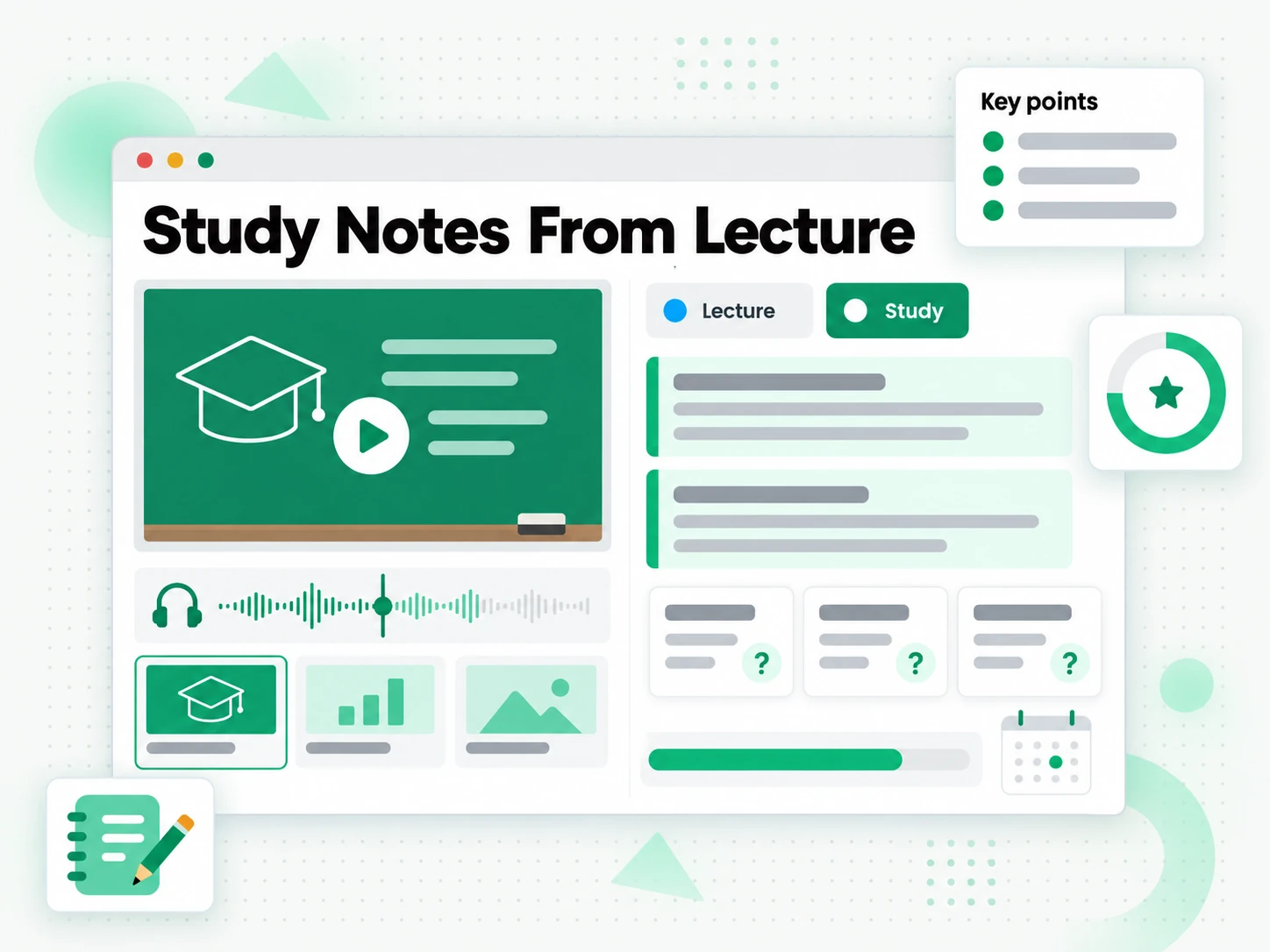
Take notes from university lectures
Sit through the class instead of racing to copy every slide, then turn the recorded lecture into organized, searchable study notes. You get the definitions, examples, and timestamps your lecturer actually gave.
- Stop copying slides by hand and listen while the class is happening.
- Get comprehensive, organized notes with the definitions and examples that were really given.
- Jump to the moment a concept was explained using the preserved timestamps before an exam.
- Avoid incomplete pages, missed formulas, and re-watching a ninety-minute session for one gap.
- Annotate, translate, or export the notes as study material you can reuse.
- Build a semester-long knowledge base you can search at any time.
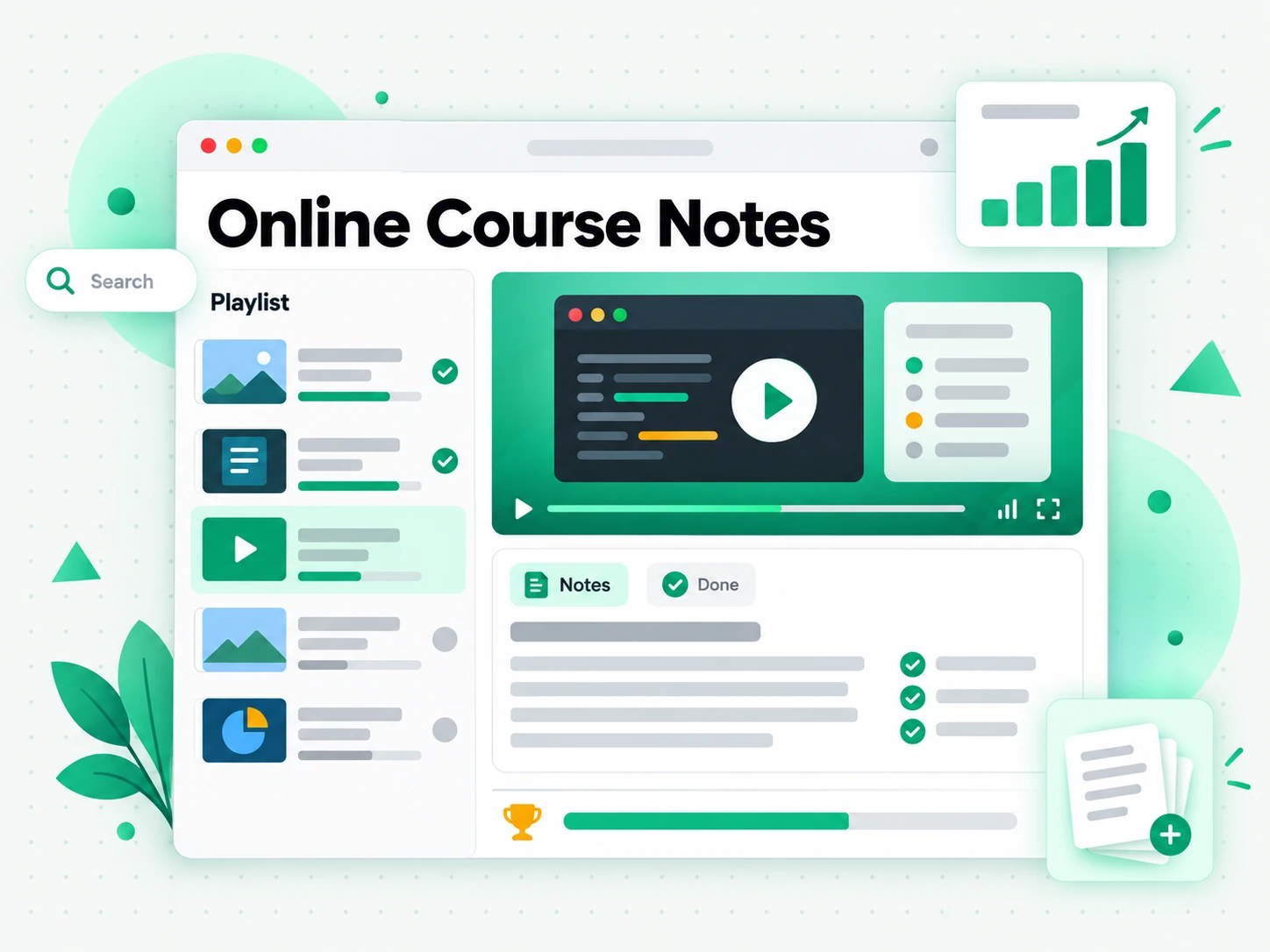
Study from online courses and tutorials
YouTube tutorials, Coursera lectures, and educational podcasts all become structured study notes automatically. Every course you take adds to one personal, searchable knowledge base.
- Search across a whole module for a term instead of scrubbing the playback bar.
- Compare how two instructors explain the same idea side by side.
- Turn a long video series into an outline you can review in minutes.
- Keep each example attached to the concept it explains for faster revision.
- Build a personal knowledge base that every new course adds to.
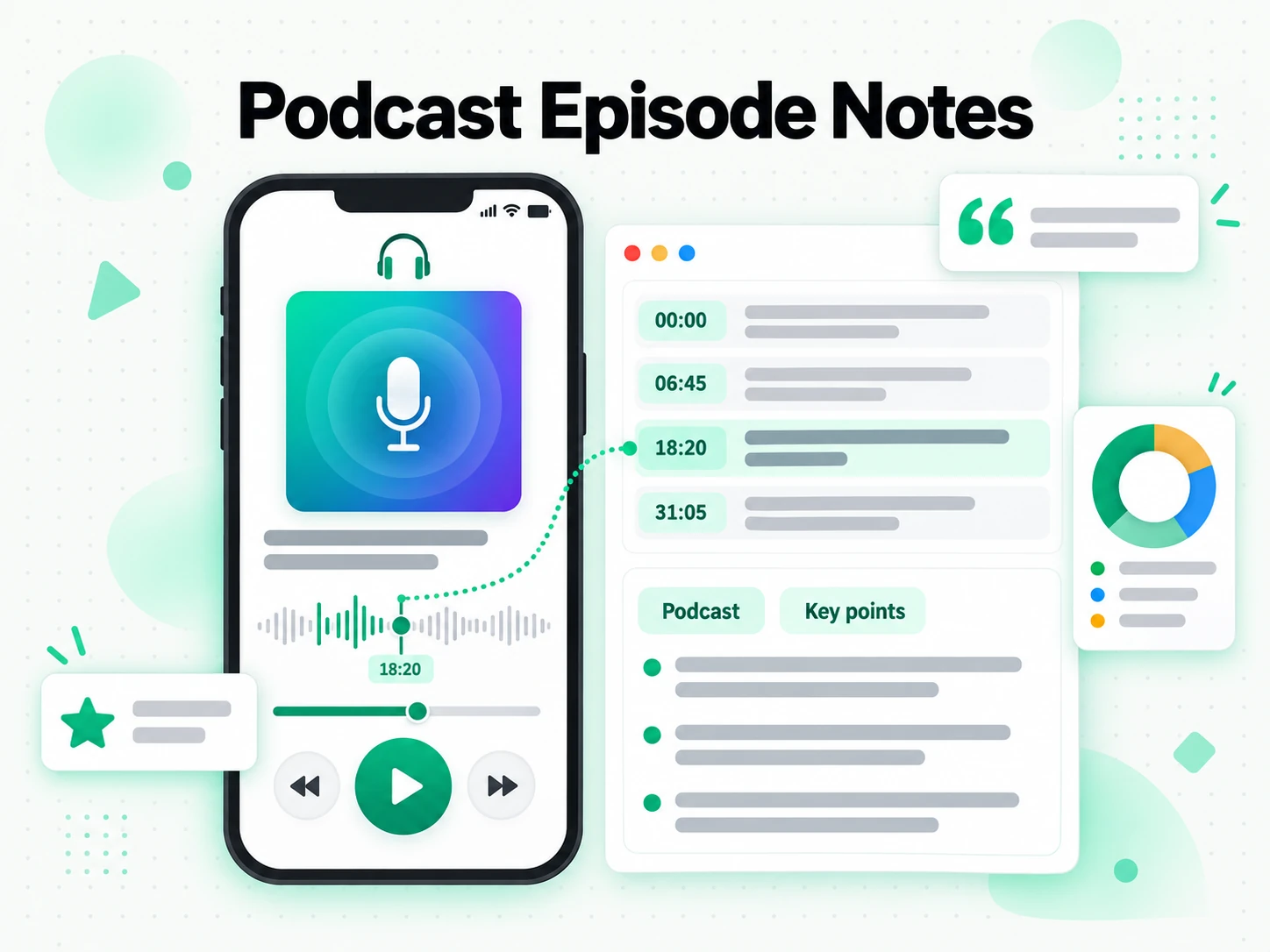
Learn by listening to podcast lectures
Educational podcasts and recorded talks are full of material that is hard to search or revisit. Turn any episode into structured, searchable notes with the key arguments and definitions pulled out.
- Quote a guest accurately instead of trusting your memory of the episode.
- Transcribe audio-only lectures with AI when there is no caption track to read.
- Pull the key arguments and definitions out of a long conversation.
- Revisit and annotate the notes without loading the player again.
- Share notes from an entire series with a timestamped transcript behind them.
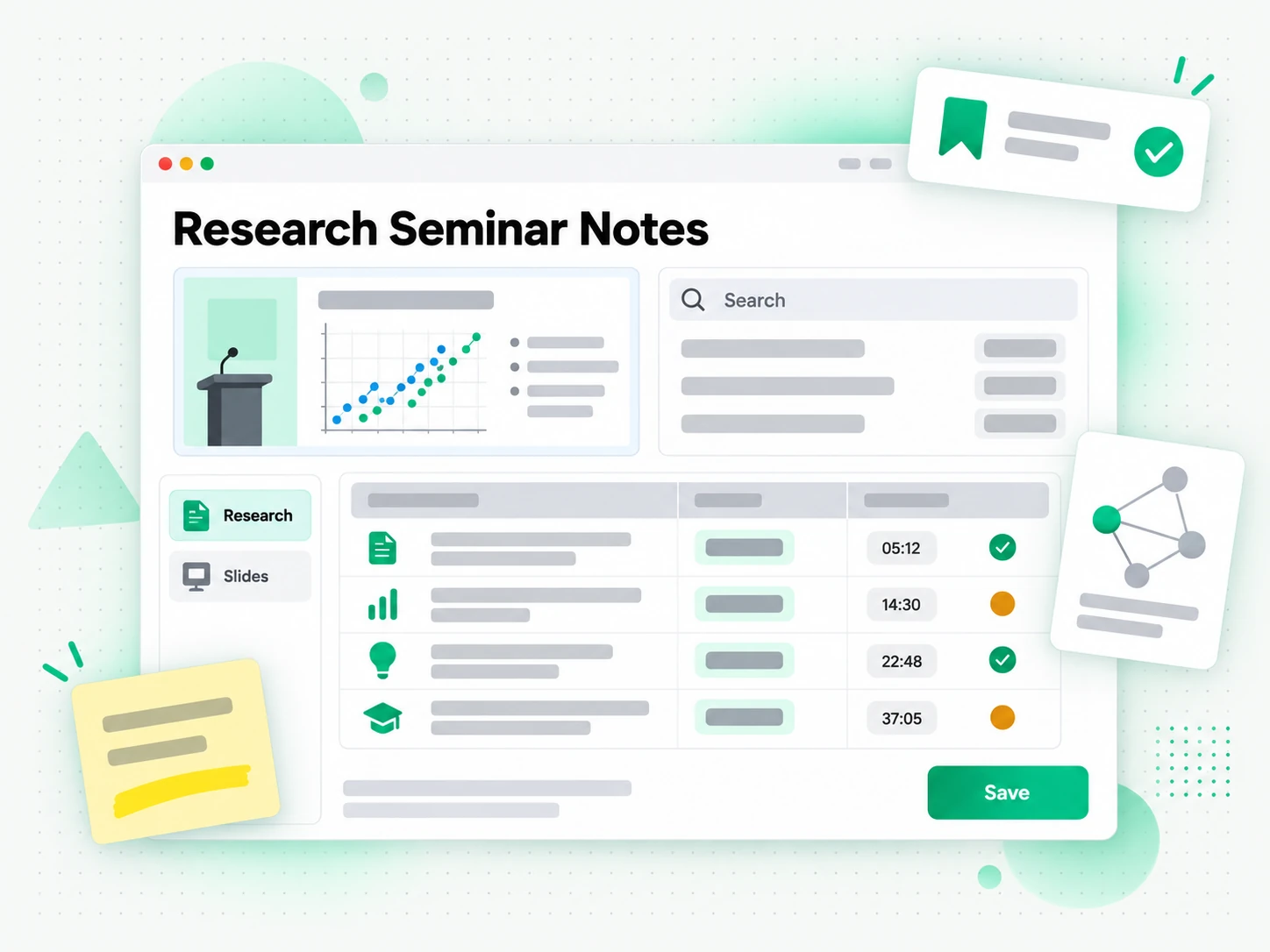
Capture insights from research seminars
Academic seminars and conference talks are dense with ideas, and handwritten notes rarely keep up with the pace. Let the generator capture every concept with its surrounding context.
- Capture every concept with its context at the pace of the speaker.
- Cite and cross-reference findings without trusting a memory of the talk.
- Search a term across several talks to see where researchers agree or diverge.
- Keep a timestamped transcript as an accurate record behind each note.
- Build a searchable archive for a literature review or a thesis.
For Students Learning in a Second Language
When a lecture is delivered in a language you are still learning, listening and note-taking compete for the same attention. A lecture notes generator gives you the full written text, so you can translate a section and revisit it after class at your own pace.
- Follow the meaning instead of the speed — read the lecture afterwards and translate the parts you missed.
- Build a bilingual glossary from the terms the lecturer used and the words you did not recognise.
- Check a definition against the exact wording rather than a translated slide or a classmate's summary.
- Prepare for the next session by reading the notes and noting the phrases still unfamiliar.
- Return to the moment a term was explained through the timestamp kept in the transcript.
How to Generate Lecture Notes From a Lecture Video
- 1
Paste the Lecture Link
Copy any public link to a recorded lecture — a YouTube video, a TikTok, or an Instagram post — or upload a local video or audio file up to 5 GB, and drop it into the box at the top of the page. There is nothing to install: the link or the file is all the input the generator needs, on a phone, a laptop, or a shared computer.
- 2
Generate the Transcript and Notes
Start the generator and it reads the existing captions first, then transcribes the spoken audio with AI when there are none. It returns the full lecture transcript with timestamps, then structures it into lecture notes with an overview, key definitions, examples, and takeaways, so even an uncaptioned recording comes back as organized text.
- 3
Read, Search, and Check the Notes
Search the transcript for a term, jump to a timestamp, and confirm the exact wording behind a definition or a claim. Instead of replaying the recording, you read the lecture notes as text, copy a single line or a whole passage, and keep the timestamp so you or a classmate can verify the source.
- 4
Export, Translate, or Reuse
Copy the notes into your study app, or download the transcript as TXT, SRT, or VTT. Translate either into another supported language with the timestamps preserved, or hand the text to ChatGPT, Claude, Gemini, Kimi, or Manus as a brief for summaries, flashcards, or a first draft of your own.
Use Your Lecture Notes in the Apps You Already Have
Google NotebookLM
Paste the transcript into a notebook as a text source to summarise the lecture and ask questions about it. NotebookLM works from text, so clean lecture notes from video are exactly what it needs.
ChatGPT, Claude, Gemini, Kimi, and Manus
Paste the notes or the transcript into the assistant you already use — ChatGPT, Claude, Gemini, Kimi, or Manus — and treat it as a brief: draft a summary, rewrite a concept in simpler words, or generate practice questions.
Video Editors and Subtitle Tools
Export SRT or VTT and drop it straight into your editor to caption a recorded lecture, or start a translation from the same timestamped file for students who missed the class.
Builders Using the API and MCP
transcript.im also exposes an API and an MCP server, so a script or an agent can generate lecture notes from a recording and pass them into the rest of your pipeline.
transcript.im vs Other Lecture Notes Tools
Different tools answer different questions. Use this table to pick the one that matches what you actually need from a recorded lecture.
| Tool | What it does | Use it when |
|---|---|---|
| transcript.im | Structured study notes from any lecture recording — overview, definitions, examples, and takeaways — captioned or not, with search, export, translation, and AI views. | When you need lecture notes you can study from, not just rewatch. |
| Built-in captions and auto-transcripts | Show a caption track or rough transcript only when the platform or creator already added one, with no clean export. | When a captioned lecture only needs a quick read. |
| Google NotebookLM | Summarises a source and answers questions about it inside a notebook. | When the goal is Q&A over the lecture, not the notes themselves. |
| Manual note-taking during class | One person writes throughout the lecture and fills the gaps from memory afterwards. | For a short talk where a rough recap is enough. |
| Transcript downloader sites | Return the caption track for captioned videos, usually without an AI fallback or translation. | When a captioned lecture is all you need. |
Related tools
Lecture Notes Generator FAQs
What is a lecture notes generator?
A lecture notes generator transcribes a recorded lecture and reorganizes the transcript into structured study notes — an overview, key definitions, examples, and takeaways — instead of the flat wall of text a raw transcript gives you. It works from a recorded lecture, so you can stay focused in class and build the notes afterwards.
How do I get lecture notes from video?
Paste a lecture link on YouTube, TikTok, or Instagram, or upload the recording. The generator reads the existing captions or transcribes the audio with AI, then produces lecture notes from video with headings and key definitions.
Can the lecture notes generator work on a lecture with no captions?
Yes. When a lecture has no caption track, the generator transcribes the spoken audio with AI instead, so an uncaptioned recording still comes back as a full, timestamped transcript and a set of structured notes. You do not need the creator to have added captions before you start.
Which platforms and files can I use with the lecture notes generator?
YouTube, TikTok, and Instagram links, plus local video or audio files up to 5 GB. A private link that sits behind a login wall may not be reachable, and uploading works the same way whichever platform the lecture came from, so a lecture recorded on a phone is as easy to use as a posted video.
Can I upload a lecture recording instead of pasting a link?
Yes. Drag in a local video or audio file up to 5 GB and the generator transcribes it the same way, which is useful for a lecture captured on a phone, a screen recording, or a session that was never posted online. The notes come back exactly as they would from a link.
Does the lecture notes generator work with live lectures?
It works on the recording after the lecture ends. A live stream becomes usable once a finished recording exists, because there has to be an audio track to transcribe before notes can be built from it, so an in-progress class is not available in real time.
What format do the generated lecture notes come out in?
The default output is an overview, key definitions, examples, and takeaways arranged under headings. You can also switch to a summary or a mind map, and export the underlying transcript as TXT for a document, SRT for an editor, or VTT for a web player.
Can I translate lecture notes into another language?
Yes. Translate the notes or the underlying transcript into another supported language with the timestamps preserved, so a lecture taught in one language becomes study notes you can read in another. The translated notes line up with the same moments in the recording.
Can I use lecture notes with Google NotebookLM or ChatGPT?
Yes. Copy the notes or export the transcript and add it to Google NotebookLM as a source, or paste it into ChatGPT, Claude, Gemini, Kimi, or Manus for summaries, flashcards, and practice questions.
How accurate are lecture notes from video for technical courses?
Accuracy depends on the audio. Clear speech transcribes reliably, while strong accents, crosstalk, or a noisy hall can introduce errors in names and formulas, so a quick review is worth it for highly technical material. A better recording always produces better lecture notes.
Can I search the notes or the transcript behind them?
Yes. Search the transcript for a term, jump to any moment by timestamp, and copy a single line or a whole passage, so a definition or a claim can always be checked against what the lecturer actually said. The notes and the transcript stay together in one place.
How is transcript.im different from taking notes by hand?
Handwritten notes stop the moment you look down, while transcript.im works from the recording afterwards and returns structured notes with searchable text behind them. You can quote accurately, translate the result, and export it instead of trusting a partial page written under time pressure.
Try the Lecture Notes Generator
Paste a lecture link — get structured notes with headings, definitions, and takeaways from the full transcript.