
TRANSCRIPT
Instagram Viewer
An anonymous Instagram profile viewer for public accounts: browse posts and Reels, save photos and videos, and transcribe any Reel.
What Is an Instagram Viewer?
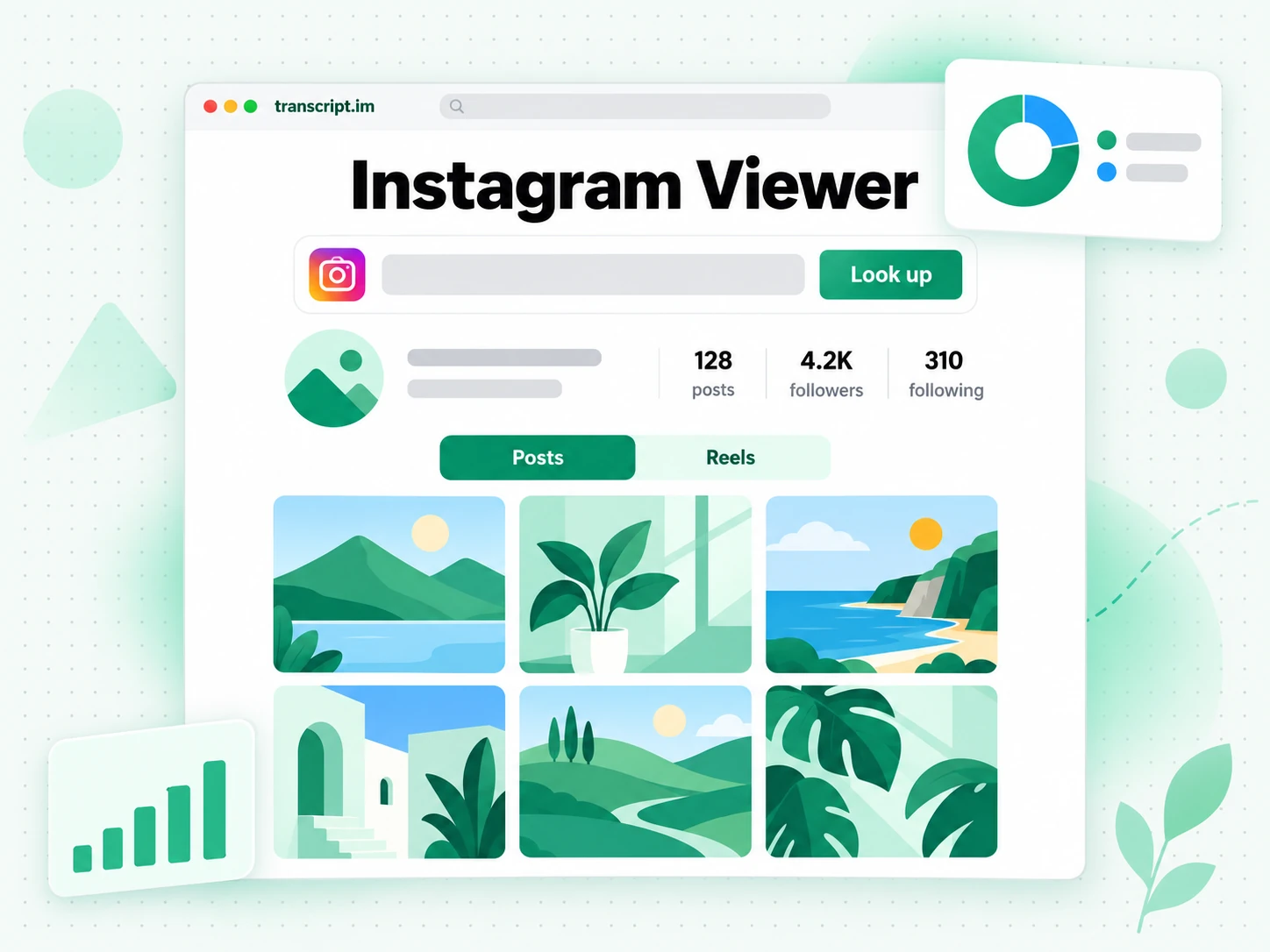
An Instagram viewer is a web tool that opens a public Instagram profile in your browser without an Instagram account. You see the profile picture, the bio, and the counts for posts, followers, and following, then scroll the posts and Reels grid. It is different from the Instagram app or website: you never log in, nothing is tied to an Instagram account of yours, and the page does not keep stopping you with a login prompt. That makes an Instagram profile viewer useful for a quick check on a brand, a creator, or a public figure, or when you do not use Instagram at all. Images you open here save as JPEG, videos as MP4, and any video can become text. Whether you search for an Instagram viewer, an insta viewer, an ig viewer, or an anonymous Instagram viewer, the job is the same: browse a public account on your own terms.
How the Instagram Viewer Works
One username takes you from a public Instagram profile to the posts, Reels, and files you want in three steps.
Look Up a Public Instagram Profile
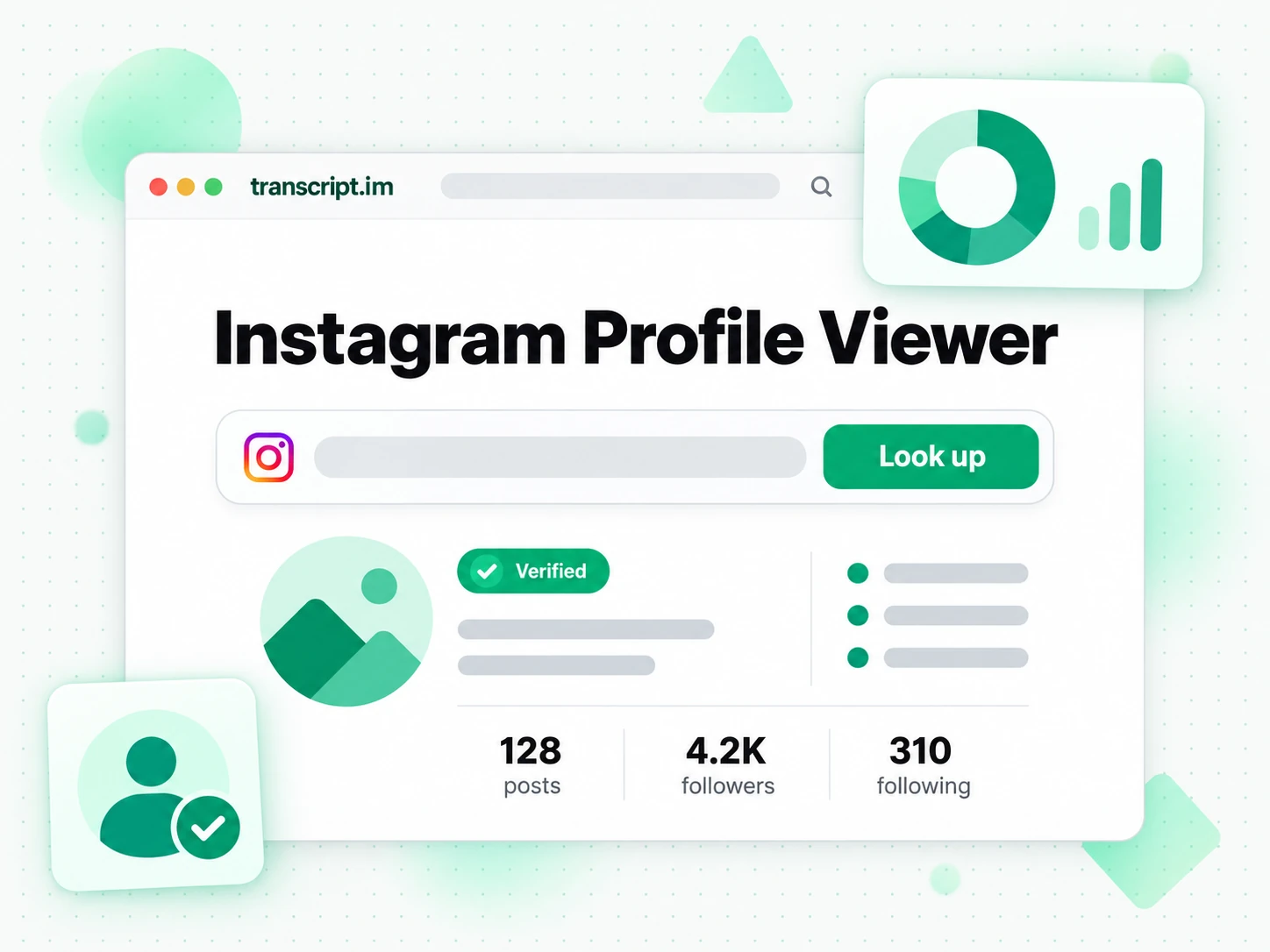
Type a username, an @username, or a full profile link into the Instagram viewer. It finds the public account and opens the profile header the way Instagram shows it: the profile picture, the display name and username, a verified badge where there is one, the bio, and the counts for posts, followers, and following. You never log in to Instagram and you do not need an Instagram account of your own, so the lookup is not connected to anything you use. That is the core of an Instagram profile viewer: the same public information, without the app, the login prompt, or a feed pulling you somewhere else. When a username does not exist or Instagram is not showing that account, the viewer tells you right away instead of leaving you on an empty page.
- Accepts a username, an @username, or a profile URL
- Shows the bio and the post, follower, and following counts
- Says so when an account does not exist or is not shown
Browse Posts, Reels, and Highlights
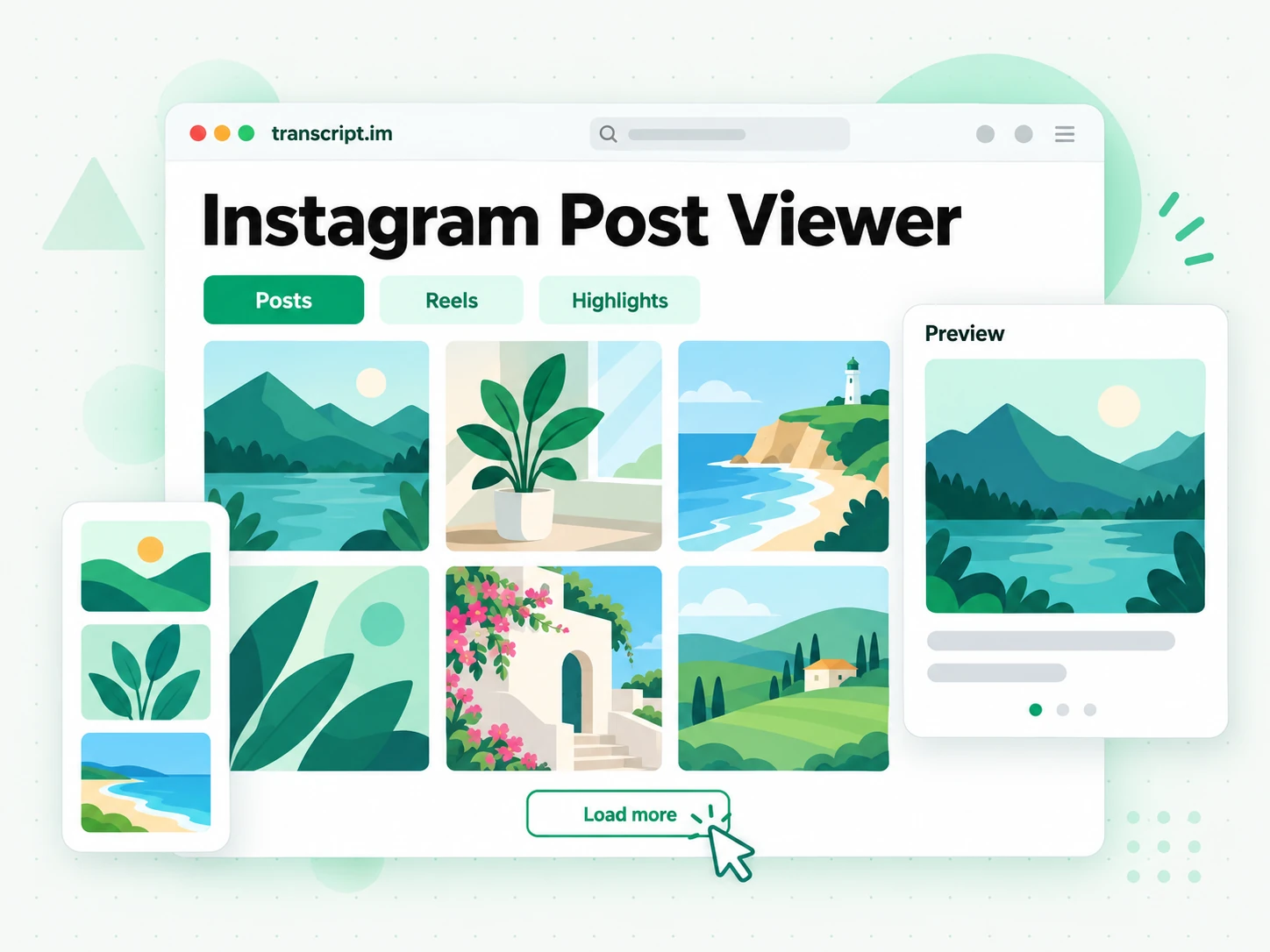
Below the profile sit separate tabs for posts and Reels. Each tab opens as a grid of thumbnails, and Load more brings in the next page, so you can read a long account back as far as Instagram returns it. Click any tile to preview it: an image opens large with its caption, and a video plays right in the page. That makes this Instagram post viewer and Instagram Reels viewer one place to read captions and watch clips without opening the app. Public Highlights have their own tab for accounts where Instagram returns them, and each Highlight opens as a grid you browse the same way. Instagram does not return Highlights for every account, and the viewer says so instead of showing an empty tray.
- Separate Posts and Reels grids with Load more
- Preview images with captions and play videos in the page
- Public Highlights for accounts where Instagram returns them
Download or Transcribe What You Find
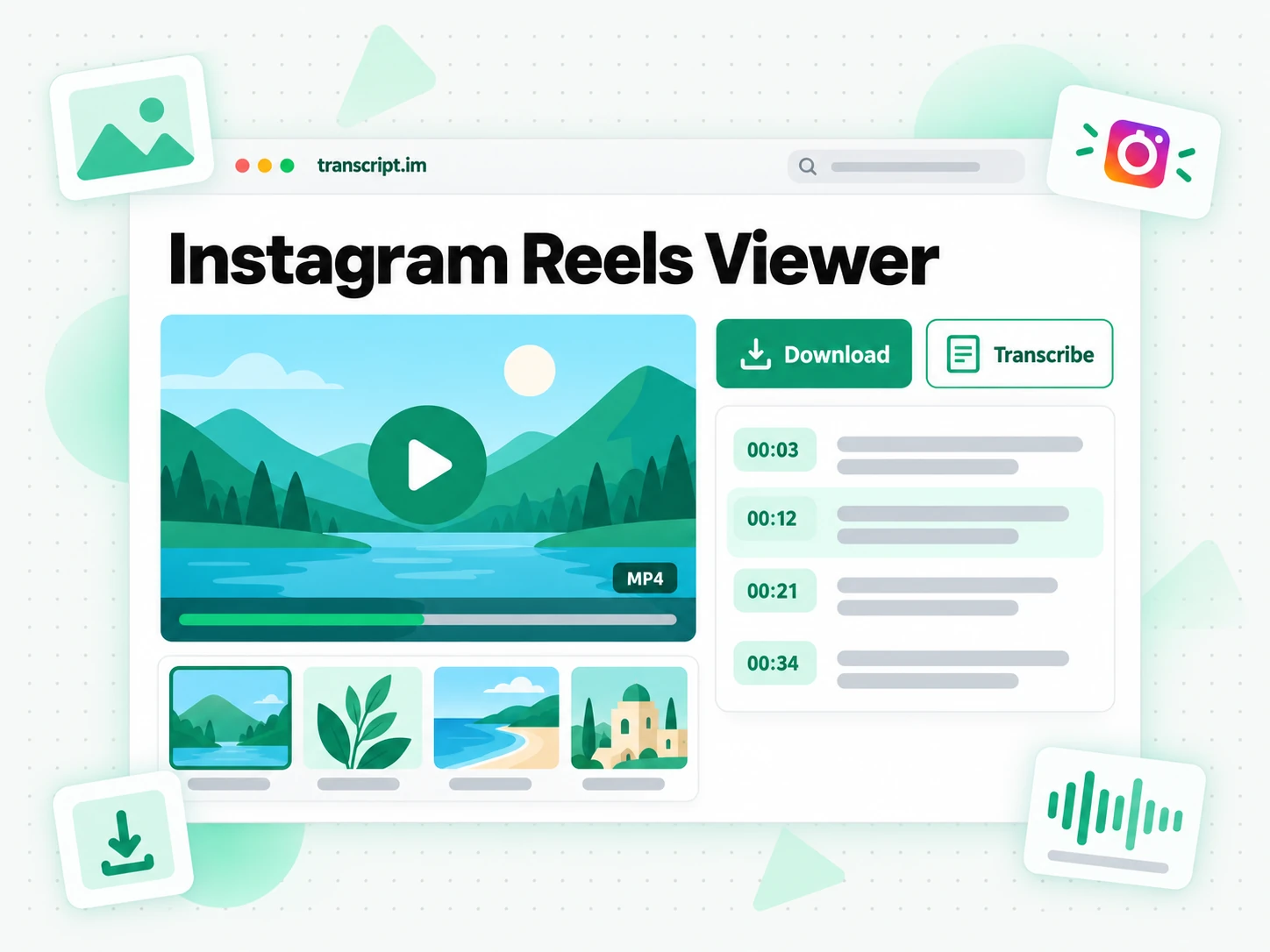
Every preview has a download button: images save as JPEG and videos save as MP4, so a post you want to keep no longer depends on the account leaving it online. Videos also get a Transcribe button that turns the spoken words into a timestamped transcript you can search, copy, translate, or export as TXT, SRT, or VTT, with the same engine behind the Instagram transcript generator. That turns the Instagram viewer into the first step of a research or content job rather than a dead end: find the Reel, keep the file, then read what was said. When you already have a single Reel link and only want the video file, the Instagram Reels downloader skips the profile step.
- Download images as JPEG and videos as MP4
- Transcribe any video into a timestamped transcript
- Export the transcript as TXT, SRT, or VTT
Why transcript.im Beats Instagram's Own Website
✅ transcript.im
Enter a username and the whole public profile opens: bio, counts, posts, Reels, and public Highlights where Instagram returns them. Nothing runs through an Instagram account, the grid keeps loading, any image or video saves as a file, and any video can be transcribed into searchable text.
❌ Instagram's own website and app
The website shows logged-out visitors a login prompt before they have seen much, and the app needs an Instagram account before it shows anything. Neither gives you a download button for images or videos, and neither turns a Reel's spoken words into text you can search, copy, or quote.
Who an Instagram Viewer Is For
An Instagram viewer helps anyone who needs to see a public account without opening, or logging in to, Instagram.
For Shoppers Checking a Brand
Before you buy from a shop you found through an ad, its public profile tells you a lot. Open it in the Instagram viewer and read the real posting history, not just the one post that reached you.
- Check how long the account has been posting by scrolling the grid back with Load more.
- Read the product captions the brand published itself, not a reposted screenshot.
- Compare follower and post counts across shops that sell the same item.
- Save a product image as JPEG to compare options side by side.
- Watch the demo Reels to see the product in use before you order.
For Social Media Managers and Marketers
Competitor and creator research is cleaner when you are not browsing as your brand. An Instagram profile viewer keeps that research apart from the account you manage, with no follow, like, or search left behind on it.
- Audit a competitor's grid: posting rhythm, formats, and the Reels they lead with.
- Vet a creator before outreach by reading the bio, the counts, and the latest posts.
- Transcribe a Reel that performed to study its hook and script line by line.
- Save reference images for a mood board or a client brief.
- Keep your work account out of it so your searches stay out of its history.
For Researchers and Journalists
Public accounts are part of the record: statements, announcements, and video clips posted by people and organisations. The Instagram viewer lets you read and keep them without an Instagram account of your own.
- Read an official account's posts in order when one statement needs its context.
- Save the image or video as a file before it is edited or removed.
- Transcribe a video statement and quote it with the timestamp.
- Note the bio and the counts as they appeared on the day you checked.
- Search the transcript for a name or a claim instead of rewatching the clip.
For Creators Studying Formats
The quickest way to learn a format is to study the accounts that already do it well. Use the Instagram Reels viewer to see a creator's Reels in one grid, then pull the words out of the ones that work.
- Scan the Reels grid to see which hooks, covers, and lengths an account repeats.
- Transcribe a Reel to read its script and pacing as plain text.
- Save an MP4 for reference while you plan your own shot list.
- Compare captions across several posts to learn how the account writes.
- Turn your notes into a brief by pasting a transcript into ChatGPT or Claude.
For People Without an Instagram Account
Plenty of people never joined Instagram but still get sent links to profiles, menus, events, and announcements. An Instagram viewer opens them in any browser, with no app to install and nothing to create.
- Open a restaurant or venue profile to check the menu and event posts.
- Read a local announcement from a school, club, or council account.
- See a friend's public posts when they send you their profile link.
- Watch a Reel someone shared without installing the app.
- Use any browser on a phone, a tablet, or a computer.
How to View an Instagram Profile Anonymously
- 1
Enter a Username or Profile Link
Type the account's username, with or without the @, or paste the full instagram.com profile link into the box at the top of the page. The Instagram viewer accepts all three forms, so you can use whatever you were sent. There is nothing to install, and no Instagram account of yours is involved at any point.
- 2
Open the Public Profile
Press Look up and the profile header loads: profile picture, name, bio, and the counts for posts, followers, and following. If the username is misspelled or Instagram is not showing that account, the Instagram profile viewer says so right away, so you can check the name and try again.
- 3
Browse Posts, Reels, and Highlights
Switch between the Posts and Reels tabs, use Load more to go further back, and open public Highlights where Instagram returns them. Click any tile to preview an image with its caption or play a video in the page, so the Instagram post viewer works like the grid you already know.
- 4
Download or Transcribe
From any preview, download the image as JPEG or the video as MP4. For a video, choose Transcribe to turn its spoken words into a timestamped transcript you can search, copy, translate, or export. Close the preview and keep browsing the same account, or look up the next one.
Use What You Find in the Apps You Already Have
Google NotebookLM
Transcribe a Reel you found in the Instagram viewer, then add the transcript to a notebook as a source. NotebookLM answers questions from the spoken words, which it cannot do from a video link alone.
ChatGPT, Claude, Gemini, Kimi, and Manus
Paste a Reel transcript or a set of captions into ChatGPT, Claude, Gemini, Kimi, or Manus to summarise an account's messaging, compare two competitors, or draft a reply in the same tone.
Video Editors and Design Tools
Drop a saved MP4 into your editor as a reference clip, or place saved JPEG images on a mood board in Figma or Canva while you plan your own content.
Builders Using the API and MCP
The transcription behind the Transcribe button is also available through the transcript.im API and MCP server, so a script or an agent can turn an Instagram video link into text for the rest of your pipeline.
transcript.im vs Other Instagram Viewer Tools
Different tools answer different questions. Use this table to pick the Instagram viewer that matches what you actually need from a public profile.
| Tool | What it does | Use it when |
|---|---|---|
| transcript.im | Opens a public profile with bio, counts, posts, Reels, and public Highlights, saves images and videos, and transcribes any video. | When you want to browse, keep files, and read what was said in one place. |
| Instagram's app and website | The full social network, with a login prompt for visitors and no download or transcript option. | When you have an account and want to follow, like, or message. |
| Anonymous viewer websites | Show public profiles and posts in a browser, usually without a way to turn a video into text. | When a quick look at one profile is all you need. |
| Profile viewer apps | Phone apps you install from an app store, each asking for its own permissions. | When you prefer an app and accept its permissions. |
| Screenshots and screen recording | Capturing what is on your screen while you scroll the app by hand. | For a single post you already have open. |
Instagram Viewer Related Tools
Instagram Viewer FAQs
What is an Instagram viewer?
An Instagram viewer is a web tool that opens a public Instagram profile without an Instagram account. You see the bio, the post, follower, and following counts, and the posts and Reels grid, and this one also saves files and transcribes videos.
How do I view an Instagram profile without an Instagram account?
Enter the username, @username, or profile link in the Instagram viewer at the top of this page and press Look up. The public profile opens in your browser with its posts and Reels, and you never log in to Instagram.
Is this Instagram viewer anonymous?
Yes. The Instagram viewer never uses an Instagram account of yours, so nothing you open is tied to your profile. Instagram also does not give account owners a list of who visited their profile.
What can I see with the Instagram profile viewer?
The Instagram profile viewer shows the profile picture, display name, username, verified badge, bio, and the counts for posts, followers, and following. Below that are the posts and Reels grids and, for accounts where Instagram returns them, public Highlights.
Can I use it as an Instagram post viewer?
Yes. Open the Posts tab and click any tile: an image opens with its caption, and a video plays in the page. Load more brings in older posts, so the Instagram post viewer can go back through an account's grid.
How can I watch Instagram Reels without Instagram?
Look up the account and open the Reels tab. The Instagram Reels viewer shows the account's Reels as a grid, and each one plays in the page when you click it, with no app and no Instagram account.
Can I download photos and videos from the Instagram viewer?
Yes. Every preview has a download button: images save as JPEG and videos save as MP4. When you already have one Reel link, the Reels downloader does the same job without the profile step.
Can I get a transcript of a Reel I find in the Instagram viewer?
Yes. Open the video and choose Transcribe. The spoken words come back as a timestamped transcript you can search, copy, translate into another supported language, or export as TXT, SRT, or VTT.
Does the Instagram viewer show Highlights?
It shows public Highlights for accounts where Instagram returns them, and each Highlight opens as a grid you can preview and download. Instagram does not return Highlights for every account, and the viewer tells you when a profile has none to show.
Why does the Instagram viewer say an account is not available?
That message appears when the username does not exist, when Instagram is not showing the account, or when Instagram did not respond. Check the spelling first, then try again in a moment.
Is an Instagram web viewer the same as the Instagram website?
No. The Instagram website is the social network itself and keeps asking visitors to log in. An Instagram web viewer like this one shows the same public profile in a simple page and adds downloads and transcripts the website does not offer.
Does the Instagram viewer work on a phone?
Yes. It is a web page, so it works in the browser on a phone, a tablet, or a computer. Paste a profile link from a message or type the username, and the grid fits the screen.
How is this different from other anonymous Instagram viewer sites?
This anonymous Instagram viewer adds a step viewer sites rarely offer: any video can become a timestamped transcript you can search, copy, and quote. It sits next to JPEG and MP4 downloads, so you can browse, keep, and quote in one place.
Open the Instagram Viewer
Enter any public username or profile link to browse posts and Reels, save files, and transcribe videos.