
TRANSCRIPT
YouTube Channel Transcript
What Is a YouTube Channel Transcript?
A YouTube channel transcript is the combined text of many videos from one channel, rather than a single video. It is different from a one-video transcript in scope: instead of one file, you get the text of every public video you asked for, each with its own timestamps and title. YouTube itself has no batch export, and the transcript panel covers one video at a time, so collecting a channel by hand means repeating the same steps dozens of times — and any uncaptioned video in the mix stops the process entirely. A real YouTube channel transcript tool queues the channel, reads each video's captions, and applies AI transcription where none exist. Whether you search for a youtube channel transcript, bulk channel transcripts, or a youtube channel transcript downloader, the result should be all the text from one run.
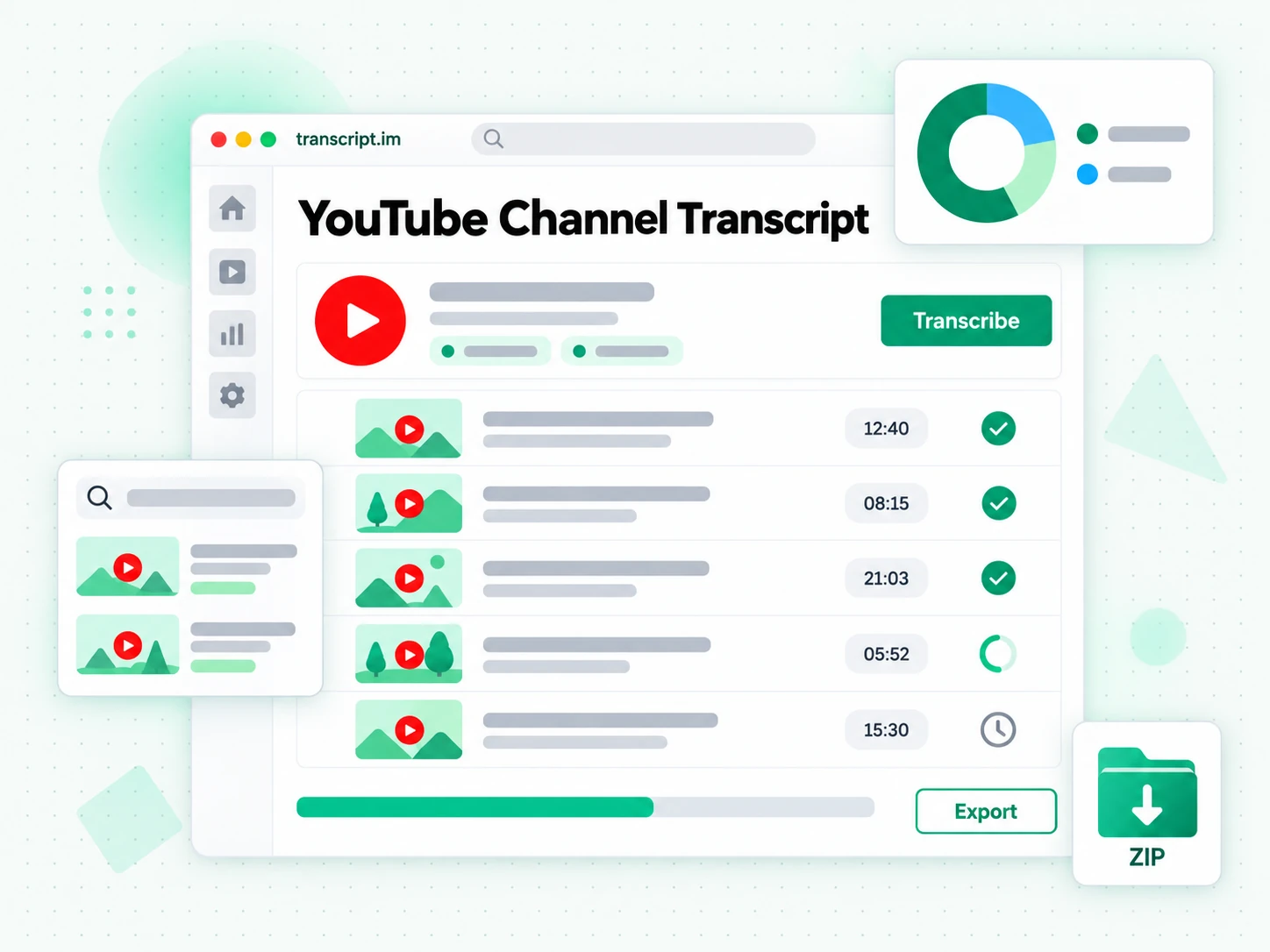
How the YouTube Channel Transcript Works
One pasted channel link queues every public video and returns the transcripts together.
Turn a Channel Link Into Transcripts
Paste a YouTube channel link and the tool queues its public videos. Each video is processed the same way a single transcript would be: the creator's caption track is read first, and AI transcription covers any video that was never captioned. The work runs in parallel rather than one video at a time, so a channel that would take hours to collect by hand comes back as a set. Nothing on the channel needs to be downloaded first, and the queue keeps its place so you can see what has finished and what is still running. Nothing is downloaded to your device to make this work, and the queue keeps its place while it runs.
- One pasted channel link queues every public video
- Parallel processing instead of one video at a time
- AI transcription covers videos without captions
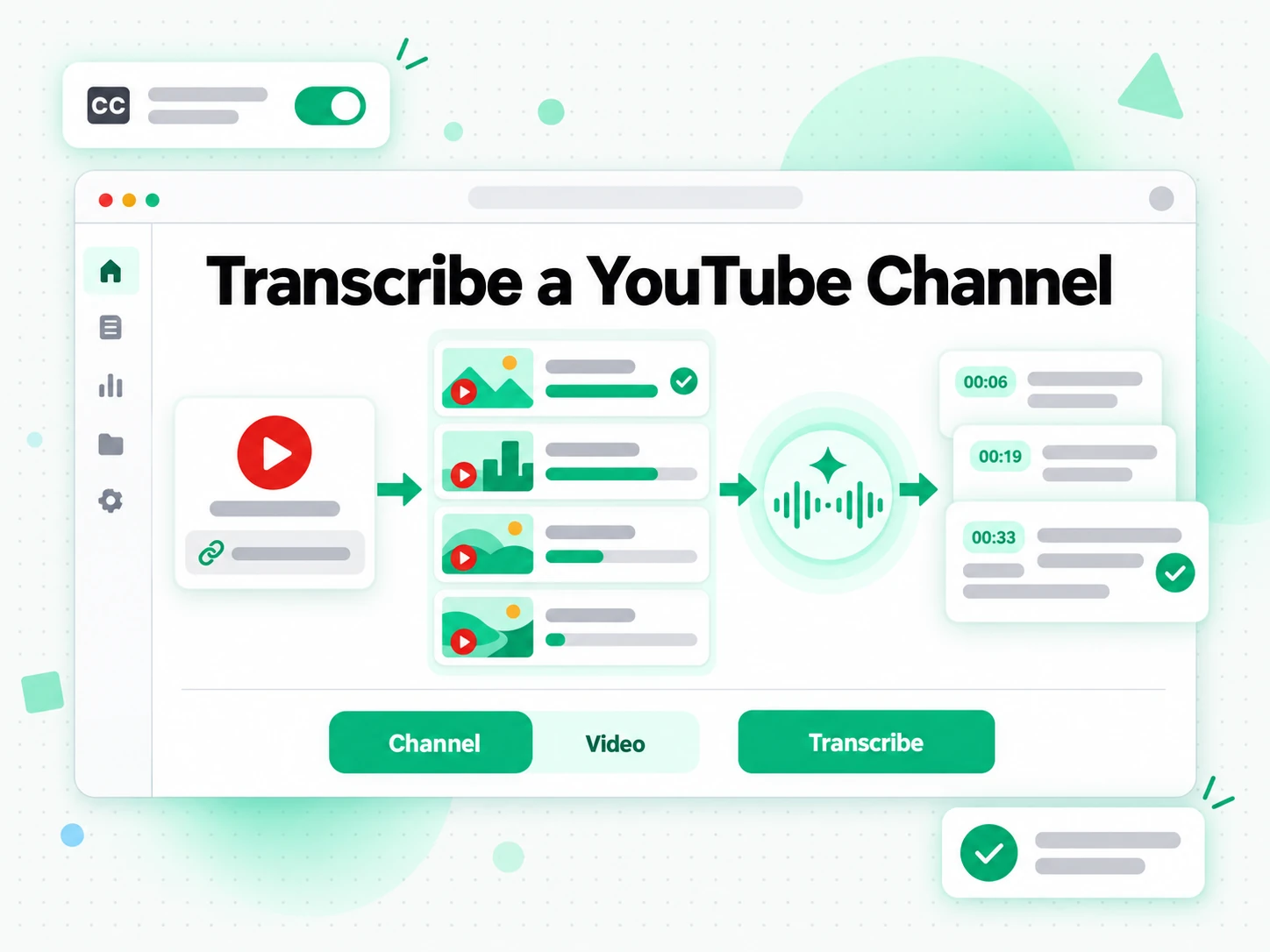
Read and Search Across the Channel
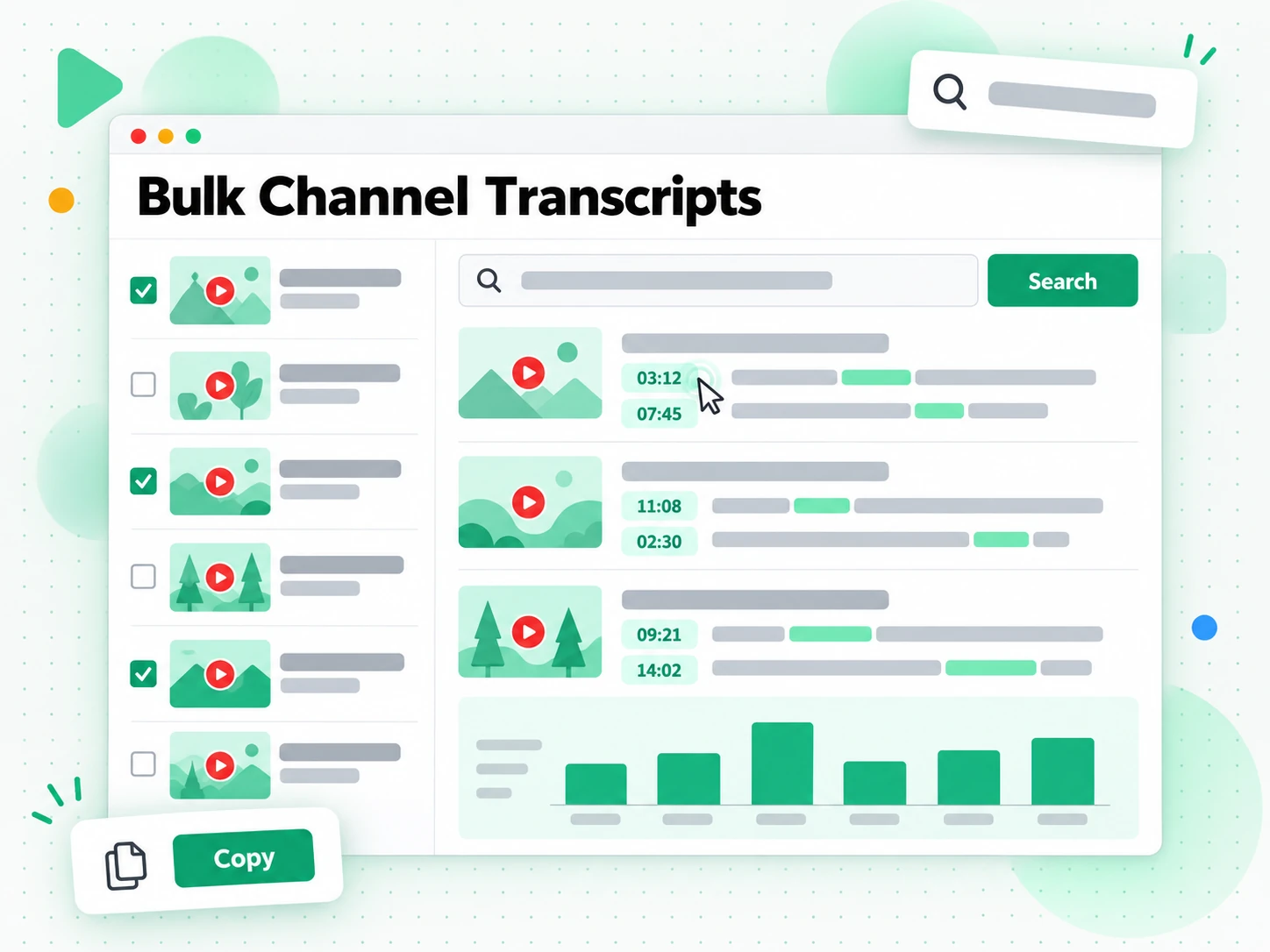
Read the transcripts together and search across all of them for a term, a name, or a claim. Each file keeps its video title and timestamps, so a result points back to the exact moment in the exact video rather than to a wall of text. That is what makes a channel usable as a body of material: you can trace how a topic was treated over months, find every mention of a product, or check whether two videos contradict each other. Searching the set is what turns a long series into something you can actually reference.
- Search across every transcript at once
- Each result keeps its video title and timestamp
- Compare how a topic changed across videos
Export the Whole Set
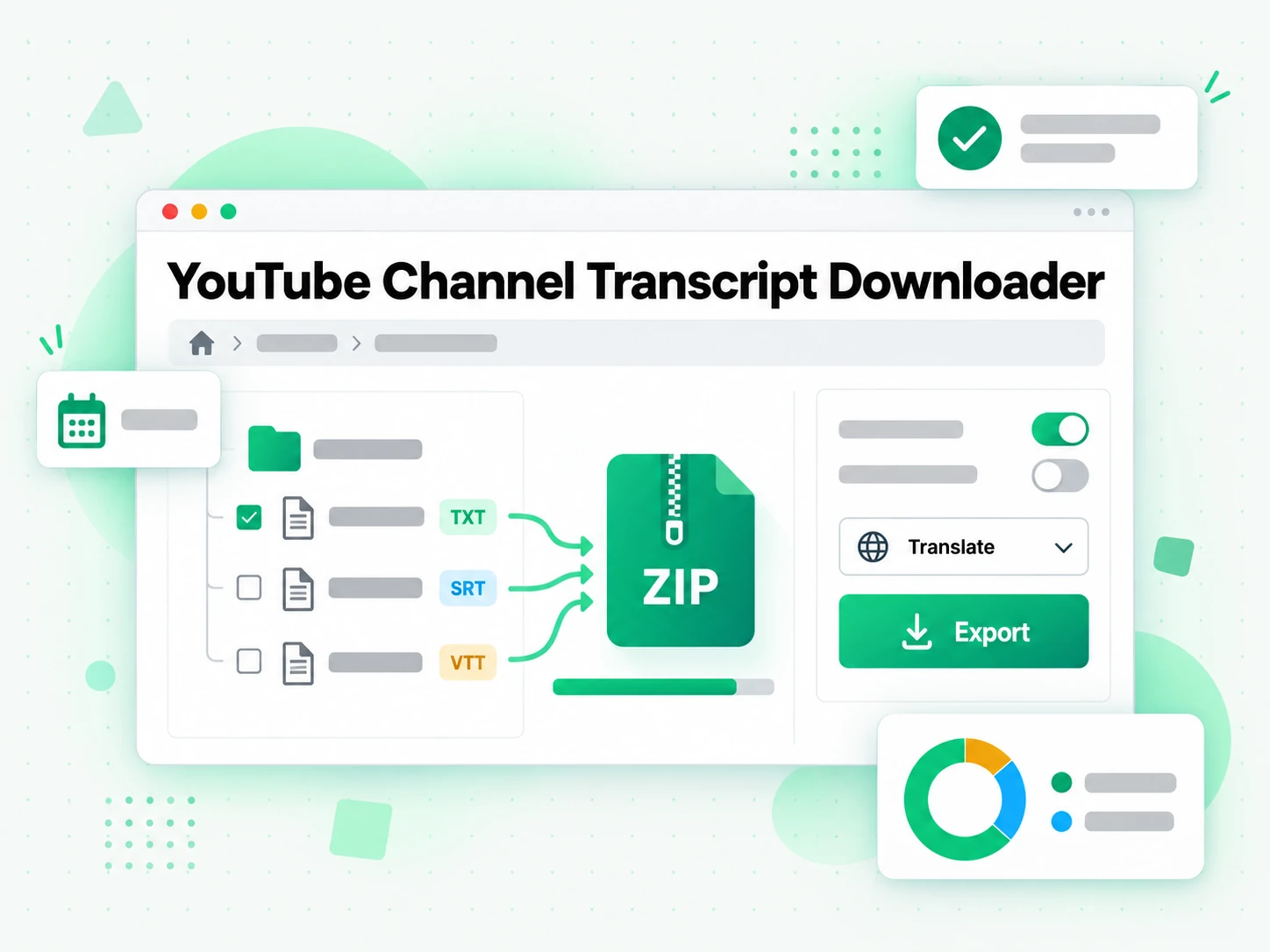
Export the channel transcripts together, keeping each file separately labelled, or translate the set into another supported language with the timestamps preserved. The text is plain, so it drops into a spreadsheet, a research folder, or a knowledge base without reformatting, and the plain-text files stay searchable long after the run. One collection becomes a searchable archive of everything a channel has said. The export is plain text, so the archive stays readable in any tool you already use.
- Export every transcript, each labelled by video
- Translate the set with timestamps preserved
- Keep the archive searchable as plain text
Why transcript.im Beats YouTube's Own Transcript Panel
✅ transcript.im
Paste one channel link and get the text of every public video, each with its own title and timestamps. Any uncaptioned video is transcribed with AI, and the whole set can be searched, exported, and translated together. The set stays in your own archive, so editing a line or translating it never touches the original videos.
❌ YouTube's own transcript panel
It covers one video at a time, appears only when captions exist, and offers no download. Collecting a channel this way means repeating the same steps for every upload, and a single uncaptioned video breaks the run. There is no way to see across videos either, so a channel can only be read one upload at a time.
Who a YouTube Channel Transcript Is For
A YouTube channel transcript helps anyone who needs the whole of a channel as text, not one video at a time.
For Researchers and Analysts
A channel is a long-running record of what a person or company has said, and a transcript set makes it searchable. A channel is often the best public record of how a company or creator changed its mind over time.
- Trace a topic over time across months of uploads.
- Find every mention of a product, a person, or a claim.
- Check for contradictions between earlier and later videos.
- Quote accurately with the video title and timestamp.
- Archive the material before videos are edited or removed.
For Content and Video Creators
Studying a channel you compete with is faster from its transcripts than from its uploads.
- Map what a channel covers by reading its transcripts together.
- Find the gaps it never addresses and plan around them.
- Collect the phrases that work and reuse the ones that fit your voice.
- Build an outline for a series from the topics that recur.
- Check a claim before you repeat it in your own video.
- Group videos by theme once the transcripts are collected.
For Journalists and Writers
A channel often holds the background of a story that a single interview only hints at. For a launch or a rebrand, the same channel is the fastest way to see the message before and after.
- Search a channel for the first and last time a subject was discussed.
- Verify a quote against the video it came from.
- Build a timeline from dated videos and their transcripts.
- Keep an accurate record by exporting the set with your notes.
- Hand a source file to an editor with the timestamp attached.
For Marketing and Competitive Teams
A competitor's channel is a public record of its positioning, and the transcripts are that record in plain text.
- Compare messaging across several competitor channels.
- Track how positioning changed over a launch or a rebrand.
- Find the language customers hear and test it against your own.
- Collect proof points used in public videos for a battle card.
- Keep a dated archive so later claims can be checked.
- Brief a team with quotes rather than a vague impression of the channel.
For NotebookLM and AI Power Users
A channel's transcripts make a strong knowledge base because the material is large, dated, and consistent. A dated set of transcripts is also a citable record, which a short summary never is.
- Google NotebookLM: add the set as sources to summarise and question the whole channel.
- ChatGPT, Claude, Gemini, Kimi, and Manus: use the text for summaries, comparisons, or drafts.
- Build a topic archive by collecting channels that cover one field.
- Translate the set for an audience in another language.
- Feed an agent or an API with the transcripts for the rest of your pipeline.
How to Get a YouTube Channel Transcript
- 1
Paste the Channel Link
Copy the URL of a YouTube channel and paste it into the box at the top of the page. There is no download and no software to install: the channel link itself is all the input the channel transcript tool needs.
- 2
Queue the Channel's Videos
Start the run and the tool queues the channel's public videos, reading each video's captions first and transcribing the audio with AI where no captions exist. The work runs in parallel rather than one video at a time. You can paste a second link once the first run finishes.
- 3
Read and Search the Set
Read the transcripts together and search across all of them for a term or a claim. Each file keeps its video title and timestamps, so any result points back to the exact video and moment it came from. Reading in order is what keeps a series usable as a course rather than a pile of text.
- 4
Export the Channel Transcript
Export the set with each file labelled by video, or translate it into another supported language with the timestamps preserved. The plain-text archive stays searchable wherever you keep it.
Use Your Channel Transcripts in the Apps You Already Have
Google NotebookLM
Add the channel transcripts as notebook sources to summarise the series and ask questions across all of it at once. NotebookLM works from text, so a set of transcripts is exactly what it needs.
ChatGPT, Claude, Gemini, Kimi, and Manus
Paste the channel transcripts into the assistant you already use — ChatGPT, Claude, Gemini, Kimi, or Manus — as a brief for a summary, a study guide, or a set of follow-up questions.
Writing and Note-Taking Tools
Drop the channel transcripts into your notes app or a document. Because every file keeps its timestamps and its order, the text lands in the structure you already work in.
Builders Using the API and MCP
transcript.im also exposes an API and an MCP server, so a script or an agent can collect channel transcripts and pass them into the rest of your pipeline.
transcript.im vs Other YouTube Channel Transcript Tools
Different tools answer different questions. Use this table to pick the one that matches what you actually need from a YouTube channel transcript.
| Tool | What it does | Use it when |
|---|---|---|
| transcript.im | Transcripts for every public video in a channel, collected in one run with titles and timestamps. | When you need the whole channel as searchable text. |
| YouTube's own transcript panel | One video at a time, only when the creator added captions, with no export. | When a single captioned video is all you need. |
| Google NotebookLM | Summarises sources and answers questions about them inside a notebook. | When you have the text already and want to question it. |
| Transcript downloader sites | Return captions for videos that have them, one video per request. | When only a few captioned videos are relevant. |
| Manual per-video copy | Opening each video's panel and copying the text by hand. | For two or three videos you were going to watch anyway. |
Related tools
YouTube Channel Transcript FAQs
What is a YouTube channel transcript?
A YouTube channel transcript is the combined text of many videos from one channel, each with its own title and timestamps. It is the channel as searchable text rather than one video at a time.
How do I get a transcript of a YouTube channel?
Paste the channel URL into the YouTube channel transcript tool. It queues the channel's public videos, reads the captions that exist, transcribes the rest with AI, and returns the transcripts together.
Can the YouTube channel transcript work on videos without captions?
Yes. Any video in the channel that has no caption track is transcribed with AI, so a single uncaptioned upload does not stop the run or leave a gap in the set.
How many videos from a channel can I transcribe?
The tool works through the channel's public videos as a queue, so you can collect a large channel rather than a handful of uploads. What you get back is the text of every public video the run covered, each labelled by title.
How is this different from YouTube's own transcript panel?
The panel covers one video at a time, appears only when captions exist, and cannot be exported. This YouTube channel transcript tool covers the whole channel in one run and returns text you can search, export, and translate.
Can I search across every video in the channel at once?
Yes. The transcripts are returned together, so you can search for a term, a name, or a claim across all of them. Each result keeps its video title and timestamp, pointing back to the exact moment it came from.
Can I use a YouTube channel transcript with Google NotebookLM?
Yes. Add the transcripts as notebook sources to summarise the channel and ask questions across all of it. NotebookLM works from text, so a set of transcripts is exactly what it needs.
Does the YouTube channel transcript include timestamps?
Yes. Every line keeps the timestamp where it was spoken, so a result can be traced back to the video and the moment it came from rather than being taken on trust.
Can I transcribe a channel I do not own?
Yes, as long as the videos are public. The tool collects public videos from any channel, which is what makes it useful for research and competitive review as well as your own archive.
Can I get a channel transcript for a live stream?
A live stream becomes transcribable once it has ended and a recording exists. An in-progress stream is not available yet, because there is no finished audio track to read.
Can I translate a whole YouTube channel transcript?
Yes. The set can be translated into another supported language with the timestamps preserved, so the translated text lines up with the original videos exactly like the source did.
What is the difference between a channel transcript and a playlist transcript?
A channel transcript covers the public videos of a channel, while a playlist transcript covers one ordered list, which may mix videos from several channels. Use the playlist page when the order matters more than the source.
Can I get a YouTube channel transcript in one run?
Yes. Paste the channel link once and the tool queues its public videos, reads the captions that exist, transcribes the rest with AI, and returns every transcript together rather than one video per request.
How accurate is a bulk YouTube channel transcript?
Accuracy depends on each video's source. Creator captions are usually precise, while AI transcription can mishear names or overlapping voices. Every line keeps its timestamp, so any part of the set can be checked against the video.
Generate a YouTube Channel Transcript
Paste a channel link and we queue every public video in parallel, pulling captions or running AI where needed.