
TRANSCRIPT
YouTube Video Summarizer
What Is a YouTube Video Summary?
A YouTube video summary is a condensed version of everything a video covers, written as key points instead of the full spoken text. It is different from the transcript itself: the transcript is the complete word-for-word record, while a summary keeps the argument, the steps, and the conclusions and leaves the rest out. Many tools summarise only what they can read quickly, which in practice means the opening minutes rather than the whole video. A real YouTube video summarizer works from the full transcript, so the key points come from everywhere the video goes, including the part you would otherwise have skipped. Whether you search for a youtube video summarizer, a way to summarize a youtube video, or a youtube transcript summarizer, the result should be short, accurate, and grounded in what was actually said.
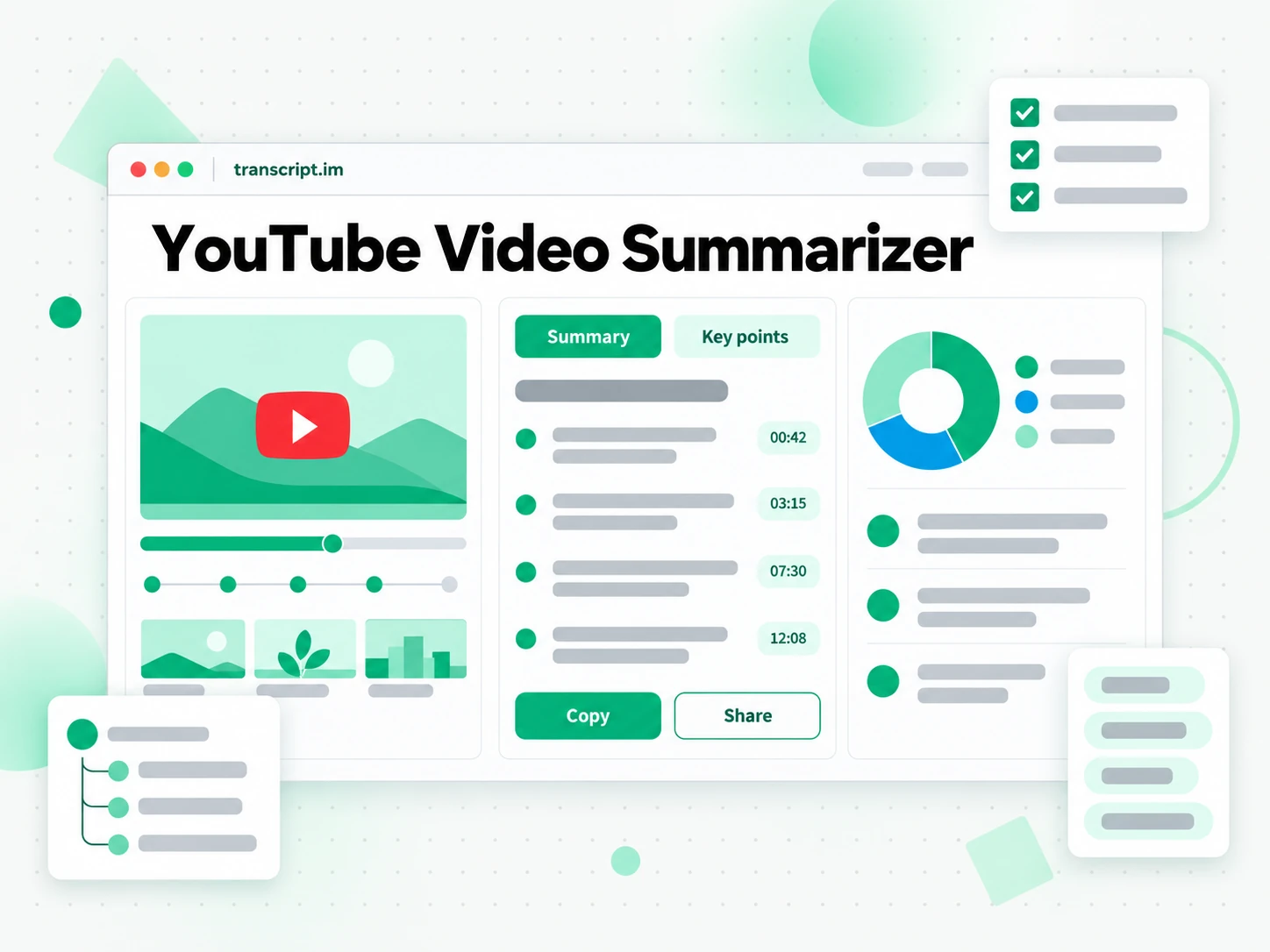
How the YouTube Video Summarizer Works
One pasted link turns a long YouTube video into key points you can read in a few minutes.
Turn a YouTube Link Into a Summary
Paste a YouTube video link into the summarizer. It reads the creator's caption track when one exists and transcribes the spoken audio with AI when it does not, so the summary is built from the complete transcript rather than a preview. From that text the tool produces key points, an outline, and a mind map of how the video is structured, covering the whole runtime instead of the opening minutes. A forty-minute talk becomes a page you can scan before deciding whether to watch it in full, and nothing important is left out simply because it happened late in the video.
- Built from the full transcript, not the first minutes
- Falls back to AI transcription when captions are missing
- Key points, outline, and mind map from one link
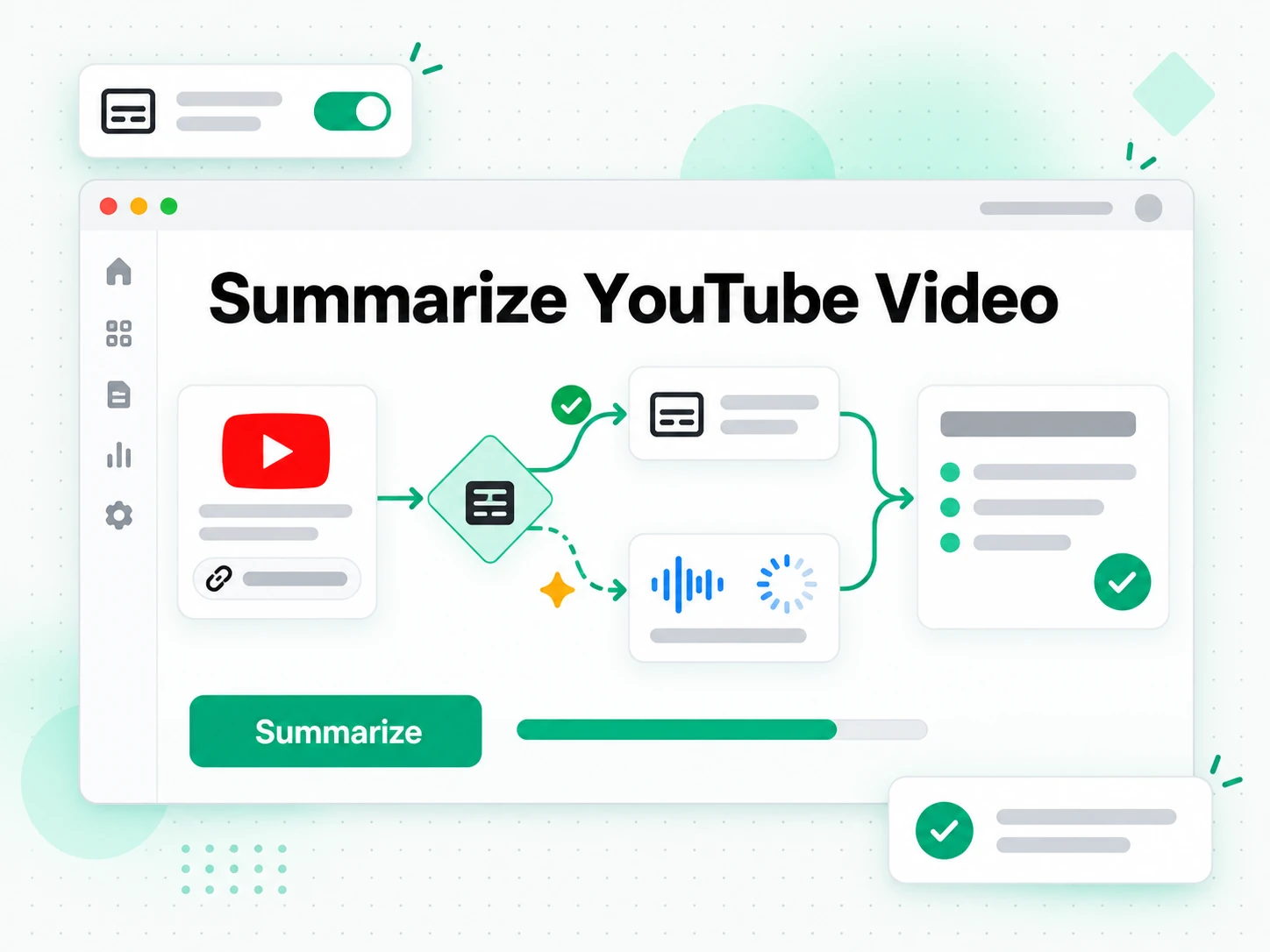
Read and Check the Key Points
Read the summary as text, then check it against the transcript whenever a point matters. Every line keeps its timestamp, so a claim in the summary can be traced back to the moment it was said instead of being taken on trust. You can search the full text for a term, jump to that section of the video, and confirm the wording before you quote it or build on it. That combination is what separates a summary you can act on from one you have to verify elsewhere.
- Every point links back to a timestamp in the transcript
- Search the full text to verify any claim
- Summary, outline, and mind map views
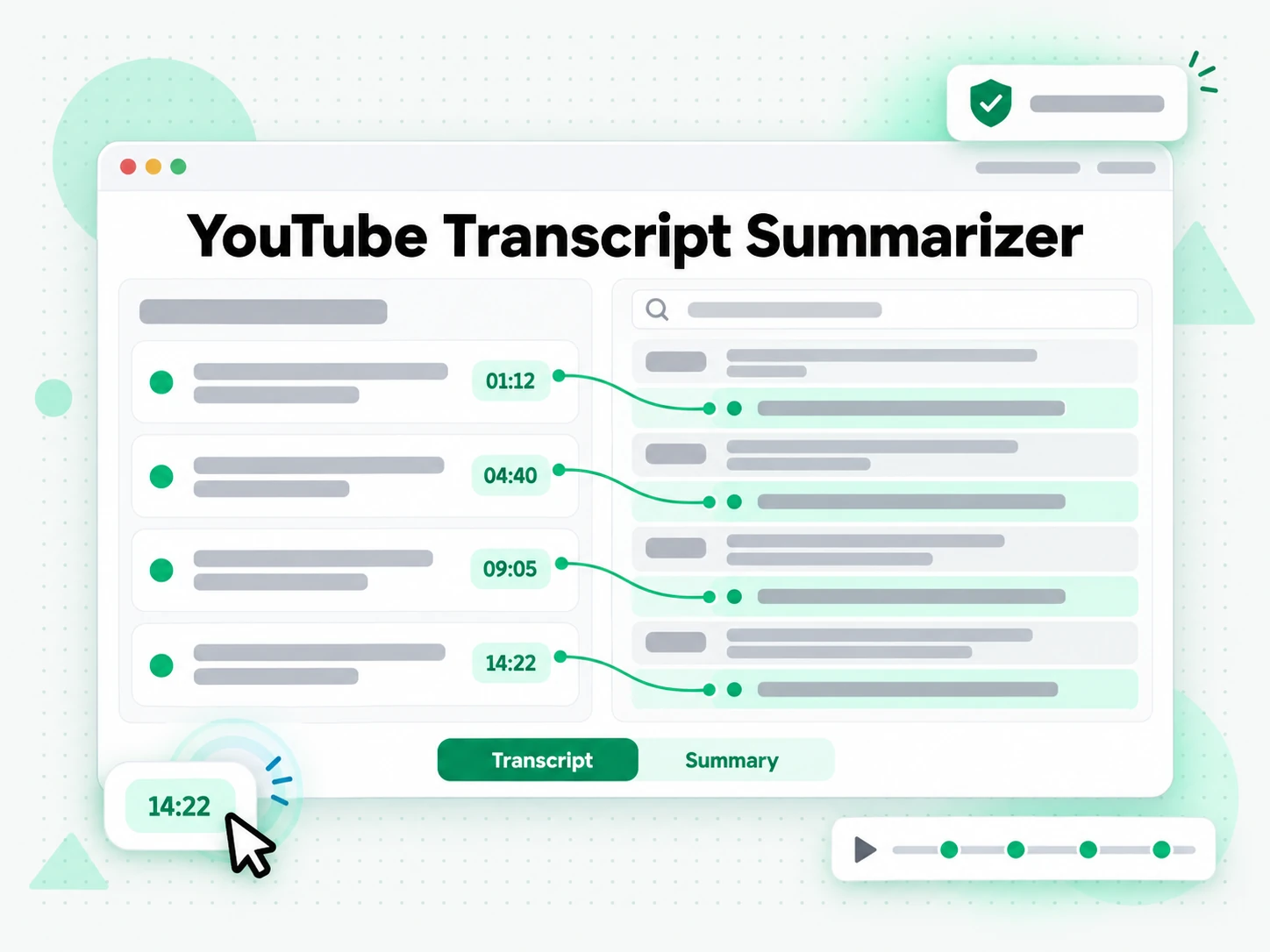
Export or Reuse the Summary
Copy the summary, keep the outline, or export the transcript behind it as TXT, SRT, or VTT. Translate the text into another supported language with the timestamps preserved, or hand the summary to an AI tool as a brief for a longer piece. A summary you can export is a summary you can reuse: paste it into notes, send it to a colleague who will not watch the video, or turn it into the outline of your own talk.
- Copy the summary or keep the outline
- Export the transcript as TXT, SRT, or VTT
- Translate the text into another supported language
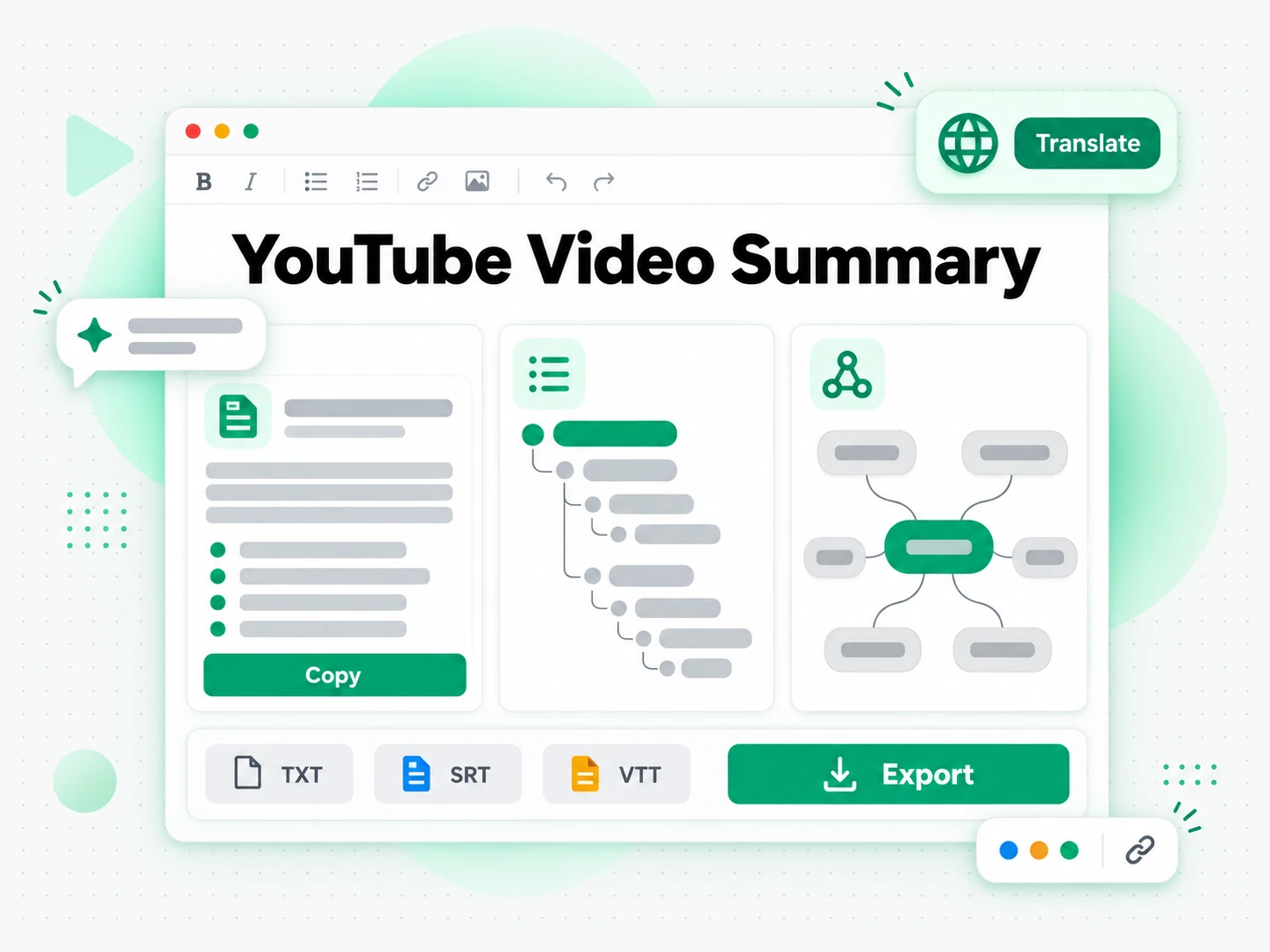
Why transcript.im Beats YouTube's Own Summary Tools
✅ transcript.im
Paste any public YouTube link and get key points, an outline, or a mind map drawn from the full transcript. The whole video is read, not just the opening minutes, and every point can be traced back to the timestamp where it was said.
❌ YouTube's built-in summary tools
They appear only on some videos, usually where chapters already exist, and they rarely cover a long talk end to end. There is no export, no way to search the result, and nothing at all for a video the feature does not support.
Who a YouTube Video Summary Is For
A YouTube video summary helps anyone who needs the substance of a video without watching all of it.
For Note Takers and Students
Lectures and long tutorials are easier to revise from a summary you can search than from a video you have to replay.
- Skim before you commit by reading the key points of a lecture before watching it in full.
- Turn a summary into a study guide and keep the outline as your revision structure.
- Check any point against the transcript by jumping to its timestamp.
- Export the text so you can revise offline without the video.
- Summarise a whole course one video at a time, then read the summaries together.
- Plan what to watch by summarising several videos and reading the points together.
For Researchers and Analysts
A summary tells you quickly whether a talk is relevant, and the transcript lets you verify anything you plan to cite.
- Screen many videos fast by reading key points instead of watching each one.
- Verify a claim against the exact wording and its timestamp.
- Compare how a topic is framed across several talks.
- Keep a searchable record by exporting the transcript alongside the summary.
For Content and Video Creators
Start from a summary of a long video and you already have the structure for a shorter piece.
- Find the strongest points in a long video before you repurpose it.
- Draft an outline for a blog post, a thread, or a script from the summary.
- Write an accurate description without rewatching the whole video.
- Compare competitors' videos by summarising several and reading the key points side by side.
- Turn a long talk into a carousel using the outline as the slide order.
- Repurpose a webinar by turning its summary into a post or a short video.
For Journalists and Writers
Long interviews and press briefings are where the quotes are, but rarely where the time is.
- Screen a recording quickly by reading the summary before you commit to the full watch.
- Verify a quote against the transcript and its timestamp.
- Draft from the outline instead of starting from a blank page.
- Keep an accurate record by exporting the transcript with your notes.
For NotebookLM and AI Power Users
A summary is the shortest useful input for an AI tool, and the transcript behind it is the detail when you need more.
- Google NotebookLM: add the summary or transcript as a source to question the video.
- ChatGPT, Claude, Gemini, Kimi, and Manus: paste the summary as a brief for notes, rewrites, or new drafts.
- Build a knowledge base by collecting summaries on one topic over time.
- Ask follow-up questions against the transcript when the summary is not enough.
- Feed an agent or an API with the transcript so the rest of your pipeline has the text.
How to Summarize a YouTube Video
- 1
Paste the YouTube Link
Copy any public YouTube video URL and paste it into the box at the top of the page. There is no download and no software to install: the link itself is all the input the YouTube video summarizer needs, whether you are on a phone or a laptop.
- 2
Generate the Summary
Start the summarizer and it reads the creator's caption track when one exists, then falls back to AI transcription of the spoken audio when it does not. The result is a summary built from the full video, with the outline and mind map alongside it.
- 3
Read and Check the Key Points
Read the summary, then search the transcript for any point you want to verify. Every line keeps its timestamp, so you can confirm the wording and jump to that moment in the video before you rely on it.
- 4
Export or Reuse the Summary
Copy the summary, keep the outline, or export the transcript as TXT, SRT, or VTT. Translate it into another supported language, or hand it to an AI tool as a brief for your own piece of work.
Use Your YouTube Summary in the Apps You Already Have
Google NotebookLM
Add the summary, or the transcript behind it, as a notebook source. NotebookLM can then answer questions about the video and pull the supporting detail you left out of the short version.
ChatGPT, Claude, Gemini, Kimi, and Manus
Paste the summary into the assistant you already use — ChatGPT, Claude, Gemini, Kimi, or Manus — as a brief for a rewrite, a study guide, or a set of follow-up questions.
Writing and Note-Taking Tools
Drop the key points into your notes app, a document, or a slide deck. Because the summary is plain text, it lands without cleanup and keeps its structure.
Builders Using the API and MCP
transcript.im also exposes an API and an MCP server, so a script or an agent can summarise a YouTube video and pass the result into the rest of your pipeline.
transcript.im vs Other YouTube Summarizer Tools
Different tools answer different questions. Use this table to pick the one that matches what you actually need from a YouTube video summary.
| Tool | What it does | Use it when |
|---|---|---|
| transcript.im | Key points, an outline, or a mind map built from the full transcript of any public video. | When you need a summary of the whole video, not just the intro. |
| YouTube's built-in summary tools | Short AI overviews on some videos, usually tied to existing chapters. | When the video already has chapters and a rough gist is enough. |
| Google NotebookLM | Summarises a source and answers questions about it inside a notebook. | When the goal is Q&A over the source, not a summary you can share. |
| Other AI summarizer tools | Summarise a pasted block of text or a short clip, without reading the full video. | When the video is short or already transcribed elsewhere. |
| Manual note-taking | Watching the video and writing the points down by hand. | For a single short video you were going to watch anyway. |
Related tools
YouTube Video Summarizer FAQs
What is a YouTube video summary?
A YouTube video summary is a condensed version of everything a video covers, written as key points rather than the full spoken text. It keeps the argument, the steps, and the conclusions, and it is built from the complete transcript so nothing late in the video is dropped.
How do I summarize a YouTube video?
Paste the video URL into the YouTube video summarizer. It reads the existing captions first, or transcribes the audio with AI when there are none, then returns key points, an outline, and a mind map of the whole video.
Can the YouTube video summarizer work on a video without captions?
Yes. When a video has no caption track, the summarizer transcribes the spoken audio with AI instead, so you still get a summary of the full video rather than a partial one.
How long can a YouTube video be to summarize?
Long videos are the point: the summary is built from the complete transcript, so a lecture, a podcast episode, or an hour-long interview is summarised end to end rather than only in its opening minutes.
How is this different from YouTube's own summary tools?
YouTube shows a short overview on some videos, usually where chapters already exist, and gives you no way to export or search it. This YouTube video summarizer works from the full transcript of any public video and lets you copy, export, and verify the result.
Does the YouTube video summarizer support other languages?
Yes. It detects the spoken language automatically across supported source languages, and you can translate the summary or the transcript into another supported language with the timestamps preserved.
Can I copy a YouTube video summary into my notes or an AI tool?
Yes. Copy the key points or the outline and paste them into notes, a document, or an AI tool for rewriting and follow-up questions. The text is plain and clean, so it drops in without cleanup.
Can I use a YouTube video summary with Google NotebookLM?
Yes. Add the summary, or the transcript behind it, as a notebook source. NotebookLM then answers questions about the video and pulls the supporting detail the short version left out.
Does the YouTube video summary include timestamps?
The transcript behind the summary keeps every timestamp, so each line can be traced back to the moment it was said. That is how you verify a point in the summary against the video.
Can I summarize a YouTube live stream?
A live stream becomes summarisable once it has ended and a recording exists. An in-progress stream is not available yet, because there is no finished audio track to summarise.
Can I summarize a YouTube video I did not create?
Yes. The summarizer works on any public video, so you can summarise your own uploads or someone else's, as long as the video is public.
What is the difference between a YouTube summary and a transcript?
A YouTube transcript is the complete word-for-word text of the video, while a YouTube video summary is a short version of what it covers. The transcript is what you search and quote; the summary is what you read first.
Try the YouTube Video Summarizer
Paste a YouTube link — get key points, an outline, or a mind map from the full transcript.