
TRANSCRIPT
YouTube Playlist Transcript
What Is a YouTube Playlist Transcript?
A YouTube playlist transcript is the combined text of every video in a playlist, kept in the order the playlist runs. It is different from a single-video transcript in scope: instead of one file, you get a set, each part labelled with its video and its timestamps. A course or a series can hold dozens of videos, and going through them one by one is slow and easy to lose track of, especially when some videos were never captioned. A real YouTube playlist transcript tool queues every video at once and merges the result in playlist order, so a series reads the way it was meant to be followed. Whether you search for a youtube playlist transcript, bulk playlist transcripts, or a youtube playlist transcript extractor, the result should be one complete set.
How the YouTube Playlist Transcript Works
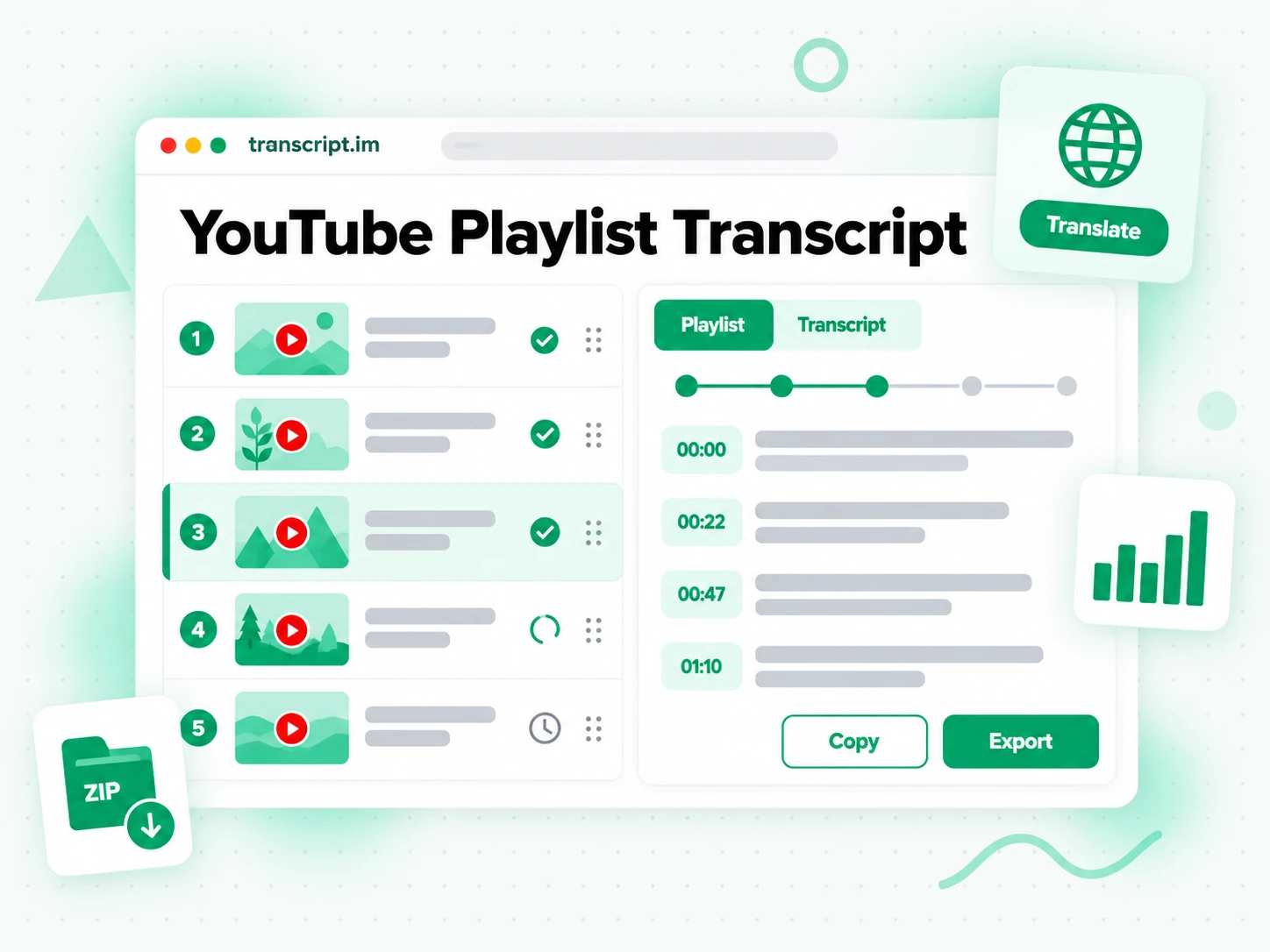
One pasted playlist link queues every video and returns the transcripts in order.
Turn a Playlist Link Into Transcripts
Paste a YouTube playlist link and the tool queues its videos in the order the playlist sets. Each video is handled the same way a single transcript would be: the creator's caption track is read first, and AI transcription covers any video that was never captioned. Because the videos are processed in parallel rather than one after another, a long series comes back as a set instead of a manual afternoon, and nothing in the playlist is silently skipped. Nothing is downloaded to your device to make this work, and the queue keeps its place while it runs.
- One pasted playlist link queues every video
- Transcripts returned in playlist order
- AI transcription covers videos without captions
Read and Search the Series
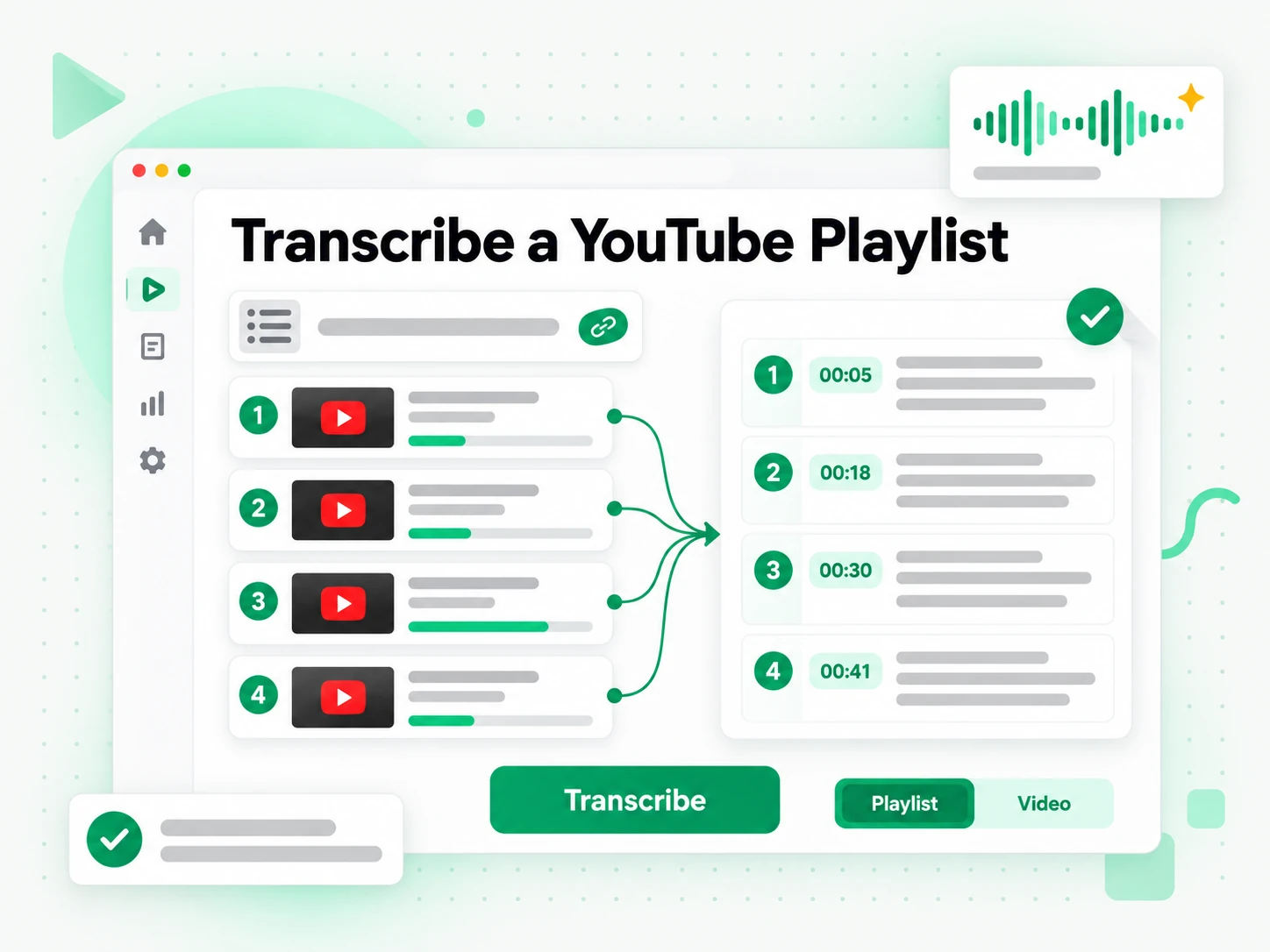
Read the transcripts in playlist order and search across the whole series for a term, a step, or a claim. Each part keeps its video title and timestamps, so a result points back to the exact video and moment rather than to an unlabelled block of text. That is what makes a course usable as material: you can follow it end to end, or jump straight to the section that answers a question. Searching the set is what turns a long series into something you can actually reference.
- Read the series in playlist order
- Search across every video at once
- Each result keeps its video title and timestamp
Export the Whole Series
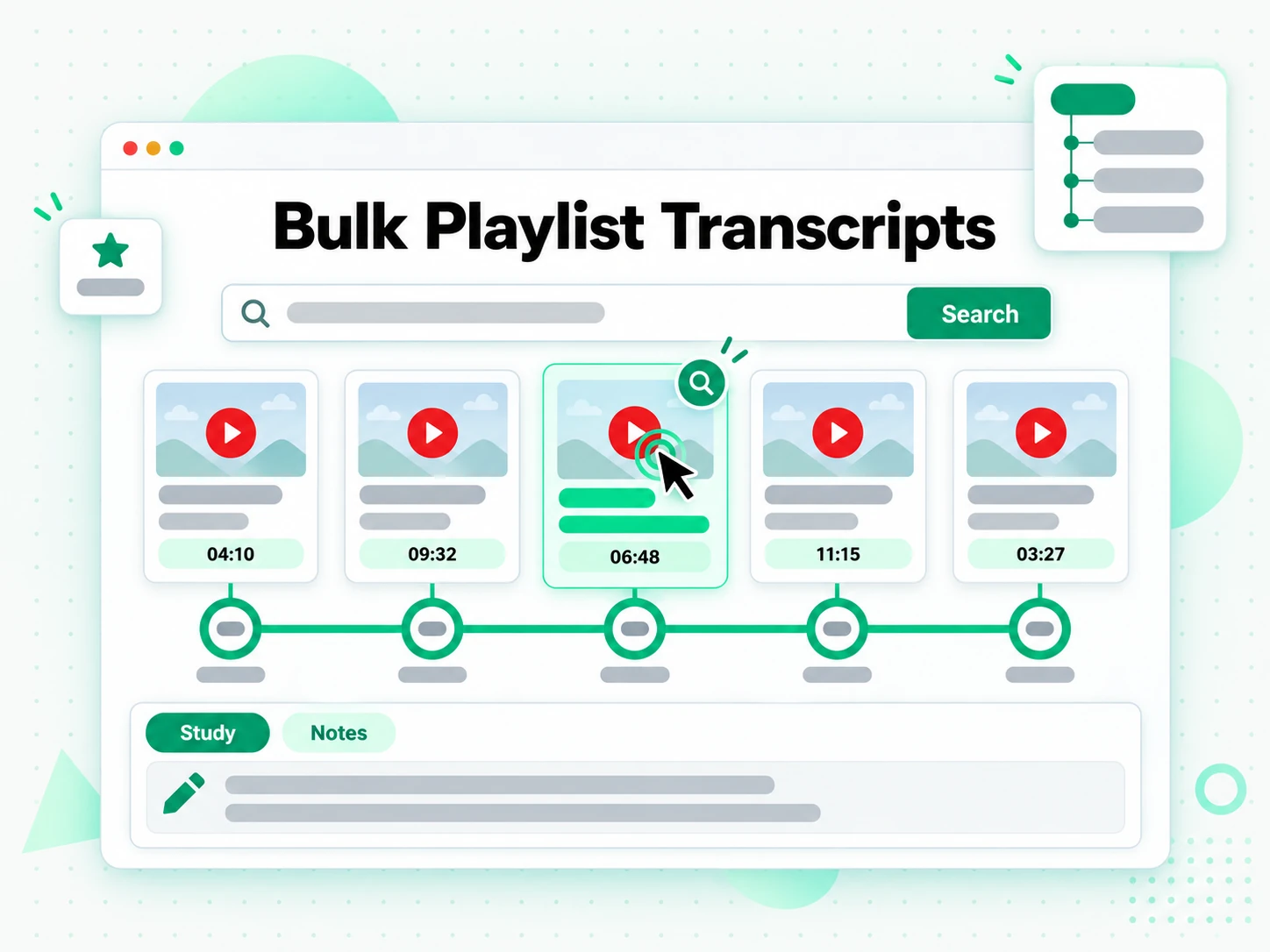
Export the playlist transcripts together with each file labelled by video, or translate the set into another supported language with the timestamps preserved. The text is plain, so it drops into a study folder, a knowledge base, or a spreadsheet without reformatting, and the whole series stays searchable long after the run. The export is plain text, so the archive stays readable in any tool you already use.
- Export every transcript in playlist order
- Translate the set with timestamps preserved
- Keep the series searchable as plain text
Why transcript.im Beats Transcribing a Playlist Video by Video
✅ transcript.im
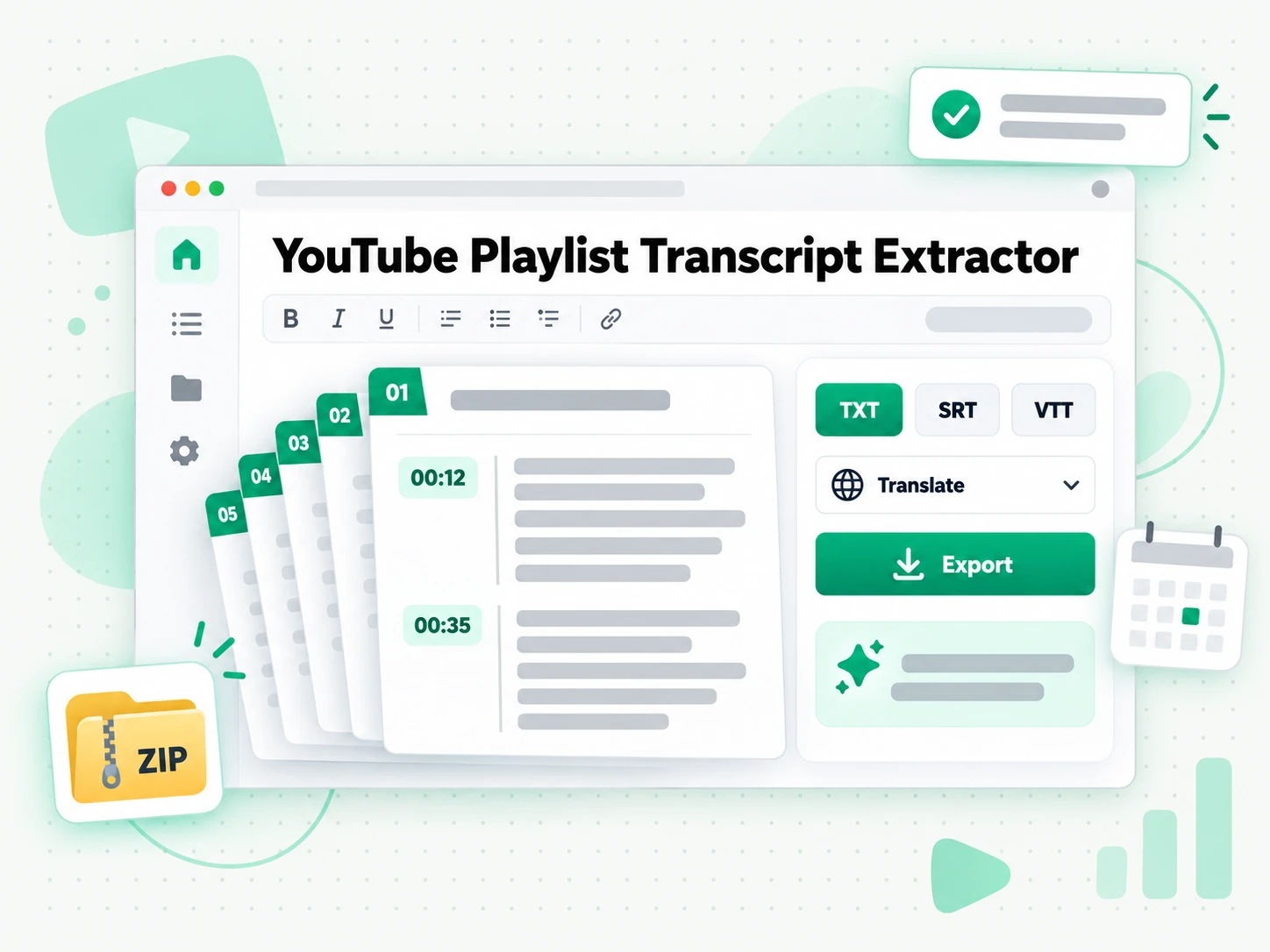
Paste one playlist link and get the text of every video, in playlist order, each with its own title and timestamps. Any uncaptioned video is transcribed with AI, and the whole series can be searched, exported, and translated together. The set comes back in playlist order, so the series still reads as a sequence rather than a pile of files.
❌ Working through a playlist by hand
Each video has its own transcript panel, its own copy step, and its own captions-or-nothing limit. A course with thirty videos means thirty repetitions, and the order is easy to lose once the files are separate. There is no way to search across lessons, so a question in lesson twenty means replaying the first nineteen.
Who a YouTube Playlist Transcript Is For
A YouTube playlist transcript helps anyone working through a course or a series who would rather read it than replay it.
For Students and Course Takers
A course playlist is a syllabus, and its transcripts are the notes for every lesson in order. Working from the transcripts means the order of the course survives even when the videos are not watched back to back.
- Revise a whole course from the transcripts instead of replaying each lesson.
- Search every lesson for a definition or a formula.
- Keep the order so the series still reads as a sequence.
- Export for offline study without the videos.
- Check a point against its timestamp when a summary is not enough.
For Researchers and Analysts
A curated playlist is someone else's reading list, and its transcripts are the whole list in text.
- Work through a reading list without watching every video.
- Compare how a topic is framed across the series.
- Quote accurately with the video title and timestamp.
- Build a timeline from a dated series.
- Archive the material before videos change or disappear.
- Follow one thread through every lesson in the series.
For Content and Video Creators
A popular series shows what holds attention for a whole playlist, and its transcripts show why. A series that keeps its order is easier to plan against than a set of unrelated uploads.
- Map a competitor series by reading its transcripts in order.
- Find the structure that keeps a series moving.
- Plan your own series from the topics it covers in sequence.
- Reuse the phrasing that lands, in your own voice.
- Check a claim before repeating it on camera.
For Educators and Trainers
A recorded course is only reusable if the material can be found again, and text is how that happens.
- Turn a recorded course into a searchable handbook.
- Provide transcripts alongside the videos for accessibility.
- Translate the series for learners in another language.
- Update a lesson by editing the transcript rather than re-recording.
- Reuse the text for quizzes and handouts.
- Rebuild a lesson by editing its transcript instead of re-recording.
For NotebookLM and AI Power Users
A playlist makes a well-ordered knowledge base, because a series already has structure. Ordered text is also easier for an AI tool to summarise lesson by lesson.
- Google NotebookLM: add the series as sources to summarise it and ask questions.
- ChatGPT, Claude, Gemini, Kimi, and Manus: use the text for summaries, quizzes, or drafts.
- Build a course archive by collecting playlists on one subject.
- Translate the series for a different audience.
- Feed an agent or an API with the transcripts for the rest of your pipeline.
How to Get a YouTube Playlist Transcript
- 1
Paste the Playlist Link
Copy the URL of a YouTube playlist and paste it into the box at the top of the page. There is no download and no software to install: the playlist link itself is all the input the tool needs.
- 2
Queue the Playlist
Start the run and the tool queues every video in the playlist, reading each video's captions first and transcribing the audio with AI where no captions exist. The videos are processed in parallel, in playlist order. You can paste a second link once the first run finishes.
- 3
Read and Search the Series
Read the transcripts in order and search across the whole series for a term or a step. Each part keeps its video title and timestamps, so any result points back to the exact lesson and moment it came from. Reading in order is what keeps a series usable as a course rather than a pile of text.
- 4
Export the Playlist Transcript
Export the set with each file labelled by video, or translate it into another supported language with the timestamps preserved. The series stays searchable wherever the text is kept.
Use Your Playlist Transcripts in the Apps You Already Have
Google NotebookLM
Add the playlist transcripts as notebook sources to summarise the series and ask questions across all of it at once. NotebookLM works from text, so a set of transcripts is exactly what it needs.
ChatGPT, Claude, Gemini, Kimi, and Manus
Paste the playlist transcripts into the assistant you already use — ChatGPT, Claude, Gemini, Kimi, or Manus — as a brief for a summary, a study guide, or a set of follow-up questions.
Writing and Note-Taking Tools
Drop the playlist transcripts into your notes app or a document. Because every file keeps its timestamps and its order, the text lands in the structure you already work in.
Builders Using the API and MCP
transcript.im also exposes an API and an MCP server, so a script or an agent can collect playlist transcripts and pass them into the rest of your pipeline.
transcript.im vs Other YouTube Playlist Transcript Tools
Different tools answer different questions. Use this table to pick the one that matches what you actually need from a YouTube playlist transcript.
| Tool | What it does | Use it when |
|---|---|---|
| transcript.im | Transcripts for every video in a playlist, kept in order with titles and timestamps. | When you need a whole series as searchable text. |
| YouTube's own transcript panel | One video at a time, only when the creator added captions, with no export. | When a single lesson is all you need. |
| Google NotebookLM | Summarises sources and answers questions about them inside a notebook. | When you have the text already and want to question it. |
| Transcript downloader sites | Return captions for videos that have them, one video per request. | When only a few videos in the list matter. |
| Manual per-video copy | Opening each video's panel and copying the text by hand. | For two or three videos you were going to watch anyway. |
Related tools
YouTube Playlist Transcript FAQs
What is a YouTube playlist transcript?
A YouTube playlist transcript is the combined text of every video in a playlist, kept in the order the playlist runs. Each part carries its own video title and timestamps, so the series still reads as a sequence.
How do I get a transcript of a YouTube playlist?
Paste the playlist URL into the YouTube playlist transcript tool. It queues every video, reads the captions that exist, transcribes the rest with AI, and returns the transcripts together in playlist order.
Can the YouTube playlist transcript work on videos without captions?
Yes. Any video in the playlist that has no caption track is transcribed with AI, so one uncaptioned lesson does not leave a gap in the middle of the series.
Does the playlist transcript keep the videos in order?
Yes. The transcripts come back in playlist order, each labelled with its video title, so a course or a series reads the way it was arranged rather than as a loose set of files.
How is this different from YouTube's own transcript panel?
The panel covers one video at a time, appears only when captions exist, and cannot be exported. This YouTube playlist transcript tool covers every video in the list and returns text you can search, export, and translate.
How many videos in a playlist can I transcribe?
The playlist is processed as a queue, so a long course is covered in one run rather than a handful of videos. What you get back is the text of every video the run collected, in order.
Can I use a YouTube playlist transcript with Google NotebookLM?
Yes. Add the transcripts as notebook sources to summarise the series and ask questions across all of it. NotebookLM works from text, so a well-ordered playlist makes a strong knowledge base.
Does the YouTube playlist transcript include timestamps?
Yes. Every line keeps the timestamp where it was spoken, so a result can be traced back to the exact lesson and moment instead of being taken on trust.
Can I transcribe a playlist I did not create?
Yes, as long as the videos are public. The tool collects public videos from any playlist, which is what makes it useful for other people's courses and reading lists as well as your own.
Can I get a playlist transcript for a live stream?
A live stream becomes transcribable once it has ended and a recording exists. An in-progress stream is not available yet, because there is no finished audio track to read.
Can I translate a whole YouTube playlist transcript?
Yes. The set can be translated into another supported language with the timestamps preserved, so the translated series lines up with the original videos exactly like the source did.
What is the difference between a playlist transcript and a channel transcript?
A playlist transcript covers one ordered list, which may include videos from several channels, while a channel transcript covers the public videos of a channel. Use the playlist page when the order matters most.
Can I get a YouTube playlist transcript in one run?
Yes. Paste the playlist link once and the tool queues every video, reads the captions that exist, transcribes the rest with AI, and returns the whole series together in playlist order.
How accurate is a bulk YouTube playlist transcript?
Accuracy depends on each video's source. Creator captions are usually precise, while AI transcription can mishear names or overlapping voices. Every line keeps its timestamp, so any lesson can be checked against the video.
Generate a YouTube Playlist Transcript
Paste a playlist link and we process every video in parallel, then merge the result in playlist order.