
TRANSCRIPT
YouTube Subtitle Downloader
What Is a YouTube Subtitle Downloader?
A YouTube subtitle downloader saves the caption track of a video as a file you can keep and reuse, usually as SRT or VTT. It is different from a transcript: a transcript is plain text, while a subtitle file keeps the timing of each line so a player or editor can display it. YouTube itself offers no one-click subtitle export, and the caption panel appears only when the creator already added captions, so an uncaptioned video looks like a dead end. A real YouTube subtitle downloader fetches the existing track when there is one and falls back to AI transcription when there is not, so you still get a usable file. Whether you search for a youtube subtitle downloader, a way to download youtube subtitles as srt or vtt, or a youtube transcript downloader, the result should be a file you can actually use.
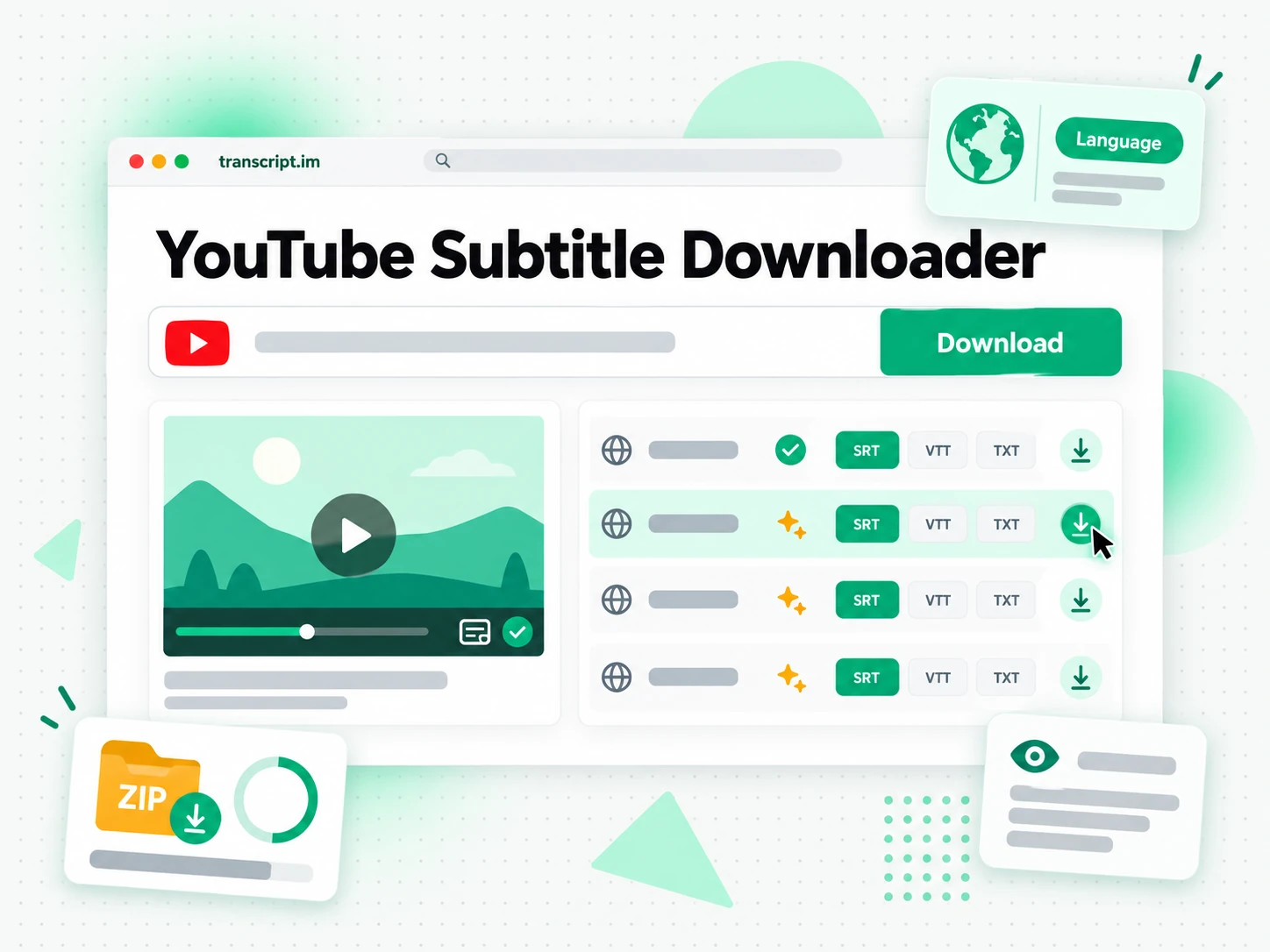
How the YouTube Subtitle Downloader Works
One pasted link turns a YouTube video's captions into an SRT or VTT file you can keep.
Turn a YouTube Link Into Subtitle Files
Paste a YouTube video link into the downloader. It looks for the creator's caption track first, since that is the original source, and then transcribes the spoken audio with AI when no track exists. Either path produces timed lines with a start and end for each one, ready to become a subtitle file. That means an uncaptioned video is not a dead end: instead of leaving with nothing, you leave with a track you can import, edit, or translate. Every line is stored with its own start and end time, so the file is complete rather than a sample of the opening.
- Works from a pasted link, with no download step
- Falls back to AI transcription when captions are missing
- Each line keeps its start and end time
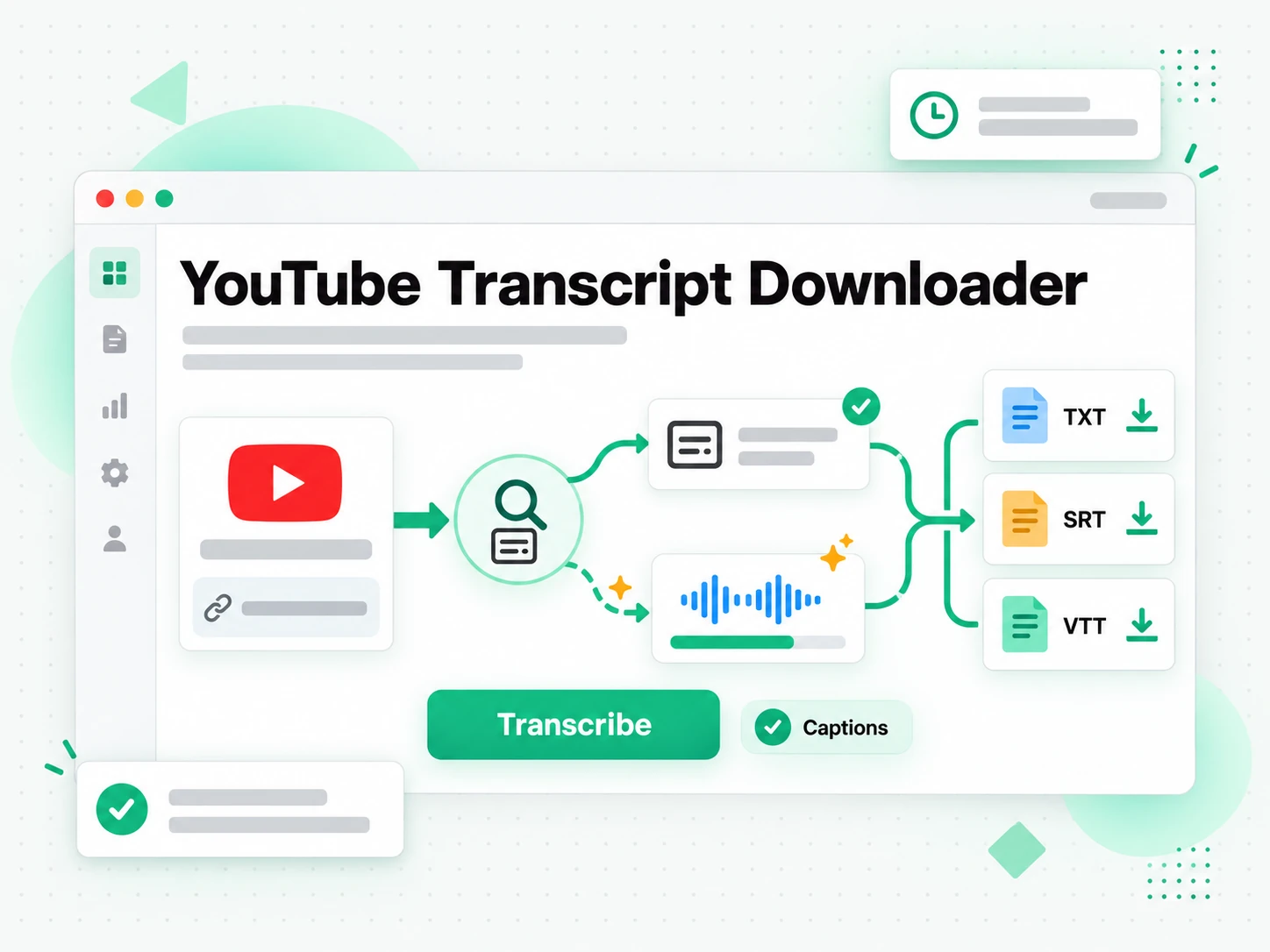
Read and Check the Captions
Read the caption lines beside their timestamps and check the wording against the video before you download. You can search the text for a term, jump to that moment, and correct a name or phrase that was misheard. Reviewing here is what keeps a mistake out of a finished edit, an uploaded video, or a translated track that would otherwise carry the same error into every language. Nothing here is written back to the original video, so correcting a line only changes your own file.
- Read each line beside its timestamp
- Search the full text to check a line
- Correct wording before downloading
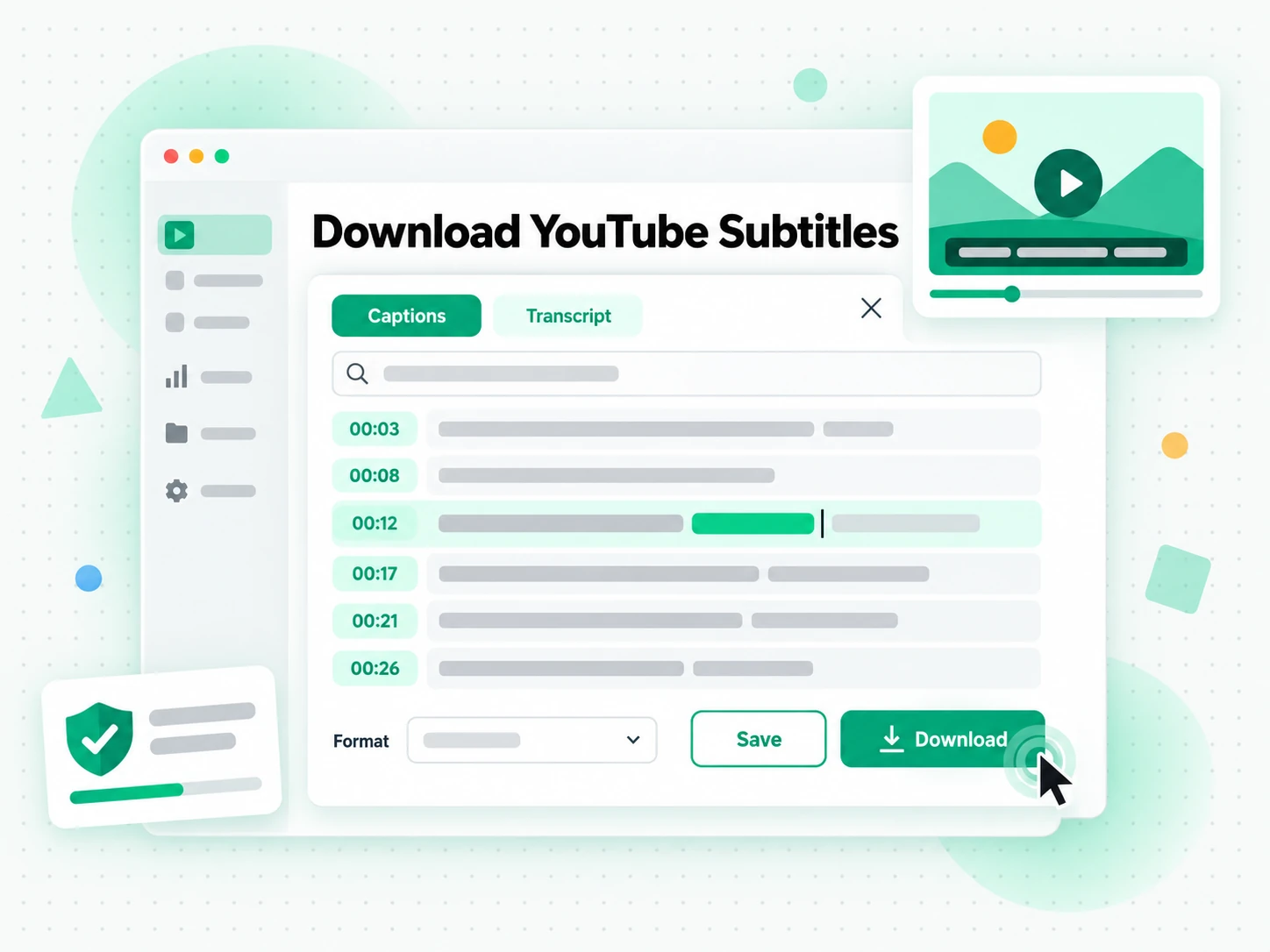
Download SRT or VTT, or Translate
Download the subtitle file as SRT for editors and social platforms, or as VTT for the web. Translate it into another supported language with the timings preserved to make a second caption track, or keep the plain transcript for descriptions and notes. One download serves several jobs: the file drops into your editor, the translated version reaches a new audience, and the transcript is searchable text. The export keeps the line breaks you reviewed, so the file matches what you saw on screen.
- Download SRT or VTT
- Translate with the timings preserved
- Keep the plain-text transcript too
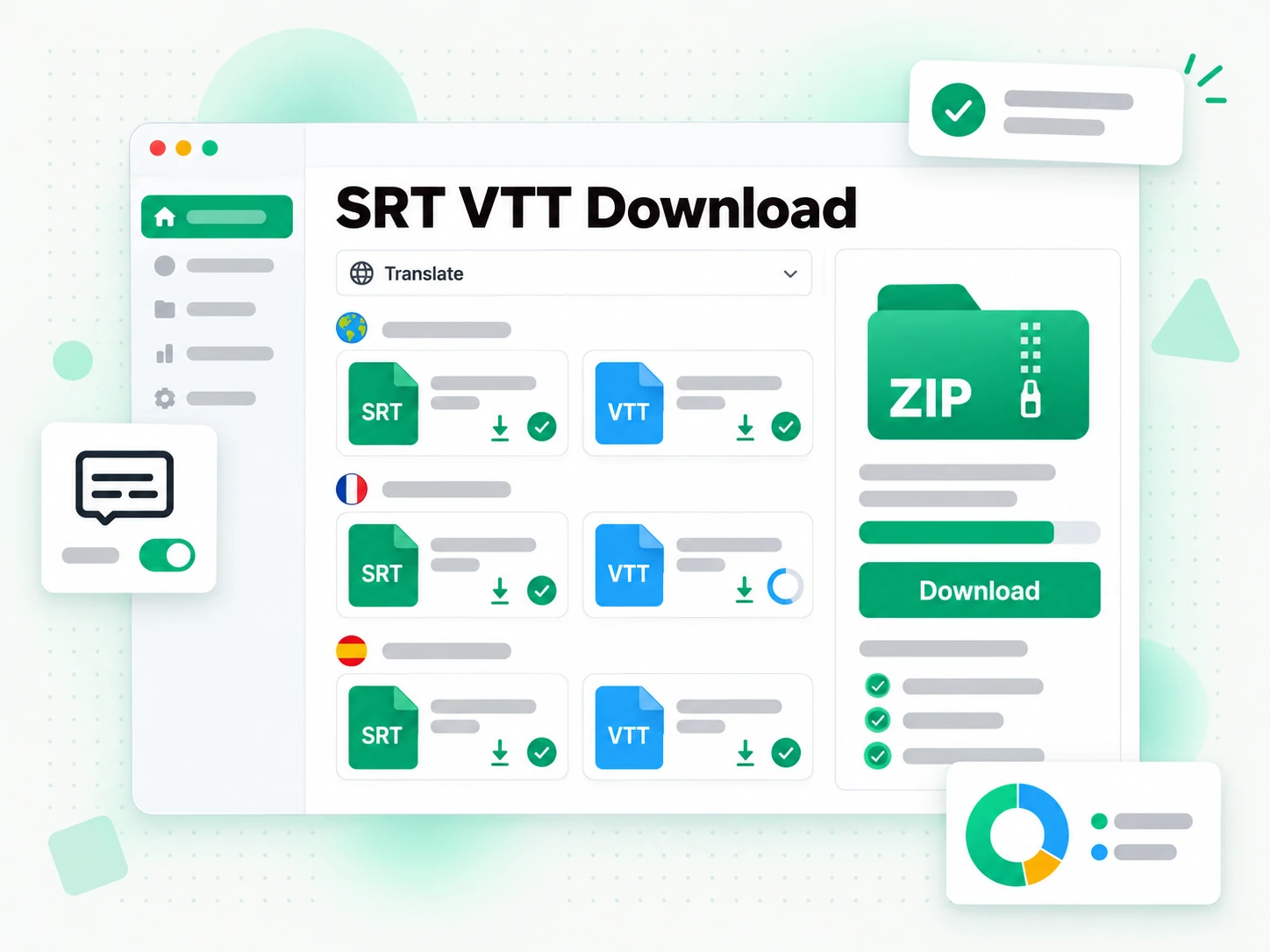
Why transcript.im Beats YouTube's Own Subtitle Export
✅ transcript.im
Paste any public YouTube link and download the captions as SRT or VTT, or translate them with the timings preserved. If the video was never captioned, AI transcription still returns a usable file instead of an empty panel. Nothing is written back to the original video, so correcting a line only changes your own file.
❌ YouTube's own subtitle export
The caption panel appears only when the creator added captions, and there is no straightforward download from the watch page. Studio export expects you to own the video, so someone else's captions stay out of reach. There is also no way to translate what the panel shows, which leaves a second language out of reach.
Who a YouTube Subtitle Downloader Is For
A YouTube subtitle downloader helps anyone who needs the caption file from a video, not just the text.
For Video Editors and Creators
An existing caption file is the fastest starting point for a re-edit, a clip, or a translated version of a video.
- Download the source captions instead of typing them again.
- Re-cut a video with the original timing already in place.
- Translate the track for a different market.
- Keep a copy before a video is edited or removed.
- Fix a line locally and re-import the corrected file.
- Archive the caption file with the source video before it disappears.
For Translators and Localisation Teams
A downloaded source track is the file every translated version is built from. A downloaded track also becomes the base for any translated version, so the timing is settled once.
- Work from accurate timings rather than re-timing a translation.
- Download the original track before the video changes.
- Produce several languages from one source file.
- Hand a clean base to a reviewer without reformatting.
- Check names and terms against the transcript first.
For Accessibility and Compliance Teams
Captions are a requirement in many settings, and a downloadable file is the evidence that they exist. The file that proves captions exist is the same one you can reuse whenever the recording is republished.
- Provide captions for a recorded session or briefing.
- Keep the file with the record for compliance review.
- Fix terminology before publication.
- Reuse the captions across re-uploads and mirrors.
- Translate on request without re-timing.
For Social Media Managers
A clean caption file decides how a clip reads on every platform it is posted to.
- Download captions once and reuse them across platforms.
- Translate a campaign so the same clip runs in several markets.
- Check a line before publishing against the transcript.
- Replace burned-in captions with an editable track.
- Keep one source file for every re-post.
- Keep a translated track ready for the next market without re-timing it.
For NotebookLM and AI Power Users
The downloaded track is text you can feed straight into an AI tool, with or without the timings. The saved captions and the plain transcript come from one run, so the text is ready for whatever tool reads it next.
- Google NotebookLM: add the transcript as a source to summarise the video.
- ChatGPT, Claude, Gemini, Kimi, and Manus: use the text for notes, rewrites, or translations.
- Keep a searchable archive by storing the plain-text transcript.
- Reformat the text for a different audience.
- Feed an agent or an API with the transcript for the rest of your pipeline.
How to Download Subtitles From a YouTube Video
- 1
Paste the YouTube Link
Copy any public YouTube video URL and paste it into the box at the top of the page. There is no extension to install and no download step: the link itself is all the input the YouTube subtitle downloader needs.
- 2
Fetch the Subtitle Track
Start the downloader and it reads the creator's caption track when one exists, then falls back to AI transcription of the spoken audio when it does not. The result is a timed track you can review before saving it. You can also paste a second link without leaving the page.
- 3
Read and Check the Captions
Read the lines beside their timestamps and search the text for any word you want to verify. Correct a name or a phrase now, so the file is right before it reaches an editor or a platform. Reading before exporting is what keeps a wrong word out of a finished upload.
- 4
Download SRT or VTT
Download the subtitle file as SRT or VTT, or translate it into another supported language with the timings preserved. The same file works in an editor, a web player, or a upload form.
Use Your Subtitle Files in the Apps You Already Have
Google NotebookLM
Add the transcript behind the captions as a notebook source to summarise the video and ask questions about it. The text that drives the subtitles is exactly what NotebookLM can read.
ChatGPT, Claude, Gemini, Kimi, and Manus
Paste the transcript into the assistant you already use — ChatGPT, Claude, Gemini, Kimi, or Manus — to tighten the wording, shorten long lines, or start a translation.
Video Editors and Subtitle Tools
Import the exported file straight into your editor, player, or hosting platform. The timing is already in place, so the captions land on the timeline without hand-adjusting every line.
Builders Using the API and MCP
transcript.im also exposes an API and an MCP server, so a script or an agent can produce a subtitle file and pass it into the rest of your pipeline.
transcript.im vs Other YouTube Subtitle Downloaders
Different tools answer different questions. Use this table to pick the one that matches what you actually need from a YouTube subtitle downloader.
| Tool | What it does | Use it when |
|---|---|---|
| transcript.im | Captions for captioned and uncaptioned videos, with SRT and VTT download and translation. | When you need a subtitle file you can keep and reuse. |
| YouTube Studio's subtitle export | Exports captions for videos you own, through a multi-step Studio flow. | When it is your own upload and you only need the original captions. |
| Google NotebookLM | Summarises a source and answers questions about it inside a notebook. | When the goal is Q&A over the video, not a subtitle file. |
| Transcript downloader sites | Return the caption track for videos that have one, usually without translation. | When a captioned video is all you need. |
| Manual copy and paste | Copying lines from the caption panel by hand, one at a time. | For a single short quote, if the panel exists. |
Related tools
YouTube Subtitle Downloader FAQs
What is a YouTube subtitle downloader?
A YouTube subtitle downloader saves a video's caption track as a file, usually SRT or VTT, so you can keep, edit, or reuse it. Unlike a transcript, the file keeps the timing of every line.
How do I download subtitles from a YouTube video?
Paste the video URL into the YouTube subtitle downloader. It reads the existing caption track first, or transcribes the audio with AI when there are none, then lets you download the result as SRT or VTT.
Can the YouTube subtitle downloader work on a video without captions?
Yes. When a video has no caption track, the downloader transcribes the spoken audio with AI instead, so you still get a subtitle file rather than nothing at all.
Does the YouTube subtitle downloader export SRT and VTT?
Yes. You can download the file as SRT for editors and social platforms, or as VTT for the web. Both formats keep the same timings, so the same captions work in either place.
How is this different from YouTube Studio's subtitle export?
Studio exports captions only for videos you own, through a multi-step flow. This YouTube subtitle downloader works on any public video, whether or not you uploaded it, and returns a file you can download directly.
Can I download subtitles in another language?
Yes. The downloader translates the subtitle track into another supported language with the timings preserved, so the translated captions line up with the video exactly like the original.
Can I edit the subtitles before downloading them?
Yes. The lines are shown as text beside their timestamps, so you can check the wording against the video and fix a name or phrase before you download the SRT or VTT file.
Can I download subtitles from a video I did not upload?
Yes, as long as the video is public. The downloader fetches the caption track for any public video, so you are not limited to your own uploads.
Does the YouTube subtitle downloader include a transcript as well?
Yes. The same run produces a plain-text transcript alongside the subtitle file, which is useful for descriptions and notes, while the SRT or VTT is what you import into a player or editor.
Can I download subtitles from a YouTube live stream?
A live stream becomes downloadable once it has ended and a recording exists. An in-progress stream is not available yet, because there is no finished caption track to save.
How accurate are the downloaded subtitles?
Accuracy depends on the source. Creator captions are usually precise, while AI transcription can mishear names, accented speech, or overlapping voices. You can correct any line on the page before downloading the file.
What is the difference between a subtitle and a transcript?
A subtitle file pairs each line with its timing so a player can display it, while a transcript is the plain readable text of what was said. This YouTube subtitle downloader gives you either from the same link.
Can I download subtitles from a whole YouTube playlists?
The downloader handles one video per link so the caption file and its review stay manageable. For an entire series, use the playlist transcript page, which processes every video and returns the text together.
What timing does the downloaded subtitle file use?
Every line keeps the start and end time from the source caption track, or from the AI transcription when there was no track, so the file lines up with the video wherever it is played.
Try the YouTube Subtitle Downloader
Paste a link to preview and copy the captions, or download the SRT or VTT file.