
TRANSCRIPT
YouTube Subtitle Generator
What Is a YouTube Subtitle Generator?
A YouTube subtitle generator turns the speech in a video into a timed caption track, exported as SRT or VTT. It is different from the transcript: the transcript is plain text you read and search, while a subtitle file pairs every line with the moment it is spoken so a player can display it. YouTube only shows captions when the creator already added them, and automatic captions are often mis-timed or wrong on names and accents. A real subtitle generator starts from the audio instead, aligning each timestamp to the spoken words so captions track speech correctly, and falls back to AI transcription on any video that was never captioned. Whether you search for a youtube subtitle generator, a way to generate youtube subtitles as srt or vtt, or a youtube subtitle transcript, the result should be a caption file you can actually import.
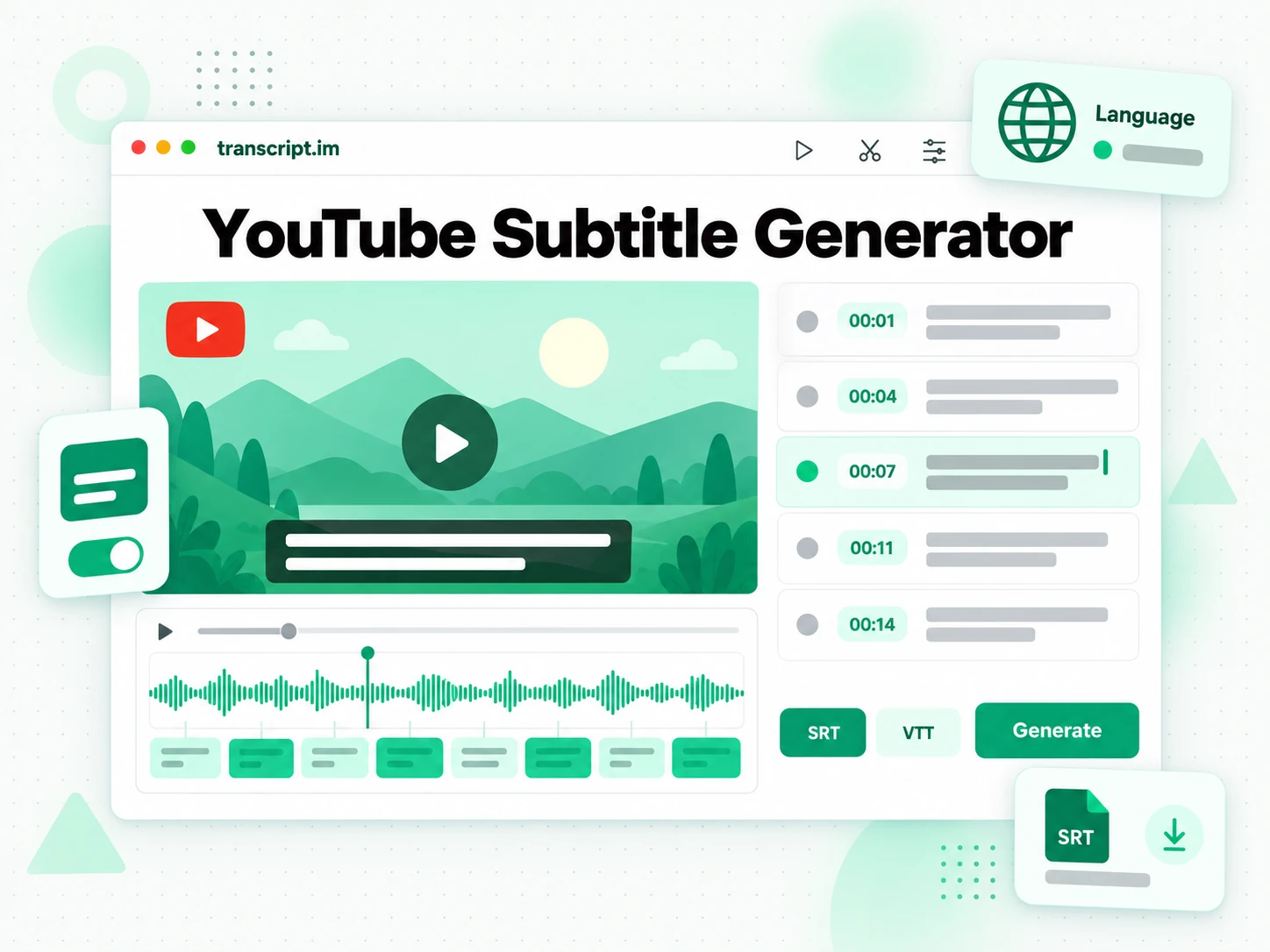
How the YouTube Subtitle Generator Works
One pasted link turns a YouTube video into timed captions you can export as SRT or VTT.
Turn a YouTube Link Into Subtitles
Paste a YouTube video link into the subtitle generator. It first checks whether the video already has a caption track, since an existing track is the most accurate source, and then transcribes the spoken audio with AI when there is none. Either way it produces timed lines with a start and end for each one, so the captions can be displayed as the video plays. Because the timing is generated from the speech rather than averaged across a block of text, the subtitles stay in sync from the opening line to the end of a long video. Every line is stored with its own start and end time, so the file is complete rather than a sample of the opening.
- Works from a pasted link, with no download step
- Falls back to AI transcription when captions are missing
- Each line carries its own start and end time
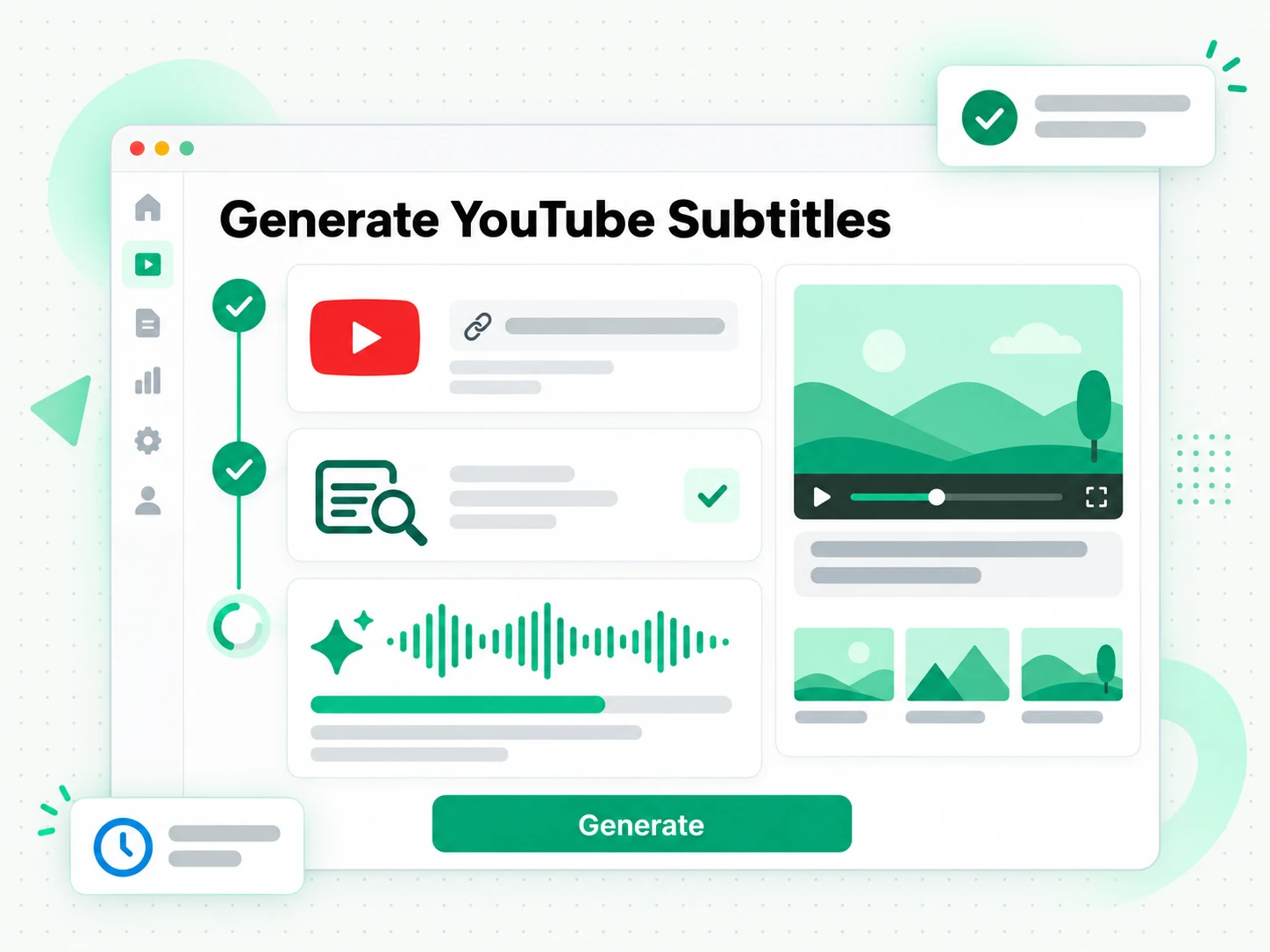
Read and Check the Timed Captions
Read the subtitle lines on the page, with the timestamp beside each one, and check the wording against what was actually said. You can search the text for a term, jump to that moment in the video, and fix a name or a phrase before you export anything. Catching a misheard word here is far cheaper than finding it after the captions have been burned into a finished edit or uploaded to a platform. Nothing here is written back to the original video, so correcting a line only changes your own file.
- Read each caption beside its timestamp
- Search the full text to check a line
- Fix wording before exporting
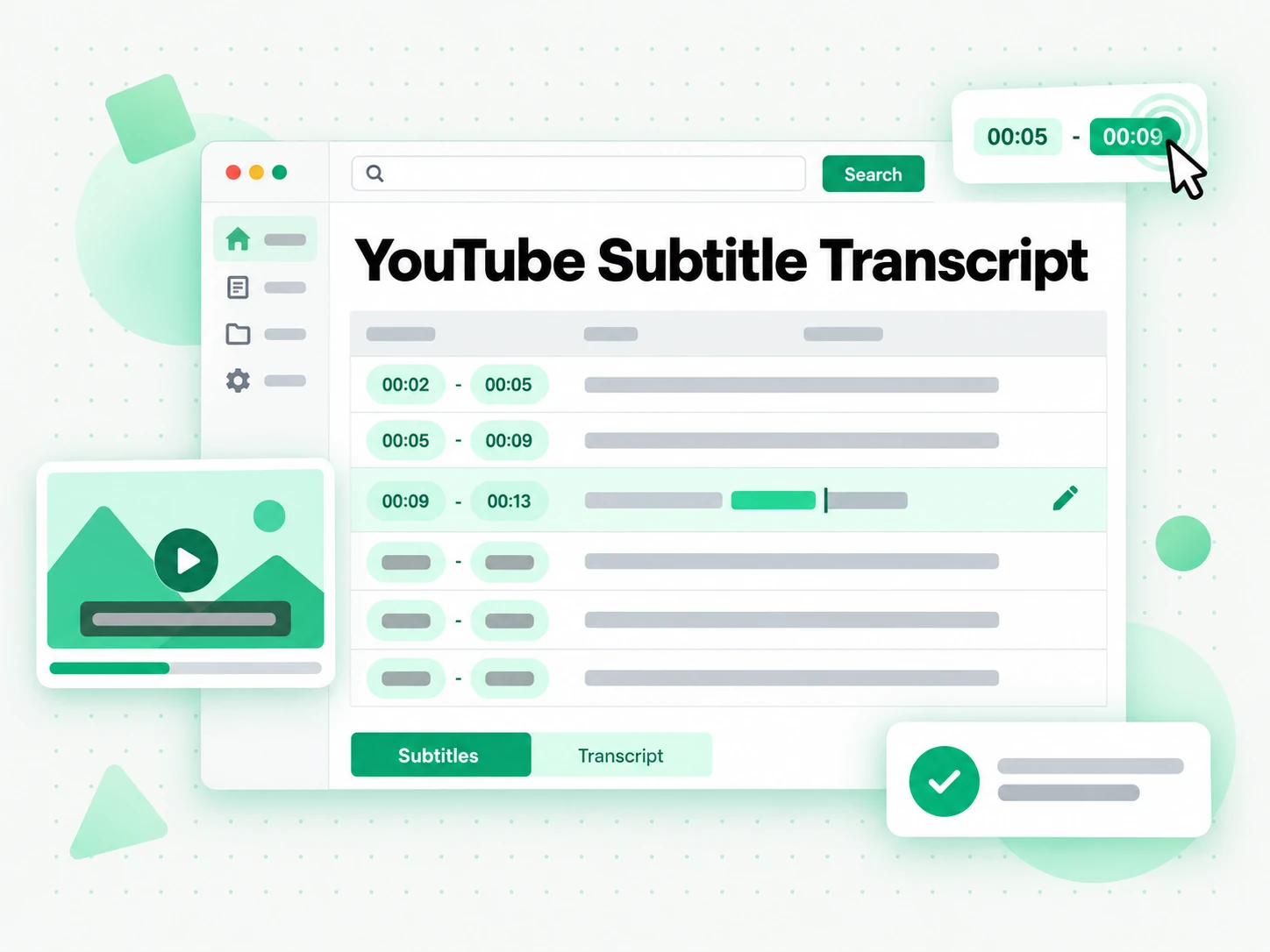
Export as SRT or VTT
Download the subtitle track as SRT for editors and social platforms, or as VTT for the web. Translate it into another supported language with the timings preserved to produce a second caption file, or keep the transcript as plain text for notes and descriptions. One generated track can become a caption file for your own edit, a translated version for a new audience, and a readable transcript for search engines, all from the same pasted link. The export keeps the line breaks you reviewed, so the file matches what you saw on screen.
- Export SRT or VTT
- Translate with the timings preserved
- Keep the plain-text transcript too
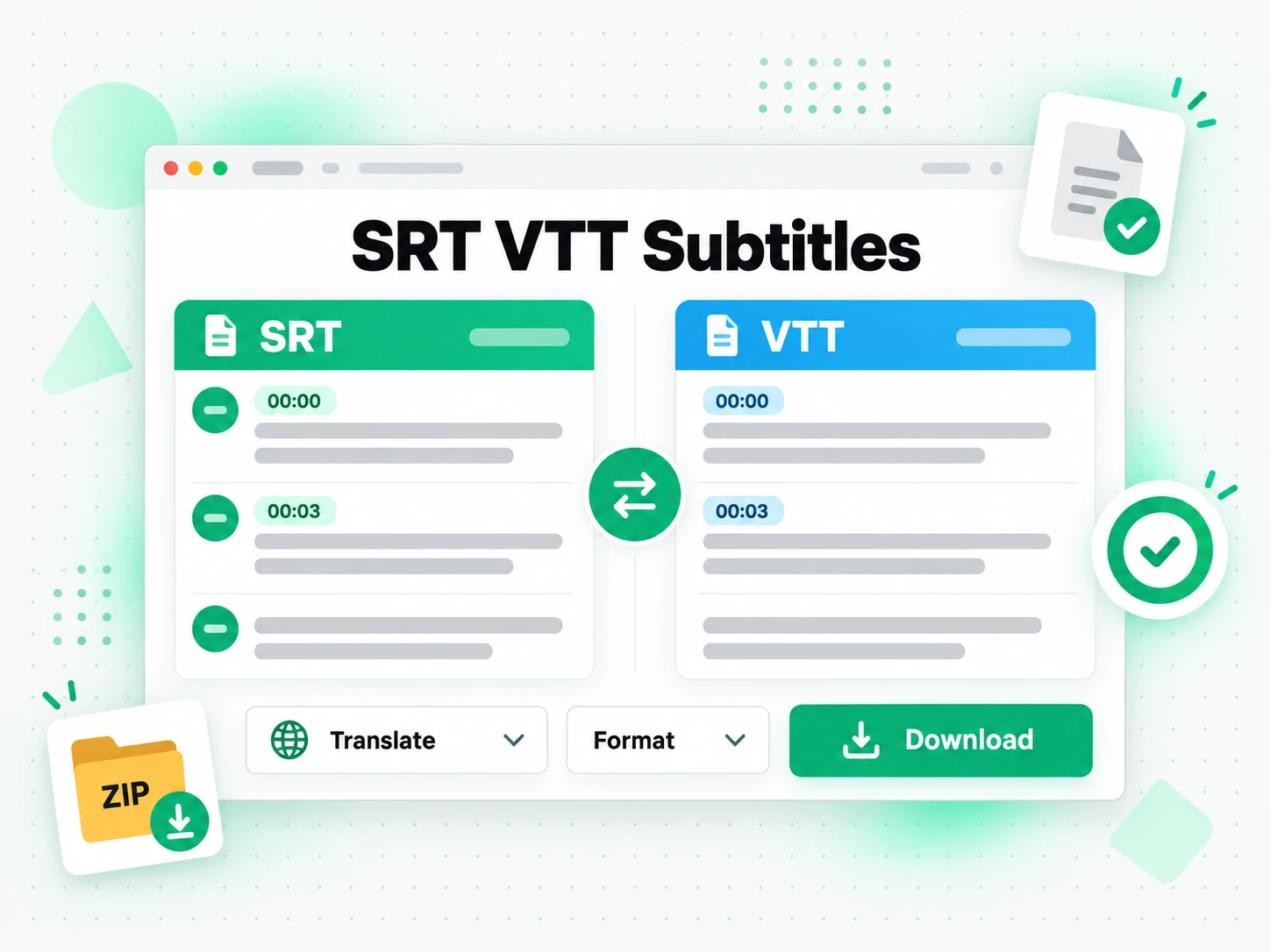
Why transcript.im Beats YouTube's Own Captions
✅ transcript.im
Paste any public YouTube link and get timed captions you can read, correct, and export as SRT or VTT. The timing comes from the speech itself, so the subtitles stay in sync, and a translated version keeps the same timings. Nothing is written back to the original video, so correcting a line only changes your own file.
❌ YouTube's automatic captions
They appear only when the creator enabled them, they mis-time longer blocks, and they mishear names and accents. There is no download button, no way to fix a line in bulk, and nothing at all for an uncaptioned video. There is also no way to translate what the panel shows, which leaves a second language out of reach.
Who a YouTube Subtitle Generator Is For
A YouTube subtitle generator helps anyone who needs timed captions for a video they did not caption themselves.
For Video Editors and Creators
An editable caption file is faster than typing subtitles by hand, especially on a long video with several speakers.
- Import SRT into your editor and adjust names and line breaks instead of typing every caption.
- Caption a video you did not script without transcribing it yourself.
- Fix timing once rather than re-syncing every block by hand.
- Keep captions on-brand by editing the wording before export.
- Reuse the track across platforms that expect the same file.
- Standardise line length before export so captions read evenly across the screen.
For Translators and Localisation Teams
A timed source file is the starting point for every translated version of a video. A generated track is also the source for any translated version, so the timing work is done once.
- Translate with timings preserved so the new track drops straight in.
- Start from accurate timing instead of re-timing a machine-translated block.
- Check names and acronyms against the transcript before translating.
- Produce several language tracks from one generated file.
- Hand a clean source to a reviewer without extra formatting work.
For Educators and Course Creators
Captioned lessons are easier to follow, easier to translate, and easier to search. Because the lesson already exists as a recording, generating a track takes one paste rather than a captioning session.
- Caption a recorded lecture so students can read along.
- Translate a lesson for a class in another language.
- Provide a transcript alongside the captions for revision.
- Fix technical terms before students see them.
- Reuse the captions for a flipped-classroom version of the same lesson.
For Social Media Managers
Captions decide how far a clip travels, and a neat file makes the difference between readable and rejected.
- Caption a clip in the platform's expected format.
- Translate a campaign so the same video runs in several markets.
- Check a line before publishing against the transcript.
- Keep one source file for every platform that accepts SRT.
- Avoid re-uploading because a caption was mistyped.
- Check the transcript once and reuse the same wording in the post copy.
For NotebookLM and AI Power Users
Captions and transcripts are the text layer AI tools read best, and one generated file serves both. The captions and the transcript come from the same run, so you do not pay twice in time for the same text.
- Google NotebookLM: add the transcript as a source to summarise the video.
- ChatGPT, Claude, Gemini, Kimi, and Manus: use the text for summaries, notes, or translations.
- Build a searchable archive by keeping the plain-text transcript.
- Translate or reformat the text for a different audience.
- Feed an agent or an API with the transcript for the rest of your pipeline.
How to Generate Subtitles for a YouTube Video
- 1
Paste the YouTube Link
Copy any public YouTube video URL and paste it into the box at the top of the page. There is no download and no software to install: the link itself is all the input the YouTube subtitle generator needs.
- 2
Generate the Timed Captions
Start the generator and it reads the creator's caption track when one exists, then falls back to AI transcription of the spoken audio when it does not. The result is a timed subtitle track with a start and end for every line. You can also paste a second link without leaving the page.
- 3
Read and Check the Timing
Read the lines beside their timestamps and search the text for any word you want to verify. Fix a name or a phrase before you export, so the caption file is correct the first time it is imported. Reading before exporting is what keeps a wrong word out of a finished upload.
- 4
Export as SRT or VTT
Download the track as SRT or VTT, or translate it into another supported language with the timings preserved. The same file works in an editor, a web player, or a platform upload.
Use Your Subtitles in the Apps You Already Have
Google NotebookLM
Add the transcript behind the captions as a notebook source to summarise the video and ask questions about it. The text that drives the subtitles is exactly what NotebookLM can read.
ChatGPT, Claude, Gemini, Kimi, and Manus
Paste the transcript into the assistant you already use — ChatGPT, Claude, Gemini, Kimi, or Manus — to tighten the wording, shorten long lines, or start a translation.
Video Editors and Subtitle Tools
Import the exported file straight into your editor, player, or hosting platform. The timing is already in place, so the captions land on the timeline without hand-adjusting every line.
Builders Using the API and MCP
transcript.im also exposes an API and an MCP server, so a script or an agent can produce a subtitle file and pass it into the rest of your pipeline.
transcript.im vs Other YouTube Subtitle Tools
Different tools answer different questions. Use this table to pick the one that matches what you actually need from a YouTube subtitle generator.
| Tool | What it does | Use it when |
|---|---|---|
| transcript.im | Timed captions for captioned and uncaptioned videos, with SRT and VTT export and translation. | When you need an editable subtitle file you can import. |
| YouTube's automatic captions | On-screen captions that only appear when the creator enabled them, with no file to download. | When you only need to read along inside the player. |
| Google NotebookLM | Summarises a source and answers questions about it inside a notebook. | When the goal is Q&A over the video, not a caption file. |
| Transcript downloader sites | Return the caption track for videos that have one, usually without translation. | When a captioned video is all you need. |
| Manual caption typing | Typing every line and setting its timing by hand. | For a very short clip with almost no dialogue. |
Related tools
YouTube Subtitle Generator FAQs
What is a YouTube subtitle generator?
A YouTube subtitle generator turns the speech in a video into a timed caption track you can export as SRT or VTT. Each line carries its own start and end time, so a player or editor can display it in sync with the video.
How do I generate subtitles for a YouTube video?
Paste the video URL into the YouTube subtitle generator. It uses the existing caption track when there is one, or transcribes the audio with AI when there is not, then returns timed lines you can export.
Can the YouTube subtitle generator create subtitles for a video without captions?
Yes. When a video has no caption track, the generator transcribes the spoken audio with AI instead, so you still get a full subtitle file rather than nothing to export.
Does the YouTube subtitle generator export SRT and VTT?
Yes. You can download the track as SRT for editors and social platforms, or as VTT for the web. Both formats keep the same timings, so the same captions work in either place.
How is this different from YouTube's automatic captions?
YouTube's automatic captions appear only when the creator enabled them and offer no download, while this YouTube subtitle generator works on any public video and lets you check, correct, and export the captions as a file.
Can I translate the subtitles into another language?
Yes. The generator translates the subtitle track into another supported language with the timings preserved, so the translated captions line up with the video exactly like the original.
How accurate are the generated subtitles?
Accuracy depends on the source. Creator captions are usually precise, while AI transcription can mishear names, accented speech, or overlapping voices. You can correct any line on the page before exporting the file.
Can I edit the subtitles before downloading them?
Yes. The lines are shown as text beside their timestamps, so you can read them, check the wording against the video, and fix a name or phrase before you export the SRT or VTT file.
Can I use the YouTube subtitle generator for a video I did not create?
Yes. The generator works on any public video, so you can caption your own uploads or someone else's, as long as the video is public.
Does the YouTube subtitle generator include a transcript as well?
Yes. The same run produces a plain-text transcript alongside the timed captions, which is useful for descriptions, notes, and search, while the subtitle file is what you import into a player or editor.
Can I get subtitles for a YouTube live stream?
A live stream becomes captioned once it has ended and a recording exists. An in-progress stream is not available yet, because there is no finished audio track to time.
What is the difference between subtitles and a transcript?
A subtitle file pairs each line with its timing so a player can display it, while a transcript is the plain readable text of what was said. This YouTube subtitle generator produces both from the same link.
Can I generate subtitles for a YouTube video in bulk?
The subtitle generator works one video at a time from a pasted link, which keeps the timing and the wording reviewable. For a whole series or channel, use the channel or playlist transcript pages, which queue every video and return the text together.
What timing does the generated subtitle file use?
Each line is timed against the spoken words in the video, so the captions follow speech rather than sitting on screen for a fixed interval. That is what keeps a translated track aligned with the original.
Try the YouTube Subtitle Generator
Paste a link to preview and copy timed captions, or download as SRT or VTT.