
TRANSCRIPT
Free AI Note Taker for Meetings
For recordings no notetaker joined: get the discussion points, the decisions made, and action items with owners, ready to paste into Notion or Slack.
Upload or drag a video or audio here
One audio or video file at a time. Up to 500 MB on Free, 5 GB on paid plans.
We transcribe first, then write the notes. Notes need a free account.
What Is an AI Note Taker?
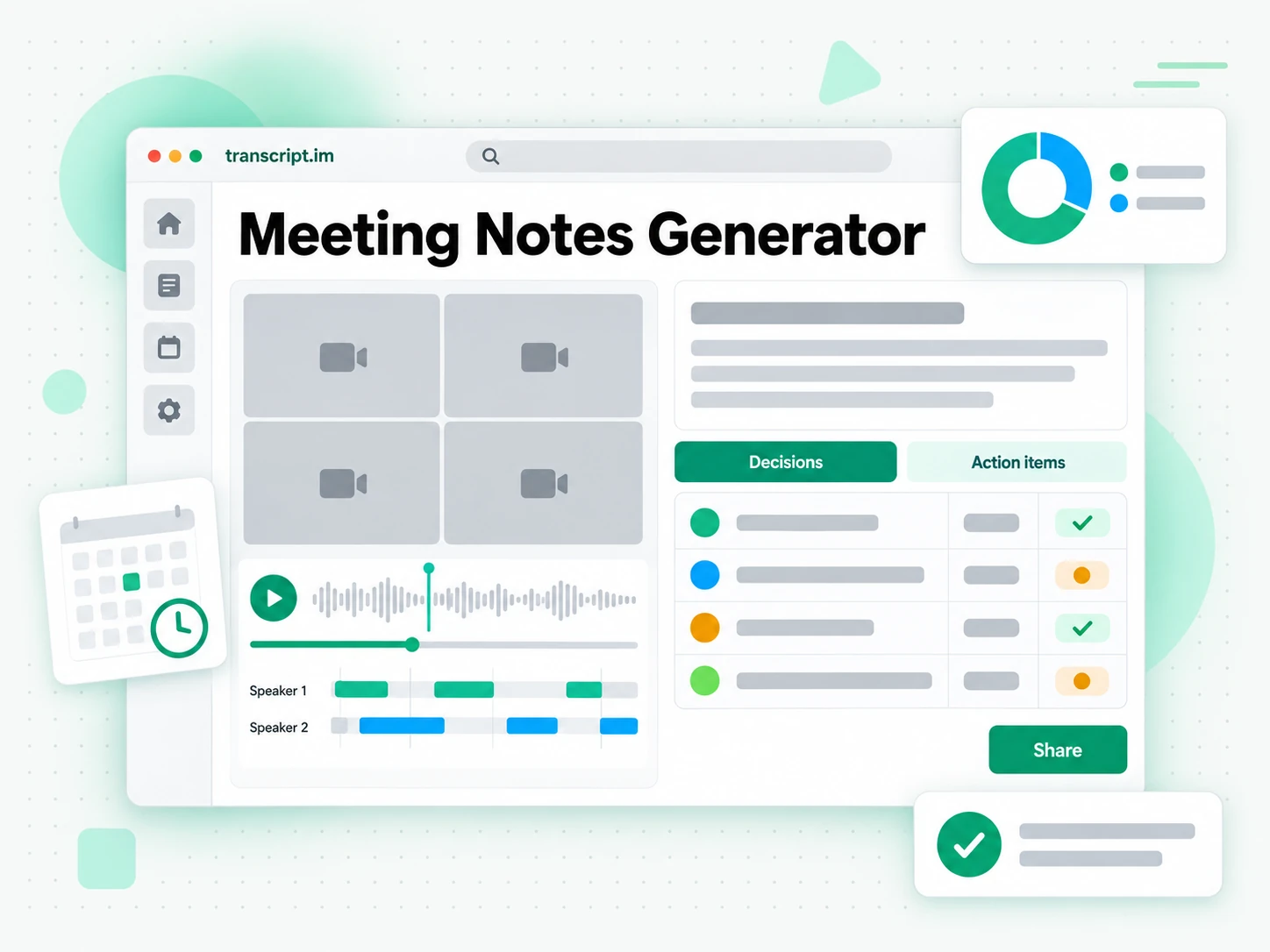
An AI note taker turns a recorded call into written notes: a context overview, the key discussion points, the decisions that were made, and an action list with owners. It is different from a raw transcript: the transcript is the flat record of everything said, while the notes are the organized summary you actually circulate. The hardest case is the recording no assistant ever joined: a call that no in-app notetaker captured, a file someone exported afterwards, or a link with no captions at all. That is where a real AI note taker earns its place, because it works from the recording itself and turns any audible call into minutes you can send. Whether you search for a meeting notes generator, a minutes generator, or notes from a recording, the result should be something your team can act on.
How the AI Note Taker Works
One pasted link or uploaded file takes you from a recorded call to organized notes in three stages.
Turn a Recording Into Notes
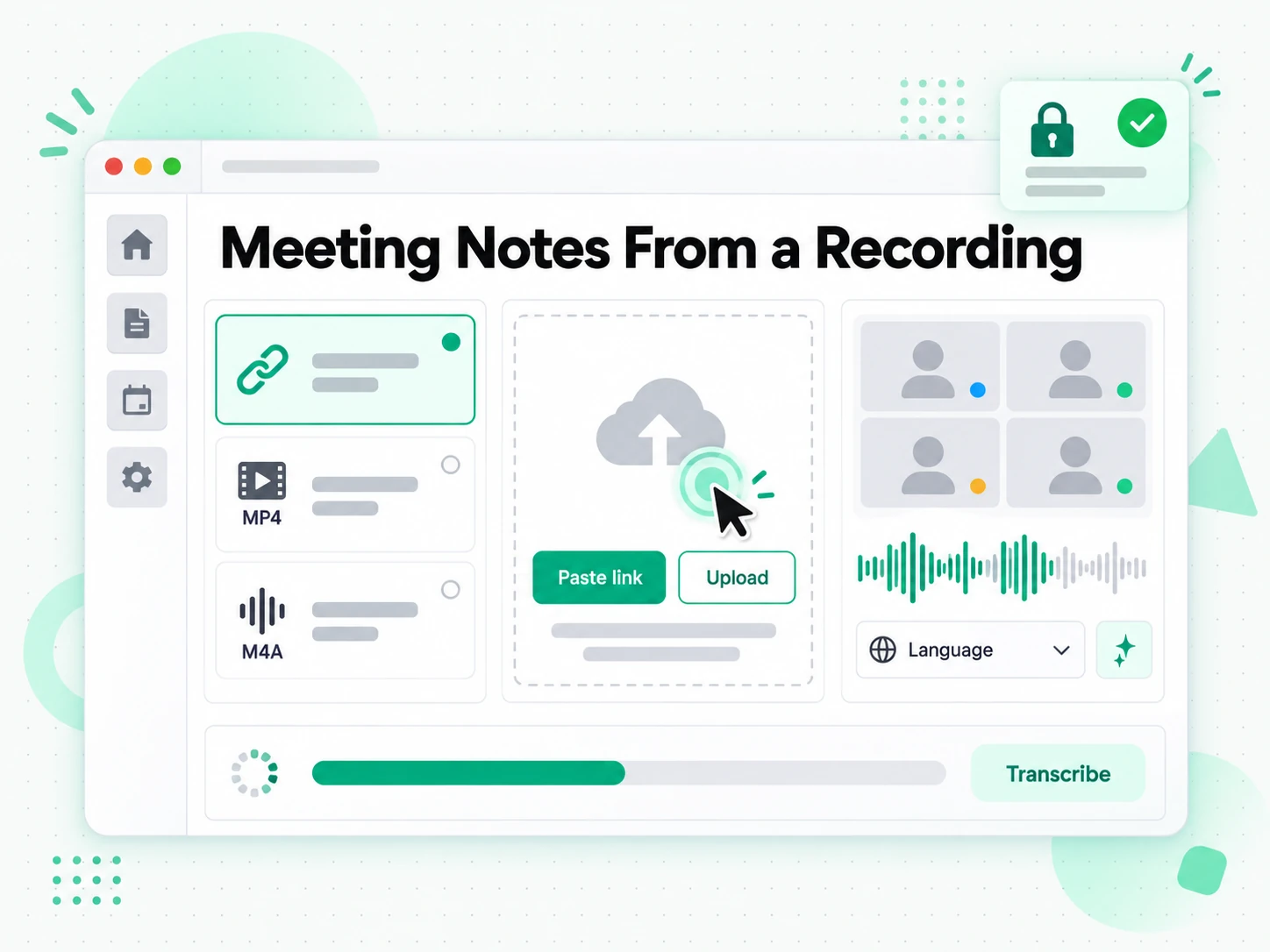
Paste a link to a recorded call on YouTube, TikTok, or Instagram, or upload a local file. The AI note taker transcribes the recording, detects the spoken language automatically, and returns the full transcript with timestamps aligned to what was actually said. There is no bot to invite and no calendar integration to set up: the recording itself is the only input. A call that would take an hour to write up by hand comes back as searchable text, and every later note, quote, or decision can be traced to the exact moment it was said.
- Accepts YouTube, TikTok, and Instagram links, or a local upload
- Local recordings work too
- Timestamps stay aligned to the spoken audio
Extract Decisions and Action Items
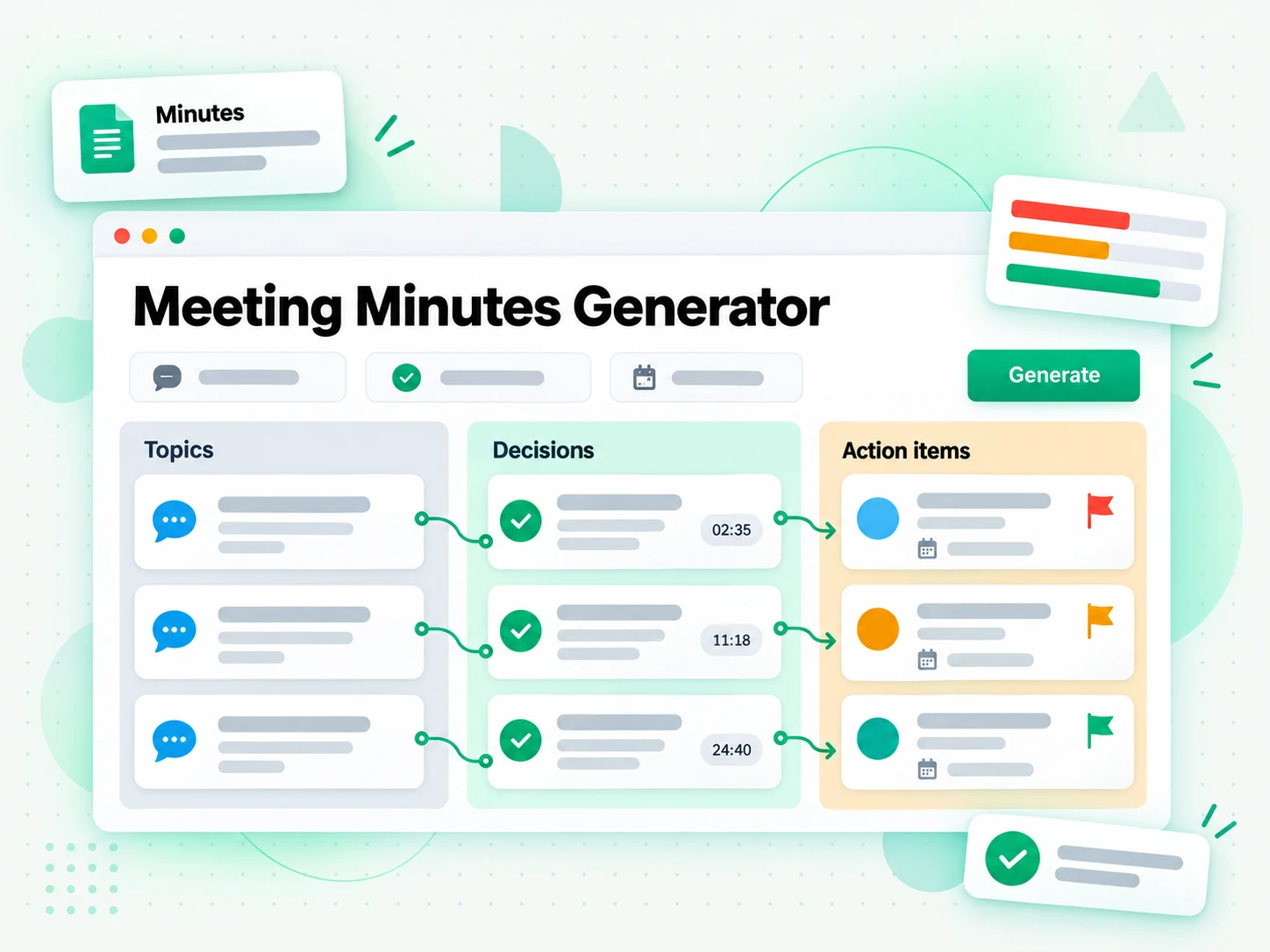
Once the transcript is ready, it is structured into notes instead of a wall of dialogue: a context overview, the key discussion points, the decisions that were made, and a prioritized action list with owners wherever a name is mentioned. Commitment language such as "I'll send it", "we need to", or "by Friday" is surfaced as a dedicated to-do list rather than left buried halfway down a page. Read the notes, search the transcript for the exact wording, or jump to a timestamp to check what was really said before you circulate anything. The result is minutes your team can send without retyping them.
- Context, discussion points, and decisions
- An action list with owners where named
- Jump to any moment by its timestamp
Translate or Export the Notes
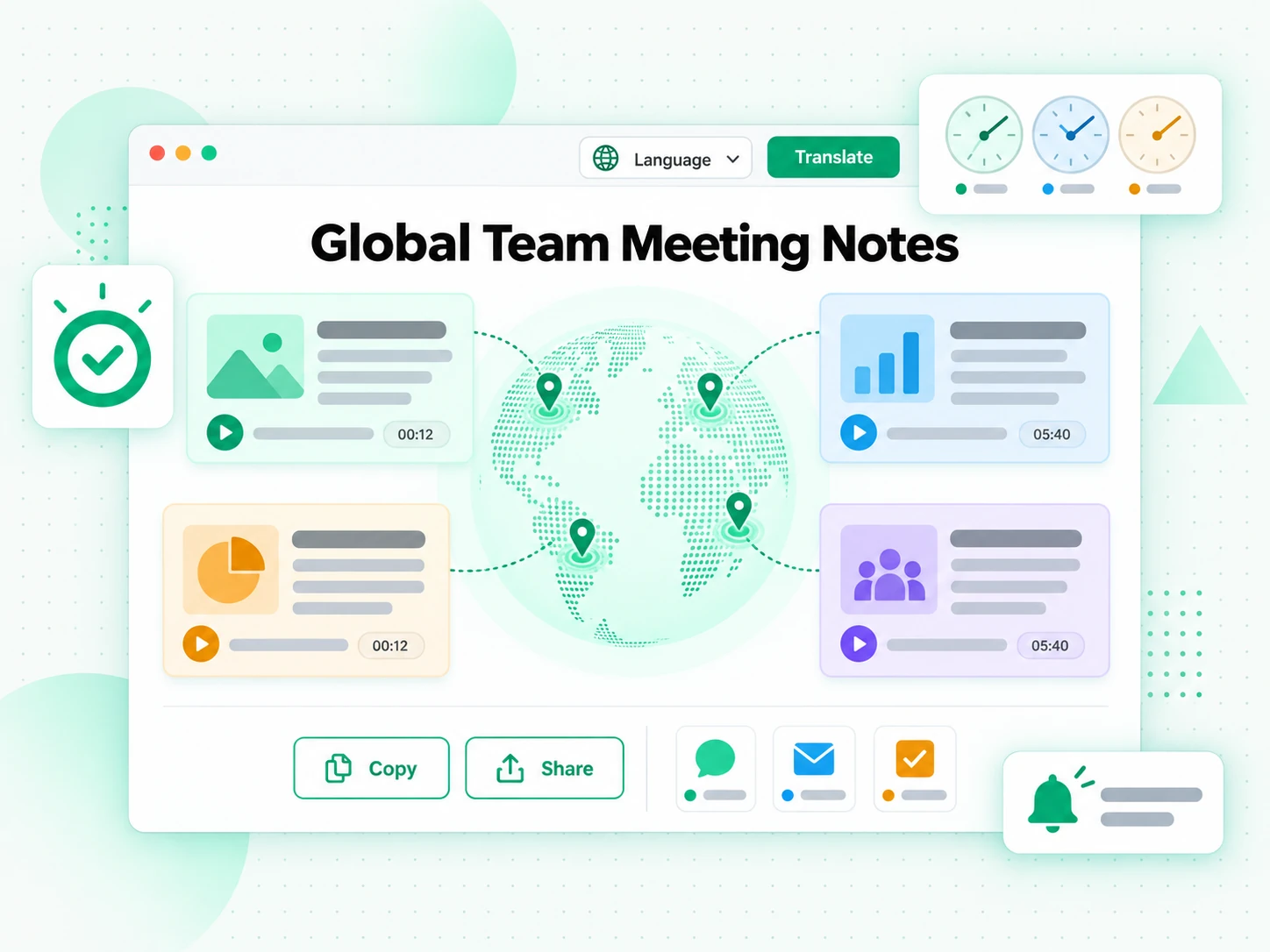
Copy the structured notes straight into Notion, Slack, email, or a project tracker, or export the transcript as TXT, SRT, or VTT. Translate the notes or the transcript into another supported language with the timestamps preserved, which keeps a distributed team working from the same record. Because the output is plain text, one set of notes can become a follow-up email, a task list, a project update, or the source for a summary you run yourself. The notes stay editable, so you can correct a name or add context before they go out.
- Copy straight into Notion, Slack, or email
- Download the transcript as a file
- Translate into a second language
Why AI Beats Built-In Call Summaries
✅ AI note taker
Paste any recording link or upload a file and get organized minutes from any call, in-app assistant or not. The notes stay searchable, copyable, exportable, and translatable, and the transcript stays readable in the same place.
❌ Your call app's built-in notes
A built-in assistant only writes notes for calls held inside its own platform and only when it was invited, so a call recorded elsewhere or a file someone sent you gets nothing. The output is locked to that app, with no export, no translation, and no way to search the transcript behind the summary.
Who an AI Note Taker Is For
It helps anyone who would rather read, quote, or reuse what was said than sit through a recording again.
Team standups and sprint reviews
Stop rotating the notetaker role: record the standup and let the AI note taker write a structured summary of progress, blockers, and next steps.
- Capture every update and blocker without depending on who was typing fastest.
- See an owner for each action item in the follow-up list.
- Paste the result into your project tracker as-is.
- Check the timestamped transcript when a decision is questioned later.
- Let everyone stay in the conversation instead of taking notes.
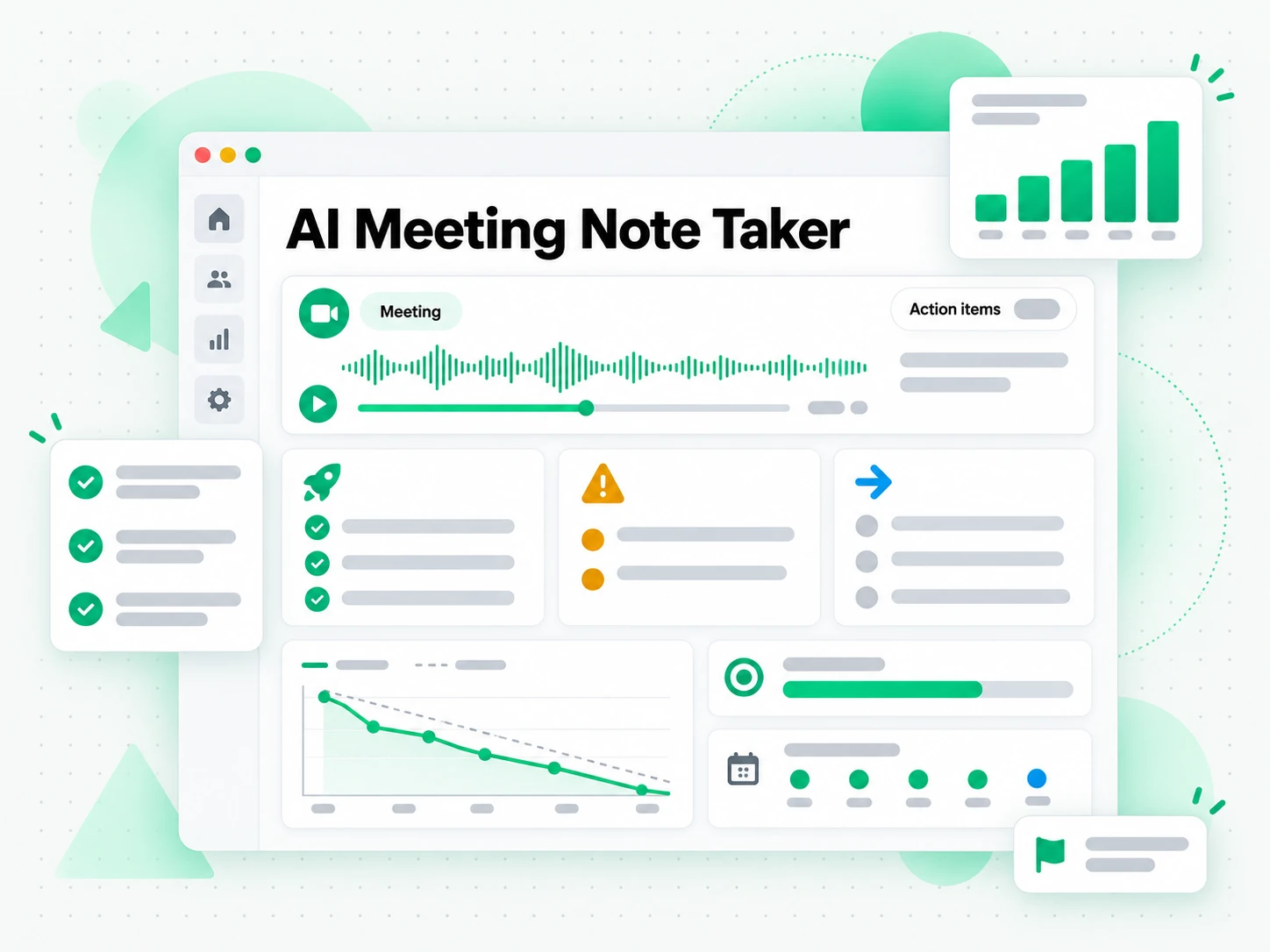
Client calls and sales discovery
Stay present in the conversation instead of scribbling while a client talks. The AI note taker catches the details afterwards.
- Capture requirements, objections, and commitments from the full recording.
- Check the exact wording behind each point in the transcript.
- Catch the small asides a hurried summary would miss.
- Make sure every promised follow-up has an owner.
- Export the notes as a brief or search for the line that decides the deal.
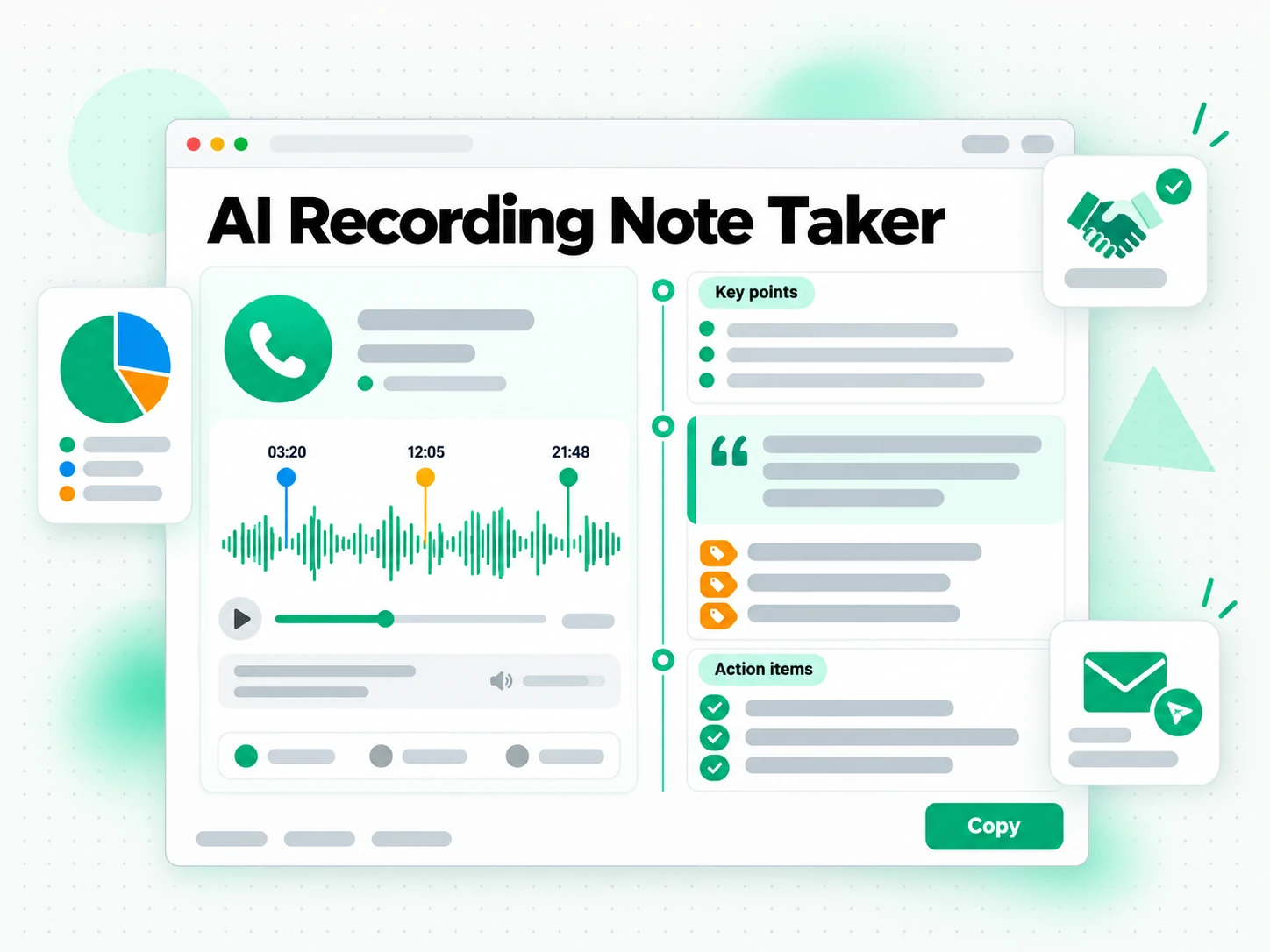
Interviews and hiring debriefs
Interview notes are notoriously subjective, especially across a full day of candidates.
- Get an objective written record of what was asked and discussed.
- Work from the same notes across the whole hiring panel.
- Compare candidates side by side by reading their notes.
- Check the exact wording if a decision is challenged.
- Track follow-ups like a reference call or a final decision.
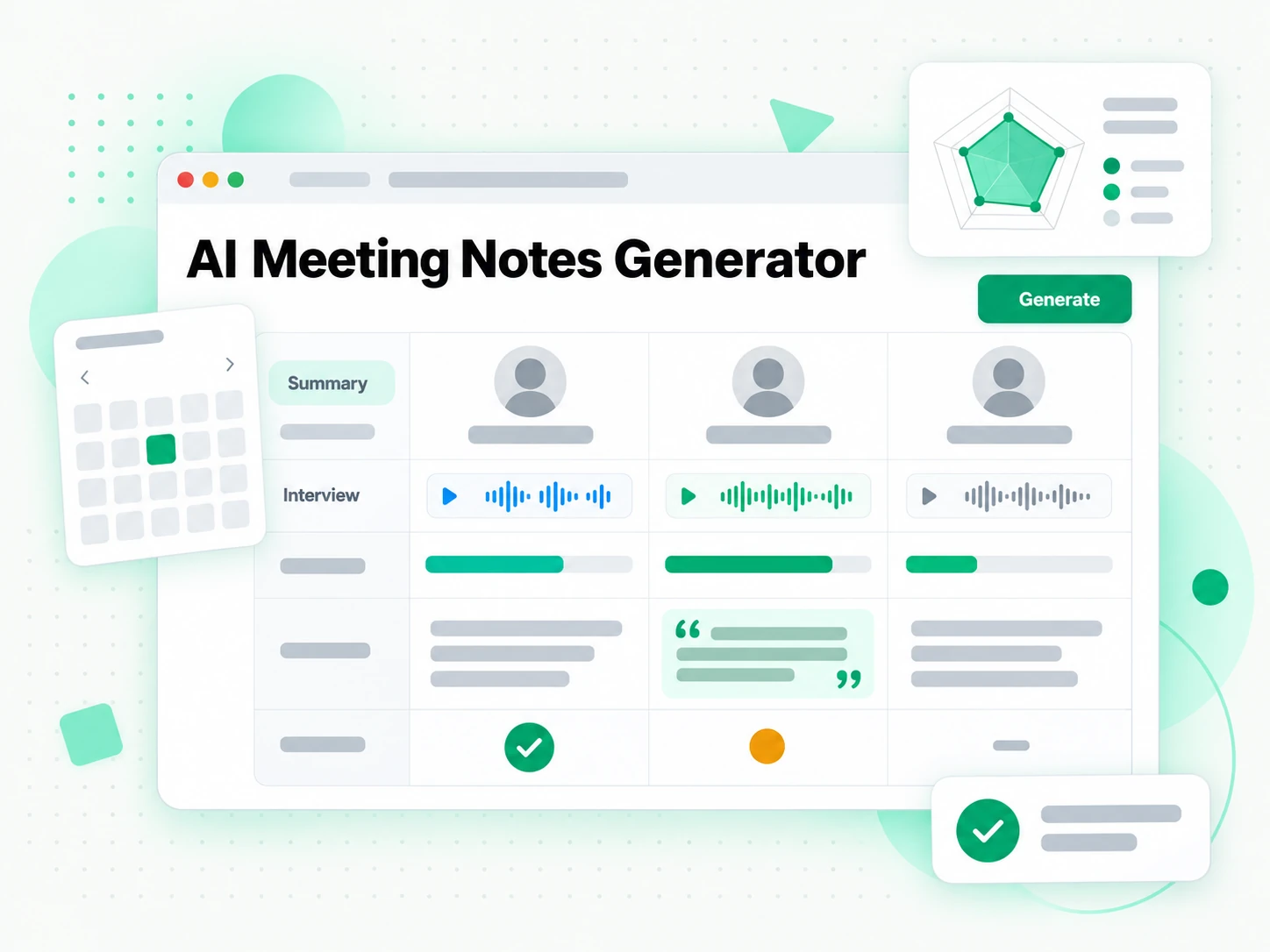
All-hands and town hall recordings
All-hands sessions are packed with announcements and Q&A, but most attendees cannot retain all of it.
- Give everyone the same picture of what was announced and what changed.
- Scan an overview and a list of decisions instead of a long recording.
- Search for the answer to a question you missed.
- Stop relying on second-hand summaries across time zones.
- Keep the transcript as the record behind the notes.
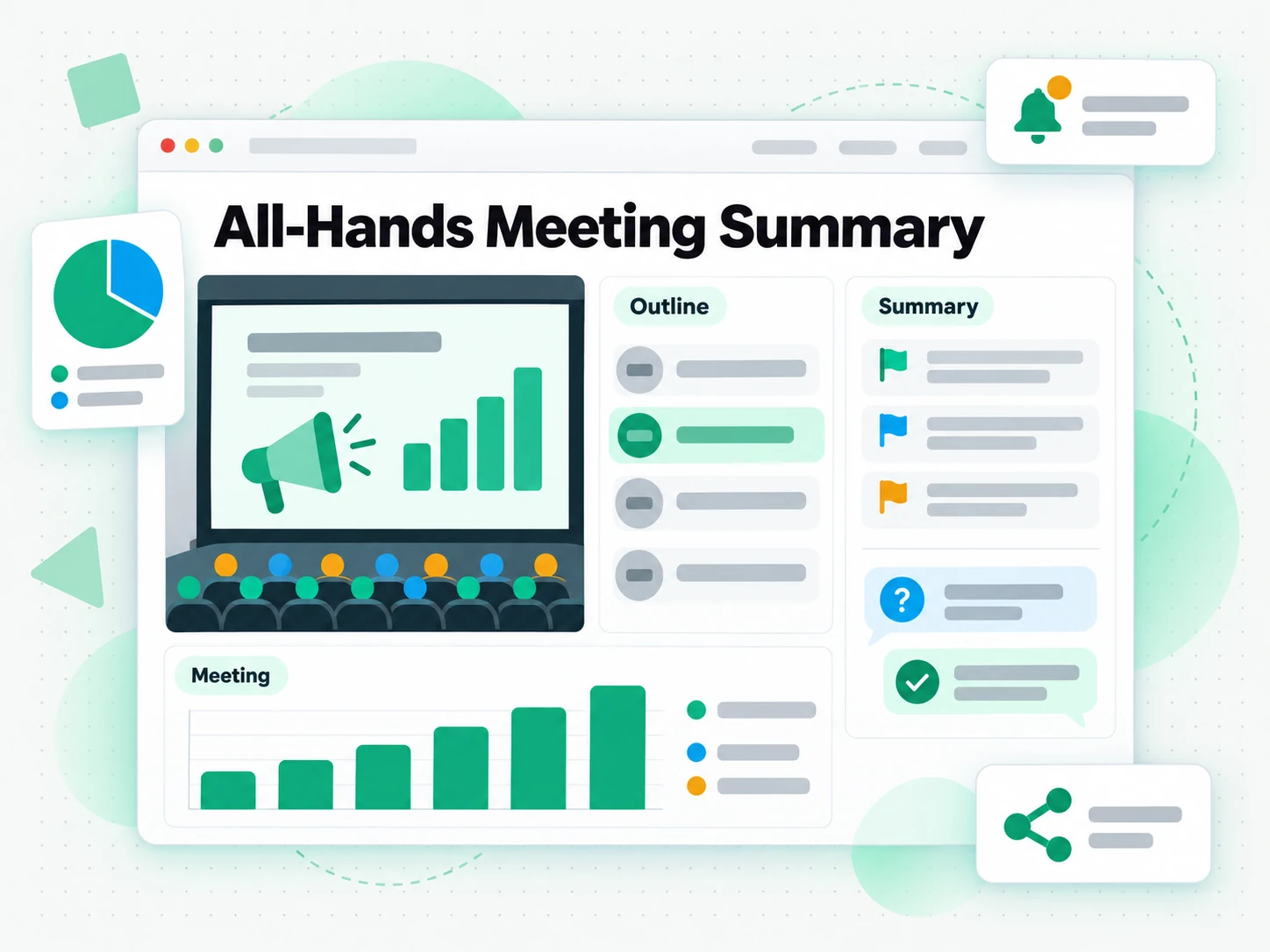
For Trainers and Workshop Hosts
A workshop recording holds the explanations, examples, and questions that a slide deck leaves out. Turn the session into written notes, so attendees get the content in writing and you can reuse the material for the next cohort.
- Give attendees a written recap they can revisit after the session ends.
- Capture the questions that came up and answer the ones you ran out of time for.
- Reuse the notes as teaching material for a later workshop or a written handout.
- Check the exact wording of an explanation before it goes into course material.
- Keep the transcript as the record behind the summarised notes.
How to Use an AI Note Taker
- 1
Paste the Recording
Copy a link to a recorded call on YouTube, TikTok, or Instagram, or upload a local file, and drop it into the box at the top of the page. There is nothing to install and no bot to invite: the recording is the only input needed, on a phone, a laptop, or a shared computer.
Upload or drag a video or audio here
One audio or video file at a time. Up to 500 MB on Free, 5 GB on paid plans.
We transcribe first, then write the notes. Notes need a free account.
- 2
Generate the Transcript and Notes
Start it, and the recording is transcribed with AI, then sorted into an overview, the topics covered, what was agreed, and who owns each next step. Any call with clear audio comes back as readable notes, even if an assistant never joined. When the call was posted to YouTube, the YouTube transcript page turns that link into minutes-ready text.
- 3
Read, Search, and Check the Notes
Search the transcript for a phrase, jump to a timestamp, and confirm the exact wording behind a decision or an action item. Instead of replaying the recording, you read the notes and keep the timestamp so anyone can verify the source.
- 4
Export, Translate, or Reuse
Copy the notes straight into Notion, Slack, email, or a project tracker, or export the transcript as a file. Translate either with timestamps preserved, or hand the text to an AI tool as a brief.
Use Your Notes in the Apps You Already Have
Google NotebookLM
Paste the transcript into a notebook as a text source to summarise the call and ask questions about it. NotebookLM works from text, so a tidy transcript is exactly what it needs.
ChatGPT, Claude, Gemini, Kimi, and Manus
Paste the transcript into the assistant you already use and treat it as a brief: draft the follow-up email, rewrite the notes for a different audience, or pull the decisions out in order.
Video Editors and Subtitle Tools
Export SRT or VTT and drop it straight into your editor, or start a translation from the same timestamped file to caption a recorded call for the people who missed it. Need the audio first? Use YouTube to MP3.
Builders Using the API and MCP
An API and an MCP server are also available, so a script or an agent can generate notes from a recording and pass them into the rest of your pipeline.
How the Options Compare
Different tools answer different questions. Pick the one that matches what you need from a recorded call.
| Tool | What it does | Use it when |
|---|---|---|
| This note taker | Organized minutes from any recording, with search, export, and translation. | When you need notes you can reuse, from a call any assistant may not have joined. |
| Call app built-in notes | An in-app assistant that writes a summary only for calls held inside its own platform, with no export. | When the call happened in that app and stayed there. |
| Bots that join live calls | Join a live call, record it, and produce a summary, but only on the platforms they support. | When the bot can be invited to the call and the platform is supported. |
| Manual note-taking | One person types throughout the call and paraphrases the rest from memory. | For a short call where a rough recap is enough. |
| Google NotebookLM | Summarises a source and answers questions about it inside a notebook. | When the goal is Q&A over the recording, not the notes themselves. |
Related tools
AI Note Taker FAQs
What is an AI note taker?
An AI note taker transcribes a recorded call and structures the transcript into minutes: a context overview, discussion summaries, decisions, and action items with owners.
How do I get meeting notes from a recording?
Paste a recording link or upload the file. It is transcribed and turned into notes, with what was agreed and who owns each task called out separately.
Can the AI note taker work on a call with no captions?
Yes. The notes are built from the recording itself, so a call that was never captioned or captured by an assistant still comes back as a searchable, timestamped transcript with organized notes.
Which recording platforms does the AI note taker support?
YouTube, TikTok, Instagram, LinkedIn, and X links, plus local video and audio files. A private link that sits behind a login wall may not be reachable, and uploading works the same way whichever platform the call came from.
Can it join my Zoom or Google Meet meeting in real time?
No. It works on the recording after the call ends, which is why it needs no bot and can handle a call on any platform, including one saved to a file.
How are meeting action items extracted?
Commitment language in the transcript, such as "I'll send it", "we need to", or "by next Friday", is surfaced as a dedicated action list with an owner where one is named.
Does it identify who said what in a meeting?
Only when the transcript already carries speaker labels. The audio itself is not separated by speaker, so names appear in the notes when the recording or its caption track already identifies them.
What format do the meeting notes come out in?
By default you get a context overview, the main topics, what was decided, and the to-do list. You can switch to a plain summary, or export the transcript as TXT, SRT, or VTT.
Can I translate meeting notes for an international team?
Yes. Translate the notes or the transcript into another supported language with the timestamps preserved, so everyone reads the same call in their own language. The action items stay attached to their owners.
How long does the AI note taker take on a one-hour call?
Usually a couple of minutes. Transcription is the slowest step and the note-structuring pass that follows is fast, so a normal call is ready shortly after you paste the link.
Why is my meeting transcript missing some words?
Accuracy depends on the recording. Clear speech transcribes reliably, while crosstalk, background noise, and strong accents can introduce errors. A good-quality audio track gives the best notes, and you can re-run the recording from a cleaner source.
How is an AI note taker different from a bot that joins the call?
A bot has to be invited into the live call and only works on the platforms it supports. This page works from the recording afterwards, so any call you can link to or upload becomes notes you can search, export, and translate.
Try the Free AI Note Taker
Paste a recording link and read organized minutes built from the full transcript.