
REST API
Transcript API for Video and Audio
transcript.im exposes the same extraction pipeline that powers the product as a versioned transcript API. Send a video or audio URL and get timestamped text back, in JSON or plain text, with the platform detected for you. Existing captions are used first; when a video has none, AI transcribes the audio and the result is delivered asynchronously.
- One
urlaccepts a full or short link and detects YouTube, TikTok, Instagram, LinkedIn, and Twitter/X; for YouTube a bare video id is recognized too, andplatformplusexternalIdcover a source you already know. - Captions are used first; AI transcribes the spoken audio when a video has none, and a local file upload always goes to speech recognition.
format=jsonreturns timestamped segments, whileformat=textreturns plain text ready to paste.- Batch extraction covers URL lists, playlists, and channels.
- Batch exports cover txt, csv, json, srt, vtt, and zip; a saved transcript downloads as txt, srt, vtt, json, or md.
- Saved transcripts live in the account Library, and YouTube discovery covers search, videos, channels, uploads, playlists, and captions.
- The complete contract is published as an OpenAPI document.
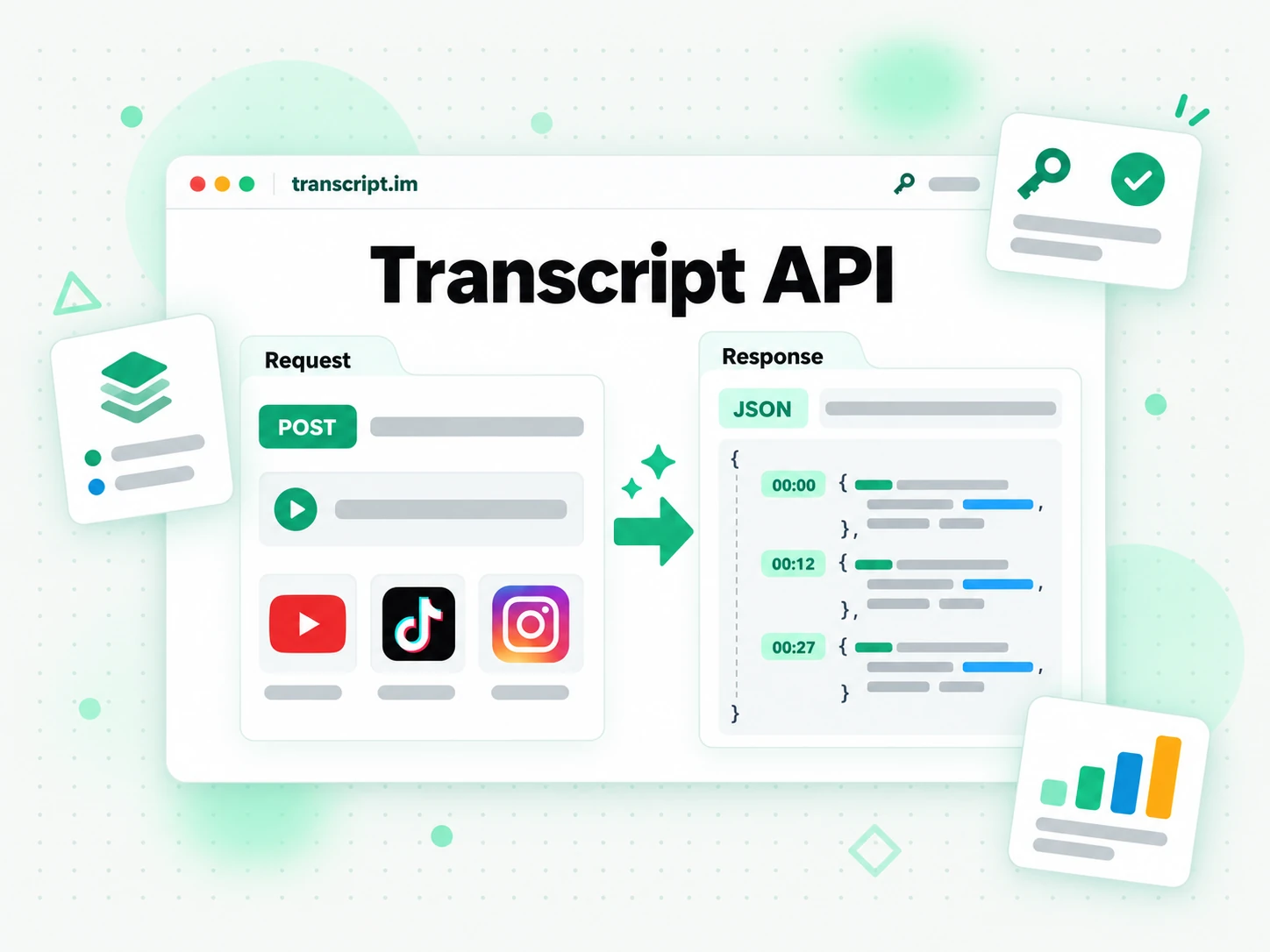
What the transcript.im API Does
The transcript.im API turns a public video or audio link into a timestamped transcript your product can read, store, search, or feed into a model. You send a URL; the API resolves the platform, looks for the creator's existing caption track, and returns the written text with a timestamp on every line. When a video has no captions at all, the API does not stop at an error — it falls back to AI transcription of the spoken audio so the same request still produces text.
- One request, real text — resolve a link and return timestamped transcript segments or plain text.
- Captions first, AI second — use the creator's track when it exists, transcribe the audio when it does not.
- Async by default for ASR — a job id lets you poll a long transcription without blocking.
- Language aware — request a language priority and read back the language the API resolved.
- Platform agnostic — the caller does not need to know where the video is hosted.
One transcript API for Five Platforms
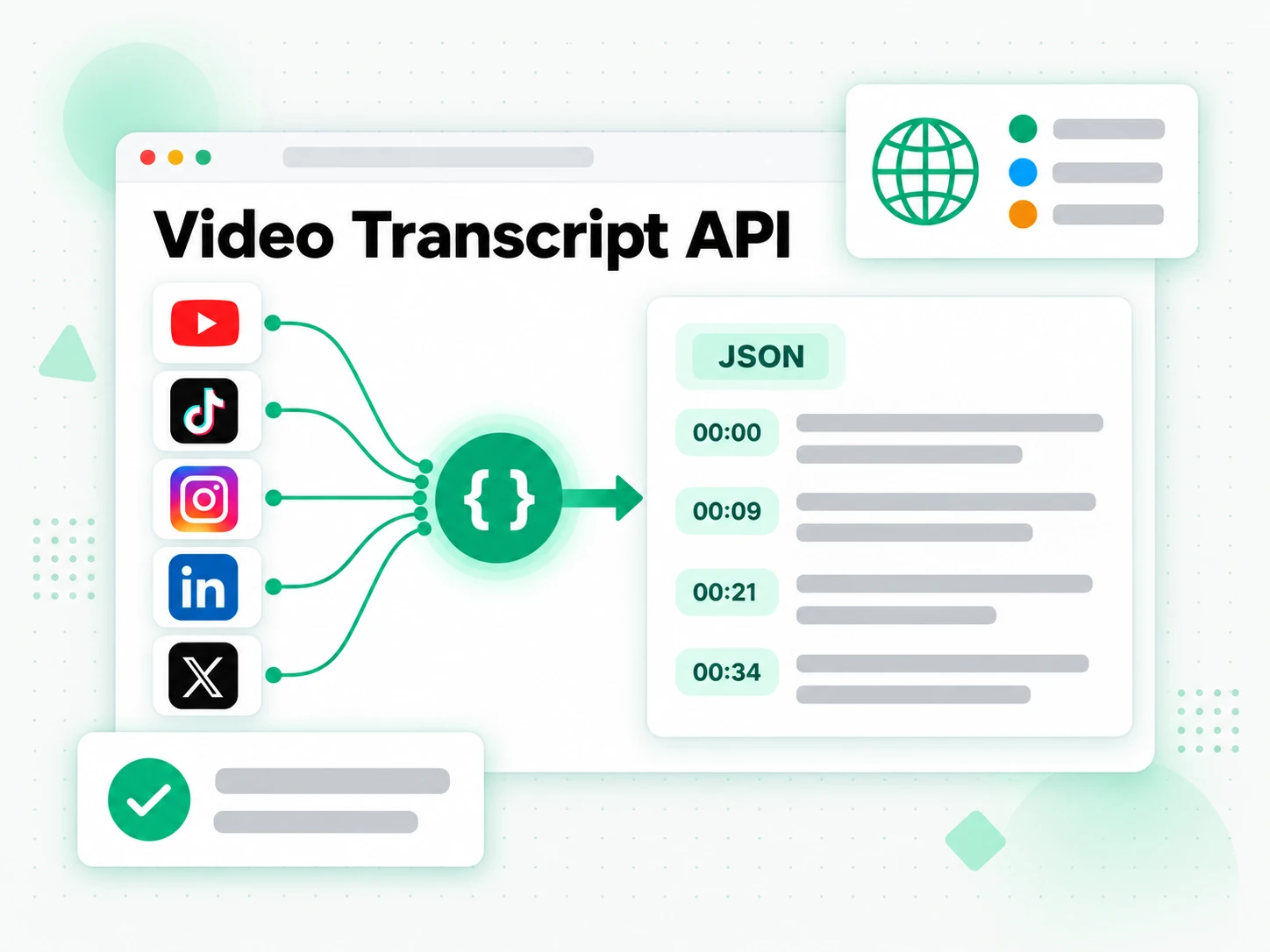
YouTube
Transcripts for any public YouTube video, Short, or live recording, using the creator's captions first and AI transcription when captions are missing. YouTube is also the platform with a full discovery surface — search, videos, channels, uploads, playlists, and captions — available alongside the transcript itself. A channel backlog or a playlist becomes a batch of timestamped transcripts, while a single link comes back as readable text you can search.
TikTok
Transcripts for public TikTok videos with captions used first and speech recognition as the fallback. Paste a video link and read the spoken content as clean, timestamped text you can repurpose, translate, or quote. The same call covers a short clip and a longer upload, so a trend, a tutorial, and a talking-head post all come back as text.
Transcripts for public Instagram Reels and video posts. Instagram has no caption track to read, so extraction is asynchronous speech recognition: submit the link, poll the job, and collect the text when it is ready. That makes a Reel quotable and searchable even though the platform never published its words as text.
Transcripts for public LinkedIn video posts, with captions used first and speech recognition as the fallback. The result comes back with timestamps, so a talk, a product clip, or a recorded meeting becomes searchable text you can cite and reuse. Pull the argument out of a webinar recording, or turn a founder's update into a draft you can edit.
Twitter/X
Transcripts for public X video posts. X has no caption track to read, so extraction runs through asynchronous speech recognition: submit the link, poll the job, and collect timestamped text you can search. Quote a video accurately, or archive its spoken content before the post is edited or removed.
How a Transcript Request Flows
A single call takes a link or an uploaded file from input to transcript, and the API tells you which path it took.
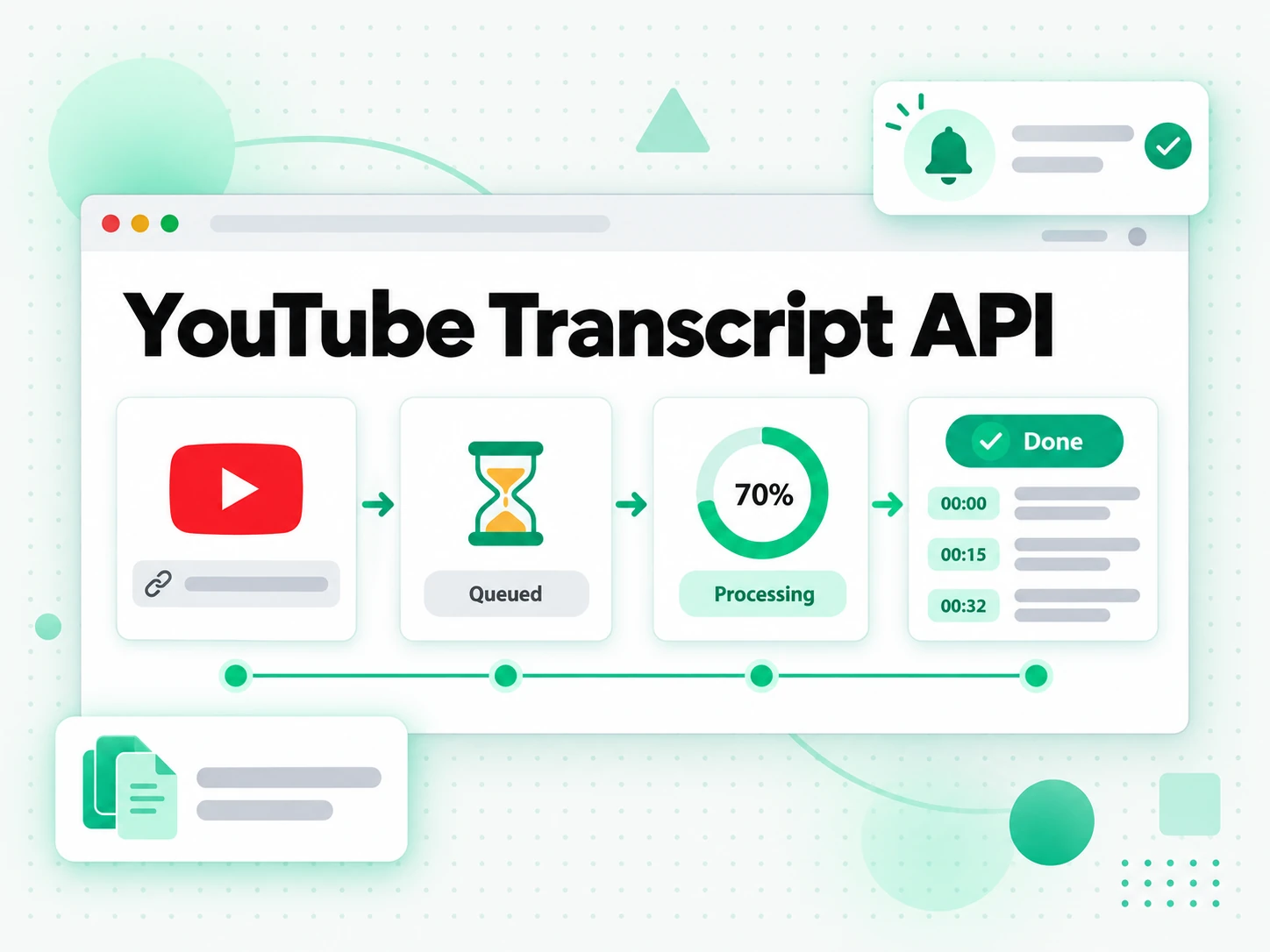
- Send the source — post a
url, passplatformandexternalIdwhen you already know them, or upload a file asmultipart/form-datato the same endpoint. - Get a caption match — when the video carries captions in a language on your list, the transcript comes back in the response.
- Handle a language miss — when captions exist but none match your list, the request continues to AI transcription and returns
202with a job id; a404withavailableLanguagesis returned only when speech recognition is not permitted for the caller. - Force or fall back to ASR — an explicit
asrentry, a video with no caption track at all, or an uploaded file starts an ASR job and returns a job id. - Poll or stream — read the job with
GET /v1/transcript/job/{id}until it succeeds or fails, or subscribe to its/eventsstream for server-sent progress. A job query returns200even for a failed job, so branch on thestatusfield. - Read the result — a finished transcript carries its resolved language, length, timestamped segments, and, when requested, metadata such as title, author, and publish date.
- Repeat safely — a transcript that was already extracted is served from the cache instead of starting a new job, so the same source can be requested again.
- Inspect first —
GET /v1/transcript/inforesolves a source and lists the languages it can serve before you commit to an extraction.
202 with a job id, and a genuinely missing asset or a disallowed fallback returns 404. Each path returns the same transcript shape once the text is ready.Batch Extraction and Exports
Real workloads rarely stop at one video, so the API accepts a batch as a URL list, a playlist, or a channel. Each batch tracks its own totals — how many items are pending, how many succeeded, and how many failed — and returns items a page at a time, so a long channel does not arrive as one enormous payload.
- Three batch shapes —
POST /v1/batchtakes a list of URLs, a playlist, or a channel, chosen by the body you send. - Independent status — one failed link is marked on its own and never discards the rest of the batch; failed items can be retried with
/retry. - Paged items — read the batch with
GET /v1/batch/{batchId}, then follow the returned page token for the remaining items. - Live progress — each poll returns updated counts, so a caller can show how much of a long run is finished.
- Export in your format — download a finished batch from
/exportastxt,csv,json,srt,vtt, orzip.
srt and vtt exports drop straight into an editor or a player. For an archive, csv, json, and zip keep a whole library of recordings searchable as one corpus. The formats line up with the single-transcript responses, so a consumer that handles one result already knows how to read a batch.Saved Transcripts in the Account Library
Extraction and storage are separate: a transcript becomes part of the account Library once it is saved, and the Library is where you read, search, download, and remove it later without re-running the extraction.
- List saved content —
GET /v1/library/transcriptspages through the account's transcripts, batch records, and failed-history rows, with search, platform and language filters, and sorting. - Read one item —
GET /v1/library/transcripts/{platform}/{externalId}returns a saved transcript by platform and external id, or for the language you name. - Download — the
/downloadroute exports a saved transcript astxt,srt,vtt,json, ormd. - Related content — the
/relatedroute lists other saved items from the same channel. - Remove —
DELETEdrops an item from the Library without touching anyone else's copy. - Account-scoped reads — a Library request returns only what the account saved and never starts a new extraction, so revisiting a saved transcript is a read, not another job.
YouTube Discovery Beyond Transcripts
YouTube is the platform where the API also answers the questions around a transcript, using the same resource names as the YouTube Data API.
- Search —
GET /v1/youtube/searchfinds videos, channels, or playlists by query and returns cursor-paged results. - Videos —
GET /v1/youtube/videosreturns details for a video, including whether captions are available. - Channels —
GET /v1/youtube/channelsresolves a channel by id or@handle. - Channel uploads —
GET /v1/youtube/channels/{channelId}/videoswalks a channel's uploads. - Playlist items —
GET /v1/youtube/playlists/{playlistId}/itemswalks a playlist. - Captions —
GET /v1/youtube/captionsreturns the caption-track metadata and the caption text for a video. It never starts a speech-recognition job: when it reportsrequiresAsync, callPOST /v1/transcriptto run the transcription.
Built for Production Use
The surface is small on purpose, and the parts that matter to a service are documented rather than guessed.
- One credential — authenticate with an API key sent as a Bearer token, or with
X-API-Keyfrom a script or server. - Scoped keys — grant only the scopes a caller needs, with
transcriptsandbatchescovering extraction and batch work. - Structured errors — extraction and validation failures return an error object with a stable
codeand a readablemessage; authentication (401) and rate-limit (429) responses use a simpler flat error body. - Actionable limits — a rate-limited request returns
429withRetry-After, and successful responses carryX-RateLimit-*headers so a client can back off correctly. - A published contract — the full OpenAPI document backs the API, so you can generate a client, mock a server, or validate real responses against the schema.
- A sibling for agents — the same account and tools are reachable from the transcript.im MCP server if your caller is an AI client rather than a service.
Related
Transcript API FAQs
What is the transcript.im API?
The transcript.im API is a REST surface that turns a public video or audio link into a timestamped transcript, using existing captions first and AI transcription when a video has none.
Which platforms does the transcript.im API support?
It extracts transcripts from YouTube, TikTok, Instagram, LinkedIn, and Twitter/X by detecting the platform from the link you send. YouTube, TikTok, and LinkedIn use captions first with speech recognition as the fallback; Instagram and X have no caption track and go straight to speech recognition.
What happens when a video has no captions?
When a video has no caption track at all, the API starts an ASR job and returns a job id; you poll that job until the transcript is ready, so the request never blocks on speech recognition.
Can I transcribe a local audio or video file?
Yes. POST /v1/transcript accepts a multipart/form-data body with a file part instead of a URL. An uploaded file goes straight to speech recognition, so it returns a 202 job — or a 200 result if it finishes inside the wait budget.
Can the transcript.im API return timestamps with the text?
Yes. JSON responses carry timestamped segments and text responses can keep a timestamp prefix per line, so you can jump back to the moment a line was spoken.
How do I request a transcript in a specific language?
Send a comma-separated language priority list, including asr and asr-<code> entries. A caption match is returned directly; when captions exist but none match the list, the request continues to AI transcription and returns a 202 job, and a 404 with the available languages is returned only when speech recognition is not permitted.
How do I know when an asynchronous transcript is ready?
Poll GET /v1/transcript/job/{id} with the same credential until it reports success or failed, or subscribe to GET /v1/transcript/job/{id}/events for server-sent updates. A job query returns 200 even when the job failed, so read the status and error fields rather than the HTTP code.
Does the transcript.im API support batch extraction?
Yes. A batch accepts a list of URLs, a playlist, or a channel, tracks each item's status, and returns items a page at a time.
Which export formats can I download?
A finished batch exports as txt, csv, json, srt, vtt, or zip; a single saved transcript downloads as txt, srt, vtt, json, or md.
Where do saved transcripts live?
The account Library is where saved transcripts and batch records live, under /v1/library. It exposes list, read, download, related, and delete routes, and its reads are scoped to the account and never start a new extraction.
What does the YouTube captions endpoint return?
GET /v1/youtube/captions returns a video's caption-track metadata alongside the caption text. It never starts a speech-recognition job; when it reports requiresAsync, call POST /v1/transcript to run the transcription.
How does the transcript.im API report errors and rate limits?
Extraction and validation errors use an object with a code and message; authentication returns a flat 401, and rate limiting returns a flat 429 with Retry-After plus X-RateLimit-* headers so a client can back off correctly.
Add transcripts to your product
Create an API key, send a video link or a local file, and read the transcript back as JSON or plain text.