
TRANSCRIPT
Free YouTube to MP4 Converter
YouTube to MP4 at the resolution you need: paste a public link, pick 360p, 480p, 720p, or 1080p, and download an MP4 for any player or editor.
You are responsible for having the rights to download this content. See our copyright disclaimer.
What Is a YouTube to MP4 Converter?
A YouTube to MP4 converter is a tool that turns a public YouTube link into a downloadable MP4 video file. It is different from screen recording, which captures whatever plays back at the quality of your window, and from an extension that stores a video inside an app instead of handing you a file. The hardest case is the public video the platform will not hand you directly, when you are allowed to keep it but have no ordinary way to save it at its real quality. That is where a real YouTube to MP4 converter earns its place: it reads the same public streams the player uses, offers 360p through 1080p instead of one fixed 360p file, and returns a direct download. Whether you search for a YouTube to MP4 converter, a way to download a YouTube video as MP4, an 1080p YouTube download, or a YouTube video to MP4 tool, the result should be a clean file at the quality the source actually offers.
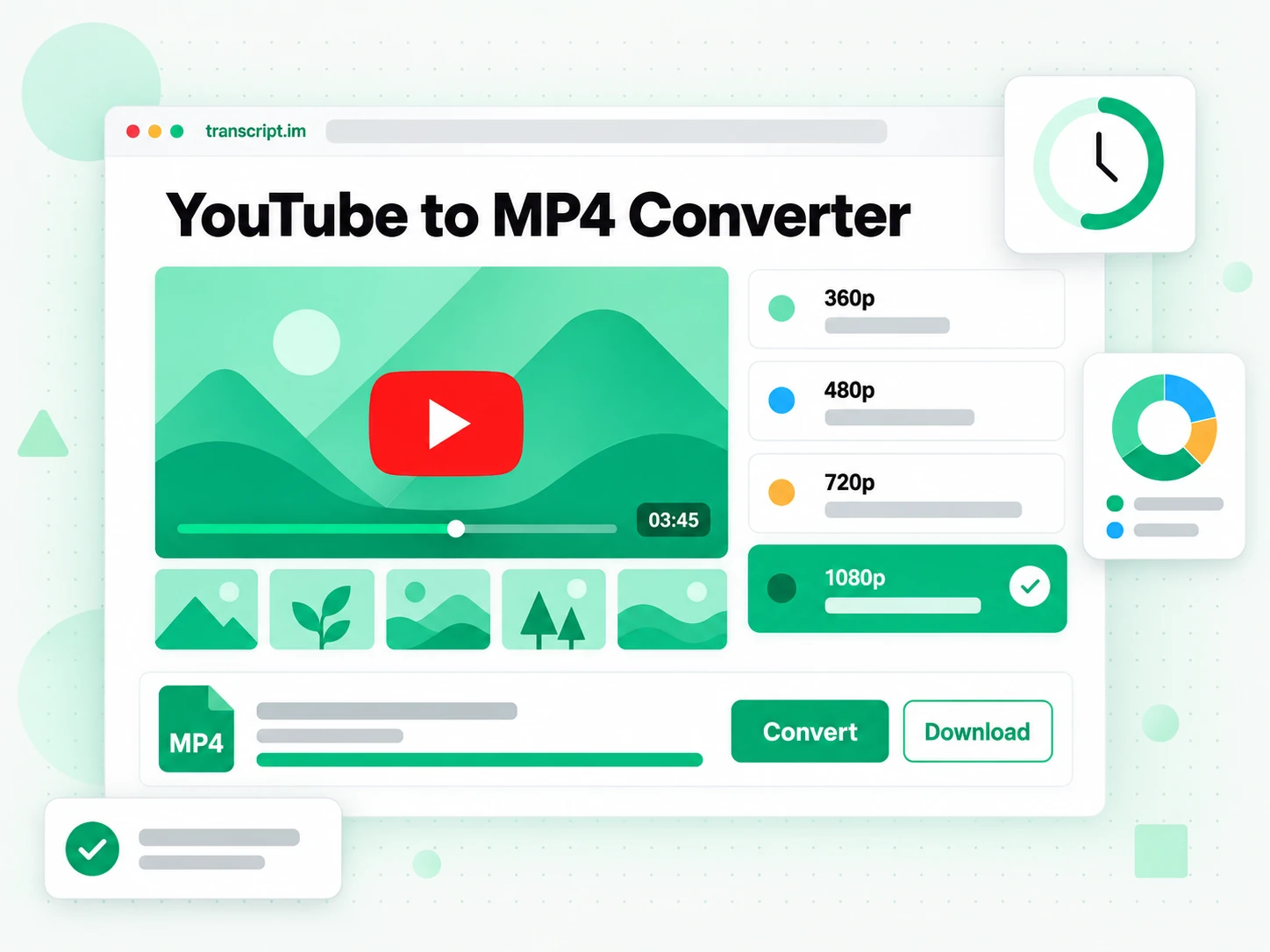
How the YouTube to MP4 Converter Works
One pasted link takes you from a public YouTube video to a direct MP4 file in three steps.
Turn a YouTube Link Into a Video File
Paste any public YouTube video link into the box at the top of the page. The YouTube to MP4 converter loads the title, thumbnail, and duration, then reads the public streams the player itself uses, so there is no extension to approve and no desktop software to install. You ask for the resolution you want, from 360p up to 1080p, rather than settling for the single low-quality file many converter sites hand back. Because the tool fetches the same file a viewer would stream, nothing is recorded from the screen and the picture keeps its original quality. The whole job runs in the browser from one link.
- Works from a single pasted YouTube link
- Reads the same public streams the player uses
- No extension or desktop software to install
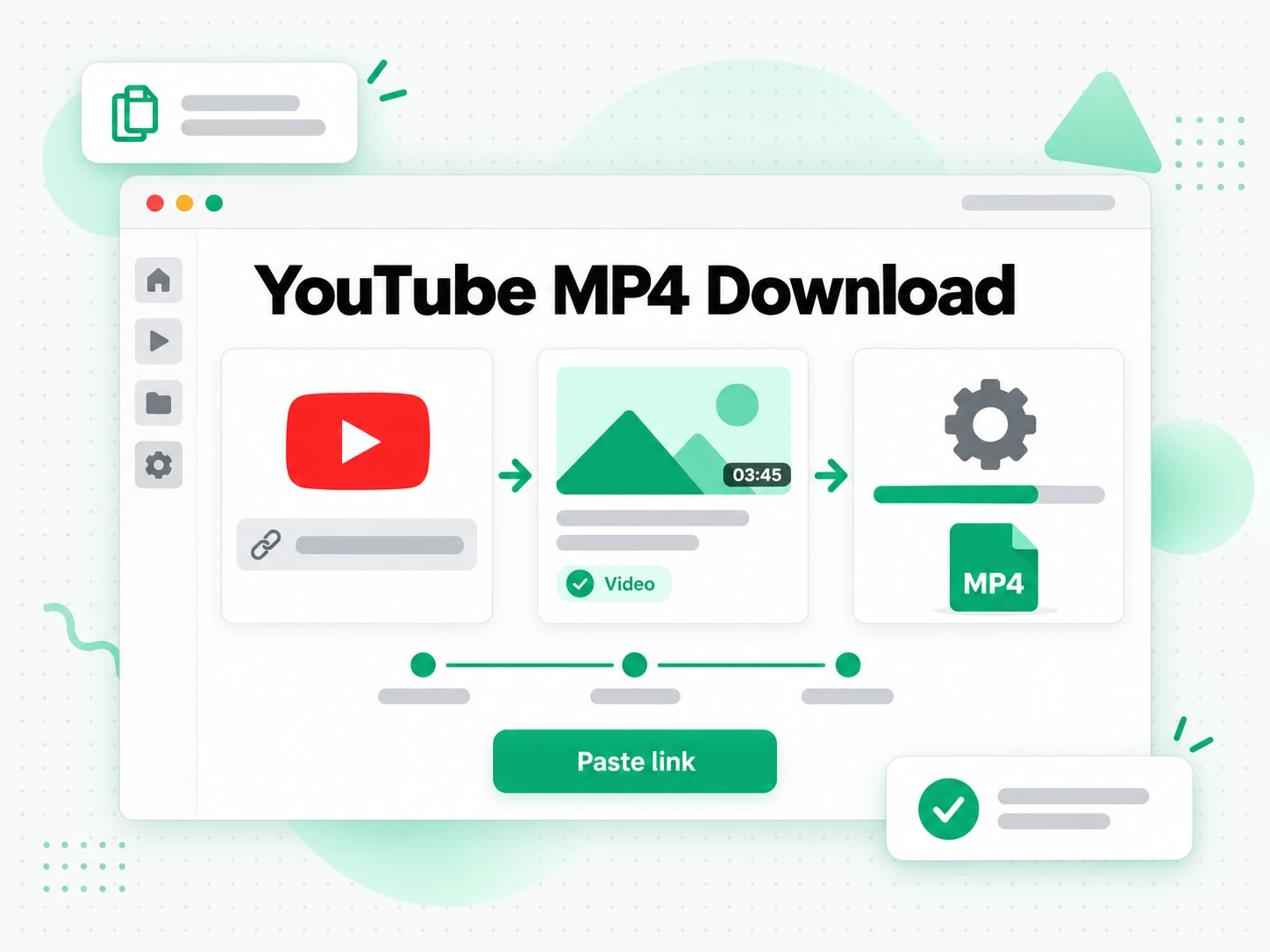
Choose the Resolution You Need
Pick 360p for a quick preview, 480p or 720p for social clips and smaller devices, or 1080p when quality matters most. The YouTube to MP4 converter lists the resolutions the source actually provides, so a 360p upload is never relabelled as full HD and an invented quality is never offered. If the exact choice you asked for is missing, the tool delivers the highest resolution the video really has and tells you it happened, instead of quietly downgrading in silence. That keeps every 1080p YouTube download honest: you can see which quality you received, decide whether it is good enough, and switch to an MP3 if you only want the sound.
- 360p, 480p, 720p, and 1080p options
- Fallback to the highest real resolution, announced
- Audio-only MP3 from the same link
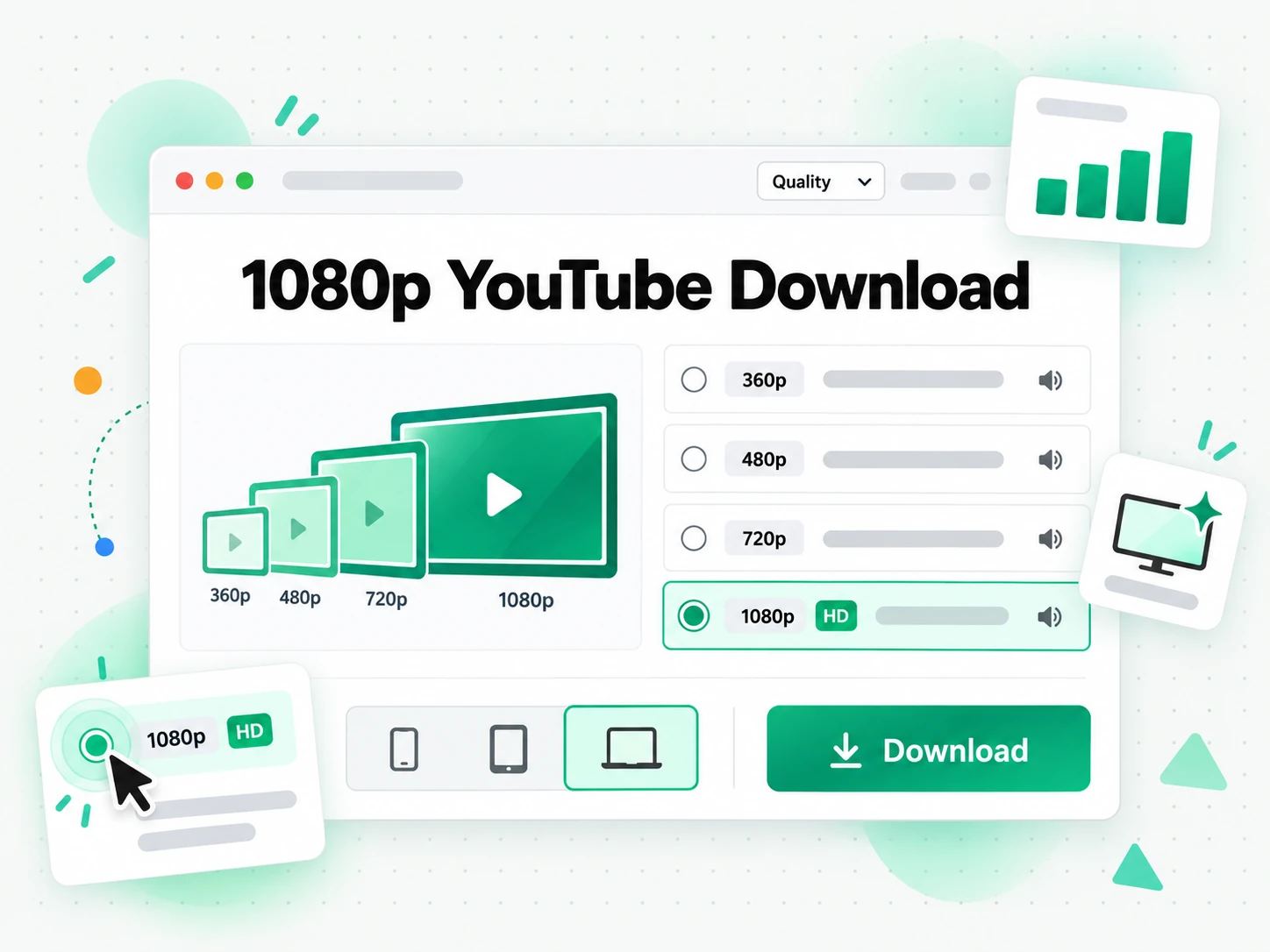
Download the Finished MP4 and Keep It
Start the conversion and the YouTube to MP4 converter returns a direct file link, usually within a minute for a short video. The finished MP4 stays available for 30 minutes, which is long enough to save it to your device while temporary storage stays bounded. Because the file carries no added watermark or overlay, it opens in any player or editor once it lands. Keep the source URL beside the file so its origin stays clear, and use it only for videos you own, licensed material, public-domain footage, or content the creator has allowed.
- Direct MP4 file link, no watermark added
- Link stays active for 30 minutes
- Standard MP4 that opens in any player or editor
Why transcript.im Beats YouTube's Built-In Download
✅ transcript.im
Paste any public link and get a real MP4 file at the quality the source exposes, from 360p up to 1080p. The file carries no added overlay, opens in any player or editor, and needs no extension to install, for the videos you are allowed to keep.
❌ YouTube's built-in download
It is tied to a Premium subscription and stores a video for offline viewing inside the app, with no file you can keep. You cannot move it into an editor, there is no resolution choice, and there is no MP3 option at all, so for a file you can actually reuse it does not help.
Who a YouTube to MP4 Converter Is For
A YouTube to MP4 converter helps anyone who needs the actual video file from something they are allowed to keep, not just a link to watch again.
For Students and Note Takers
A lecture, a talk, or a long tutorial is easier to keep when it is a file you control. Save the MP4 before a session so it plays offline, then work through the parts that matter without depending on a connection or a recommendation feed.
- Study offline on a train, a plane, or anywhere the signal drops.
- Keep a course archive of the videos you are responsible for.
- Pick 720p or 1080p when small on-screen text has to stay legible.
- Replay a section without buffering the whole stream again.
For Content and Video Creators
Creators often need a copy of their own upload, or an approved clip, to reuse in a new edit. Download the MP4 at the highest available resolution and start from a clean source file instead of re-uploading a compressed export.
- Back up your own uploads before a channel change or a lost project file.
- Pull clips for a highlight reel, a promo cut, or a repost you have rights to.
- Choose 1080p when the footage will appear on a large screen.
- Grab an approved reference for pacing, framing, or an internal review.
- Keep the source URL beside each file so the origin stays traceable.
For Editors Working Offline
Video editors need a local file that opens instantly. An MP4 from a YouTube link drops into the timeline without conversion, which keeps an edit moving when the network is slow or the project has to travel with you.
- Import into any editor: Premiere, Final Cut, CapCut, and DaVinci Resolve.
- Work without a connection once the file is on disk.
- Match the source quality by choosing 720p or 1080p.
- Prepare subtitles from the picture when you time the captions yourself.
For Teachers and Presenters
A classroom, a workshop, or a field briefing may need an approved video where the connection is unreliable. Download the MP4 before the session, test playback on the destination device, and carry any licence or written permission with the file.
- Test on the room's screen before the session starts.
- Use 720p for a projector and a lower resolution for a light travel copy.
- Share with the class only where the licence or school policy allows.
- Keep the file local so the lesson is not hostage to a network.
For Offline Viewers and Travellers
Sometimes the goal is simply to watch without a feed: a long flight, a commute, or a region with weak coverage. Save the video as an MP4 and choose a resolution that balances storage against sharpness for the device in your bag.
- Download before you leave so the file is ready when the signal is not.
- Balance size and quality with 480p or 720p on a phone or tablet.
- Use 1080p on a laptop or a TV where detail matters.
- Keep a small library of the videos you actually rewatch.
How to Convert YouTube to MP4
- 1
Paste the YouTube Link
Copy the URL of any public YouTube video and paste it into the box at the top of the page. There is nothing to install: the link is the only input the YouTube to MP4 converter needs, whether you are on a phone, a laptop, or a shared computer.
You are responsible for having the rights to download this content. See our copyright disclaimer.
- 2
Choose MP4 and a Resolution
After the preview loads, confirm the format is MP4 and pick the resolution you need: 360p for a quick look, 480p or 720p for a phone and a social clip, or 1080p when the picture has to stay sharp. The list shows only the qualities the source really provides.
- 3
Convert the Video
Start the conversion and the tool fetches the selected public stream. If your exact choice is not available, it uses the highest real resolution and tells you it happened. A short video is usually ready within a minute, delivered as a single direct link.
- 4
Download and Save the MP4
Save the file to your device and confirm that it plays. The direct link stays active for 30 minutes, so move the file promptly and keep the source URL beside it. Use it only for videos you own, licensed material, or content the creator has allowed.
Use Your MP4 File in the Apps You Already Have
Google NotebookLM
Add the words from the video to a notebook as a source, then summarise the talk and ask questions about it. NotebookLM works from text, so a clean text layer is exactly what it needs. When you want the spoken words as text, generate a YouTube transcript from the same link.
ChatGPT, Claude, Gemini, Kimi, and Manus
Paste the video's text into the assistant you already use — ChatGPT, Claude, Gemini, Kimi, or Manus — and treat it as a brief: draft a summary, rewrite it for another audience, or pull out the arguments in order.
Video Players and Editors
The MP4 opens in VLC, QuickTime, Premiere, Final Cut, CapCut, and DaVinci Resolve without conversion, so a downloaded clip is ready for a review, a rough cut, or a re-edit.
Builders Using the API and MCP
transcript.im also exposes an API and an MCP server, so a script or an agent can hand a public YouTube link to the resolver and pass the returned file into the rest of your pipeline.
transcript.im vs Other YouTube to MP4 Tools
Different tools answer different questions. Use this table to pick the route that matches what you actually need from a YouTube to MP4 download.
| Tool | What it does | Use it when |
|---|---|---|
| transcript.im | Real MP4 from a public YouTube link at the source's own resolutions up to 1080p, with a direct file and no added watermark. | When you need a clean file at the quality the source actually offers. |
| YouTube's built-in download | Stores a video for offline viewing inside the app under a subscription, with no file you can keep. | When in-app offline viewing is all you need. |
| Online YouTube to MP4 sites | Return one re-encoded file, often capped at 360p or wrapped in redirects and pop-up ads. | When a single low-resolution copy will do. |
| Browser extensions and desktop apps | Require broad page access or separate software, and break when the site changes. | When you accept installing and keeping extra software. |
| Screen recording | Captures the playing window, which is slow, drops to playback quality, and can catch controls. | When nothing else works and a rough copy is enough. |
YouTube to MP4 Related Tools
YouTube to MP4 FAQs
What is a YouTube to MP4 converter?
A YouTube to MP4 converter is a tool that turns a public YouTube link into a downloadable MP4 video file. It returns the media itself, at a resolution the source really provides, rather than a link to keep streaming.
How do I convert a YouTube video to MP4?
Copy the URL of any public YouTube video and paste it into the box at the top of the page. Confirm MP4, choose a resolution, start the conversion, and save the direct file link that comes back.
What resolutions can I download from a YouTube video?
You can choose 360p, 480p, 720p, or 1080p when the source exposes them. The converter lists only the real qualities and never invents a higher one, so a 360p upload cannot become true 1080p.
Can I download a YouTube video as MP4 in 1080p?
Yes, up to 1080p whenever the public upload carries that resolution. If the video's real ceiling is lower, the converter delivers the highest available quality and shows a note saying it happened.
Does the YouTube to MP4 converter need an extension or software?
No. The whole job runs in the browser from a pasted link, so there is no extension to approve and no desktop application to install or update on each device you use.
Can I get just the audio as an MP3 instead of MP4?
Yes. Switch the format toggle to MP3 on the same page and pick a bitrate when the source supports it. The audio-only file is smaller and useful when the pictures are not needed.
Can I convert a live stream or a private video to MP4?
No. A live stream has no finished recording to fetch until it ends and a replay exists, and private or removed videos are not public. The converter reports these cases instead of starting a job that cannot finish.
How long can a video be for the YouTube to MP4 converter?
There is no length limit. Videos of any length can be saved as MP4. Longer videos take more time to process, so keep the page open until the file is ready.
How long does the MP4 download link stay active?
The direct link stays available for 30 minutes after the conversion finishes, which is enough time to save the file to your device. After that the temporary file is cleared, so move it promptly.
Does the converter add a watermark to the MP4 file?
No watermark is added by transcript.im. The file comes from a public YouTube stream, so any mark already present in the creator's own upload naturally remains in the picture.
Can I reuse a YouTube video I downloaded as MP4?
The converter does not grant reuse rights. You may save videos you own, licensed material, public-domain footage, or content the creator has allowed, but republishing someone else's video can require their consent.
How is transcript.im different from other YouTube to MP4 sites?
transcript.im shows the real resolutions instead of one fixed file, never disguises a redirect as a download, and adds no overlay. It works from a single pasted link with nothing to install.
Up to 1080p, Not 360p
Convert YouTube to MP4
Paste a link, choose a resolution up to 1080p, and download a direct MP4 file.