
TRANSCRIPT
Free Podcast Transcript Generator
Supported: YouTube, TikTok, Instagram, LinkedIn, Twitter — video, short, reel, or playlist.
Upload or drag a video or audio here
One audio or video file at a time. Common formats are supported.
What Is a Podcast Transcript?
A podcast transcript is the full written text of everything said in an episode, split into timestamped lines. It is different from show notes: a podcast transcript is the complete, searchable text you can read, quote, translate, and feed into AI tools, while show notes are a short summary a host writes after the fact. It is also different from a subtitle track, which is built to play over the audio rather than to be copied as prose. You can get a podcast transcript from a platform's own captions when they exist, or from AI transcription of the episode audio when they do not. That second case — an interview, a back-catalogue episode, a file you already own — is where a real podcast transcript generator earns its place. Whether you search for a podcast transcript, a Spotify podcast transcript, or an Apple podcast transcript, the result should be text you can actually reuse.
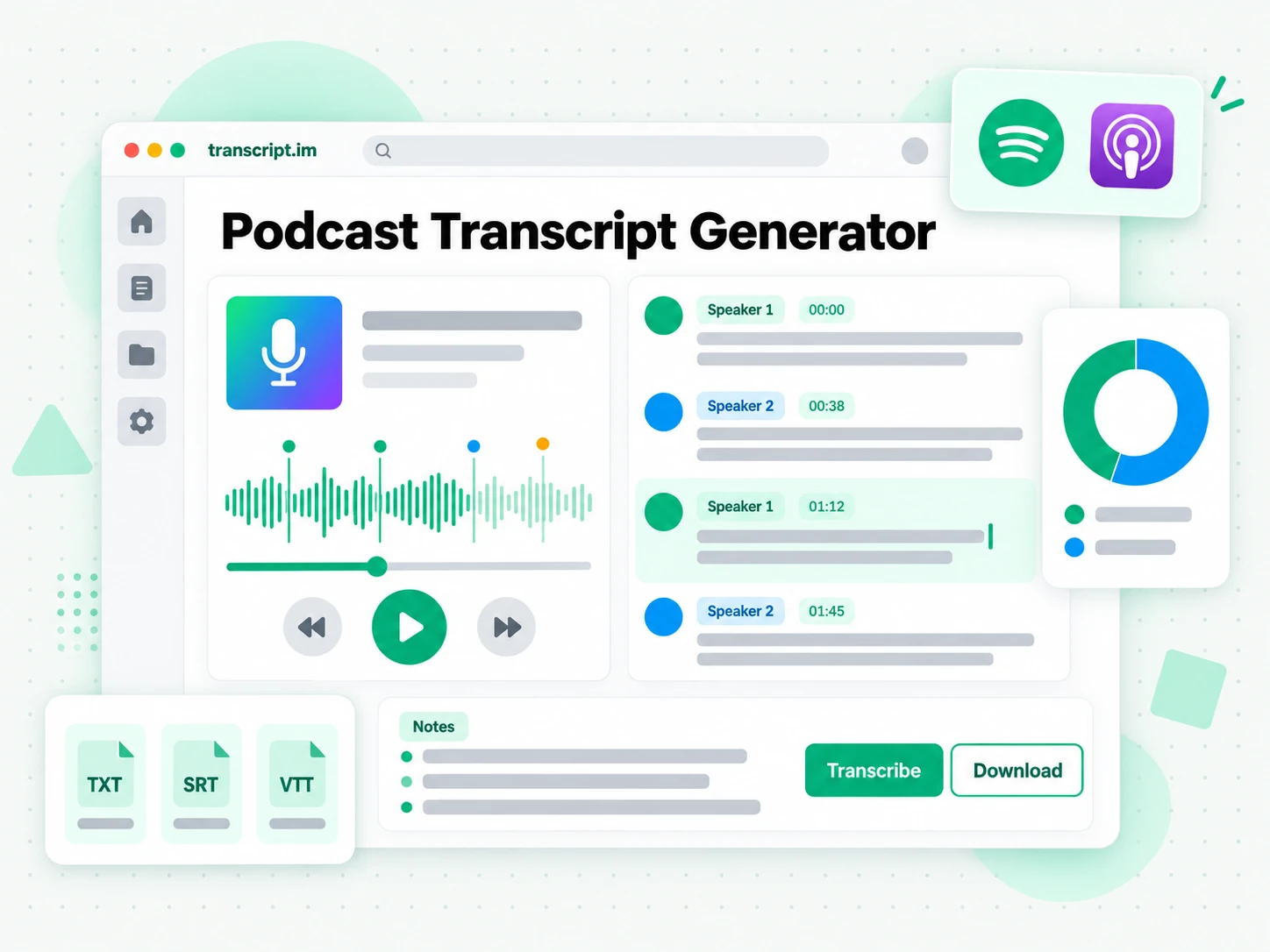
How the Podcast Transcript Generator Works
One pasted link or uploaded file takes you from episode audio to a searchable, exportable podcast transcript in three steps.
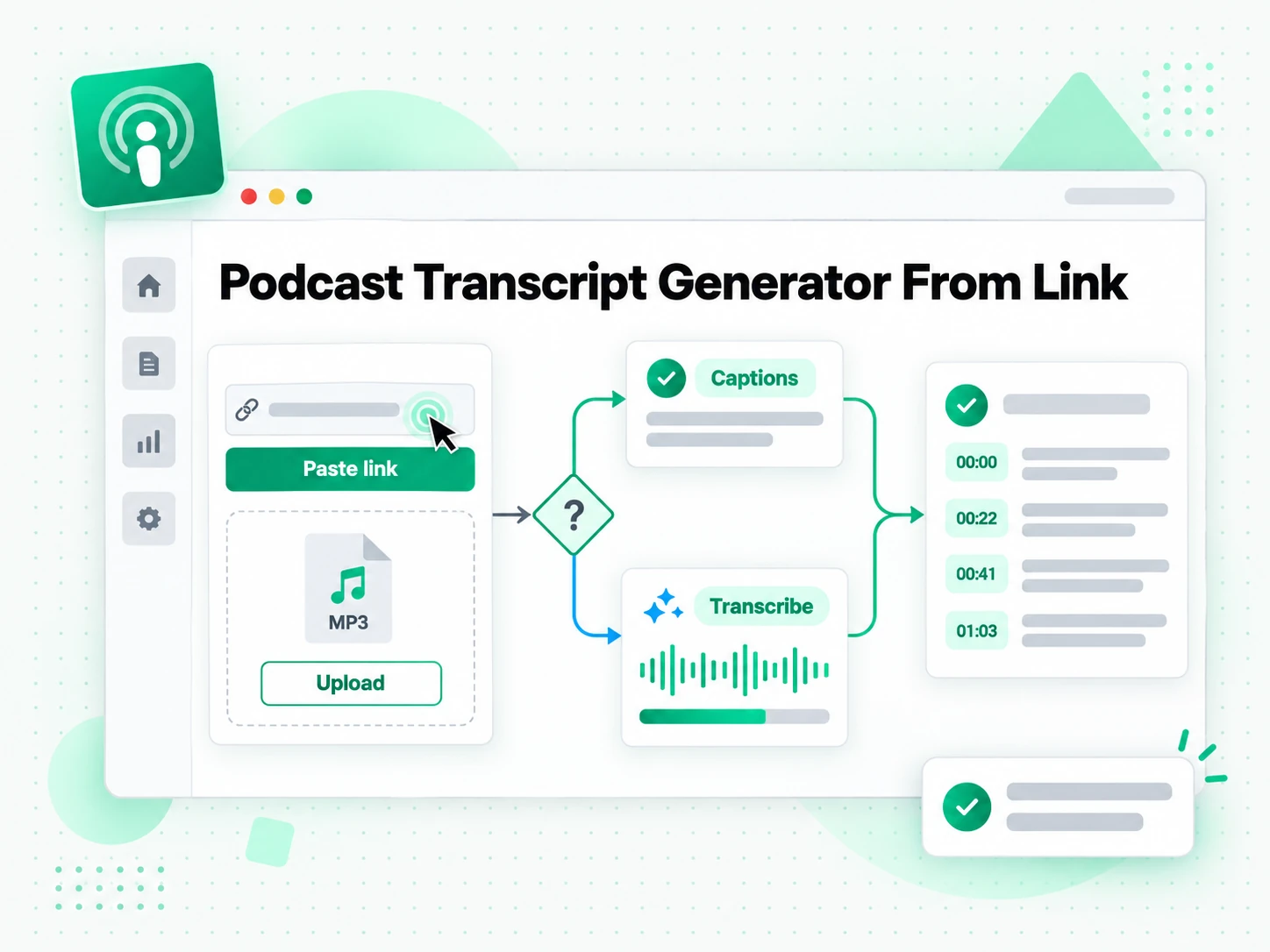
Turn an Episode Into a Transcript
Add a podcast episode by pasting a link or uploading the audio file. The podcast transcript generator reads the platform's existing captions first and, when there are none, transcribes the spoken audio with AI instead. Either way you get the complete podcast transcript with timestamps aligned to what was actually said, and multiple speakers stay in order through a long interview. A two-hour episode that would take a full day to type out comes back as text in the time it takes to listen once. The point is to turn an episode into a readable, reusable transcript from nothing more than the episode itself.
- Works from a pasted episode link or an uploaded audio file
- Falls back to AI transcription when there are no captions
- Timestamps stay aligned to the spoken audio
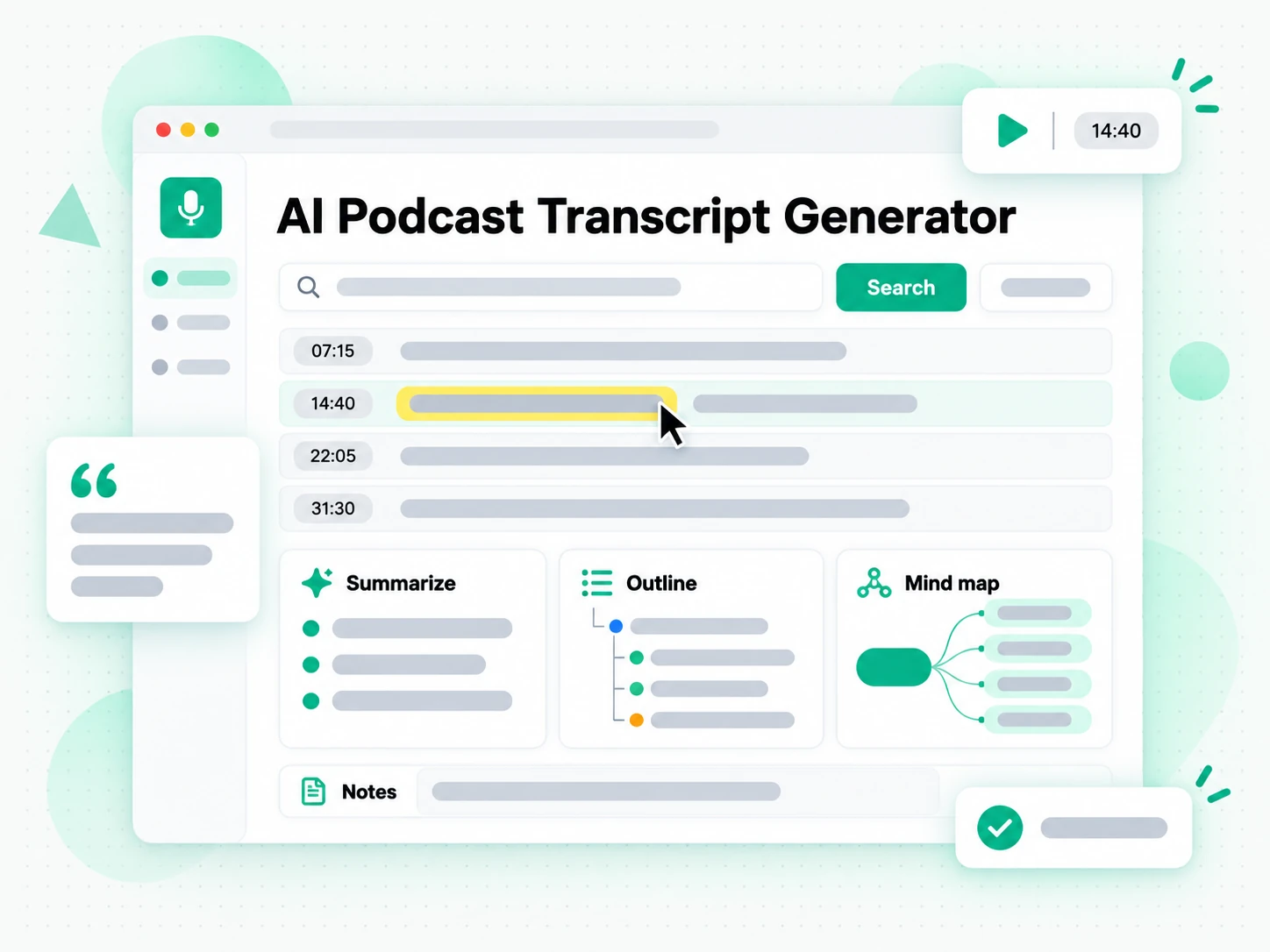
Summarize the Episode Into Show Notes
Once the podcast transcript is ready you can search it for a quote, jump to a moment by timestamp, or run Summarize, Outline, and MindMap to see how the episode is structured. Instead of replaying the whole show and hoping you remember the wording, you read the podcast transcript as text and find the exact line you need. Copying a line takes one click, the full text stays searchable in the browser, and a long interview stops being something you have to listen to again just to reference a single exchange. The same transcript can be turned into show notes, a structured outline, or a visual mind map before you open a second tool.
- Summary, outline, and mind map views from one transcript
- Search and copy the full text in the browser
- AI show notes generated from the finished transcript
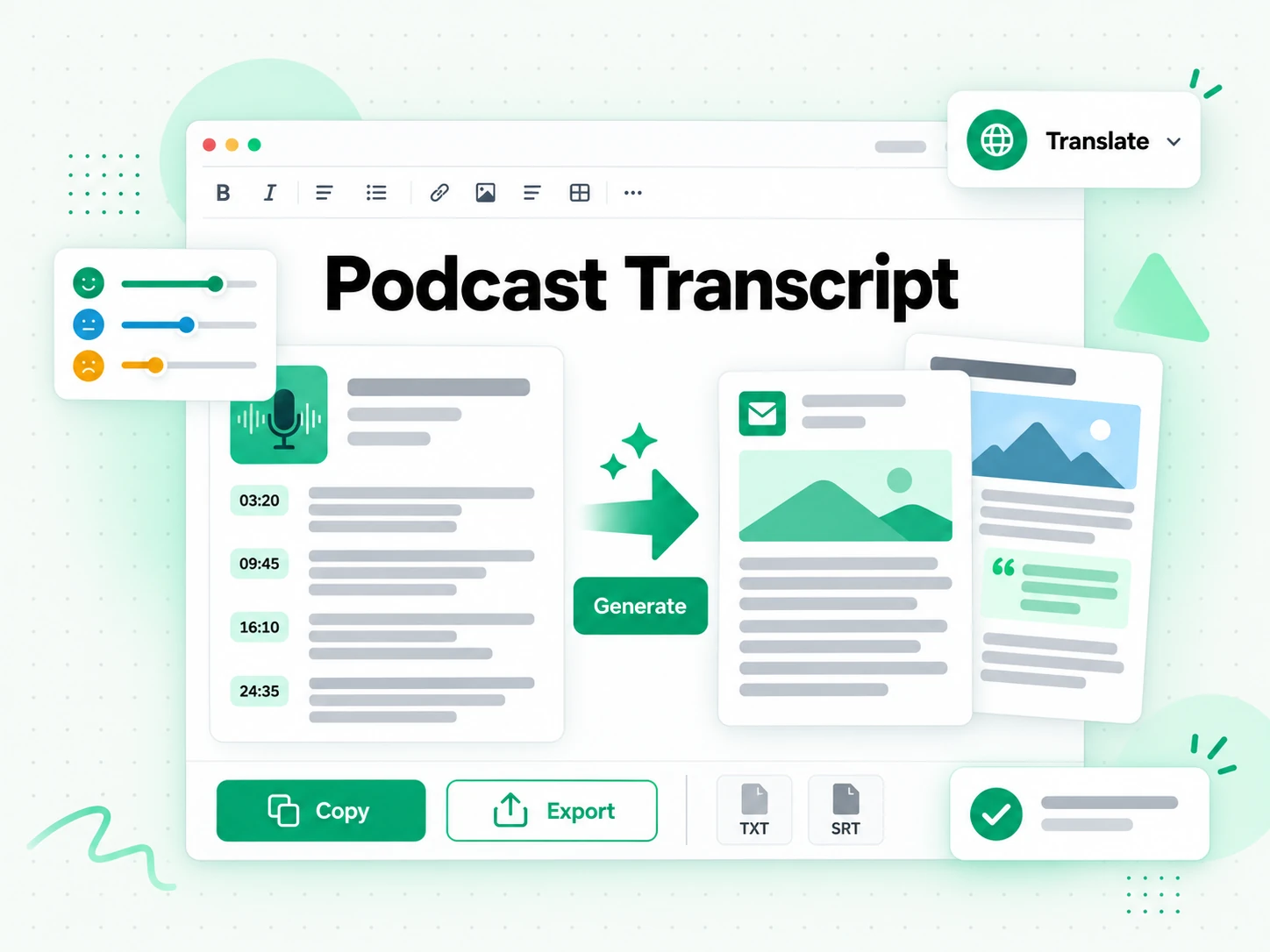
Export, Translate, or Reuse the Text
Download the podcast transcript as TXT, SRT, or VTT, translate it into another supported language with the timestamps preserved, or hand it to an AI tool as a brief for a new draft. A transcript you can export is a transcript you can reuse, whether that means building show notes, turning an interview into a blog post, or producing a subtitle file for a video cut of the episode. Because the output keeps its timestamps, the same podcast transcript can become a summary, a newsletter, a caption file, or a first draft without another pass through the audio.
- Download as TXT, SRT, or VTT
- Translate into another supported language
- Rewrite into show notes, a post, or a newsletter
Why transcript.im Beats Spotify and Apple Transcripts
✅ transcript.im
Paste a link or upload the episode audio and get the full, timestamped podcast transcript, whether or not the platform captioned it. The text stays searchable, copyable, exportable as TXT, SRT, or VTT, and translatable, and you can turn it into show notes in the same place you read it.
❌ Spotify and Apple Podcasts' built-in transcripts
Their built-in transcripts appear only for episodes the platform has already processed, they stay inside the app, and they offer no clean copy of the whole episode, no search across a long interview, no TXT, SRT, or VTT export, no translation, and nothing you can hand to another tool without reformatting it first.
Who a Podcast Transcript Is For
A podcast transcript helps anyone who would rather read, quote, or reuse an episode's words than listen to it again.
For Podcasters and Show Producers
Start from the transcript and you already have the raw material for your next release. One recording can feed show notes, articles, and social posts instead of ending as a single feed.
- Turn each episode into show notes without starting from a blank page.
- Draft a blog post and a newsletter from the same text.
- Pull the strongest quote and cut it into a social post.
- Send listeners to the exact moment a claim is made with its timestamp.
- Publish the written version so the episode gains a page search can index.
- Reorder the transcript into a trailer or a highlight reel for the next episode.
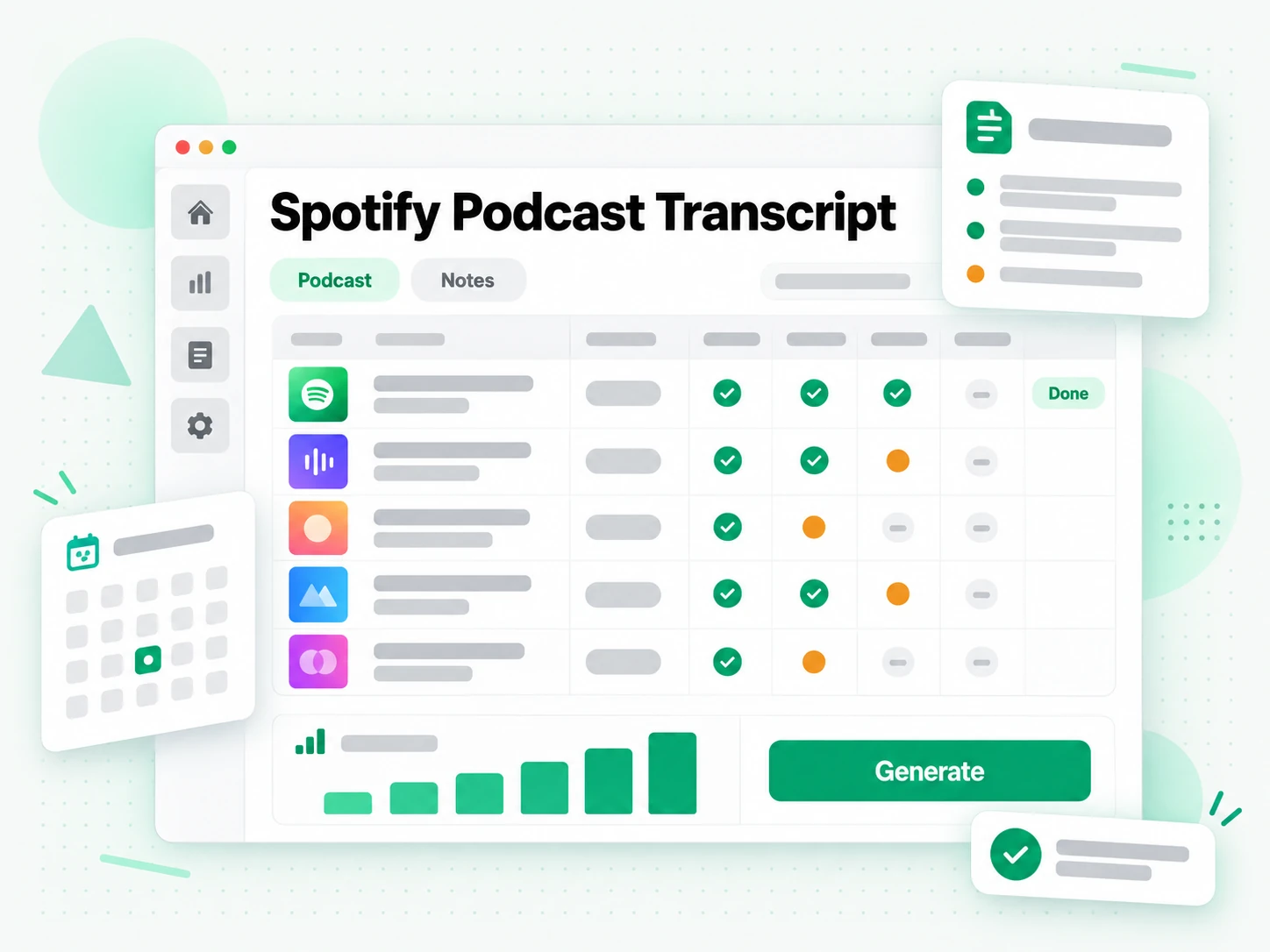
For Students and Researchers
Interview episodes, lecture-style shows, and recorded talks are easier to study as text. Read or search the whole episode and quote it precisely instead of pausing every few minutes.
- Search the whole episode for a term instead of rewinding repeatedly.
- Read a timestamped transcript and jump straight to the explanation.
- Turn the episode into a summary or an outline before a deadline.
- Build a mind map to review a long interview at a glance.
- Quote a guest precisely because the exact wording sits in the file.
- Point to the line a claim came from so a source can be trusted.
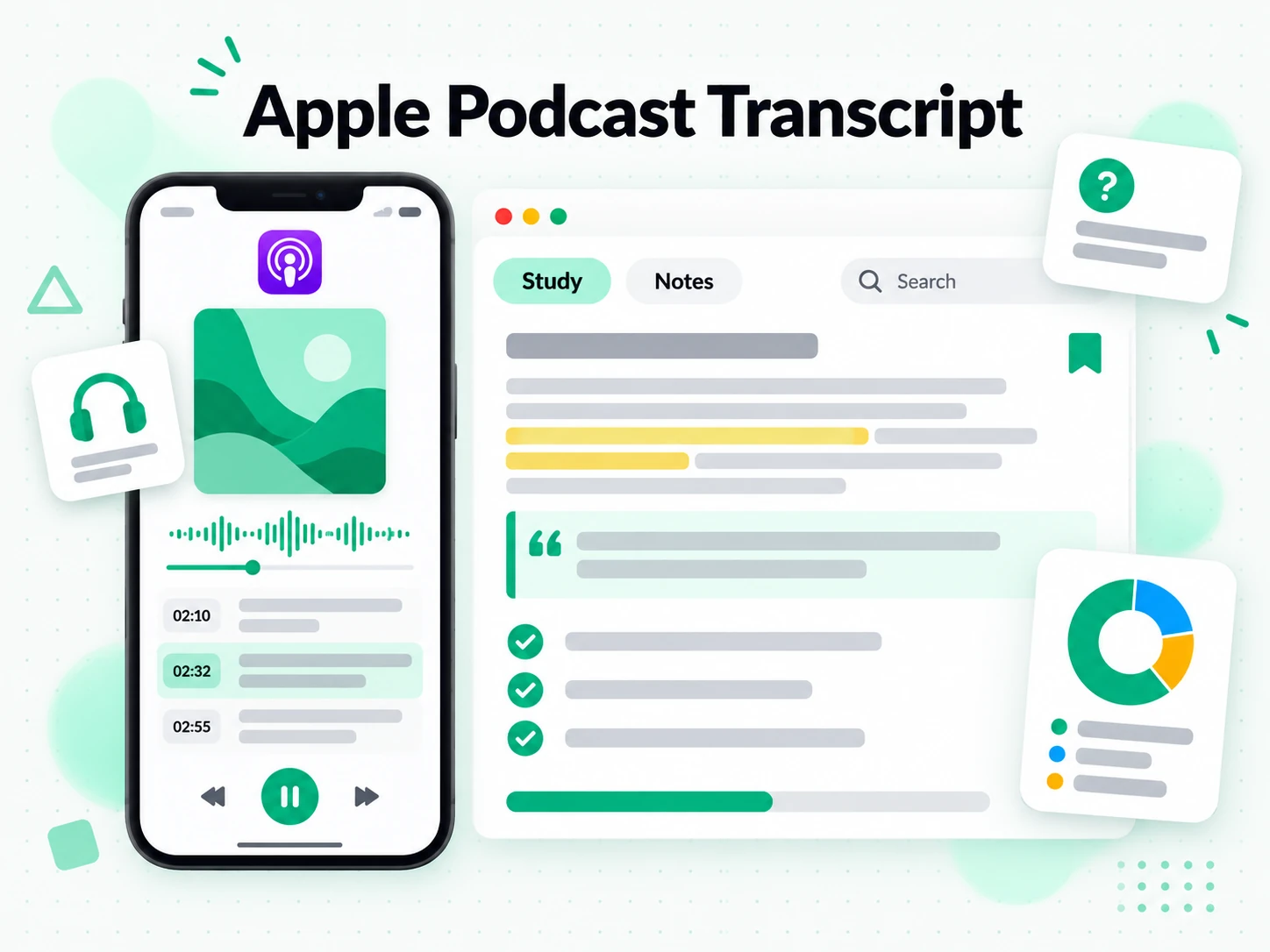
For Marketing and Outreach Teams
One episode's transcript can power a whole campaign. The same text becomes pitches, ad copy, and email sequences for every market you write for.
- Turn one episode into a campaign of pitches and follow-up notes.
- Write landing-page copy per market from the same transcript.
- Translate the text into a supported language without recording again.
- Quote the strongest line a guest actually said, accurately.
- Reuse one transcript across channels, from ads to email.
- Brief the next episode from the questions and themes this one raised.
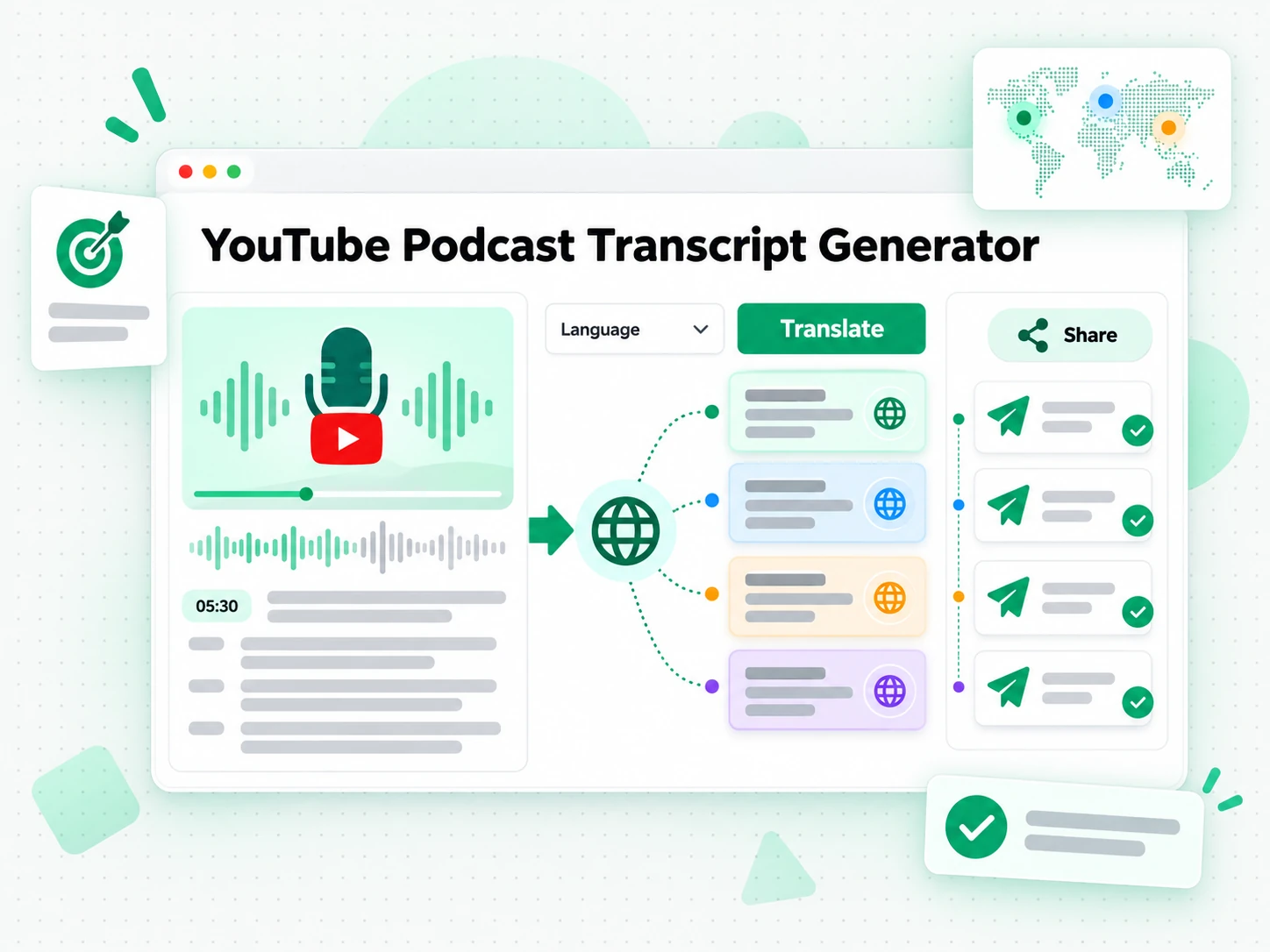
For Corporate Trainers and L&D Teams
Interview-style episodes and expert talks often double as training material. A transcript turns an episode into text a learning team can edit into a module, a quiz, or a written summary for staff.
- Turn an episode into a training summary from the written text.
- Pull a definition or a framework into course material with its timestamp.
- Search a series for a topic across several episodes.
- Translate the transcript for a team working in another language.
- Keep the source episode linked behind the material.
For Accessibility and Subtitle Teams
A podcast reaches more listeners when it ships with captions and a transcript. A podcast transcript gives a subtitling team the text and timing to build accurate captions for deaf and hard-of-hearing audiences.
- Build a caption file from the transcript instead of transcribing by ear.
- Time each caption against the episode using the preserved timestamps.
- Export as SRT or VTT for the video version of the show.
- Publish the transcript as an accessible companion to the audio.
- Check a dense passage against the recording before it is released.
How to Generate a Podcast Transcript
- 1
Add the Podcast Episode
Paste a link to the episode or upload the audio file into the box at the top of the page. There is no software to install and no setup to work through: the link or the file is all the input the podcast transcript generator needs, whether the show is a new release or an archived episode.
Upload or drag a video or audio here
One audio or video file at a time. Common formats are supported.
- 2
Generate the Transcript
Start the generator and it reads the platform's captions when they exist, then falls back to AI transcription of the spoken audio when they do not. The result is a full podcast transcript with timestamps that stay aligned to what was said, so an episode with no captions still comes back as readable text.
- 3
Read, Search, and Copy
Search the transcript for a phrase, jump to a timestamp, and copy a single line or the whole passage. Instead of replaying the audio to find a quote, you read the podcast transcript as text and reuse the exact wording you need, with the timestamp kept to check it later.
- 4
Export, Translate, or Reuse
Download the podcast transcript as TXT, SRT, or VTT, translate it into another supported language with the timestamps preserved, or hand it to an AI tool as a brief. The same transcript can become show notes, a summary, captions, or a first draft.
Use Your Podcast Transcript in the Apps You Already Have
Google NotebookLM
Add the podcast transcript to a notebook as a text source to summarise the episode and ask questions about it. NotebookLM works from text, so a clean transcript is exactly what it needs.
ChatGPT, Claude, Gemini, Kimi, and Manus
Paste the podcast transcript into the assistant you already use — ChatGPT, Claude, Gemini, Kimi, or Manus — and treat it as a brief: draft show notes, rewrite it for a different audience, or pull out the arguments in order.
Video Editors and Subtitle Tools
Export SRT or VTT and drop it into your editor to caption a video cut of the episode, or start a translation from the same timestamped file.
Builders Using the API and MCP
transcript.im also exposes an API and an MCP server, so a script or an agent can generate a podcast transcript and pass it into the rest of your pipeline.
transcript.im vs Other Podcast Transcript Tools
Different tools answer different questions. Use this table to pick the one that matches what you actually need from a podcast transcript.
| Tool | What it does | Use it when |
|---|---|---|
| transcript.im | Full timestamped podcast transcript for any episode you can link or upload, with search, export, translation, and AI show notes. | When you need a clean transcript you can reuse, not just read. |
| Spotify and Apple Podcasts' built-in transcripts | In-app transcripts that appear only for episodes the platform has processed, with no clean copy, search, export, or translation. | When you only want to read along inside the app. |
| Google NotebookLM | Summarises a source and answers questions about it inside a notebook. | When the goal is Q&A over the episode, not the transcript text itself. |
| Transcript downloader sites | Return a caption track when one exists, usually without an AI fallback, show notes, or translation. | When a captioned episode is all you need. |
| Manual typing from playback | Replaying the episode and typing out the words by hand, one line at a time. | For a single short quote, if you have the time. |
Related tools
Podcast Transcript FAQs
What is a podcast transcript?
A podcast transcript is the written text of everything said in an episode, broken into timestamped lines. It comes from the platform's captions when they exist or from AI transcription of the audio when they do not.
How do I get a transcript of a podcast episode?
Paste the episode link into the podcast transcript generator, or upload the audio file. It reads any existing captions first, transcribes the audio with AI when there are none, and returns the full podcast transcript with timestamps.
Can the podcast transcript generator work on an episode without captions?
Yes. When an episode has no caption track, the podcast transcript generator transcribes the spoken audio with AI instead, so you still get a complete timestamped podcast transcript without the creator having added captions.
Can I get a Spotify podcast transcript or an Apple podcast transcript?
Yes. Paste the episode link where the platform allows it, or upload the audio file directly. Uploading the file is the most reliable route for Spotify podcast transcript and Apple podcast transcript needs, because both apps keep their built-in transcripts inside the app.
Does the podcast transcript generator create show notes?
Yes. Once the podcast transcript is ready, run the summarize feature to generate show notes, a structured outline, or a visual mind map from the same episode, without opening another tool.
What formats can I download a podcast transcript in?
Download the podcast transcript as TXT for plain text, SRT for a subtitle file, or VTT for a web caption file. TXT is best for notes and documents, while SRT and VTT are ready for an editor or a player.
Does the podcast transcript generator keep timestamps?
Yes. Every line carries the timestamp where it was spoken, so you can jump to that moment in the episode, quote it accurately, or export the transcript as a subtitle file later.
Can I use a podcast transcript with Google NotebookLM and other AI tools?
Yes. Copy or export the podcast transcript and add it to NotebookLM as a text source, or paste it into ChatGPT, Claude, Gemini, Kimi, or Manus as a brief. The plain text drops in without cleanup.
How accurate is a podcast transcript on a long or noisy episode?
Accuracy depends on the recording. Clear speech transcribes reliably, while heavy background noise, overlapping speakers, and strong accents can introduce errors. A clean, high-quality audio track gives the best podcast transcript.
Which podcast episodes can be transcribed?
Any episode you can link publicly or upload as an audio file. A private feed, a subscriber-only episode, or a DRM-protected stream cannot be read, so there is nothing to transcribe.
How is transcript.im different from Spotify and Apple Podcasts' built-in transcripts?
The built-in transcripts appear only for episodes the platform has processed and stay inside the app, with no clean copy, search across the episode, export, or translation. transcript.im works on any episode you can link or upload and lets you search, copy, export, translate, and summarise the transcript.
Can I turn a podcast transcript into a summary or mind map?
Yes. From the same podcast transcript you can run a summary, an outline, or a mind map to see how the episode is structured, then copy or export whichever view you need.
Can I transcribe a podcast episode I did not produce?
Yes, as long as you can link or upload the episode. The podcast transcript generator works on any episode you have access to, so you can transcribe your own show or someone else's.
Podcast Transcript Generator
Upload your podcast episode and get a timestamped transcript you can translate or turn into show notes.