
TRANSCRIPT
Free YouTube to MP3 Converter
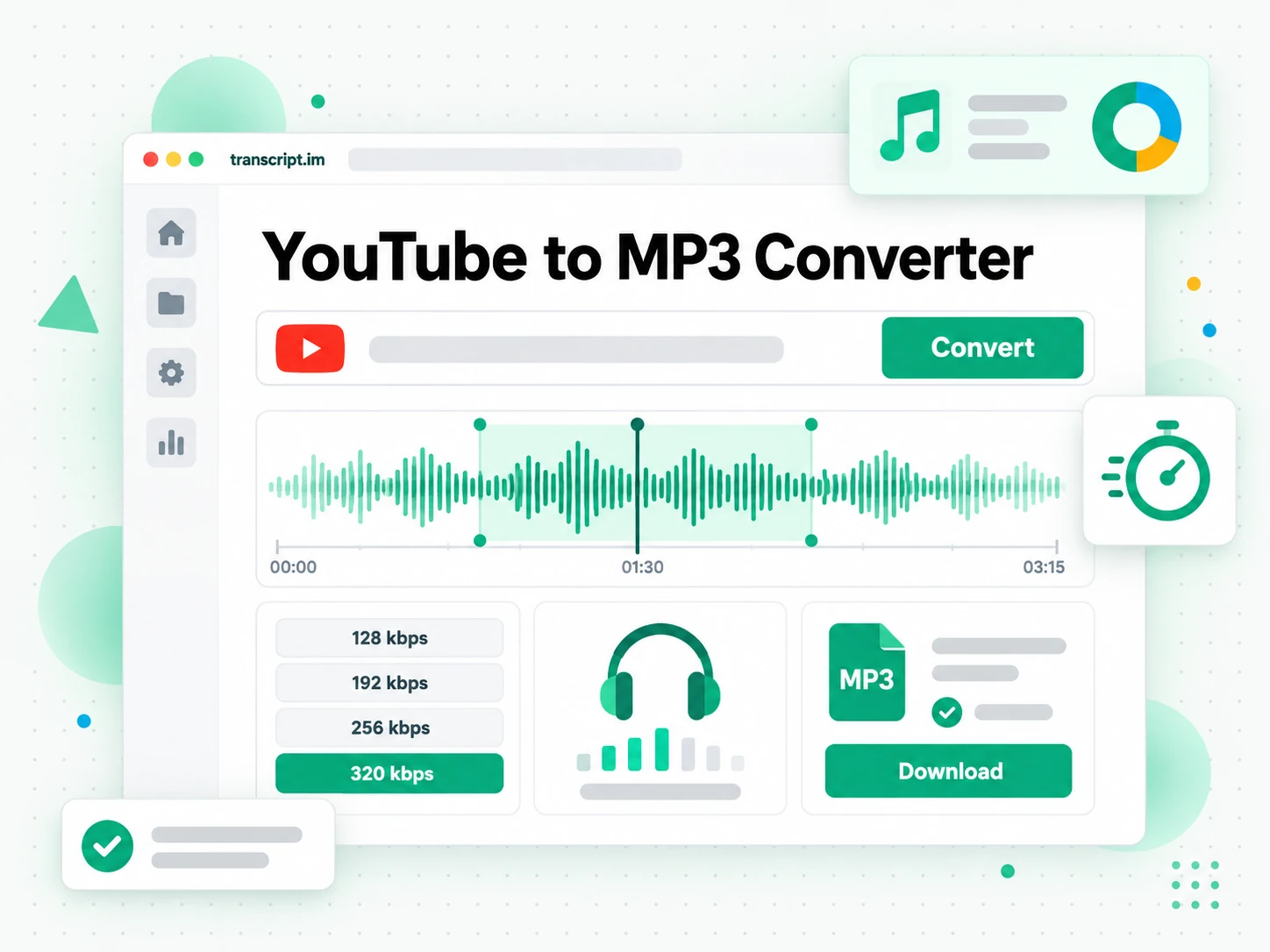
YouTube to MP3 conversion from a single public link: choose 128, 192, 256, or 320 kbps, keep only the sound, and download a standard MP3 for any player.
You are responsible for having the rights to download this content. See our copyright disclaimer.
What Is a YouTube to MP3 Converter?
A YouTube to MP3 converter is a tool that turns a public YouTube link into a downloadable MP3 audio file. It is different from a video downloader that hands back the picture, and from a screen recorder that captures playback at your window's quality: a YouTube to MP3 result is only the sound, saved as a file you can keep and play anywhere. The hardest case is the public video the platform will not give you as audio, when you are allowed to keep the track but have no ordinary way to save it at the quality you want. That is where a real YouTube to MP3 converter earns its place: it reads the same public stream the player uses, offers 128 to 320 kbps instead of one fixed low bitrate, and returns a direct download. Whether you search for a YouTube to MP3 converter, a YouTube MP3 download, an MP3 bitrate, or a free YouTube to MP3 converter, the result should be clean audio at the quality the source offers.
How the YouTube to MP3 Converter Works
One pasted link takes you from a public YouTube video to a downloadable MP3 audio file in three steps.
Turn a YouTube Link Into an MP3
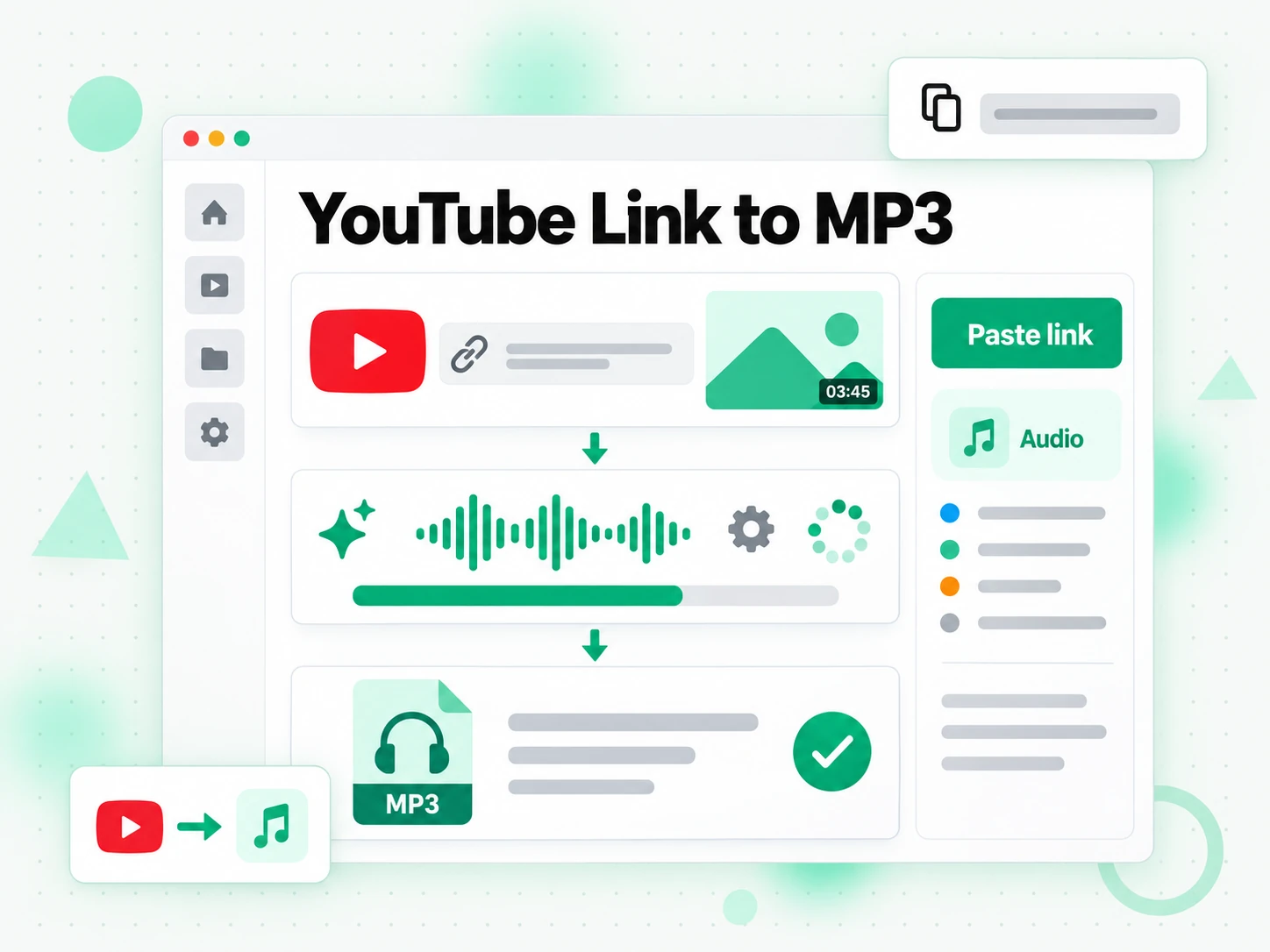
Paste any public YouTube video link into the box at the top of the page. The YouTube to MP3 converter loads the title, thumbnail, and duration, then reads the public stream the player itself uses, so there is no extension to approve and no desktop software to install. Only the audio track matters here, so the tool pulls the sound rather than the picture, which keeps the file small and the job fast. Nothing is recorded from the screen, so the audio keeps the quality the uploader published instead of dropping to whatever your speakers output. The whole conversion runs in the browser from one link, so it also works on a phone or a shared computer.
- Works from a single pasted YouTube link
- Reads the same public audio stream the player uses
- No extension or desktop software to install
Pick the MP3 Bitrate You Need
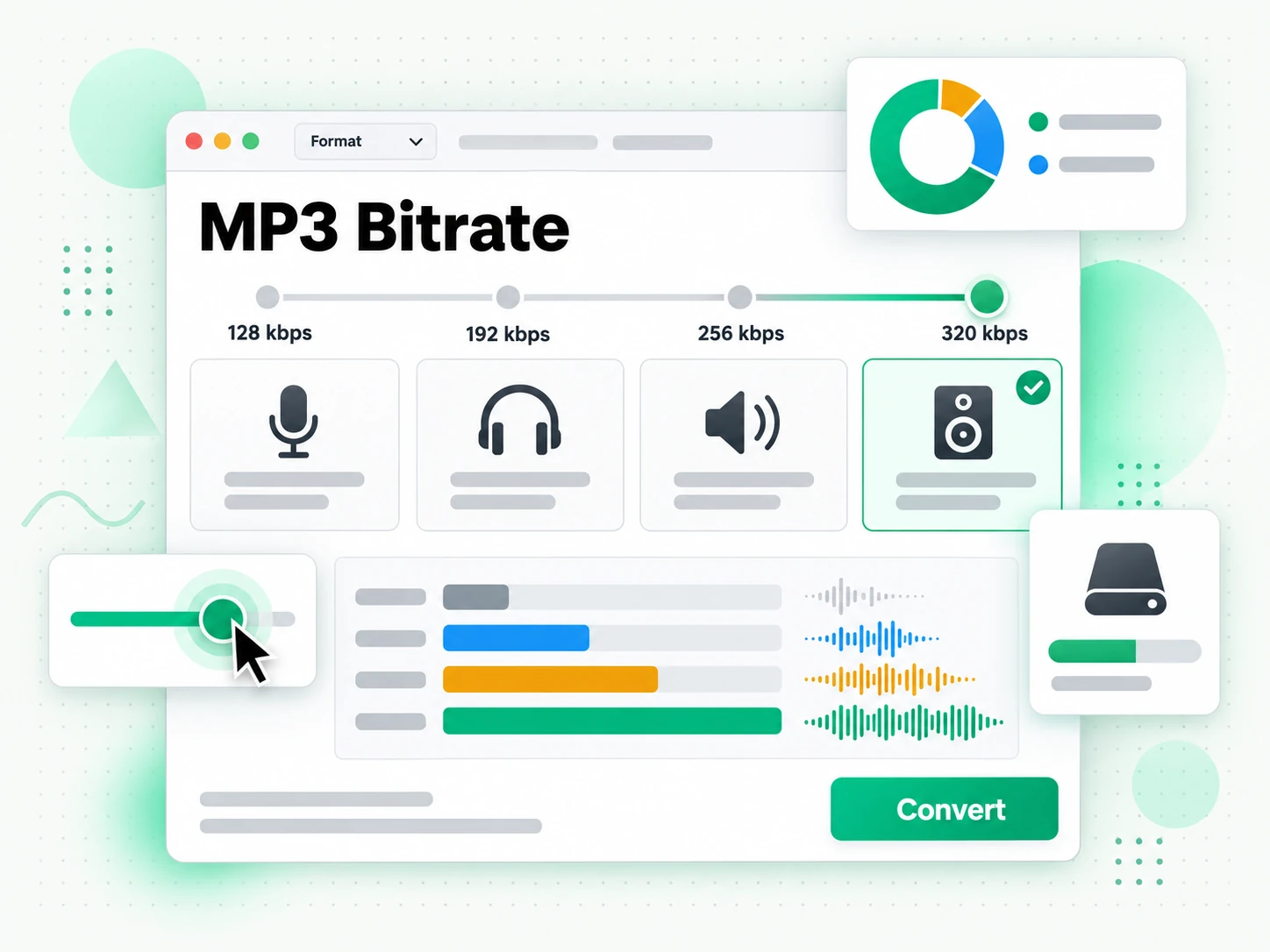
Choose the bitrate that fits your purpose: 128 kbps for a spoken-word talk you will hear once, 192 or 256 kbps for everyday listening, or 320 kbps when you want the best quality the upload can give. The option list shows the levels the source actually exposes, so a low-quality upload is never relabelled as studio-grade audio. If you would rather have the picture, the same page also offers an MP4 tab with resolutions from 360p to 1080p. That honesty about MP3 bitrate matters: you pick a real setting, see which one you received, and can convert again for a different balance of size and quality.
- 128, 192, 256, and 320 kbps options
- Only the bitrates the source really provides
- MP4 toggle from 360p to 1080p on the same page
Download the Finished MP3 and Keep It
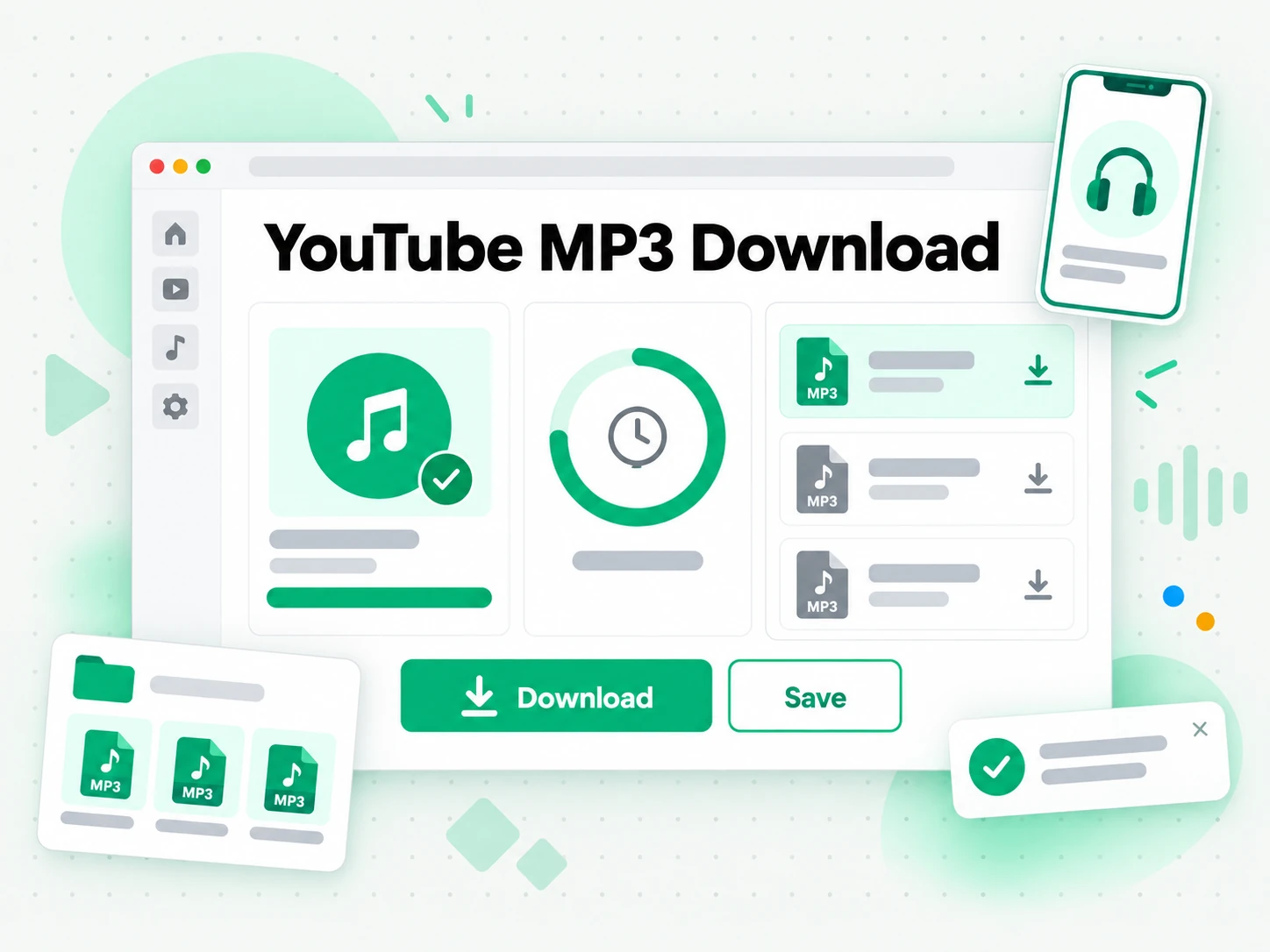
Start the conversion and the YouTube to MP3 converter returns a direct download link, usually within a minute for a short video. The finished MP3 stays available for 30 minutes, long enough to save it to your device while temporary storage stays bounded. Because the file is a standard MP3 with no added overlay or watermark, it opens in any music player, phone, or audio editor once it lands. Keep the source URL beside the file so its origin stays clear, and save only audio you own, licensed material, public-domain recordings, or content the creator has allowed.
- Direct MP3 file link, no watermark added
- Link stays active for 30 minutes
- Standard MP3 that opens in any player or editor
Why transcript.im Beats YouTube's Built-In Download
✅ transcript.im
Paste any public link and get a real MP3 at the bitrate the source exposes, from 128 to 320 kbps. The file carries no added overlay, opens in any player or editor, and needs no extension to install, with no decoy buttons or redirect ads between you and the download.
❌ YouTube's built-in download
YouTube Premium can store a video for offline viewing inside the app, but it hands you no audio file to keep. The download is tied to the app and the subscription, there is no MP3 option, no bitrate choice, and nothing you can move into a music player or an editor.
Who a YouTube to MP3 Converter Is For
A YouTube to MP3 converter helps anyone who needs the audio from something they are allowed to keep, not just a link to play again.
Save your own uploads as audio
Creators can pull the audio track from their own uploads, or a video they own, without reopening the editing project that produced it. It becomes a listening copy kept beside the original master rather than replacing it.
- Convert the link to a 320 kbps MP3 for a high-quality listening copy.
- Use it for a podcast feed, a demo reel, or a direct share.
- Send the audio to a collaborator or client who only needs to hear the mix.
- Keep the source URL with the file so the version stays traceable months later.
- Store the audio beside the master, not over it.
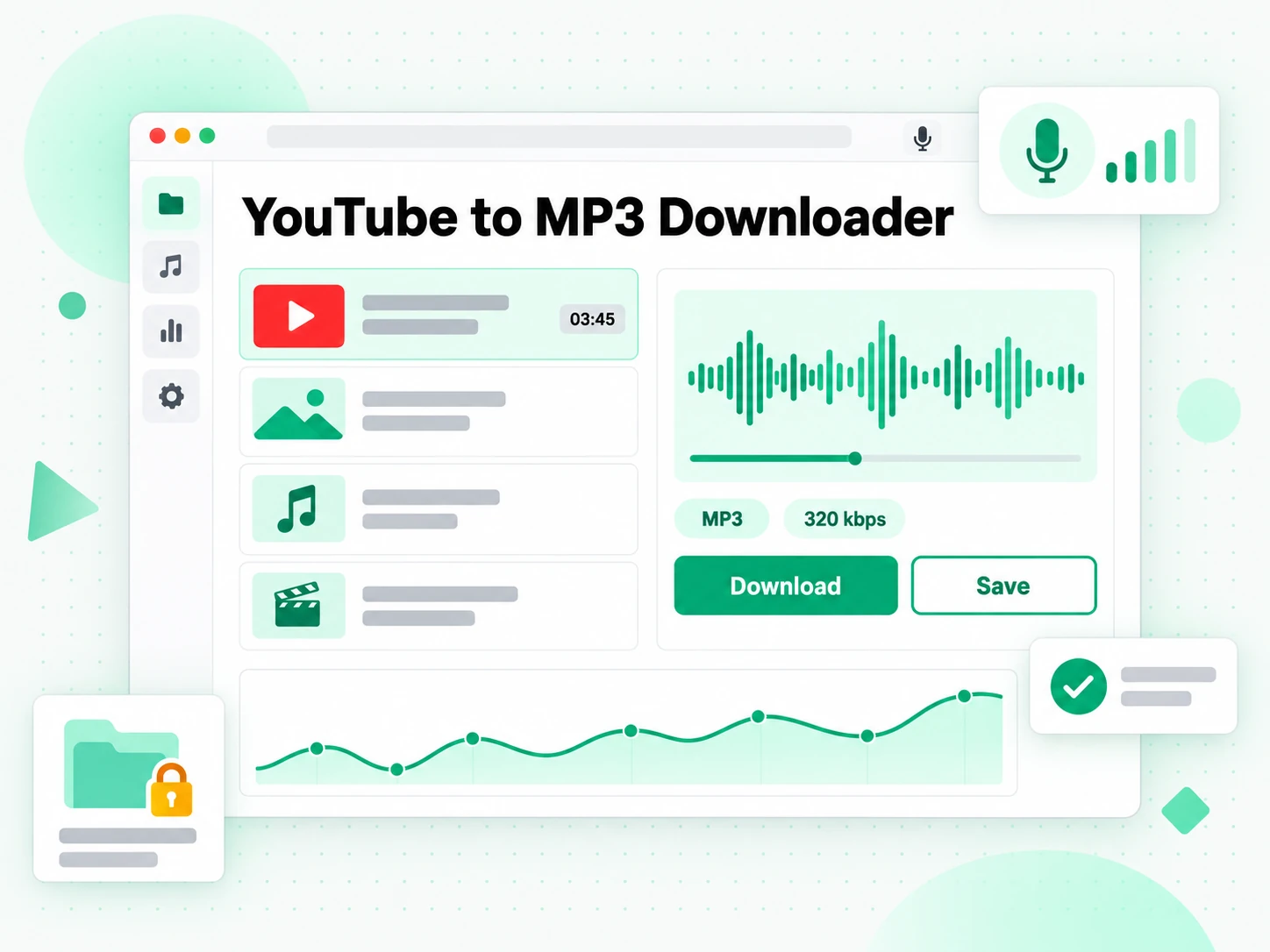
Archive podcast episodes hosted on YouTube
Some shows publish only to YouTube and never release an audio feed. Convert the episodes you are already permitted to save and build a listening library that plays without a connection.
- Choose 192 or 256 kbps for spoken-word episodes, where the difference from 320 kbps is hard to hear.
- Keep the file small for a phone so more episodes fit on a device.
- Use a consistent bitrate across a series so playback stays smooth when you switch episodes.
- Play without a recommendation feed deciding what comes next.
- Confirm the show's terms or your own rights before saving anything you did not create.
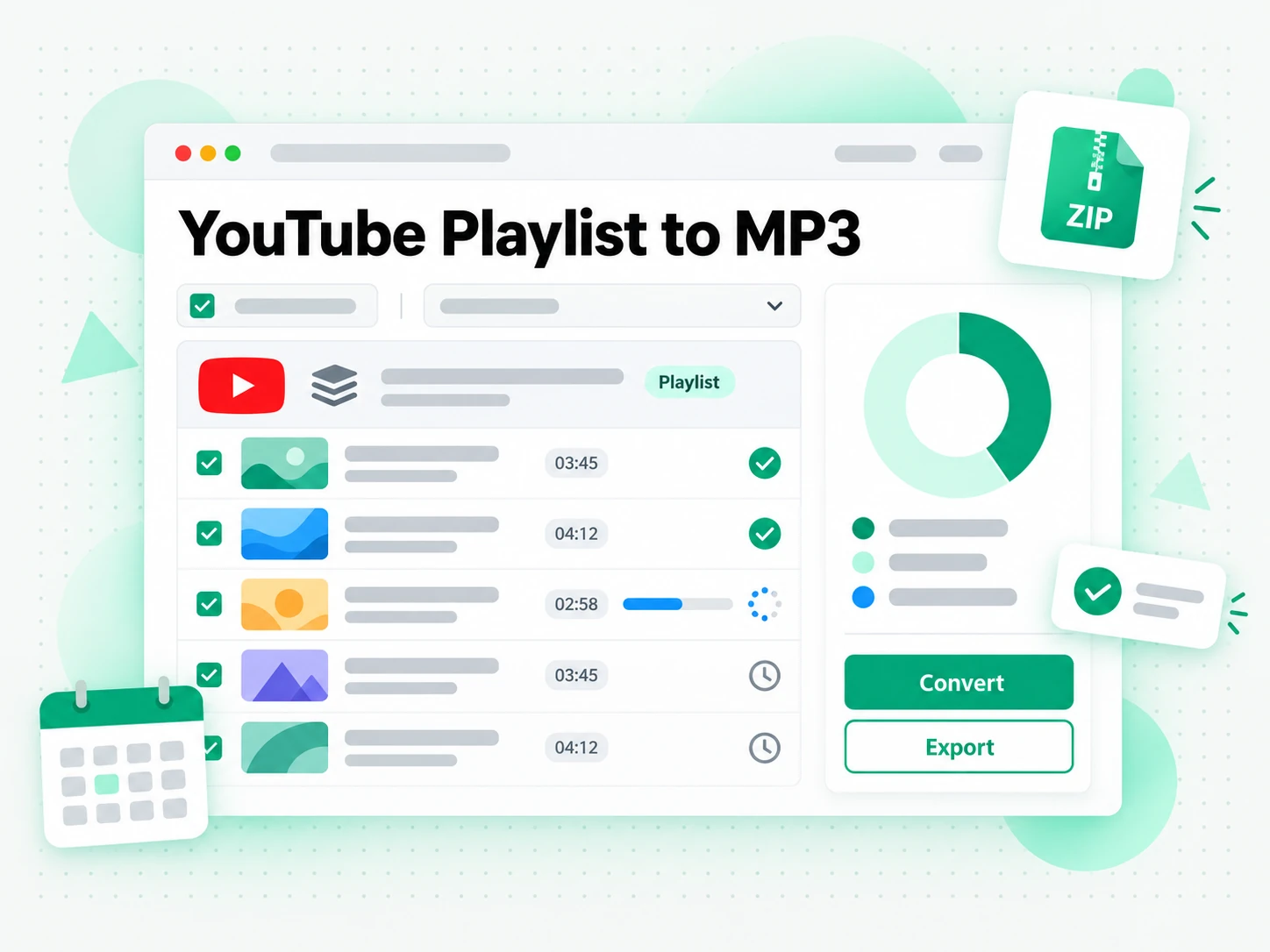
Pull audio you have the rights to reuse
Royalty-free and Creative Commons videos are often published under a licence that allows reuse, and their audio can be worth keeping on its own. The MP3 is the format almost every editor accepts.
- Turn the audio into a soundtrack bed for a project or a background track for a demo.
- Study the mix as a sample without needing the video.
- Check the exact licence first, since some allow commercial use and others do not.
- Carry any required attribution into the new work.
- Keep the licence note and source URL beside the MP3 so the credit is easy to give later.
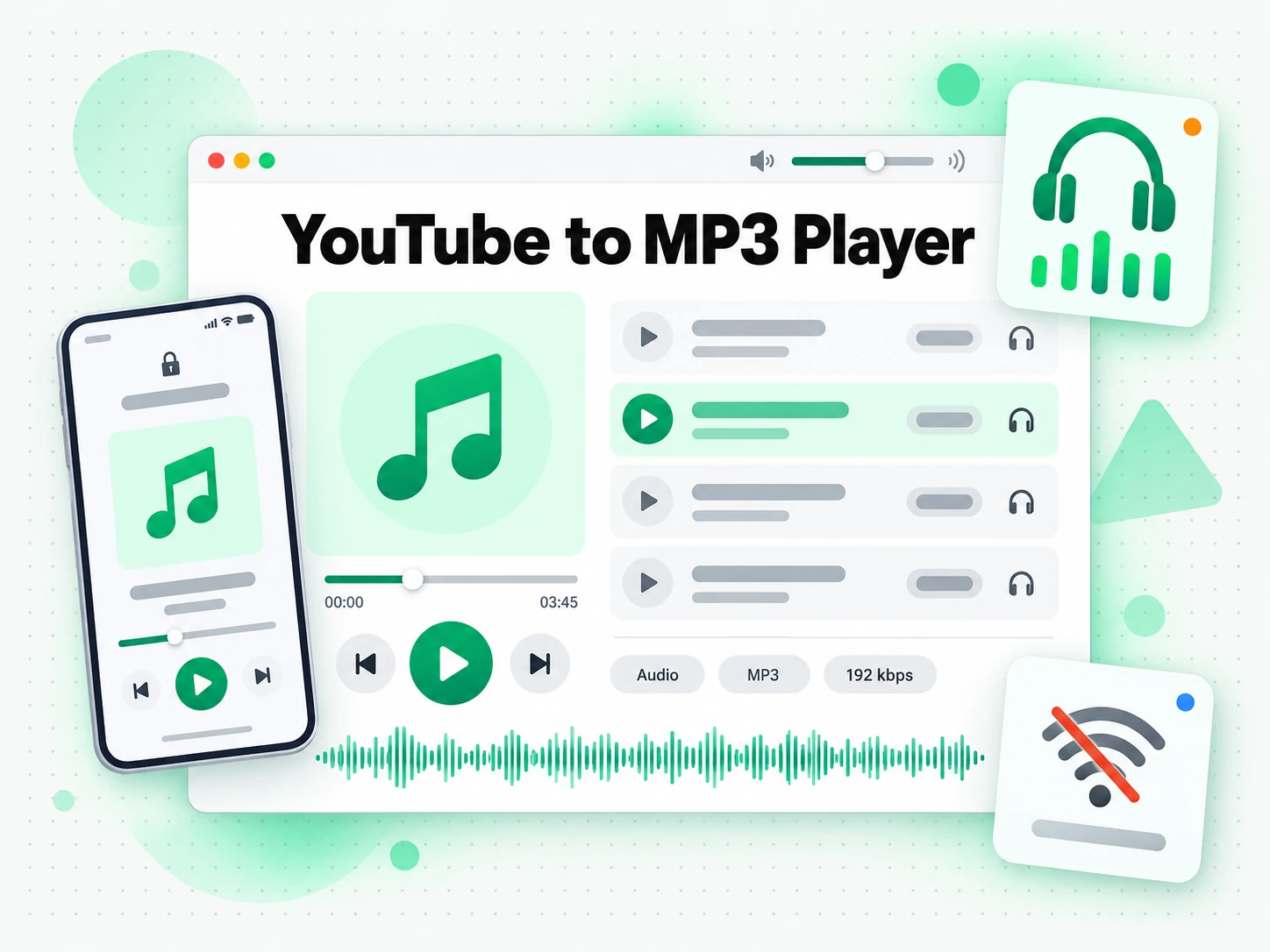
Build an offline listening queue
Talks, lectures, briefings, and long interviews are easier to get through when they are audio you can play on a commute, a run, or a flight. Once converted, they queue in whatever player you already use.
- Pick a lower bitrate to fit more recordings on a device.
- Play with no signal and no buffering.
- Stay off the feed that decides what plays next.
- Group files by topic or date so a long series stays easy to navigate.
- Convert only recordings you have permission to keep.
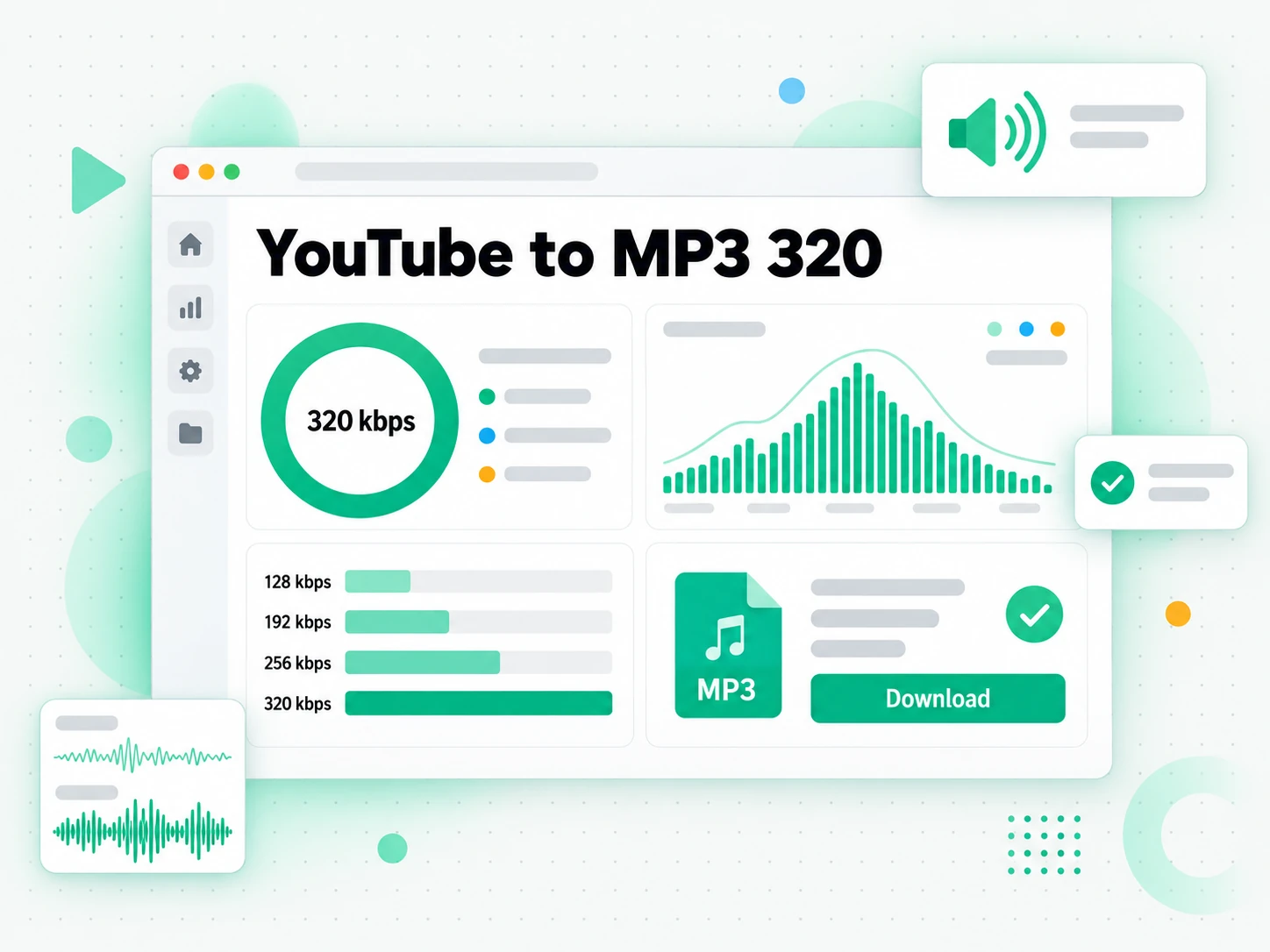
For Language Learners
Listening practice works better with audio you can loop on a phone than with a video that demands your attention. Convert the lessons and talks you are allowed to keep into MP3 and build a study playlist.
- Play a lesson on repeat without watching the screen.
- Fit several recordings on a phone by choosing a lower bitrate.
- Loop one difficult passage using a short clip you converted.
- Keep the source URL with each file so you can find the original again.
- Convert only recordings you are permitted to keep.
How to Convert YouTube to MP3
- 1
Paste the YouTube Link
Copy the URL of any public YouTube video and paste it into the box at the top of the page. There is nothing to install: the link is the only input the YouTube to MP3 converter needs, whether you are on a phone, a laptop, or a shared computer.
You are responsible for having the rights to download this content. See our copyright disclaimer.
- 2
Choose the MP3 Bitrate
After the preview loads, pick a bitrate: 128 kbps for a quick listening copy, 192 or 256 kbps for everyday audio, or 320 kbps when quality matters most. The list shows only the levels the video really offers, so you choose from real settings.
- 3
Convert the Video to MP3
Start the conversion and the tool fetches the public audio stream. A short video is usually ready within a minute and comes back as one direct link, with no decoy buttons or redirect pages to click through.
- 4
Download and Save the MP3
Save the file to your device and confirm that it plays. The download link stays active for 30 minutes, so move the file promptly and keep the source URL beside it. Save only audio you own, licensed material, or content the creator has allowed.
Use Your MP3 File in the Apps You Already Have
Google NotebookLM
Add the video's words to a notebook as a source to summarise the talk and ask questions about it. NotebookLM works from text, and transcript.im can produce a YouTube transcript from the same link you converted to MP3.
ChatGPT, Claude, Gemini, Kimi, and Manus
Paste the video's words into the assistant you already use — ChatGPT, Claude, Gemini, Kimi, or Manus — and treat them as a brief: draft a summary, rewrite it for another audience, or pull out the arguments in order.
Podcast Apps and Audio Editors
The MP3 opens in VLC, Apple Podcasts, Spotify local files, Audacity, GarageBand, and DaVinci Resolve without conversion, so one audio file is ready for a listen, a rough edit, or a soundtrack bed.
Builders Using the API and MCP
transcript.im also exposes an API and an MCP server, so a script or an agent can hand a public YouTube link to the resolver and pass the returned file into the rest of your pipeline.
transcript.im vs Other YouTube to MP3 Tools
Different tools answer different questions. Use this table to pick the route that matches what you actually need from a YouTube to MP3 download.
| Tool | What it does | Use it when |
|---|---|---|
| transcript.im | Real MP3 from a public YouTube link at the source's own bitrates up to 320 kbps, with a direct file and no added watermark. | When you need a clean audio file at the quality the source actually offers. |
| YouTube's built-in download | Stores a video for offline viewing inside the app under a subscription, with no audio file you can keep. | When in-app offline listening is all you need. |
| Online YouTube to MP3 sites | Return one re-encoded file, often capped at a low bitrate or wrapped in redirects and pop-up ads. | When a single low-quality copy will do. |
| Browser extensions and desktop apps | Require broad page access or separate software, and break when the site changes. | When you accept installing and maintaining extra software. |
| Screen or audio recording | Captures playback, which is slow, drops to the quality of your output, and can catch notification sounds. | When nothing else works and a rough copy is enough. |
Related tools
YouTube to MP3 FAQs
What is a YouTube to MP3 converter?
A YouTube to MP3 converter is a tool that turns a public YouTube link into a downloadable MP3 audio file. It returns the sound as a file you can keep and play anywhere, rather than a link to keep streaming.
How do I convert a YouTube video to MP3?
Copy the URL of any public YouTube video and paste it into the box at the top of the page. Choose an MP3 bitrate, start the conversion, and save the direct download link that comes back.
What MP3 bitrates can I choose?
128, 192, 256, and 320 kbps, whenever the source exposes them. Higher bitrates mean better audio and a larger file, while 128 kbps is enough for a spoken-word talk you will listen to only once.
Does a higher MP3 bitrate always sound better?
Not always. A high bitrate cannot add detail the original upload never had, so a 128 kbps source will not become true 320 kbps. The converter shows the levels the video really provides, so you can pick a real setting.
Can I download an MP4 video instead of MP3?
Yes. Switch the format toggle to MP4 on the same page and pick 360p, 480p, 720p, or 1080p. The MP3 and MP4 options share one link, so you do not need a separate downloader.
Does the YouTube to MP3 converter need an extension or software?
No. The whole job runs in the browser from a pasted link, so there is no extension to approve and no desktop application to install or update on each device you use.
Can I convert a YouTube video to MP3 on a phone?
Yes. Open the page in a current mobile browser, paste a public YouTube link, and choose a bitrate. Your browser and operating system decide where the file is saved, usually through a download or share menu.
Why can't the converter process a live stream or premiere?
A live stream, a premiere, or a scheduled video has no finished recording to pull audio from until it ends and a replay exists. Try again once the stream is over and YouTube has finished processing it.
Is there a video length limit for the YouTube to MP3 converter?
No. Videos of any length can be converted to MP3. Longer videos take more time to process, so keep the page open until the file is ready.
How long does the MP3 download link stay active?
The direct link stays available for 30 minutes after the conversion finishes, which is enough time to save the file to your device. After that the temporary file is cleared, so move it promptly.
Am I allowed to convert any YouTube video to MP3?
You are responsible for having the rights to download and use what you convert, whether that is your own uploads, royalty-free or licensed audio, or public-domain material. Republishing someone else's recording can require their permission.
How is transcript.im different from other YouTube to MP3 sites?
transcript.im shows the real bitrates instead of one fixed low-quality file, never disguises a redirect as a download, and adds no watermark. It also runs as its own independent converter, not a rebrand of ytmp3 or yt2mp3.
MP3 in Any Bitrate
Convert YouTube to MP3
Paste a link, choose a bitrate up to 320 kbps, and download a direct MP3 file.