
TRANSCRIPT
Free Voice to Text
Supported: YouTube, TikTok, Instagram, LinkedIn, Twitter — video, short, reel, or playlist.
Upload or drag a video or audio here
One audio or video file at a time. Common formats are supported.
What Is a Voice to Text Converter?
A voice to text converter turns spoken audio — a voice memo, a personal recording, or a dictated note — into written text you can read, search, and reuse. It is not live dictation that types as you speak, and not a subtitle track built for a player: the result is a plain, timestamped transcript of what was said. The hard cases are the real ones — a rambling two-minute memo, a meeting recorded from across the room, or an accent the software has never met before. That is where a converter built only for clean dictation stops, and where a real voice to text converter earns its place. Whether you search for a voice to text converter, plain voice to text, or a voice memo to transcript, the outcome should be accurate text you can actually use.
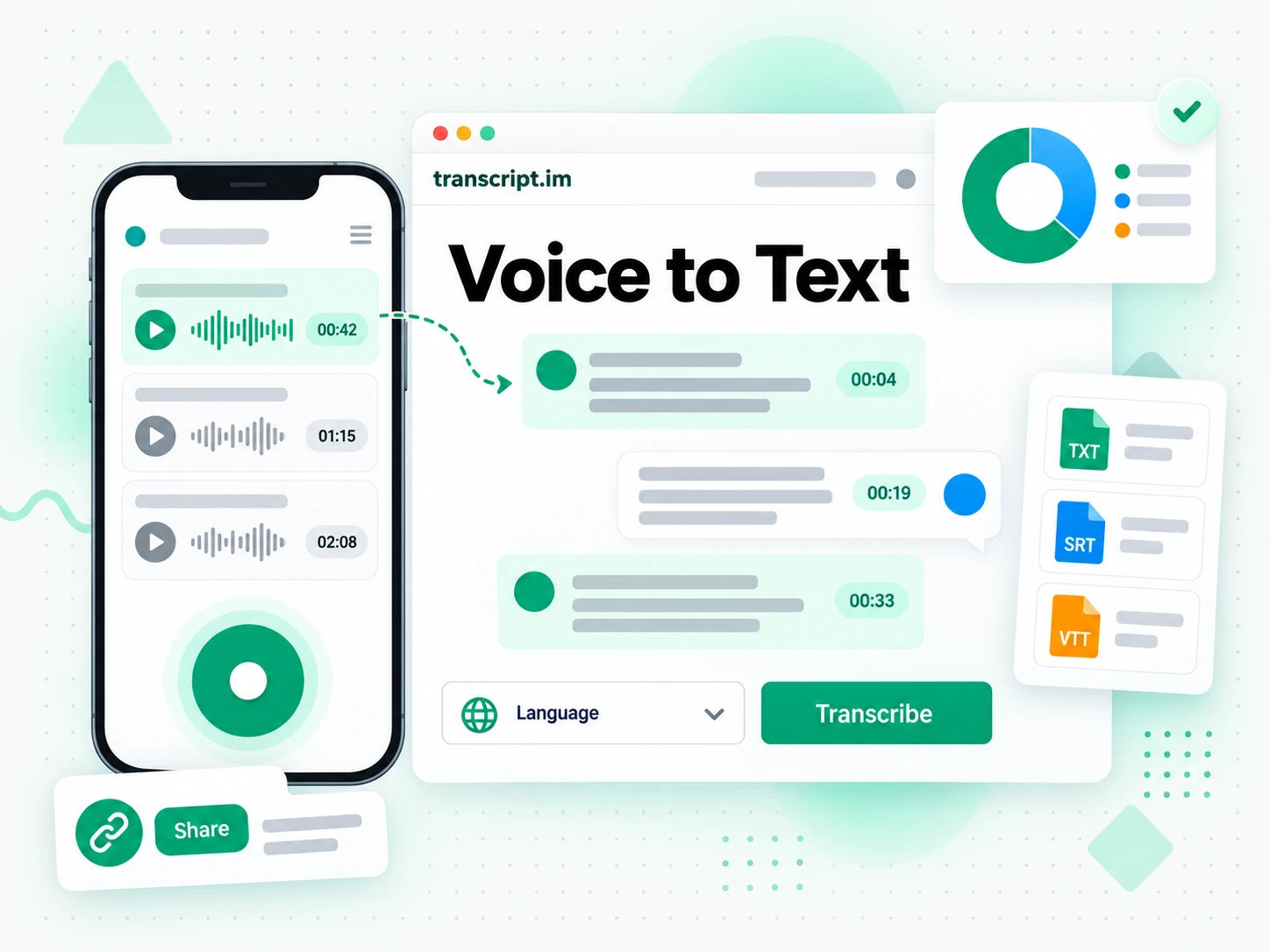
How the Voice to Text Converter Works
One uploaded voice memo takes you from recorded audio to reusable text in three stages.
Turn a Voice Memo Into a Transcript
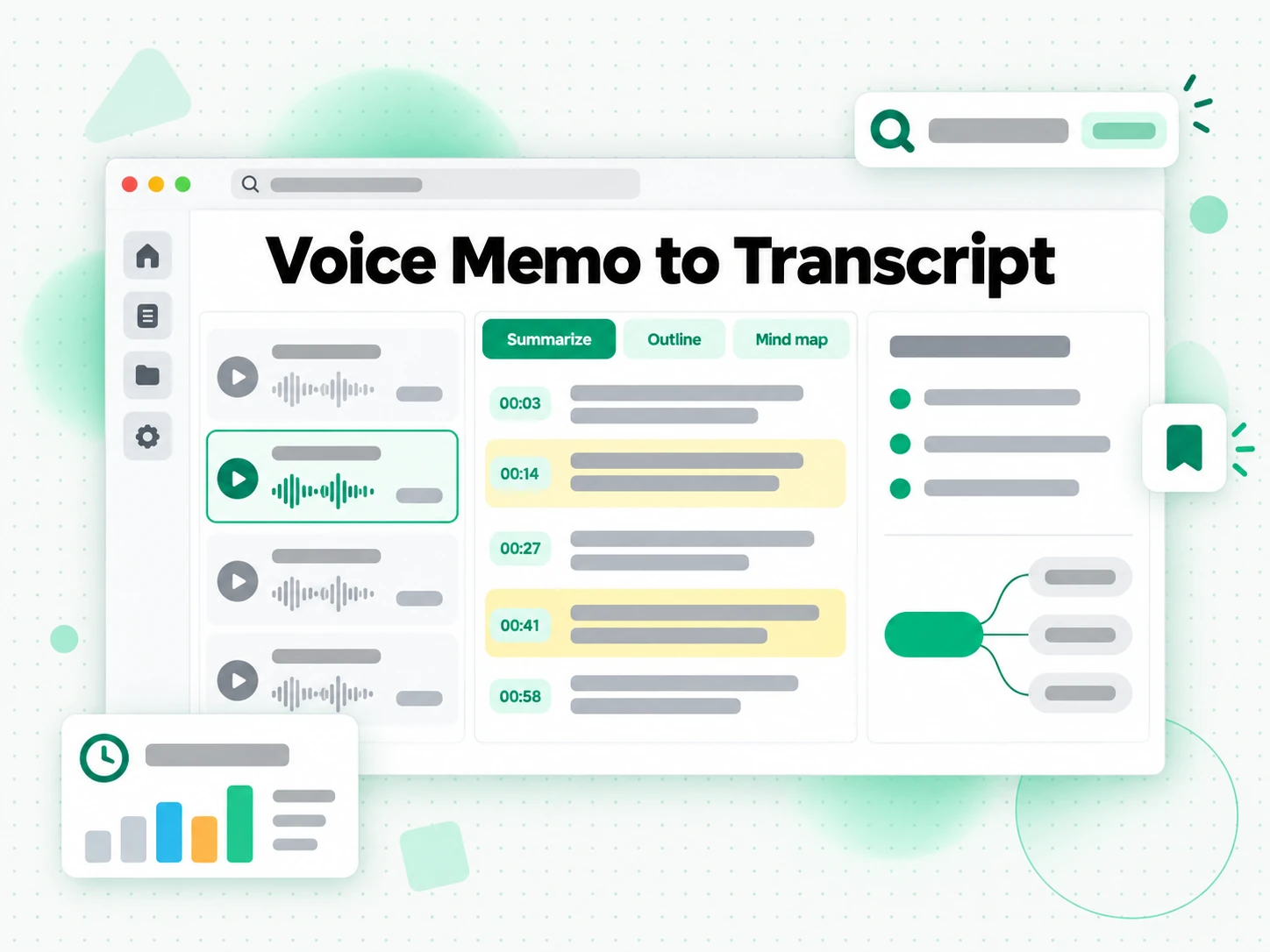
Upload a voice memo or recording, or record straight into the page, and the converter transcribes it with Whisper-grade AI. It detects the spoken language automatically and keeps timestamps aligned to what was actually said, so a voice note that once took twenty minutes to type comes back as text in moments. There is no software to install and no separate file to prepare: a phone memo exported as M4A or MP3 is all the input the voice to text converter needs. The same stage handles a clean dictated sentence and a noisy room recording, which is what separates a working converter from a toy.
- Works from a voice memo upload or an in-page recording
- Detects the spoken language automatically
- Timestamps stay aligned to the spoken audio
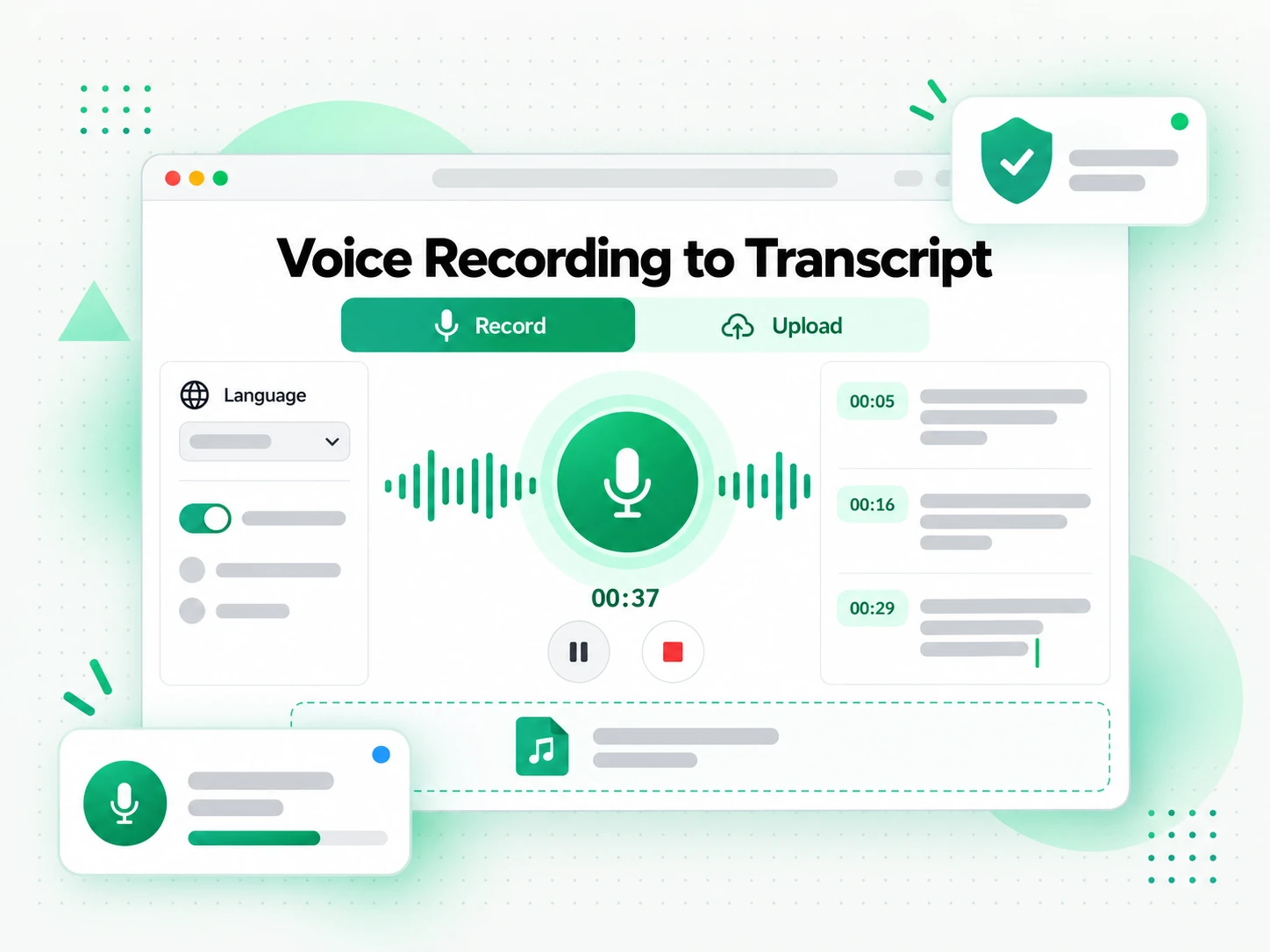
Read, Search, and Summarize the Text
Once the transcript is ready you can search it for a phrase, jump to a moment by timestamp, or run Summarize, Outline, and MindMap to see how a long recording is structured. Instead of replaying the audio and hoping you catch the wording, you read the voice to text result as text and find the exact line you need. Copying a line takes one click, the full transcript stays searchable in the browser, and a rambling memo stops being something you have to listen to again to reference. This is the stage that turns raw audio into material you can actually work from.
- Search and copy the full text in the browser
- Summary, outline, and mind map from one recording
- Jump to any moment by its timestamp
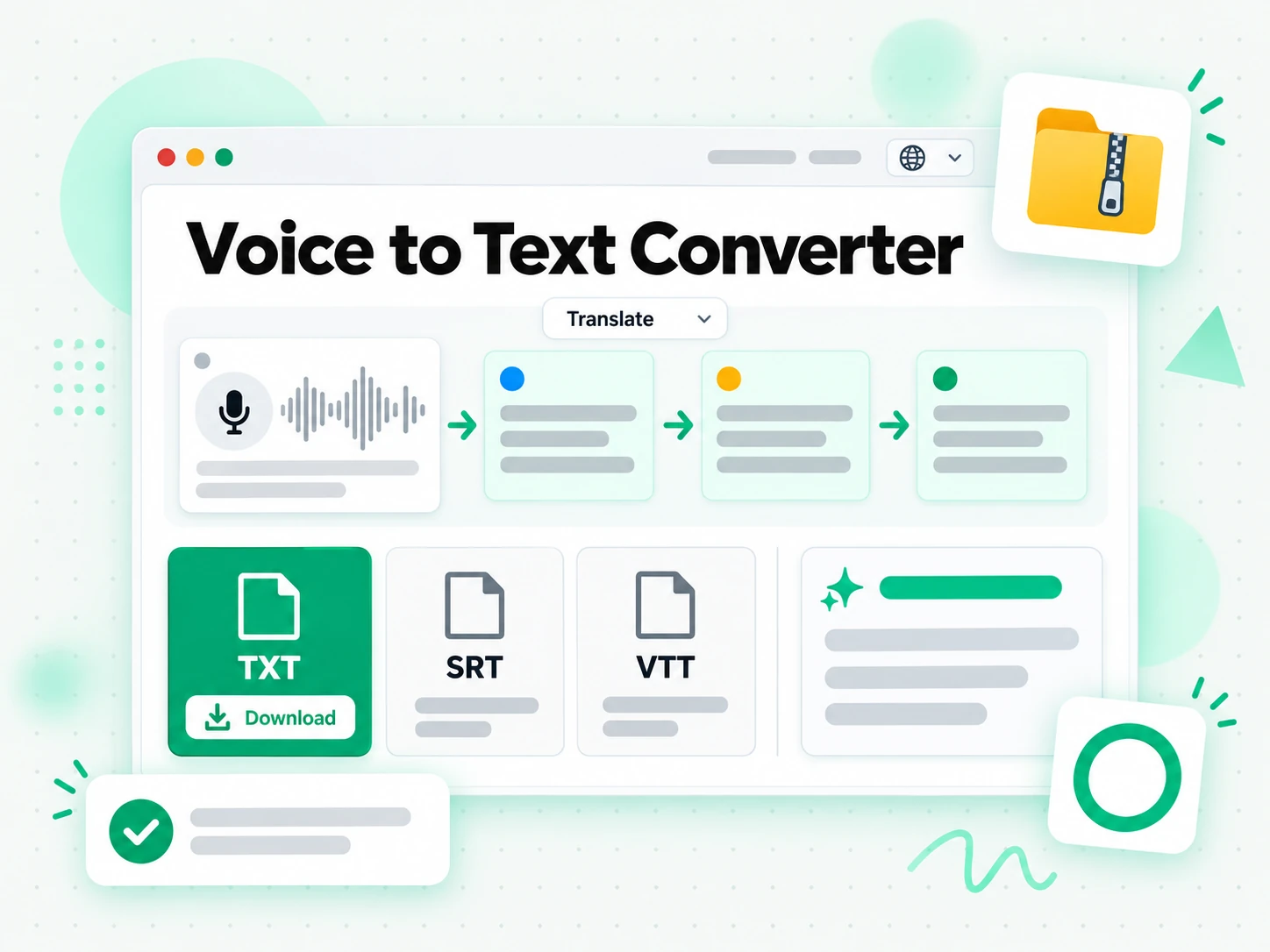
Export, Translate, or Reuse the Text
Download the transcript as TXT, SRT, or VTT, translate it into another supported language with the timestamps preserved, or hand it to an AI tool as a brief for what comes next. A transcript you can export is a transcript you can reuse, whether that means pasting a voice memo to transcript result into your notes, turning a recorded call into follow-up points, or producing subtitles for a clip built from the audio. Because the output keeps its timestamps, the same voice to text can become meeting notes, a summary, a mind map, or a first draft.
- Download as TXT, SRT, or VTT
- Translate into another supported language
- Rewrite into meeting notes or a follow-up
Why transcript.im Beats Typing Out Your Voice Notes
✅ transcript.im
Upload any voice memo or recording and get the full, timestamped transcript, whether it was dictated cleanly or captured in a noisy room. The text stays searchable, copyable, exportable as TXT, SRT, or VTT, and translatable, and you can summarise it in the same place you read it.
❌ Typing it out yourself
Playing a memo back and typing what you hear is slow, and you lose the exact wording the moment you paraphrase. There is no timestamp to return to, no way to search a long recording, no TXT, SRT, or VTT export, and no translation — and a stack of voice notes often never gets reviewed at all.
Who a Voice to Text Converter Is For
A voice to text converter helps anyone who records by voice and needs the words in writing.
For Meetings and Client Calls
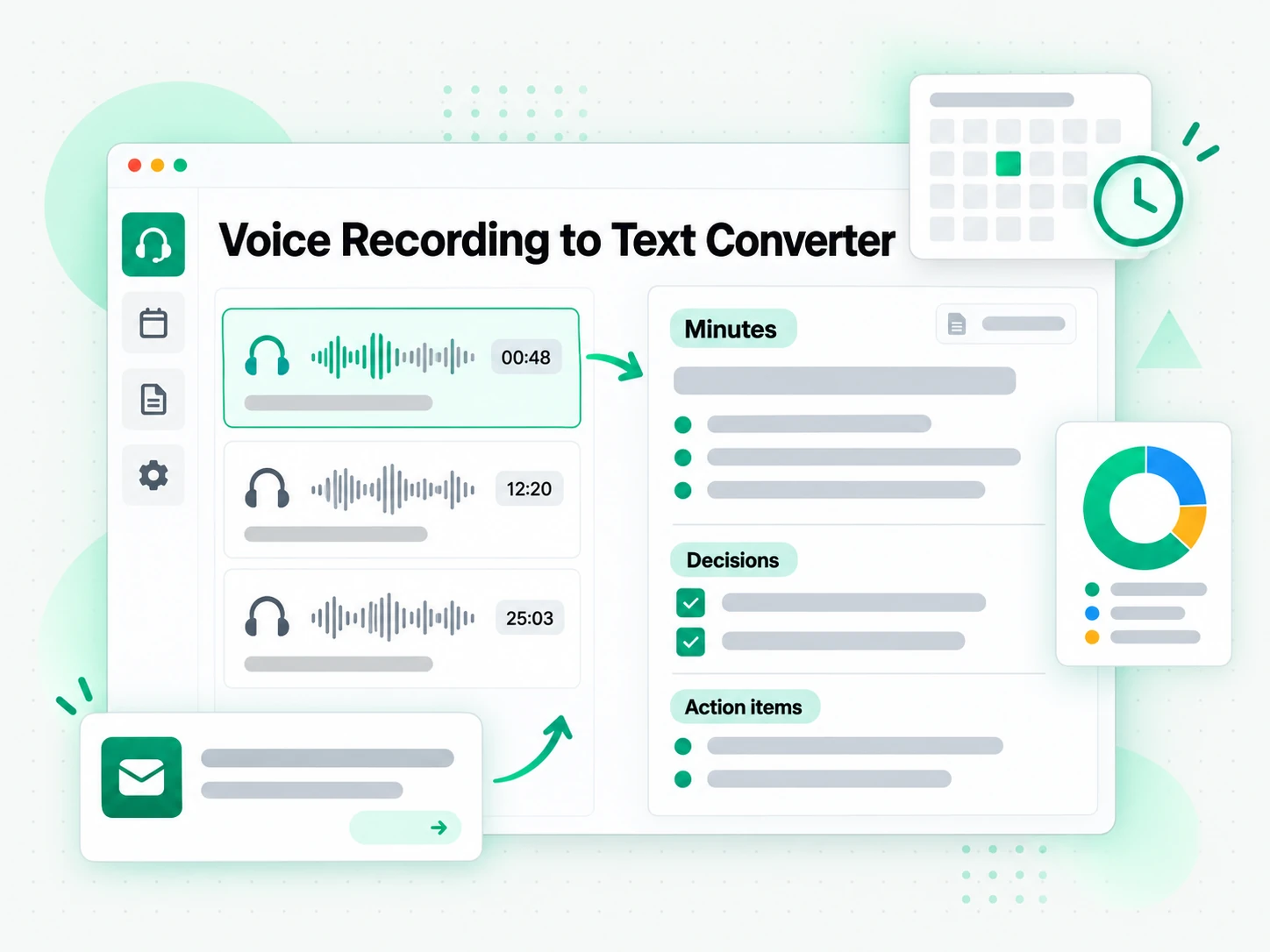
A recorded call or meeting becomes useful the moment it is text. A timestamped voice to text transcript turns one recording into minutes, a summary, and follow-ups.
- Search for a decision, a figure, or a name you half-remember.
- Turn the transcript into minutes or a status update without listening back.
- Check what was actually said by timestamp before you act on it.
- Share a summary with people who could not attend.
- Translate the transcript to produce a localized version of the meeting.
For Note Takers and Students
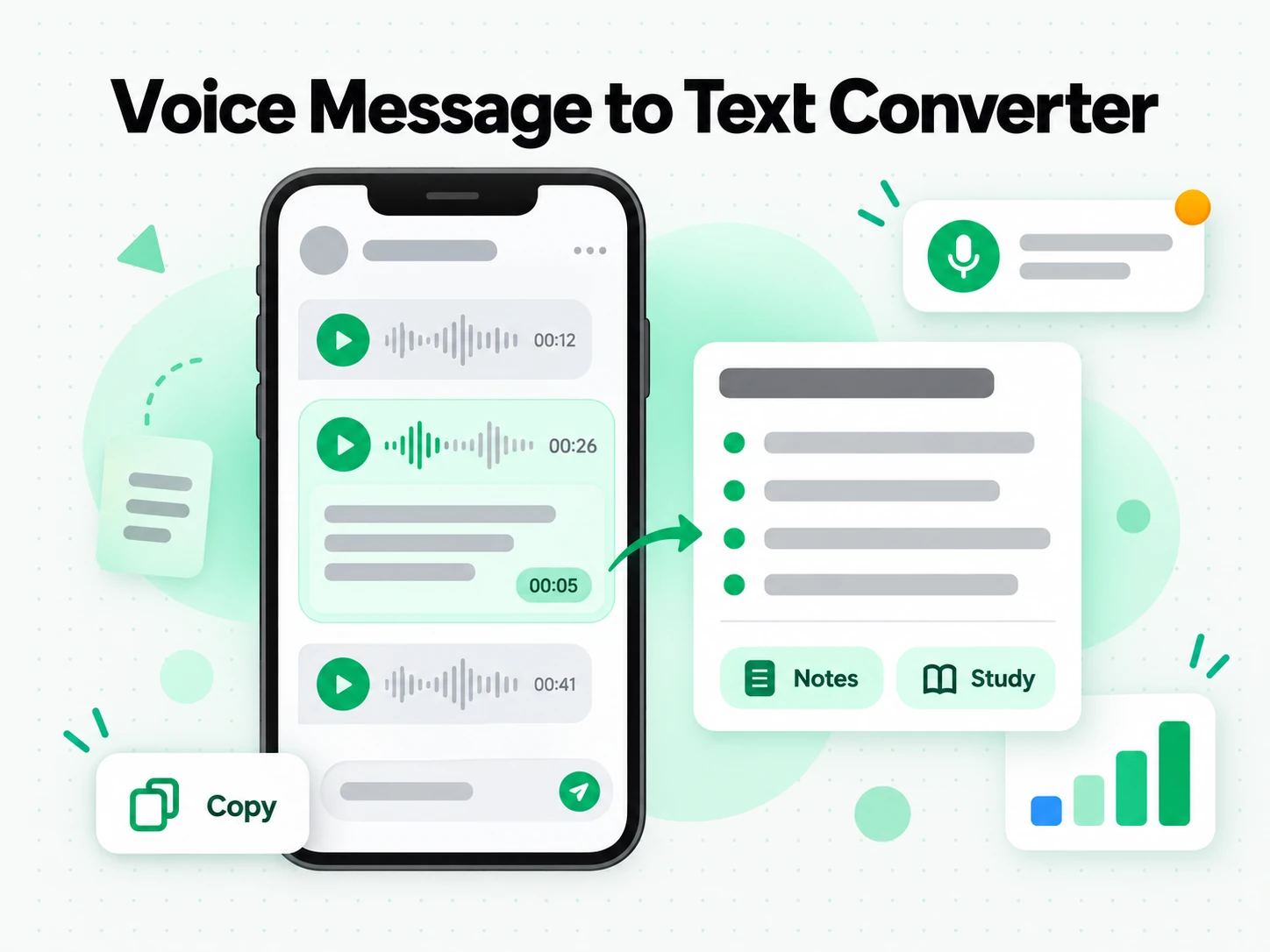
Lectures, talks, and long study sessions are easier to revise as text. Record the class and read a timestamped transcript instead of replaying the whole thing.
- Search the transcript for a term and jump to the moment it was explained.
- Turn a study-group voice memo into notes you can highlight, rework, and keep.
- Translate the transcript into your own language when the lecture was not in it.
- Export as TXT for a printable study document you can read offline.
- Summarise first when you only need the argument, then read the parts that matter.
For Sales and Client Outreach
Sales calls, discovery conversations, and voice notes are full of detail that is easy to lose. A voice to text transcript lets follow-ups use the customer's own words instead of your memory.
- Quote the customer's own words in follow-up emails and proposals.
- Turn one transcript into several follow-ups tailored to different contacts.
- Recap the objections raised so the next call starts prepared.
- Search for pricing questions and commitments before you reply.
- Export the text so the rest of the team has the same record you do.
For Journalists and Interviewers
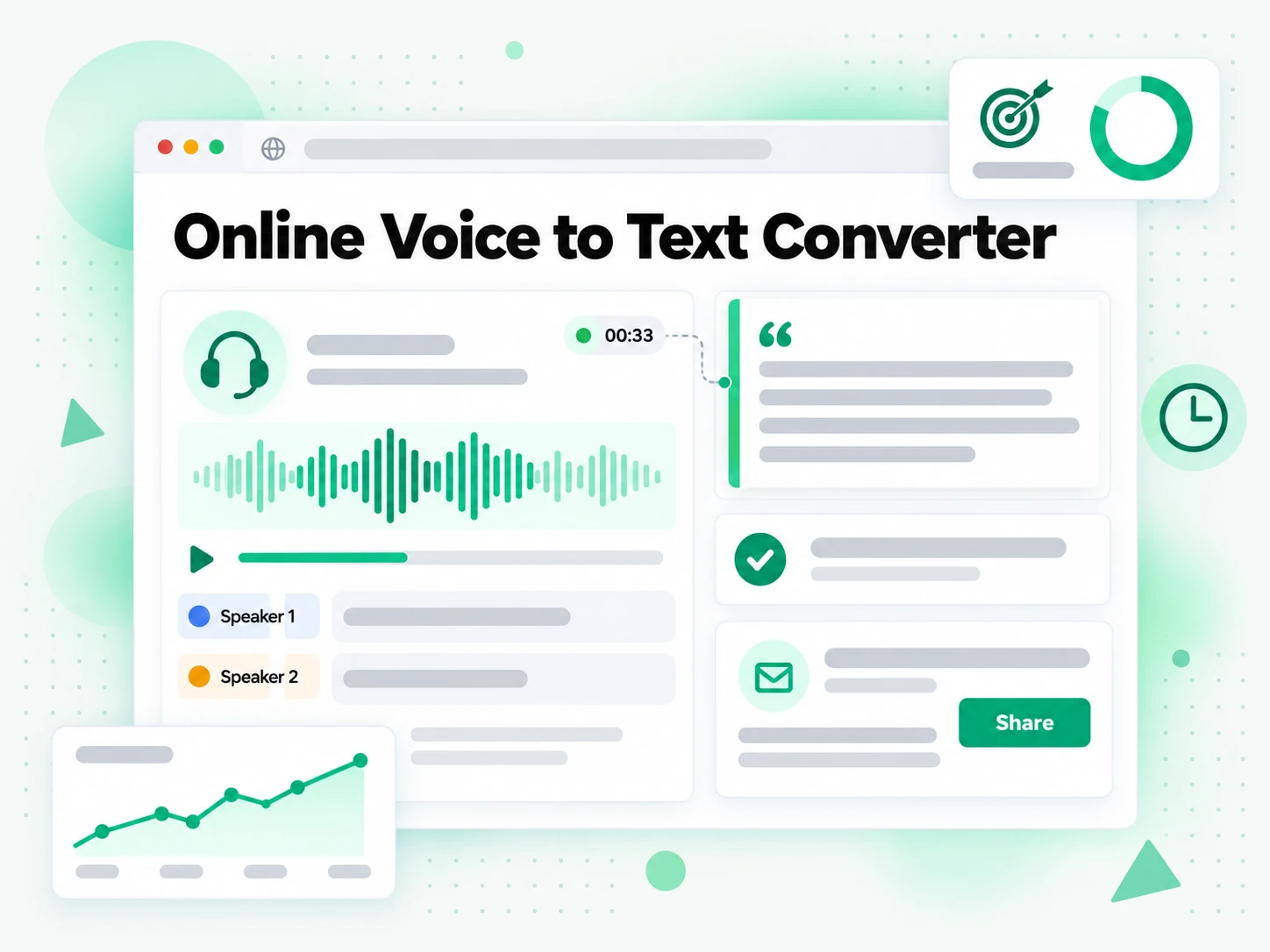
Notes taken by hand during an interview always miss something. A voice to text transcript captures the conversation in full, so a reporter can search it for the quote and keep an accurate record of what was said.
- Search the interview for the phrase you only half-remember.
- Copy a quote with its timestamp so it can be verified.
- Compare two interviews by reading them side by side.
- Keep a dated record of the conversation for fact-checking.
- Export the text to hand the sourcing to an editor.
For Accessibility and Assistive Listening
A transcript makes a recorded talk usable for deaf and hard-of-hearing audiences and for anyone who reads more easily than they listen. A voice to text transcript turns the session into text with the timing intact.
- Read a talk instead of listening when audio is not the right fit.
- Follow along with the timestamps if you are part-reading, part-listening.
- Export the text for a screen reader or a Braille display.
- Search the session for a section you need again.
- Keep the transcript as an accessible version of the recording.
How to Convert Voice to Text
- 1
Upload or Record Your Voice
Add a voice memo or recording to the upload area, or record straight into the page. A phone memo exported as M4A or MP3 works as well as a WAV captured on a laptop, and the spoken language is detected automatically, so there is nothing to configure before you start.
Upload or drag a video or audio here
One audio or video file at a time. Common formats are supported.
- 2
Convert the Recording to Text
Start the voice to text converter and it transcribes the spoken audio with Whisper-grade AI, returning a full transcript with timestamps that stay aligned to what was said. A long recording comes back as readable lines you can scan, not as one dense block of text.
- 3
Read, Search, and Copy
Search the transcript for a phrase, jump to a timestamp, and copy a single line or the whole passage. Instead of replaying the recording to find a quote, you read the voice to text result and reuse the exact wording you need.
- 4
Export, Translate, or Reuse
Download the transcript as TXT, SRT, or VTT, translate it into another supported language with the timestamps preserved, or hand it to an AI tool as a brief. The same transcript can become meeting notes, subtitles, a summary, or a first draft.
Use Your Voice to Text in the Apps You Already Have
Google NotebookLM
Add the transcript to a notebook as a text source, then summarise the recording and ask questions about it. NotebookLM works from text, so a clean voice to text transcript is exactly what it needs.
ChatGPT, Claude, Gemini, Kimi, and Manus
Paste the transcript into the assistant you already use — ChatGPT, Claude, Gemini, Kimi, or Manus — and treat it as a brief: draft a summary, pull out decisions, or rewrite the memo for a different audience.
Video Editors and Subtitle Tools
Export SRT or VTT and drop it into your editor to caption a clip, or start a translation from the same timestamped file.
Builders Using the API and MCP
transcript.im also exposes an API and an MCP server, so a script or an agent can convert a recording to text and pass it into the rest of your pipeline.
transcript.im vs Other Voice to Text Tools
Voice to text tools differ in what they accept and what they give back. Use this table to pick the one that matches the recording in front of you.
| Tool | What it does | Use it when |
|---|---|---|
| transcript.im | Full timestamped transcript from a voice memo or recording, with search, export, translation, and AI views. | When you need clean text you can reuse, not just read. |
| Built-in voice dictation | Types words live as you speak, only while the keyboard or recorder is open. | For a short note you dictate in one sitting. |
| Voice Memos app transcription | Shows a rough transcript of a single recording, with no export or translation. | When one Apple or Android memo only needs a quick read. |
| Google NotebookLM | Summarises a source and answers questions about it inside a notebook. | When the goal is Q&A over the recording, not the transcript text itself. |
| Manual play-and-type | Replaying a recording and typing out what you hear, line by line. | For a single short quote, if you have the time. |
Related tools
Voice to Text FAQs
What is a voice to text converter?
A voice to text converter is a tool that turns a voice memo, recording, or dictated note into written, timestamped text. It is different from live dictation that types as you speak and from a subtitle track built for a player, because the result is plain text you can search, copy, export, and translate.
How do I convert a voice memo to transcript text?
Upload the memo and the converter returns a full voice memo to transcript result with timestamps. Export it from your phone as M4A or MP3 first, and the spoken language is detected automatically.
Can the voice to text converter handle a noisy recording or a strong accent?
Yes. Whisper-grade AI manages a range of accents, speaking speeds, and moderate background noise, so a recording made in a busy room still comes back as readable text. A clean, close-mic recording remains the most accurate input.
What file formats can I upload to the voice to text converter?
MP3, M4A, WAV, FLAC, OGG, and other common audio formats, whether the file comes from a phone voice memo or a desktop recorder.
How long can a voice recording be?
A single upload can be up to 5 GB, which covers long interviews and full meeting recordings as well as short voice memos. Longer audio is transcribed in the same pass, so you do not need to split it first.
Does the voice to text converter support multiple languages?
Yes. The spoken language is detected automatically across supported source languages, and the finished transcript can be translated into another supported language with the timestamps preserved.
Can I translate a voice recording to transcript into another language?
Yes. After the voice to text step is complete, translate the result into another supported language in one click. The voice recording to transcript output keeps its timestamps through the translation.
How accurate is the voice to text transcription?
The voice to text converter uses Whisper-grade AI, which is highly accurate for clear speech and still strong across accents, fast speakers, and moderate background noise. Accuracy depends most on the quality of the original audio.
Can I copy a voice to text transcript into my notes or an AI tool?
Yes. Copy the full text or a single timestamped line and paste it into notes, a document, or an AI assistant for summarising and rewriting. The text is plain, so it drops in without cleanup.
Can I use a voice to text transcript with Google NotebookLM?
Yes. Add the transcript to a notebook as a text source, and NotebookLM summarises the recording and answers questions about it, which a raw audio file it cannot read would not allow.
How is the voice to text converter different from the dictation built into my phone?
Built-in dictation types words live while you speak and stops when the keyboard closes. The voice to text converter works on a recording you already made and returns the full text with timestamps you can search, copy, export, and translate.
What is the difference between voice to text and speech to text?
They describe the same underlying technology, and this page focuses on personal voice memos, recordings, and dictation rather than general speech recognition. The output here is a reusable transcript with timestamps, not a live caption stream.
Voice to Text Converter
Upload your voice recording and get a timestamped transcript you can copy, translate, or summarize.