Transcript AI tools
Chat with a Video
Paste a YouTube, TikTok or Instagram link, or upload a file — ask anything and get answers that point to the exact moment.
Drop an audio or video file, or choose one
Up to 500 MB · MP4, MOV, MP3, WAV, M4A and more
Supported: YouTube, TikTok, Instagram, LinkedIn, Twitter, Facebook — video, short, reel, or playlist.
· Examples don't count toward your free transcripts.
Watch how it works
How to Summarize a YouTube Video and Ask It Questions
How to summarize a YouTube video and ask it questions, right in your browser, with Chat with Video on Transcript. You need a Transcript account to chat.
Ask, then check the source
Answers that show where they came from
Each answer cites the lines it used. Click a timestamp and the transcript and video jump there.
So today we're going to talk about the James Webb Space Telescope, one of the most ambitious things NASA has ever built.
Before we get into the mirror, I want to explain why it looks at infrared at all.
Infrared light passes through the clouds of dust that block visible light, so we can see stars that are still forming.
And the universe is expanding, so light from the very first galaxies gets stretched into infrared on its way here.
It's made of 18 gold-coated segments that unfold once it's in space.
Explain why Webb looks in infrared.
Because infrared passes through the dust that hides young stars, and light from the first galaxies has been stretched into infrared by the expanding universe.
Say how big the mirror is.
6.5 meters across, made of 18 gold-coated segments that fold to fit inside the rocket.
What You Can Do When You Chat With a Video
Chat with a video the way you would ask a person who watched it. Each video chat answer points back to the transcript.
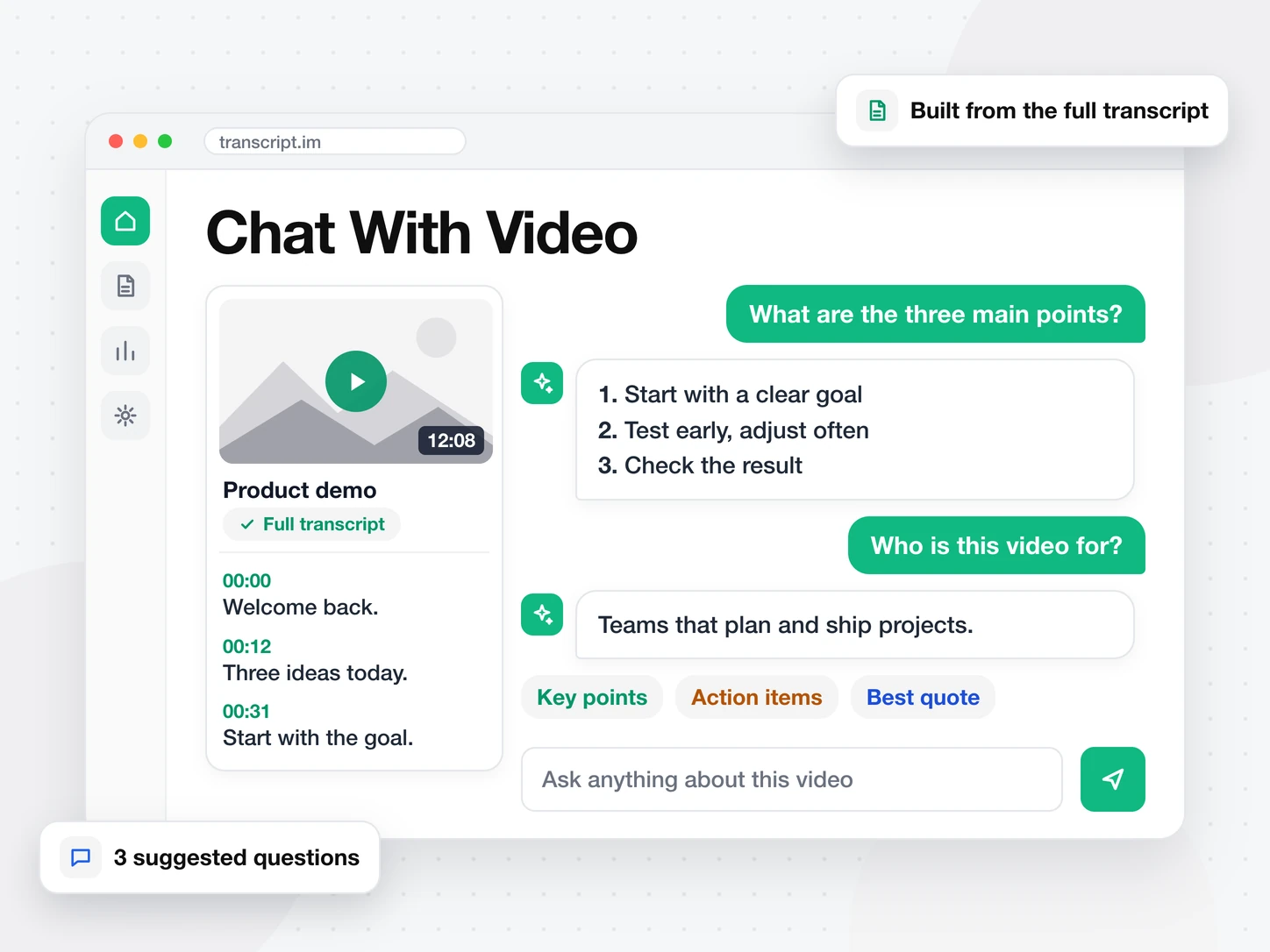
Ask Anything About the Video
Paste a link or upload a file, then type a question. Or start from one of three suggestions. The answer is built from the full transcript, not a preview.
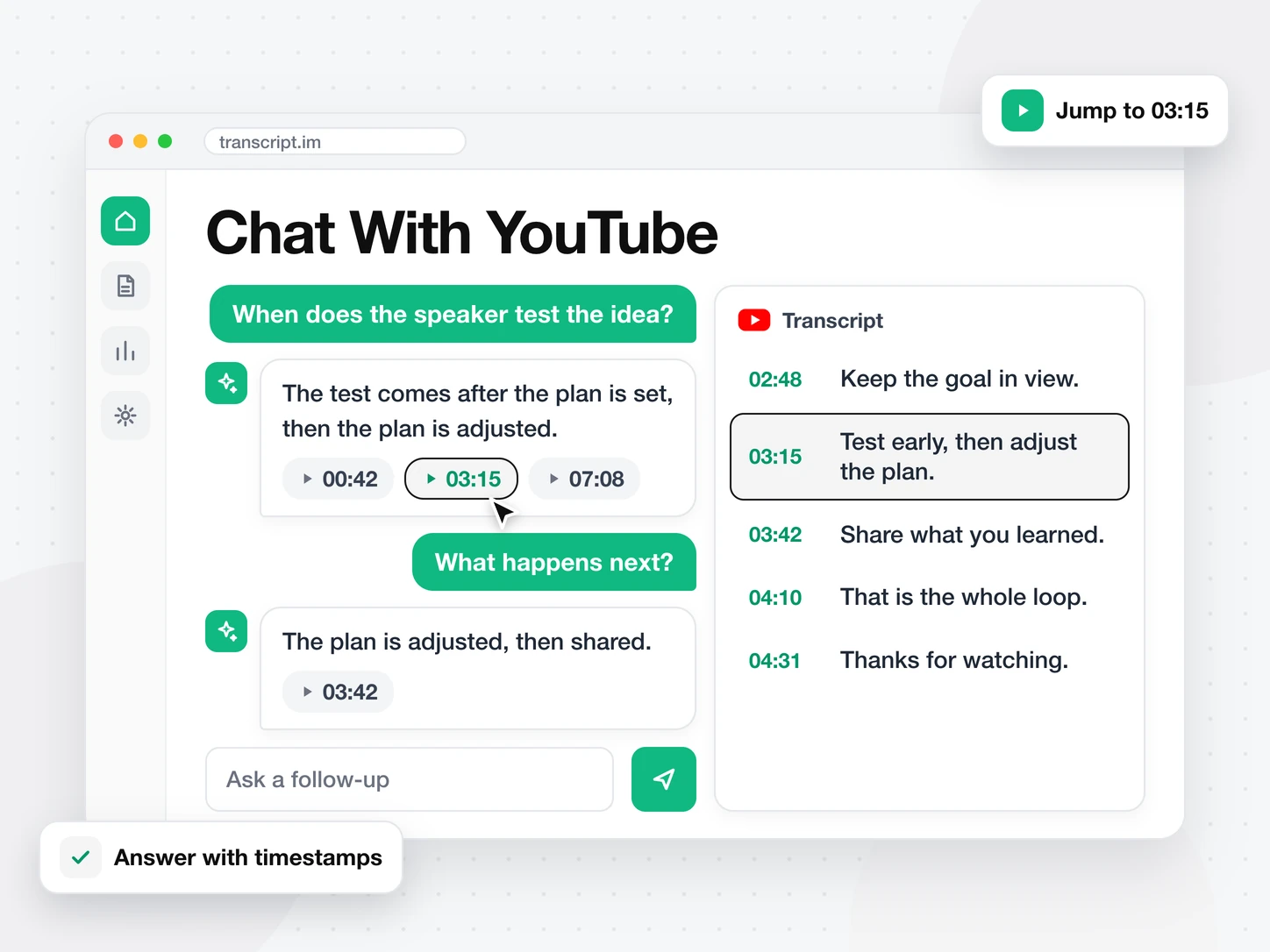
See Where Each Answer Comes From
Each answer lists the timestamps of the lines it used. Click one and the transcript and video jump to that moment, so you can check the answer.
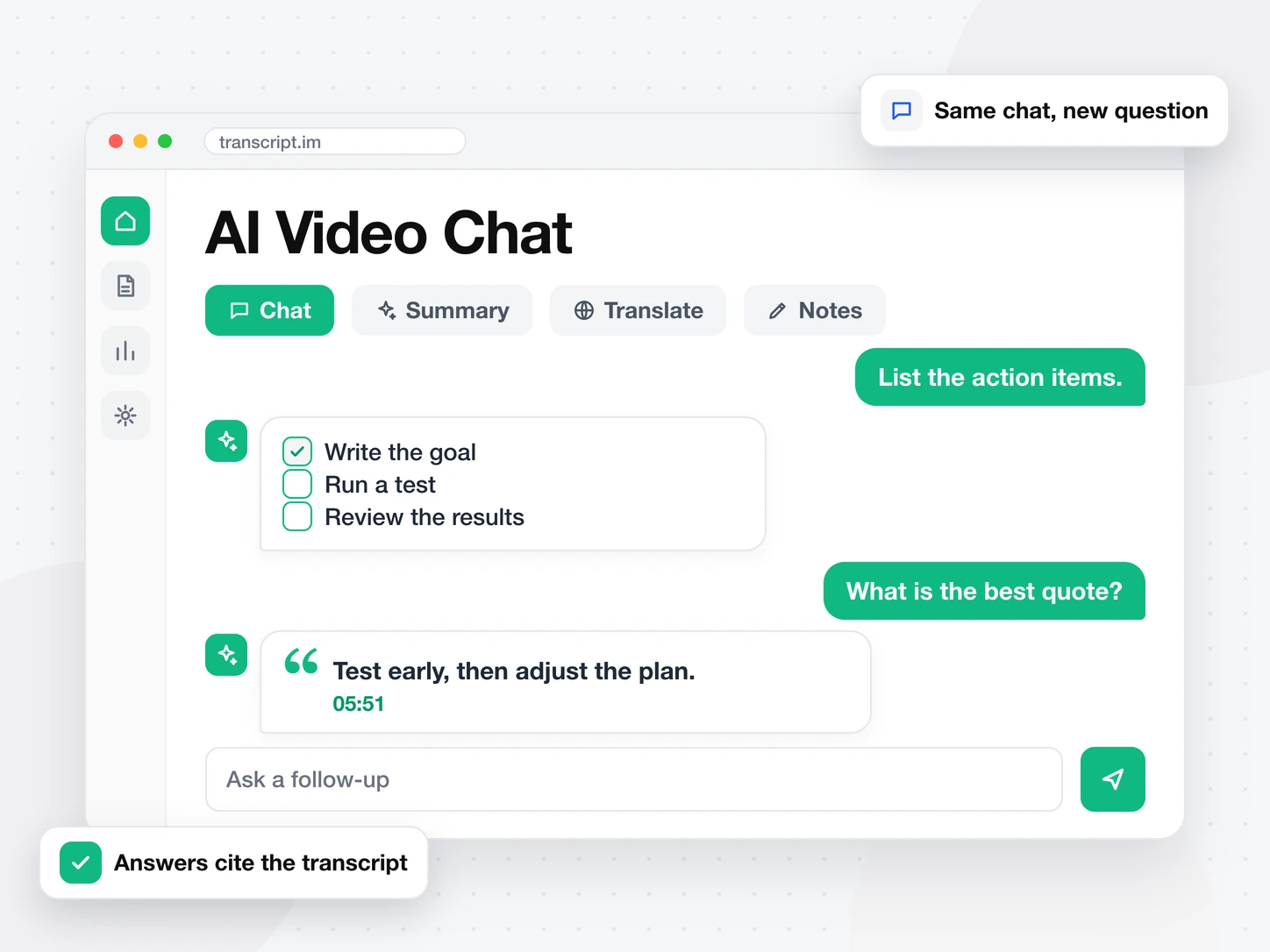
Keep the Video Chat Going
Ask follow-up questions in the same chat. Ask for the key points, the action items or the best quote. Summarize or translate the same video from its other tabs.
Transcript AI tools
More ways to use a transcript
FAQ
Frequently asked questions
What is chat with video?
Chat with video lets you ask questions about a video and get answers from its transcript. You do not watch it end to end first.
How do I chat with a YouTube video?
Paste the YouTube link above and press Start chat. Type your question in the box at the bottom of the result page.
Does chat with video work without captions?
Yes. When a video has no captions, the audio is transcribed first. The chat then answers from that transcript.
Does chat with video show where answers come from?
Yes. Each answer cites the timestamps of the lines it used. Click a timestamp to jump to that moment in the video.