
TRANSCRIPT
Free LinkedIn Carousel Downloader
A LinkedIn carousel downloader for public document posts: preview every page in order, then save high-quality images, the original PDF when published, or one page-numbered ZIP.
You are responsible for having the rights to download this content. See our copyright disclaimer.
What Is a LinkedIn Carousel Downloader?
A reliable free LinkedIn carousel downloader saves every page of a public LinkedIn document post as a file you can keep. A carousel is a PDF-style document that LinkedIn displays as a series of swipeable slides, and the downloader reads that post's public page manifest to return the ordered pages as high-quality images, the original PDF when LinkedIn publishes it, or one ZIP archive. It is not the same as a native video, an ordinary image gallery, or an external presentation link, so the resolver checks the post type before offering document files. The hardest case is a carousel that publishes page images but no source PDF, or a post that has been deleted, made private, or restricted. That is where a real LinkedIn document downloader earns its place, because it returns the actual page set instead of a screen capture. Whether you search for a free LinkedIn carousel downloader, a LinkedIn document downloader, or a way to download a LinkedIn carousel, the result should be the full, ordered deck rather than a blurred screenshot.
How the LinkedIn Carousel Downloader Works
One pasted link takes you from a public LinkedIn document post to ordered page images, a source PDF, or one ZIP in three stages.
Turn a LinkedIn Document Post Into Files
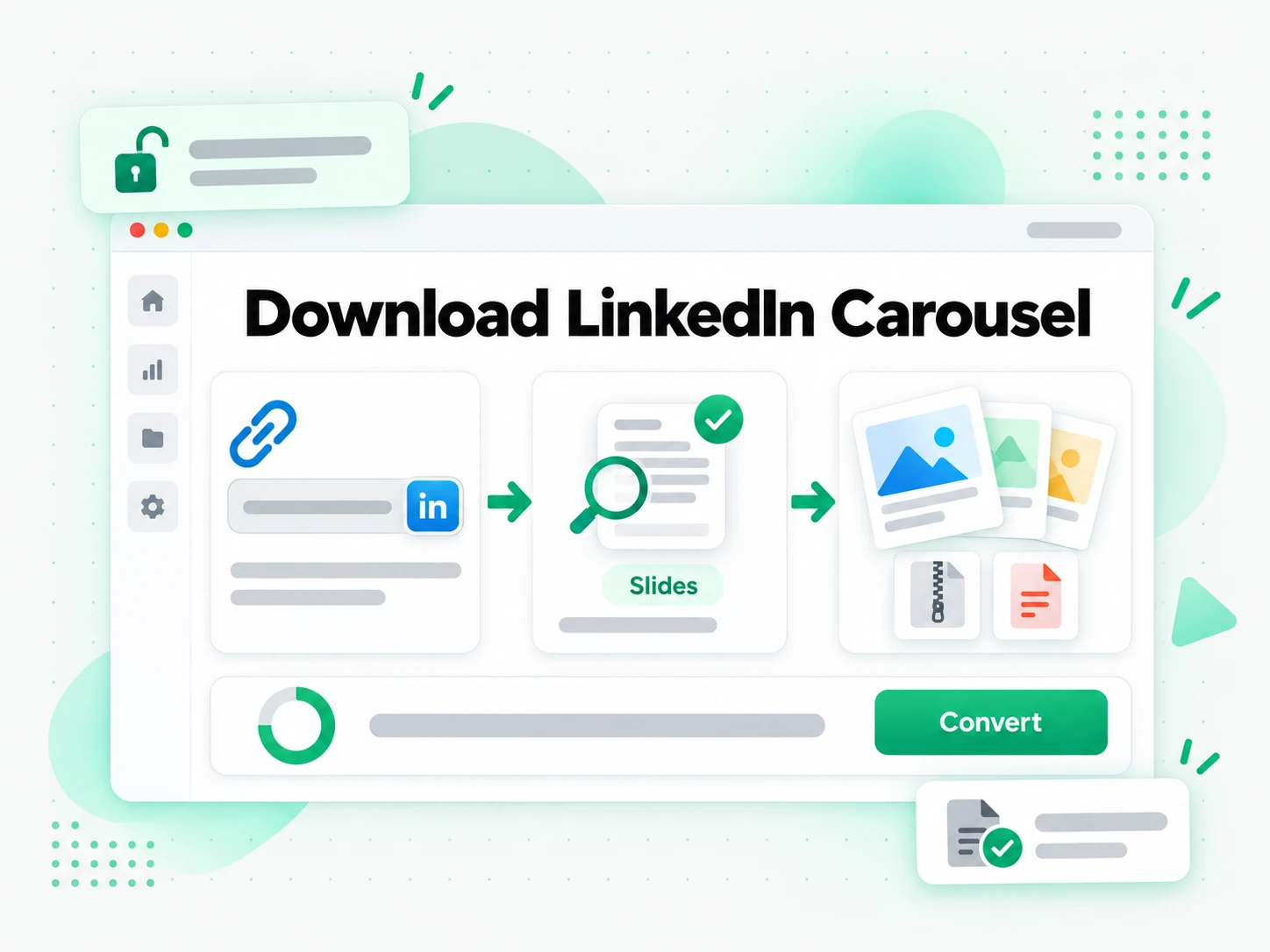
Paste the URL of a public LinkedIn carousel into the box at the top of the page. The downloader confirms that the address identifies a public document post and then reads LinkedIn's document metadata for the ordered page manifest. A profile page, a private or restricted post, a normal image gallery, a native video, or an external presentation link does not expose that manifest, so the resolver rejects it and names the boundary that was missed. There is no extension to install and nothing to authorize: the public post URL is the only input the reliable free LinkedIn carousel downloader needs.
- Supports public LinkedIn document and carousel posts
- Rejects unrelated or access-restricted URLs clearly
- Works from a pasted link, with no extension to install
Preview and Pick Every Carousel Page
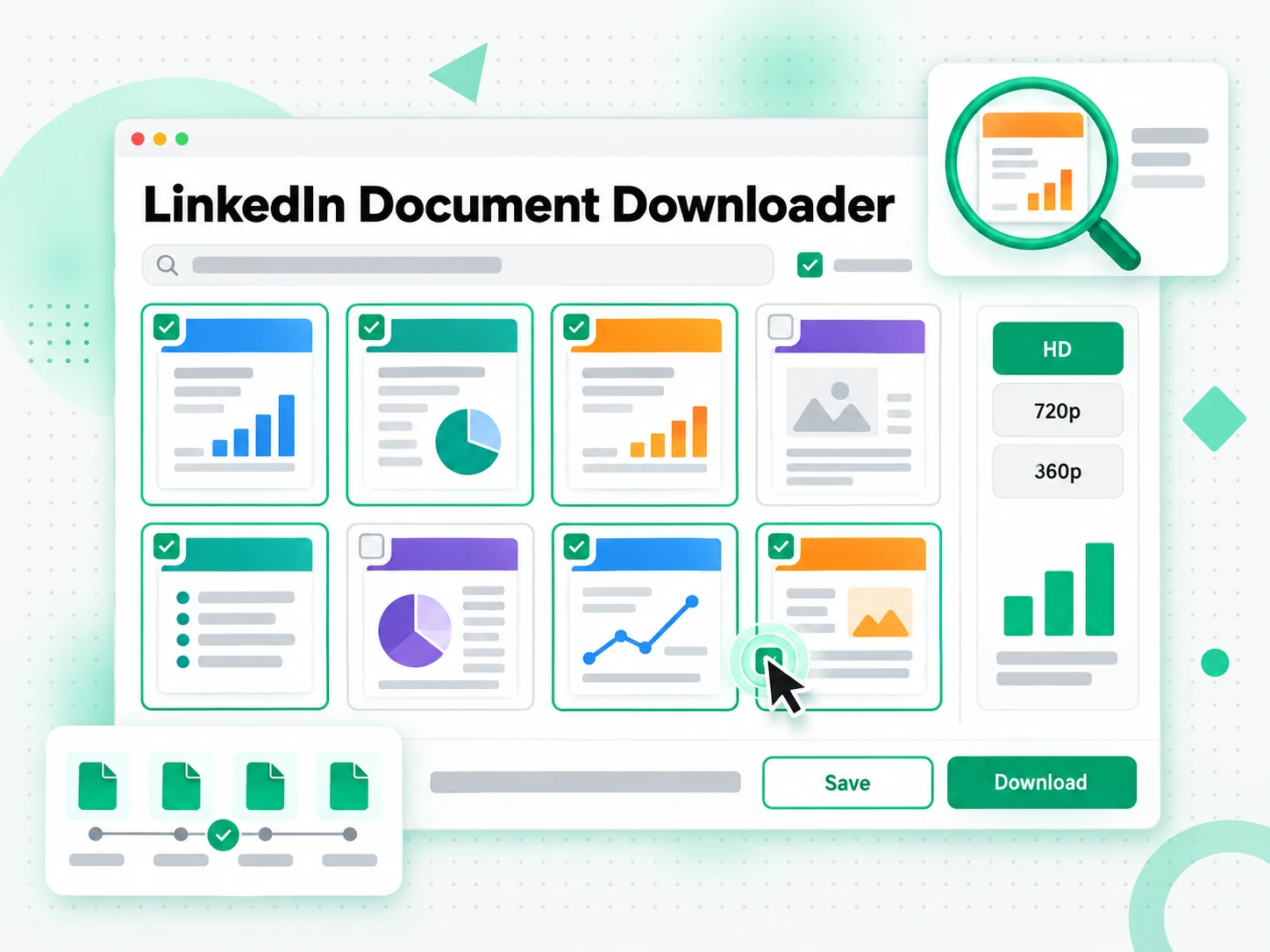
LinkedIn publishes page-image sets at several sizes, and the downloader selects the highest complete tier at or below 1920 pixels rather than mixing pages from mismatched tiers. It verifies that the pages form a usable, ordered sequence and then shows a preview of every slide, so you can confirm that you opened the right carousel and that all expected pages are present. Individual image links stay available when you need only one chart or one page, and the preview makes a missing or duplicated slide obvious at a glance. Instead of guessing how many pages a document contains, you see the full set before any packaging begins.
- Ordered page previews before any packaging begins
- High-quality page images up to 1920 pixels
- Individual image links remain available
Download Images, the PDF, or One ZIP
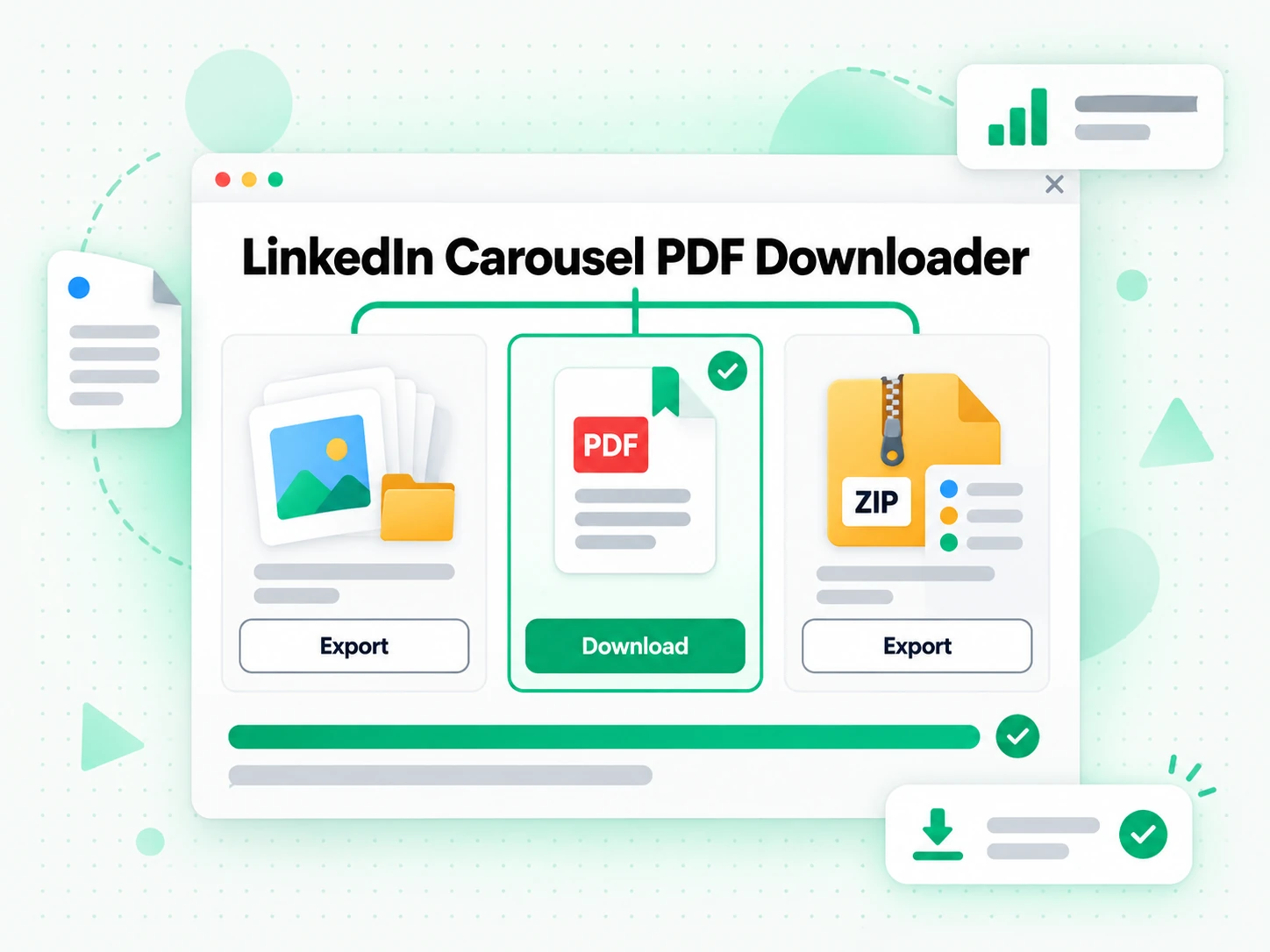
Open any page image directly, use Download PDF when LinkedIn publishes the original document, or choose Download all as ZIP to collect the ordered images into a single archive. ZIP creation starts in the browser, so small carousels finish quickly before the archive is uploaded to temporary storage. When the browser path cannot finish, a durable queue continues the bounded job and returns the same archive through the same status flow, so a larger document does not leave you on an endless spinner. The ZIP uses predictable page-numbered filenames, which keeps the slide order intact when the files move into a review folder, a design tool, or an approved workflow.
- Individual images, the original PDF when available, or one ZIP
- Page-numbered filenames keep the slide order intact
- Browser-first packaging with a durable queue fallback
Why transcript.im Beats Manual Screenshots
✅ transcript.im
Paste any public LinkedIn document post and get every page as a high-quality image, the whole set in one ZIP, and the original PDF whenever LinkedIn publishes it. The ordered files keep their slide numbering, they open outside the feed, and you choose the output instead of accepting a cropped screen capture or an incomplete deck.
❌ Screenshots and manual saves
Saving a carousel by hand means one screenshot per slide, with feed controls in the frame, cropped edges, reduced resolution, and page numbers that are easy to lose. LinkedIn's own Save button bookmarks the post for later but hands you no file, and a print-to-PDF pass often captures the surrounding webpage rather than the actual document.
Who a LinkedIn Carousel Downloader Is For
A reliable free LinkedIn carousel downloader helps anyone who needs the actual pages of a public document post as files, for work they own, license, or have permission to keep.
Back up your own published carousel
Archive a carousel you published, even after the editable source or the exported deck is hard to find. Keep the pages in their published order so the backup still shows what actually went live.
- Save the post URL, publication date, and campaign name alongside the PDF or ZIP.
- Run a content audit or campaign retrospective from one local folder.
- Compare archived and live pages to spot edits, reordering, or removed slides.
- Reuse approved slides in a future redesign without hunting for the original export.
- Keep the copy even if the post is edited, reordered, or deleted.
- Pick PDF or ZIP depending on whether you need searchable text or ordered images.
Prepare an accessible internal review
A PDF or an ordered image set is easier to review than a swipe interaction inside the feed. It gives the whole team one stable file to open at the same resolution.
- Zoom into a chart and add internal notes page by page.
- Discuss a numbered page in a meeting instead of passing a phone around.
- Extract the slide text so screen readers can follow the content.
- Set a meaningful reading order and supply alt text for an accessible document.
- Check brand consistency across the deck before it ships.
- Open the same file so a comment on slide three means the same to everyone.
Preserve a licensed training deck
When a trainer, partner, or client authorizes offline use, save the deck in a format built for presenting and searching. The downloader handles the file; the licence defines what you may do with it.
- Save the original PDF when the post publishes one, since it presents and searches well.
- Use the ZIP when no PDF exists and you need high-quality page images in order.
- Import the pages into a slide tool or a shared drive.
- Store the licence or written permission with the files for the next handoff.
- Check the terms before sharing, editing, translating, or retaining the deck.
- Treat the saved deck as a reference copy that stays inside its grant.
Reference a public research source
Analysts and journalists can preserve a public carousel as part of documented research. The saved copy is a defensible record of what the post said, not a licence to republish it.
- Save the creator name, original URL, capture date, and reason beside the files.
- Use the ZIP to preserve the visual layout and the exact wording of each slide.
- Use the PDF when the text needs to be searchable later.
- Attribute the source in anything you publish from the research.
- Keep the capture unchanged so it records what the post said on that day.
- Get legal review before republication, since a copy is not a licence.
For Designers and Brand Teams
A strong carousel is also a layout reference. Save the pages as files to study the grid, the type scale, and the colour choices, or to check a new deck against what the brand already published.
- Study slide layouts at full size instead of swiping inside the feed.
- Compare page order and spacing against a new design.
- Keep the ZIP when you need ordered, high-quality page images.
- Check brand consistency across posts from one local folder.
- Reference the source and creator when the carousel informs your work.
How to Download a LinkedIn Carousel
- 1
Paste the LinkedIn Carousel Link
Open the public LinkedIn document post, choose Copy link to post, and paste the full URL into the box at the top of the page. The link itself is all the input the downloader needs: there is no extension to install and no software to open, whether you are on a phone, a laptop, or a shared computer.
You are responsible for having the rights to download this content. See our copyright disclaimer.
- 2
Generate and Preview the Pages
Start the downloader and it reads the post's public page manifest, selects the highest complete image tier up to 1920 pixels, and shows a preview of every ordered page. Check that the sequence is complete and that you opened the right carousel before you choose an output.
- 3
Open an Image, the PDF, or the ZIP
Open any single page image, use the PDF option when LinkedIn publishes the original document, or choose Download all as ZIP to package the ordered images into one archive. Small carousels finish in the browser, while larger sets continue through a durable queue and return the same archive.
- 4
Keep the Files With Their Context
Save the post URL, the creator name, and the capture date beside the downloaded deck, so the backup carries its own provenance. Use the pages only when you own the document, hold a licence, or have permission for the intended purpose.
Use Your LinkedIn Carousel Files in the Apps You Already Have
Google NotebookLM
Upload the source PDF as a notebook source, or paste the extracted slide text, to summarise the deck and ask questions about it. NotebookLM works from text, so the saved document becomes something you can query.
ChatGPT, Claude, Gemini, Kimi, and Manus
Paste the slide text or attach the page images to the assistant you already use — ChatGPT, Claude, Gemini, Kimi, or Manus — and treat the deck as a brief for a summary, a rewrite, or a new outline.
Google Slides, PowerPoint, and Figma
Import the page images or the original PDF into the design tool your team already uses, then remix the slides, rebuild a branded version, or start a redesign from the real content instead of retyping it.
Builders Using the API and MCP
transcript.im also exposes an API and an MCP server, so a script or an agent can resolve a public document post and pass the saved pages into the rest of your pipeline.
transcript.im vs Other LinkedIn Carousel Tools
Different tools answer different questions. Use this table to pick the one that matches what you actually need from a LinkedIn carousel.
| Tool | What it does | Use it when |
|---|---|---|
| transcript.im | Every page of a public LinkedIn document post as a high-quality image, the source PDF when available, or one ordered ZIP. | When you need the actual document files, not just a bookmark. |
| LinkedIn's own save options | Bookmarks the post for later and shows the slides in the feed, but hands you no downloadable file. | When you only want to find the post again inside LinkedIn. |
| LinkedIn document downloader sites | Return page images for some public document posts, often without the original PDF or a durable ZIP path. | When a single page image is all you need. |
| Manual screenshots and print-to-PDF | Captures slides by hand, with feed controls, cropped edges, and reduced resolution. | For one quick slide, when nothing else is available. |
| General social media downloaders | Handle videos and single feed images, but not the ordered pages of a document carousel. | When the post is a video or a photo, not a carousel. |
LinkedIn Carousel Downloader Related Tools
LinkedIn Carousel Downloader FAQs
What is a free LinkedIn carousel downloader?
A free LinkedIn carousel downloader saves the pages of a public LinkedIn document post as files you can keep. A carousel is a PDF-style document that LinkedIn shows as swipeable slides, and the downloader returns those ordered pages as images, a source PDF, or one ZIP.
How do I download a LinkedIn carousel?
Copy the public document-post URL, paste it into the box at the top of the page, and start the downloader. Review the page previews, then open an individual image, download the source PDF when available, or create one ZIP of the ordered pages.
Can the downloader save a LinkedIn carousel that publishes no PDF?
Yes. When LinkedIn exposes no source PDF, the downloader still returns the ordered page images at the highest complete tier up to 1920 pixels, and you can open them individually or collect the whole set in one ZIP. That is exactly what the reliable free LinkedIn carousel downloader is for.
Can I download a LinkedIn carousel as a PDF?
The PDF option appears when LinkedIn publishes a public source PDF for that document post. Some carousels expose only page images, in which case the individual image and ZIP options remain available and no PDF is invented.
What image quality does the free LinkedIn carousel downloader use?
The resolver selects the highest complete page-image set at or below 1920 pixels and applies it consistently across the ordered pages. The actual dimensions depend on what LinkedIn publishes for that post.
Can I download every page of a LinkedIn carousel as one ZIP?
Yes. Download all as ZIP collects the ordered pages into a single archive with predictable page-numbered filenames. Small carousels finish in the browser, and larger sets continue through a durable queue that returns the same archive.
Why was my LinkedIn carousel rejected?
Common reasons include a private or deleted post, a URL for another media type, a restricted document, an incomplete public page manifest, more than 100 pages, or a package larger than 100 MB. The error names the boundary instead of leaving the job pending.
Can the downloader save a normal LinkedIn image post or a native video?
No. A normal image post, a photo gallery, and a native video are not LinkedIn document carousels and do not expose the same ordered page manifest. This page is scoped to public document posts and carousels. That is exactly what the reliable free LinkedIn carousel downloader is for.
How long does LinkedIn carousel ZIP packaging take?
Small documents usually finish quickly, while larger sets take longer because each page is fetched, checked, compressed, uploaded, and finalised. The page polls the durable job when the server fallback is needed rather than leaving the browser waiting.
Does the downloader keep the slides in their published order?
Yes. The pages are read from LinkedIn's ordered manifest and written into the ZIP with page-numbered filenames, so the sequence survives the move into a review folder, a slide tool, or a shared drive.
How is transcript.im different from LinkedIn's own save options?
LinkedIn's Save button bookmarks a post for later and shows the slides in the feed, but it hands you no file and offers no export. transcript.im returns the actual page images, the source PDF when published, or one ordered ZIP that opens outside the feed.
May I repost a carousel I downloaded from LinkedIn?
Downloading does not grant ownership or publication rights. Save and reuse only material you own, licence, or have permission to use, since republishing another creator's deck can involve copyright, trademark, privacy, contractual, and platform obligations.
Try the Free LinkedIn Carousel Downloader
Paste a public LinkedIn document post and save the pages as images, the original PDF, or one ZIP.