
TRANSCRIPT
Free Speech to Text
Supported: YouTube, TikTok, Instagram, LinkedIn, Twitter — video, short, reel, or playlist.
Upload or drag a video or audio here
One audio or video file at a time. Common formats are supported.
What Is a Speech to Text Converter?
A speech to text converter is a tool that turns spoken words into written text, split into timestamped lines you can read, search, copy, and reuse. It is different from live dictation on a phone or a keyboard: a converter works on a recording or a link you already have, not on a microphone you are speaking into right now. The hardest case is the material people actually need — long interviews, lectures, and meetings with accents, crosstalk, or no caption track at all. That is where a real speech to text converter earns its place: it starts from the audio itself, so nothing depends on captions that were never created. Whether you search for a speech to text converter, an audio speech to text tool, or a way to transcribe speech from a file, the result should be clean, readable text you can actually reuse.
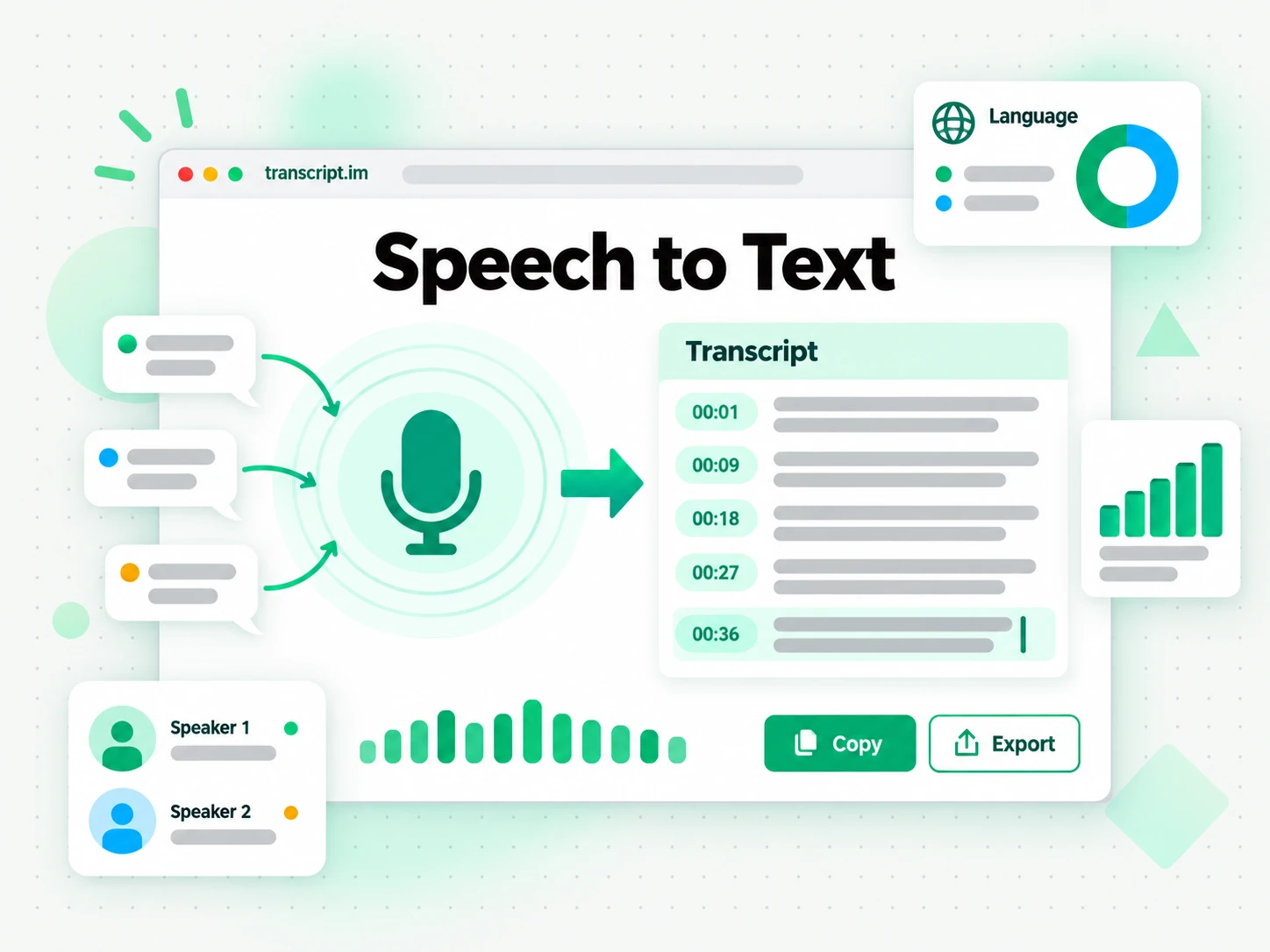
How the Speech to Text Converter Works
One uploaded file or pasted link takes you from spoken audio to a searchable, exportable speech to text transcript in three stages.
Turn Speech Into a Transcript
Upload an audio or video file, or paste a link from YouTube, TikTok, or Instagram. The converter looks for an existing caption track first and, when there is none, transcribes the spoken audio with AI instead. Either way you get the complete transcript with timestamps that stay aligned to what was actually said, so a two-hour recording no longer means hours of manual typing. The point is to convert speech to text when all you have is a file or a link, with no separate caption file to hunt down and no software to install.
- Accepts audio and video files up to 5 GB
- Also accepts YouTube, TikTok, and Instagram links
- Falls back to AI transcription when no captions exist
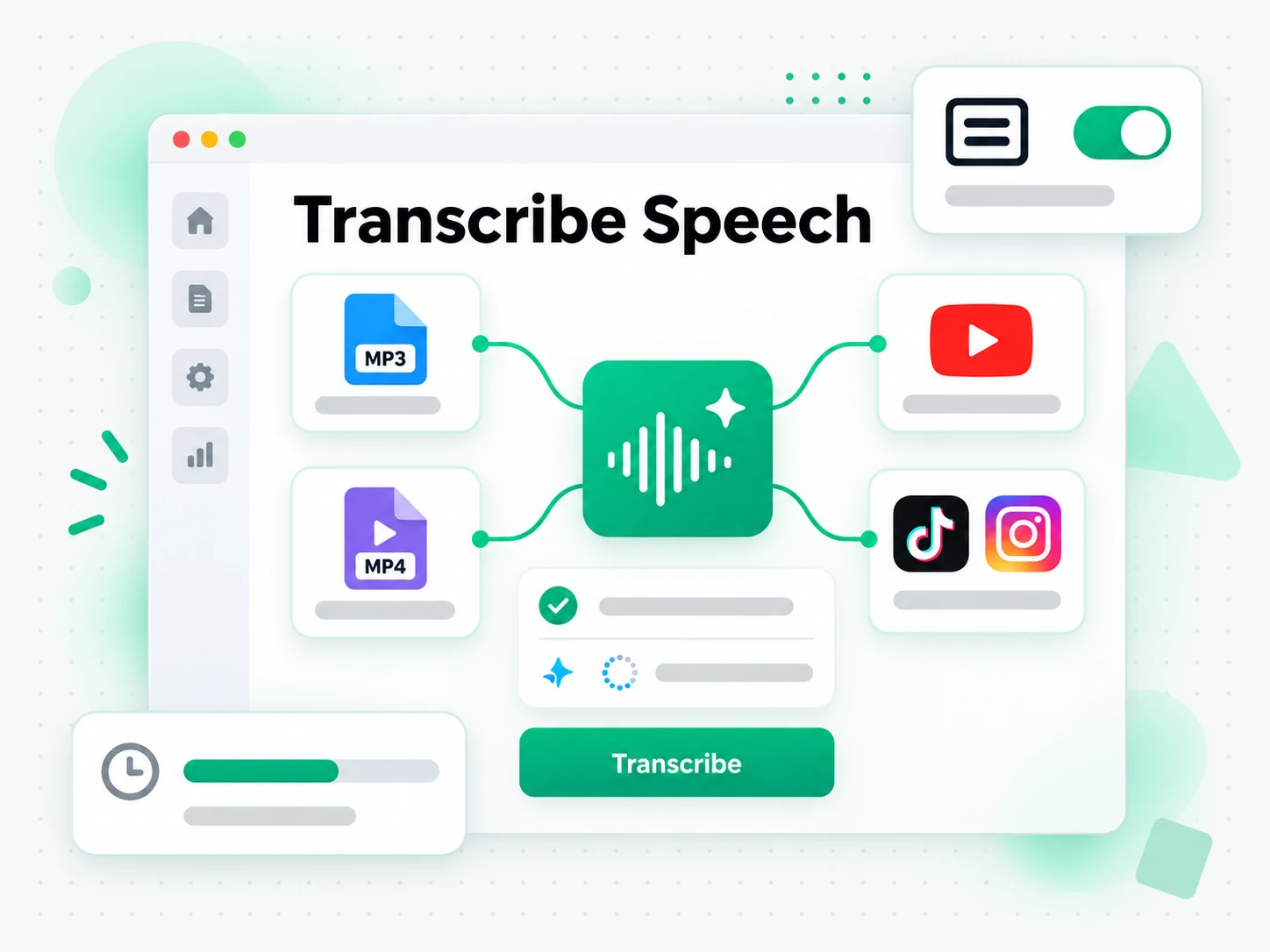
Read and Search the Speech Transcript
Once the speech to text result is ready, you can search it for a quote, jump to a moment by timestamp, or run Summarize, Outline, and MindMap to see how the recording is structured. Instead of replaying a file and hoping you remember the wording, you read the transcript as text and find the exact line you need. Copying a line takes one click, the full text stays searchable in the browser, and a long recording stops being something you have to replay every time you need to reference it.
- Summary, outline, and mind map views from one transcript
- Search and copy the full text in the browser
- Timestamps stay aligned to the spoken audio
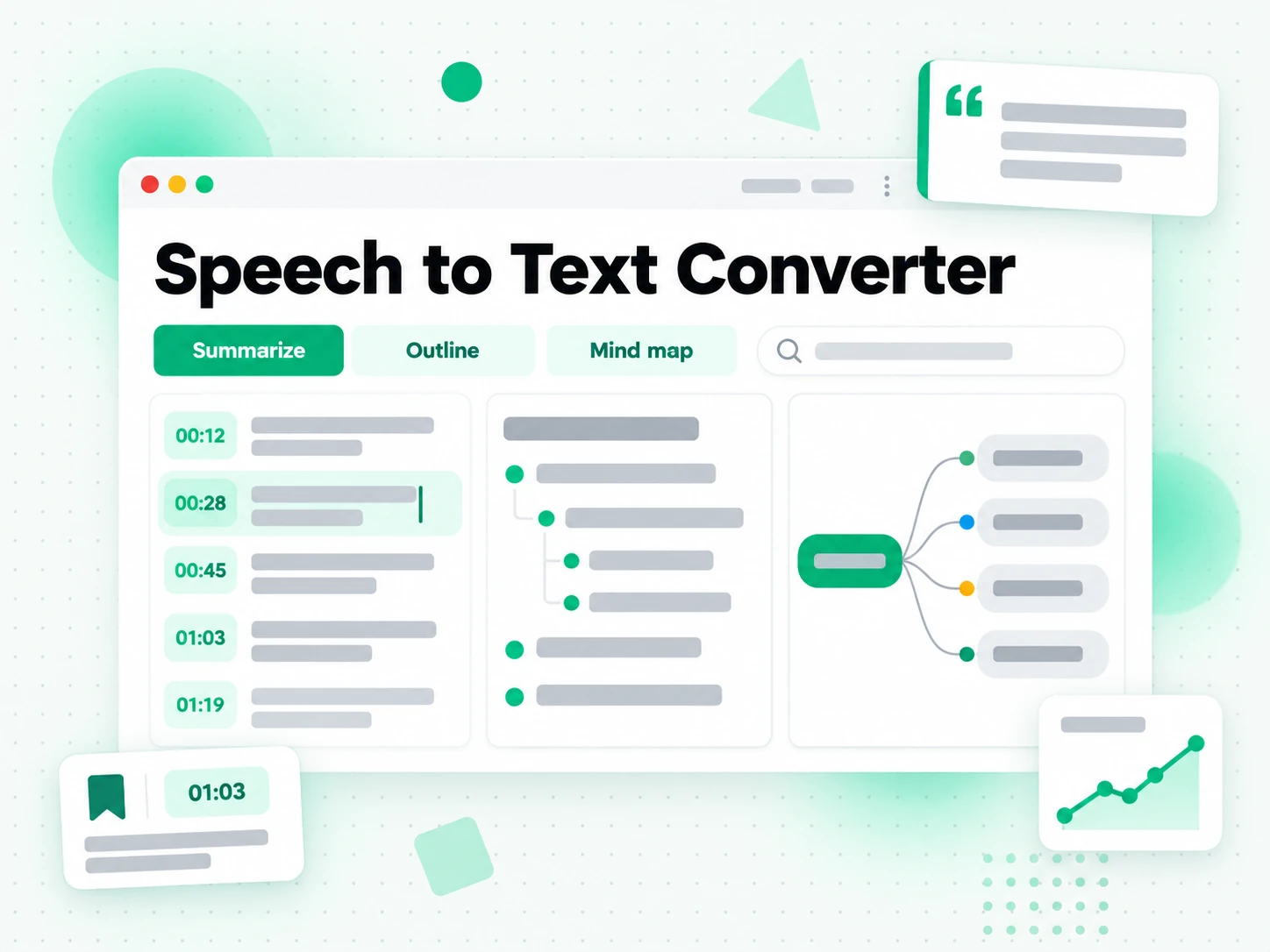
Export, Translate, or Reuse the Text
Download the speech to text transcript as TXT, SRT, or VTT, translate it into another supported language with the timestamps preserved, or hand it to an AI tool as a brief for a new article or script. A transcript you can export is a transcript you can reuse, whether that means pasting it into your notes, turning a talk into a blog post, or producing subtitles for your own edit. Because the output keeps its timestamps, the same speech to text transcript can become a subtitle file, a summary, a mind map, or a first draft.
- Download as TXT, SRT, or VTT
- Translate into another supported language
- Rewrite into an article, script, or post
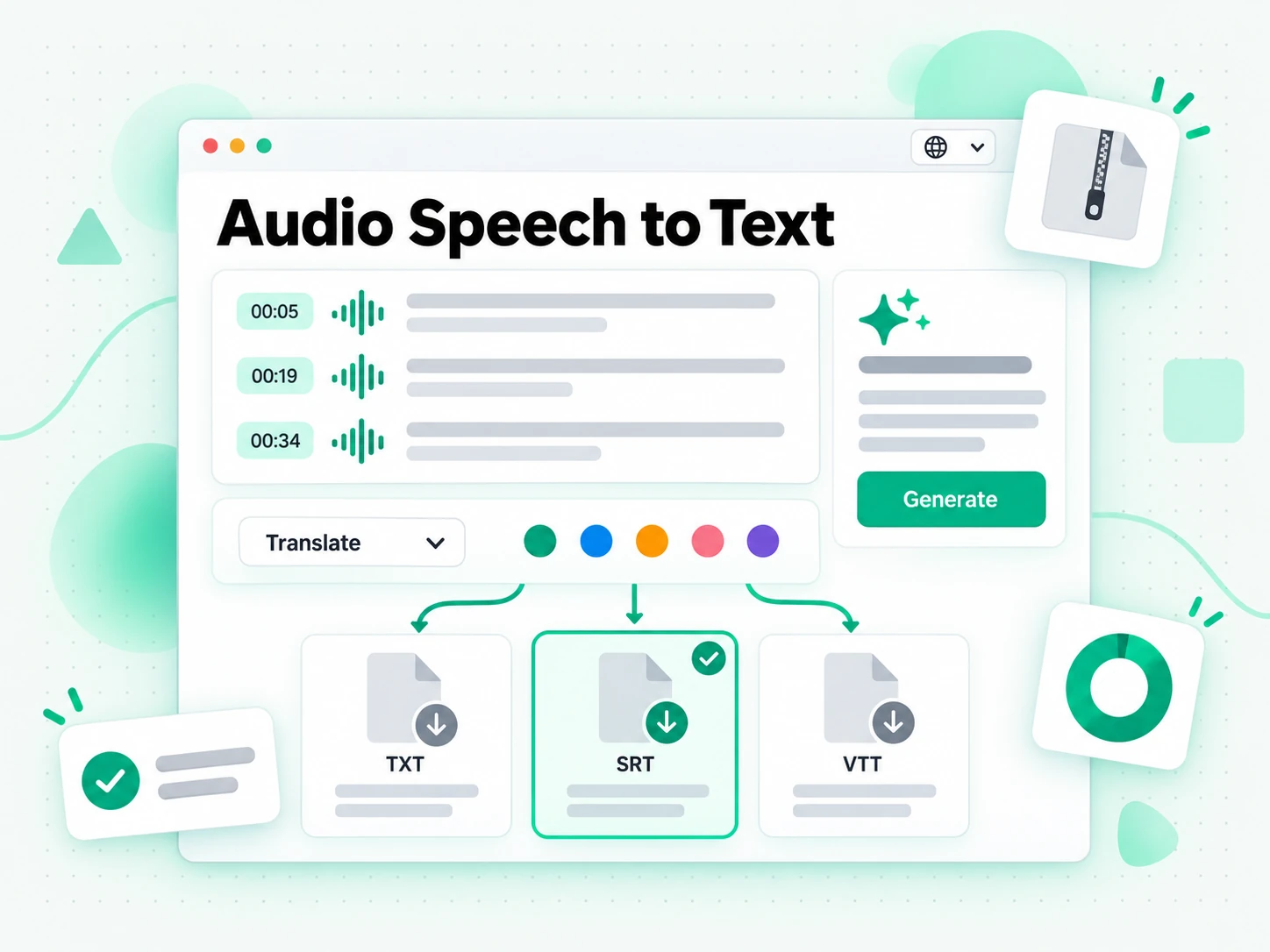
Why transcript.im Beats Built-in Dictation
✅ transcript.im
Upload a file or paste a public link and get the full, timestamped speech to text transcript, captioned or not. The text stays searchable, copyable, exportable as TXT, SRT, or VTT, and translatable, and you can summarise it in the same place you read it.
❌ Built-in dictation and voice typing
They only listen to a live microphone, so a recording or a link has to be played back aloud first. The output is a single undivided block with no timestamps, no search across a long file, no TXT, SRT, or VTT export, and no translation — and accuracy drops with accents, crosstalk, or background noise.
Who a Speech to Text Converter Is For
A speech to text converter helps anyone who would rather read, quote, or reuse spoken words than listen back to a recording.
Recreate content in a new form or language
A speech to text transcript is the raw material for your next piece. Pull the full text and reshape it for whichever channel you publish on.
- Reshape the transcript into show notes, a long-form article, a newsletter, or your next episode's script.
- Quote a speaker accurately using the timestamp where it was said.
- Draft captions for an edited cut from the timestamped lines.
- Translate one recording to reach a second audience without recording again.
- Hand the text to an AI tool as a first pass on a new draft.
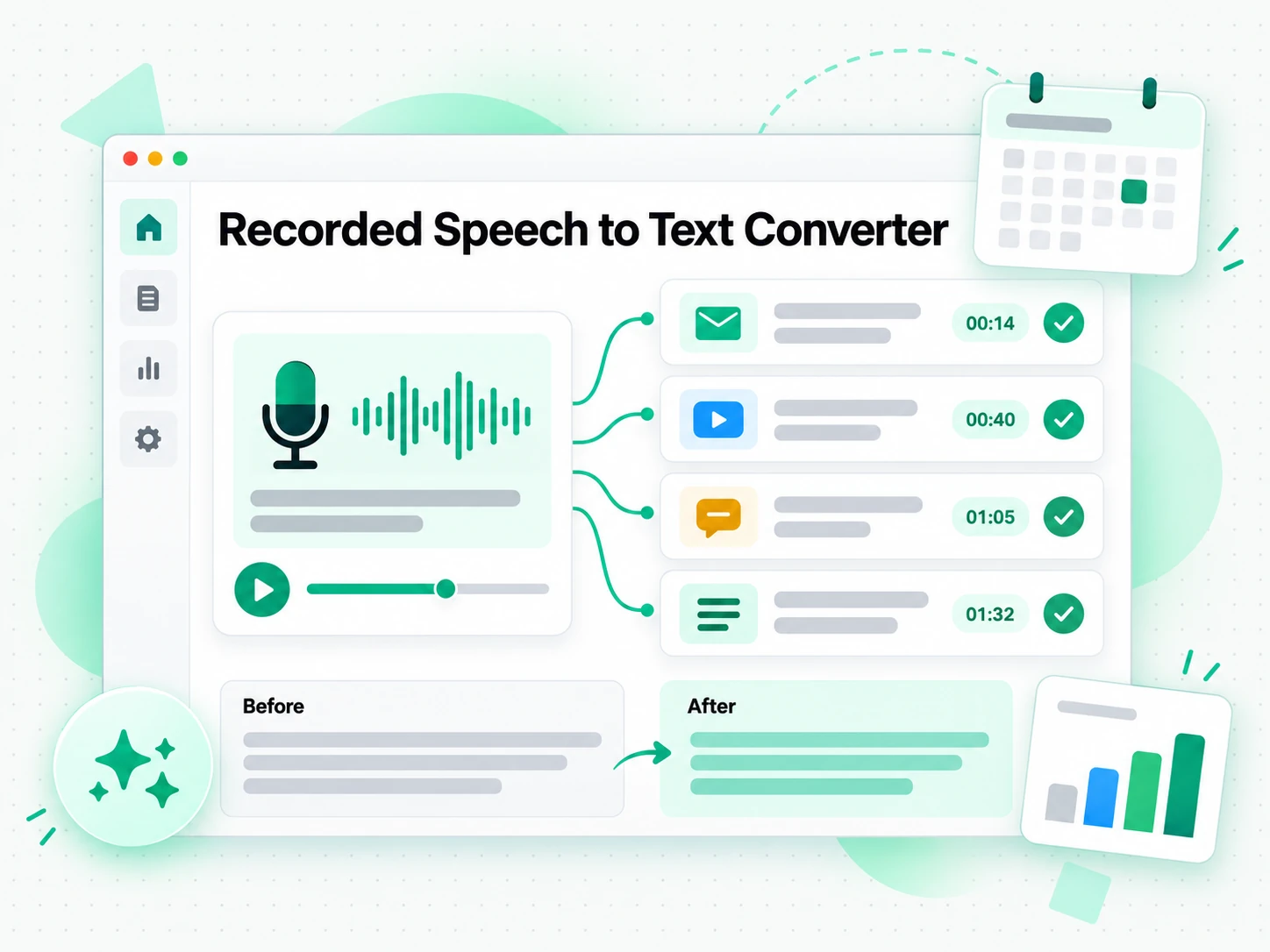
Capture study and meeting notes
Lectures, tutorials, and meetings are easier to review as text. A timestamped speech to text transcript lets you jump straight to the moment a point was explained.
- Search the transcript for a term instead of pausing the file to write it down.
- Copy the exact line into your notes with the timestamp to return to it.
- Export as a printable document for revision or sharing.
- Summarise the transcript for a quick recap of the whole session.
- Generate an outline and a mind map to see the structure at a glance.
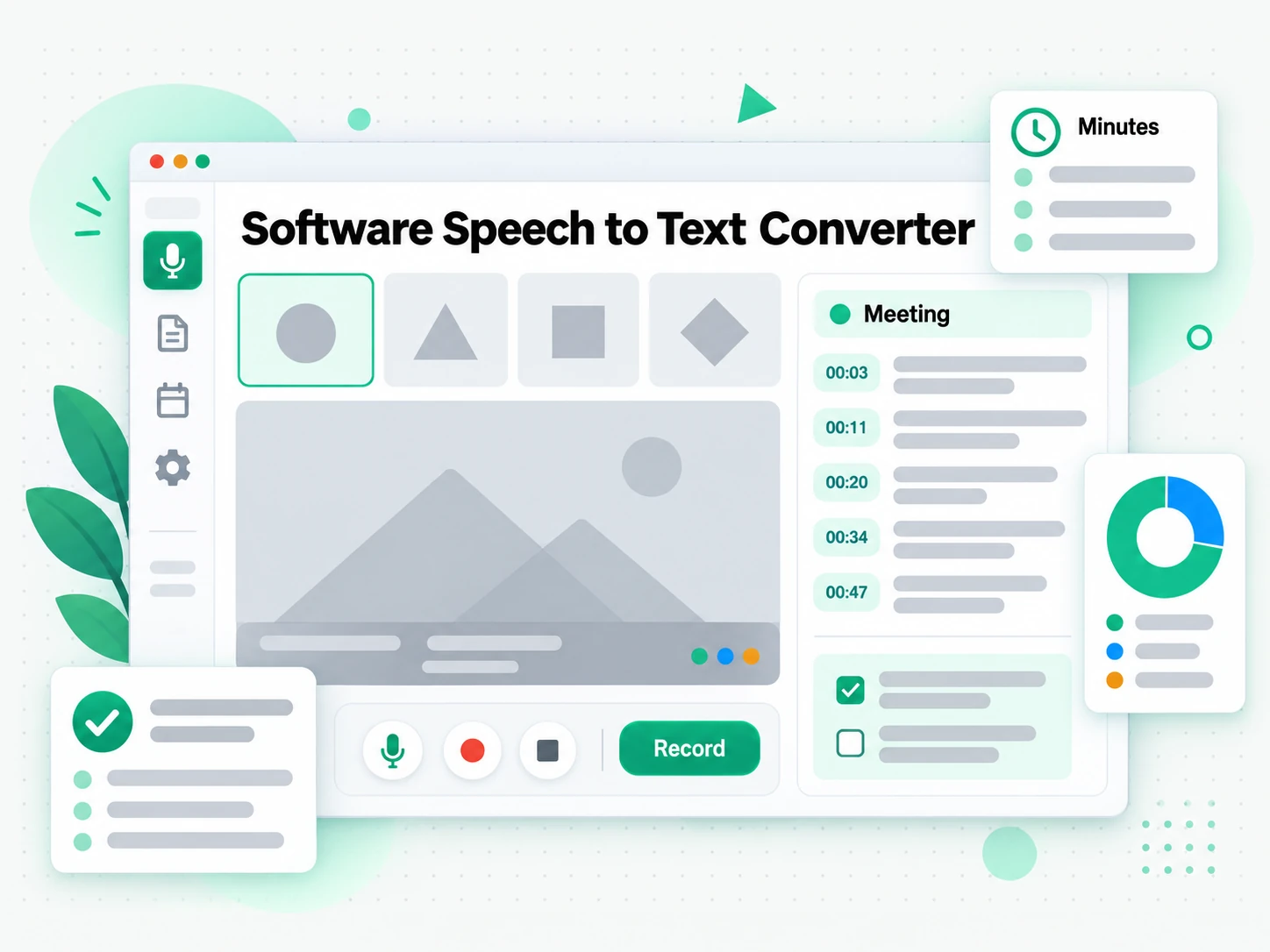
Produce localized outreach scripts
When a message has to travel across markets, spoken content is the starting point. A speech to text transcript seeds localized scripts without re-recording for every region.
- Transcribe a webinar, walkthrough, or call as the source for the campaign.
- Translate the transcript into another supported language with timestamps preserved.
- Seed tailored scripts and ad copy for different audiences from one recording.
- Draft email sequences per market so the team is not re-recording the same idea.
- Export as TXT, SRT, or VTT and keep one source of truth for every version.
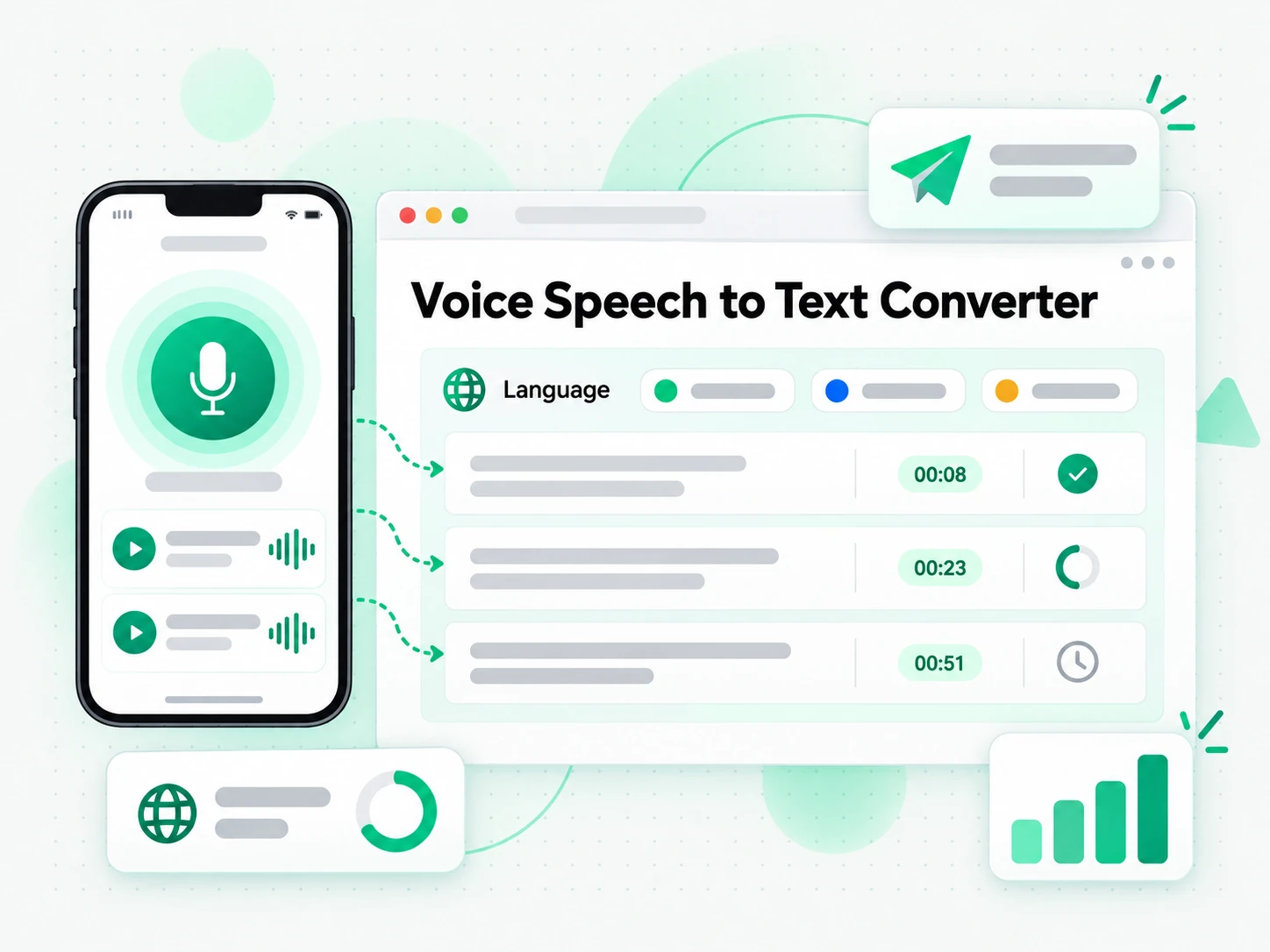
For Journalists and Reporters
A recorded interview or press briefing is a primary source, and the words must be quotable. A speech to text transcript turns the recording into searchable text where every line can be traced back to its moment.
- Search a recording for the line you need to quote.
- Verify a quote against its timestamp before it goes to press.
- Compare statements across recordings by reading them side by side.
- Keep a dated transcript of the source conversation.
- Export the text for an editor or a fact-check.
For Call Centers and Support Teams
Recorded support calls hold the language customers actually use, and a written record makes them reviewable. A speech to text transcript lets a QA team check calls and turn recurring questions into a better script.
- Review a call against a checklist by reading rather than listening.
- Spot the questions that keep returning across a day of calls.
- Pull a successful answer into a script for the rest of the team.
- Check what a caller actually said before responding to a complaint.
- Keep the transcript as the record behind a QA decision.
How to Convert Speech to Text
- 1
Upload a File or Paste a Link
Drop an audio or video file into the upload area, or paste a public link from YouTube, TikTok, or Instagram. The link itself is all the input the speech to text converter needs, for an interview, a lecture, or a meeting recording — with no software to install and no caption file to find.
Upload or drag a video or audio here
One audio or video file at a time. Common formats are supported.
- 2
Generate the Transcript
Start the converter and it reads an existing caption track when one is available, then falls back to AI transcription of the spoken audio when it is not. The result is a complete speech to text transcript with timestamps that stay aligned to what was said, so a file without captions still comes back as readable text.
- 3
Read, Search, and Copy
Search the transcript for a phrase, jump to a timestamp, and copy a single line or the whole passage. Instead of replaying the recording to find a quote, you read the speech to text output as text and reuse the exact wording you need.
- 4
Export, Translate, or Reuse
Download the transcript as TXT, SRT, or VTT, translate it into another supported language with the timestamps preserved, or hand it to an AI tool as a brief. The same speech to text transcript can become notes, subtitles, a summary, or a first draft for your next piece.
Use Your Speech Transcript in the Apps You Already Have
Google NotebookLM
Paste the transcript into a notebook as a text source to summarise the recording and ask questions about it. NotebookLM works from text, so a clean speech to text transcript is exactly what it needs.
ChatGPT, Claude, Gemini, Kimi, and Manus
Paste the transcript into the assistant you already use — ChatGPT, Claude, Gemini, Kimi, or Manus — and treat it as a brief: draft a summary, rewrite it for a different audience, or pull out the arguments in order.
Video Editors and Subtitle Tools
Export SRT or VTT and drop it straight into your editor to caption a cut, or start a translation from the same timestamped file.
Builders Using the API and MCP
transcript.im also exposes an API and an MCP server, so a script or an agent can convert speech to text and pass it into the rest of your pipeline.
transcript.im vs Other Speech to Text Tools
Different tools answer different questions. Use this table to pick the one that matches what you actually need from a speech to text converter.
| Tool | What it does | Use it when |
|---|---|---|
| transcript.im | Full timestamped transcript from an uploaded file or a link, captioned or not, with search, export, translation, and AI views. | When you need a clean speech to text transcript you can reuse, not just read. |
| Built-in dictation and voice typing | Converts live microphone speech into one undivided block, with no timestamps and no file upload. | When you are dictating a short note as you speak. |
| Google NotebookLM | Summarises a source and answers questions about it inside a notebook. | When the goal is Q&A over the recording, not the transcript text itself. |
| Free speech to text websites | Return text for a short, clean audio clip, usually without translation or AI views. | When a short recording in one language is all you need. |
| Manual transcription and typing | Playing a recording back and typing what you hear, line by line. | For a single short quote. |
Related tools
Speech to Text FAQs
What is a speech to text converter?
A speech to text converter is a tool that turns spoken words into written text, broken into timestamped lines. It works from a recording, a video, or a public link, so you can read, search, copy, and reuse what was said.
How do I convert speech to text from an audio file?
Upload the audio file to the speech to text converter and start it. The converter transcribes the spoken words with AI and returns the full text with timestamps that line up with the recording, ready to search, copy, or export.
Can the speech to text converter transcribe a video link?
Yes. Paste a public YouTube, TikTok, or Instagram link and the converter pulls the audio automatically, returning a complete speech to text transcript without a download step and without hunting for a caption file.
Can I transcribe speech that has no existing captions?
Yes. When a recording has no caption track, the converter transcribes the spoken audio with AI instead, so you still get a complete timestamped speech to text transcript without depending on captions that were never created.
How accurate is the speech to text transcription?
Accuracy depends on the source. Clear speech is transcribed reliably, while heavy accents, crosstalk, or background noise can cause a misheard word. A clean, high-quality audio track gives the best speech to text result.
What languages can the speech to text converter transcribe?
The converter detects the spoken language automatically across supported source languages, then returns the speech to text transcript in that language. You can translate it afterwards if you need a different one.
Can I translate the speech to text result into another language?
Yes. After transcription, translate the speech to text result into any supported language in one click, with the timestamps preserved so the translated text still lines up with the original audio.
How do I download or export the speech to text transcript?
Generate the transcript, then download it as TXT, SRT, or VTT. TXT is best for notes and documents, while SRT and VTT are ready for a video editor or a web player.
Can I copy the speech to text transcript into my notes or an AI tool?
Yes. Copy the full text or a single timestamped line and paste it into notes, a document, or an AI tool for summarising and rewriting. The text is plain, so it drops in without cleanup.
Can I use a speech to text transcript with Google NotebookLM?
Yes. Copy or export the transcript and add it to a notebook as a text source. NotebookLM then summarises the recording and answers questions about it, which a file the model cannot watch would not allow.
Why is my speech to text transcript missing some words?
Accuracy depends on the audio. Names, accented speech, overlapping voices, and background music are the usual causes. Re-running the conversion from a cleaner recording, or checking an existing caption track, usually recovers the missing words.
How is speech to text different from built-in dictation and voice typing?
Built-in dictation only listens to a live microphone and returns one undivided block with no timestamps, search, or export. This speech to text converter works from a file or a link and returns a searchable, timestamped transcript you can reuse.
Speech to Text Converter
Upload an audio or video file and get a timestamped transcript you can copy, translate, or summarize.