
TRANSCRIPT
Facebook Video Transcript Generator
A Facebook video transcript generator for public watch, Reel, Page, and share links: it transcribes the speech without captions, then lets you search, translate, and export each line.
What Is a Facebook Video Transcript?
A Facebook video transcript is the full written text of everything spoken in a Facebook video or Reel, split into timestamped lines. It is different from the captions Facebook plays over a video: captions are a timed overlay built for watching inside the app, while a Facebook video transcript is plain text you can read, search, copy, quote, translate, and paste into AI tools. The hard case is a clip with no captions at all, which is common for Reels and Page videos. The generator does not depend on captions: it transcribes the spoken audio, so a clip with speech but no captions still comes back as text. That is where a real Facebook transcript generator earns its place: the public link alone turns a Facebook video into readable text. Whether you search for a Facebook video transcript, a Facebook transcript, a Facebook transcript generator, a Facebook Reels transcript, or an fb video transcript, the result should be text you can reuse.
How the Facebook Video Transcript Generator Works
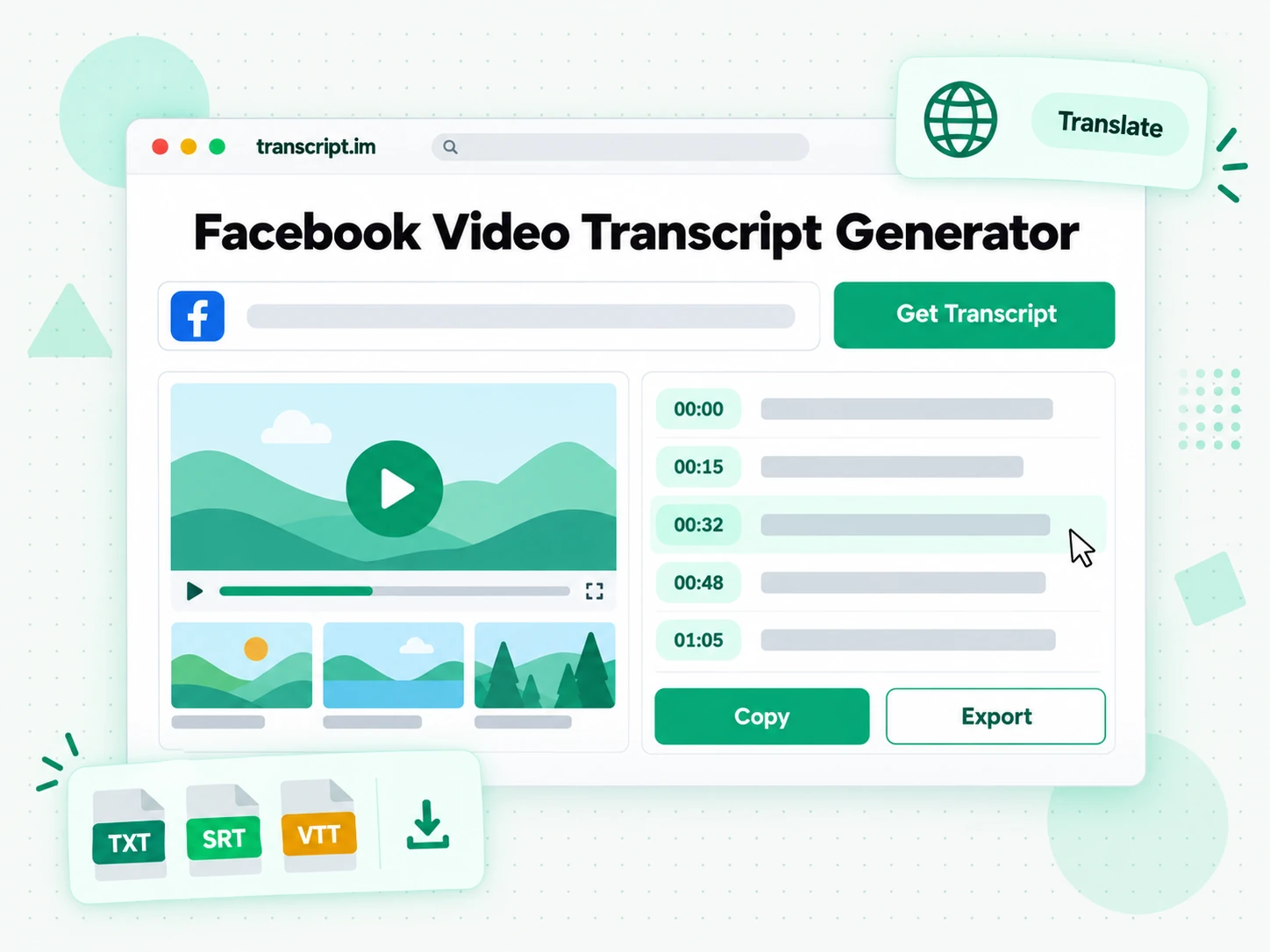
One pasted Facebook link takes you from a public video or Reel to a searchable, exportable Facebook video transcript in three steps.
Turn a Facebook Video Into a Transcript
Paste a public Facebook video link into the Facebook video transcript generator: a watch link, a Reel, or a video posted on a Page all work. The generator does not wait for captions that may not exist. It transcribes the spoken audio and returns the complete Facebook video transcript with timestamps that stay aligned to what was said, so a Reel that was never captioned comes back as text too. A Facebook to transcript job starts from that public URL alone, with no video download and no caption file to hunt down. That is the whole job when you want to transcribe a Facebook video: paste the link, then read the text line by line, each line tied to the moment it was spoken.
- Works from a public watch, Reel, or Page video link
- Transcribes the spoken audio, so captions are not required
- Timestamps stay aligned to the spoken audio
Read and Search the Reel Transcript
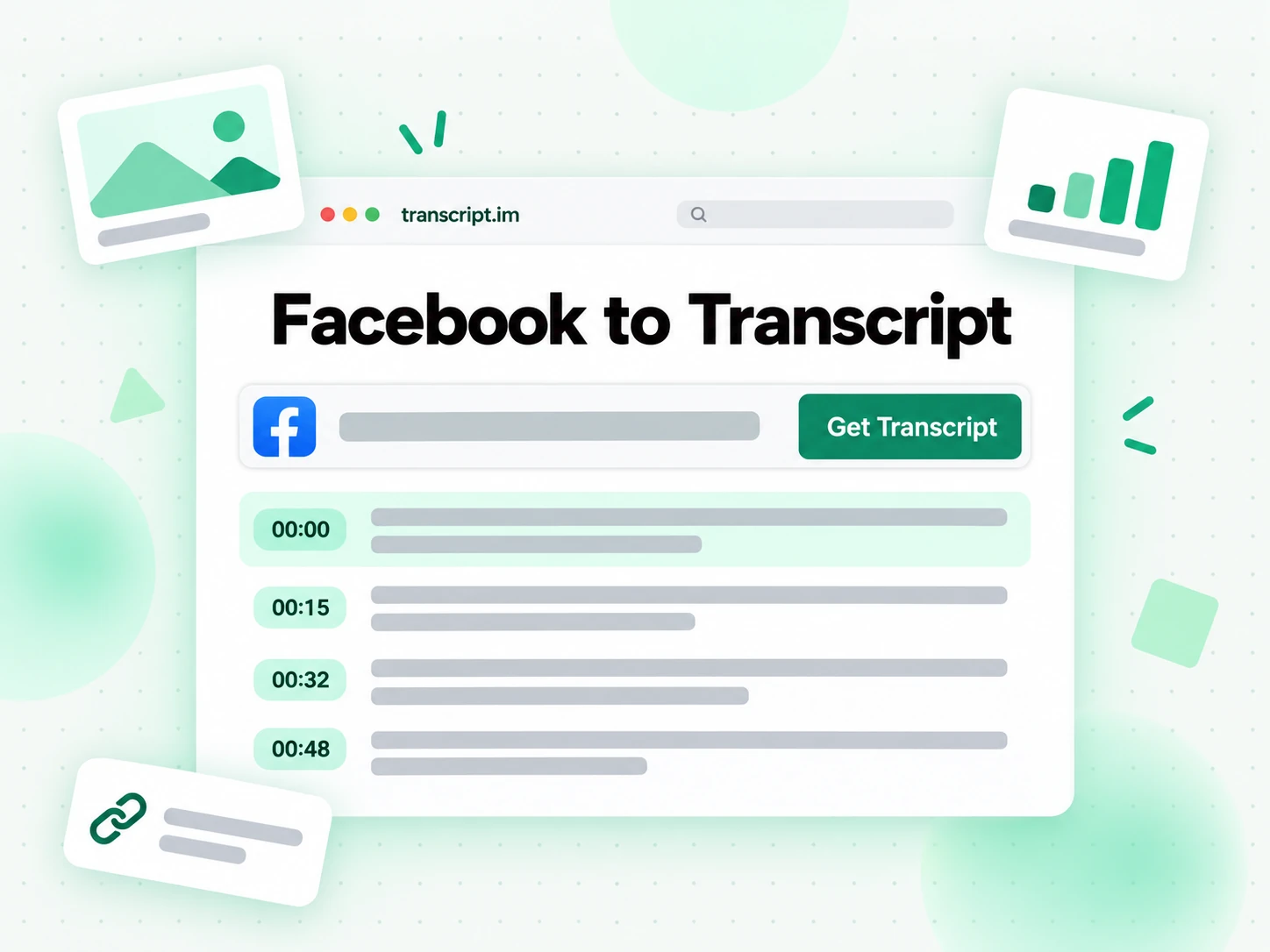
Once the Facebook video transcript is ready you can search it for a quote, check the timestamp of any line, or run Summary, Core Points, or MindMap to see how the video is built. Instead of replaying a Page video or a Reel on a loop to catch the wording, you read the Facebook Reel transcript as text and find the exact line you need. Copying a line takes one click, the full text stays searchable in the browser, and a clip you scrolled past in the feed turns into something you can cite. When a campaign spans several clips, read the Facebook transcript for one public link, then paste the next.
- Summary, Core Points, and MindMap from one transcript
- Search and copy the full text in the browser
- Every line keeps the timestamp where it was spoken
Export, Translate, or Reuse the Text
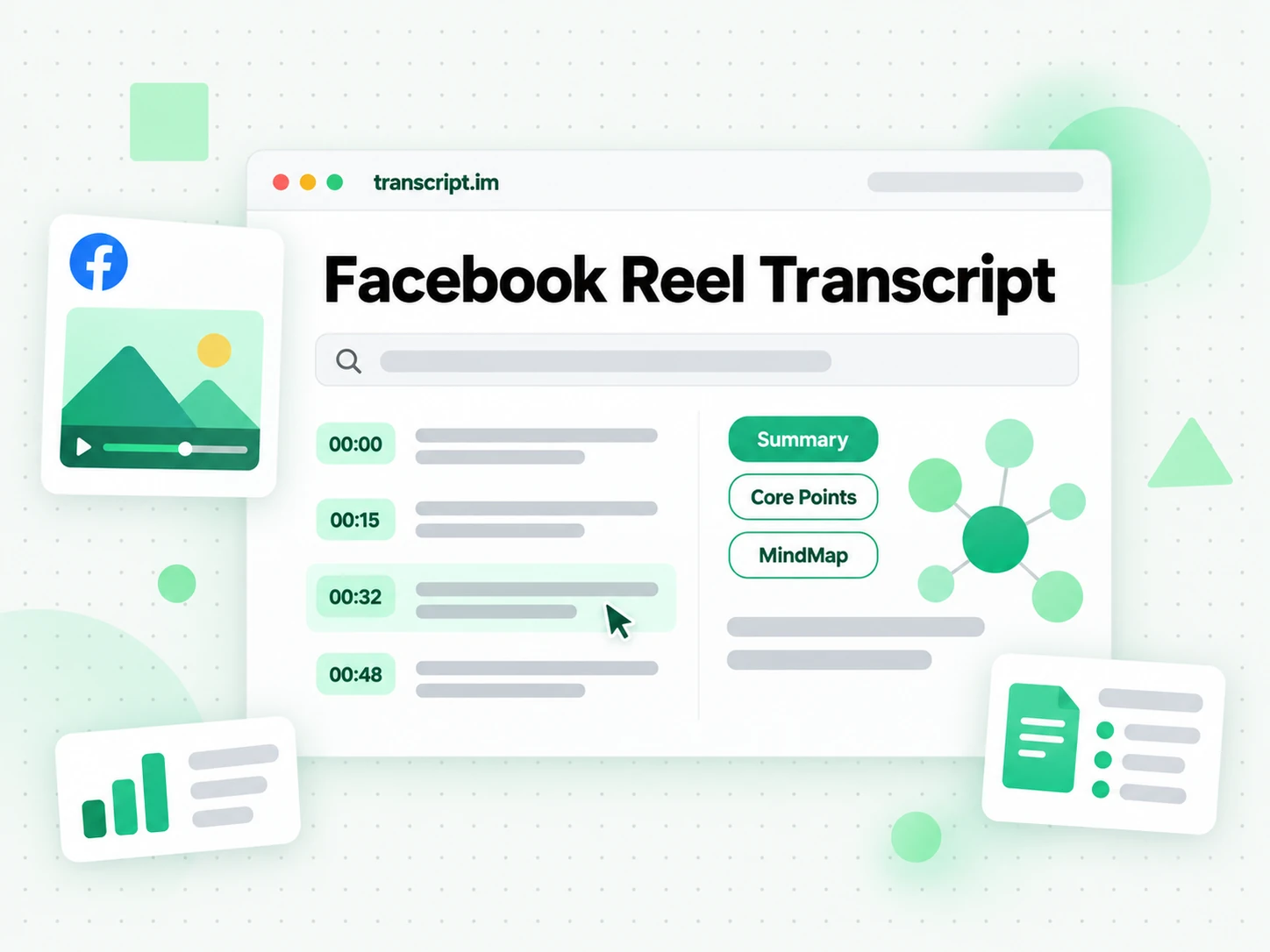
Download the Facebook video transcript as TXT, SRT, or VTT, translate it into another supported language with the timestamps preserved, or hand the text to Creator Repurpose when you want posts and hooks from what was said. That is what people mean when they look to download a Facebook video transcript: a file you can paste into a report, load into an editor as subtitles, or keep with your research notes. Because the output keeps its timestamps, the same Facebook transcript can become a Summary, a MindMap, a subtitle file, or the first draft of your next post.
- Download as TXT, SRT, or VTT
- Translate into another supported language
- Draft posts and hooks with Creator Repurpose
Why transcript.im Beats Facebook's Built-In Captions
✅ transcript.im
Paste a public Facebook video or Reel link and get the full, timestamped Facebook video transcript from the spoken audio, captioned or not. The text stays searchable, copyable, and exportable as TXT, SRT, or VTT, and you can translate it or run Summary in the same place you read it.
❌ Facebook's built-in captions
They show up only when the Page turned them on or Facebook generated them, they play one line at a time over the clip, and the app gives you no clean way to copy, search, export, or translate the words. Many Reels and Page videos have no captions to read at all.
Who a Facebook Video Transcript Is For
A Facebook video transcript helps anyone who would rather read, quote, or reuse spoken words than replay a clip.
For Social Media Managers
Page videos and Reels carry the offer, the announcement, and the call to action in the spoken words. Pull the Facebook video transcript for each post when you need to review a campaign, brief a team, or check what was actually said.
- Review a set of Page videos by reading each transcript instead of replaying every clip.
- Quote a spoken claim from a Facebook product clip in a report or a client deck.
- Compare competitor Reels side by side as text before you plan your own.
- Translate a transcript when the same Facebook campaign runs in more than one market.
- Brief the next cut from the lines that made a Facebook post work.
For Creators Reusing Their Own Clips
A talking-head Reel or a Page video is already a script. Start from a Facebook Reel transcript and you have the lines for a blog post, a newsletter, or the next video. Working from a YouTube link instead? The YouTube video transcript page handles that URL.
- Turn a spoken Reel into a script for a longer piece or a follow-up.
- Repurpose the text into a blog post, a thread, or an email.
- Draft captions and on-screen text from your strongest spoken lines.
- Export SRT or VTT to caption an edited version of your own clip.
- Summarize a Facebook Reel for a pinned comment or a carousel post.
For Journalists and Researchers
Statements, interviews, and community updates often appear first as public Facebook videos. A searchable Facebook video transcript lets you find the quote, check the timestamp, and cite the line without playing the clip again.
- Pull an exact quote from a public statement or an interview clip.
- Verify the timestamp so an editor can check the source.
- Search many Facebook transcripts for one term to see how a topic is framed.
- Archive the transcript before a post is edited or removed.
- Turn Facebook video to text for coding, tagging, or analysis in your own tools.
For Accessibility and Inclusive Teams
A clip without readable text shuts out viewers who are deaf, hard of hearing, or watching with the sound off. A timestamped Facebook transcript gives them the full spoken content as text.
- Publish a text version of a public Facebook clip next to the post or on your site.
- Export SRT or VTT to add captions to your own copy of the clip.
- Check what was said before you write alt text or a summary for a post.
- Translate the text for an audience that reads another language.
- Keep a written record of community announcements for later reference.
For Teachers and Trainers
Lessons, webinars, and how-to clips shared on Facebook are easier to study as text. Use the Facebook reel transcript generator flow to turn a public lesson into notes your learners can search and review.
- Turn a recorded lesson into study notes with timestamps for each point.
- Run Core Points or MindMap to outline the lesson before class.
- Share the transcript with learners who missed the Facebook session.
- Pull quotes and examples into slides or a worksheet.
- Feed the text to NotebookLM or ChatGPT to draft quiz questions from what was said.
How to Generate a Facebook Video Transcript
- 1
Paste the Facebook Link
Copy the full address of a public Facebook video and paste it into the box at the top of the page. A watch link, a Reel link, a video on a Page, and the short fb.watch or /share/ link from the Share button all use that same box.
- 2
Generate the Transcript
Start the generator and it transcribes the spoken audio. Facebook videos rarely carry a caption track, so captions are not required and are not the source. The result is a full Facebook video transcript, split into lines, with each line carrying the timestamp where it was spoken.
- 3
Read, Search, and Copy
Search the Facebook video transcript for a phrase, check the timestamp of a line, and copy a single line or the whole passage. Summary, Core Points, and MindMap sit on the same text when you want the shape of the video before you read every line. Instead of replaying the clip to find a quote, you read the transcript and reuse the exact wording.
- 4
Export, Translate, or Reuse
Download the Facebook transcript as TXT, SRT, or VTT, translate it into another supported language with the timestamps preserved, or hand it to Creator Repurpose as the brief for a post or a hook. The file you export is the transcript text, not the Facebook video.
Use Your Transcript in the Apps You Already Have
Google NotebookLM
Add the Facebook video transcript to a notebook as a source when you want NotebookLM to answer from what was said in the clip. It reads the text you give it, so the transcript is the source, not the video file.
ChatGPT, Claude, Gemini, Kimi, and Manus
Paste the Facebook transcript into ChatGPT, Claude, Gemini, Kimi, or Manus and treat it as a brief. Ask for a Summary, a rewrite for another audience, or the spoken points in order.
Video Editors and Subtitle Tools
Export SRT or VTT and drop the file into your editor when you want captions on your own cut, or start a translation from the same timestamped Facebook video transcript. The times stay on the spoken lines.
Builders Using the API and MCP
transcript.im also exposes an API and an MCP server, so a script or an agent can generate a Facebook video transcript from a public link and pass the text into the rest of your pipeline.
transcript.im vs Other Facebook Transcript Tools
Different tools answer different questions. Use this table to pick the one that matches what you actually need from a Facebook video transcript.
| Tool | What it does | Use it when |
|---|---|---|
| transcript.im | Full timestamped transcript for public Facebook videos and Reels from the spoken audio, plus search, export, translation, Summary, Core Points, and MindMap. | When you need a clean transcript you can reuse, not just read. |
| Facebook's built-in captions | Captions shown over the clip when the Page or Facebook added them, with no copy, export, or translation. | When you only need to read along inside the app. |
| Google NotebookLM | Summarizes a source and answers questions about it inside a notebook. | When the goal is Q&A over the video, not the transcript text itself. |
| Transcript downloader sites | Return captions for clips that have them, usually without an AI fallback or translation. | When a captioned clip is all you need. |
| Manual copy and paste | Typing out what you hear while the clip plays, one line at a time. | For a single short quote. |
Related tools
Facebook Video Transcript FAQs
What is a Facebook video transcript?
A Facebook video transcript is the written text of everything spoken in a Facebook video or Reel, broken into timestamped lines. It comes from AI transcription of the spoken audio, so it does not depend on the captions Facebook shows over the video.
How to get a transcript of a Facebook video?
Copy the full link of a public Facebook watch video, Reel, or Page video and paste it into the Facebook video transcript generator. It transcribes the spoken audio and returns the full Facebook transcript with timestamps, ready to search, copy, or export.
Can the Facebook video transcript generator work on a video without captions?
Yes. The Facebook video transcript generator transcribes the spoken audio, so a video or Reel with no captions still comes back as a complete timestamped Facebook video transcript.
Which Facebook links can I paste into the Facebook transcript generator?
The Facebook transcript generator accepts the link of a public Facebook video: a watch link with an id, a Facebook Reel link, a clip posted on a Facebook Page, or the short fb.watch or /share/ link that the Share button copies. Ordinary posts without a video do not work, so open the video itself and copy its address.
Can I get a Facebook Reels transcript?
Yes. Paste a public Reel link and the generator returns a Facebook Reels transcript with timestamps from the spoken audio. A Reel that is mostly music with a short voice-over gives a short transcript, because only spoken words become text.
How do I download a Facebook video transcript?
Generate the Facebook transcript, then download it as TXT, SRT, or VTT. TXT is for notes and documents, while SRT and VTT keep the timings for an editor or a web player, and the file is the Facebook video transcript text rather than the video itself.
How is this different from Facebook's built-in captions?
Facebook shows captions only when the Page added them or Facebook generated them, one line at a time over the clip, and the app gives you no clean way to copy, search, export, or translate those words. This Facebook transcript generator returns the full text so you can search, copy, export, translate, and summarize it.
Can I get a transcript from a private Facebook video, a group video, or a live stream?
No. The generator works only on public Facebook videos. A private clip, a friends-only post, a Facebook group video, or a deleted post cannot be read, and a Facebook Live stream cannot be transcribed while it is still broadcasting.
Does the Facebook video transcript generator support multiple languages?
Yes. It detects the spoken language automatically across supported source languages, and you can translate the finished Facebook video transcript into another supported language with the timestamps preserved.
Can I copy a Facebook video transcript into my notes or an AI tool?
Yes. Copy the full text or a single timestamped line, and paste the Facebook transcript into notes, a document, or an AI tool such as ChatGPT or NotebookLM for a Summary or a rewrite. The text is plain, so it drops in without cleanup.
Why is my Facebook video transcript missing some words?
Names, accented speech, background music, and overlapping voices can be misheard, because the Facebook video transcript is AI transcription of the spoken audio. A clear voice with little music gives the best result, and text burned into the picture is not part of the transcript.
Can I turn a Facebook video transcript into a summary or mind map?
Yes. From the same Facebook video transcript you can run Summary, Core Points, or MindMap, then copy or export whichever view you need for a report, a lesson, or a post.
Does the Facebook video transcript include timestamps?
Yes. Every line of the Facebook video transcript carries the timestamp where it was spoken, so you can find that moment in the original Facebook video and quote it accurately.
Generate a Facebook Video Transcript
Paste a public Facebook video or Reel link to read a timestamped transcript and copy it.