
MCP server
Transcript MCP Server for AI Agents
The transcript.im MCP server gives an AI client a transcript tool it can call directly. Point Claude, ChatGPT, Cursor, or OpenAI Agent Builder at the server, supply an API key, and the model can pull a transcript from a public link, start a batch, export subtitles, or search YouTube without a browser and without a custom integration. It is a remote HTTP endpoint, so a hosted client needs only the URL and a key rather than a local install.
- One remote endpoint at
https://mcp.transcript.im/mcp, authenticated with your API key — nothing to install. - Eleven tools for transcripts, batches, exports, YouTube discovery, and usage.
- No AI tools — your client already runs the model; the server supplies transcripts and platform data.
- The same account and extraction pipeline you already use through the REST API.
- Long transcripts are chunked with a page token so one result cannot flood the context window.
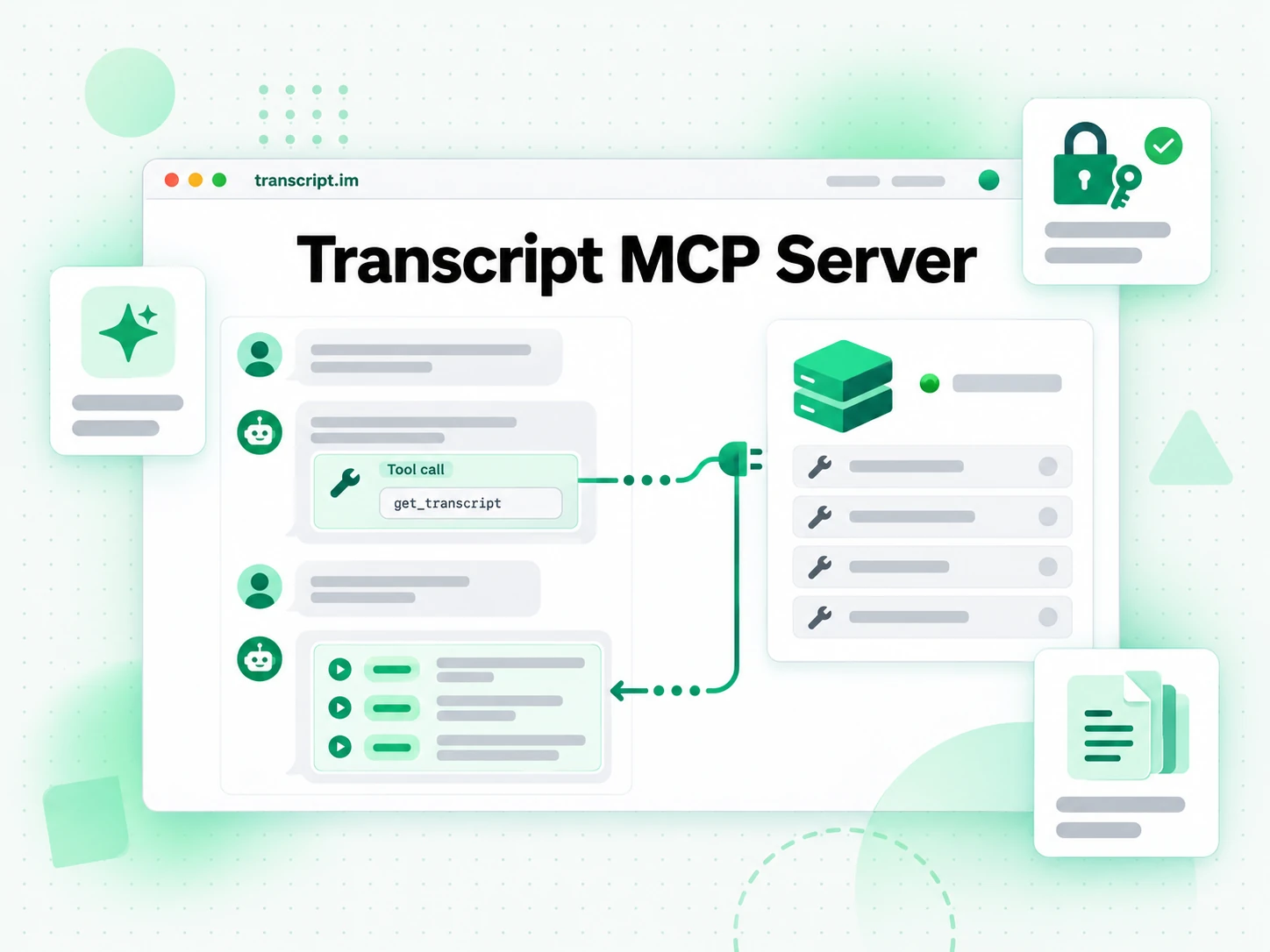
What the transcript.im MCP Server Does
The Model Context Protocol lets a client discover and call tools that a server publishes. The transcript.im MCP server uses that surface for one job: turning a public video or audio link into a transcript, and answering the platform questions that surround it. A client calls get_transcript with a URL; the server reaches the transcript.im extraction pipeline, uses the creator's captions when they exist, and falls back to AI transcription when they do not.
- Transcript extraction as a tool — one call turns a link into timestamped text.
- YouTube discovery too — search videos, resolve channels, list uploads and playlist items, and read caption metadata.
- Batches and exports — queue many links, then export the finished set.
- No model inside — the server returns data; the client decides what to do with it.
Tools Your Agent Can Call
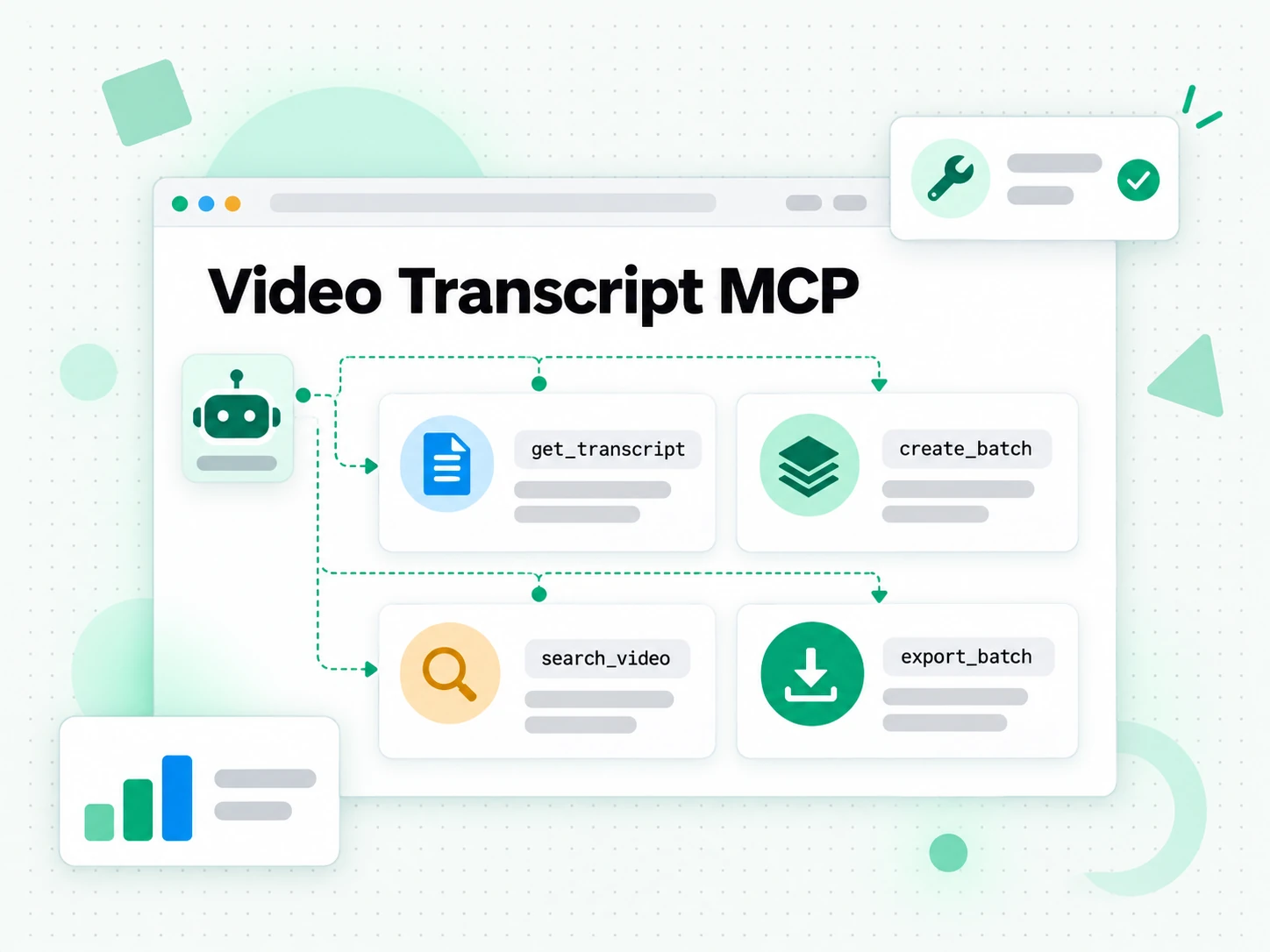
Transcripts
get_transcript extracts a transcript from a URL or reads the next chunk of a long one, and get_transcript_info returns a video's metadata and the caption tracks the API can resolve for it before you commit to an extraction. Together they let an agent decide whether a video is worth transcribing, request a language priority it actually needs, and then fetch the words with or without timestamps.
Batches and Exports
create_batch starts a run from a URL list, a playlist, or a channel, get_batch reports status, counts, and the next page of items, and export_batch turns a finished batch into text or subtitles. This is how an agent processes a whole creator's backlog instead of one clip at a time, and one failed link is reported on its own rather than discarding the rest.
YouTube Discovery
search_video finds videos or channels by topic, get_channel resolves a handle or URL, list_channel_video lists a channel's uploads, list_playlist_item walks a playlist, and list_caption reads a video's caption metadata and transcript text. These are the tools an agent uses to research a niche, check what a creator has published, and pick the right source before transcribing anything.
Account
get_usage reports the account's usage summary, so an agent can see what the account has already used before it commits to a large batch or a long channel, instead of discovering a limit halfway through a run.
Connect the Client You Already Use
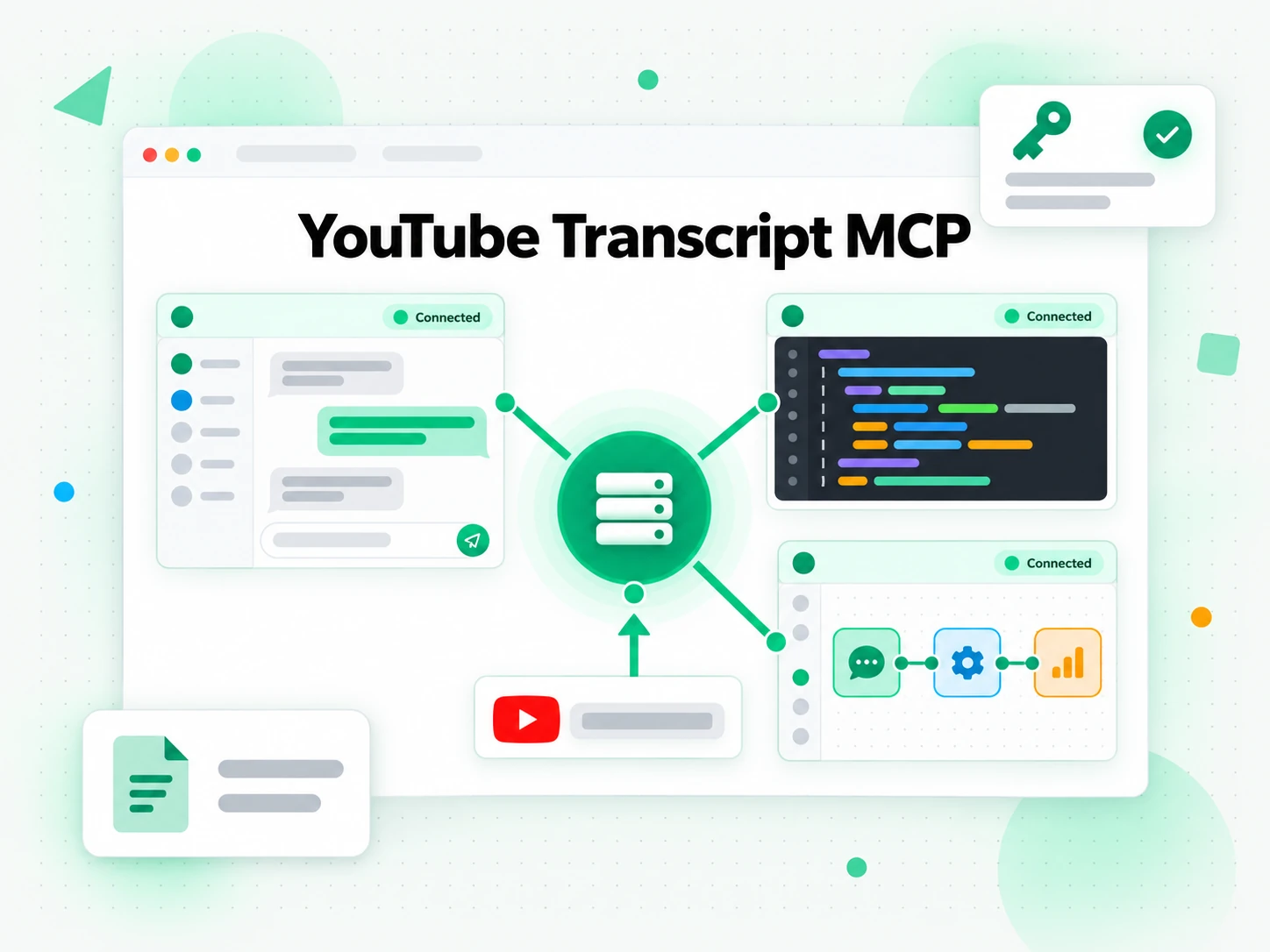
Claude
Add the remote server as a custom connector, or register it from the command line. Claude negotiates the MCP server, exposes its tools to the conversation, and keeps them available across turns, so you can ask for a transcript in plain language and follow up with a summary request without repeating the link.
ChatGPT
Add an MCP connector and choose API key authentication. ChatGPT then calls the transcript tools like any other connected app, which means a pasted video link in a chat can become readable text the model can quote, translate, or reason over.
Cursor and Other Editors
Point the editor's mcpServers configuration at the remote URL with your API key. The editor's agent can then transcribe a link and write the result straight into your project or notes.
OpenAI Agent Builder
Add an MCP tool with the server URL and a Bearer credential, and the agent can use transcripts as a step inside a larger workflow, feeding the text into whatever comes next without a custom connector.
Connect and Authenticate
The server is a remote HTTP endpoint, so connecting a client is a URL and a key rather than an install.
- Remote HTTP — add
https://mcp.transcript.im/mcpto your MCP client; nothing has to run on your machine. - API key — send the key as
Authorization: Bearer <key>orx-api-key; the server forwards it to the REST API, so the same account and permissions apply. - Tool discovery — the endpoint answers MCP discovery requests, so a client can enumerate the tools it exposes before it calls one.
- Same results — the tools, chunking, and errors match what the same account gets from the REST API, so behavior does not depend on the client.
Long Transcripts Stay Manageable
A two-hour recording can produce far more text than a model should receive in a single tool result, so the server returns long transcripts in bounded chunks. Each chunk reports truncated: true and an opaque nextPageToken; calling get_transcript again with only that token returns the next chunk, and the agent repeats until the transcript is exhausted.
- Bounded results — a chunk is capped so one tool result cannot flood the context window or push out earlier reasoning.
- Stateless paging — the token carries the position, and no server session is kept between calls, so any replica can serve the next chunk.
- JSON pagination — a JSON transcript pages by segment, so a structured consumer can keep the schema it expects while it walks the text.
- Job polling — a video without captions returns a job id, and the agent polls it until the transcript is ready.
- Readable start — the first chunk is enough to answer a question about the opening, so a short follow-up does not have to pull the whole transcript.
Errors Your Agent Can Act On
When a tool call fails, the server returns an MCP error with readable text rather than a stack trace. Structured details travel with the result so the agent can recover instead of guessing: a code, an HTTP status, an upgradeUrl when a limit is reached, and availableLanguages when a requested language is not on offer. That turns a dead end into a next action — try another language, pick a different link, or surface the limit to the person in the conversation. A model that can read the reason for a failure can fix its own next attempt, which is the difference between an agent that retries usefully and one that loops on the same broken call.
Related
MCP Server FAQs
What is the transcript.im MCP server?
The transcript.im MCP server is a Model Context Protocol surface that exposes transcript extraction, batch jobs, exports, and YouTube discovery as tools an AI client can call.
Which clients can connect to the transcript.im MCP server?
Claude, ChatGPT, Cursor, OpenAI Agent Builder, and any other MCP client can connect to the remote HTTP endpoint with an API key.
Does the transcript.im MCP server include AI tools?
No. The server deliberately exposes data and extraction tools only, because the client already runs the model that summarizes or rewrites the result.
How does an agent get a transcript from a video link?
It calls the transcript tool with the link; the server uses existing captions first, falls back to AI transcription when there are none, and returns timestamped text.
How are long transcripts handled by the MCP server?
They are returned in bounded chunks. Each result carries a truncation flag and a page token, and the agent calls the tool again with that token to read the next chunk.
Can an agent run a batch through the transcript.im MCP server?
Yes. The batch tools accept a list of URLs, a playlist, or a channel, report status and counts, and export the finished set as text or subtitles.
Does the transcript.im MCP server work with YouTube search and channels?
Yes. Dedicated tools cover video and channel search, channel resolution, channel uploads, playlist items, and caption metadata.
How does the MCP server authenticate a client?
It accepts an API key as a Bearer token or x-api-key header and forwards it to the REST API, so its calls land on the same account as a direct API request.
Connect the transcript.im MCP server
Add the server URL to your MCP client, supply an API key, and ask your agent for a transcript.