Transcript AI tools
Translate Video Transcripts
Paste a YouTube, TikTok or Instagram link, or upload a file — read the transcript in your language, line by line.
Drop an audio or video file, or choose one
Up to 500 MB · MP4, MOV, MP3, WAV, M4A and more
Supported: YouTube, TikTok, Instagram, LinkedIn, Twitter, Facebook — video, short, reel, or playlist.
· Examples don't count toward your free transcripts.
Watch how it works
How to Translate a YouTube Video Into English or Any Language
How to translate a YouTube video into English or any language, right in your browser, with the Video Translator on Transcript. You need a Transcript account to translate.
Original and translation, line by line
Read it in your language, check it in theirs
Every translated line sits next to the original and keeps its timestamp, so subtitles still line up.
So today we're going to talk about the James Webb Space Telescope, one of the most ambitious things NASA has ever built.
Before we get into the mirror, I want to explain why it looks at infrared at all.
Infrared light passes through the clouds of dust that block visible light, so we can see stars that are still forming.
And the universe is expanding, so light from the very first galaxies gets stretched into infrared on its way here.
Now the mirror. It's 6.5 meters across, way too big to fit in any rocket, so it folds up.
Hoy vamos a hablar del telescopio espacial James Webb, una de las cosas más ambiciosas que la NASA ha construido.
Antes de hablar del espejo, quiero explicar por qué observa en infrarrojo.
La luz infrarroja atraviesa las nubes de polvo que bloquean la luz visible, así que vemos estrellas que aún se están formando.
Y como el universo se expande, la luz de las primeras galaxias se estira hasta el infrarrojo en su camino hacia aquí.
Ahora, el espejo. Mide 6,5 metros, demasiado grande para cualquier cohete, así que se pliega.
What You Can Do With a Translated Transcript
A video translator turns what is said into text you can read in your own language. Every line keeps its timestamp.
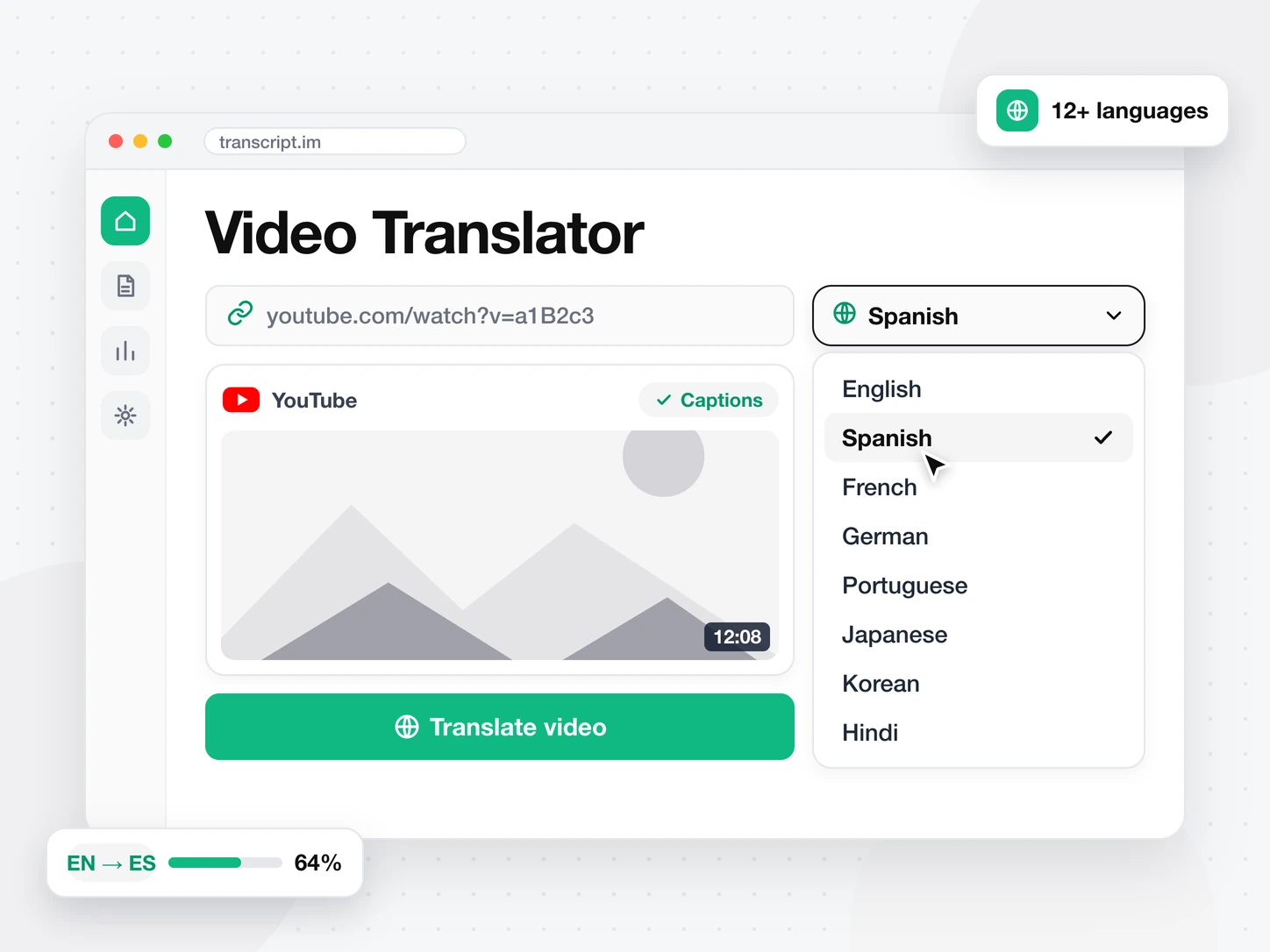
Translate Any Video Into 12+ Languages
Add a link or a file. The video translator reads the captions, or transcribes the audio when there are none. Then it translates the whole transcript into the language you pick.
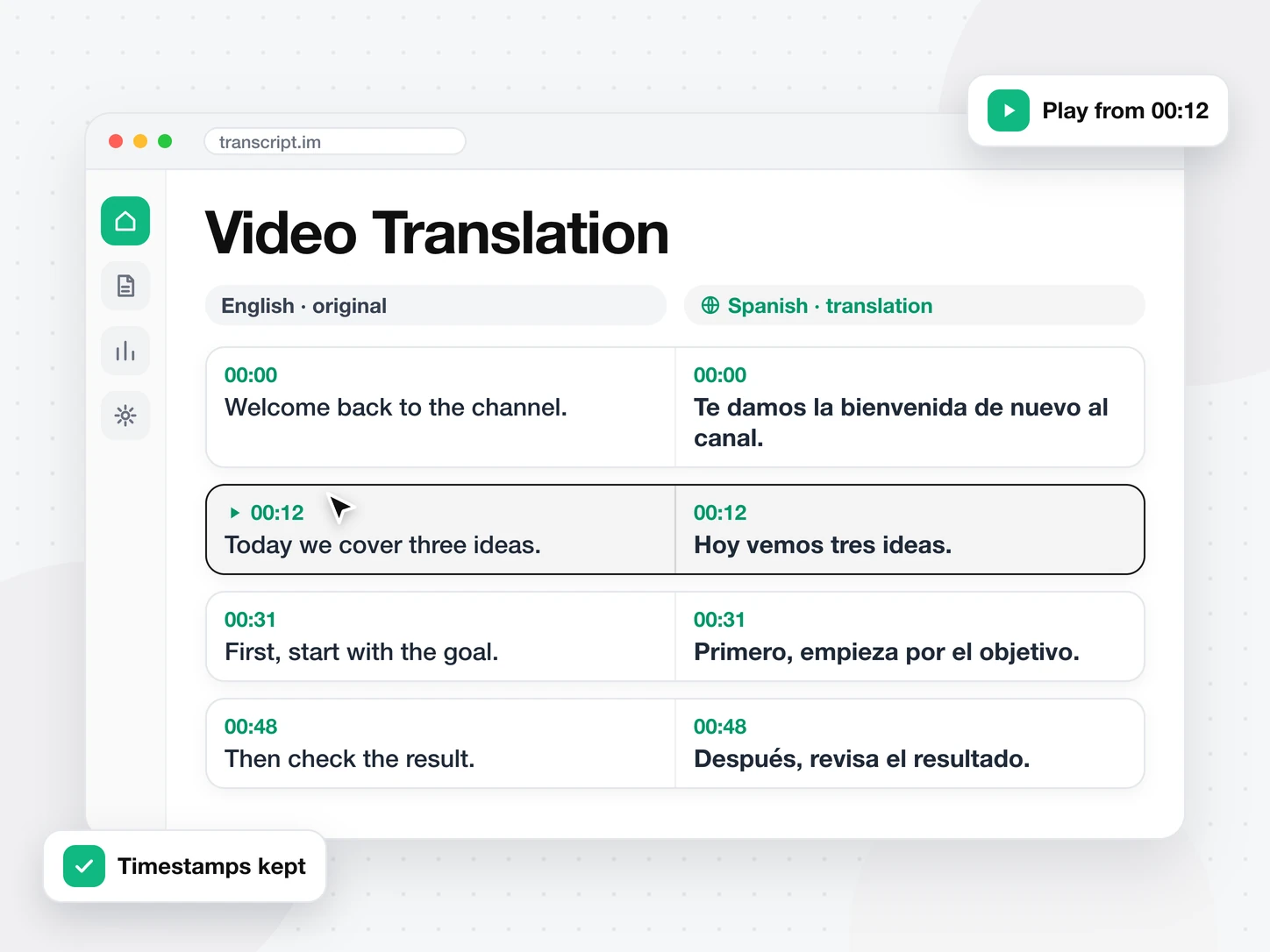
Check Every Line Against the Original
Each translated line sits next to the original line. Click a timestamp to hear the speaker say it. Subtitles stay lined up because every timestamp is kept.
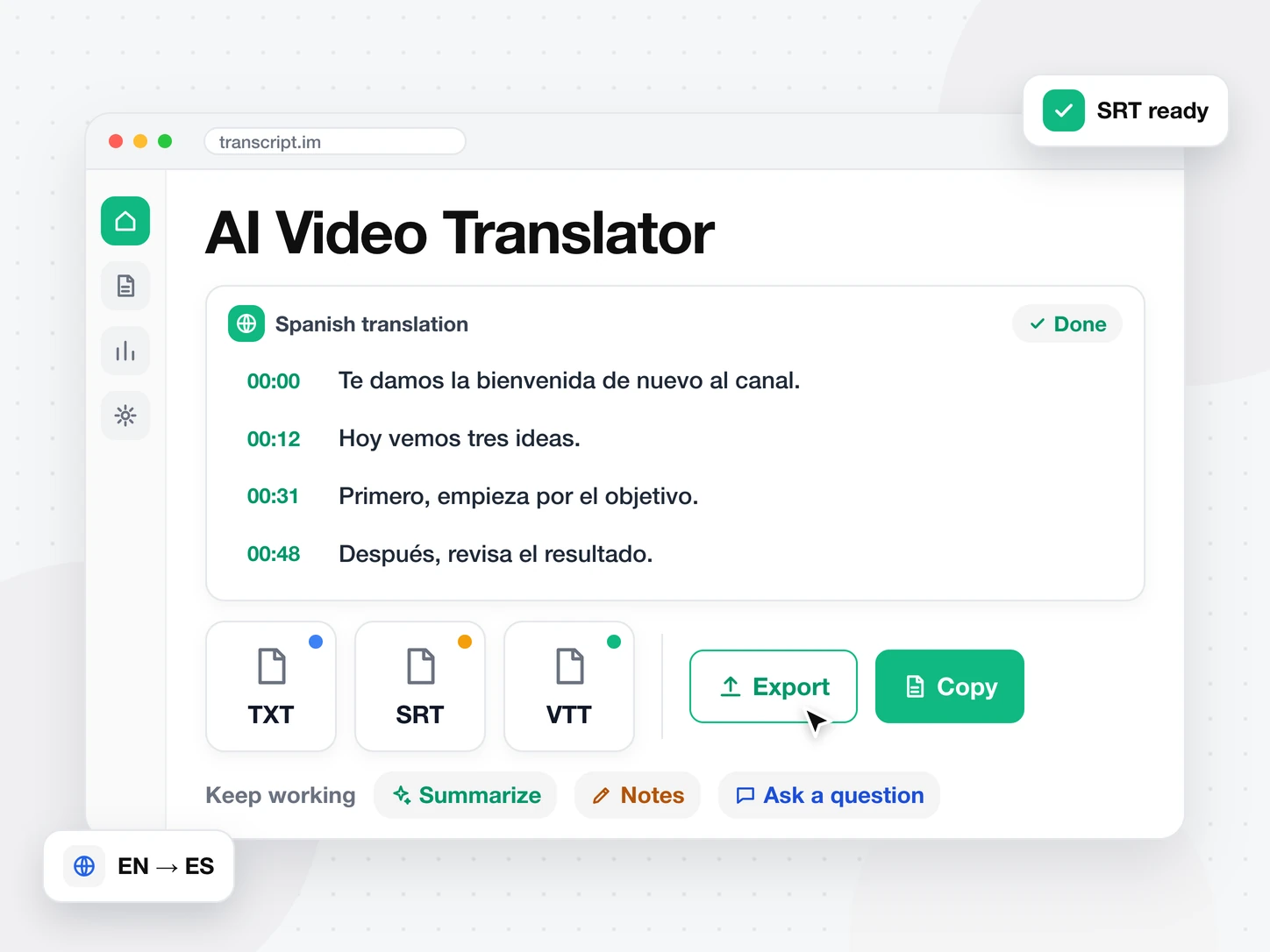
Copy, Export, or Keep Working
Copy the translation, or export it as TXT, SRT or VTT. Summarize it, turn it into notes, or ask questions about it in the same video.
Transcript AI tools
More ways to use a transcript
FAQ
Frequently asked questions
What is a video translator?
A video translator turns the speech in a video into a transcript, then translates it into another language. Here you get the translation line by line, next to the original.
How do I translate a video?
Add a link or a file. Pick the language under the box and press Translate. The result opens next to the video.
Which languages can I translate a video into?
13 languages, including English, Spanish, Japanese, German, French and Chinese. Pick one under the box, or choose More for the full list.
Does the video translator keep timestamps?
Yes. Every translated line keeps the timestamp of the line it came from. Subtitles made from the translation line up with the video.