
TRANSCRIPT
YouTube Script Extractor
Supported: YouTube, TikTok, Instagram, LinkedIn, Twitter — video, short, reel, or playlist.
What Is a YouTube Script Extractor?
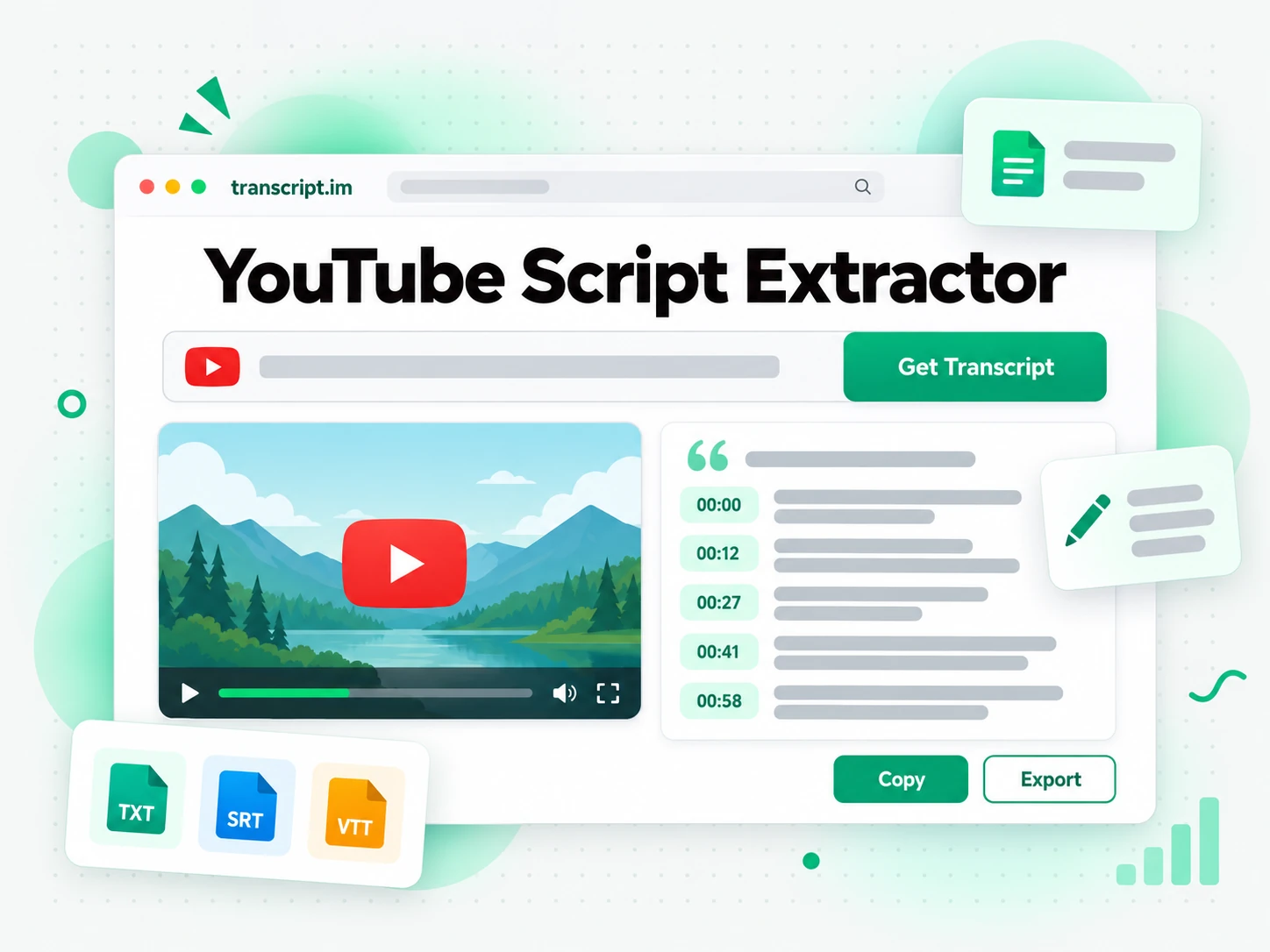
A YouTube script extractor pulls the spoken lines out of a public YouTube video and lays them out as text you can read, search, and copy. The script is that video's wording, line by line with a timestamp, not a new speech written from a topic you typed in. When the creator already published captions, the YouTube script extractor reads that track. When the video has no captions, it transcribes the audio, so a talk with no subtitle file still becomes a script. People quote a line, study a lecture, or reshape the wording into their own script in another app. For the full timestamped record under its own name, the YouTube transcript generator is the page built for that query.
How the YouTube Script Extractor Works
One pasted link takes you from a public YouTube video to a script you can read, copy, and hand off, in three steps.
Turn a YouTube Link Into a Script
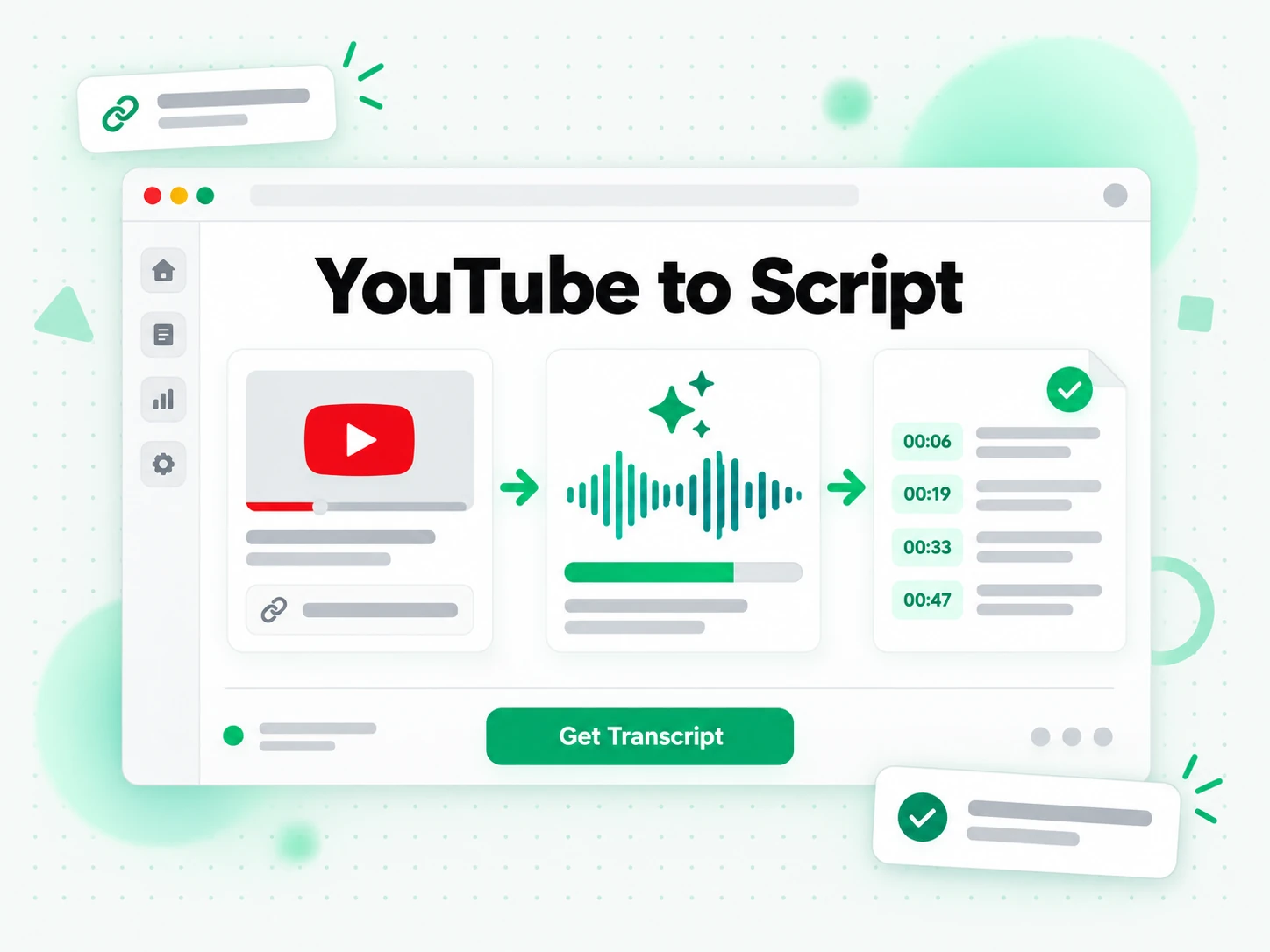
Paste a public YouTube link into the YouTube script extractor. It checks for a caption track the creator already added and, if that track is missing, transcribes the spoken audio. The result is the video's own wording, split into lines whose timestamps follow the audio, not a draft invented from a title or a prompt. Going from YouTube to script takes only that paste: the link goes in, and the script comes out. A YouTube video downloader is a different job when you need the file itself.
- Reads a caption track when the video already has one
- Transcribes the audio when no caption track exists
- Keeps each line tied to the moment it was spoken
Read and Search the Script Without Rewatching
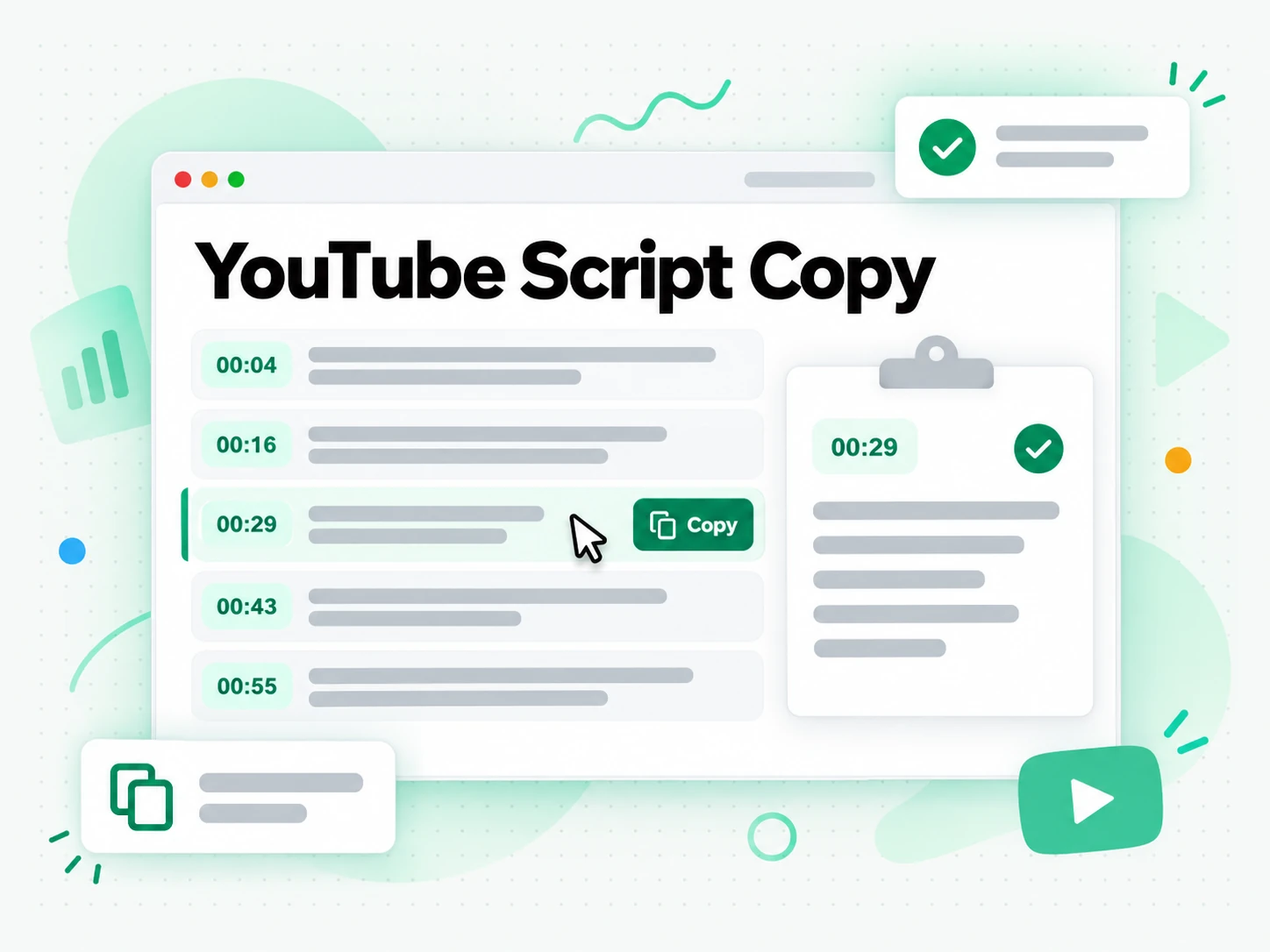
After the YouTube script extractor finishes, search the lines for a phrase, jump to the timestamp, or open Summary, Core Points, and MindMap to see the shape of the video. Copy any line with its timestamp, so a quote stays attached to the moment it was said. The whole script stays in the browser. The same reading view is what people open when they want the full transcript of a YouTube video and then keep working from the words.
- Search the script and open the line at its timestamp
- Summary, Core Points, and MindMap from the same script
Export the Script or Reshape the Wording
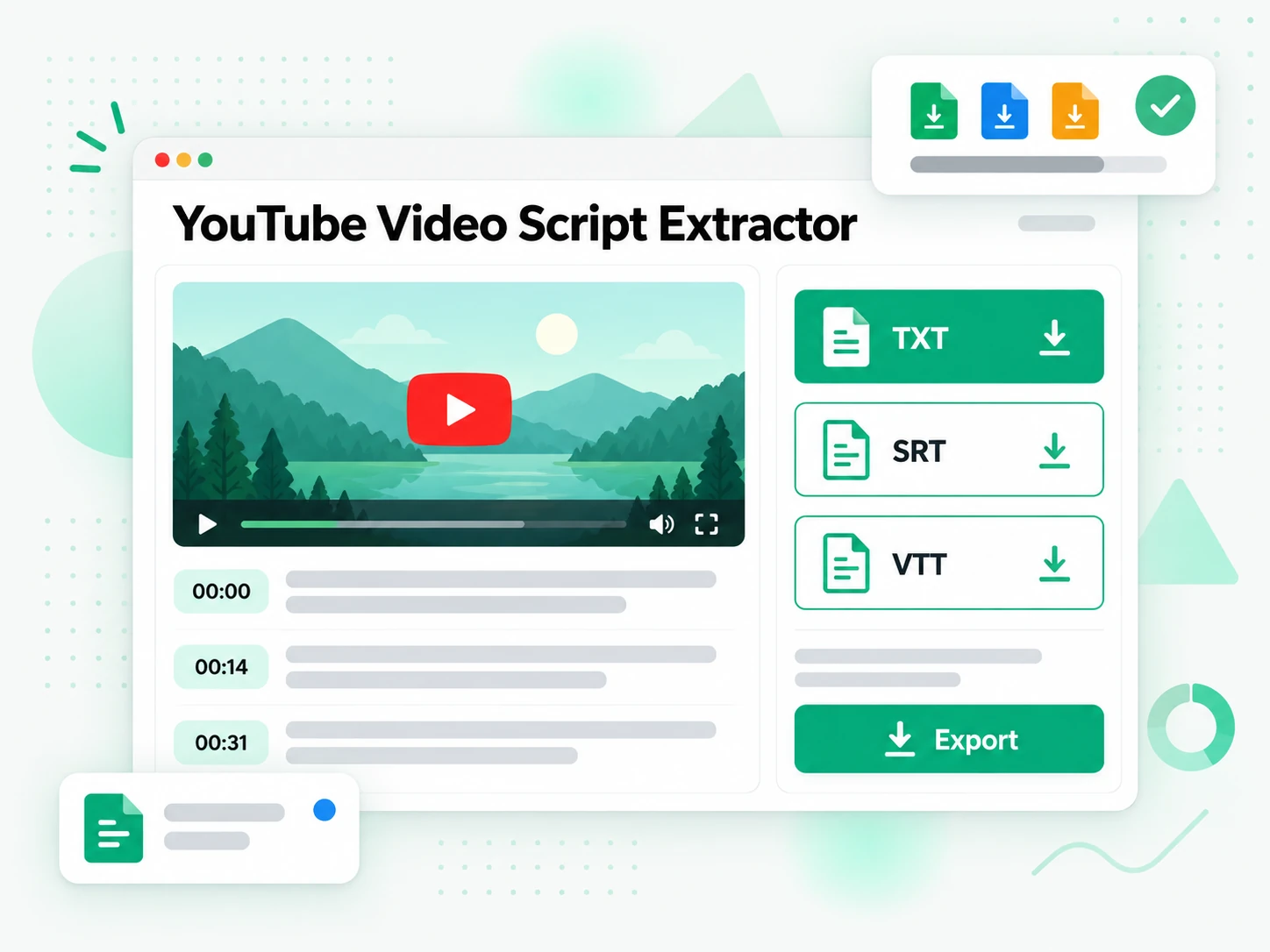
Save the script as TXT, SRT, or VTT, or translate it into another supported language without dropping the timestamps. TXT is the reading copy. SRT and VTT are the timed files a video editor can import. The YouTube script extractor does not write a new video from a blank idea. What it gives you is the spoken original, which you can then pass to ChatGPT, Claude, Gemini, Kimi, or Manus and ask those tools to reshape the lines into a script of your own. The source stays the video you pasted. If you only needed the timed caption file and not the reading copy, a YouTube subtitle downloader is the page for that file.
- Export TXT for reading, or SRT and VTT for an editor
- Translate the script with the timestamps kept in place
- Hand the lines to an AI tool when you want a rewrite
Why transcript.im Beats Copying Lines Out of YouTube
✅ transcript.im
Paste a public link and the YouTube script extractor returns the spoken lines, captions or not. You can search them, copy a line with its timestamp, export TXT, SRT, or VTT, translate the script, and summarize it on the same page.
❌ YouTube's own transcript panel
The panel appears only when the creator supplied captions, and it is built for following along while the video plays. There is no clean copy of the whole script, no search across a long video, no TXT, SRT, or VTT export, no translation, and nothing to read when the video was never captioned.
Who a YouTube Script Extractor Is For
A YouTube script extractor is for anyone who needs the words from a video as text, whether the next step is a quote, a cut, or a rewrite.
For Creators Reworking a Video Into a New Script
A video that already worked is a pile of lines you can rebuild. Extract the script, keep the beats that landed, and write the next version without replaying the whole cut.
- Lift the spoken structure and see where the video opens, turns, and closes.
- Mark the lines that landed so the next script keeps those beats and drops the rest.
- Rewrite in another app by pasting the extracted lines into ChatGPT, Claude, Gemini, Kimi, or Manus.
- Keep the source video attached with the timestamp on each line you decide to reuse.
- Skip the blank page because the wording you are reshaping already exists.
For Editors Cutting With the Spoken Line
An edit goes faster when the words are a document. Search the script, note the timestamp, and cut to that moment instead of scrubbing the timeline for a sentence you half remember.
- Find the take by searching a phrase instead of playing the rough cut again.
- Hand an SRT or VTT to the editor so the spoken line sits on the timeline.
- Check a wording change against the timestamp before the cut is locked.
- Pull a lower-third from a line that was actually said, not from a paraphrase.
- Translate the timed file when the same cut needs another language on screen.
For Researchers Who Need the Exact Wording
A claim from a video is only useful if you can point at the sentence and the minute. The script is the quotable layer; the timestamp is how someone else checks it.
- Quote the sentence that was said, not a reconstruction from memory.
- Cite the timestamp so an editor or a reader can open the video at that moment.
- Compare wording across two talks by searching the same phrase in each script.
- Keep a copy as TXT before a video is edited or taken down.
- Separate speakers by reading the lines in order instead of guessing who said what.
- Check a paraphrase against the script before it goes into a paper or a thread.
For Marketers Repurposing a Talk
A webinar, a launch video, or an interview already contains the posts, the newsletter, and the description. The script is the raw copy those pieces start from.
- Pull three posts from lines that already explain the offer.
- Draft the description from the script instead of watching the video on mute.
- Feed NotebookLM the script as a source and ask questions against that talk.
- Keep product names exact by copying them from the script rather than retyping.
For Learners Who Would Rather Read
Lectures and explainers are easier to review as text. Search a definition, jump to the minute it was taught, and translate the script when the video is not in your language.
- Search a lecture for a term you missed the first time.
- Jump to the minute the definition was given and replay only that stretch.
- Translate the script into a supported language and keep the timestamps.
- Export TXT when you want a document you can read away from the player.
- Summarize first when you need the argument, then read the lines that carry it.
How to Extract a YouTube Script
- 1
Paste the YouTube Link
Copy the address of a public YouTube video and paste it into the YouTube script extractor. A watch link is enough. You do not upload the file, and you do not install anything to get the lines. Private or members-only videos are out of reach, because there is no public audio for the tool to read.
- 2
Extract the Script
The YouTube script extractor looks for captions first. If the creator never added them, it transcribes the spoken audio and still returns timestamped lines. Either path produces the video's own words. It does not invent a script from a topic or a title you have not filmed.
- 3
Read, Search, and Copy
Read the script in the browser, search for a name or a phrase, and copy the line you need with its timestamp. Summary, Core Points, and MindMap sit on the same text when you want the shape before you read every line. A long video becomes a document you can scan.
- 4
Export or Rewrite
Download TXT when you want a reading copy, or SRT or VTT when an editor needs a timed file. Translate the script into another supported language and the timestamps stay put. To turn the wording into a script of your own, paste the lines into ChatGPT, Claude, Gemini, Kimi, or Manus and ask for a rewrite. The YouTube script extractor supplies the source; those apps do the rewriting.
Use the Script in the Apps You Already Have
Google NotebookLM
Add the extracted script as a source in Google NotebookLM. Ask what the video argued and where a claim showed up. The answers stay tied to the script you supplied.
ChatGPT, Claude, Gemini, Kimi, and Manus
Paste the script into ChatGPT, Claude, Gemini, Kimi, or Manus when you want a rewrite in your own voice. A YouTube script generator belongs on this page only in that sense: the lines already exist, and another app reshapes them.
Video Editors and Subtitle Tools
Export SRT or VTT and drop the file into the editor you already use. The timestamps follow the spoken audio, so the lines land on the right frames.
Builders Using the API and MCP
The same paste-a-link extraction is available through the transcript.im API and MCP. Send a public YouTube URL and take back the timestamped lines.
transcript.im vs Other YouTube Script Extractor Tools
Use a YouTube script extractor when you need the words a video already spoke. Use a writer when you are drafting a video that does not exist yet.
| Tool | What it does | Use it when |
|---|---|---|
| transcript.im | Turns a public YouTube link into a timestamped script you can search, copy, translate, and export as TXT, SRT, or VTT, with or without captions. | You have a video and you need its spoken lines as text. |
| YouTube's own transcript panel | Shows caption lines beside the player when the creator added them. | You are watching along and the captions are already there. |
| AI script writers | Draft a new script from a topic, a title, or a prompt. They do not read the video you already published. | You are writing a video that has not been filmed. |
| Transcript downloader sites | Save a caption track as a file, often only when captions already exist. | You only need a file and the video is already captioned. |
| Manual copy and paste | You open the panel, select lines, and paste them yourself. | The video is short, captioned, and you need one sentence. |
Related tools
YouTube Script FAQs
What is a YouTube script extractor?
A YouTube script extractor turns a public YouTube video into the spoken script: timestamped lines you can read, search, copy, and export. It reads captions when they exist and transcribes the audio when they do not. It does not write a new script from a topic.
How to get the script of a YouTube video?
Paste the public video link into the YouTube script extractor, then read or copy the lines. That is the whole path from a YouTube link to a script. No video download and no caption file are required before the text appears.
Can the YouTube script extractor work on a video without captions?
Yes. When a video has no caption track, the YouTube script extractor transcribes the spoken audio and still returns timestamped lines. Creator captions are used first when they are already on the video.
How do I copy a line with the YouTube script extractor?
Open the script, select the line, and copy it with the timestamp still attached. The copied line is ready to paste into notes, a doc, or another app. The rest of the script stays searchable in the browser.
How is a script different from a YouTube transcript?
On this page, script means the spoken lines you extract so you can quote them or reshape them. The transcript.im YouTube transcript tool is the page for the same kind of timestamped text under the transcript wording. Both start from a public link; they answer different queries.
Can a YouTube script extractor write a script from a topic I have not filmed?
No. A YouTube script extractor only returns words from a video that already exists. Tools that draft a script from a topic are a different product. If you want a rewrite, paste the extracted lines into ChatGPT, Claude, Gemini, Kimi, or Manus and ask there.
How do I download the script as TXT, SRT, or VTT?
Extract the script, then export TXT, SRT, or VTT. TXT is the reading copy. SRT and VTT are timed files for an editor or a player. A subtitle file from the YouTube subtitle downloader is the caption track itself; this page's export is the script those formats carry.
Can I translate a YouTube script and keep the timestamps?
Yes. Translate the finished script into another supported language and the timestamps stay aligned with the original lines. The spoken language is detected from the video, and the translation is a second step you run on the script.
Does the YouTube script extractor work on a long video?
Yes. A long video comes back as a long script you can search, so you do not rewatch it to find one sentence. Summary, Core Points, and MindMap are on the same page when you want the structure before you read every line.
Can I use the script in NotebookLM or another AI app?
Yes. Add the script as a source in Google NotebookLM, or paste it into ChatGPT, Claude, Gemini, Kimi, or Manus. Those apps summarize, question, or rewrite the lines. They do not replace the extraction step, and they cannot watch the video for you.
Why are some words missing from the script?
Creator captions are usually close to what was said. AI transcription can miss names, heavy accents, music under the voice, or two people talking at once. Cleaner speech produces a cleaner script, so check names and numbers against the timestamp before you quote them.
Can I get a script from a YouTube live stream?
A finished live stream can be extracted once the recording is public and the audio is complete. A stream that is still in progress cannot be extracted yet; paste the link again once the recording is published.
Does this download the YouTube video?
No. The YouTube script extractor returns text, not the video file. If you need the picture or the audio file, use a YouTube video downloader. This page stops at the spoken script.
YouTube Script Extractor
Paste a public YouTube link and copy the timestamped script as readable text.