
10 Best YouTube Transcript Generator Tools for 2026
Explore 10 top youtube transcript generator tools in 2026 with in-depth features, pros & cons, and practical tips to streamline your transcription workflow.
Are you looking for a transcript, or do you instead need a usable text asset for captions, accessibility, research, or content repurposing? A conventional YouTube transcript extractor may give you words on a page, but it may not preserve timestamps, support translation, handle missing captions, or produce files ready for publishing.
A dedicated YouTube transcript generator removes much of the manual work. You can turn a public video into searchable text, review key moments without replaying the entire recording, and create a foundation for subtitles, summaries, scripts, and articles. YouTube's automatic captioning began in November 2009 for a small group of educational partner channels and expanded to all English-language uploads in March 2010, helping address the time and expense of manual transcription. At the time, manual captioning covered only about 100,000 videos out of hundreds of millions on the platform, as CNET reported on YouTube's automatic captions.
We compare 10 YouTube transcript generator tools for 2026, grouped by workflow rather than by a vague “best overall” score. The list covers quick single-link imports, browser-based caption editors, human-reviewed transcription, newsroom collaboration, multilingual localization, batch processing, and API workflows. If you're evaluating how transcripts support broader publishing operations, this AI content repurposing experiment provides useful context.
1. transcript.im
transcript.im is designed for users who need a transcript generator and a downstream content workspace in one browser tab. Paste a public YouTube link, and the tool checks for existing captions before using AI speech-to-text when captions are unavailable. This captions-first process can limit unnecessary processing while retaining the source's available timing.
The workspace also accepts public TikTok, Instagram, LinkedIn, and Twitter links, alongside uploaded audio and video files in formats including MP4, MOV, MP3, M4A, WAV, and FLAC. Uploaded files can reach 5 GB, and transcripts are viewable without signing up. Signing in enables copying, downloads, and AI actions.
Best for transcript-to-content workflows
The main distinction is the workflow after extraction. transcript.im supports TXT, SRT, and VTT exports, timestamp browsing, chapter-style notes, summaries, structured outlines, visual mind maps, transcript cleanup, and script rewrites. That combination suits users who need to move from a single link to several publishing outputs without switching tools.
Its translation workflow keeps timestamps aligned, which matters when the translated result will become subtitles rather than text for reading. Accessibility guidance for YouTube transcripts explains that transcripts and captions require attention to timing, spelling, punctuation, and readability. Maintaining alignment during editing and translation therefore supports multilingual publishing workflows.
Pros and cons
- Frictionless testing: Public transcripts can be viewed without sign-up, and a Free tier supports casual use.
- Formats for publishing: TXT, SRT, and VTT exports cover reading, subtitle, and caption workflows.
- Bulk processing: Playlists and multiple links can be processed in parallel, with up to 4 concurrent items.
- Failure recovery: Per-item pause, resume, and retry controls limit repeated work in larger queues.
- Automation support: An API and optional Chrome extension support integrations and quick capture.
- Main limitation: Audio quality affects AI fallback transcription. Noise, music, overlapping speech, or poor recordings can reduce usability.
- Plan boundary: Longer videos, larger quotas, bulk limits, and merged exports require Pro, listed at $10 per month on the product site.
This setup fits creators, students, journalists, researchers, podcasters, operators, and developers who need more than copied text. It is particularly useful for workflows that combine YouTube imports, transcript review, translation, notes, and repurposed content.
2. VEED.IO
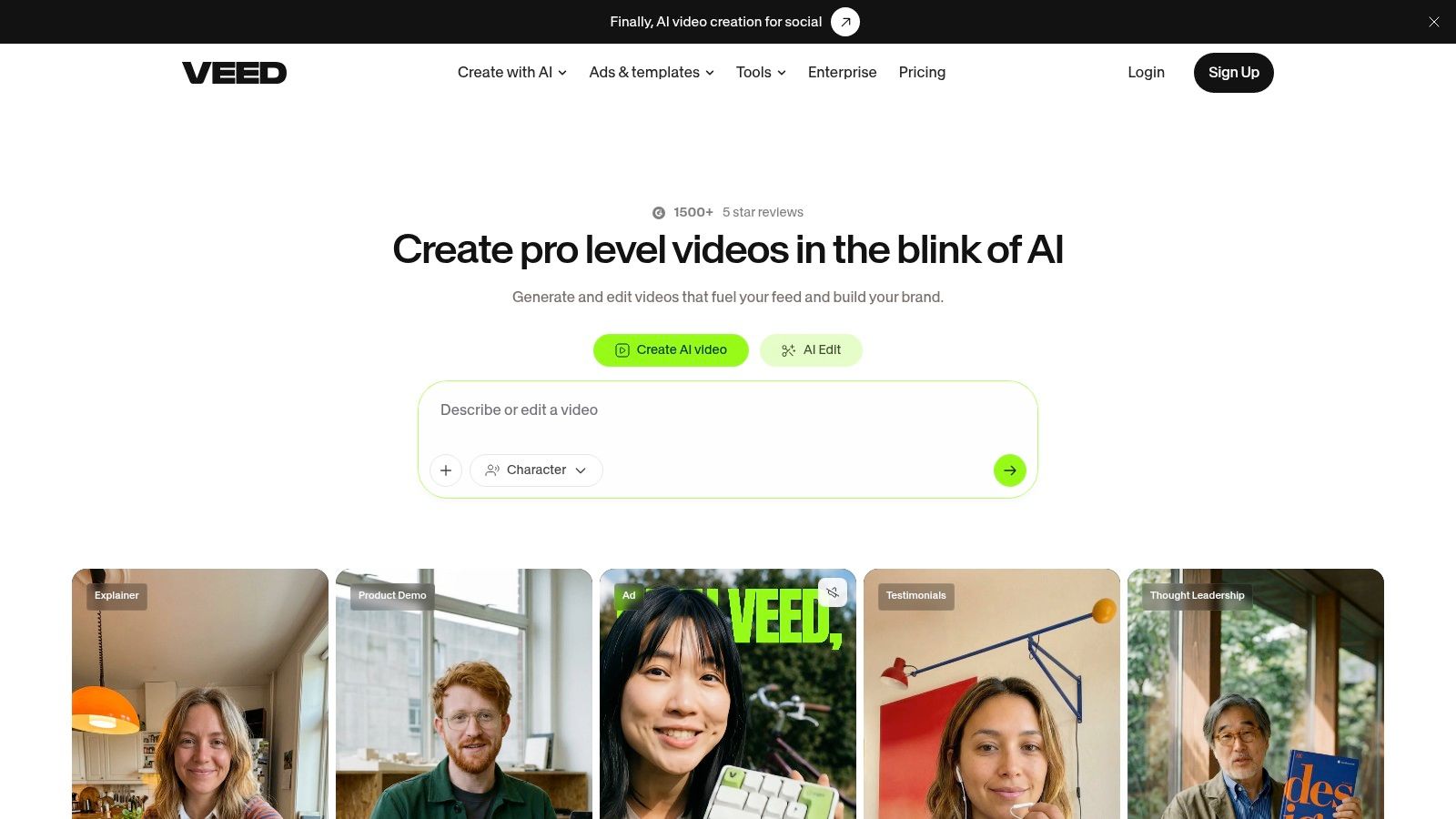
VEED.IO is built for creators who want to turn a transcript into a finished social or marketing video without leaving the browser. Its auto-subtitle workflow generates timed text, then lets you edit wording and timing directly in the video editor.
The platform is more visual than a dedicated transcript workspace. You can translate subtitles, apply dynamic templates, use word-by-word karaoke or highlight styles, and burn captions directly into the exported video. That makes VEED.IO a better match for publishing teams that care about the appearance of captions as much as the transcript itself.
Best for styled captions
VEED.IO's API adds a programmatic route for teams that need automated subtitling. Its usage model is priced per minute, which may appeal to operators who prefer consumption-based billing over adding another seat-based editor.
The tradeoff is clear. Free exports carry a watermark, while clean exports and more advanced styling require paid editor tiers. Users who only need a downloadable TXT, SRT, or VTT file may find the broader video-editing interface unnecessary.
Practical rule: Choose VEED.IO when the transcript is the first step toward a designed, captioned video. Choose a transcript-focused workspace when the text itself is the primary deliverable.
VEED.IO works well for social clips, course excerpts, promotional videos, and creator content where subtitles need to be edited, translated, styled, and exported in the same session.
3. Kapwing
Kapwing balances quick browser editing with practical subtitle and transcript controls. It auto-generates subtitles, exposes the transcript for editing, and supports SRT, VTT, and raw text exports. The workflow is approachable for creators who don't want to install desktop software before converting a video into usable text.
Translation is available inside the editor, and basic AI video tools give users a path from transcript cleanup to lightweight content production. That makes Kapwing more flexible than a bare transcript extractor, while keeping the interface focused on browser-based creation.
Best for frequent lightweight captioning
Kapwing's Pro plans are positioned for regular subtitling, with generous monthly subtitle minutes compared with the limited free workflow. That can make the platform attractive to creators who caption videos often but don't need enterprise review controls, human transcription, or developer infrastructure.
The free tier has restrictions such as watermarks and usage caps. Advanced AI tools also require higher-priced plans, so occasional users should check whether they need the editor or only the transcript export.
A useful distinction separates Kapwing from transcript.im. Kapwing centers the video canvas and publishing experience. transcript.im centers transcript extraction, timestamp navigation, batch queues, translation, and AI transformations. If you're cutting clips and designing subtitles, Kapwing is a natural fit. If you're processing many links or turning one transcript into several text assets, transcript.im offers the more unified route.
4. Notta.ai
Notta.ai makes YouTube transcription accessible through a simple “Import from link” workflow. Users can paste a YouTube URL without manually downloading the video, then review, edit, translate, and export the resulting transcript.
Its export options include TXT, DOCX, SRT, and PDF, which gives the platform a useful range for notes, documents, and subtitles. Team and collaboration features also make it suitable for users who want to share transcripts rather than keep them as personal reference files.
Best for fast web imports
Notta.ai's strength is the short path from link to editable document. Its help-center material specifically addresses YouTube link transcription, which reduces uncertainty for first-time users. Broad language support adds value for multilingual research and content teams.
There are workflow limits to consider. Some modes aren't available for link-imported recordings, including bilingual mode in certain cases. Pricing and minute allowances can also vary depending on whether the service is accessed through the web or an app store, so buyers should confirm the channel-specific terms before committing.
For a straightforward YouTube transcript, Notta.ai is easy to understand. For users who need more extensive batch operations, merged exports, timestamp-preserving cleanup, or AI content transformations, a broader workspace may reduce tool switching. Teams comparing file-based workflows can also review this guide to free audio transcription before choosing an import method.
5. Happy Scribe
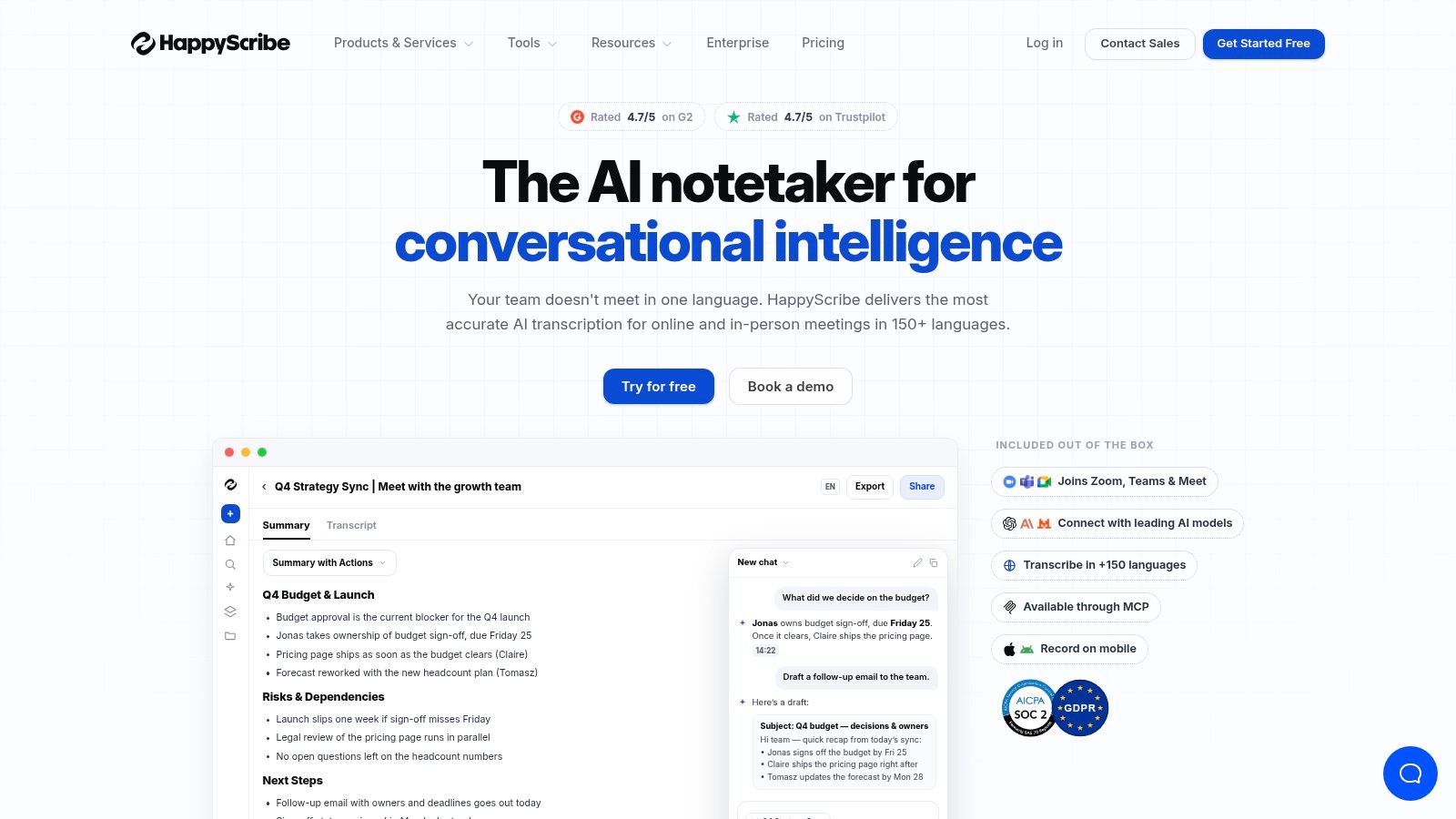
Happy Scribe targets users who treat transcription and subtitling as production work rather than a quick copy-and-paste task. It combines AI transcription with human transcription services, a modern editor, speaker detection, integrations, and a broad collection of delivery formats.
The platform supports AI transcription in 60+ languages, as described in its product materials, and can export TXT, DOCX, SRT, VTT, STL, XML, FCPXML, EDL, and MP4. It also connects with YouTube, Vimeo, Google Drive, Box, and Dropbox, which suits media teams managing files across several services.
Best for format-heavy production
Happy Scribe is useful when the final file must move into a captioning, editing, or broadcast-oriented workflow. Human transcription provides an escalation path when an AI draft isn't sufficient, while per-minute top-ups make occasional extra usage easier to manage.
The published plan examples include AI pricing from $0.20 per minute, so users should verify the current plan and top-up terms before budgeting. Advanced exports and watermark removal may require paid tiers, and seat add-ons can differ by plan.
The key comparison is accuracy control. A raw ASR transcript may be enough for internal notes, but accessibility guidance says a transcript can require speaker labels, non-speech audio notes, and visual descriptions depending on its purpose. Happy Scribe's human option is therefore more relevant when the output is client-facing, publication-ready, or subject to strict review. For timed subtitle workflows, compare its capabilities with this YouTube subtitle generator.
6. Rev
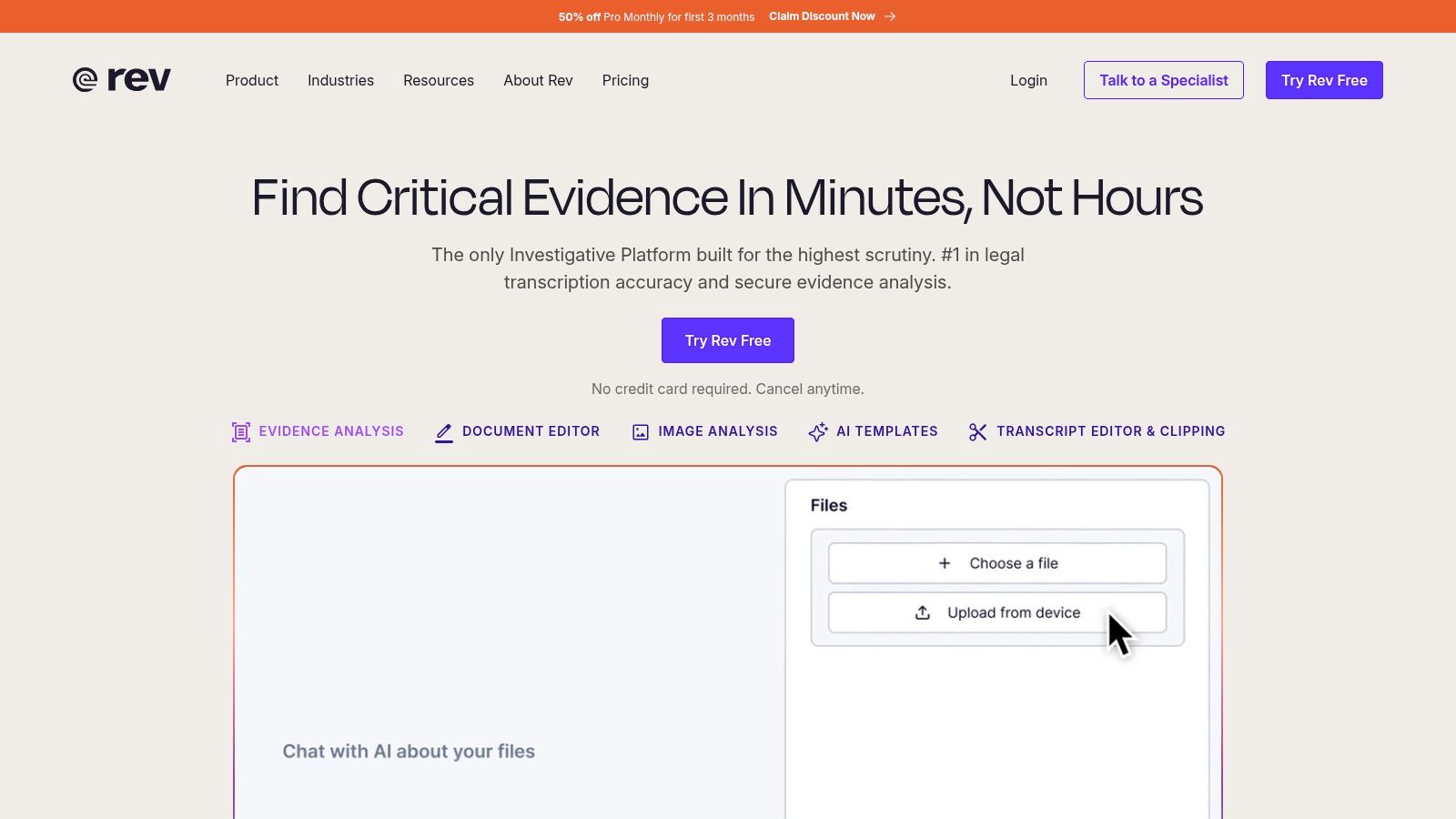
Rev offers a clear split between fast AI transcription and human transcription for higher-accuracy requirements. Its YouTube integration can ingest channel uploads or pasted links, and its workflow includes timestamps, speaker options, caption upload support, and a pricing calculator.
That combination makes Rev suitable for education, media, interviews, and organizations that need a dependable path from video to captions. Teams can choose speed for routine material and human review when errors would create reputational, legal, or editorial problems.
Best for an accuracy escalation path
Rev's transparent per-minute pricing is helpful for planning. The important caveat is that human transcription costs substantially more than AI transcription, and human turnaround isn't instant. Buyers should decide whether they need a fast draft, a reviewed transcript, or captions that can be uploaded back to YouTube after editing.
A 2024 journal study of automatic subtitles found that tested ASR outputs fell short of the 98% accuracy threshold expected in broadcasting, and it also identified weaknesses in segmentation and timing across both tested languages. The 2024 automatic subtitle study supports a simple conclusion: a transcript can look readable while still needing serious timing and segmentation review.
Rev is strongest when the organization values predictable service options and a clear human fallback. For creators who mainly need rapid extraction, translation, summaries, and bulk exports, its production model may be more than necessary. For a related file-first workflow, see this guide to transcribing an audio file into text.
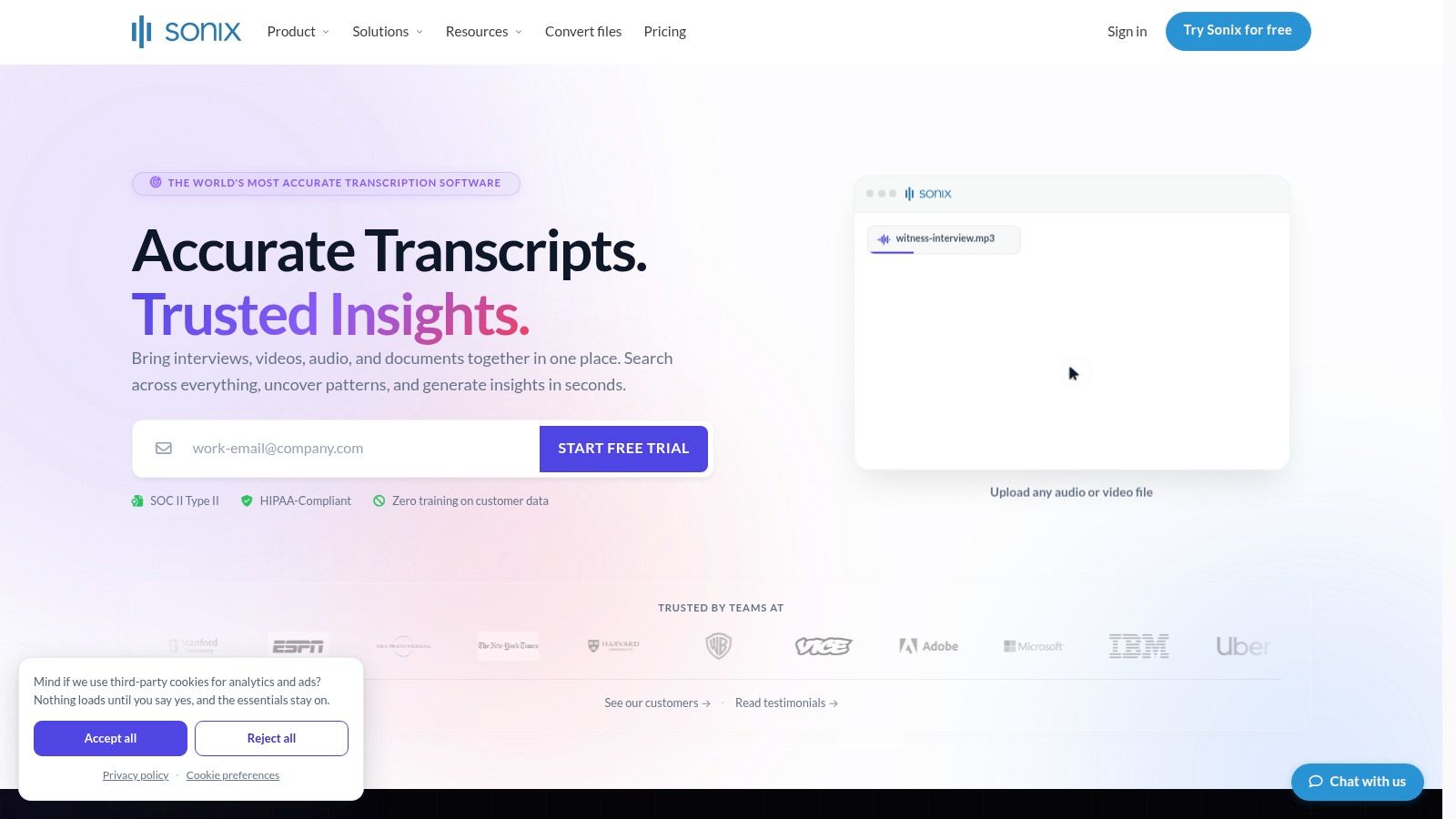
7. Sonix.ai
Sonix.ai is designed for teams that need an editor, collaboration controls, subtitle exports, and developer automation. It supports automated captions in SRT and VTT, burn-in options, searchable transcripts, shareable links, version history, and voiceprints for speaker identification.
Its developer API and webhooks are particularly relevant for teams building media-to-transcript pipelines. Rather than asking staff to paste each link manually, an operations team can connect transcription to an internal intake process, review queue, or publishing system.
Best for collaborative review and automation
Sonix.ai publishes monthly hour allowances by plan and a transparent overage rate, which gives teams a clearer way to model variable usage. The polished editor also helps reviewers search, correct, and share transcript content without moving immediately into another application.
Direct link ingestion can be situational for some sources, and users may need to download media before uploading it. Higher-tier plans contain some collaboration and security capabilities, so enterprise buyers should examine access requirements rather than comparing only the transcription interface.
A developer API matters only when the team has a repeatable process to automate. For occasional YouTube links, a browser workspace is usually the simpler choice.
Sonix.ai fits media operations, podcast teams, and organizations that need API access alongside human review. It's less compelling for a student who wants one transcript or a creator who wants an integrated script-rewriting workspace.
8. Trint
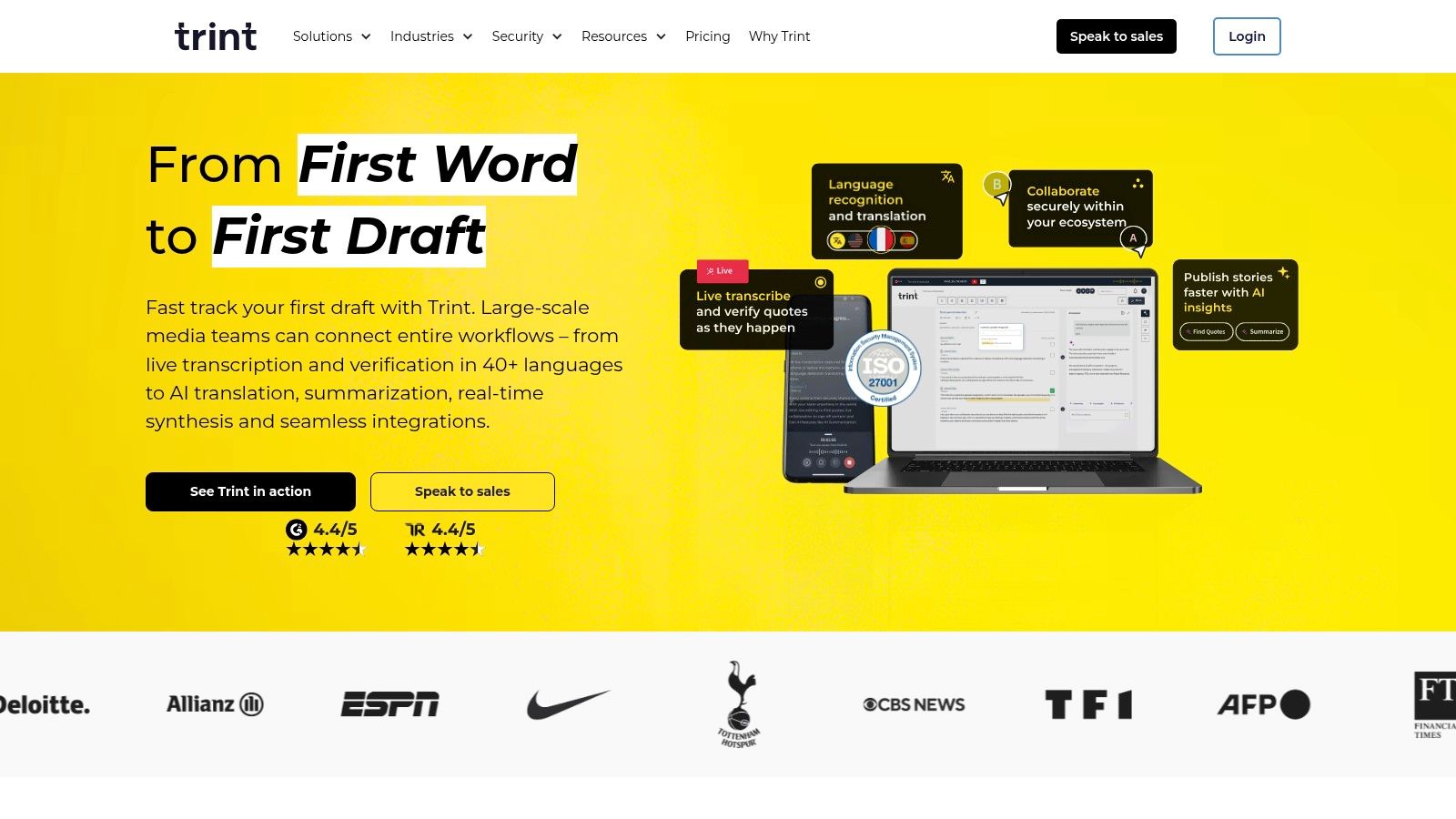
Trint is built around editorial collaboration. Its transcript environment supports multi-format exports for captions and subtitles, while team controls, comments, permissions, and review workflows help organizations move content through approval stages.
That editorial orientation makes Trint a natural option for newsrooms, communications teams, and enterprises where one person records an interview, another checks the transcript, and a third approves the final output. Enterprise security options and regional data controls also matter when media files and transcripts require stricter governance.
Best for newsroom-style approval
Trint offers a 7-day free trial, giving teams an opportunity to test the editor and evaluate transcript quality before selecting a plan. Its value lies less in one-click extraction and more in making transcript review visible and accountable across a team.
Public pricing details are limited, with final amounts shown in-app. That creates a budgeting disadvantage for small teams that need to compare tools before registering. Trint may also be excessive for solo creators who only need to generate an SRT file or copy text into a document.
The evidence around automatic subtitles reinforces why editorial review matters. YouTube's automatic captions grew from an early rollout into a large-scale system, reaching more than 157 million videos by June 2012 and exceeding 1 billion videos by February 2017, when auto-captioned videos were watched more than 15 million times per day, according to YouTube's account of automatic captions. Scale improves availability, but it doesn't remove the need to check names, timing, punctuation, and context.
9. Descript
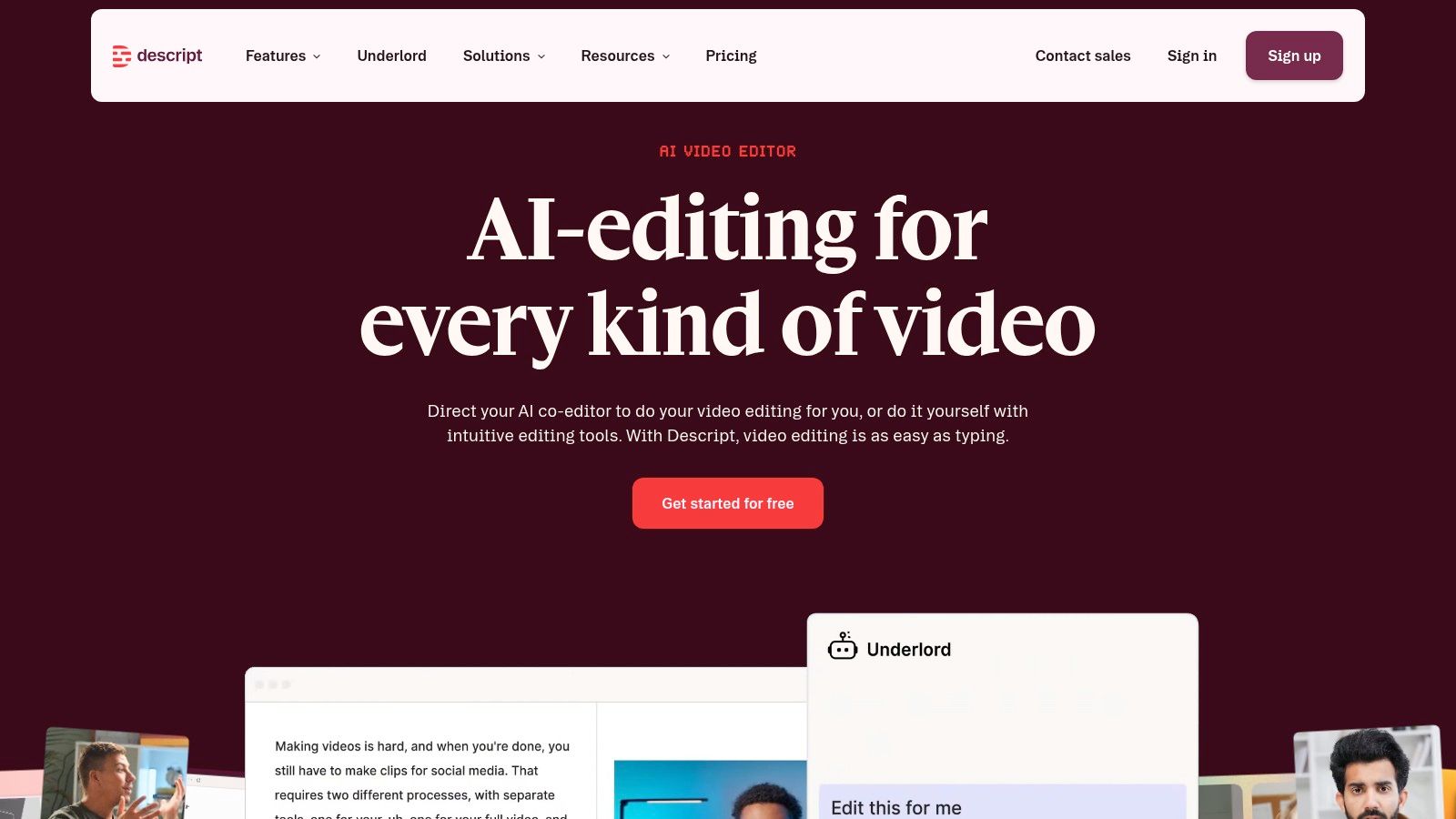
Descript treats transcription as an editing surface. Once a video or podcast is transcribed, users can edit the text and apply those changes to the media, making it useful for removing sections, tightening dialogue, and preparing captions from the same project.
Speaker labels, SRT and VTT exports, a timeline editor, frequent product updates, and a mature ecosystem make Descript a strong repurposing tool. It's especially useful when the primary objective isn't merely to read a transcript, but to turn a long recording into a shorter, cleaner production.
Best for edit-by-transcript workflows
There's an important YouTube limitation. Direct “Import from YouTube” is currently disabled, so users must download the video before bringing it into Descript. That extra step makes it less convenient as a pure YouTube transcript generator, even though the editing experience can be more powerful after the file is imported.
Some AI features consume credits depending on the subscription plan. Users should therefore separate two decisions: whether Descript's text-based editing justifies the workflow, and whether its AI usage model fits the volume of media they process.
Descript is a strong match for podcasters, video editors, and marketers who want to cut content from words on the page. It's less efficient for someone who wants to paste a public link, export a clean transcript, and move directly into summaries or multilingual text assets. If readability and cleanup are the priority, review this guide to clean verbatim transcription.
10. Maestra
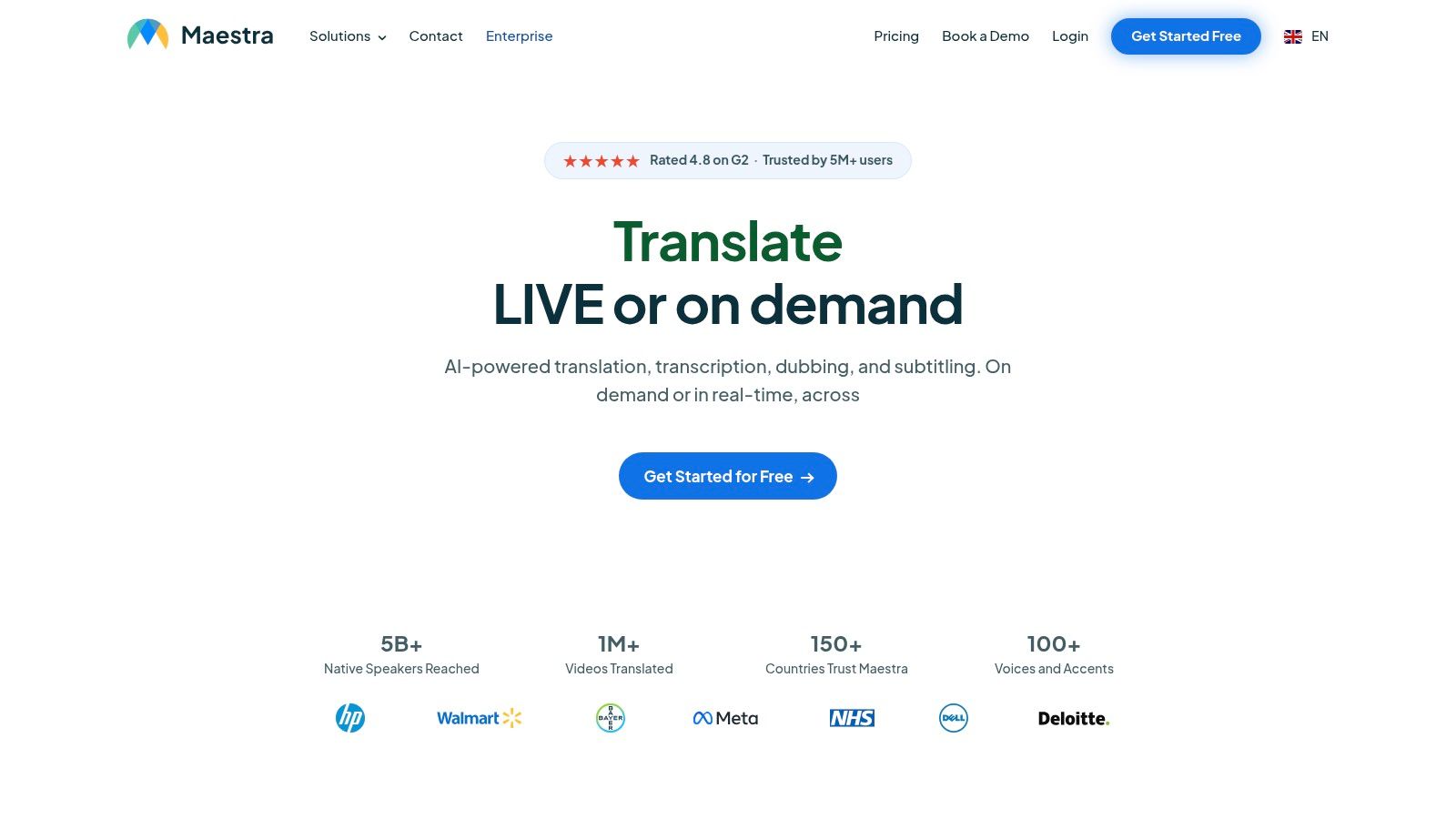
Maestra is aimed at multilingual media production. It combines AI transcription, subtitle creation, translation, and text-to-speech voiceover or dubbing, with a web editor for timing, formatting, and export.
Its transcription supports 100+ languages, according to the product description, and its tiered minute bundles cover transcription, subtitles, and translation. This breadth makes Maestra relevant when a YouTube video is only the starting point for localization across multiple markets.
Best for localization pipelines
Maestra's main advantage is consolidation. A team can create a transcript, produce translated subtitles, adjust timing, and generate an AI voiceover within one platform rather than assembling separate services.
That same breadth can overwhelm users who only need English text. Some plan details and usage limits are distributed across product pages and documentation, so teams should confirm which minute bundles apply to transcription, translation, subtitles, and dubbing before purchasing.
Translation quality also depends on the pipeline, not only the language list. A 2025 MIT study found that direct speech-translation approaches improved subtitle quality by about 8% on average, with SubER decreases of 3.8 to 5.5 points overall and gains of up to 13.0 points on some English-to-Spanish test sets, as reported in the MIT study on direct speech translation for automatic subtitling. The practical lesson is that timing-aware localization can produce a meaningfully different result from translating a plain transcript after the fact. For users who mainly want to understand a long video, transcript.im also provides a YouTube video summarizer.
Top 10 YouTube Transcript Generators Comparison
| Platform | Core features ✨ | Accuracy & UX ★ | Ideal users 👥 | Price / Value 💰 |
|---|---|---|---|---|
| transcript.im 🏆 | ✨ Links (YouTube/TikTok/IG) + uploads ≤5GB, captions-first ASR fallback, batch & parallel, AI actions (summaries/outlines/mind maps), TXT/SRT/VTT exports | ★★★★☆ Preserves timestamps, fast; accuracy depends on audio clarity | 👥 Creators, students, researchers, podcasters, journalists, devs & teams | 💰 Free (daily quota); Pro $10/mo, higher limits, merged exports |
| VEED.IO | ✨ In-browser video editor, auto-subtitles, styled/burned-in captions, translation, API | ★★★★ Strong editor UX; some features gated by paid tiers | 👥 Creators & social editors who need styled captions | 💰 Free (watermark) → Paid editor tiers; per-minute API billing |
| Kapwing | ✨ Auto-subtitles, editable transcript, translation, SRT/VTT exports, basic AI tools | ★★★☆ Easy-to-use; free limits and watermark on free tier | 👥 Creators, educators, small teams | 💰 Free→Pro (competitive Pro minutes for captions) |
| Notta.ai | ✨ YouTube link import, multi-format export (TXT/DOCX/SRT/PDF), one-click translation, collaboration | ★★★ Fast link imports; broad language support | 👥 Meeting note-takers, quick web imports, small teams | 💰 Free→Paid; minute allowances vary by channel |
| Happy Scribe | ✨ AI + optional human transcription, 60+ languages, many export formats, integrations | ★★★★☆ High accuracy options; human upgrade for near-verbatim | 👥 Professionals needing high accuracy & format variety | 💰 Pay-as-you-go AI (~$0.20/min); human services extra |
| Rev | ✨ AI + human transcription, direct YouTube ingest, timestamps & speaker options, caption workflow | ★★★★ Reliable & predictable; human accuracy at cost | 👥 Media teams, education, enterprises | 💰 Transparent per-minute pricing; human is pricier |
| Sonix.ai | ✨ Automated captions, collaboration, voiceprints, developer API & webhooks, polished editor | ★★★★ Polished editor & team features; good search/share UX | 👥 Teams & developers needing automation & integrations | 💰 Subscription with monthly hour allowances; clear overage rates |
| Trint | ✨ Editorial-grade transcripts, team review/approval flows, multi-format exports, enterprise security | ★★★★ Built for newsroom/editorial workflows | 👥 Newsrooms, enterprises, editorial teams | 💰 Team/enterprise plans (public pricing limited); free trial |
| Descript | ✨ Edit-by-transcript timeline editor, speaker labels, SRT/VTT exports, mature tooling | ★★★★ Powerful for transcript-driven editing & repurposing | 👥 Podcasters, video editors, creators editing media | 💰 Freemium → Paid plans with minutes/credits for AI features |
| Maestra | ✨ 100+ languages, subtitle creation/translation, AI TTS dubbing, web editor for localization | ★★★★ Excellent localization/dubbing; feature-rich (complex) | 👥 Teams focused on multilingual localization & voiceover | 💰 Tiered minute bundles for transcription, subtitles & translation |
Choosing the Right Tool for Your Workflow
The best YouTube transcript generator depends on what happens after the text appears. A single public link for personal notes calls for a fast importer such as Notta.ai or transcript.im. A creator who needs styled, burned-in captions may prefer VEED.IO or Kapwing. A newsroom with review permissions may get more value from Trint, while a localization team may need Maestra's subtitle, translation, and dubbing stack.
Accuracy should be evaluated against the recording, not against a marketing label. YouTube's caption history shows how quickly automatic coverage scaled, but availability isn't the same as production readiness. Background noise, music, accents, overlapping speakers, technical terminology, poor microphone placement, and weak segmentation can all create errors that matter differently depending on the use case.
Match the tool to the output
Use the final deliverable to narrow the list:
- For a readable transcript: Choose a fast link importer with search, timestamps, and TXT or DOCX export.
- For subtitles: Prioritize SRT or VTT output, editable timing, and alignment that survives translation.
- For accessibility work: Review speaker labels, non-speech audio, punctuation, timing, and whether the transcript is a separate text alternative. A copied transcript alone doesn't automatically make a video compliant, as explained in this video accessibility guide.
- For content repurposing: Look for summaries, outlines, script rewriting, mind maps, and timestamp navigation.
- For bulk operations: Check playlist support, concurrency, retry controls, merged exports, and API access.
- For human-reviewed work: Compare providers such as Rev and Happy Scribe when the output needs an escalation path beyond ASR.
The global speech-to-text API market is projected to grow from USD 5.63 billion in 2026 to USD 25.28 billion by 2034, implying a 20.66% CAGR, according to Fortune Business Insights' speech-to-text API market forecast. That projection doesn't prove that every team needs an API, but it does point to a broader shift toward API-first transcription, translation, and automation pipelines. Developers should therefore assess webhooks, export formats, authentication, retry behavior, and integration depth, not just the quality of a one-off transcript.
Why transcript.im stands out
transcript.im covers the widest range of workflows in this comparison without forcing users to start with a desktop editor or a separate AI writing tool. It accepts public social links and local files, retrieves captions when available, falls back to AI transcription when needed, preserves timestamps through cleaning and translation, and exports TXT, SRT, and VTT.
Its AI workspace extends the transcript into summaries, structured outlines, visual mind maps, chapter notes, and script rewrites. Batch queues, parallel processing, pause, resume, retry, API access, and a Chrome extension make it practical for teams that need repeatable processing rather than isolated extraction. The Free tier supports casual use, while the published Pro plan costs $10 per month and provides higher limits, longer videos, bulk features, and merged exports.
Before choosing, test representative videos instead of a clean demo clip. Include a lecture, interview, accented speaker, technical discussion, and noisy recording if those reflect your library. Check the words, timestamps, speaker changes, punctuation, subtitle segmentation, translation alignment, and export behavior. For broader organizational workflows, this guide to AI for content organizations can help connect transcription with publishing operations.
A transcript generator is only valuable when the output survives the next step. Pick the tool that matches your actual workflow, whether that means one link, a playlist, a reviewed caption file, a multilingual release, or an automated content pipeline.
Use transcript.im to convert YouTube links, social videos, and uploaded media into clean, timestamped text without switching between separate transcription and AI tools. Start with a quick transcript, then use translation, summaries, outlines, exports, batch processing, or API access when your workflow grows.
Transcript Generator
Turn Any Video Into Text
Paste a YouTube, TikTok, or Instagram link and read the transcript, with timestamps on every line.
Exports as TXT, SRT, or VTT.