
TRANSCRIPT
Free MP3 to Text Converter
Supported: YouTube, TikTok, Instagram, LinkedIn, Twitter — video, short, reel, or playlist.
Upload or drag a video or audio here
One audio or video file at a time. Common formats are supported.
What Is an MP3 to Text Converter?
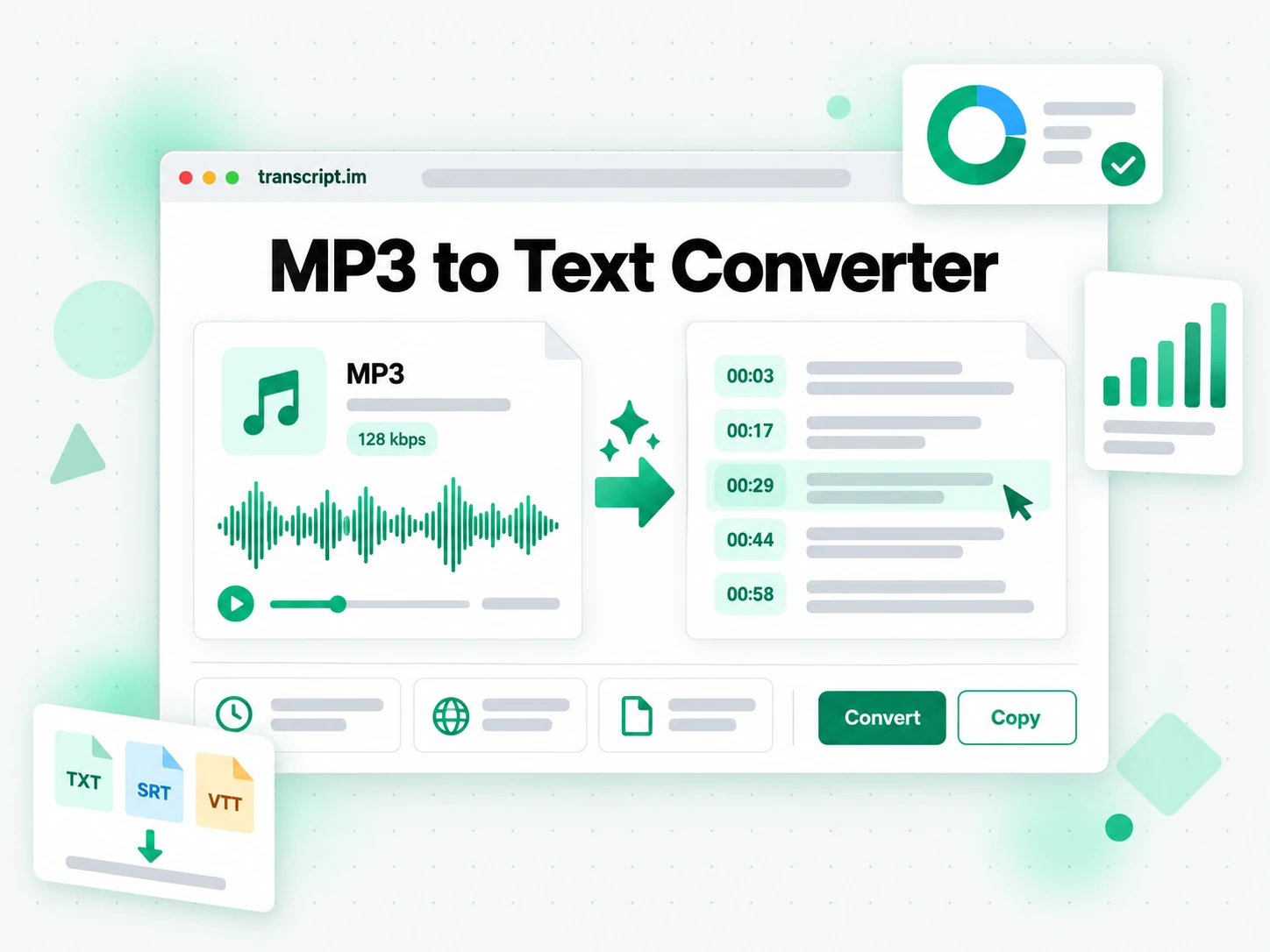
An MP3 to text converter is a tool that turns the speech inside an MP3 file into full written text, split into timestamped lines. It is different from the audio itself: the mp3 to text output is plain text you can read, search, copy, quote, translate, and feed into AI tools, while the MP3 is something you have to replay to reference. Most MP3 files arrive with no caption track or sidecar subtitle, so there is nothing to copy from, and that is exactly where simpler tools stop. A real mp3 to text converter earns its place by working from the audio, so a recording that was never captioned still comes back as readable, timestamped text you can reuse. Whether you search for an mp3 to text converter, a way to convert mp3 to text, or an upload mp3 get transcript workflow, the result should be searchable text, not a wall of audio.
How the MP3 to Text Converter Works
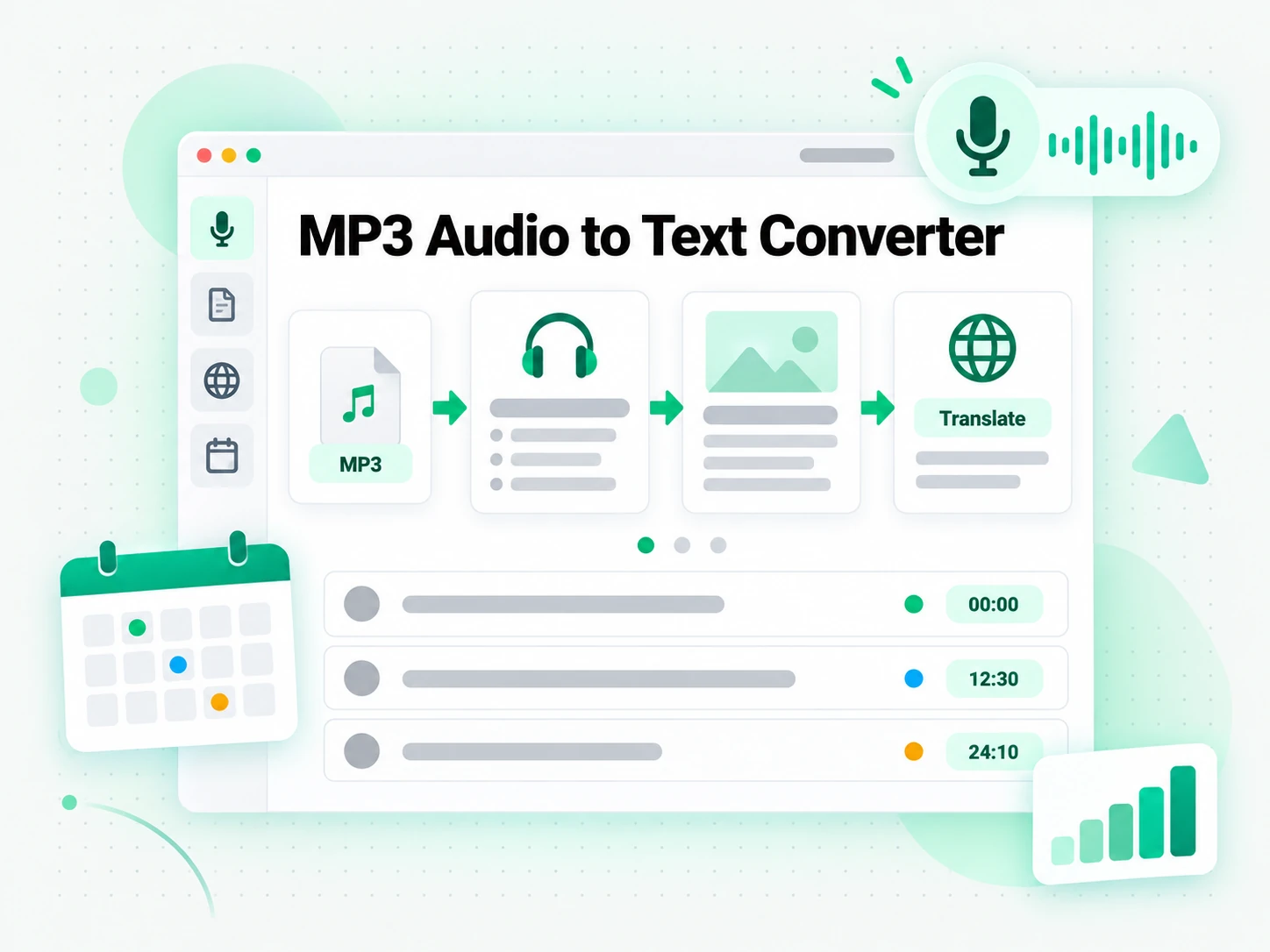
From a local MP3 upload to a reusable transcript, the MP3 to text converter completes the conversion in three stages.
Turn an MP3 File Into a Transcript
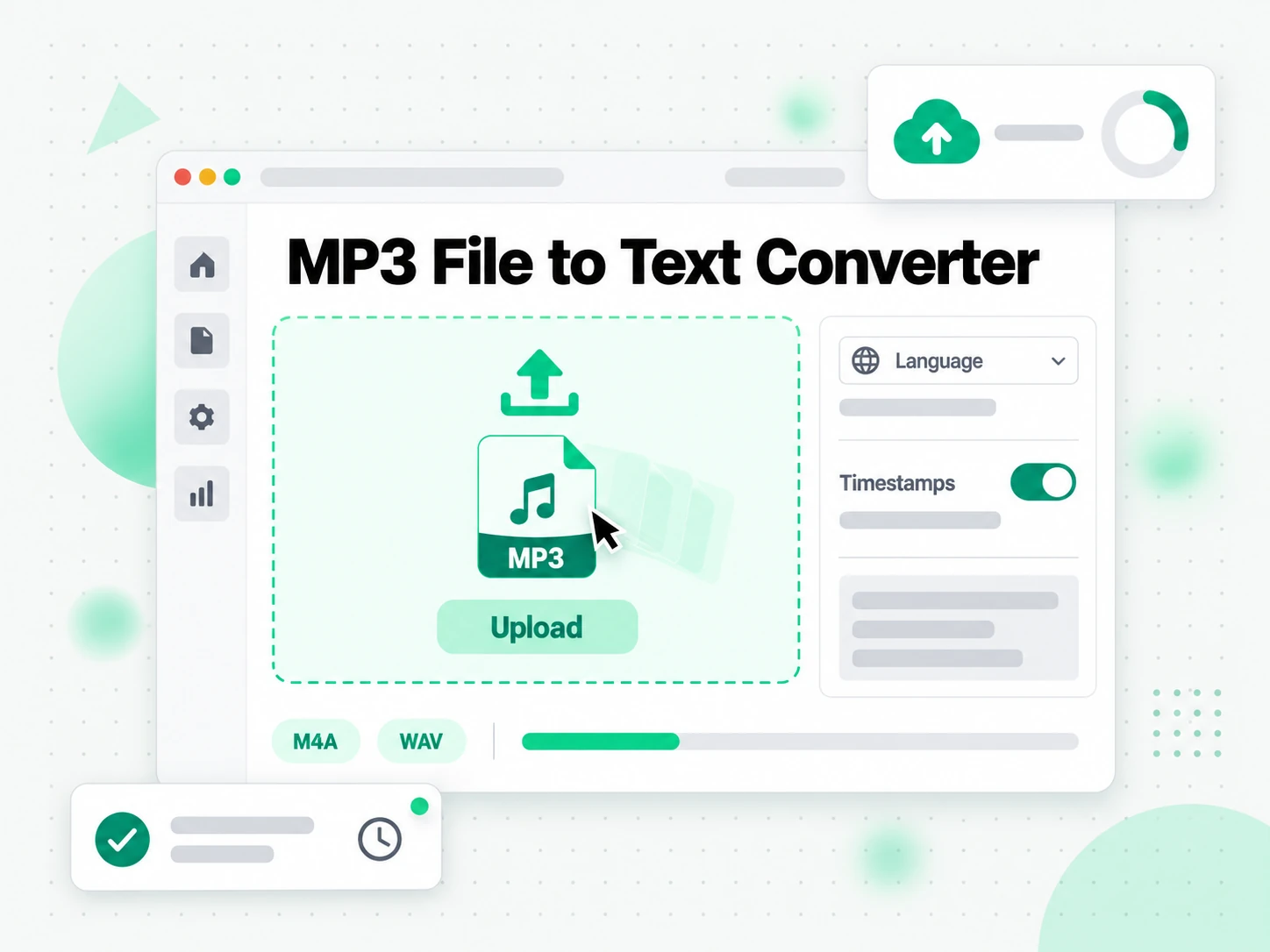
Upload an MP3 by dragging it onto the drop zone or browsing for it, and the converter sends the spoken audio to AI transcription with no link or software to install. It accepts MP3 along with M4A, WAV, FLAC, and other common audio formats up to 5 GB, so an episode, a lecture, or a full meeting recording fits in one pass, and it detects the spoken language automatically. The result is a complete mp3 to transcript with timestamps that stay aligned to what was said, so a file that took hours of scrubbing and typing comes back as text. Inaudible passages are left as gaps rather than invented, which matters when the words will be quoted.
- Direct MP3 upload, with no link to find
- Accepts MP3, M4A, WAV, and FLAC up to 5 GB
- Automatic language detection from the audio
Read, Search, and Summarize the Transcript
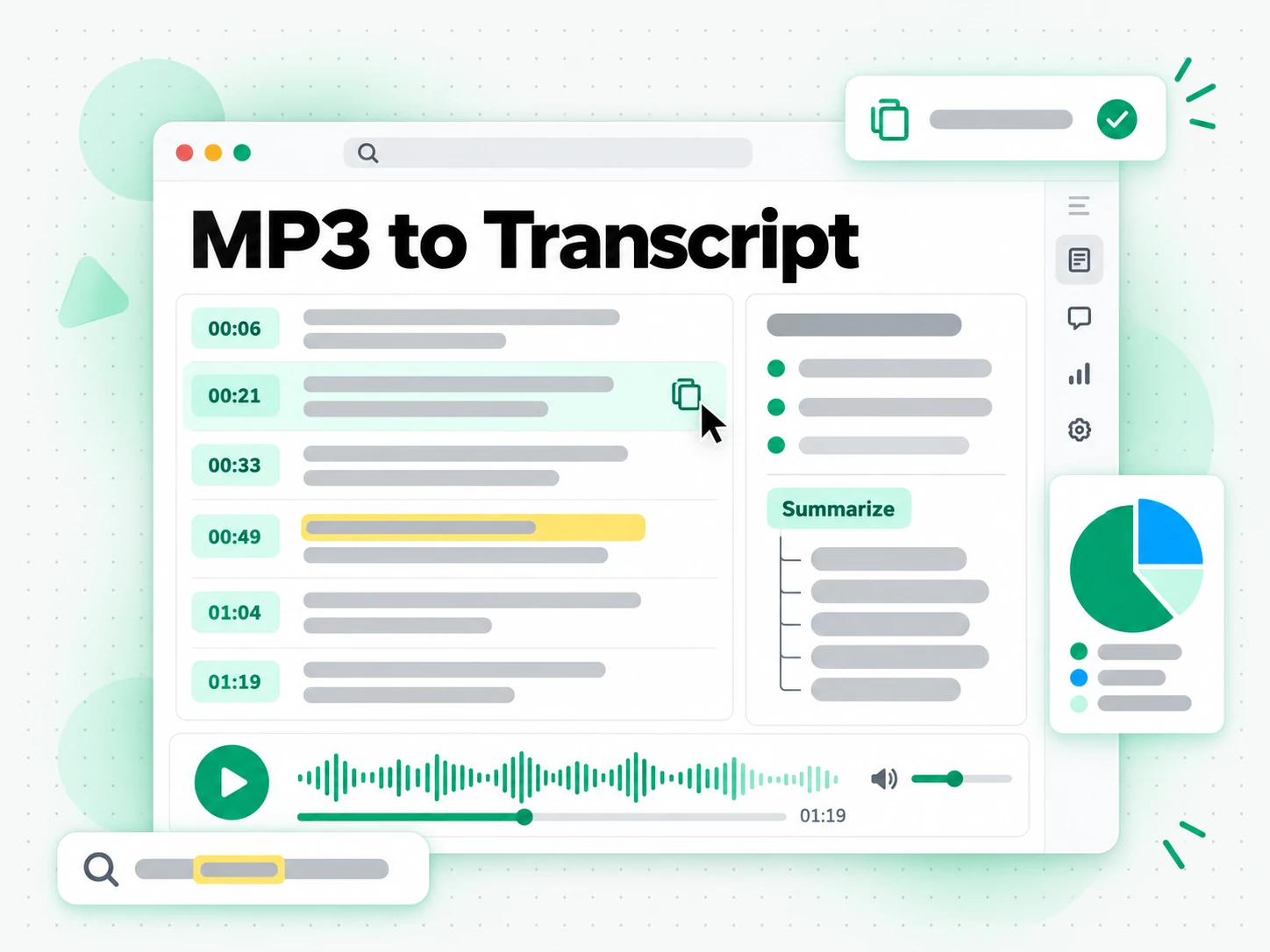
Once the mp3 to text conversion finishes, the full transcript is readable in the browser and searchable for a phrase, a name, or a half-remembered line. Copy a single timestamped line or the whole passage, jump to the moment it was said, and run a summary, an outline, or a mind map to see how a long recording is structured. Instead of replaying the MP3 until you catch the wording, you read the text and paste the exact sentence you need into your notes. A forty-minute recording stops being something you have to play through and becomes a document you can scan and quote.
- Search the full text and copy any line
- Summary, outline, and mind map from one transcript
- Every line keeps the timestamp where it was said
Export, Translate, or Reuse the Text
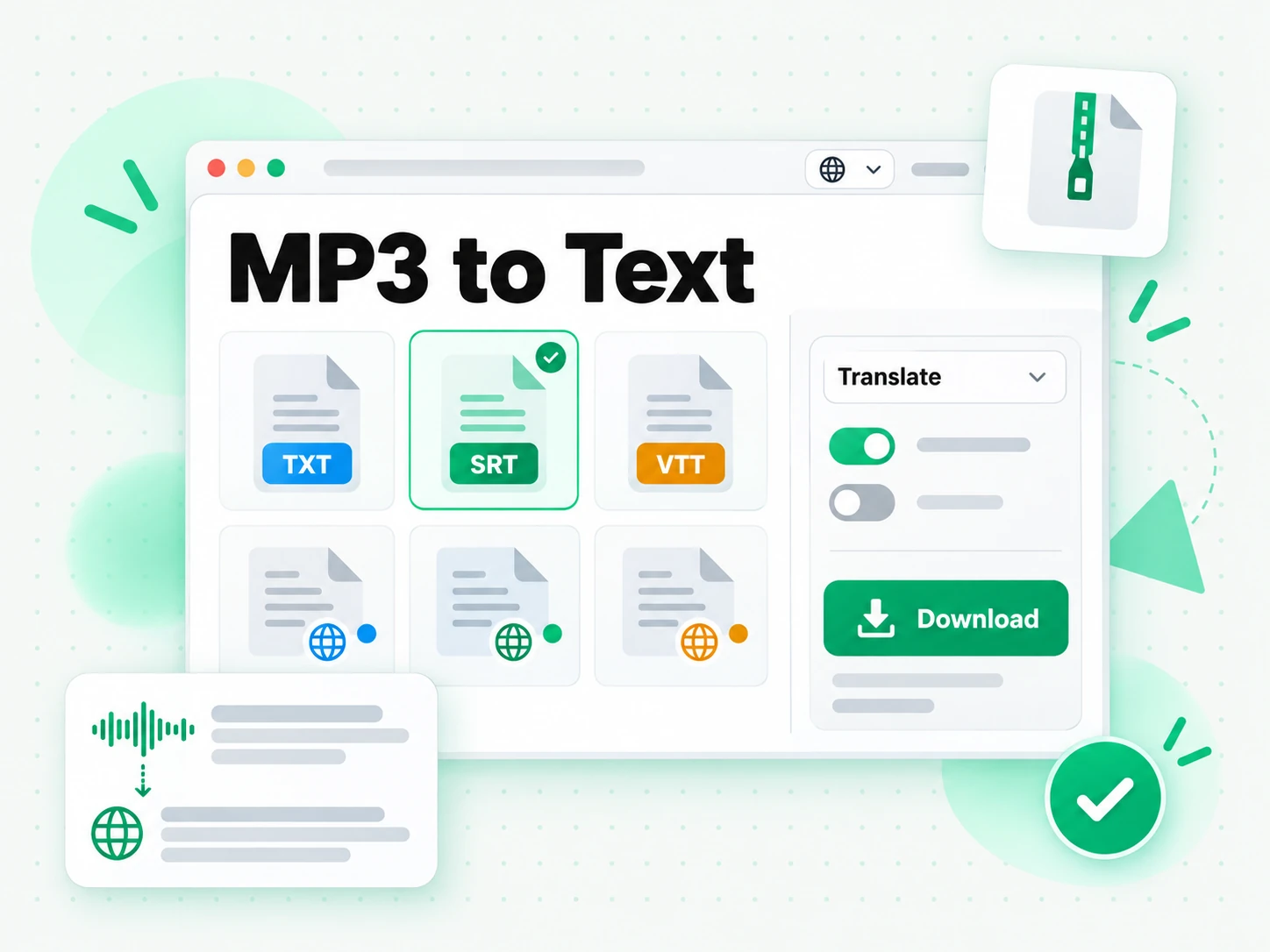
Download the mp3 to transcript as TXT, SRT, or VTT, translate it into another supported language with the timestamps preserved, or hand it to an AI tool as a brief for a new piece of work. TXT is best for notes and documents, while SRT and VTT drop straight into a video editor or a caption tool when the audio belongs to a cut you are producing. Because the output keeps its timestamps, the same transcript can become show notes, a blog post, a subtitle file, a summary, or a first draft, so one MP3 supports several pieces of work instead of one listen.
- Download as TXT, SRT, or VTT
- Translate into another supported language
- Reuse the text as notes, a post, or subtitles
Why transcript.im Beats Manual MP3 Transcription
✅ transcript.im
Upload any MP3 and get the full, timestamped mp3 to transcript. The text stays searchable, copyable, exportable as TXT, SRT, or VTT, and translatable, and you can summarise it in the same place you read it, with no player to scrub and no typing.
❌ Transcribing an MP3 by hand
Playing a file and typing what you hear is slow, and it gets worse with every hour of audio. Pausing, rewinding, and fixing typos means a long recording can take most of a day, and the result is a plain document with no timestamps and nothing you can search.
Who an MP3 to Text Converter Is For
An MP3 to text converter helps anyone who would rather read, quote, or reuse spoken words than play a file back.
For Podcasters and Content Creators
An episode or interview already holds the raw material for the next piece. A searchable mp3 to transcript turns one recording into show notes, articles, and localized versions without another recording session.
- Pull the strongest line for a clip description, then point readers to that timestamp.
- Turn a guest's answer into show notes instead of replaying the episode.
- Draft an article or a newsletter from the full text you can search and copy.
- Produce a localized version for another audience without recording anything again.
- Spot the moments worth promoting by searching the whole conversation for a topic.
- Feed one upload to your editor, notes app, and AI assistant as a brief.
For Students, Researchers, and Note Takers
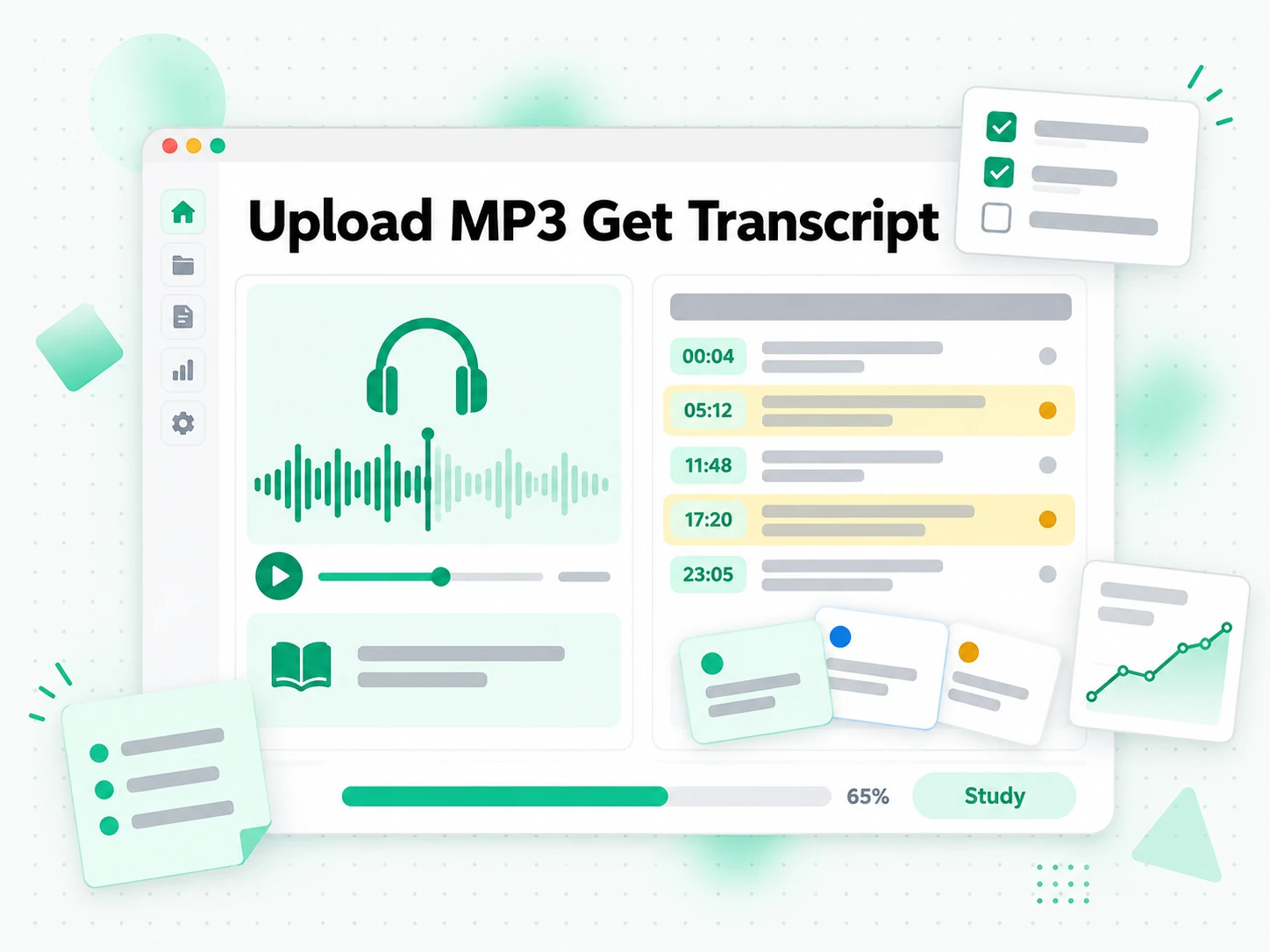
Lectures, seminars, and meeting recordings are easier to study and cite when they exist as text. A timestamped mp3 to transcript lets you cover the material at reading speed instead of pausing to rewind.
- Search an hour of audio for a definition or a name you half-remember.
- Copy the exact line with the timestamp that proves where a citation came from.
- Run a summary or an outline when you only need the argument.
- Turn a vague reference into a citation you can stand behind.
- Export as TXT for a clean, searchable record you can read offline.
- Group recordings by topic and search across the whole set at once.
For Sales, Support, and Outreach Teams
Recorded calls, demos, and voice notes contain the exact language customers use. An mp3 to transcript puts that language in writing so your team can quote and reuse it.
- Pull the questions that come up most often and turn them into a reusable script.
- Reuse a successful call as outreach and follow-up copy for another market.
- Adapt one recording into scripts for different languages and regions.
- Hand over a call by pointing a colleague to the relevant section.
- Quote the exact wording the customer used, checked against the recording.
- Keep timestamps through translation so the written record still lines up with the audio.
For Accessibility and Subtitle Teams
Captions and transcripts make audio content usable for deaf and hard-of-hearing audiences. An MP3 to transcript gives a subtitling team the text and the timing they need to build an accurate caption file.
- Build captions from the transcript rather than typing them by ear.
- Time each line against the audio using the preserved timestamps.
- Export as SRT or VTT and sync the file to the media.
- Check a difficult passage against the recording before publishing.
- Keep the transcript as an accessible companion to the audio.
For Language Learners and Translators
A recording in a language you are learning becomes study material once it is text. An MP3 to transcript lets you read while you listen, look up unfamiliar words, and keep a record of the episode.
- Read along while the audio plays to match sound and spelling.
- Look up unfamiliar words in a passage without pausing blindly.
- Keep the timestamps so you can replay the exact line.
- Translate a section and compare it with the original wording.
- Build a glossary from the recording as you go.
How to Convert an MP3 to Text
- 1
Upload Your MP3 File
Drag an MP3 onto the upload zone or click to browse for it. There is no link to paste and no software to install: the file itself is all the input the mp3 to text converter needs, and common audio formats are accepted up to 5 GB per upload.
Upload or drag a video or audio here
One audio or video file at a time. Common formats are supported.
- 2
Convert the MP3 to Text
Start the conversion and the tool sends the spoken audio to AI transcription, detecting the language automatically. The result is a complete mp3 to transcript with timestamps that stay aligned to what was actually said, so even a recording with no caption track comes back as readable text.
- 3
Read, Search, and Copy
Search the transcript for a term or a name, jump to the timestamp where it was said, and copy a single line or the whole passage. Instead of replaying the file to find a quote, you read the mp3 to text result and reuse the exact wording you need.
- 4
Export, Translate, or Reuse
Download the transcript as TXT, SRT, or VTT, translate it into another supported language with the timestamps preserved, or hand it to an AI tool as a brief. The same mp3 to text result can become notes, subtitles, a summary, or a first draft.
Use Your MP3 Transcript in the Apps You Already Have
Google NotebookLM
Add the mp3 to transcript as a text source in a notebook to summarise the recording and ask questions about it. NotebookLM works from text, so a clean transcript is exactly what it needs.
ChatGPT, Claude, Gemini, Kimi, and Manus
Paste the mp3 to text result into the assistant you already use — ChatGPT, Claude, Gemini, Kimi, or Manus — as a brief for a summary, a rewrite, or a set of follow-up questions.
Writing and Caption Tools
Drop the transcript into your notes app, a document, or a caption editor. Because the text keeps its timestamps, it lands in the structure you already work in.
Builders Using the API and MCP
transcript.im also exposes an API and an MCP server, so a script or an agent can convert an MP3 to text and pass the result into the rest of your pipeline.
transcript.im vs Other MP3 to Text Tools
Different tools answer different questions. Use this table to pick the one that matches what you actually need from an mp3 to transcript.
| Tool | What it does | Use it when |
|---|---|---|
| transcript.im | Full timestamped transcript from an uploaded MP3, with search, copy, export, translation, and AI views. | When you need clean text you can reuse, not just listen. |
| General transcription apps | Speech-to-text apps that often return an unpunctuated block and rarely keep timestamps. | When you only need a rough text dump of a short file. |
| Human transcription services | People transcribe the file by hand, with turnaround measured in hours or days. | When a recording needs a specialist's ear, not speed. |
| Google NotebookLM | Summarises a source and answers questions about it inside a notebook. | When the goal is Q&A over the audio, not the transcript text itself. |
| Manual typing | Playing the MP3 and typing the words out one line at a time. | For a single short quote, if you have the time. |
Related tools
MP3 to Text Converter FAQs
What is an MP3 to text converter?
An MP3 to text converter turns the speech in an MP3 file into full written text, split into timestamped lines. The mp3 to text result is plain, searchable text you can copy, quote, translate, and reuse, unlike the audio itself.
How do I convert an MP3 to text?
Upload your MP3 file with the file tab. The converter transcribes the spoken audio with AI and returns a timestamped mp3 to transcript you can read, search, and export. The file tab takes the upload directly, so you do not need a public link.
Can an MP3 to text converter work on a file with no caption track?
Yes. Audio files rarely carry captions or a sidecar subtitle, so the converter works from the audio itself and returns a complete timestamped transcript without needing any existing text track.
What audio formats does the MP3 to text converter support?
You can upload MP3, M4A, WAV, FLAC, OGG, and other common audio formats. Files up to 5 GB are supported, which covers long episodes, lectures, and meeting recordings.
How accurate is the MP3 to text conversion?
The MP3 to text conversion uses Whisper-grade AI, which handles clear speech reliably and manages a range of accents, speaking speeds, and moderate background noise.
Can I translate the MP3 transcript into another language?
Yes. Once the mp3 to text conversion is complete, translate the result into any supported language with the timestamps preserved, so a translated transcript still lines up with the audio.
What transcript formats can I download from the MP3 to text converter?
You can download the result as TXT, SRT, or VTT. TXT is best for notes and documents, while SRT and VTT are ready for a video editor or a web player.
Does the MP3 transcript include timestamps?
Yes. Every line carries the timestamp where it was spoken, so you can jump to that moment in the audio and quote it accurately instead of taking it on trust.
Can I use an MP3 transcript with Google NotebookLM?
Yes. Add the mp3 to transcript as a text source in a notebook. NotebookLM can then summarise the recording and answer questions about it, which an audio file the model cannot listen to would not allow.
How long can an MP3 file be to transcribe?
Long files are the point: the MP3 to text converter accepts uploads up to 5 GB, so a full podcast episode, a lecture, or an hour-long meeting recording is transcribed end to end. There is no need to split a long file into smaller pieces first.
Why is my MP3 transcript missing some words?
Accuracy depends on the audio. Background noise, overlapping voices, accents, and crosstalk can cause the mp3 to text conversion to mishear a word, so a clean, high-quality track gives the best result.
What is the difference between an MP3 transcript and a subtitle?
A subtitle is a timed track displayed over a video, while an mp3 to transcript is the readable text of what was said. The transcript is what you search and copy; the subtitle file is what you export into a player or editor. You can get either from the same MP3.
MP3 to Text Converter
Upload your MP3 file and get a timestamped transcript you can copy, translate, or summarize.