
TRANSCRIPT
AI Clean Transcript
Supported: YouTube, TikTok, Instagram, LinkedIn, Twitter — video, short, reel, or playlist.
What Does It Mean to Clean a Transcript?
Cleaning a transcript means taking a raw transcript and turning it into readable text you can actually use: the same words, with the filler, false starts, and punctuation noise removed. It is not a summary, and it is not a transcript generator — cleaning a transcript starts from speech that has already been captured and turns it into text you can publish, quote, or study. Filler words like "um", "uh", "you know", and "like" disappear, run-on sentences get punctuation and paragraph breaks, and speech-to-text homophones get corrected, while the original meaning and the timestamps stay intact. The hardest case is an auto-generated transcript from a messy recording: overlapping speakers, technical jargon, and no punctuation at all. That is where a real transcript cleanup tool earns its place. Whether you search for clean transcript, transcript cleanup, or a way to remove filler words and fix punctuation, the result should read like a document, not a conversation dump.
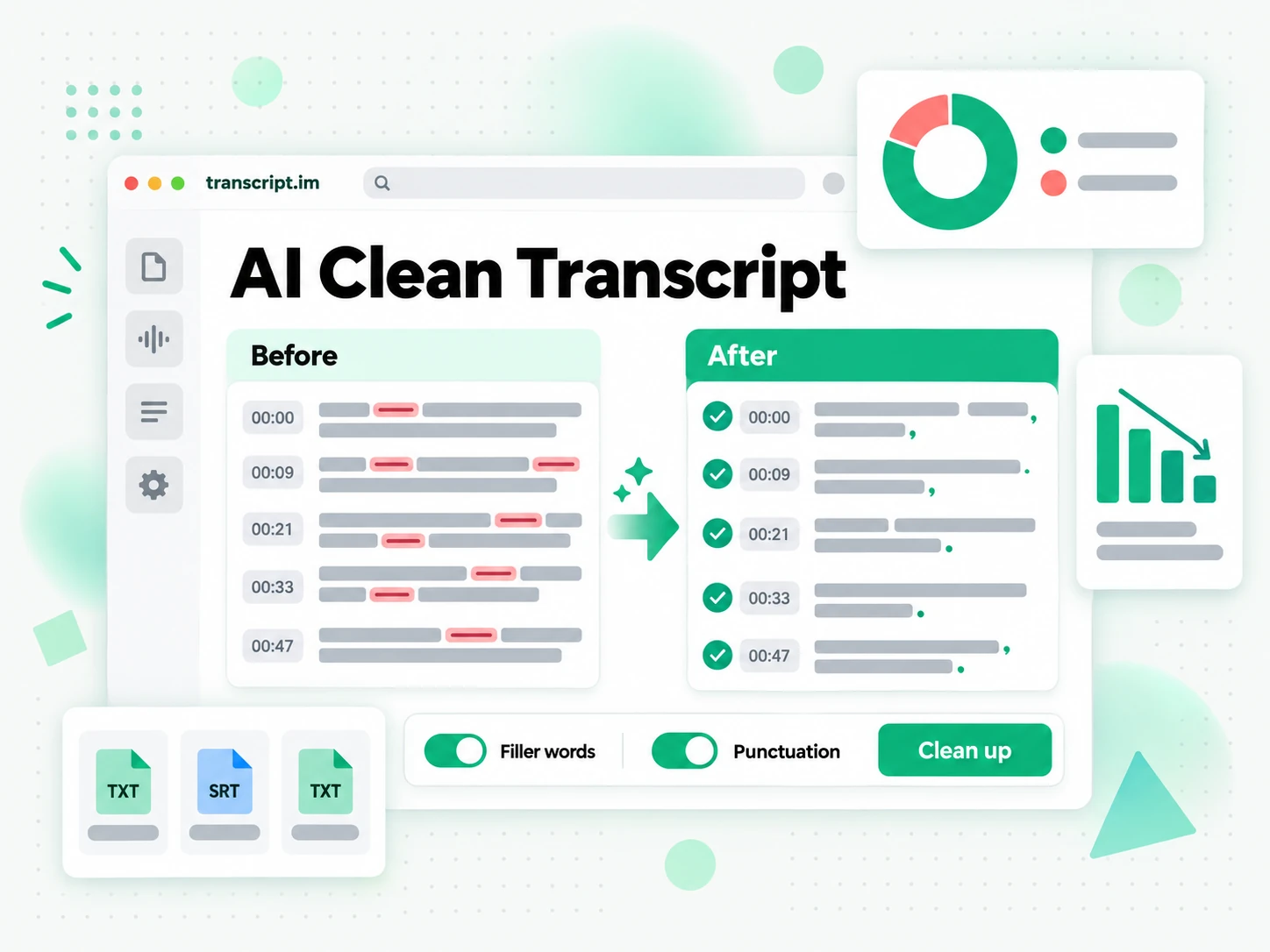
How Cleaning a Transcript Works
One pasted link or one uploaded file takes you from a raw recording to publication-ready text in three steps.
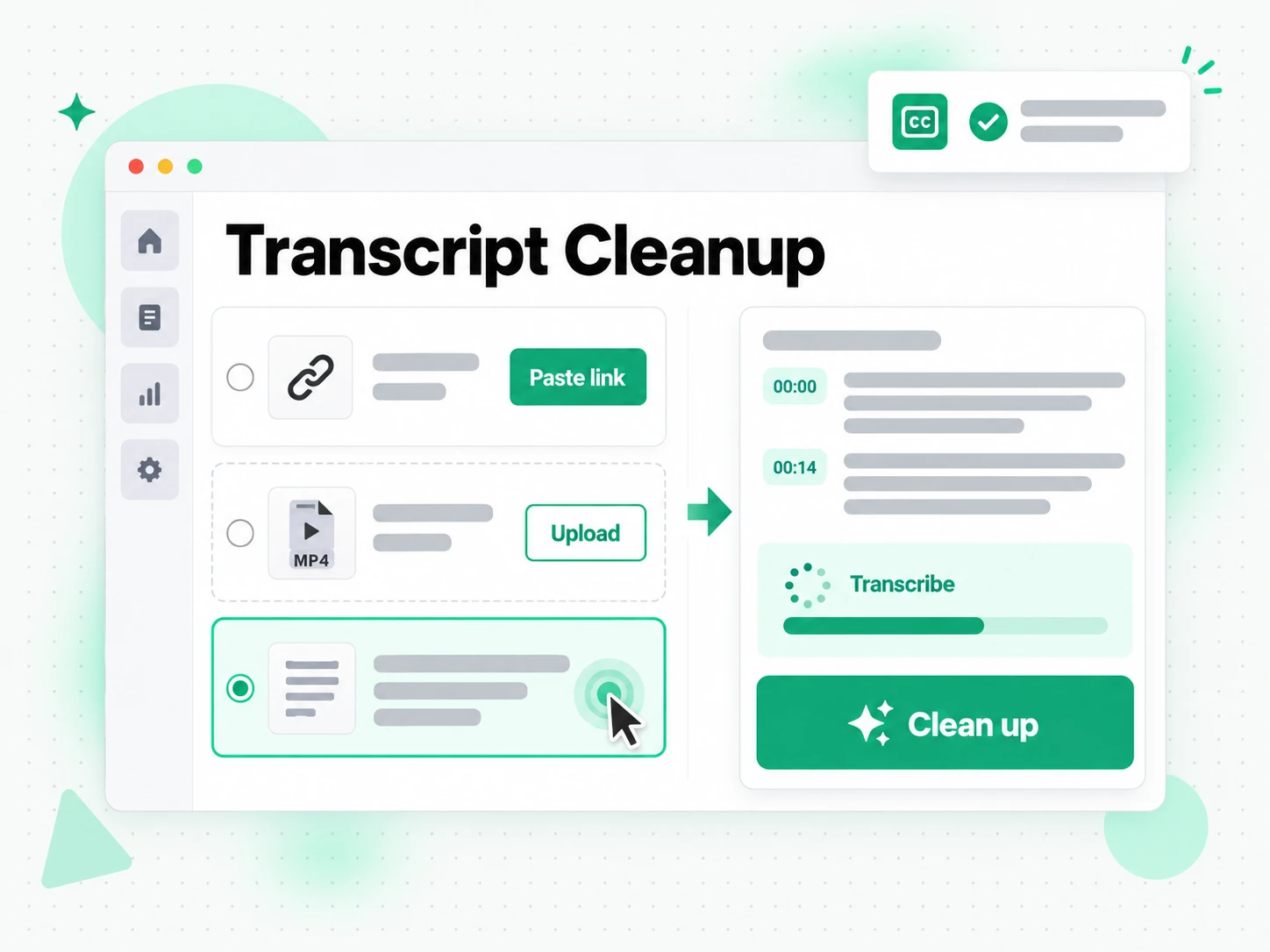
Turn a Raw Recording Into a Transcript
Paste a YouTube, TikTok, or Instagram link, or upload a local video or audio file, and transcript.im captures the speech first. If you already have a transcript, this step is just the hand-off; if you only have the recording, it transcribes the audio with AI so there is something to clean. Speaker turns, timestamps, and the original wording stay in place, because cleanup should remove noise, not the structure of the conversation. The point of this stage is to get the whole recording into one place, so the cleaning pass starts from complete text instead of a half-copied fragment.
- Accepts YouTube, TikTok, and Instagram links
- Uploads local video or audio files
- Keeps speaker turns and timestamps intact
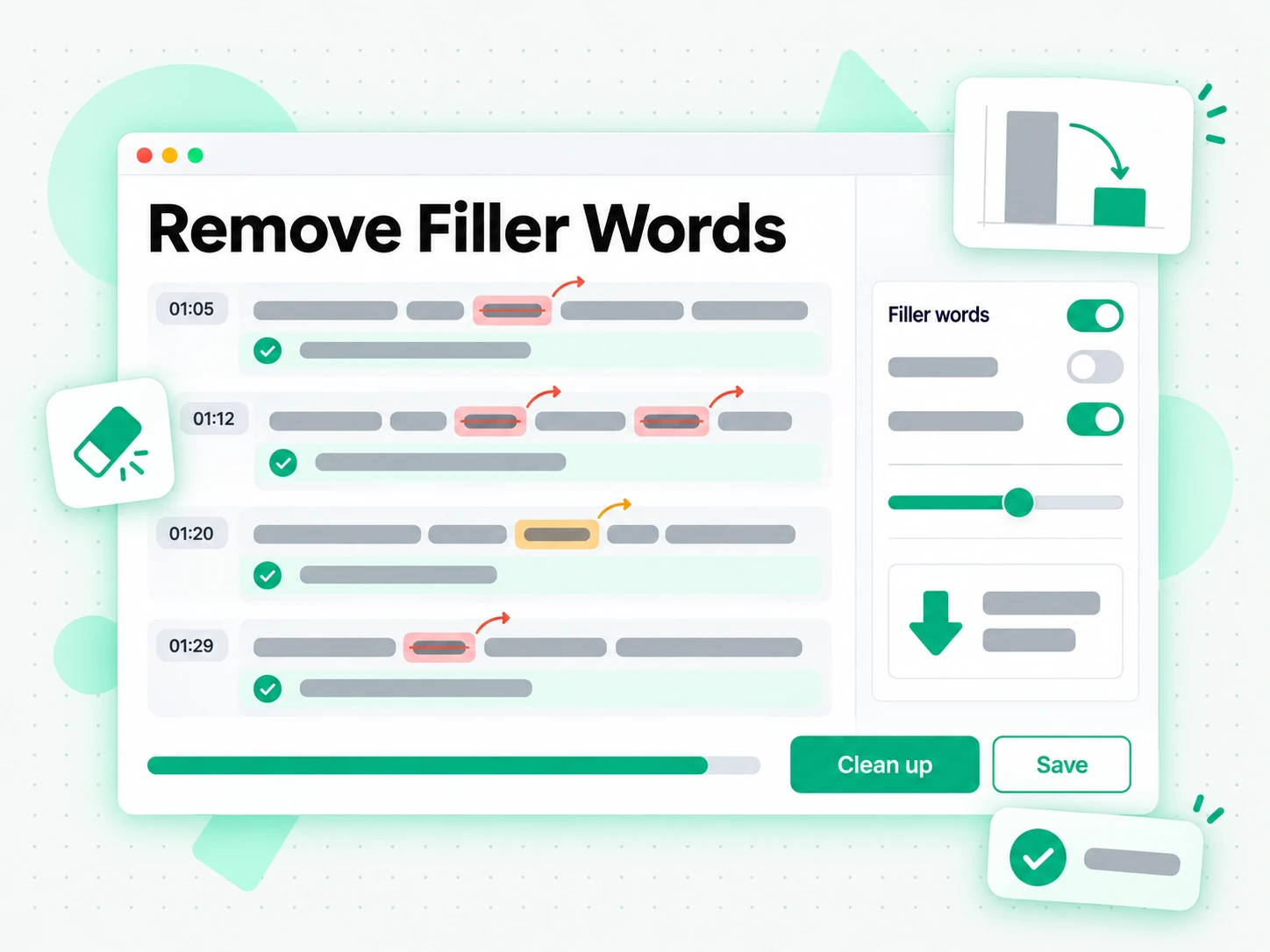
Remove Filler Words and Fix Punctuation
The cleaning pass strips filler words such as "um", "uh", "you know", and "like", deletes false starts and repeated words, and rewrites run-on speech into sentences with commas, periods, and paragraph breaks. Capitalization and common speech-to-text homophones are corrected at the same time, so names and technical terms stop coming back misspelled. Nothing is paraphrased and nothing is reordered: the cleaned text still says what the speaker said, minus the noise that made the raw text hard to read. This is the transcript cleanup step that turns a wall of speech artifacts into text you would actually send to a client or an editor.
- Filler words and false starts removed
- Punctuation, capitalization, and homophones fixed
- Meaning and word order preserved
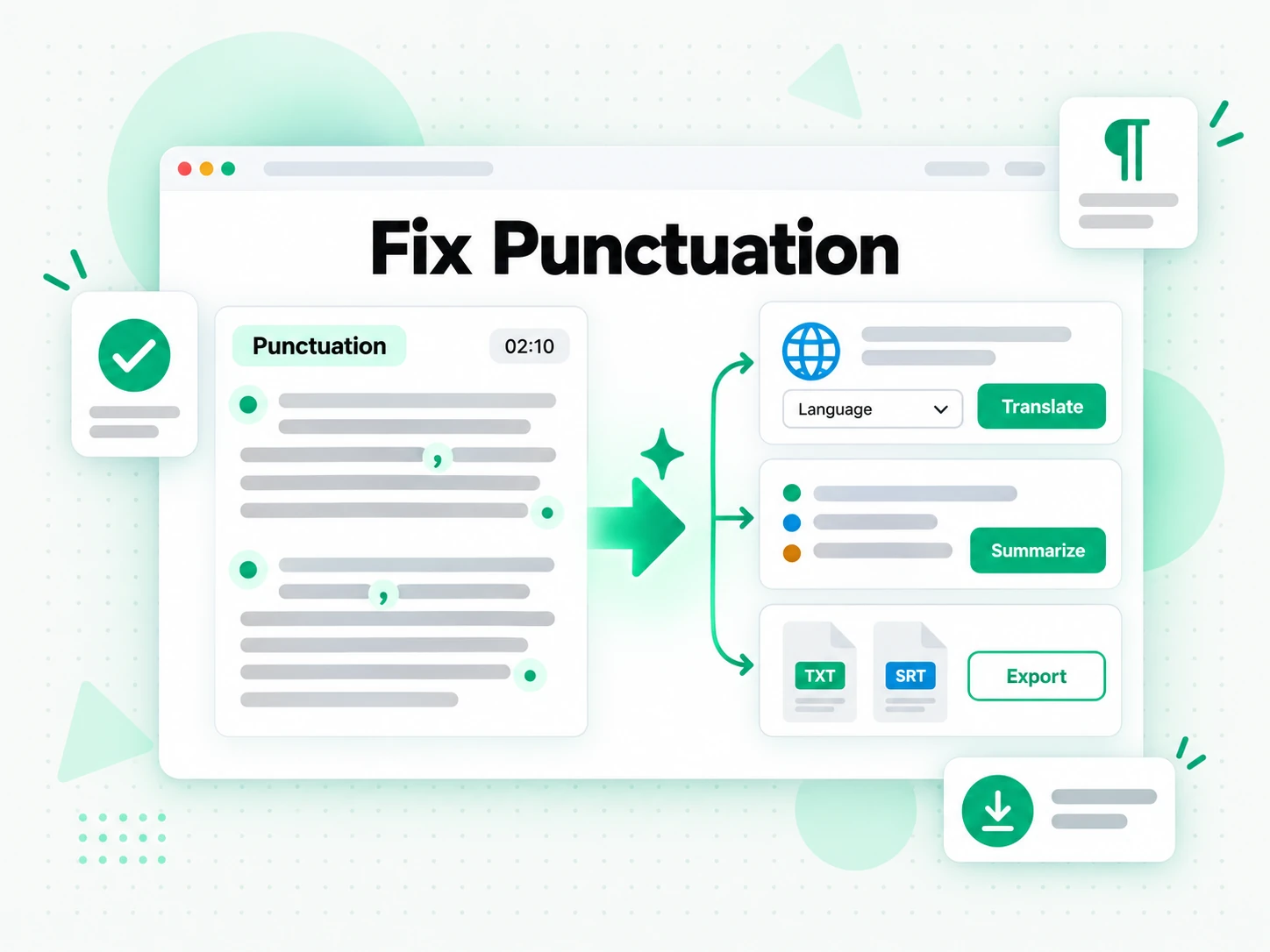
Translate, Summarize, or Export the Cleaned Text
Once the text is clean, translate it into another supported language with the timestamps preserved, run a summary, outline, or mind map over the polished words, or copy and download it as TXT or SRT. Clean text is better input for every downstream step: a summary of cleaned text does not repeat every "um", and a subtitle file built from it needs less manual timing work. You can keep the cleaned text as a document, feed it to the assistant you already use, or export it straight into an editor. The same cleanup pass feeds notes, articles, captions, and research.
- Translate with timestamps preserved
- Summary, outline, and mind map from clean text
- Copy or download as TXT or SRT
Why transcript.im Beats Manual Transcript Cleanup
✅ transcript.im
Paste a link or upload a file and transcript.im returns cleaned text in one pass: filler words removed, punctuation fixed, homophones corrected, timestamps intact. The text stays searchable, copyable, translatable, and exportable as TXT or SRT, and you can summarise it right where you read it. No find-and-replace, no re-listening to the whole recording.
❌ Manual transcript cleanup
Cleaning a transcript by hand means listening back line by line, deleting every "um" and false start, and retyping run-on sentences into readable prose. It takes about as long as the recording itself, and it is easy to miss filler words in a long transcript. There is no clean export, no translation, and no reliable way to keep the timestamps in step.
Who Transcript Cleanup Is For
Cleaning a transcript turns raw speech into text anyone can publish, study, or file — here is who reaches for transcript cleanup.
Publish podcast transcripts instantly
Raw podcast audio makes a messy transcript, full of host banter, false starts, and filler words. Transcript cleanup turns the episode into clean, readable text you can publish.
- Publish readable episode text so listeners who prefer reading can follow the show.
- Give search engines something to index with a readable transcript page.
- Build show notes, episode summaries, and quotes from the polished text.
- Promote the episode with quotable lines without editing by hand.
- Check any line against the audio using the timestamps kept in the transcript.
Fix YouTube auto-captions
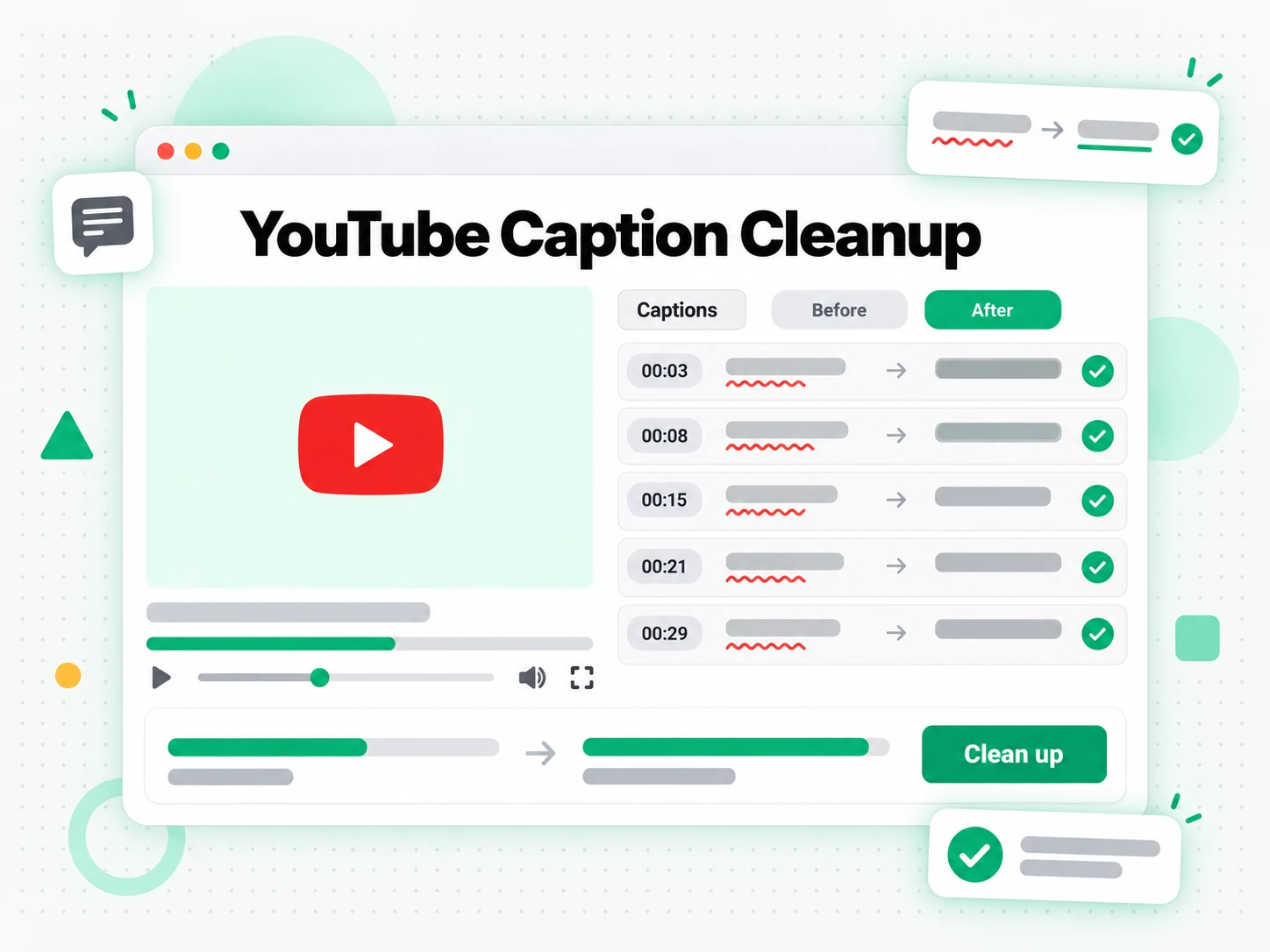
YouTube's auto-generated captions are error-prone, with wrong words, missing punctuation, and names spelled however the model guessed. Transcript cleanup turns that raw caption track into accurate, properly formatted text.
- Correct wrong words and homophones the caption model guessed.
- Add punctuation and paragraph breaks across the whole caption track.
- Remove filler words that make auto-generated captions hard to read.
- Export the result as SRT or VTT and upload it back as a subtitle file.
- Make the video easier to follow and more searchable without retyping it.
Polish interview transcripts
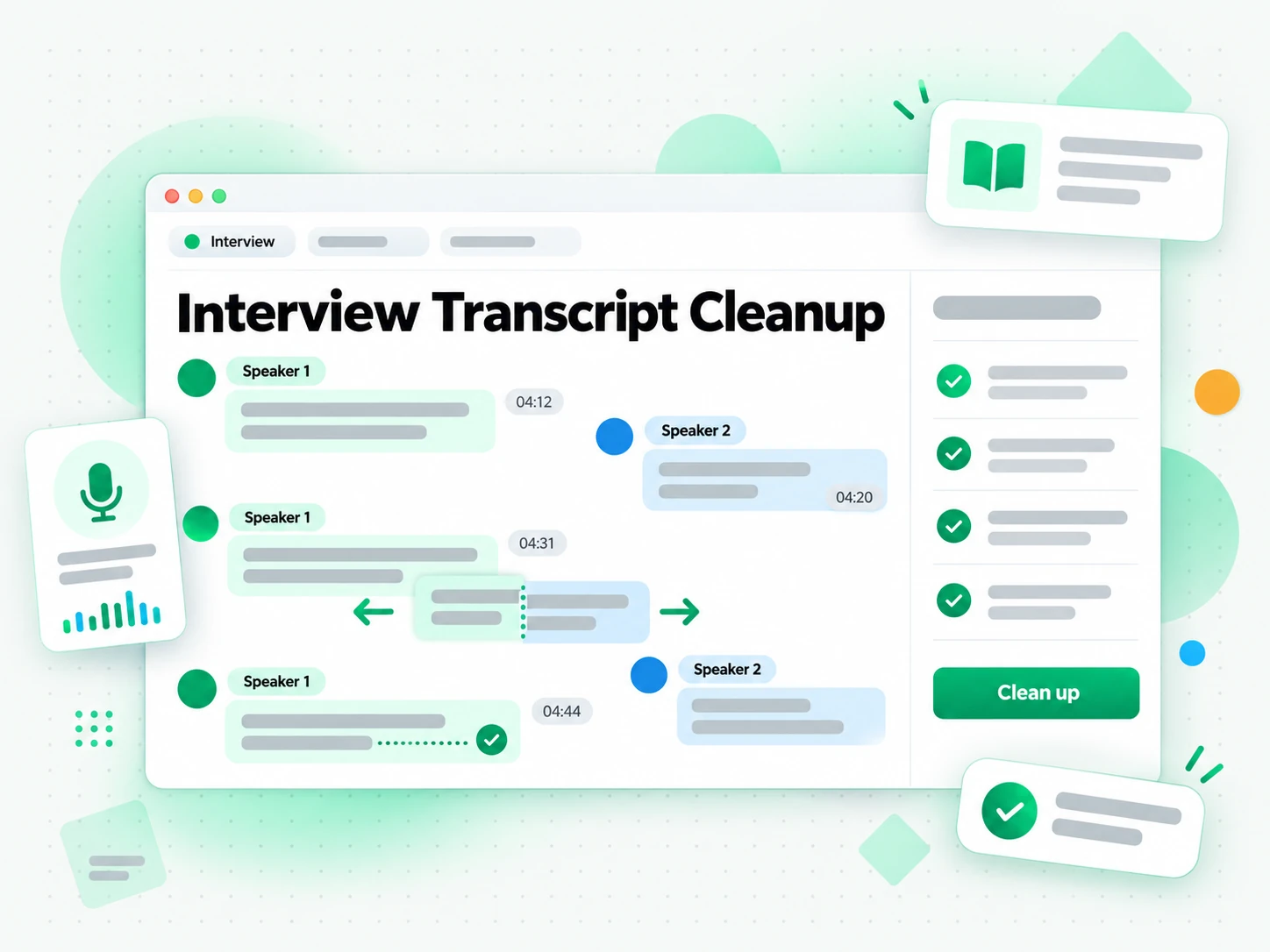
Interview transcripts are some of the messiest text you will work with: overlapping speakers, half-finished sentences, and more filler than substance in places. Transcript cleanup removes the noise and restores punctuation and paragraph structure, so the ideas are easy to quote.
- Restore punctuation and paragraph structure to overlapping speakers.
- Search for the exact line you remember and check it against the timestamp.
- Quote with confidence while the speaker's own wording stays intact.
- Strip repeated words and half-finished sentences that clutter the raw text.
- Paste clean passages into a draft as a journalist, researcher, or podcaster.
Create clean research notes
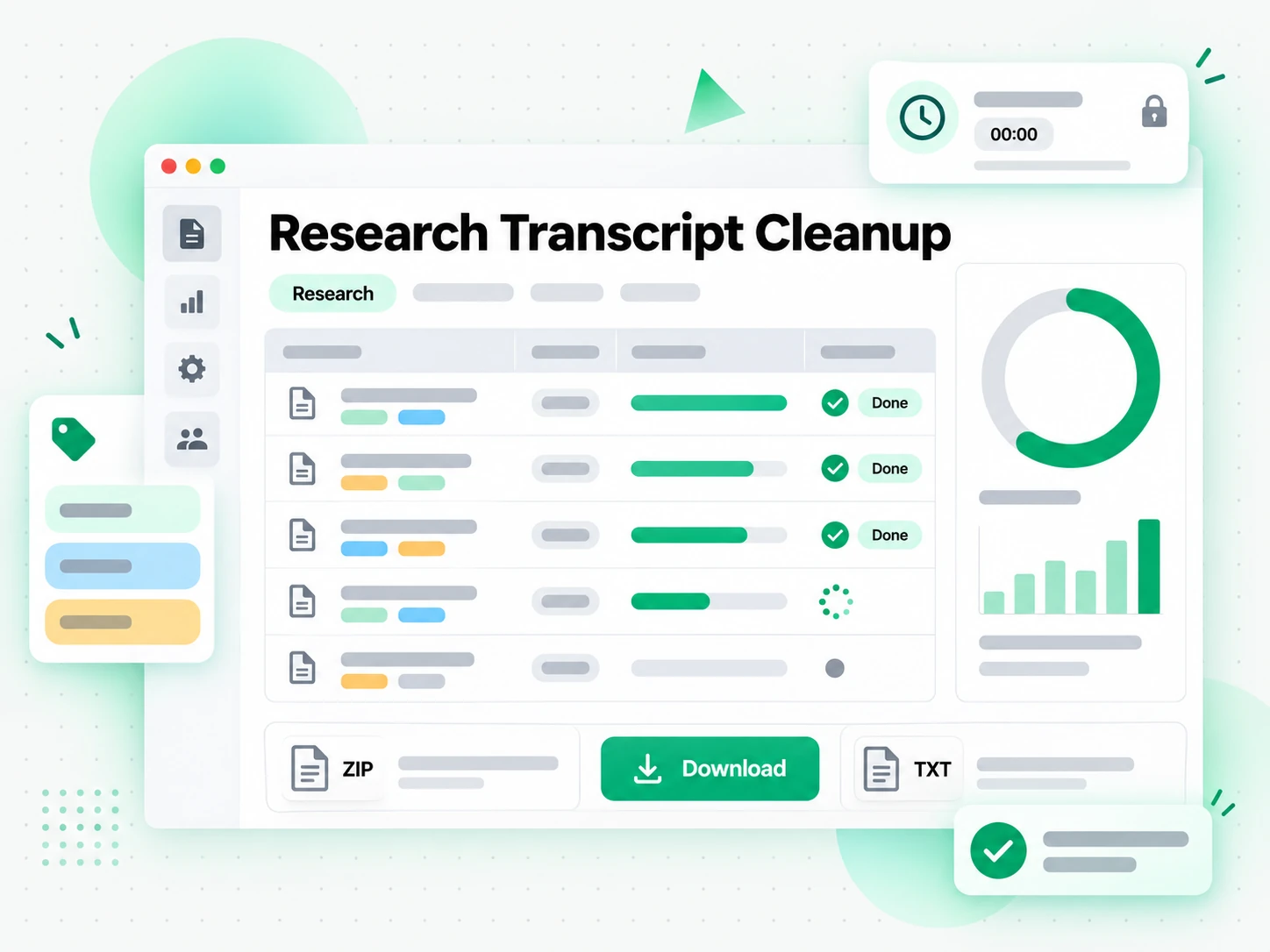
Qualitative research, focus groups, and field interviews produce hours of speech that must become notes before analysis can start. Let transcript cleanup remove the filler and fix the punctuation while every timestamp stays put.
- Turn hours of field interviews into readable passages before analysis begins.
- Jump from a note back to the moment a participant said it.
- Keep every timestamp while removing filler words and false starts.
- Code and quote from a reliable source instead of decoding a rough dump.
- Spend your time on findings, not manual cleanup, of focus-group audio.
For Webinar and Course Creators
A webinar or recorded lesson rarely reads well as raw speech, with filler, false starts, and half-finished sentences in the way. Transcript cleanup turns the session into polished text you can publish as a lesson page or a handout.
- Publish a readable lesson transcript alongside the recording.
- Turn the cleaned text into a written handout or a knowledge-base article.
- Remove filler words without losing the speaker's meaning.
- Check any line against the recording using the timestamps kept in the transcript.
- Export the cleaned text for your course platform or notes app.
How to Clean Up a Transcript
- 1
Paste the Link or Upload the File
Copy any public YouTube, TikTok, or Instagram link and paste it into the box at the top of the page, or upload a local video or audio file. There is no software to install: the link or the file is all the input transcript cleanup needs, whether you are on a phone, a laptop, or a shared computer.
- 2
Run the Cleanup Pass
Start the cleanup and transcript.im reads the speech first, transcribing the audio with AI when you only have a recording, then runs the cleaning pass. Filler words, false starts, and repeated words are removed, punctuation and capitalization are fixed, and homophones are corrected while the meaning and the timestamps stay intact.
- 3
Check the Cleaned Text
Read the cleaned text and search it for a name, a quote, or a term. Check the lines that matter against their timestamps, copy a single passage or the whole text, and adjust anything you want to phrase differently. The cleanup gives you a readable draft; you keep the final say on every line.
- 4
Export, Translate, or Reuse
Copy or download the cleaned text as TXT or SRT, translate it into another supported language with the timestamps preserved, or feed it to an AI tool as a brief. The same cleaned text can become show notes, an article, a subtitle file, or a summary, so nothing you recorded is wasted.
Use Your Cleaned Text in the Apps You Already Have
Google NotebookLM
Add the cleaned text to a notebook as a text source to summarise the talk and ask questions about it. NotebookLM works from text, and clean text gives it fewer distractions to read around.
ChatGPT, Claude, Gemini, Kimi, and Manus
Paste the cleaned text into the assistant you already use — ChatGPT, Claude, Gemini, Kimi, or Manus — and treat it as a brief for summaries, rewrites, or new drafts without the filler.
Video Editors and Subtitle Tools
Export the cleaned text as SRT or VTT and drop it straight into your editor to caption a cut, or use it as the starting point for a translation.
Builders Using the API and MCP
transcript.im also exposes an API and an MCP server, so a script or an agent can clean a transcript and pass the text into the rest of your pipeline.
transcript.im vs Other Transcript Cleanup Tools
Different tools handle cleanup differently. Use this table to pick the one that matches how clean you need the transcript to be.
| Tool | What it does | Use it when |
|---|---|---|
| transcript.im | Removes filler words, fixes punctuation and homophones, and keeps timestamps, with search, translation, and TXT or SRT export. | When you need cleaned text you can publish or reuse. |
| Manual editing by hand | Reading back line by line and retyping the transcript yourself. | For a short clip where you want control over every word. |
| Raw auto-generated captions | Speech-to-text output with filler words, wrong homophones, and no punctuation. | When a rough draft is enough and you will never publish it. |
| AI assistants like ChatGPT and Claude | Cleaning a pasted transcript through a chat prompt, with no timestamps or export. | For a quick one-off cleanup of a short passage. |
| Basic find-and-replace tools | Deleting filler words with a search-and-replace list, one term at a time. | When you only need to strip a few repeated words. |
Related tools
Transcript Cleanup FAQs
What does it mean to clean a transcript?
Cleaning a transcript means removing the filler words, false starts, and punctuation errors from a recording while keeping the speaker's original wording and the timestamps. The result reads like a document instead of raw speech, so you can publish, quote, or study it.
How do I clean up a transcript?
Paste a YouTube, TikTok, or Instagram link or upload a video or audio file, then run transcript cleanup. If all you have is the recording, transcript.im transcribes the speech first and cleans it in the same pass.
Can a raw transcript be cleaned if it has no punctuation at all?
Yes. A raw auto-generated transcript with no punctuation is exactly what transcript cleanup is built for: it adds commas, periods, and paragraph breaks, fixes capitalization, and removes filler words while keeping the meaning intact.
Can I clean a transcript from YouTube, TikTok, or Instagram?
Yes. Paste a public link from any of those platforms and transcript.im cleans the transcript for you. You can also upload a local video or audio file when the recording is not online.
What does transcript cleanup remove from a transcript?
Transcript cleanup removes filler words such as "um", "uh", "you know", and "like", along with false starts and repeated words, and it corrects speech-to-text homophone errors. Punctuation and capitalization are fixed at the same time.
Can I remove filler words from a transcript automatically?
Yes. The cleaning pass detects and removes filler words and false starts across the whole transcript automatically, so you do not have to hunt for each one by hand or run a find-and-replace list.
Are timestamps preserved after transcript cleanup?
Yes. Timestamps are preserved after cleanup, so you can still jump back to the exact moment something was said and check any line against the source recording.
Can I translate a transcript after cleaning it?
Yes. Once the transcript is clean, translate it into another supported language with the timestamps preserved, or export the cleaned text as TXT or SRT for use elsewhere.
Does cleaning a transcript change what was said?
No. Transcript cleanup removes noise and fixes formatting; it does not paraphrase sentences, change word choices, or reorder the content. The cleaned text still says what the speaker said.
Do I need to upload a file, or can I paste a transcript I already have?
The simplest path is to paste a video link or upload the recording, and transcript.im handles transcription and cleanup together. Pasting a raw text block for cleanup on its own is not supported yet.
How accurate is AI transcript cleanup for technical or accented speech?
Cleaning is reliable for standard speech and removes filler words correctly whatever the topic. For heavy accents or dense technical jargon, a quick proofread of names and terms is still worth doing.
How is cleaning a transcript different from a raw speech-to-text transcript?
A raw speech-to-text transcript arrives with filler words, wrong homophones, and missing punctuation. Cleaning a transcript removes that noise and fixes the formatting, so the text is ready to publish, quote, or export.
Clean Up a Transcript
Paste a link or upload a file — remove filler words, fix punctuation, and get readable text with timestamps kept.