
TRANSCRIPT
Free LinkedIn Video Downloader
A LinkedIn video downloader for public posts: see every native MP4 quality the post offers, pick a frame size, and save the original file without a watermark.
You are responsible for having the rights to download this content. See our copyright disclaimer.
What Is a LinkedIn Video Downloader?
A reliable free LinkedIn video downloader is a tool that saves the native video from a public LinkedIn post as a normal MP4 file you can keep and open offline. It is different from the transcript or caption text of the same post: a downloader returns the actual video file, while a transcript returns words. It is also different from the Save action in the LinkedIn feed, which bookmarks the post rather than producing a file. The hardest case is a public post whose video has no download button at all, where the only obvious fallback is recording the screen and losing quality. That is where a real LinkedIn video downloader earns its place: it resolves the same public MP4 variants the player uses and lets you pick a quality. Whether you search for a linkedin video downloader, a way to download linkedin video, a linkedin mp4 downloader, or how to save linkedin video, the result should be the native file, not a recording.
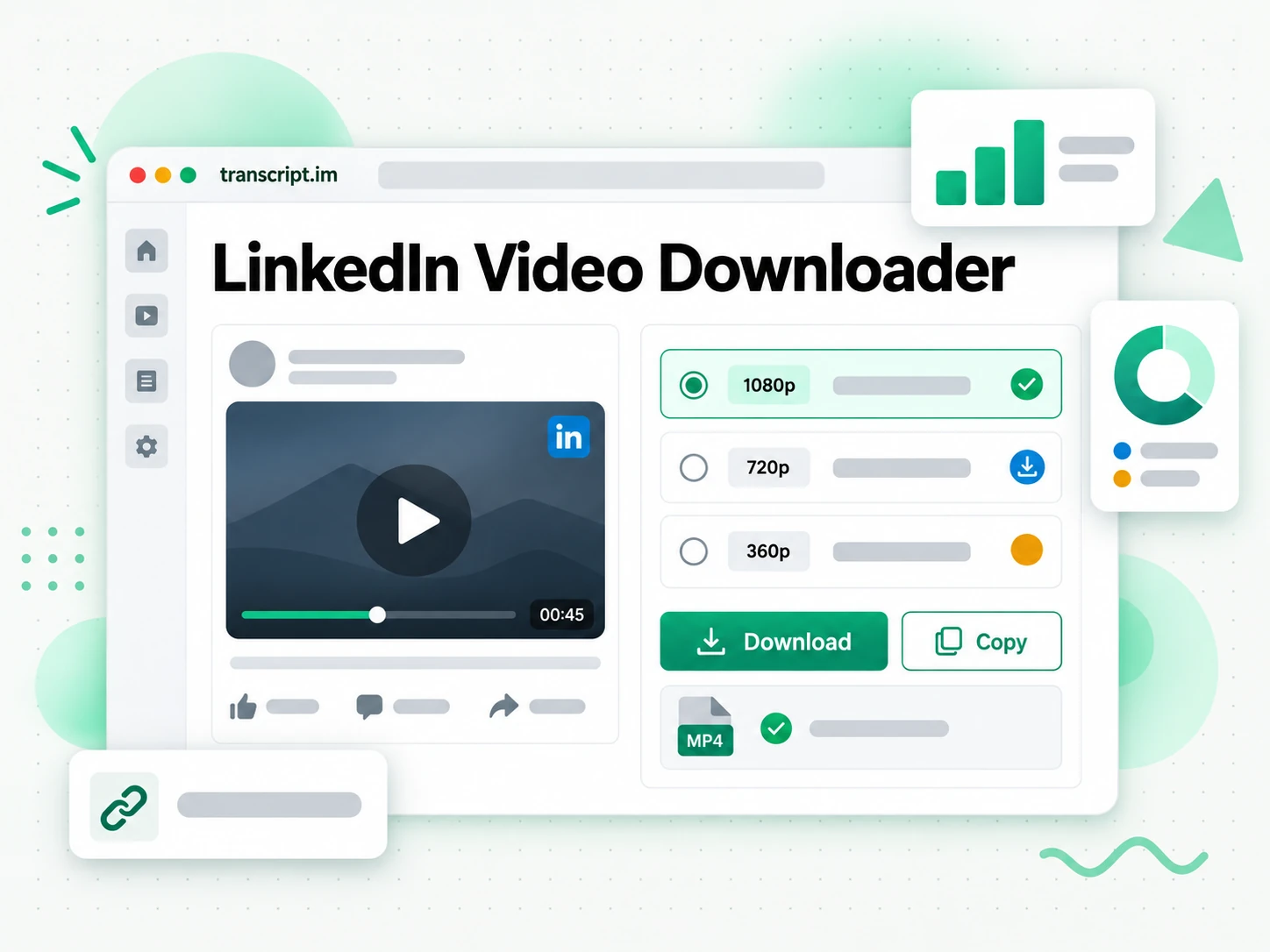
How the LinkedIn Video Downloader Works
A public LinkedIn post becomes a direct MP4 download in three steps.
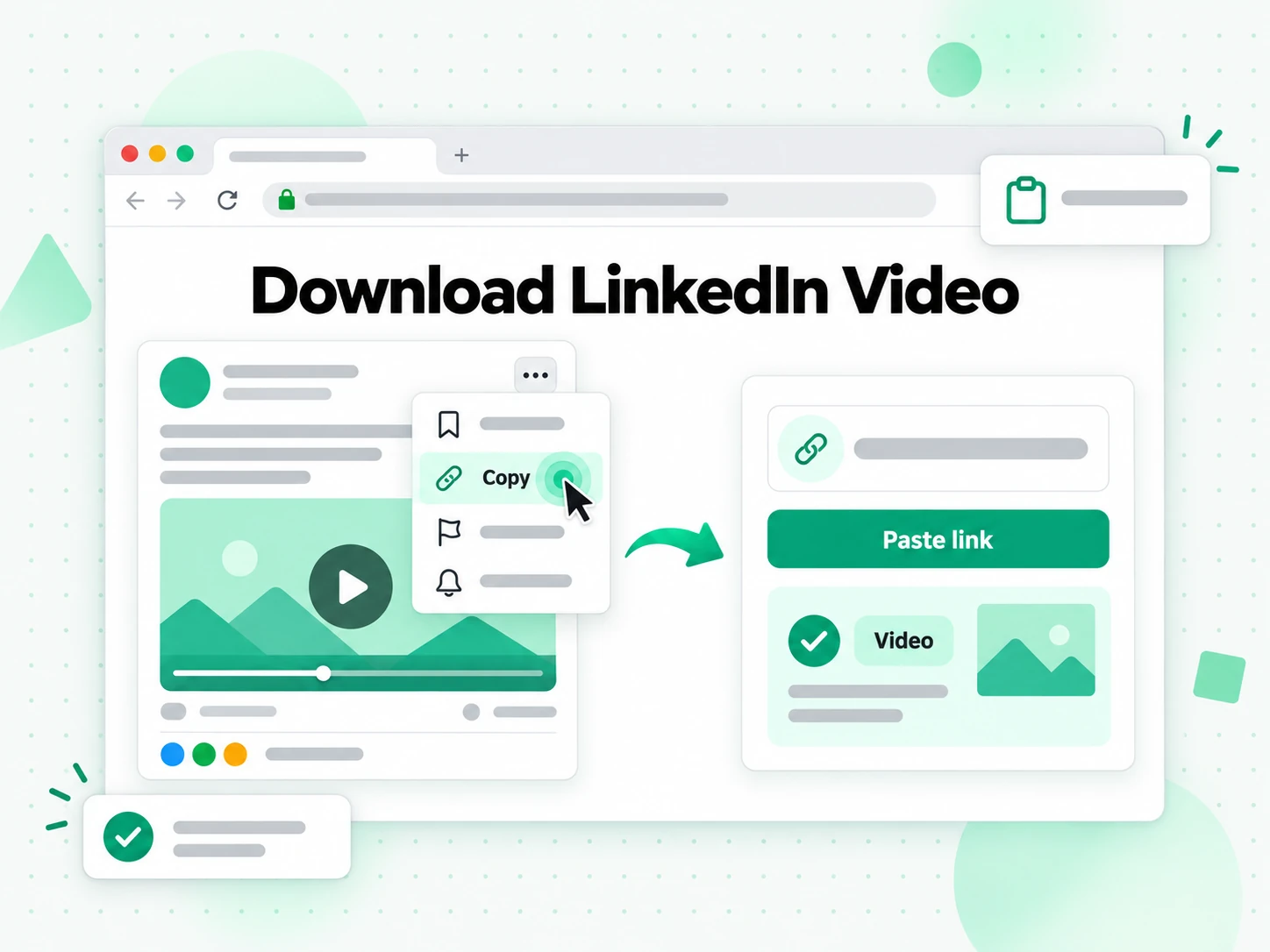
Copy the Public LinkedIn Post Link
Open the LinkedIn post that contains the native video, use the post menu, and choose Copy link to post. A complete linkedin.com/posts or linkedin.com/feed/update URL gives the resolver the post identifier it needs. Profile pages, company pages, search results, and links to private posts do not identify a public native video, so they cannot start a LinkedIn video download. The full post URL is the only input, which means the downloader never asks for a session cookie or account access and there is no extension to install.
- Accepts public LinkedIn post and feed-update URLs
- The post link is the only input it needs
- No extension or extra software to install
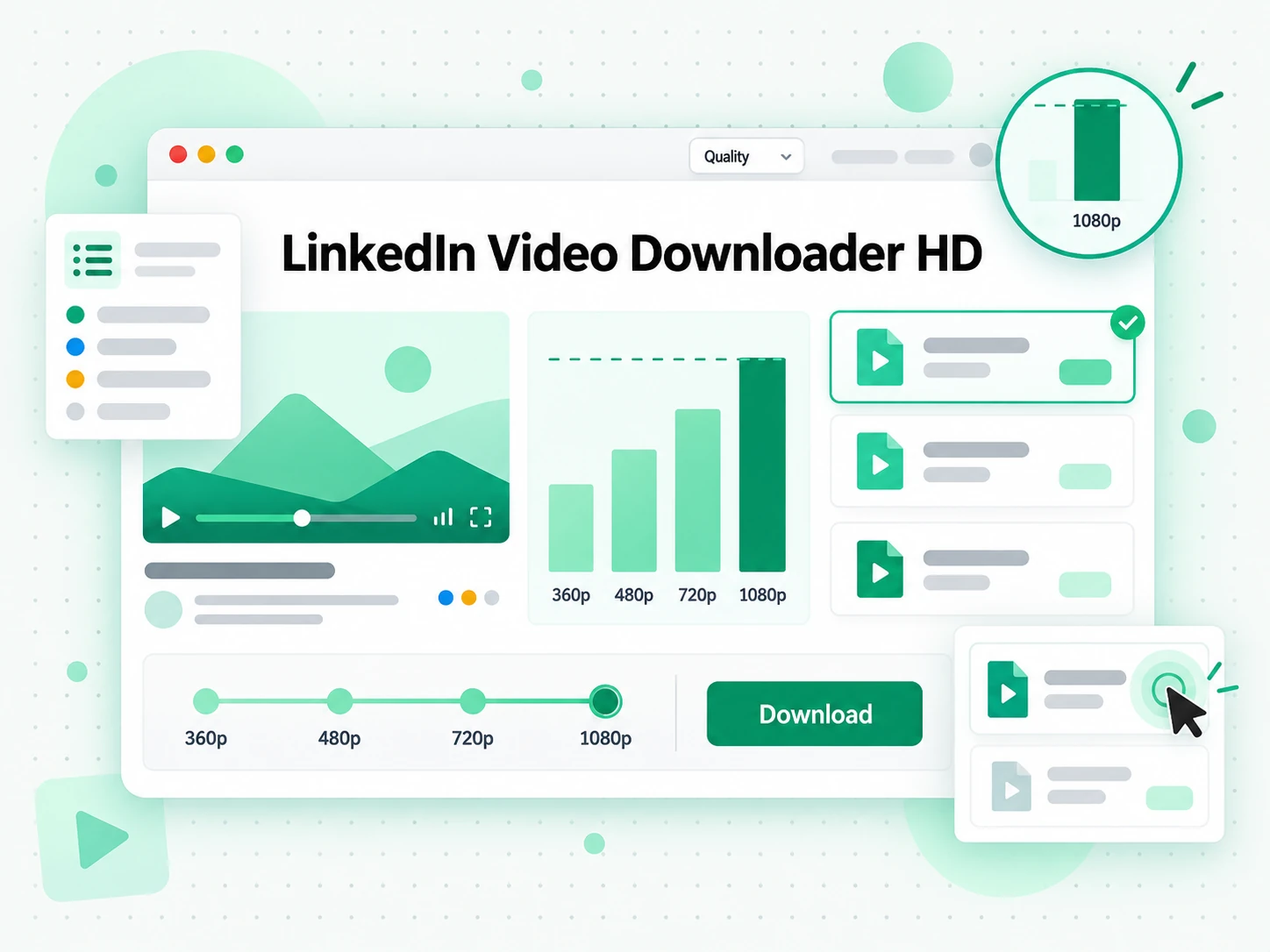
Review the Available LinkedIn MP4 Qualities
The resolver reads the public post metadata and collects the direct MP4 variants LinkedIn publishes for its player. When the post offers several resolutions, the reliable free LinkedIn video downloader lists each one separately and places the largest frame first, so you can compare a compact file against the highest quality LinkedIn exposes. It filters out non-video content and does not manufacture a resolution that LinkedIn never supplied, which keeps the quality list accurate and avoids a misleading upscaled file. The listed variants are the same files the public player streams, not a fresh re-encode of them.
- Native MP4 variants listed by available resolution
- Largest frame first, smaller files for quick sharing
- No screen recording and no artificial upscaling
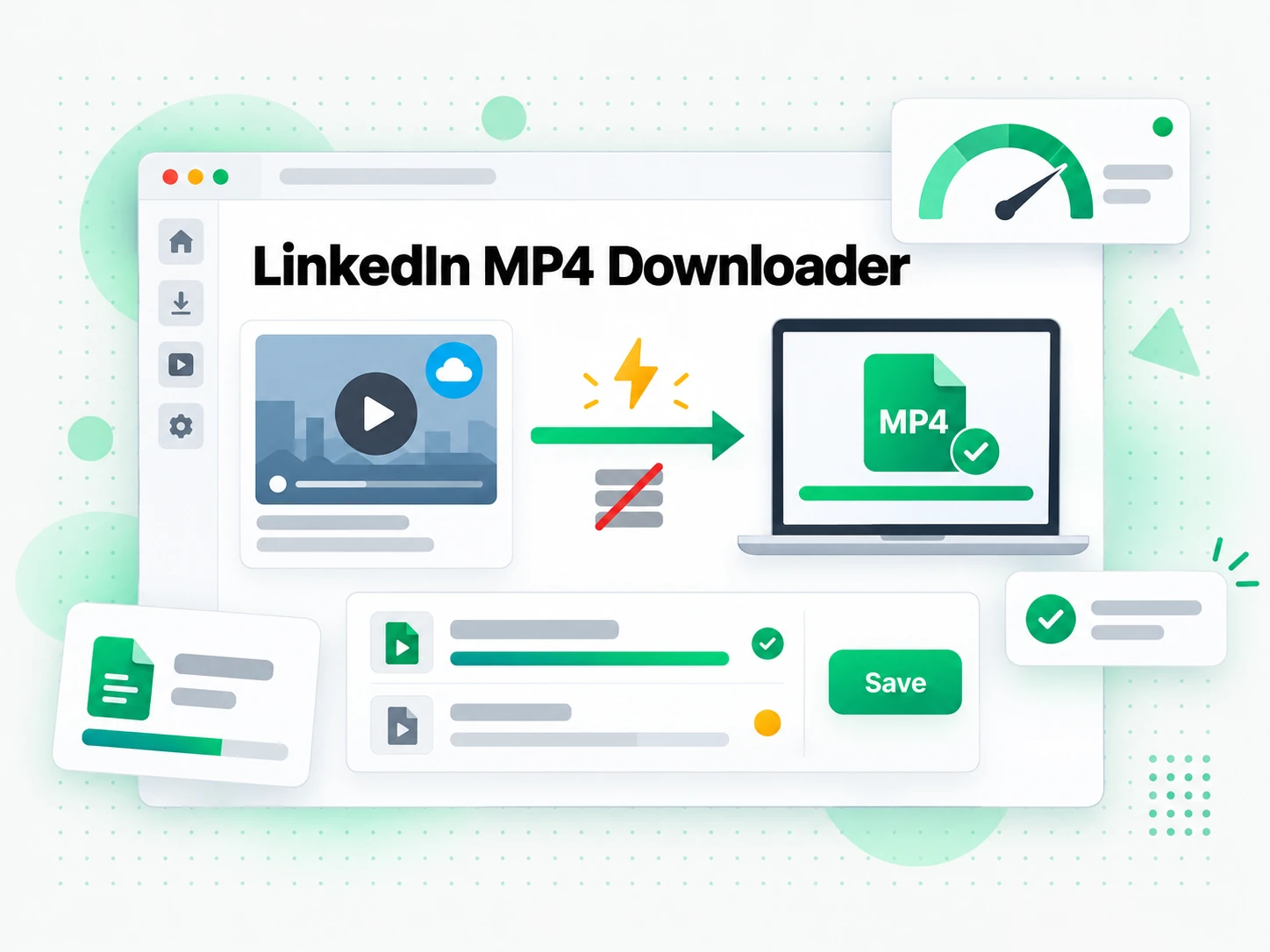
Save the Selected LinkedIn Video
Choose an MP4 quality and start the download. The browser retrieves the selected public media file without a server-side transcode, so there is no conversion queue between the quality choice and the file transfer. The exact filename and save location depend on your browser and device, and the MP4 opens in any standard player once it is on your machine. You can add the LinkedIn video to an editing project or an archive, and because the file carries no added overlay, the footage matches what the creator uploaded. Keep the downloaded video only for a use covered by your own rights, license, or permission from the creator.
- Direct source-file transfer for faster delivery
- The MP4 opens in any standard player or editor
- No transcript.im watermark added to the file
Why transcript.im Beats LinkedIn's Built-In Player
✅ transcript.im
Paste any public LinkedIn post and get its native video as an MP4 at every quality LinkedIn exposes. The file downloads directly, opens in any player or editor, carries no added overlay, and the page never asks for your LinkedIn session or a browser extension. What you save is the same file the public player streams, so the footage matches the upload.
❌ LinkedIn's built-in player
The public player can stream a native video, but it offers no download button and no MP4 file to keep. The feed's Save action bookmarks the post rather than the media, so the only fallback is recording the screen, which is slow, drops to playback resolution, and can capture notifications and controls.
Who a LinkedIn Video Downloader Is For
A reliable free LinkedIn video downloader helps anyone who needs the actual file from an authorized public post, not a link to watch later.
Archive your own company posts
Marketing teams can preserve videos published from their own company page when the original export is difficult to locate.
- Keep a local MP4 to maintain a campaign archive, compare versions, or prepare a quarterly content review.
- Move an approved asset into the company digital-asset system without emailing the original editor.
- Save the highest available quality so the archive still looks right on a large screen or in a slide deck months later.
- Rebuild a campaign library in a single step instead of hunting through old exports.
- Keep the post URL and publication date beside the file so future teammates retain the source context.
Review an approved customer example
Sales enablement and customer-success teams sometimes need an authorized product demonstration, event clip, or testimonial for an internal meeting.
- Choose a smaller MP4 for quick sharing on a call.
- Take the largest available variant when text inside the video must stay readable in a presentation.
- Drop the file straight into a deck, a learning platform, or an internal wiki without a conversion step.
- Download only when the owner permits reuse of the demo, event clip, or testimonial.
- Keep the review focused on the message rather than on how to play the clip.
Create captions and transcripts
An authorized LinkedIn MP4 can be uploaded to transcript.im for LinkedIn video transcription, captions, quotations, and searchable notes.
- Upload your own interviews, webinars, announcements, and educational clips for transcription.
- Subtitle a re-edit from the text the recording produces.
- Quote the recording accurately in a write-up.
- Translate and caption for a different audience from the same source.
- Remember transcription does not transfer ownership or create permission to republish another creator's words, image, voice, or brand material.
Keep a research reference
Researchers, analysts, and journalists may preserve a public video when their organization has a lawful reason to document the source.
- Store the post URL, creator, capture date, and usage basis with the MP4.
- Save the highest available quality so on-screen text stays legible when the clip is later reviewed or cited.
- Keep a local file that survives even if the post is edited or removed.
- Treat provenance as essential to a reliable record, not just the media file.
- Use the downloader as part of a documented rights review, not as a substitute for it.
For Event and Webinar Hosts
A LinkedIn Live or webinar recording stays useful long after the event, but it is awkward to reuse from inside the feed. Keep an authorized copy so the session can be edited, clipped, or shared internally.
- Preserve the recording before the post is changed or removed.
- Keep the highest available MP4 so a later edit still looks clean.
- Store the post date and campaign notes with the file.
- Turn one segment into a shorter clip for a follow-up post.
- Confirm permission before republishing any part of the recording.
How to Download a LinkedIn Video
- 1
Copy the Public LinkedIn Post Link
Open the post with the native video, use the post menu, and choose Copy link to post. Paste the full linkedin.com/posts or linkedin.com/feed/update URL into the box at the top of the page. Only public posts with a native video resolve, so a profile, a company page, or a private update will not start a download.
You are responsible for having the rights to download this content. See our copyright disclaimer.
- 2
Resolve the Video and Review the Qualities
Start the resolver and it reads the public post metadata to find the direct MP4 variants LinkedIn serves its player. Each available resolution appears as its own option, with the largest frame listed first. Nothing is re-encoded and no resolution is invented, so the quality you see is the quality LinkedIn actually publishes for that post.
- 3
Choose and Save the MP4
Pick the resolution that fits your purpose: a smaller file for quick sharing, or the largest available variant for an archive or a presentation. The browser downloads the selected public media file directly, with no conversion queue. The filename and save location follow your browser and device settings, and the resulting MP4 opens in any standard player.
- 4
Keep the Source Details
Save the post URL, the creator, and the date alongside the file so the download remains traceable. If the video is your own or you have permission to reuse it, upload the MP4 to transcript.im for transcription, captions, or searchable notes. Use the file only for a purpose covered by your rights, a license, or the creator's consent.
Use Your LinkedIn MP4 in the Apps You Already Have
Video Players and Editors
The downloaded MP4 opens in VLC, QuickTime, Premiere, Final Cut, CapCut, and DaVinci Resolve without a conversion step, so the clip is ready for a review, a rough cut, or a re-edit the moment it lands.
Cloud Storage and Team Drives
Drop the file into Google Drive, Dropbox, or a company asset system to share it with a team. Because it is a standard MP4, it also embeds cleanly in slide decks, wikis, and internal learning pages.
Caption and Transcription Tools
Upload the authorized MP4 to transcript.im and the same recording becomes a timestamped transcript, subtitles, or searchable notes. That turns a video you already have the right to use into text you can quote, translate, and search.
Builders Using the API and MCP
transcript.im also exposes an API and an MCP server, so a script or an agent can hand a public LinkedIn post to the resolver and pass the returned media into the rest of your pipeline.
transcript.im vs Other LinkedIn Video Downloader Tools
Different tools answer different questions. Use this table to pick the one that matches what you actually need from a LinkedIn video download.
| Tool | What it does | Use it when |
|---|---|---|
| transcript.im | Native MP4 for public LinkedIn posts, listed at every quality LinkedIn exposes, with direct download and no added overlay. | When you need the actual file at the best available quality. |
| LinkedIn's built-in options | Streaming in the public player and saving the post as a bookmark, with no MP4 file to keep. | When you only need to watch or bookmark the post. |
| Screen recording tools | Capturing the playing window, which is slower and drops to playback resolution. | When no file option exists and a rough copy will do. |
| Browser extensions | Adding page access to a browser to catch media requests, and needing maintenance when the page changes. | When you accept broad permissions for a one-off save. |
| Generic downloader sites | Returning a single re-encoded file, sometimes with a watermark, and often asking for a session. | When a single lower-quality copy is enough. |
LinkedIn Video Downloader Related Tools
LinkedIn Video Downloader FAQs
What is a free LinkedIn video downloader?
A free LinkedIn video downloader is a tool that saves the native video from a public LinkedIn post as an MP4 file you can keep and open offline. It returns the actual media file, unlike the post's Save bookmark or a written transcript.
How do I download a LinkedIn video?
Copy the public post link, paste it into the box at the top of the page, and start the resolver. When the post contains a native video, the page lists its available MP4 variants, and you choose one to save through your browser.
Can the free LinkedIn video downloader save a post that has no download button?
Yes. LinkedIn does not give a native post video a download button at all, so the downloader resolves the public media source behind the player instead. Any finished video uploaded to a public post can be saved the same way. That is exactly what the reliable free LinkedIn video downloader is for.
What MP4 quality can I download from LinkedIn?
The downloader lists every resolution LinkedIn publishes for that post, largest first. The available quality depends on the creator's upload and LinkedIn's own processing, so a post that only has a lower-resolution variant cannot be saved at a higher one.
Does the free LinkedIn video downloader re-encode the video?
No. It passes the public MP4 variant through without a server-side transcode, so the file is the same encode the player streams. That keeps the resolution and compression the creator's upload produced.
Can I download a LinkedIn video on a phone?
Yes. The downloader runs in the browser, so you can paste the post link and save the selected MP4 on a phone or tablet. Where the file is stored depends on your mobile browser and device.
Does the downloaded LinkedIn video have a watermark?
No watermark is added by transcript.im. The file comes from a LinkedIn-hosted public variant, so any mark already present in the creator's own upload naturally remains.
Can the free LinkedIn video downloader save private or connections-only posts?
No. Private, connections-only, age-gated, or restricted posts are not available to a public resolver, and the tool never uses your LinkedIn session to cross an access control. Only posts that open in a signed-out browser can be resolved. That is exactly what the reliable free LinkedIn video downloader is for.
Can I download LinkedIn Learning or LinkedIn Live videos?
No. LinkedIn Learning is course content behind an account, and live or replay workflows do not expose the same public native-post MP4 contract. This page is for finished videos uploaded to ordinary public LinkedIn posts.
Can I reuse a downloaded LinkedIn video in my own project?
The downloader does not grant reuse rights. You may save videos you own or have permission to use, but reposting, editing, or publishing somebody else's file can require the creator's consent and compliance with copyright and platform rules.
How is this different from screen recording a LinkedIn video?
Screen recording plays the video live and captures the window, which is slower, drops to playback resolution, and can pick up notifications and controls. The downloader fetches the public MP4 file itself, so the saved clip keeps the source dimensions.
How is this different from a browser extension that saves LinkedIn videos?
An extension needs broad access to the pages you visit and can break when LinkedIn changes its layout. The downloader works from the pasted post URL in the browser, with nothing to install or keep updated.
Try the Free LinkedIn Video Downloader
Paste a public LinkedIn post URL, review the native MP4 qualities, and save the file you are authorized to use.