
Native tools for DeepSeek Harness
Transcript for DeepSeek Harness
Give your DeepSeek Harness agent the source text behind a video. The transcript.im plugin adds transcript retrieval, YouTube discovery, and batch tools directly to your Harness profile, so the agent can collect evidence before it writes, compares, or answers.
- 11 tools registered directly in DeepSeek Harness
- Public video transcripts with timestamp options
- YouTube search, channels, playlists, and caption discovery
- Structured results for your own agent workflows
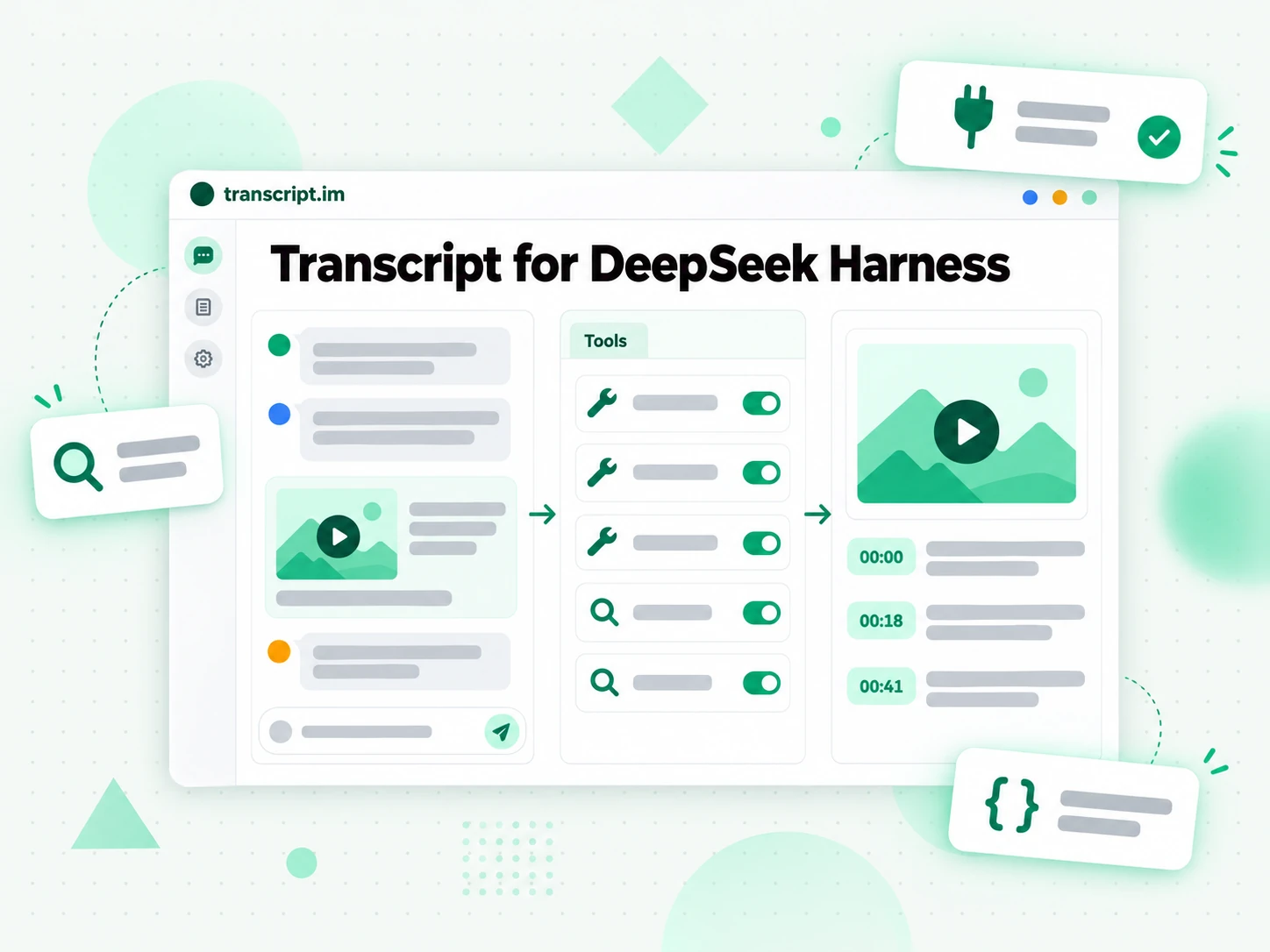
Video Sources, Ready for Your Agent
Transcript for DeepSeek Harness connects your agent to the transcript.im API through a native plugin. It gives the agent callable tools instead of asking you to copy text between a browser and a conversation.
From a Link to a Working Source
Keep source collection and the next research step in the same DeepSeek Harness session.
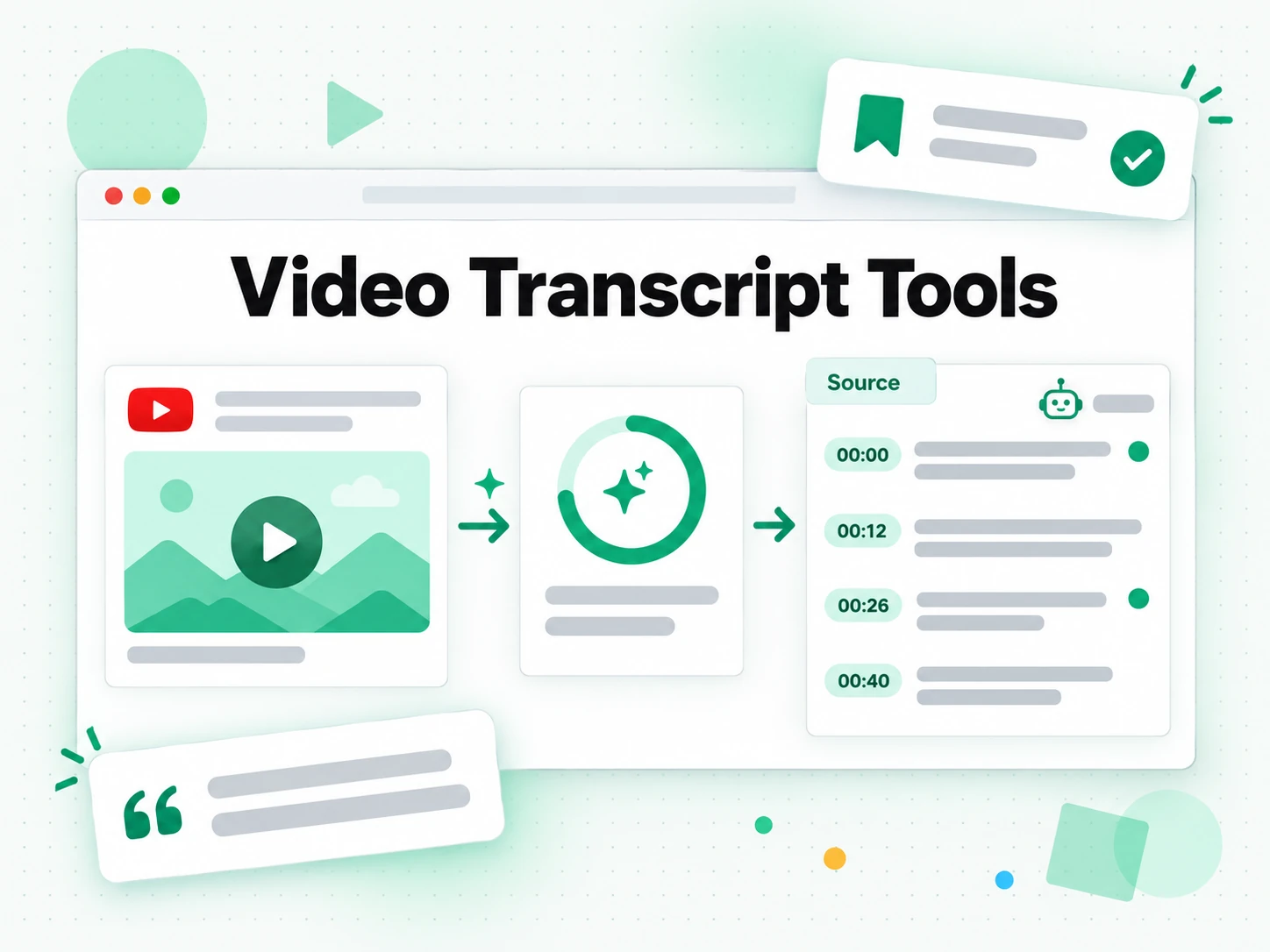
1. Choose the source
Give the agent a public video link, or ask it to search YouTube for a specific topic. For channel and playlist work, have it enumerate the relevant videos before choosing which sources to process. YouTube discovery tools cover search, channels, playlists, and caption metadata.
2. Retrieve the transcript
Use get_transcript_info to inspect available languages, then get_transcript to retrieve the source. Ask for timestamps and metadata when the next task needs citations. The request can specify a language preference and request speech recognition through the API.
3. Work from the result
Ask your agent to extract quotes, compare arguments, or prepare notes from the returned text. Keep the source URL and timestamps with the output. For a collection, create a batch, check its status, and export its completed results.
What You Can Build
Use the same plugin for a single source or a repeatable collection workflow.
Research with traceable sources
Collect transcripts for a focused question and ask your agent to separate direct quotations from interpretation. Keep source links and timestamps next to claims so you can check the original recording before relying on the output.
Compare a channel or playlist
List YouTube videos from a channel or playlist, choose a relevant set, and submit a batch. Once processing finishes, compare recurring subjects or changing explanations across the results rather than treating one clip as the whole story.
Prepare content from recordings
Give the agent a transcript as source material for notes, an outline, or a draft. Review names, quotations, and context against the recording. The agent performs the writing; transcript.im provides the text it works from.
Automate transcript collection
Use the canonical JSON results in a larger workflow. Inspect batch status before exporting, preserve pagination tokens when collecting more sources, and check usage through the same tool set instead of maintaining a separate discovery client.
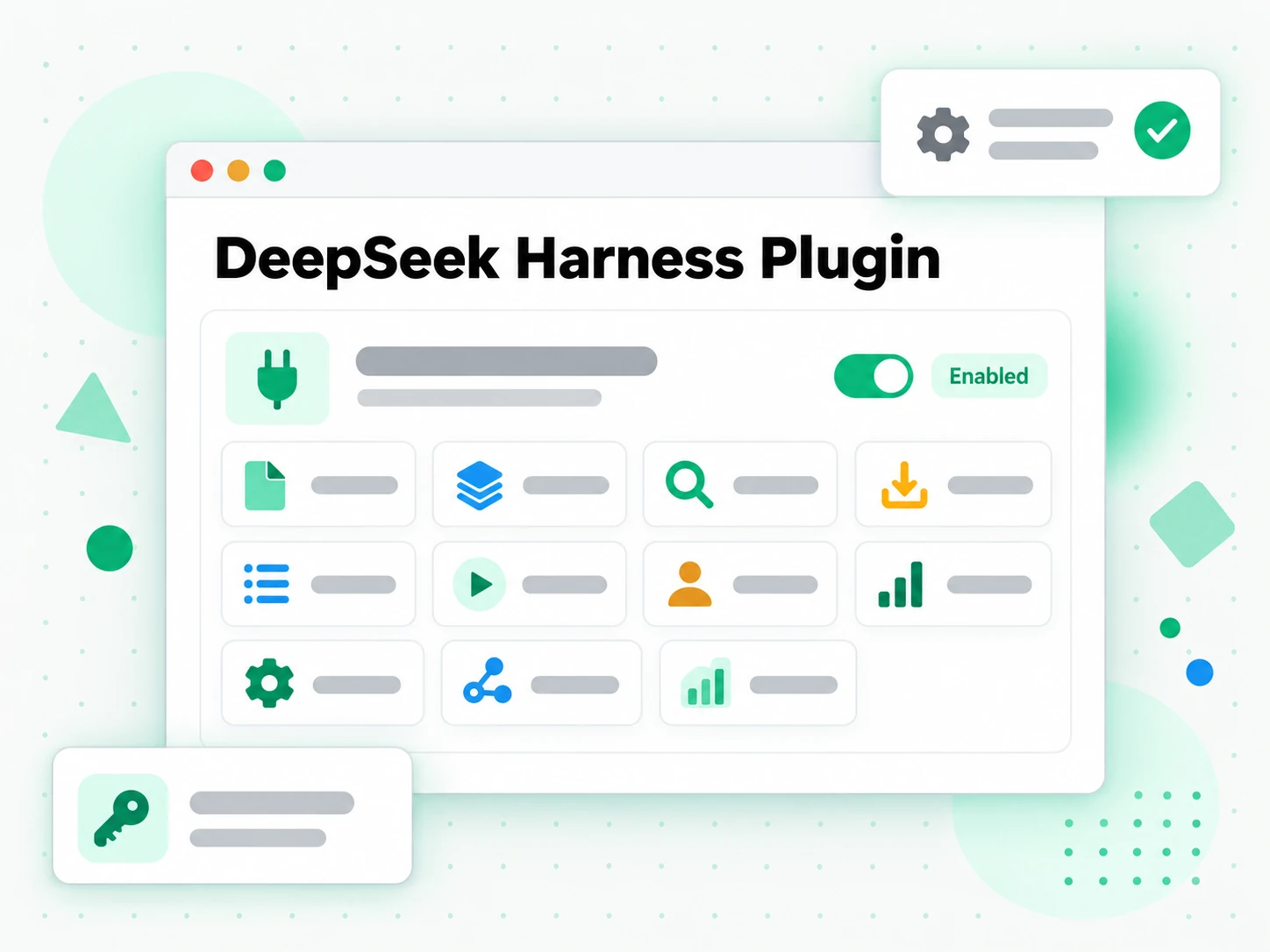
Eleven Tools, One Plugin
The native plugin exposes the same REST capabilities used by transcript.im developer workflows. Retrieval supports public video URLs from YouTube, TikTok, Instagram, LinkedIn, and Twitter/X; discovery is specific to YouTube.
| Task | Tools | Result |
|---|---|---|
| Read a video | get_transcript, get_transcript_info | Transcript text or segments, metadata, and available language information. |
| Process a collection | create_batch, get_batch, export_batch | A batch to monitor and completed results to export. |
| Find YouTube sources | search_video, get_channel | Search results and channel information for choosing sources. |
| Explore YouTube collections | list_channel_video, list_playlist_item, list_caption | Video lists, playlist entries, caption metadata, and pagination tokens where available. list_caption reads the caption tracks YouTube exposes and the caption text transcript.im can serve; it does not start speech recognition. |
| Inspect usage | get_usage | The API usage information associated with your credential. |
Connect Your Harness Profile
The plugin registers the transcript.im tools inside a DeepSeek Harness profile and calls the REST API with a developer API key from your transcript.im account.
dsh plugin --profile research add ./transcript-im-dsh-plugin-0.1.0.tgzexport TRANSCRIPT_API_KEY="YOUR_TRANSCRIPT_API_KEY"
dsh --profile researchChoose the Right Connection
Use the connection that fits the runtime where your agent already works. The native Harness plugin does not require the transcript.im MCP server as an intermediate step.
| Connection | Choose it when | How it fits |
|---|---|---|
| DeepSeek Harness plugin | You run an agent in DeepSeek Harness. | Registers native tools in the Harness profile and calls the REST API. |
| Transcript MCP Server | Your client connects tools through MCP. | Exposes transcript and discovery operations over the MCP protocol. |
| Transcript Skills | Your runtime loads instructions from skill packs. | Provides task guidance and workflows for the agent. |
| Transcript API | You control the application or script yourself. | Lets your code call the REST endpoints directly. |
Keep the Original Result
Model context and stored source data serve different purposes. Use the right output for each step.
- Long transcript text shown to the model is capped by maxTranscriptChars, which defaults to 20,000 characters. A truncation marker tells the agent when it has only an excerpt; the canonical JSON result is kept intact.
- A text batch export can be presented inline. A ZIP export is binary, so the model-facing response describes it rather than inserting the archive into the conversation.
- YouTube discovery responses preserve nextPageToken when the API supplies it. Pass that token into the next request to continue a collection instead of repeating the first page.
- The plugin sends requests to https://api.transcript.im by default. baseUrl, timeoutMs, and maxTranscriptChars are configurable; the default request timeout is 30,000 milliseconds.
- Source availability and transcription quality depend on the video. Ask the agent to report retrieval errors and missing material explicitly, and verify quotations against the original recording.
Related
DeepSeek Harness FAQs
What is Transcript for DeepSeek Harness?
Transcript for DeepSeek Harness is the transcript.im plugin for native video-transcript and YouTube-discovery tools. It registers 11 tools in a Harness profile and calls the transcript.im REST API.
How do I connect the transcript.im plugin to DeepSeek Harness?
Install the plugin bundle into the Harness profile your agent uses, create a developer API key in your transcript.im account, and provide it to the Harness process as TRANSCRIPT_API_KEY or in the plugin configuration. The setup section shows both steps.
Which video platforms can the Harness plugin read?
The transcript retrieval tools accept public video URLs from YouTube, TikTok, Instagram, LinkedIn, and Twitter/X. Search, channel, playlist, and caption-metadata tools target YouTube.
Does the DeepSeek Harness plugin need an MCP server?
The DeepSeek Harness plugin calls the REST API directly, so this connection does not require the transcript.im MCP server. Use the MCP server instead when your chosen client expects MCP tools.
How is the API key passed to the plugin?
The plugin reads TRANSCRIPT_API_KEY from its process environment unless an explicit apiKey is set in the plugin configuration. The configured value takes precedence; the credential belongs in that environment or configuration, not in a prompt.
Can the Harness plugin return timestamps and language information?
Use get_transcript_info to inspect available transcript languages, and set includeTimestamp when retrieving a transcript. The language parameter accepts a priority list, including speech-recognition preferences supported by the API.
Can DeepSeek Harness process a playlist as a batch?
The plugin provides playlist discovery plus create_batch, get_batch, and export_batch. Ask the agent to identify the source collection, create the batch, check its status, and export completed results instead of assuming submission means completion.
Does the plugin summarize or translate videos itself?
The plugin provides retrieval, discovery, batch, and usage tools. Your agent can use the returned transcript in a summary or translation task, but the plugin does not register separate AI summarization or translation tools.
Why does a long transcript show a truncation marker?
The plugin limits the transcript text rendered into model context using maxTranscriptChars. The marker identifies an excerpt, while the canonical JSON result remains intact; an agent should not claim it read omitted material.
How do I troubleshoot missing_api_key in Harness?
Check that the process running the selected profile has TRANSCRIPT_API_KEY or a configured apiKey. If a configured value is present, changing only the environment variable will not replace it.
Can I point the plugin at another API origin?
Set baseUrl in the plugin configuration when your deployment requires a different transcript.im API origin. The default is https://api.transcript.im; keep the credential appropriate to the destination you configure.
How does this differ from Transcript Skills?
Transcript Skills describe tasks and workflows that a compatible agent can follow. The DeepSeek Harness plugin registers callable tools in the runtime; choose it when your agent needs the native Harness connection.
Give Your Harness Agent the Source
Create a developer API key and bring video transcripts into your next research workflow.