
TRANSCRIPT
The Free Transcript Generator for YouTube, TikTok & Instagram
Supported: YouTube, TikTok, Instagram, LinkedIn, Twitter — video, short, reel, or playlist.
Works With Every Source
Built for , &
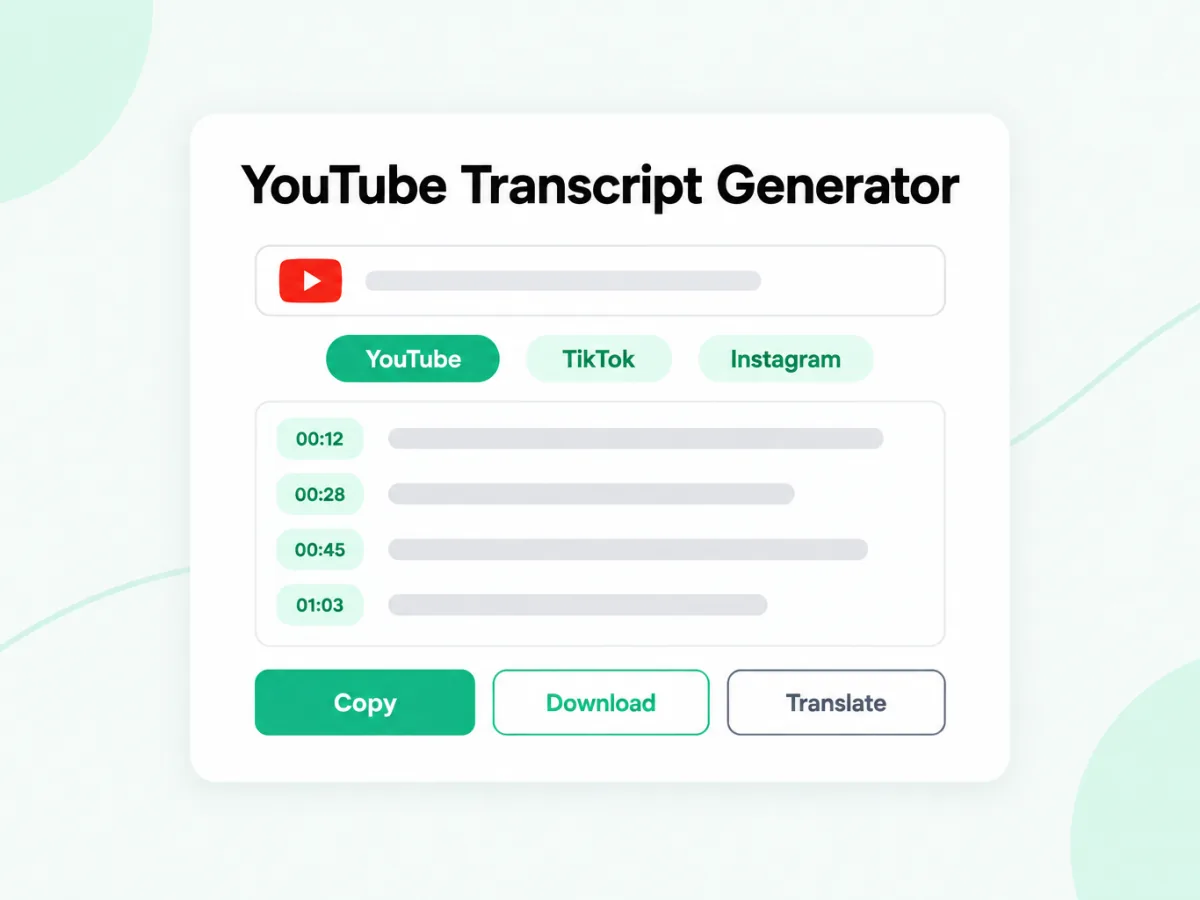
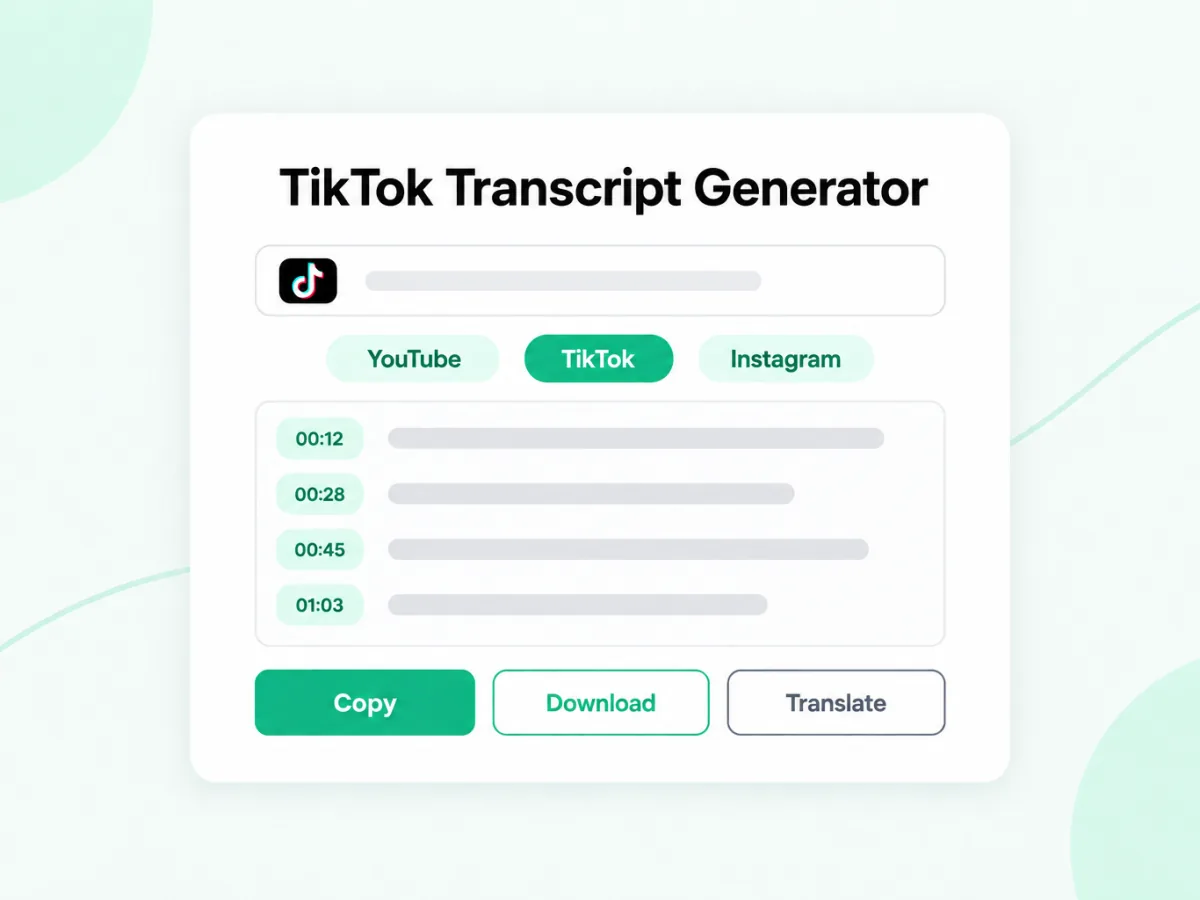
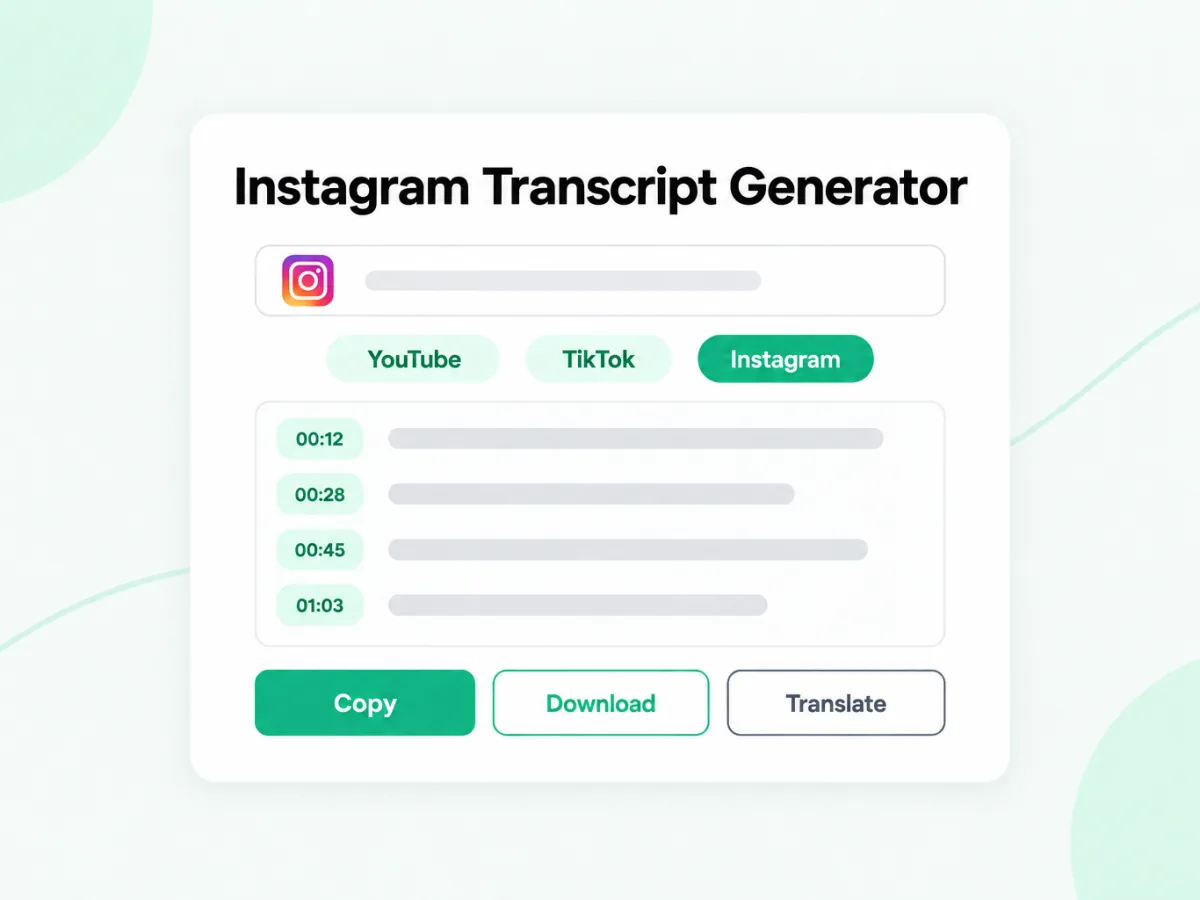
Paste your Instagram, TikTok, or YouTube link, or upload a video or audio file up to 5 GB, and get clean, timestamped text in return. The free YouTube transcript generator, free TikTok transcript generator, and free Instagram transcript generator all follow one flow: pull existing captions when they exist, or transcribe the spoken audio with AI when they don't.
What You Can Do Next
Once it's ready, it becomes the starting point — translate it, summarize it, or turn it into something new.
Rewrite or Create a New Script
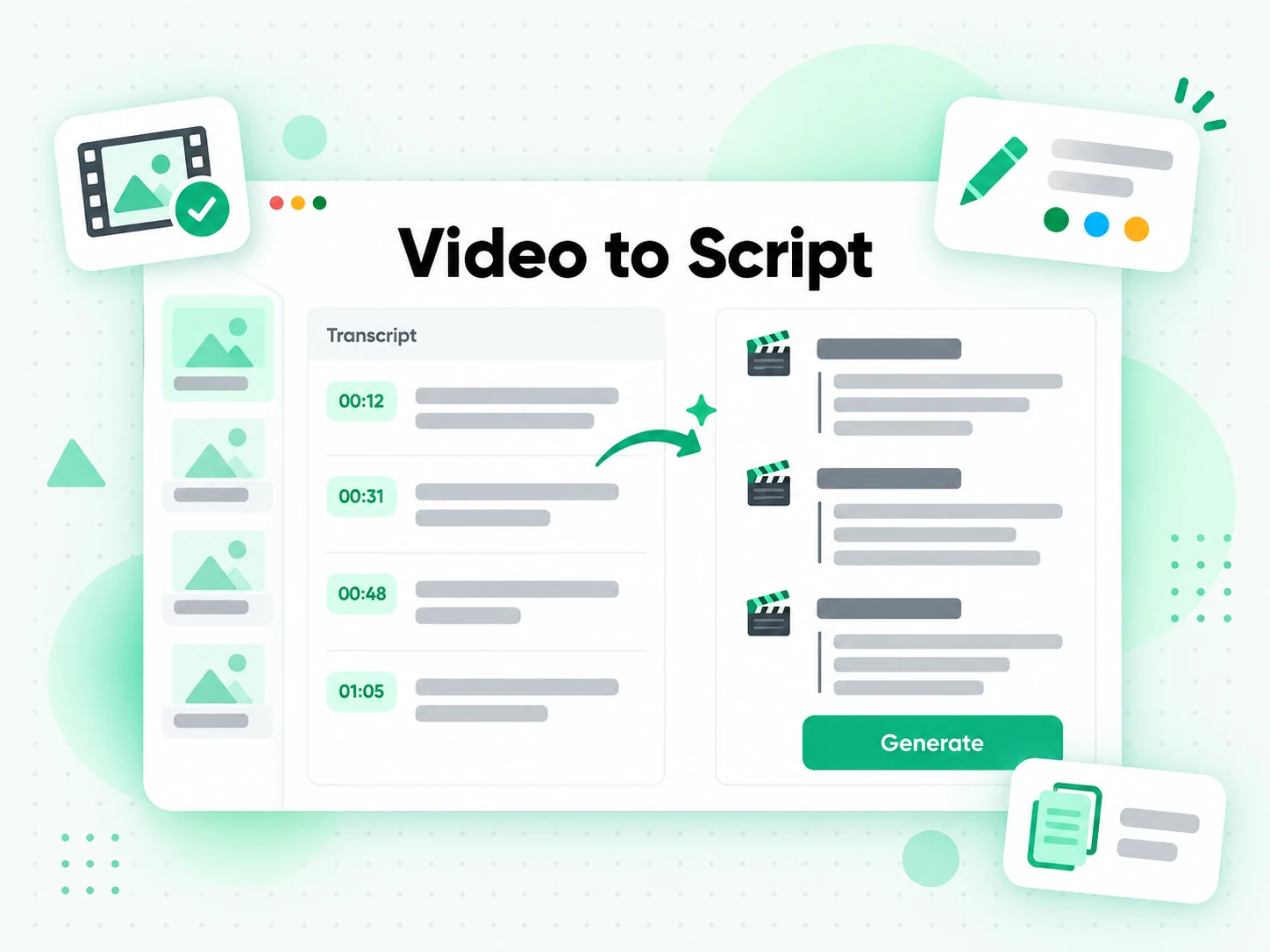
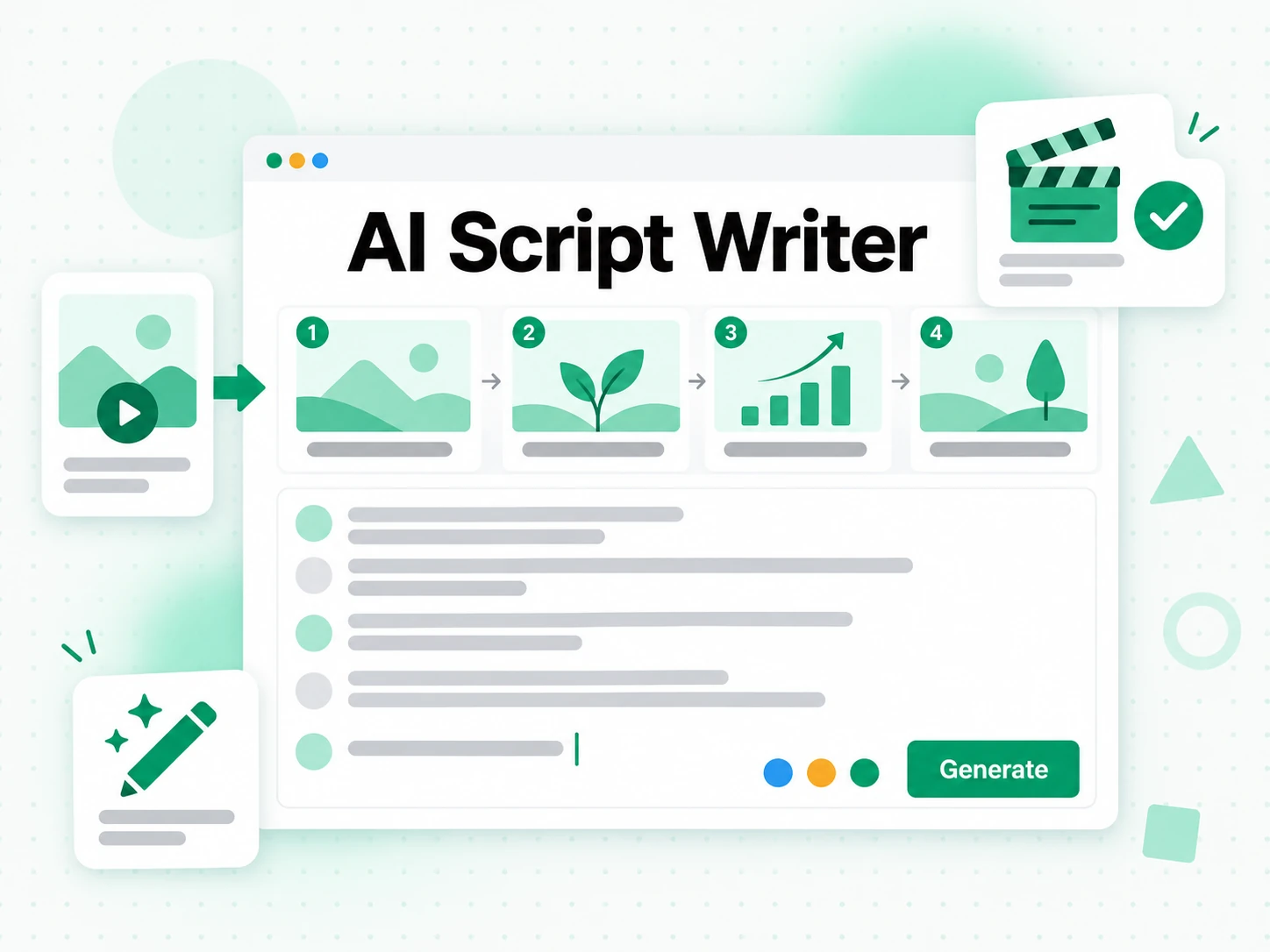
Turn a YouTube transcript, a TikTok transcript, or an Instagram transcript into a fresh script without going back to the footage. Rewrite it in your own voice, tighten a long recording down to a punchy script, or repurpose the whole thing as a blog post, a newsletter, or a thread. Every line stays timestamped, so you can return to the exact moment a quote came from while you rewrite. Paste one link, get the text, and hand it to AI as a brief that keeps what worked instead of starting from a blank page.
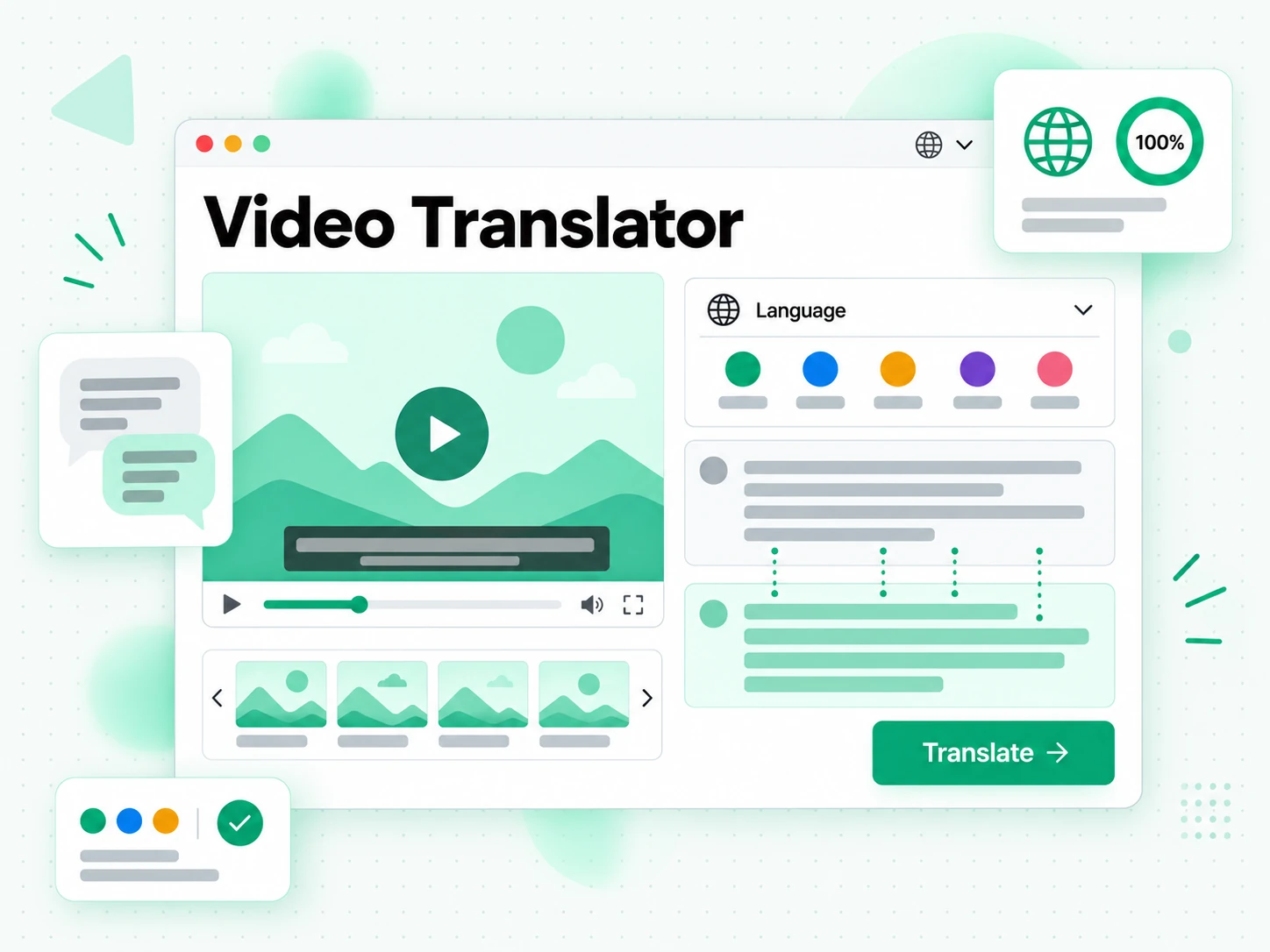
Translate Into Supported Languages
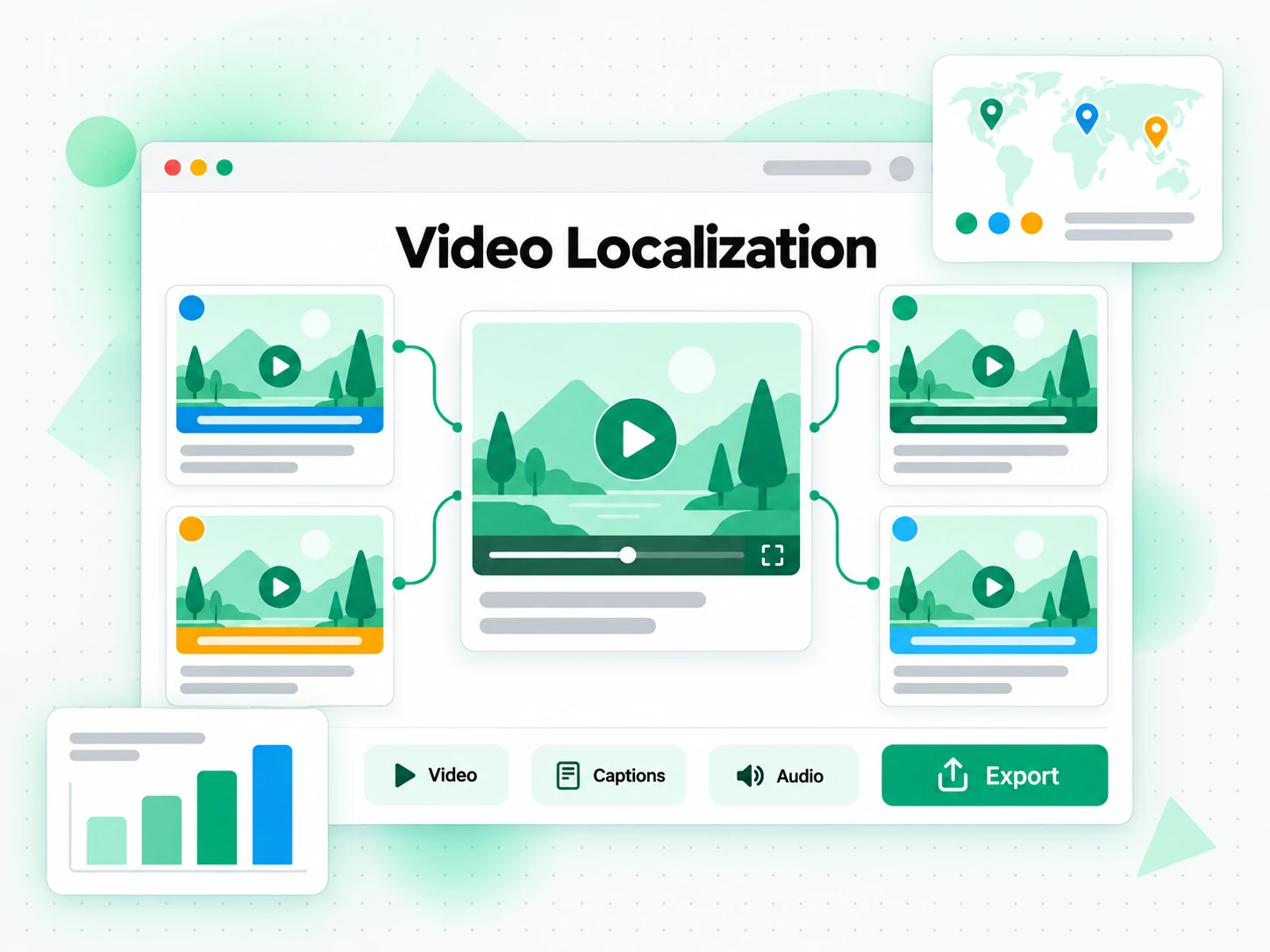
Translate the transcript you just generated into 7 supported languages in one click, with timestamps preserved so subtitles still line up. Localize the YouTube video without re-recording the audio, caption the TikTok clip for another market, or hand the finished text to a voice actor. You can compare the original text and the translation side by side, fix names and product terms, and export the version you want as TXT, SRT, or VTT.
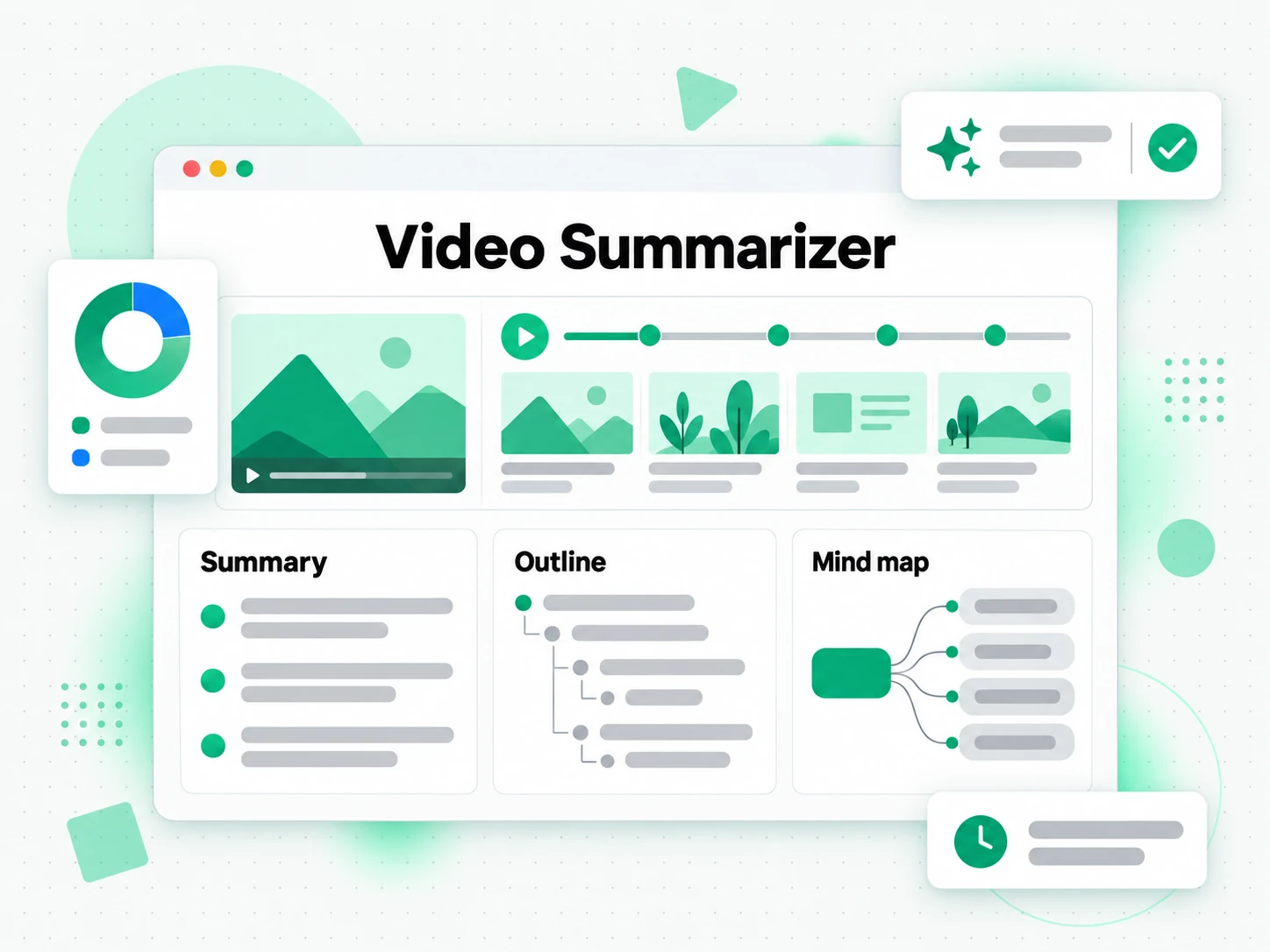
Summarize, Outline & Mind Map
Ask AI for a summary, an outline, or a mind map built from your transcript, whatever the source — YouTube, TikTok, and Instagram are all supported. Use it to decide whether a long recording is worth watching in full, to skim a lecture before an exam, or to pull the key points out of a podcast episode. Clean, timestamped text comes first, so every line of the summary traces back to the moment it was spoken and the outline stays editable instead of locked inside a video player.
How the Transcript Generator Works
 1
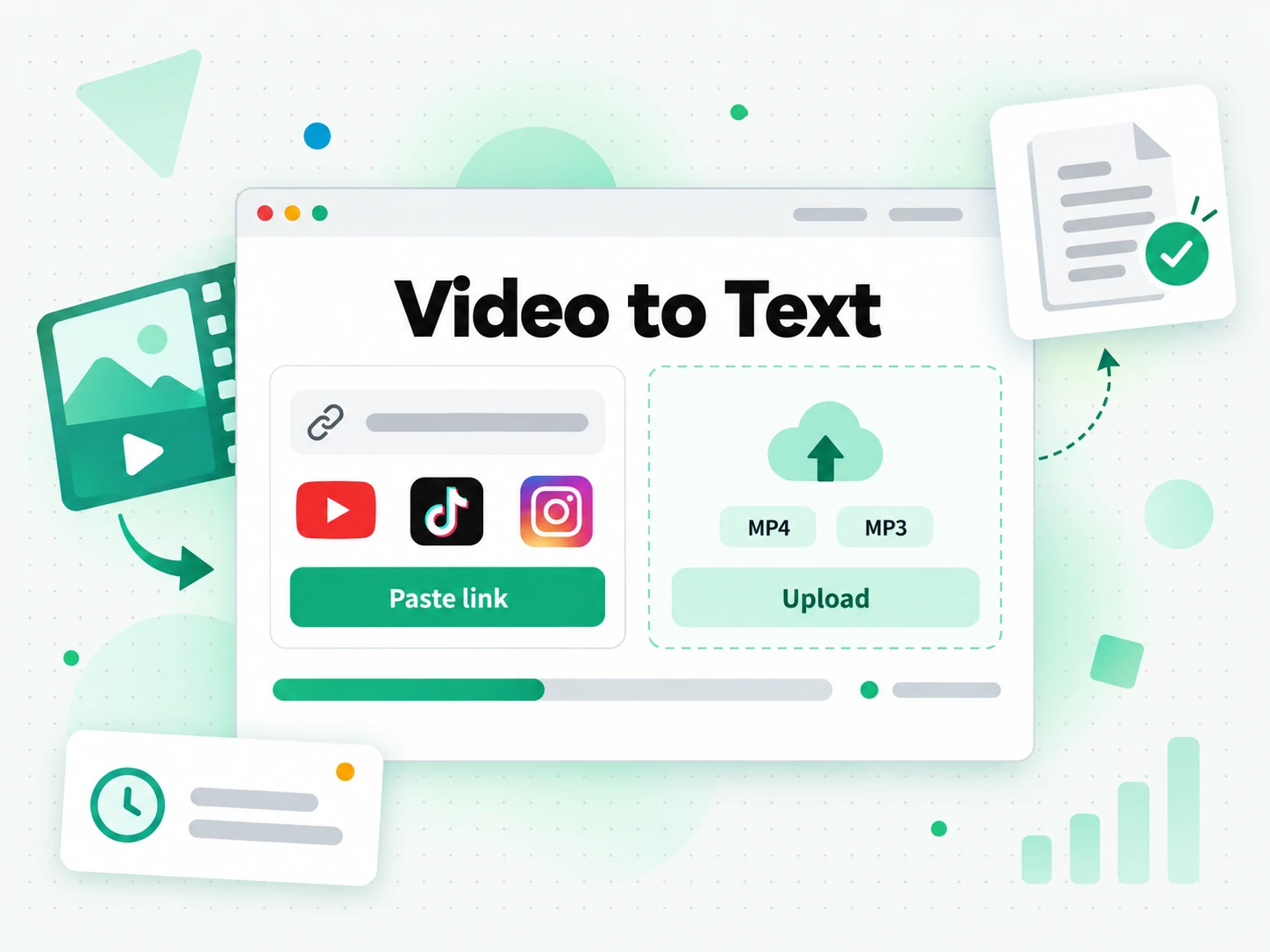
1Paste a Link or Upload a File
Paste your YouTube, Instagram, or TikTok link, or drag in a local video or audio file up to 5 GB, on the Video, Audio tab.
 2
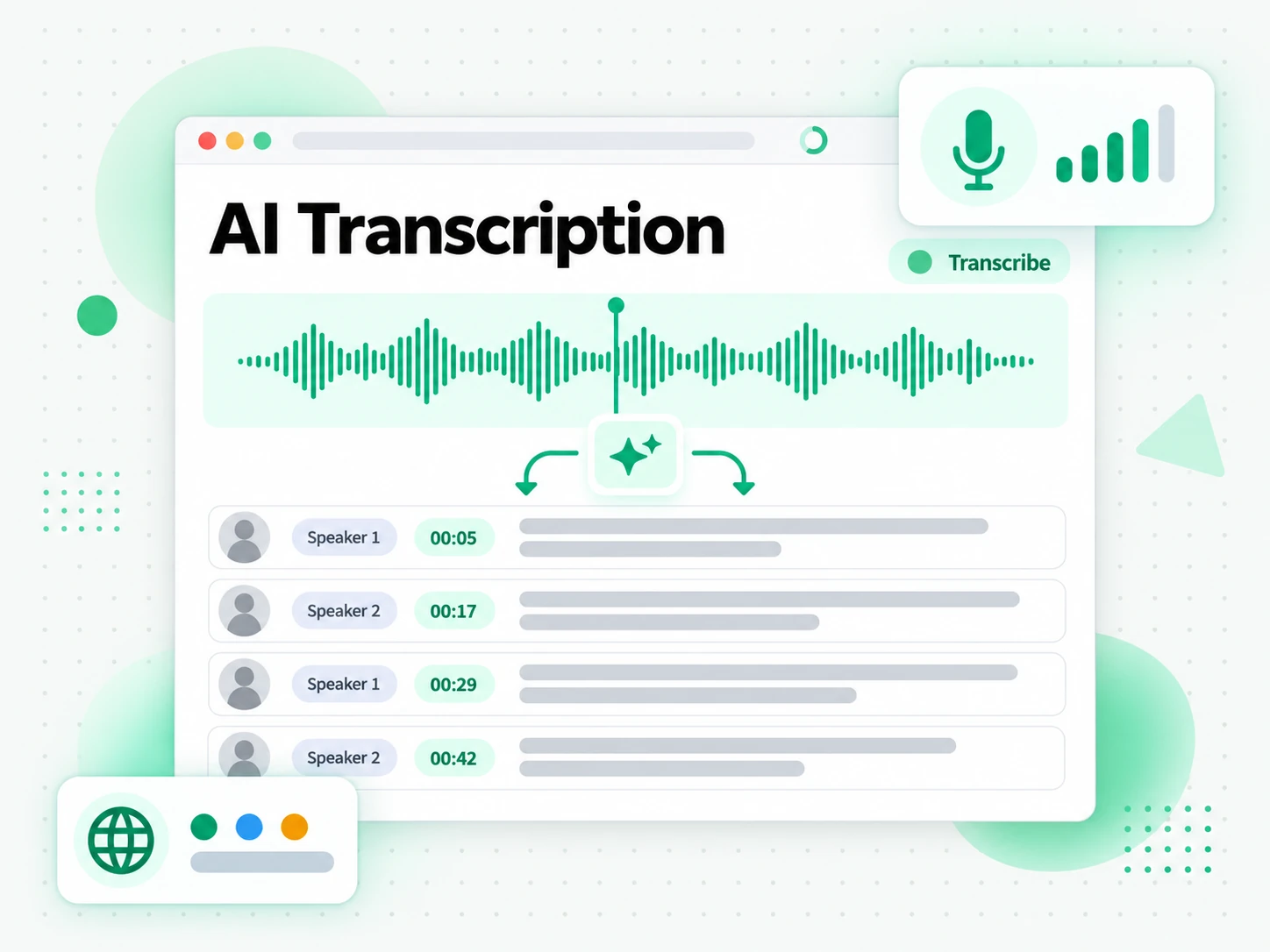
2AI Transcribes What's Missing
We check for existing captions first; when none exist, AI transcribes the audio with timestamps in your chosen language.
 3
3Review, Translate, Summarize, or Export
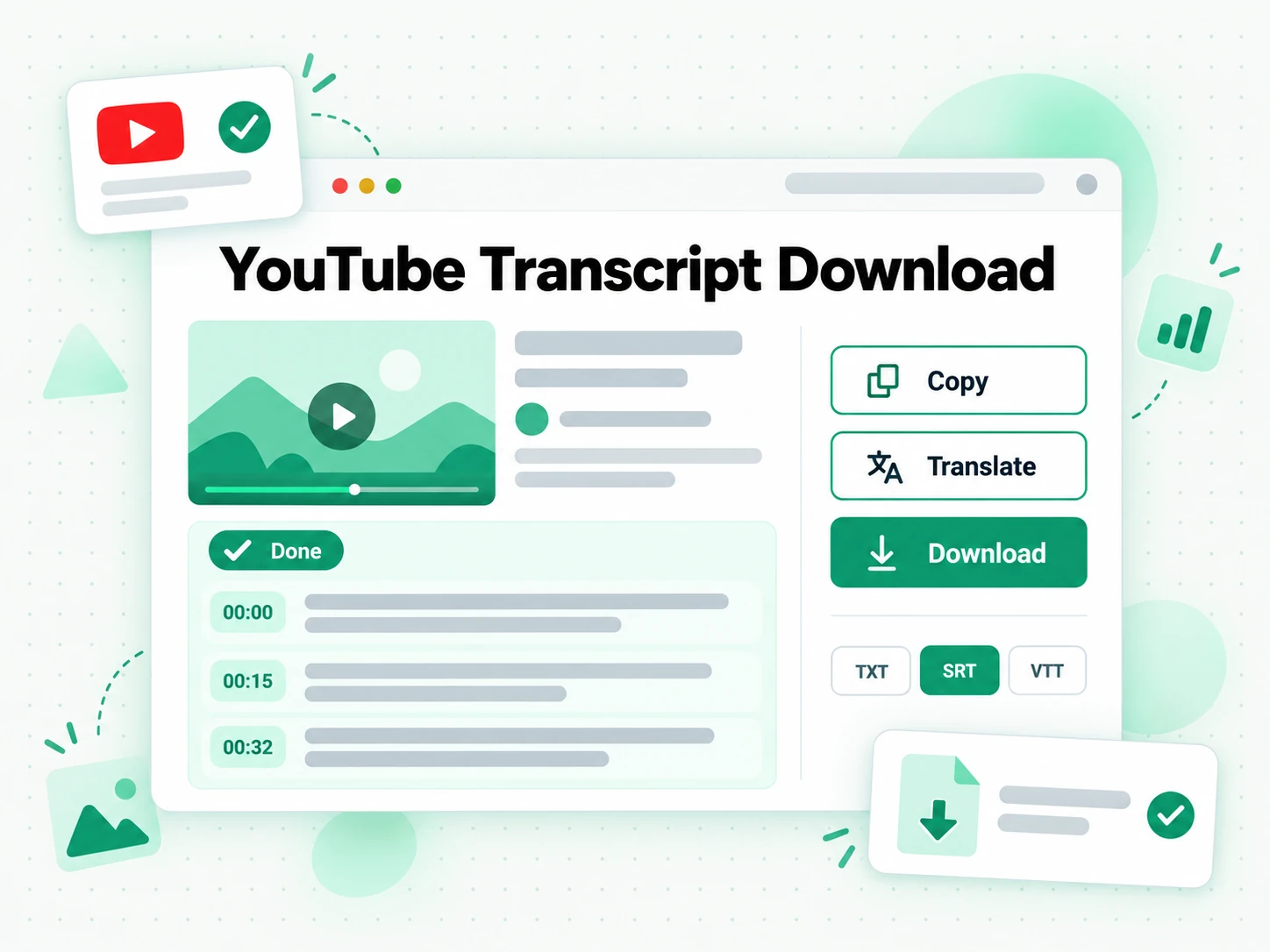
Read the finished result, then download it as TXT, SRT, or VTT, or use AI to translate or summarize.
Ways to Put It to Work
It powers work well beyond the original recording. These are the most common ways people use a YouTube transcript, a TikTok transcript, or an Instagram transcript once it is ready:
Re-create Videos in New Scripts or Languages
Use your YouTube transcript to script a fresh take, a different angle, or a fully localized version of a video you already published. The text stays timestamped, so nothing is lost between the original recording and the new edit.
- Re-script a winner — read your YouTube transcript, keep the structure that worked, swap the examples, and record a second version for the same audience.
- Localize for another market — translate the transcript in one click and re-record the voice-over in 7 supported languages.
- Repurpose as text — turn the same transcript into a blog post, a newsletter, a thread, or show notes.
- Cut a short version — scan the YouTube transcript to find the strongest thirty seconds instead of scrubbing the timeline.
- Draft the follow-up — reuse the outline as the starting script for the next video in the series.
Capture Study & Meeting Notes
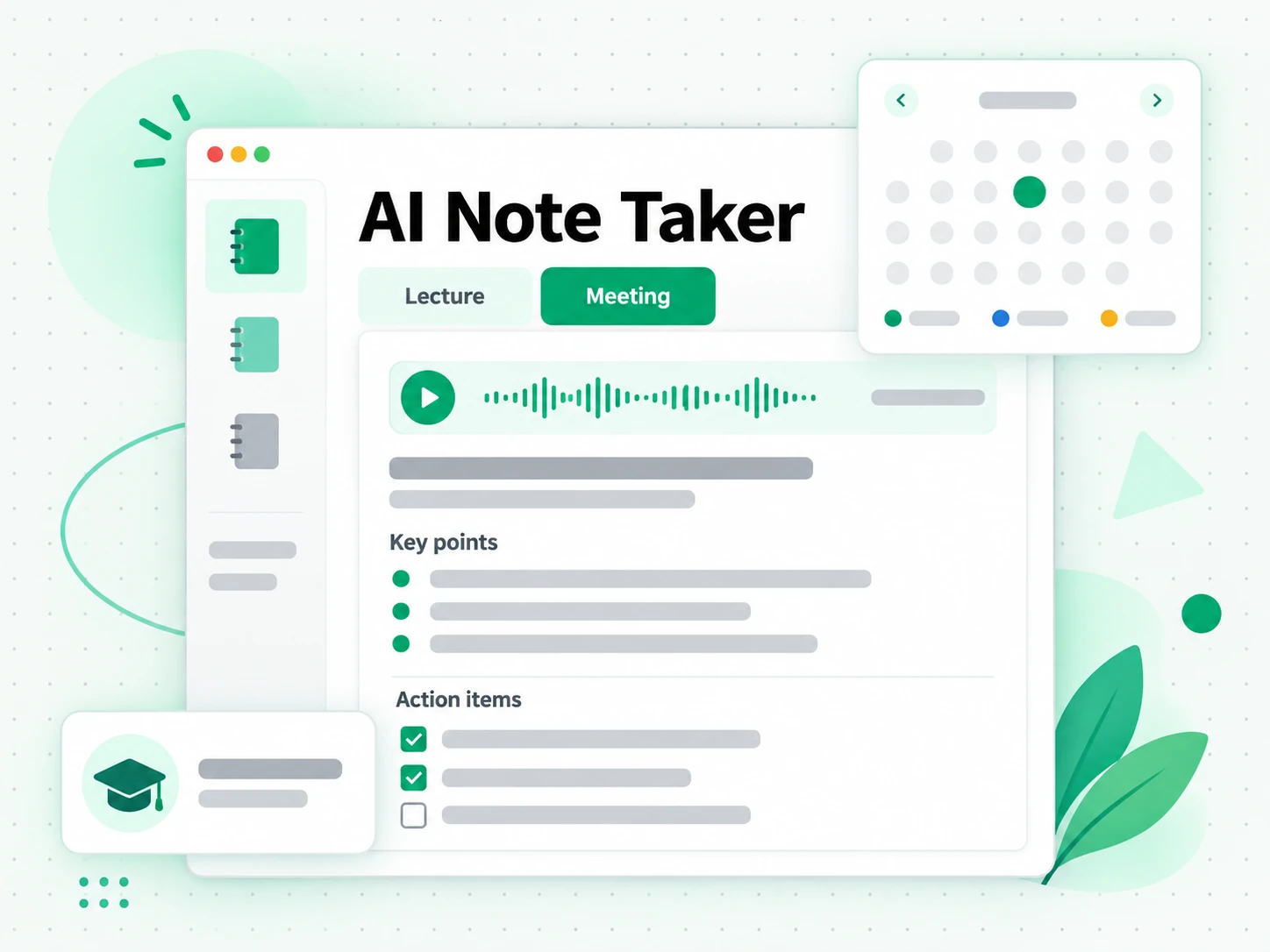
Turn lectures, tutorials, and meetings into summaries, outlines, or mind maps you can review at a glance. The YouTube transcript generator writes down what was said while you listen, so the notes stay complete and searchable afterwards.
- Lecture notes — transcribe a recorded YouTube lecture and summarize it into a study outline before the next session.
- Meeting minutes — capture a call from its recording and pull out the decisions, the owners, and the next steps.
- Tutorial walkthroughs — keep every step in writing so you can follow along without pausing the video.
- Podcast highlights — find the quotes worth sharing without listening to the full episode again.
- Searchable archive — keep a semester of recordings as text you can search by keyword.
Build Personalized Sales Pitches
Spin your TikTok transcript into tailored pitches for different customers, industries, or segments, so the same recording speaks to the person reading it. Keep the proof points and change the framing.
- Segment the message — reuse one TikTok transcript for agencies, founders, and enterprise buyers.
- Follow up in writing — send a transcript-backed summary after a call, a demo, or a discovery meeting.
- Sharpen the hook — read the opening lines of your TikTok transcript and rewrite them for each audience.
- Localize the pitch — translate the transcript before a meeting held in another language.
- Build a template — turn the structure that converts into a reusable pitch outline.

Create Localized Ad Variations
Produce localized ad variations for different countries and languages from your Instagram transcript, with the same offer and a different script.
- Same ad, new market — translate the Instagram transcript into 7 supported languages and re-record the voice-over.
- Subtitled edits — export SRT or VTT so each variation is captioned in the local language.
- A/B the hook — test two openings built from the same Instagram transcript.
- Short-form cutdowns — pull the strongest line for a Reel, a Short, or a TikTok.
- Landing page copy — reuse the ad script in the headline and description of the page it points to.
Built for bulk
Designed for transcripts at scale.
4 concurrent extractions
Queue a channel backlog, a semester of lectures, or a week of client calls and let the batch run in parallel across the free YouTube transcript generator, the free TikTok transcript generator, and the free Instagram transcript generator. Every item keeps its own status, so you can see what finished, what is still running, and what needs a retry. Total time still depends on source length, caption availability, and provider capacity.
Retry on failure
Pause the queue, resume it later, or retry a single item without touching the rest. A link that fails — a private post, a region-locked YouTube video, or an outage on the source platform — is marked on its own, so one bad item never forces you to start the whole batch over. Fix the link, swap in a different TikTok or Instagram post, and re-run only what failed.
Merged exports
Download the whole batch as one ZIP, or export a merged TXT, CSV, or SRT file in a click. Merged output keeps the order you queued, and every transcript keeps its timestamps, so a folder of recordings becomes one searchable document instead of dozens of loose files. Hand the merged file to an editor, drop it into a notebook, or search it years later by keyword.
transcript.im Features
TXT, SRT and VTT Exports
Every result exports three ways. TXT is plain reading text for notes, briefs, and pasting into a doc. SRT carries numbered cues with start and end times for editors like Premiere and Final Cut. VTT is the WebVTT format browsers and HTML5 players read natively for captions.
Captions First, AI Second
When a clip already carries a caption track, that track is used — it reflects what the creator published. Only when no captions exist does AI listen to the spoken audio and write the text itself, with timing attached to every line.
Links or Local Files
Paste a link from YouTube, TikTok, or Instagram — a full upload, a Short, a Reel, or a playlist. Or upload from your own drive: MP4, MOV, MP3, M4A, WAV, and FLAC are all accepted, at sizes reaching 5 GB.
Timestamps on Every Line
Each line keeps the moment it was spoken. Click a timestamp to jump straight to that point in the recording, search for a phrase to find where it appears, or cut a clip without scrubbing through the whole recording.
Frequently asked questions
What is a transcript?
A transcript is a written, timestamped copy of everything said in a video, audio file, meeting, lecture, or podcast. Our transcript generator builds one automatically from your YouTube, TikTok, or Instagram link, or from an uploaded file.
How do I get a transcript of a YouTube video?
Paste the YouTube link into our free YouTube transcript generator, which pulls existing captions first and falls back to AI transcription when none exist, so you get a clean, timestamped YouTube transcript.
How do I get a transcript of a TikTok video?
Paste the TikTok link into our free TikTok transcript generator, which turns the spoken audio into clean, timestamped text even when TikTok's own captions are missing or incomplete.
Can I get an Instagram Reel transcript from just the link?
Yes — paste the public Reel or video link into our free Instagram transcript generator and it turns the spoken audio into clean, timestamped text you can copy, translate, or summarize.
Does the YouTube transcript generator work without captions?
Yes. When a YouTube video has no existing captions, our free YouTube transcript generator falls back to AI transcription and adds timestamps automatically.
Is the TikTok transcript generator accurate for noisy audio?
Accuracy depends on audio clarity: clear speech transcribes reliably, while heavy music or background noise can reduce accuracy in the free TikTok transcript generator's AI output.
Can the Instagram transcript generator handle Reels and video posts?
Yes — paste any public Instagram Reel or video post link into the free Instagram transcript generator, and it turns the spoken audio into clean, timestamped text.
Can I use the transcript generator in bulk?
Yes — paste a YouTube playlist or channel link, or many links at once, and the transcript generator queues them in parallel with retry and merged exports on paid plans.
What is the difference between a transcript and subtitles?
The full spoken text of a recording, meant to be read, is one thing; subtitles are that same text cut into short timed cues meant to be displayed on screen. Both come out of one pass here — read the text as a document, or export SRT and VTT when you need timed cues.
Which video and audio formats does the generator accept?
MP4, MOV, MP3, M4A, WAV, and FLAC, at sizes reaching 5 GB. Files with picture are processed for their audio track, so a screen recording, a lecture capture, and a podcast episode are all accepted.
Which languages can a TikTok or Instagram transcript be translated into?
Speech is transcribed in the language it was spoken in, and the result can be translated into 7 supported languages afterwards with timestamps preserved, so exported subtitles still line up with the footage.
Does the free transcript generator work on podcast episodes and lecture recordings?
Yes. Anything with a clear audio track works — podcast episodes, recorded lectures, interviews, and meeting recordings. Long recordings keep their timestamps, so you can jump to the section you need instead of listening again.
Transcript Generator
Use our free YouTube transcript generator, our free TikTok transcript generator, or our free Instagram transcript generator.