
TRANSCRIPT
Audio MindMap Generator
Supported: YouTube, TikTok, Instagram, LinkedIn, Twitter — video, short, reel, or playlist.
Upload or drag a video or audio here
One audio or video file at a time. Common formats are supported.
What Is an Audio Mind Map Generator?
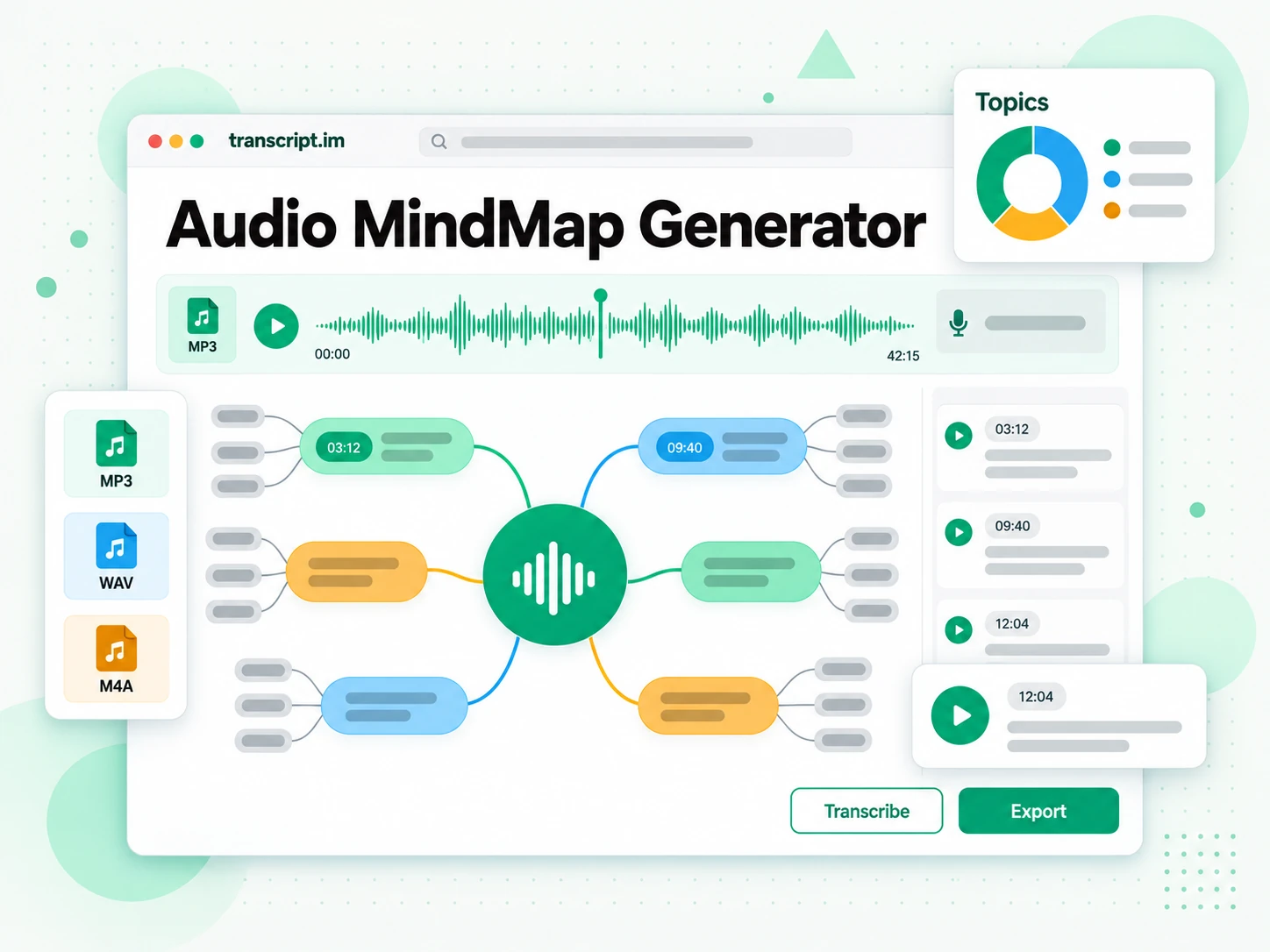
An audio mind map generator turns any audio file — an MP3, WAV, M4A, or a recording you capture on the spot — into a branching visual mind map of what was said. It is different from a plain audio transcript: a transcript gives you linear, timestamped text, while a mind map groups the ideas into branches so you can see how the recording is organised at a glance. It is also different from a summary, which compresses the audio into a few lines and drops the detail underneath. The hardest cases are the ones people actually have: hour-long interviews, multi-speaker meetings, and rambling voice memos with no clear outline, where the audio has to be transcribed first and then arranged. That second job is where a real audio mind map generator earns its place. Whether you search for an audio mind map, an audio mindmap generator, or a way to build a mind map from audio, the result should be a map you can explore, not just a wall of text.
How the Audio Mind Map Generator Works
One uploaded file or recorded minute takes you from raw audio to a navigable mind map in three stages.
Turn an Audio File Into a Mind Map
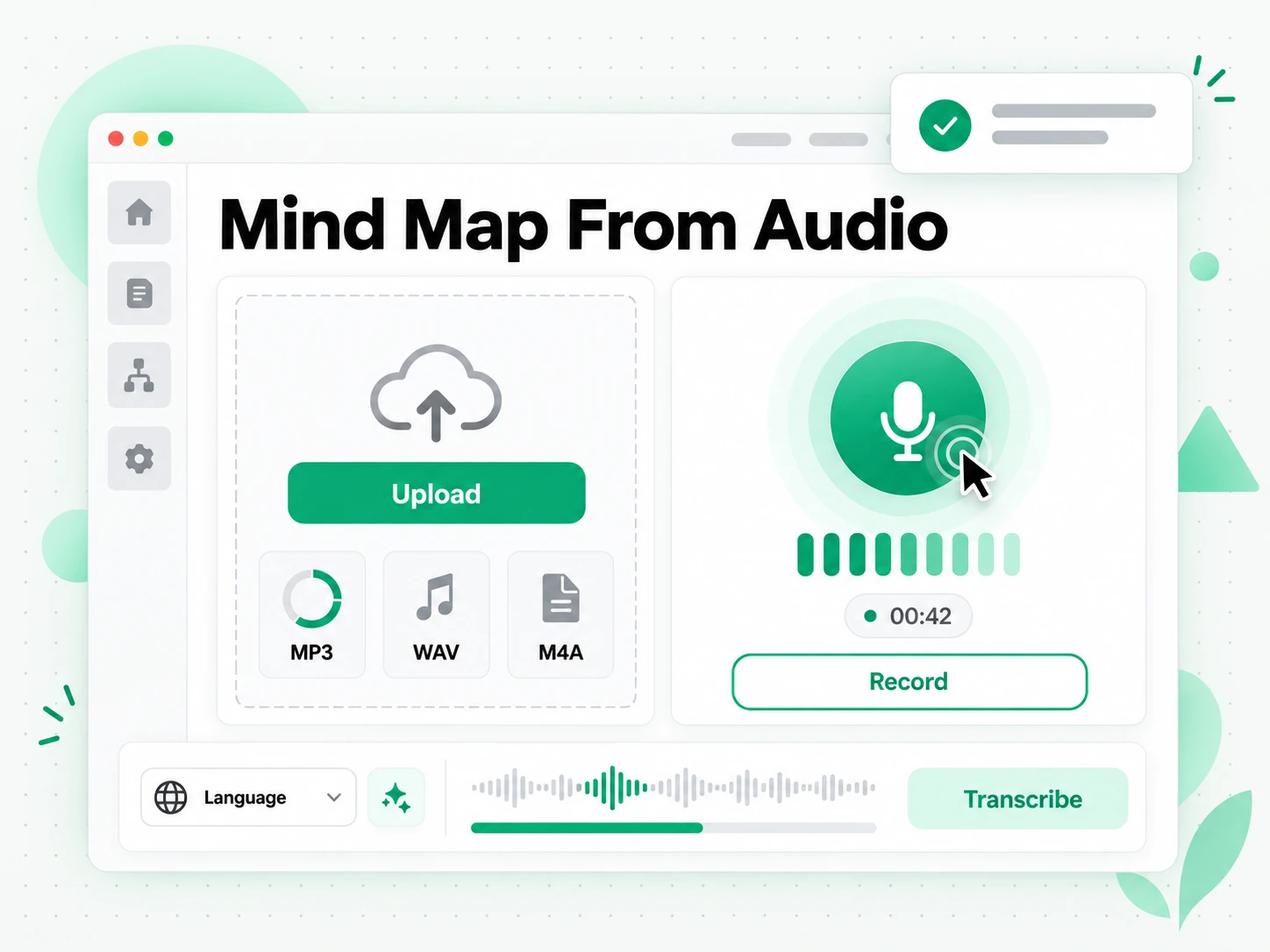
Upload an MP3, WAV, M4A, FLAC, or another common audio format, or record straight from your microphone, and the generator transcribes every word with timestamps. The spoken language is detected automatically, so you do not choose a setting before you start, and the text stays aligned to what was actually said even on a long or noisy recording. There is no software to install and no outline to prepare: the audio itself is the only input the audio mind map generator needs. A two-hour interview that would take most of a day to type out comes back as clean text, ready to be organised into a map.
- Accepts MP3, WAV, M4A, FLAC, and other common formats
- Record directly from your microphone
- Automatic language detection, no manual setup
Read the Structure as a Branching Map
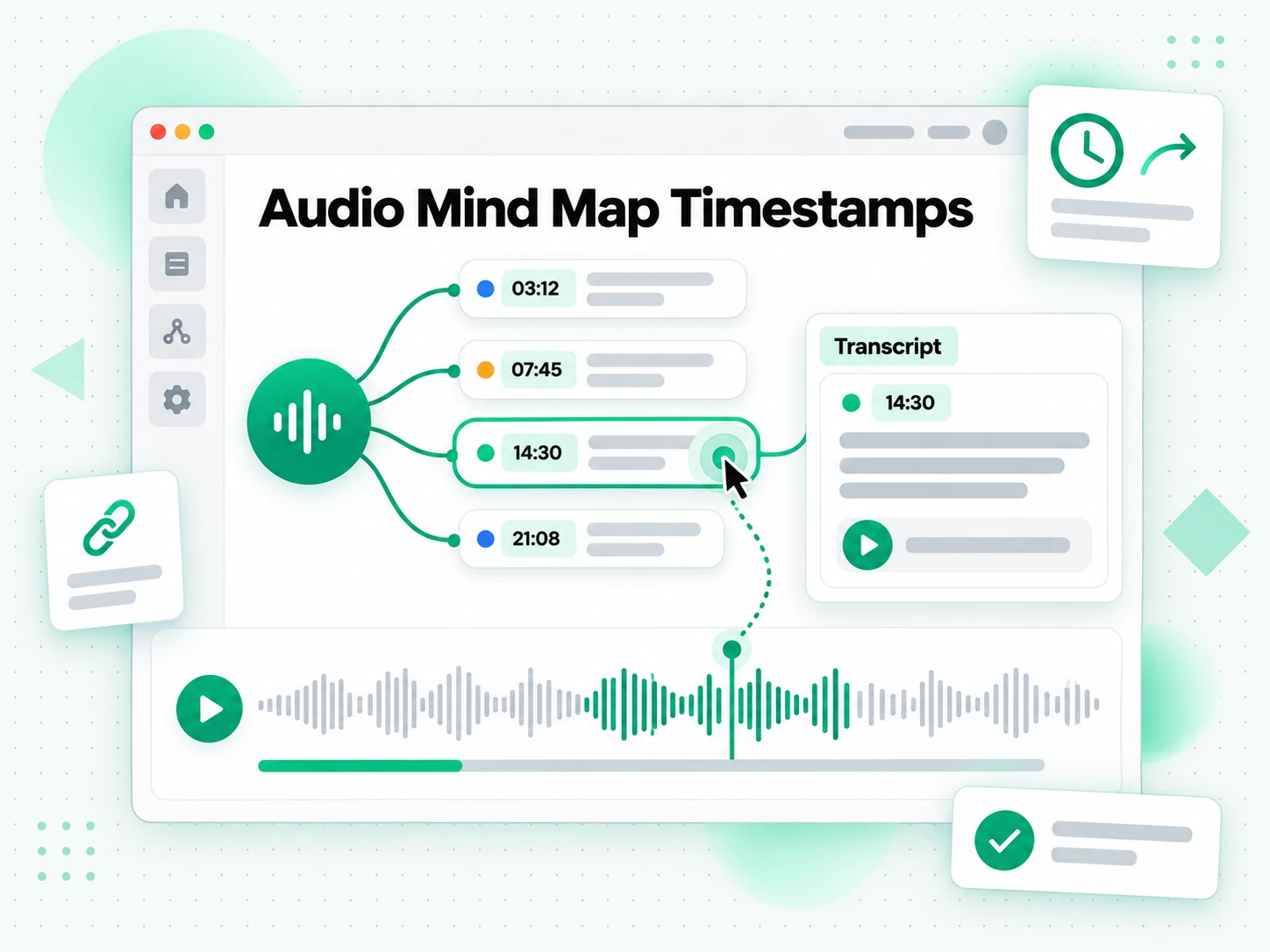
Once the transcript is ready, the AI clusters related ideas and builds a mind map from audio, with branches for the main themes and sub-branches for the points underneath them. Every node keeps a clickable timestamp, so you can jump from a branch straight back to the moment an idea was mentioned and hear it in context. Instead of scrolling a wall of text, you scan the whole recording the way you would a table of contents, then open only the branches that matter. When a list suits the job better than a map, you can switch to a linear outline or a plain summary from the same transcript.
- Ideas grouped into labelled branches automatically
- Clickable timestamp nodes on every branch
- Summary or linear outline from the same transcript
Translate, Edit, or Export the Map
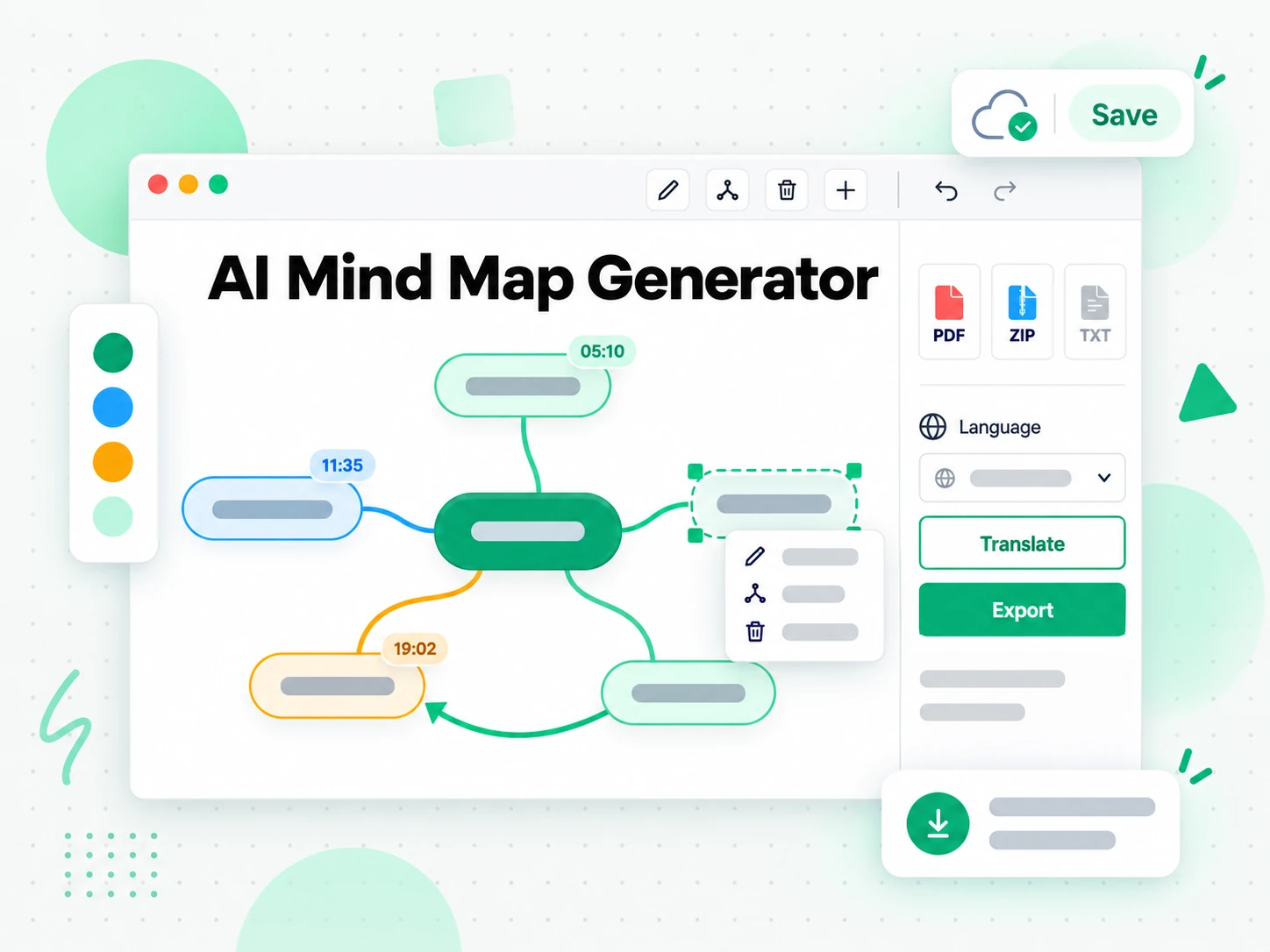
Translate the transcript and the map labels into another supported language, rename nodes and merge topics until the structure matches how you think about the recording, then delete anything that does not belong. When the map reads the way you want, export the audio mind map and its transcript as text, an SRT subtitle file, or a shareable link for the rest of the team. Because the timestamps survive every step, a shared map still points back to the exact moment in the audio. A mind map you can edit and export is one you can use in a document, a deck, or a handover, rather than a one-off view you lose when the tab closes.
- One-click translation of transcript and labels
- Rename, merge, or delete nodes before export
- Export as text, SRT, or a shareable link
Why transcript.im Beats Manual Note-Taking
✅ transcript.im
Upload any audio file or record a minute and get a complete, timestamped transcript plus a branching mind map of the ideas. The map, its transcript, and its clickable timestamp nodes stay searchable, editable, exportable, and translatable in the same place you read them.
❌ Manual note-taking
Writing an outline by ear means replaying the same passage again and again, and a long or multi-speaker recording makes it worse. There is no map you can restructure later, no timestamps you can trust, no export format, and no translation, only notes that make sense to the person who typed them.
Who an Audio Mind Map Is For
A mind map from audio is useful across many workflows. The most popular use cases:
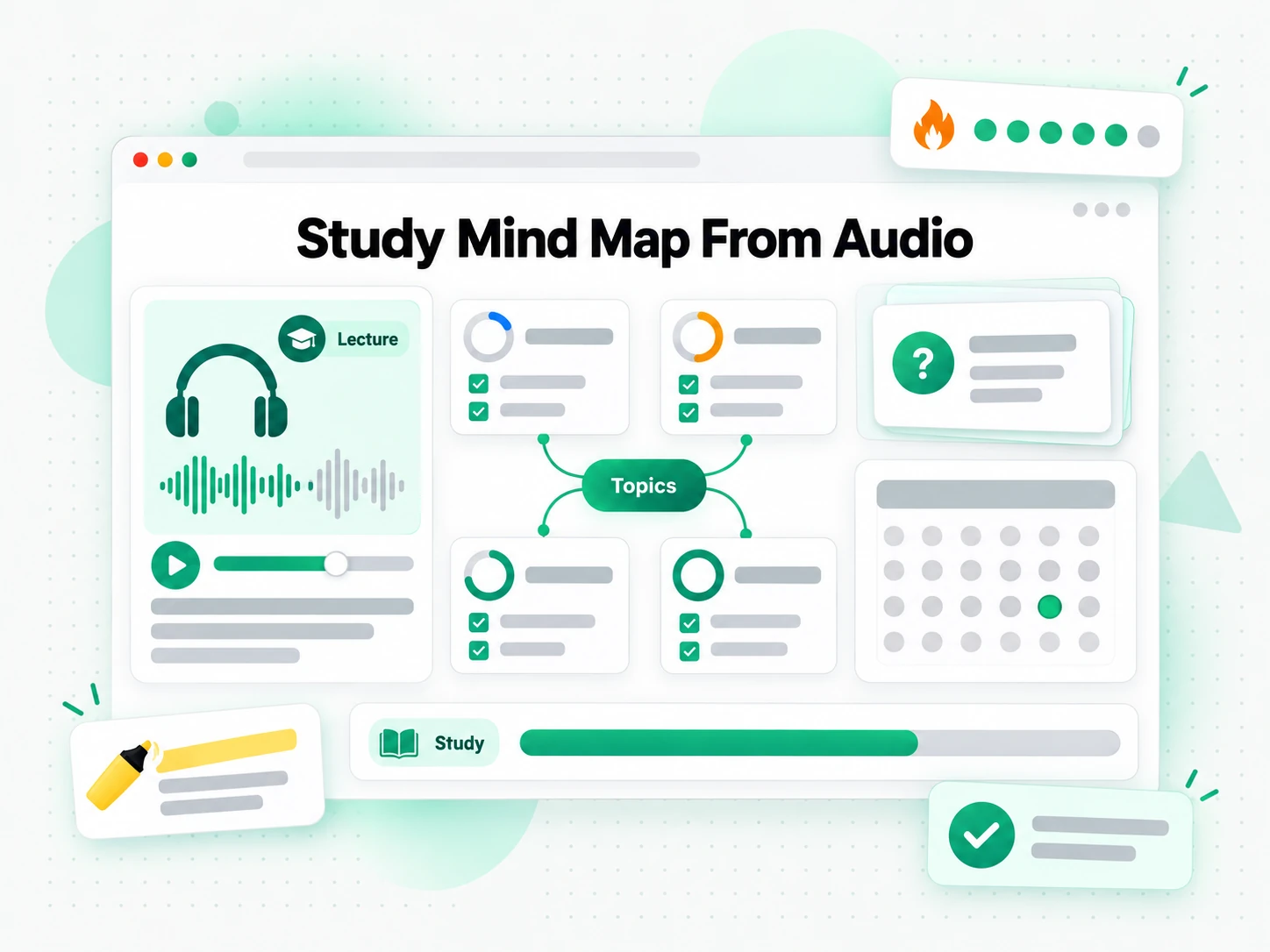
Study & revision maps from recorded lectures
Recorded lectures and audio lessons are dense, and revision means finding the parts that matter. Turn a lecture into a mind map so you can review an entire module by scanning its branches.
- See each core concept in a branch, with supporting points underneath.
- Jump to the exact moment a topic was explained through its timestamp node.
- Lift the precise wording from the transcript for your notes.
- Review a whole module by scanning the map instead of hours of playback.
- Export the map or transcript as text for offline study.
- Revise one term of recordings from a single map.
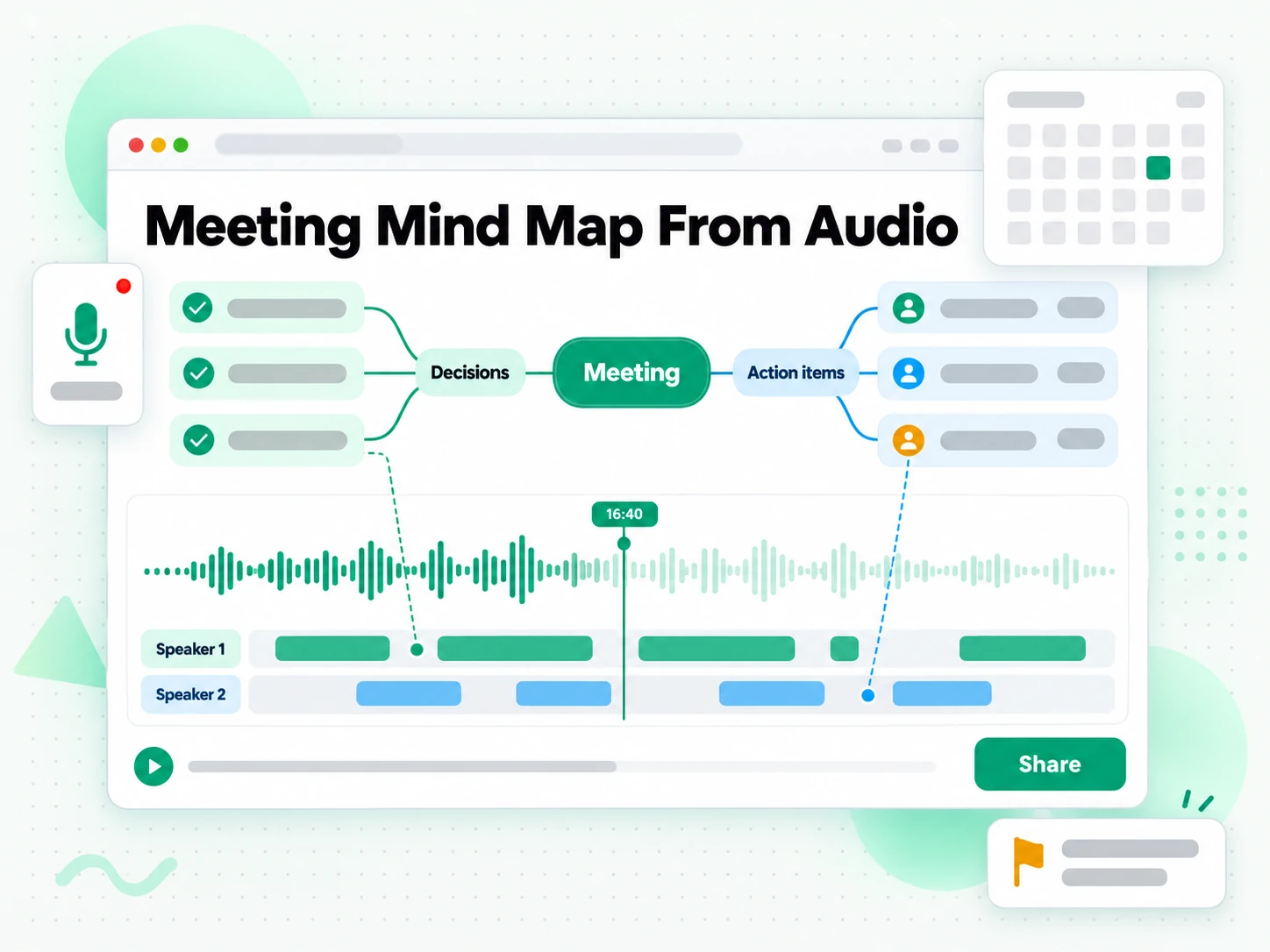
Meeting & brainstorm maps from voice recordings
Meeting recordings, voice brainstorms, and dictation are easy to capture and painful to revisit. A mind map from audio turns that raw material into a shared picture of every decision and open thread.
- Group threads the way the conversation actually ran, not by speaker order.
- Jump to the moment a decision was made instead of replaying the meeting.
- Capture action items and open threads in one shared picture.
- Keep the map as the summary and the transcript as the record.
- Brief a whole team from one recording without anyone listening from the start.
- Edit branches to mark owners and drop the threads that are closed.
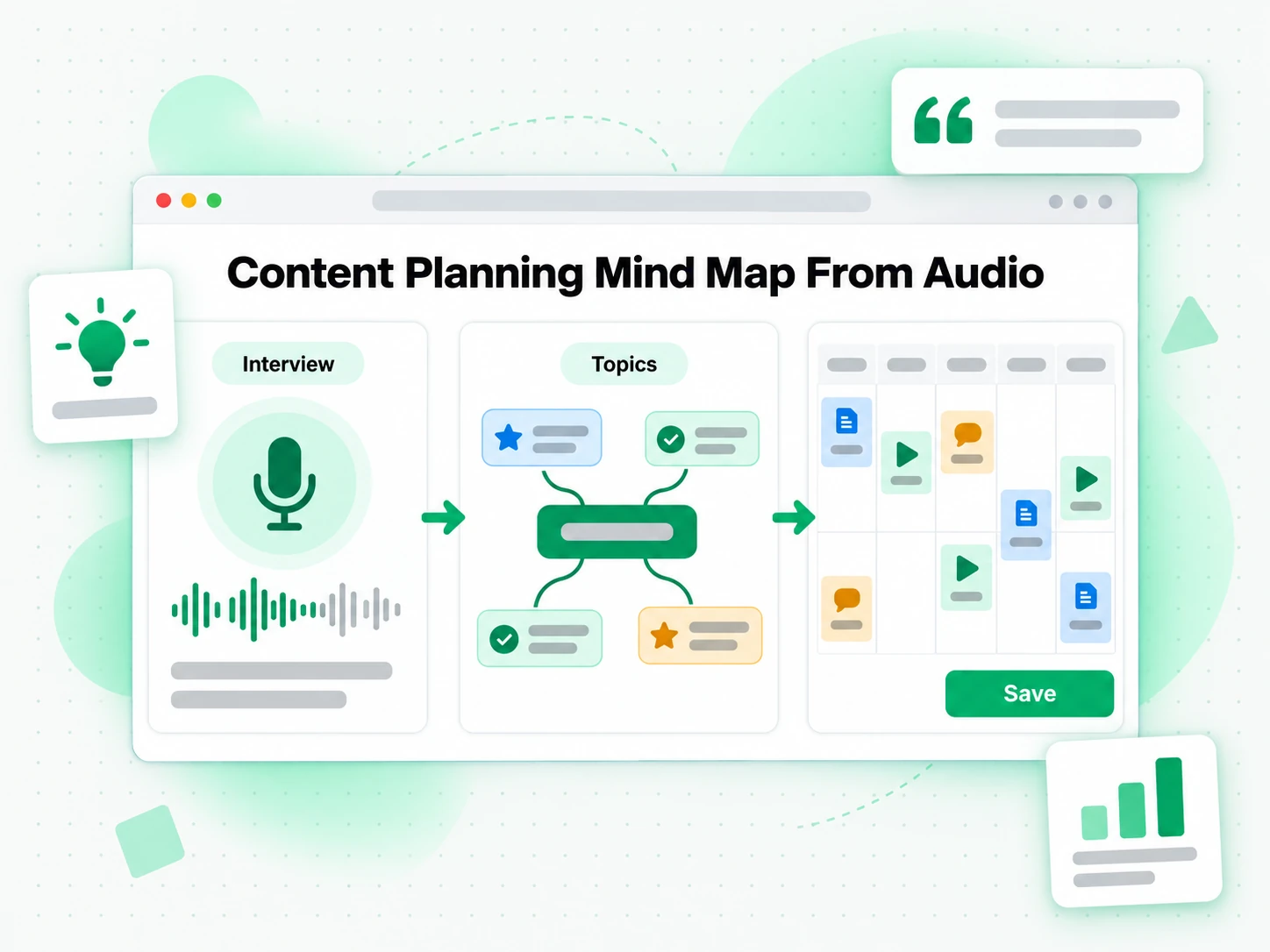
Content planning from audio interviews
A recorded interview or audio commentary holds the structure of the piece you are about to write, if you can see it. Map the audio and the branches show which themes came up and which answers carry the strongest material.
- See which themes came up and how often they returned.
- Find which answers carry the strongest material before you write.
- Pull quotable lines straight from the transcript and check them against timestamps.
- Plan an article, episode, or series around ideas already proven worth recording.
- Surface new angles once the recording is laid out as a map.
- Start planning from what the recording says, not from a blank page.
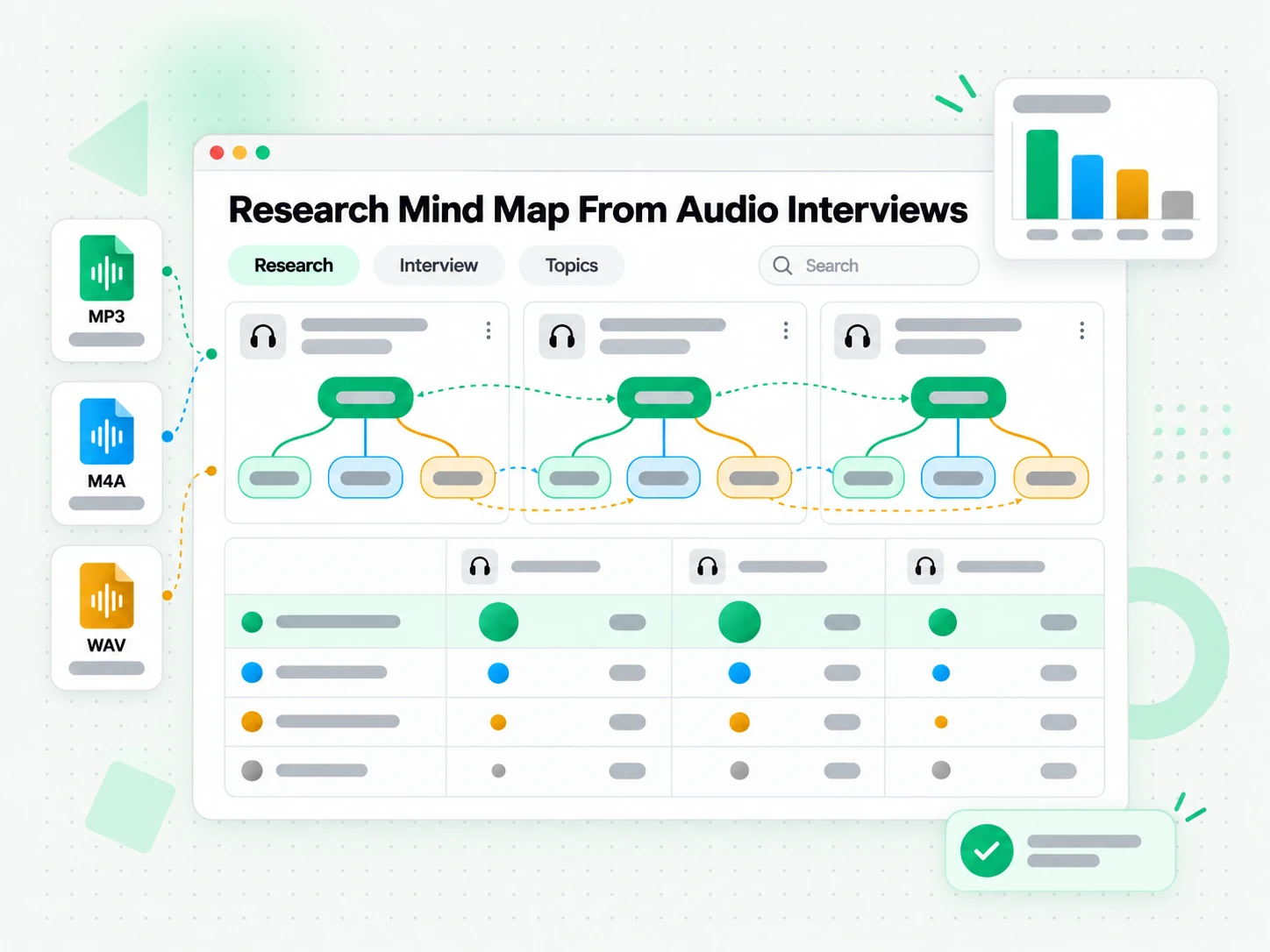
Research synthesis from recorded interviews
Qualitative work often means a batch of interview or focus-group recordings that all need the same treatment. Feed them through the generator and compare the maps to see which themes repeat across sources.
- Compare maps side by side to see which themes repeat across sources.
- Spot the themes that appear once against those that keep returning.
- Hold the synthesis in one research map, each branch pointing to its recording.
- Trace a claim in a report to the moment it was said.
- Keep every finding defensible because each branch has a source timestamp.
- Translate recordings when participants spoke another language.
For Course Creators and Trainers
A recorded lesson already contains the structure of the course you are building. Turn the audio into a mind map to see the topics you covered, spot the gaps, and plan the next module before you open a slide editor.
- See the lesson outline before rebuilding it as slides or a workbook.
- Spot the topics you skipped by comparing the map with your syllabus.
- Reuse a branch as a module outline instead of starting from a blank page.
- Find the moment a topic was explained through its timestamp node.
- Translate the map when the same course ships in another language.
How to Generate an Audio Mind Map
- 1
Upload Your Audio or Paste a Link
Drag in an MP3, WAV, M4A, or another common audio file, paste a link to a recording, or capture a few minutes with your microphone. There is no software to install: the audio is the only input the generator needs, whether you are on a phone, a laptop, or a shared computer.
Upload or drag a video or audio here
One audio or video file at a time. Common formats are supported.
- 2
Generate the Mind Map
Start the generator and it transcribes the spoken audio with AI, detecting the language automatically and keeping a timestamp on every line. The result is a full transcript plus a branching mind map of the ideas, so even a long, unstructured recording comes back as something you can navigate.
- 3
Read, Search, and Explore the Branches
Scan the branches to see how the recording is structured, then click a timestamp to jump to the moment an idea was mentioned. Search the transcript for a phrase, copy a single line or a whole passage, and switch to an outline when a list fits better than a map.
- 4
Edit, Translate, or Export
Rename nodes and merge topics until the map reads the way you want, translate the transcript and labels into another supported language, then export the map and its transcript as text, an SRT file, or a shareable link. The same recording can become notes, a summary, or a brief.
Use Your Audio Mind Map in the Apps You Already Have
Google NotebookLM
Add the transcript behind the map to a notebook as a text source, then ask NotebookLM to summarise the recording or answer questions about it. NotebookLM works from text, so a clean transcript is exactly what it needs.
ChatGPT, Claude, Gemini, Kimi, and Manus
Paste the transcript into the assistant you already use — ChatGPT, Claude, Gemini, Kimi, or Manus — and treat it as a brief: pull out the arguments in order, draft a summary, or rewrite the map for a different audience.
Note Apps and Whiteboards
Export the transcript and the outline of the map into Notion, Obsidian, Miro, or a whiteboard, then regroup the branches where your team already keeps its thinking. The timestamps still point back to the audio.
Builders Using the API and MCP
transcript.im also exposes an API and an MCP server, so a script or an agent can generate a mind map from audio and pass the transcript into the rest of your pipeline.
transcript.im vs Other Audio Mind Map Tools
Different tools answer different questions. Use this table to pick the one that matches what you actually need from an audio mind map.
| Tool | What it does | Use it when |
|---|---|---|
| transcript.im | Full timestamped transcript for any audio file or recording, plus a branching mind map with clickable timestamp nodes, search, export, and translation. | When you need a structured map you can edit and reuse, not just a transcript. |
| Audio transcription apps | Return a linear text transcript of a recording, usually without grouping the ideas into any structure. | When a flat transcript is all you need. |
| Google NotebookLM | Summarises a source and answers questions about it inside a notebook. | When the goal is Q&A over the recording, not a map of it. |
| Audio-to-text converters | Turn a file into plain text, often without timestamps, translation, or any visual structure. | When a short clip only needs a rough text version. |
| Manual note-taking | Listening back and writing your own outline by hand, one passage at a time. | For a brief recording, when nothing else is available. |
Related tools
Audio Mind Map FAQs
What is an audio mind map generator?
An audio mind map generator transcribes the spoken content of an audio file and organises the ideas into a branching visual mind map. Each node links back to the timestamp in the recording where the idea was mentioned.
How do I get a mind map from audio?
Upload an MP3, WAV, M4A, or another supported audio file, or record straight from your microphone. The generator transcribes the audio and builds a mind map from audio, with every branch timestamped.
Can an audio mind map generator work on a recording with no existing transcript?
Yes. The audio mind map generator transcribes the recording with AI first, so any file with clear spoken audio is enough. You do not need a transcript or a caption track before you start.
Which audio formats does the audio mind map generator support?
MP3, WAV, M4A, FLAC, OGG, WebM audio, and most other common audio formats are accepted, and you can also record directly into the generator from a microphone.
How accurate is the transcript behind the audio mind map?
Accuracy matches Whisper-grade output: high for clear speech in a quiet room, and lower for recordings with heavy background noise, strong accents, or several people speaking over one another.
Can I translate an audio mind map into another language?
Yes. Once the map is generated, translate the transcript and the map labels into another supported language in one step, with the timestamps preserved. The translated branches still point to the same moments in the audio.
Can I edit the audio mind map after it is generated?
Yes. Rename nodes, merge or reorder branches, and delete anything that does not belong, directly in the workspace. When the structure matches how you think about the recording, export the map or the transcript.
How is an audio mind map different from a plain audio transcript?
A transcript is linear text you read from start to finish, while a mind map from audio clusters related ideas into branches you can scan. The map shows the structure of the recording, and the transcript underneath still holds the exact wording and timestamps.
Can I use an audio mind map with Google NotebookLM?
Yes. Copy or export the transcript behind the map and add it to a notebook as a text source, then ask NotebookLM to summarise the recording or answer questions about it. A model cannot listen to a raw audio file the same way.
How long can a recording be for the audio mind map generator?
Any length of clear recording works. Long interviews and multi-hour sessions come back as a map you can scan by branch, so you can jump to the section you need instead of working through the whole file.
Does the audio mind map generator keep timestamps I can click?
Yes. Every node carries a clickable timestamp, so you can jump from a branch straight to the moment the idea was mentioned and hear it in context. The transcript keeps the same timestamps.
Can I export or share an audio mind map with my team?
Yes. Download the transcript as text or an SRT subtitle file, or send a shareable link to the map so colleagues can open the same branches and timestamps. The exported transcript stays searchable and editable.
Try the Audio Mind Map Generator
Upload an audio file — AI builds a mind map with clickable timestamp nodes from the transcript.