
TRANSCRIPT
Video MindMap Generator
Supported: YouTube, TikTok, Instagram, LinkedIn, Twitter — video, short, reel, or playlist.
What Is a Video Mind Map Generator?
A video mind map generator turns everything spoken in a video into a branching visual map instead of a wall of text. It is different from a transcript or a summary: the transcript is the full word-for-word record, and a summary flattens the video into bullets, while a video mind map keeps the structure and places each idea on a branch you can follow. The hardest case is a video with no captions at all, where there is nothing to map until the audio itself is transcribed. That is where simple tools stop and where a real video mind map generator earns its place. Whether you search for a video mind map generator, a video mindmap generator, or a mind map from video, the result should be a map you can navigate, with clickable timestamp nodes that jump straight to the moment an idea was said.
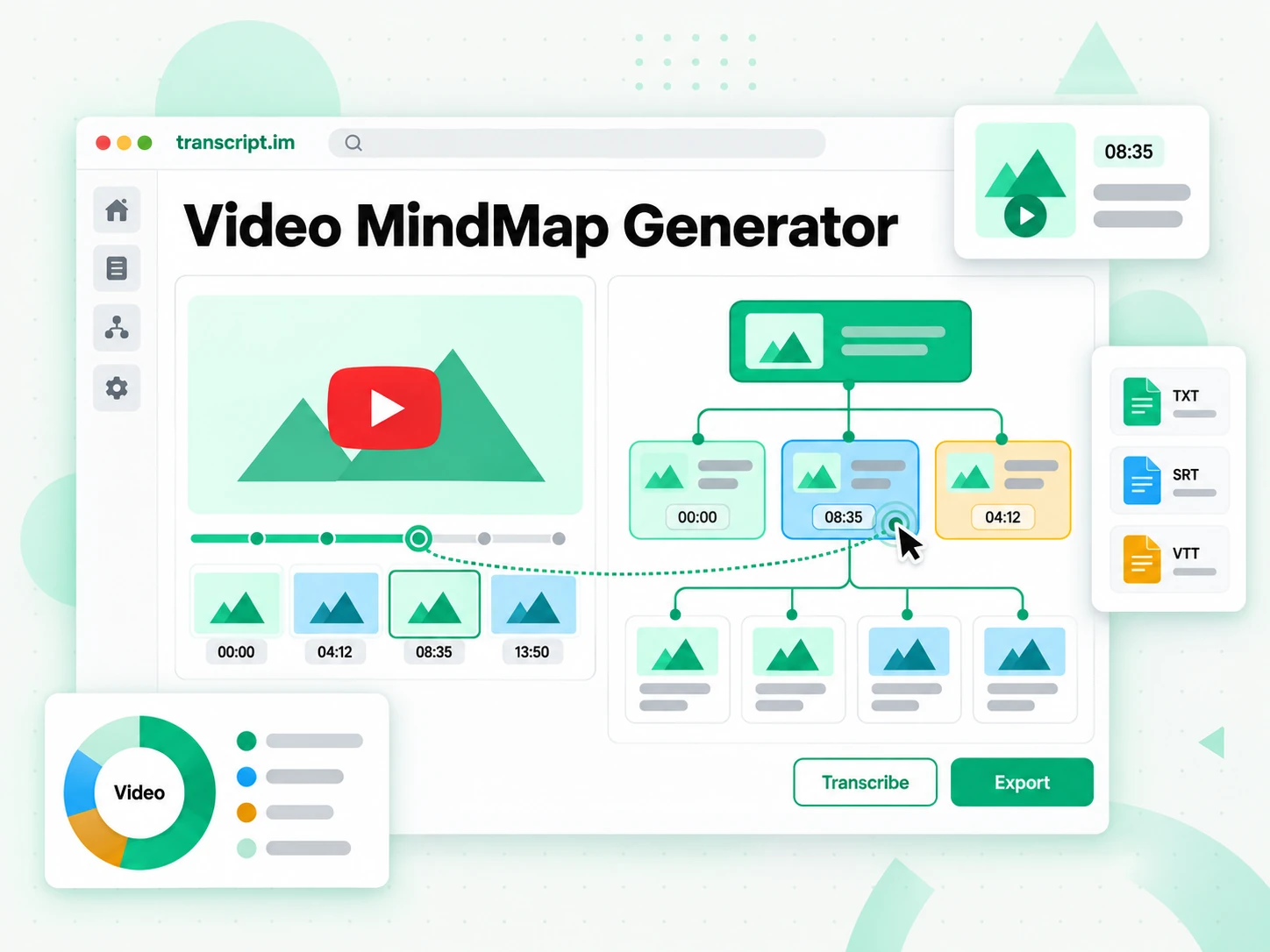
How the Video Mind Map Generator Works
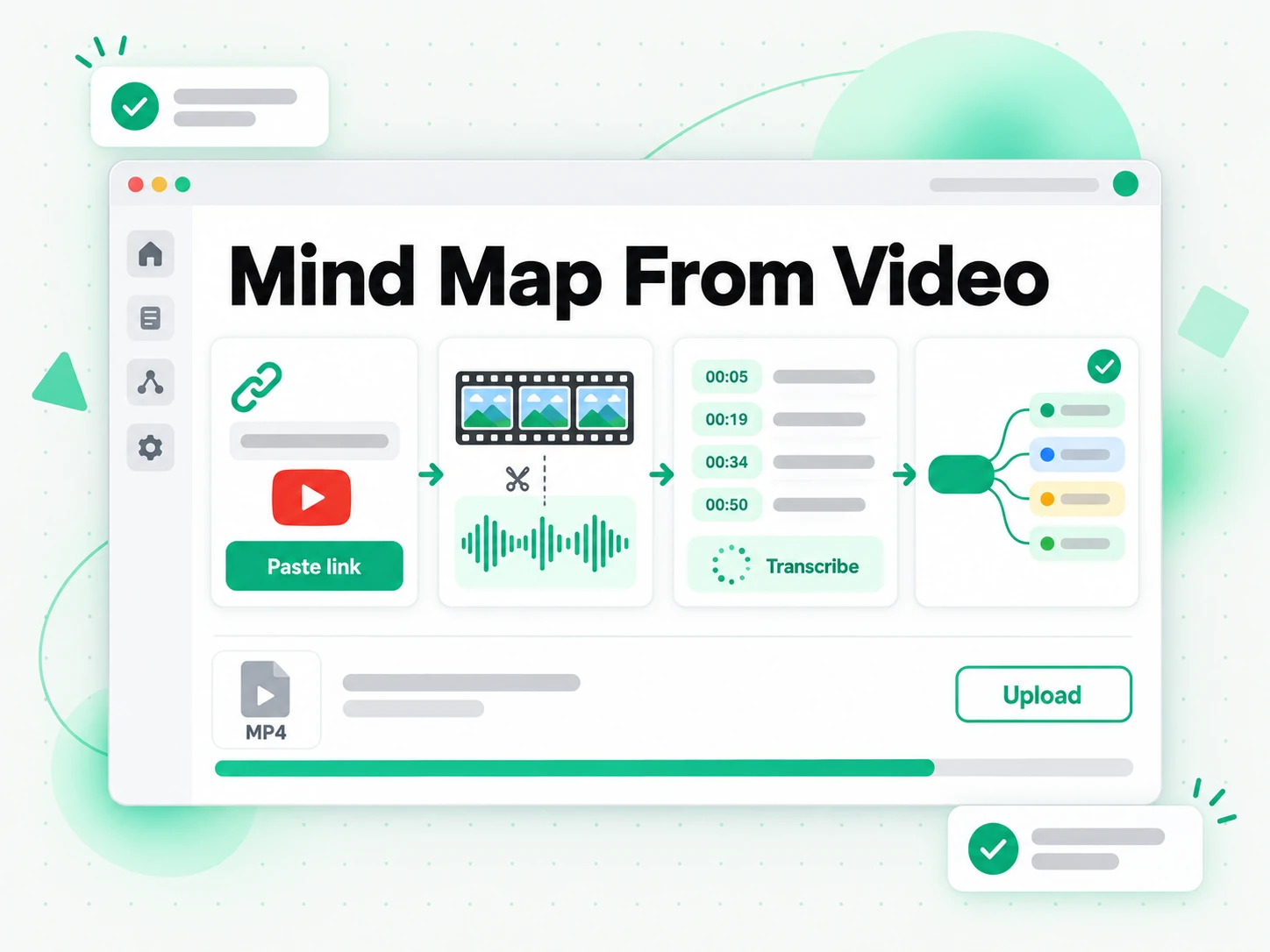
One pasted link or uploaded file takes you from a video to a navigable mind map in three steps.
Turn a Video Into a Mind Map
Paste any public video link from YouTube, TikTok, Instagram, or another supported platform, or upload an MP4, MOV, or WebM file directly. The video mind map generator extracts the audio and transcribes every word, using the creator's existing captions when they are available and AI transcription when they are not. From that full transcript it groups related ideas and builds a branching map instead of one block of text. A lecture, a recorded meeting, or a long tutorial comes back as a structure you can scan at a glance, with each branch tied to the part of the video it came from.
- Works from a pasted link or a direct upload
- Falls back to AI transcription when captions are missing
- Ideas grouped into branches from the full transcript
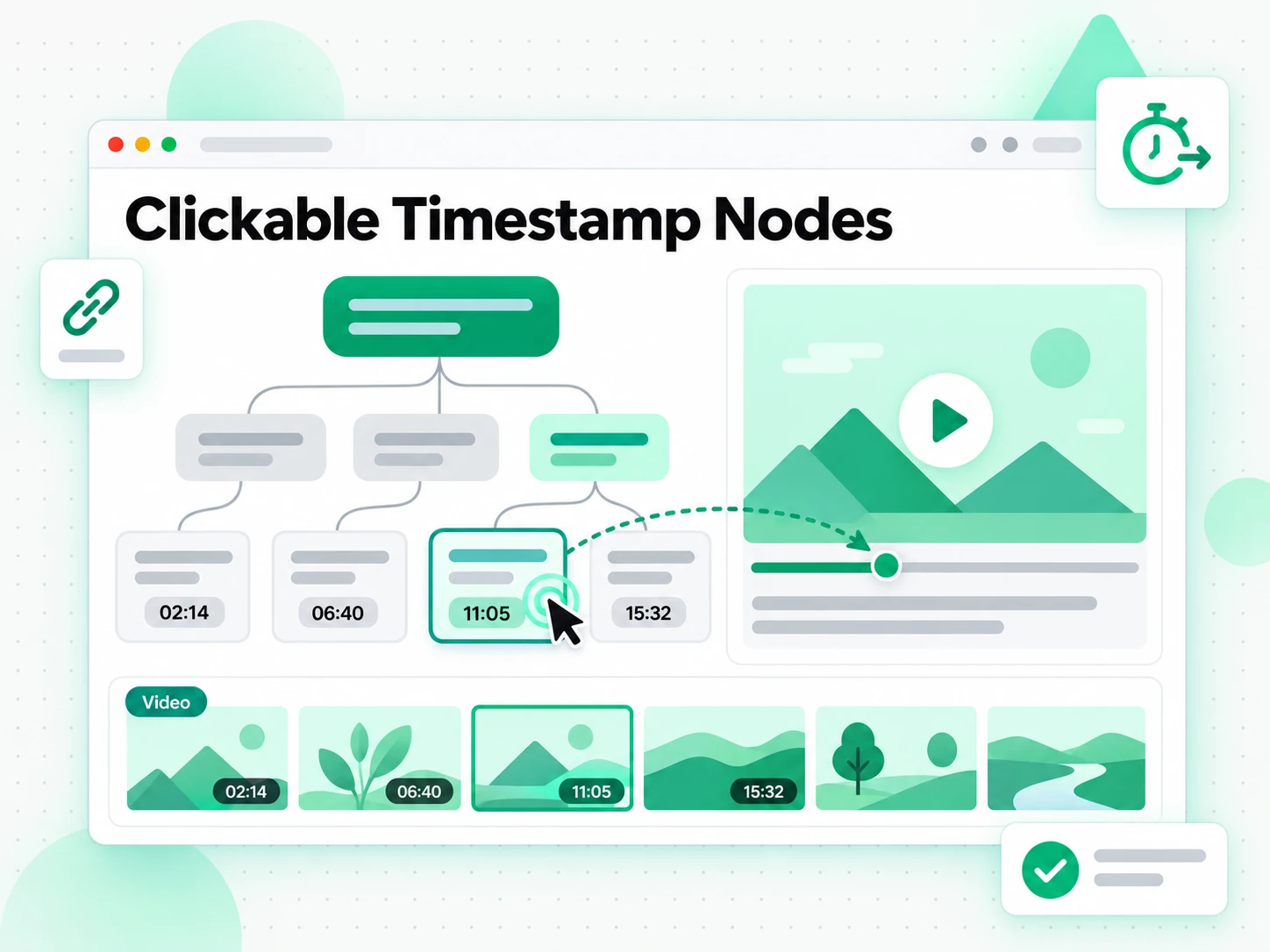
Read the Map and Jump by Timestamp
Once the map is built you can read it spatially: scan the branches to see how the video is organised, open the branch you care about, and follow the argument in the order it was made. Every node carries a clickable timestamp, so any point takes you straight back to the moment it was said. You can search the transcript behind the map for a term, or switch to a summary or a linear outline when a different shape suits the task. A long video stops being something you have to rewatch, because the whole structure is visible at once and any detail is one click away.
- Clickable timestamp nodes on every branch
- Search the transcript behind the map
- Summary and outline views from the same transcript
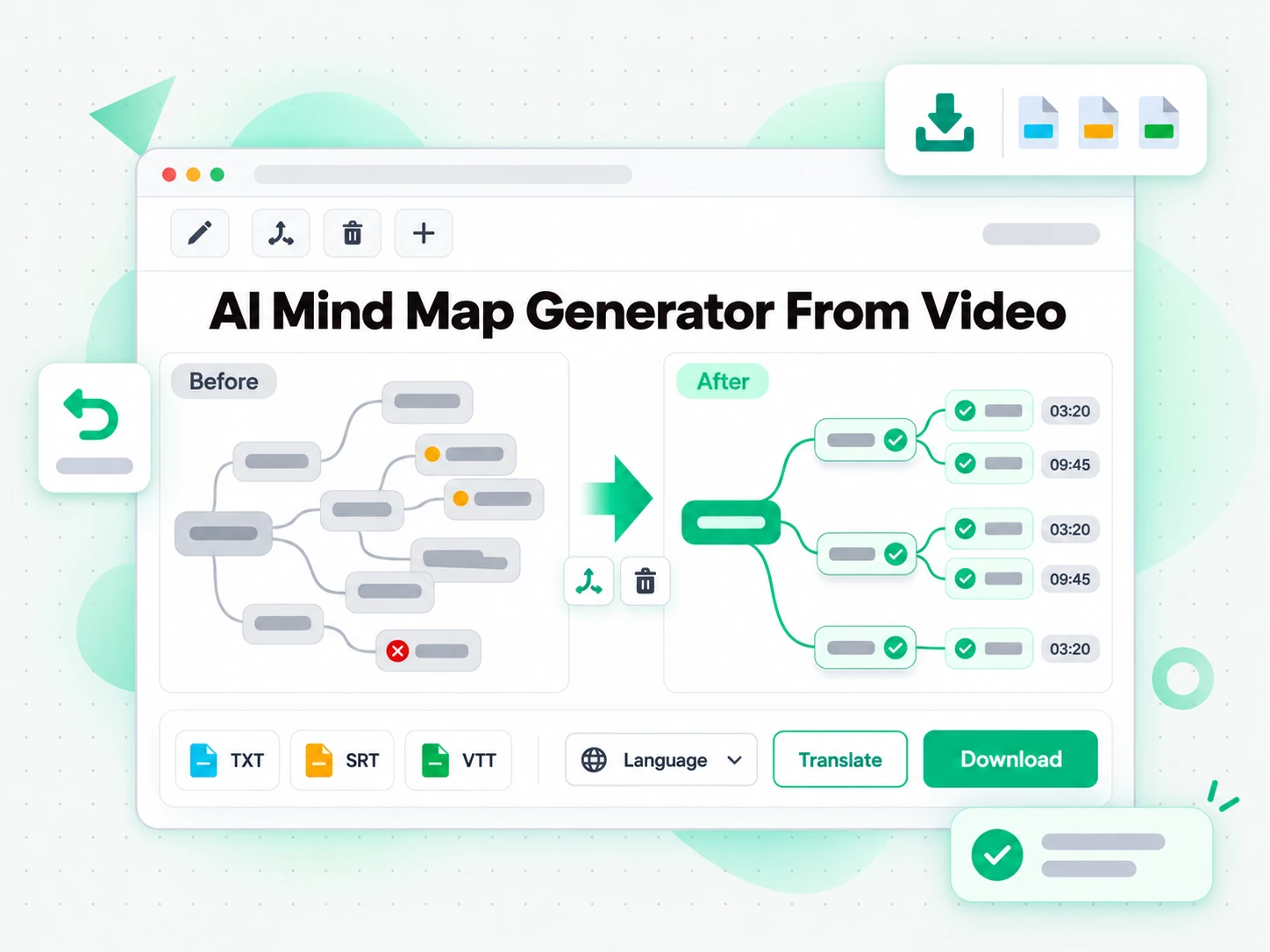
Translate, Edit, or Export the Map
Translate the transcript and the map labels into another supported language, rename nodes and merge or delete topics to match how you think about the material, then export what you need. Download the transcript as TXT, SRT, or VTT, keep the map as a shareable link, or hand the text to an AI tool as a brief for a new piece of work. A mind map you can edit is one you can make your own, and a transcript you can export is one you can reuse: the same video can become study notes, a project plan, subtitles, or the outline of your next presentation without another pass through the recording.
- Translate the transcript and the map labels
- Rename, merge, or delete nodes before export
- Export as TXT, SRT, VTT, or a shareable link
Why transcript.im Beats YouTube Chapters
✅ transcript.im
Paste any public link or upload a file and get a branching video mind map with clickable timestamp nodes, captioned or not. Every branch links back to the moment it was said, and you can search, edit, translate, and export the map or the transcript behind it.
❌ YouTube's built-in chapters
Chapters only appear when the creator typed them, and they list a handful of timestamps rather than the ideas themselves. There is no visual map, no grouped branches, no search across the talk, no clickable nodes to the source, and nothing at all for a video the creator never chaptered.
Who a Video Mind Map Is For
A video mind map helps anyone who needs to see how a video is structured, not just read it from start to finish.
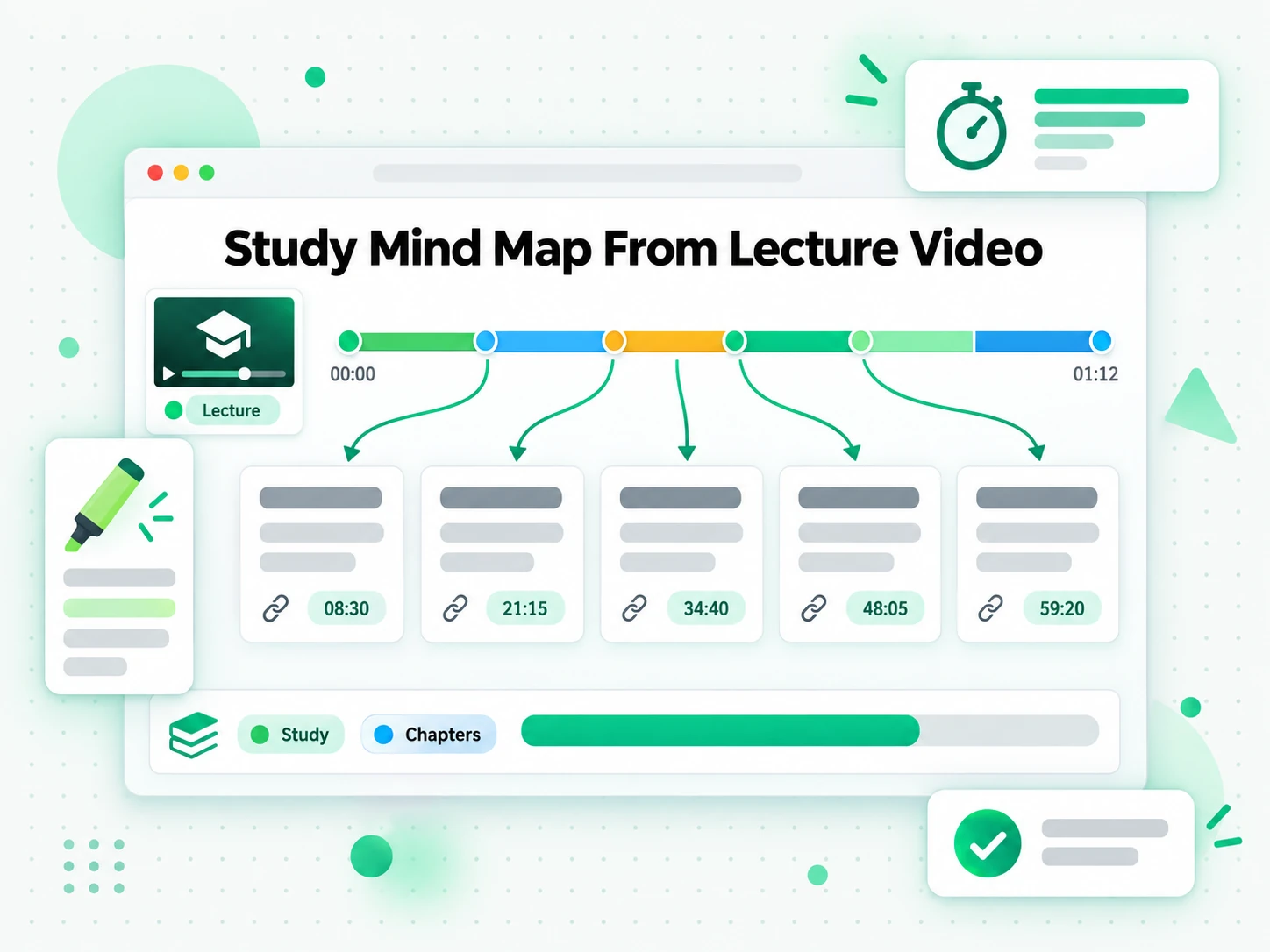
Study & revision maps from lectures
Convert recorded lectures, tutorials, and long course videos into a mind map you can revise from. Each branch holds one core idea, and every node links back to the moment it was explained.
- Collapse a two-hour module into branches you can scan in a minute.
- Open the branch you are unsure about instead of rewatching the recording.
- Click a node to land on the source line at the exact moment.
- Translate the map when a course is taught in another language.
- Export the transcript to build a printable study guide.
- Reorganise branches as the term goes on to keep revision current.
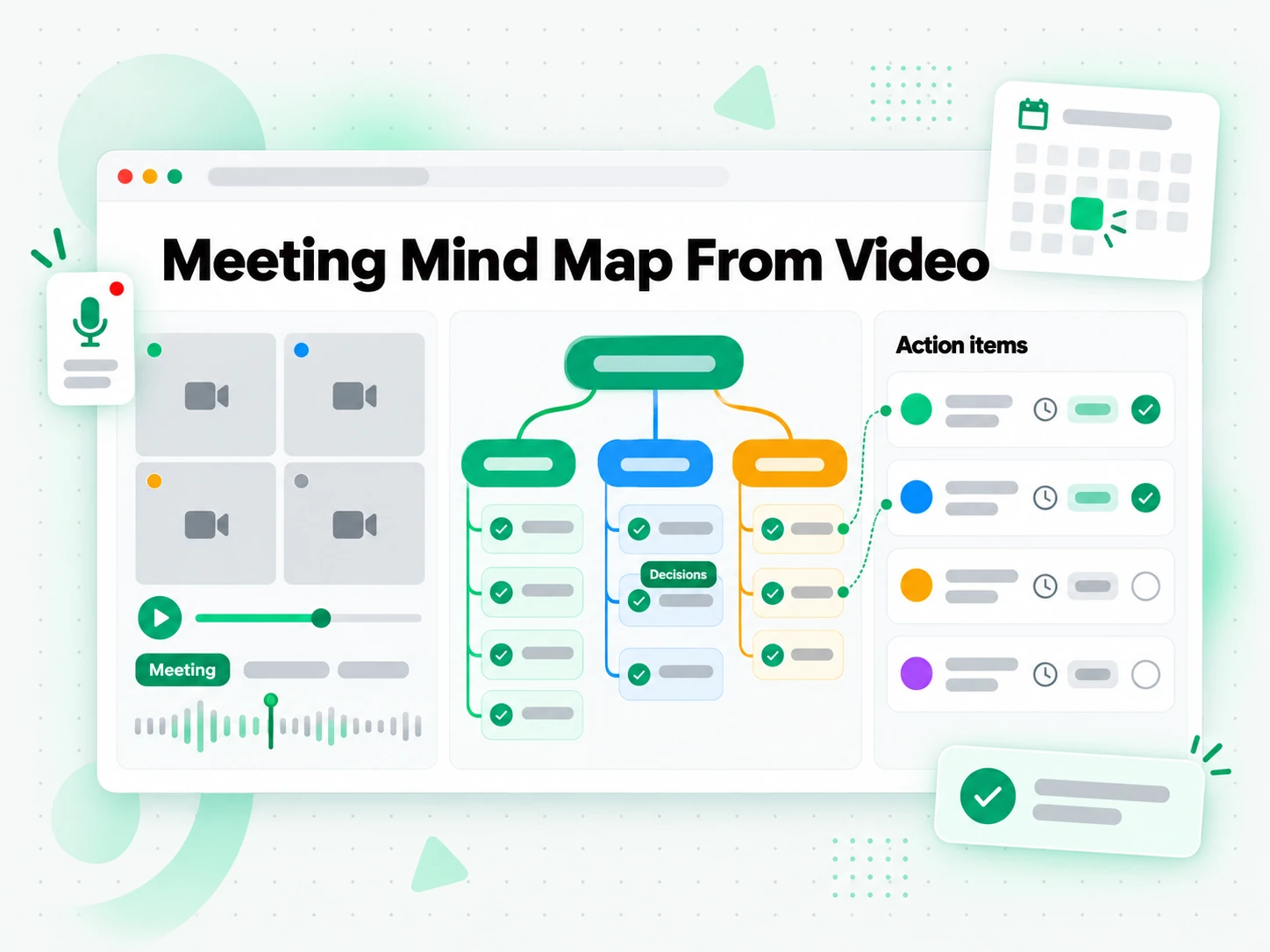
Meeting & brainstorm maps from recordings
Turn meeting recordings, stand-ups, and brainstorming sessions into a shared mind map of every decision and action item. Branches group the conversation by topic, so the outcome is clear even when the call jumped around.
- Read the map in a few minutes if you missed the meeting.
- Trace a decision back to the exact exchange through its timestamp node.
- Assign owners and merge duplicate topics by editing the branches.
- Delete the parts that do not matter before sharing the link.
- Share the finished map so nobody replays the full recording.
- Capture every open thread, not just the ones that were resolved.
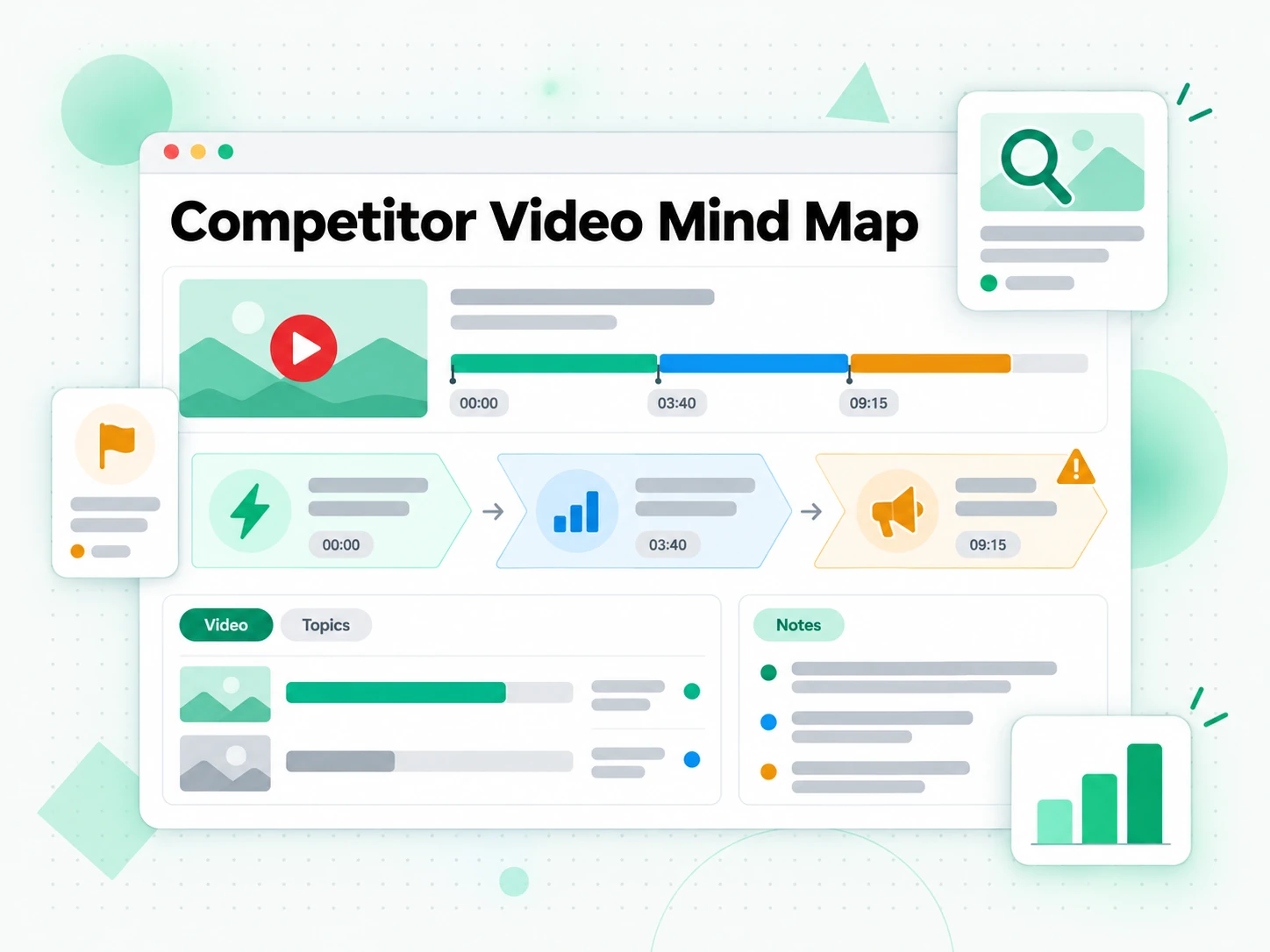
Content planning from competitor videos
Map a competitor video, a thought-leader talk, or a webinar to see how the strongest creators structure an argument. The branches show what they led with and where the structure weakened.
- See which ideas they led with and what they spent the most time on.
- Spot where the structure weakened and plan your take around the gap.
- Search the transcript for claims worth answering and quote them with a timestamp.
- Keep the map as a reference while you draft your own script.
- Compare several maps side by side to find the angle still open.
- Plan a series around uncovered territory rather than one video.
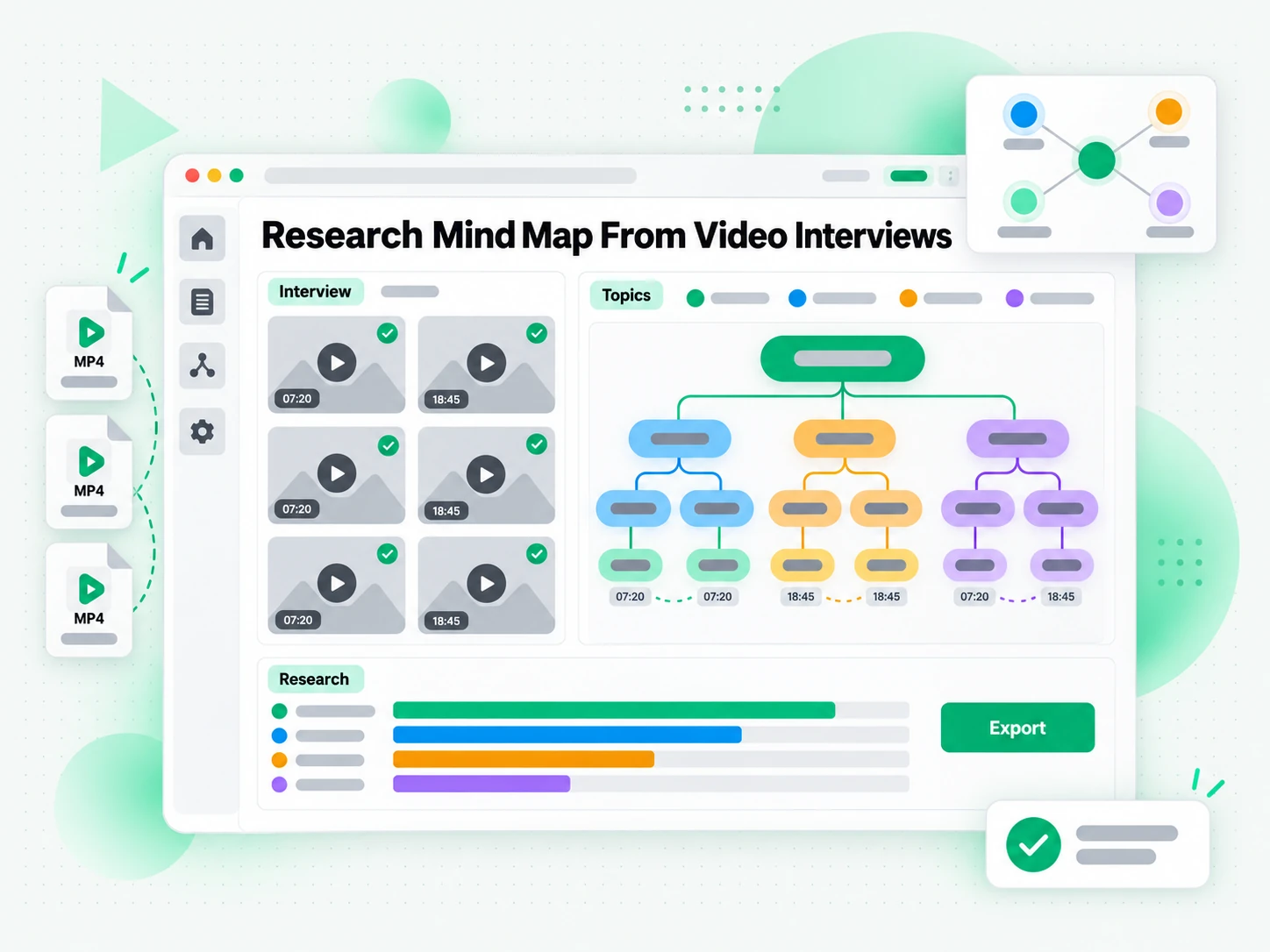
Research synthesis from video interviews
Process a batch of interview, documentary, or user-research videos and synthesise the themes into a single mind map. Related answers land on the same branch, so recurring patterns surface instead of staying buried.
- Process a batch of interviews and land related answers on the same branch.
- Surface recurring themes that would stay buried in separate transcripts.
- Check a quote against the moment it was said before it enters a report.
- Trace a flagged theme back to the source interview and timestamp.
- Export the maps and transcripts to combine them in your analysis.
- Translate the maps when participants spoke another language.
For Course Creators and Trainers
A recorded lesson or tutorial already carries an outline. Turn the video into a mind map to check the sequence of topics, find the gaps, and plan the next module before you record again.
- Check the topic sequence against your syllabus at a glance.
- Find the gaps between what you planned to teach and what the recording covers.
- Reuse a branch as the outline for the next lesson.
- Jump to the moment a topic was explained through its timestamp node.
- Translate the map when the course is taught in another language.
How to Generate a Video Mind Map
- 1
Paste the Video Link or Upload a File
Copy any public video URL from YouTube, TikTok, Instagram, or another supported platform, or drag in an MP4, MOV, or WebM file. There is no software to install: the link or the file is all the input the video mind map generator needs, whether you are on a phone, a laptop, or a shared computer.
- 2
Generate the Video Mind Map
Start the generator and it reads the creator's captions when they exist, then falls back to AI transcription of the spoken audio when they do not. From the full transcript it groups related ideas and builds a branching map, so even a video with no captions comes back as a navigable structure with clickable timestamp nodes.
- 3
Read the Map and Jump by Timestamp
Scan the branches to see how the video is organised, open the ones you care about, and click a timestamp node to jump straight to the moment an idea was said. Search the transcript behind the map for a term, or switch to the summary or outline view when a different shape fits the task.
- 4
Edit, Translate, or Export the Map
Rename nodes, merge topics, or delete branches to match how you think about the material. Translate the transcript and the labels into another supported language, or export the transcript as TXT, SRT, or VTT and keep the map as a shareable link.
Use Your Video Mind Map in the Apps You Already Have
Google NotebookLM
Add the transcript behind the map to a notebook as a source, then ask questions about the talk and let NotebookLM pull the supporting detail. The clean text is exactly what a source-based notebook needs.
ChatGPT, Claude, Gemini, Kimi, and Manus
Paste the transcript into the assistant you already use — ChatGPT, Claude, Gemini, Kimi, or Manus — and treat it as a brief: summarise the talk, rewrite it for a different audience, or expand a branch into a full section.
Note-Taking and Whiteboard Tools
Export the notes and branches into the note-taking or whiteboard app your team already runs on, and rebuild the map there next to your other projects. Because the output is plain text, it drops in without cleanup.
Builders Using the API and MCP
transcript.im also exposes an API and an MCP server, so a script or an agent can generate a video mind map and pass the transcript and branches into the rest of your pipeline.
transcript.im vs Other Video Mind Map Tools
Different tools answer different questions. Use this table to pick the one that matches what you need from a video mind map.
| Tool | What it does | Use it when |
|---|---|---|
| transcript.im | A branching mind map with clickable timestamp nodes, built from the full transcript of a link or an upload, captioned or not. | When you need a video mind map you can navigate, edit, and export. |
| YouTube's built-in chapters | Creator-written timestamps that list sections of a video, with no visual map or grouped ideas. | When a chaptered video only needs a rough outline. |
| Google NotebookLM | Summarises a source and answers questions about it inside a notebook. | When the goal is Q&A over the video, not a visual map. |
| AI summarizer tools | Flatten a transcript into prose or bullets, without keeping the structure of the ideas. | When a short text summary is all you need. |
| Manual note-taking and mapping | Watching the video and drawing the map by hand while it plays. | For a single short video you were going to watch anyway. |
Related tools
Video Mind Map Generator FAQs
What is a video mind map generator?
A video mind map generator turns the spoken content of a video into a branching visual map instead of a block of text. It transcribes the audio, groups related ideas onto branches, and links every node to the timestamp where it was said.
How do I get a mind map from video?
Paste a public video link or upload a file into the video mind map generator. It reads the existing captions first, or transcribes the audio with AI when there are none, then builds a mind map from video with clickable timestamp nodes in a single run.
Can the video mind map generator work on a video without captions?
Yes. When a video has no caption track, the generator transcribes the spoken audio with AI instead, so you still get a complete video mind map rather than a partial one, and every branch keeps its timestamp.
Which video formats and platforms does the video mind map generator support?
You can paste links from YouTube, TikTok, Instagram, Vimeo, and most other public video platforms, or upload a common file such as MP4, MOV, or WebM. The generator extracts the audio and maps the ideas either way.
Does the video mind map generator support multiple languages?
Yes. It detects the spoken language automatically across supported source languages, then can translate the transcript and the map labels into another supported language with the timestamps preserved.
How accurate is the transcript behind the video mind map?
Accuracy depends on the source. Creator captions are usually precise, while AI transcription can mishear names, accented speech, or overlapping voices, so a clean audio track gives the best video mind map.
Can I edit the video mind map after it is generated?
Yes. You can rename nodes, merge or delete branches, and rearrange topics directly in the workspace before you export, so the map matches the way you will actually use it.
How is a video mind map different from a transcript or a summary?
A transcript is the complete word-for-word record and a summary flattens the video into a short text. A video mind map keeps the structure of the ideas, placing them on branches with clickable timestamp nodes you can navigate.
Can I download or share the video mind map?
Yes. You can export the transcript behind the map as TXT, SRT, or VTT, or keep the map itself as a shareable link, so a colleague can open the same structure without generating it again.
How long can a video be to generate a mind map?
Long videos are the point: the map is built from the complete transcript, so a lecture, a meeting recording, or a long interview is organised end to end rather than cut off after the opening minutes.
Can I generate a mind map from a live stream?
A live stream becomes mappable once it has ended and a recording exists. An in-progress stream is not available yet, because there is no finished audio track to transcribe and map.
How is a video mind map different from YouTube's built-in chapters?
Chapters only appear when the creator added them and list a few timestamps instead of the ideas. This video mind map generator works on any public video, captioned or not, and returns editable branches with clickable nodes you can search and export.
Try the Video Mind Map Generator
Paste a link or upload a file — AI builds a mind map with clickable timestamp nodes from the transcript.