
TRANSCRIPT
YTMP4 Download
You are responsible for having the rights to download this content. See our copyright disclaimer.
What Is a YTMP4 Download?
A YTMP4 download turns a public YouTube recording into a portable MP4 with its picture and sound together. This YTMP4 downloader on transcript.im lets you confirm the source, choose a resolution, and save a copy for a player or editing app. A YTMP4 video download is different from a transcript, an audio-only conversion, or a bookmark that still needs the streaming page. It is useful when you are allowed to keep a demonstration, an original upload or licensed footage and need to review it away from that page. YTMP4 offers 360p, 480p, 720p and 1080p requests; the delivered quality depends on what the source can provide. A larger setting cannot invent detail that was never uploaded. Searches such as yt mp4, yt to mp4 and YouTube to MP4 describe that same practical task. Check the source before processing, then save your YTMP4 video download while the temporary result remains available.
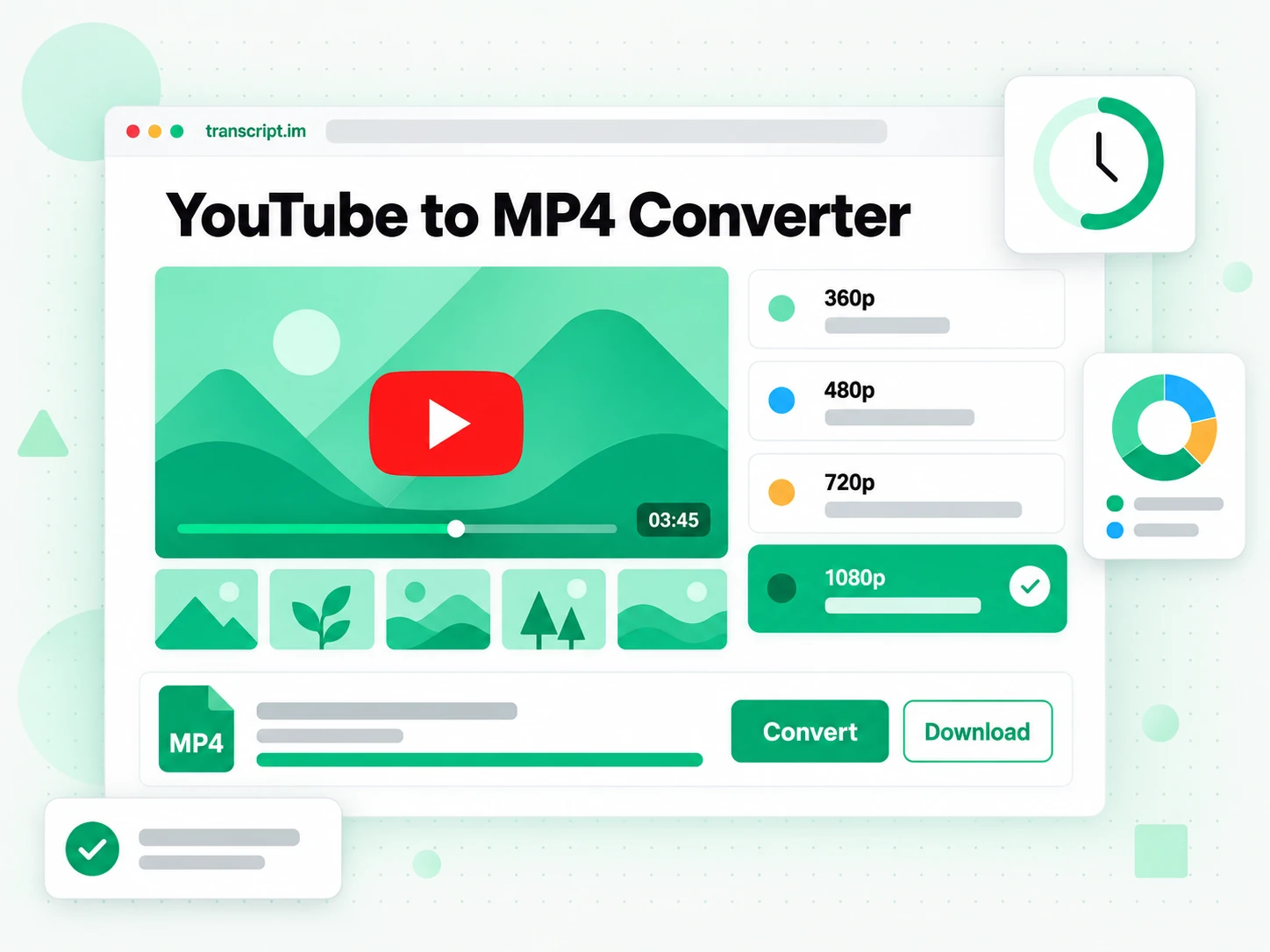
How a YTMP4 Download Works
The YTMP4 converter moves from a confirmed source, through a chosen resolution, to a locally saved viewing copy.
Start YTMP4 with the Source
Paste the address of the specific recording into YTMP4 and check the title, thumbnail and duration that appear. They help distinguish a complete demonstration from a trailer, a revised upload or a similarly named clip. A YTMP4 download starts from that public source rather than recording the screen as it plays. Keep the original address available so you can return to the creator's description and context. This workflow processes one chosen recording at a time; it is not a channel archive or a batch playlist exporter. If the source is removed, private or still broadcasting live, there may be no finished public recording to use. Confirming those basics before starting a YTMP4 video download is more useful than repeatedly submitting a link that cannot be processed.
- YTMP4 shows source title and duration
- A YTMP4 download uses one chosen recording
- Check the public source before processing
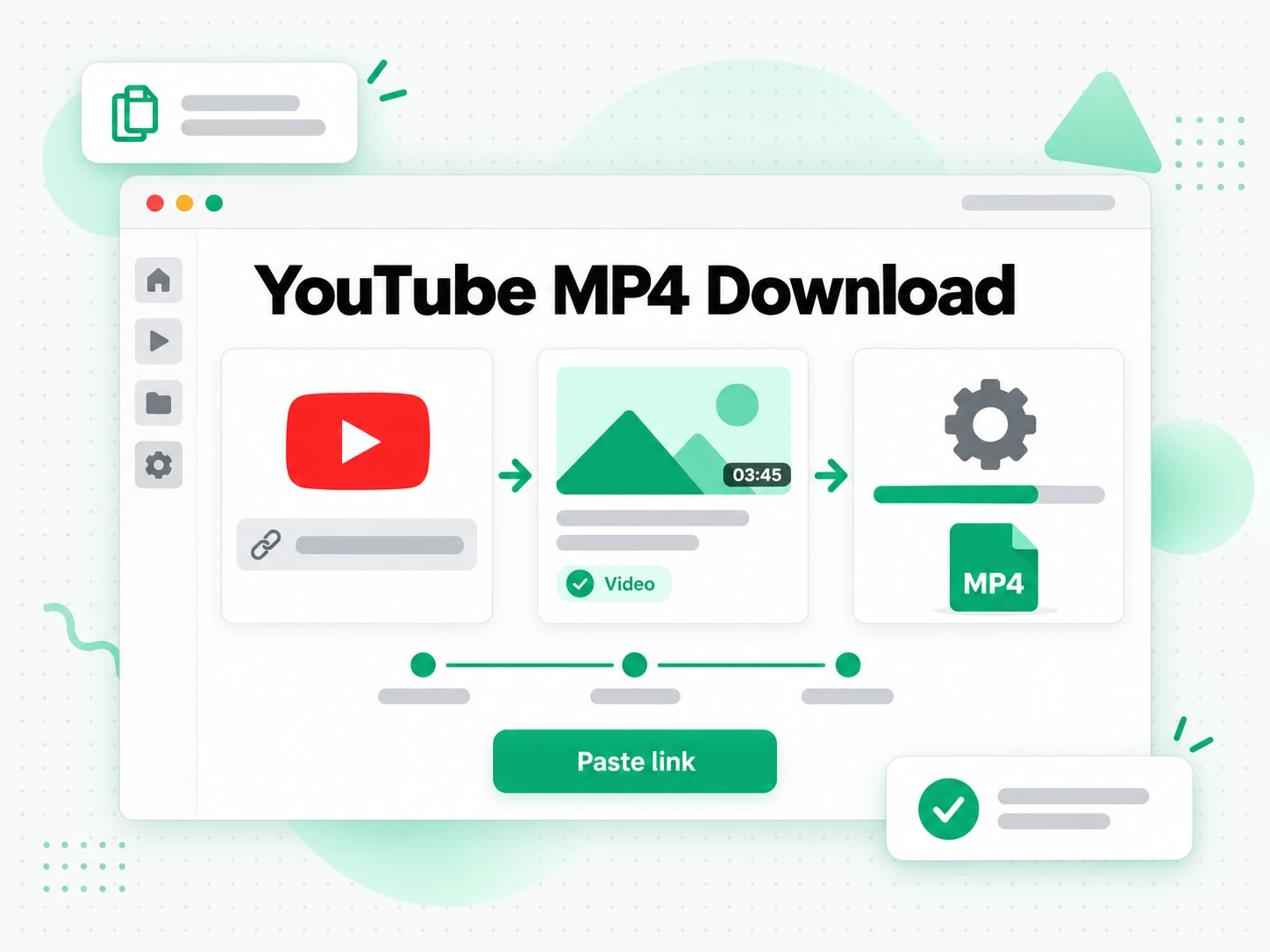
Choose the YTMP4 Resolution
YTMP4 offers 360p, 480p, 720p and 1080p resolution requests. Choose according to the task: an editing reference, a talk with small slide text, or a compact copy for a phone. A YTMP4 download can only reflect the source that actually exists; requesting 1080p cannot turn an older low-resolution upload into a newly detailed recording. If the requested quality cannot be supplied, YTMP4 can deliver a lower available resolution and show a quality note. Review that information before relying on the result for a presentation or an edit. A YTMP4 video download keeps the picture and sound together. For listening alone, use the YTMP3 format option; the page carries your pasted source address across so that changing the output does not mean finding the recording again.
- YTMP4 offers a four-step resolution ladder
- Check the quality delivered by YTMP4
- Switch from YTMP4 to a sound-only output
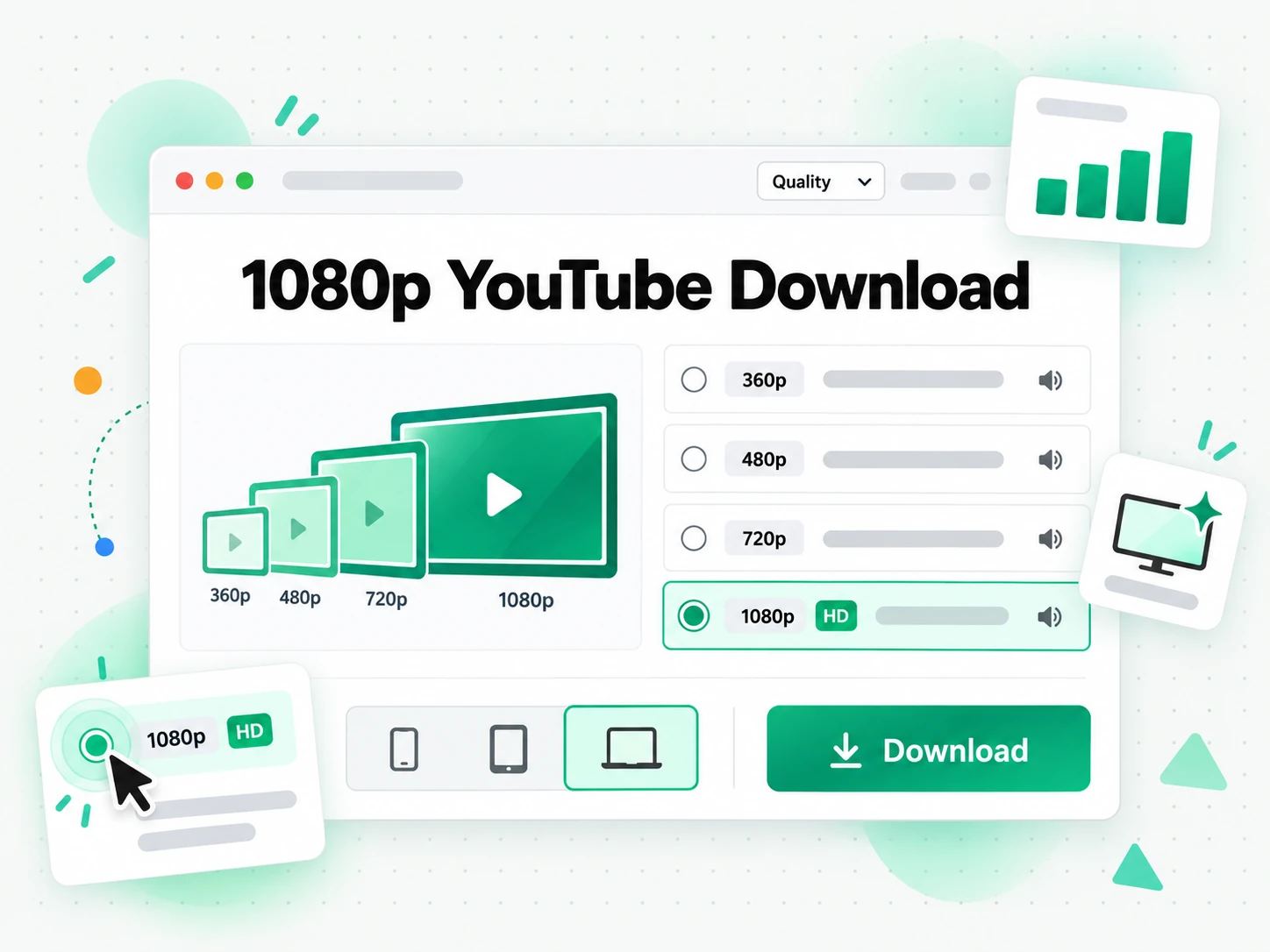
Keep the YTMP4 Copy
The finished YTMP4 download provides a direct address for saving the result. A YTMP4 video download link is a temporary route to that output, not a permanent place to store your review copy. Save it to the device or folder you intend to use, then open it once to check the beginning, the end and the sound. The YTMP4 video download link expires after 30 minutes, even if you plan to return to the page later. The conversion adds no watermark, but logos or credits already in the creator's recording naturally remain. Keep the original address and any permission note with the saved copy, particularly if another editor will receive it. Once it is stored locally, your player or editor controls seeking, trimming and the next part of the project.
- The YTMP4 result is a portable MP4
- Save the YTMP4 copy within 30 minutes
- YTMP4 keeps existing source marks intact
Why Choose YTMP4?
✅ YTMP4 on transcript.im
A YTMP4 download gives you a portable copy for a player or editor, with a requested resolution and a direct saving address. You can review the source first and inspect the delivered quality. A YTMP4 video download link lets you store the finished result where your own project keeps its references.
❌ YouTube's in-app offline mode
In-app offline viewing keeps a recording within the streaming app's own workflow. It is a way to watch there, rather than obtain an ordinary MP4 for another program. YTMP4 serves the different task of keeping a portable copy when you already have permission to save and use the source.
Where a YTMP4 Download Fits
Use YTMP4 for the next action you actually need to take with the permitted recording, rather than choosing a resolution by habit.
Your Own Uploads
A YTMP4 download can give you a review copy of a recording you created without reopening an old editing session. Keep the result as a reference, with your original production master still stored separately.
- Check the version, especially when a talk or demonstration has several revisions.
- Choose a resolution for the review task, so small diagrams remain readable when they matter.
- Save your YTMP4 video download to a project folder and label it as a review or reference version.
- Verify the result before sharing it with somebody who will be commenting on timing or delivery.
Study and Review
YTMP4 can prepare a permitted demonstration or lesson for repeated viewing outside the streaming page. A YTMP4 download is especially useful when the meaning depends on gestures, diagrams or the sequence of actions being shown.
- Keep the visuals with the explanation, rather than choosing a sound-only format by mistake.
- Check slide text in the result before assuming that a smaller resolution will be sufficient.
- Note the source of each lesson so a saved reference does not lose its creator or context.
- Add a written transcript when you also need to search the spoken wording.
- Store the copy locally before a study session, instead of relying on a temporary result address.
An Editing Reference
A YTMP4 download can put footage you are allowed to use into a review or editing folder. Check the result before beginning a cut, particularly when timing, sound or legible details are important to the project.
- Confirm permission before processing, then retain the licence or creator note with the footage.
- Compare the delivered quality with the request, especially if the source has a lower ceiling.
- Tie filenames to the source, edition and purpose to avoid confusing two similar recordings.
- Open the saved result in the intended editor and check sound and picture before committing to the workflow.
Teaching and Presenting
Use a YTMP4 download for a permitted example you need to show from a local device. A saved copy removes the need to return to the streaming page during the explanation, while preserving the picture and sound.
- Save the result before the session, then test it on the actual presenting device.
- Keep attribution beside the copy when the source or licence requires a credit.
- Use the YTMP4 video download link promptly, because that temporary address expires after 30 minutes.
- Check playback at the display size you will use, so labels and demonstrations remain clear enough.
Viewing Away from the Page
YTMP4 can prepare individual recordings you are entitled to keep for a journey or a period without a connection. Organise the results before leaving, and test the local copies in the player you intend to use.
- Allow space for the chosen settings, especially when keeping several longer recordings.
- Check that the result is saved on the device, rather than leaving only a link in a message.
- Save your YTMP4 video download before travelling, while the finished result is still available.
- Keep the source notes for later viewing, so you can return to the original context or creator.
How to Use YTMP4
- 1
Paste the Recording into YTMP4
Copy the specific source address into YTMP4, then check the title and duration. A YTMP4 download should start with the edition you actually intend to keep, not a similar search result. Confirm that the recording is public, finished and suitable for the task before selecting a resolution.
You are responsible for having the rights to download this content. See our copyright disclaimer.
- 2
Choose the YTMP4 Quality
Keep the picture-and-sound format selected in YTMP4 and request 360p, 480p, 720p or 1080p. Think about storage, screen size and whether small details matter. A YTMP4 download cannot add missing detail, so compare the delivered quality with the source rather than treating the requested setting as a guarantee.
- 3
Follow the YTMP4 Processing Status
Start the request and wait for YTMP4 to show the completed result. The duration of the source and service conditions affect processing. If processing supplies a quality note, read it before moving on. A YTMP4 video download link appears only when the result is ready to save.
- 4
Save Your YTMP4 Video Download
Use the YTMP4 video download link to store the result locally, then check it in your player or editor. A YTMP4 video download link expires after 30 minutes. Keep the saved copy, source address and any permission note together so the result stays useful after that temporary address disappears.
Use YTMP4 in Your Workflow
NotebookLM and Study Material
A YTMP4 download preserves the visual explanation. When you also want searchable wording for NotebookLM or a study notebook, generate a YouTube transcript from the same recording. The viewing copy and the written layer support different parts of the task.
ChatGPT, Claude, Gemini, Kimi and Manus
Use YTMP4 for reviewing the original delivery, and give a transcript to ChatGPT, Claude, Gemini, Kimi or Manus when you want text-based analysis. A YTMP4 download does not itself produce a summary, so choose the separate workflow for that result.
VLC, QuickTime and Editing Apps
Open a YTMP4 download in a compatible player, or import it into Premiere, Final Cut, CapCut or DaVinci Resolve as your project requires. A YTMP4 video download link is only the saving step; the chosen app handles playback and editing.
API and MCP Transcript Workflows
Builders can keep YTMP4 viewing references alongside transcript.im's API and MCP transcript workflows. This is the browser conversion page; use the documentation to plan programmatic transcription or analysis, rather than assuming that every browser action is an exposed API operation.
Compare YTMP4 Workflows
A YTMP4 download is one route to a portable viewing copy. Compare the output you need, rather than treating every offline or capture workflow as interchangeable.
| Approach | What you get | When it fits |
|---|---|---|
| YTMP4 on transcript.im | A portable picture-and-sound copy, requested resolution and direct result address. | Choose a YTMP4 download when an authorised public recording needs to open in your player or editor. |
| In-app offline viewing | Playback retained within the streaming app under its own conditions. | Choose it for viewing there; YTMP4 is for keeping a portable result. |
| Another online converter | A browser workflow with formats, resolution controls and saving behaviour that vary by service. | Compare its controls with YTMP4 and check the delivered result, rather than assuming the selected resolution is guaranteed. |
| A desktop conversion tool | An installed workflow with application-specific controls and supported sources. | Use it within an established desktop process; choose YTMP4 when the browser route fits the task. |
| Screen capture | A recording of playback, potentially including controls, pauses or other interruptions. | Use it when capture is the goal; a YTMP4 video download starts from the source recording. |
YTMP4 Related Tools
YTMP4 Questions
What is a YTMP4 download?
A YTMP4 download is a portable MP4 copy with picture and sound from a public source. This page on transcript.im provides resolution selection and a finished result address, so you can save the copy for a compatible player or editor.
How do I start a YTMP4 download?
Paste the specific recording's address into the YTMP4 converter, confirm the displayed details, choose the format and resolution, then start processing. Save the result once it is ready. The YTMP4 video download link leads to the finished copy, rather than creating a permanent archive page.
Which YTMP4 resolution should I choose?
YTMP4 offers 360p, 480p, 720p and 1080p requests. Choose according to the screen, storage and details you need to inspect. A YTMP4 download can only use what the source provides; it cannot turn a low-resolution recording into genuinely more detailed footage.
Why might a YTMP4 download have a lower resolution than I requested?
The source may not supply the requested setting, so YTMP4 can return a lower available quality and show a note. Read that information and inspect the copy before using it. A requested resolution is not a promise of detail absent from the original.
Does a YTMP4 video download include sound?
Yes. A YTMP4 video download keeps picture and sound together in the standard output. Choose YTMP3 instead if you only need listening material; YTMP4 carries the pasted source address across that format switch so you can continue with the same recording.
Can I start a YTMP4 download on a phone?
Yes. Use YTMP4 in a current mobile browser, paste the public address and choose the output settings. Saving behaviour depends on the browser and operating system. Open the local result once to confirm its location and playback before relying on it away from the page. A YT MP4 downloader still needs that final saving step on the device.
Can YTMP4 keep a full playlist or channel at once?
YTMP4 works with one selected recording per request. For a series you are permitted to save, use each item's address and organise the YTMP4 downloads yourself. This page is not a batch exporter or a packaged channel archive.
Can YTMP4 process private uploads or a live broadcast?
YTMP4 requires an accessible, finished public recording. A private or removed upload is not an ordinary source, and a live broadcast needs a completed replay before a normal YTMP4 download can be made. Check the message shown for the source rather than repeatedly starting the same request.
How long does a YTMP4 video download link last?
A YTMP4 video download link expires 30 minutes after the result is ready. Save the copy within that window and keep the local result for later viewing. The temporary address is a way to obtain the output, not a permanent storage location. A local YT MP4 download stays in the folder you saved it to.
Does a YTMP4 download add a watermark?
YTMP4 adds no watermark to the converted output. Logos, captions or credits already visible in the source remain part of the picture. Conversion does not remove a creator's existing marks or change the rights attached to the recording.
Does a YTMP4 download include a transcript or summary?
No. YTMP4 prepares the viewing copy. For written wording, use the separate YouTube transcript workflow; for a condensed explanation, choose the summarising workflow. The viewing copy and those text outputs are different results from the same source.
Can I reuse a recording after making a YTMP4 download?
A YTMP4 download does not grant reuse rights. Save your own recordings or sources whose permissions cover your purpose, preserve required credits, and check the conditions before editing or sharing. Conversion changes the format, not the ownership or licence.
A Portable YTMP4 Copy
Save Your YTMP4 Video Download
Use YTMP4 with a permitted link, choose a resolution, and keep the finished recording locally.