
TRANSCRIPT
YTMP3 Converter
You are responsible for having the rights to download this content. See our copyright disclaimer.
What Is a YTMP3 Converter?
YTMP3 describes the task of turning a YouTube link into a portable listening copy. This YTMP3 converter on transcript.im saves the sound as an MP3, so you can leave the picture behind and open the result in a player or editor. An online YTMP3 player converter starts with a public recording, reads its details, and lets you choose an encoding bitrate before processing. That choice affects size and compression; it cannot restore detail missing from the original upload. The YTMP3 YouTube to MP3 converter is useful when a creator has allowed you to keep a recording but supplied no separate listening version. Paste the specific clip, check what it contains, and save only material you own or have permission to use. Whether your search was yt to mp3, yt mp3, or YouTube MP3 converter, the practical goal is the same: a usable listening copy with a clear source.
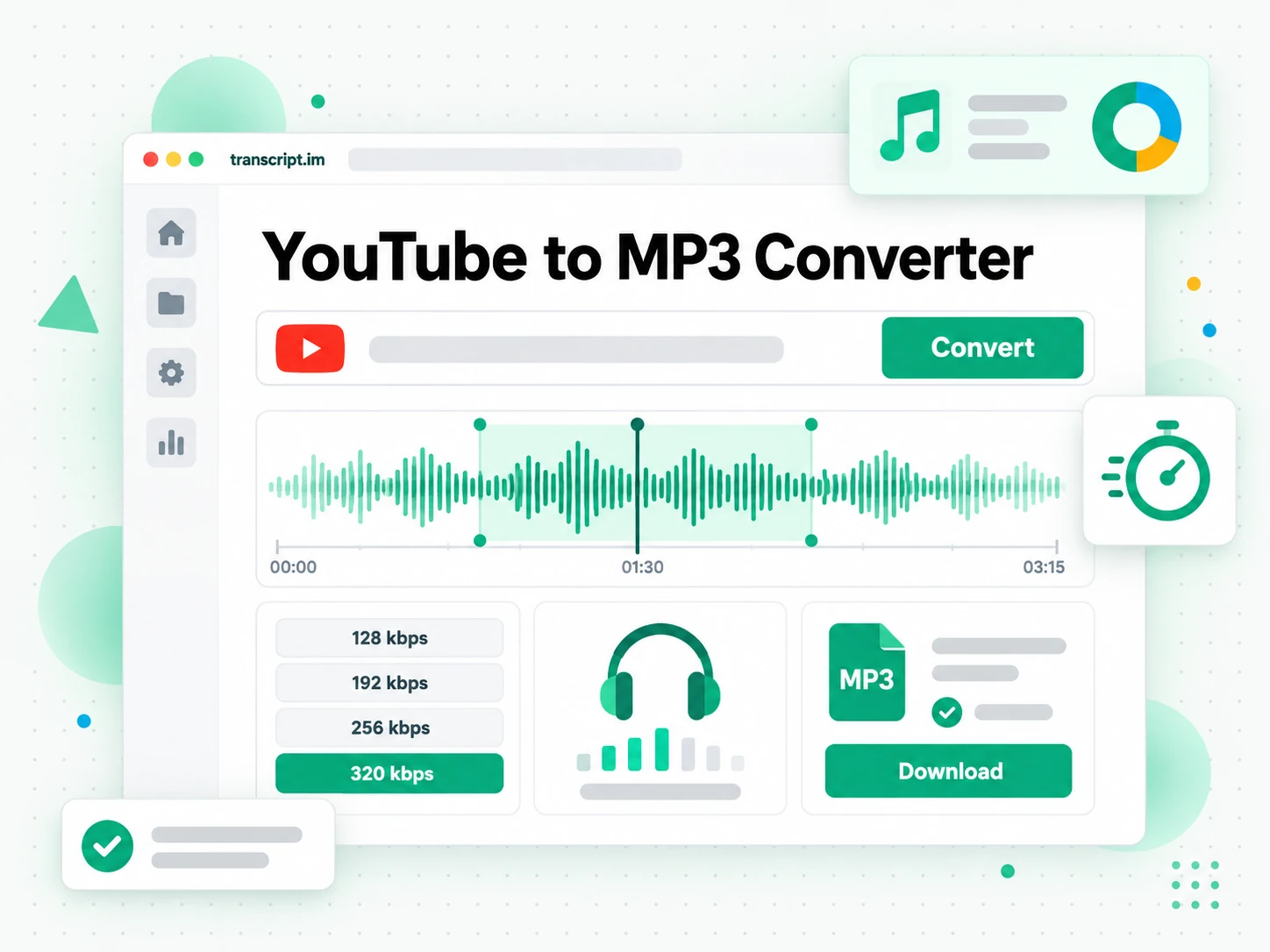
How the YTMP3 Converter Works
The YTMP3 converter separates finding the right recording, choosing an encoding setting, and saving the finished result.
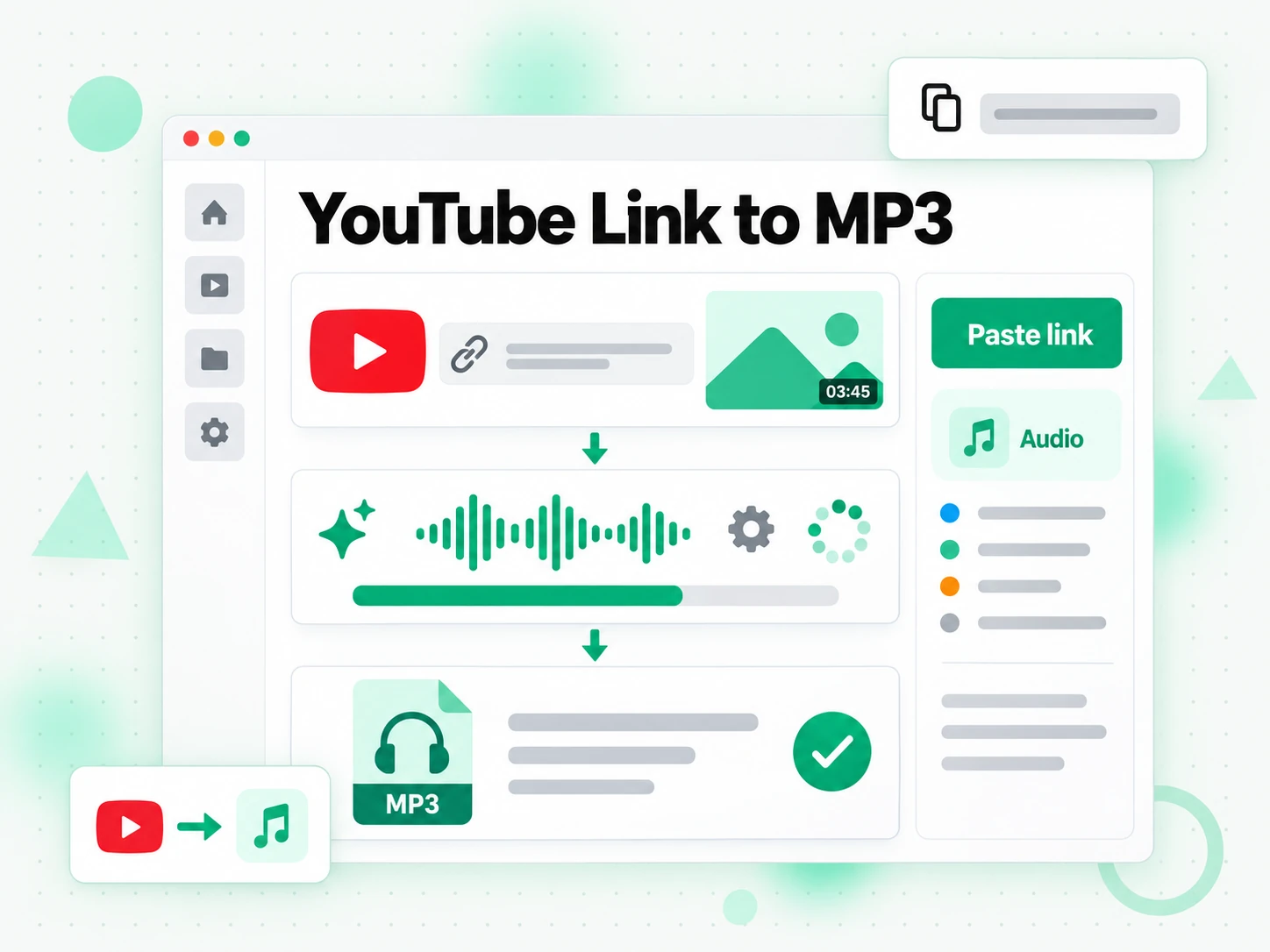
Give YTMP3 the Right Link
Start the YTMP3 converter with the address of the recording you want to keep. The title, thumbnail and duration help you confirm the source before committing to a conversion. A link from a search-results page is less useful than the address of the actual clip, especially when several uploads have similar names. An online YTMP3 player converter uses the public recording rather than capturing whatever your speakers happen to play. You can keep working in the same browser while the request is processed; installing a desktop program is not part of this workflow. This workflow handles one chosen recording at a time, so a collection of episodes still needs individual links. Check the creator, edition and language now: getting those details right saves repeating the job later.
- YTMP3 shows title, thumbnail and duration
- A public clip address identifies the source
- YTMP3 starts from the browser you already use
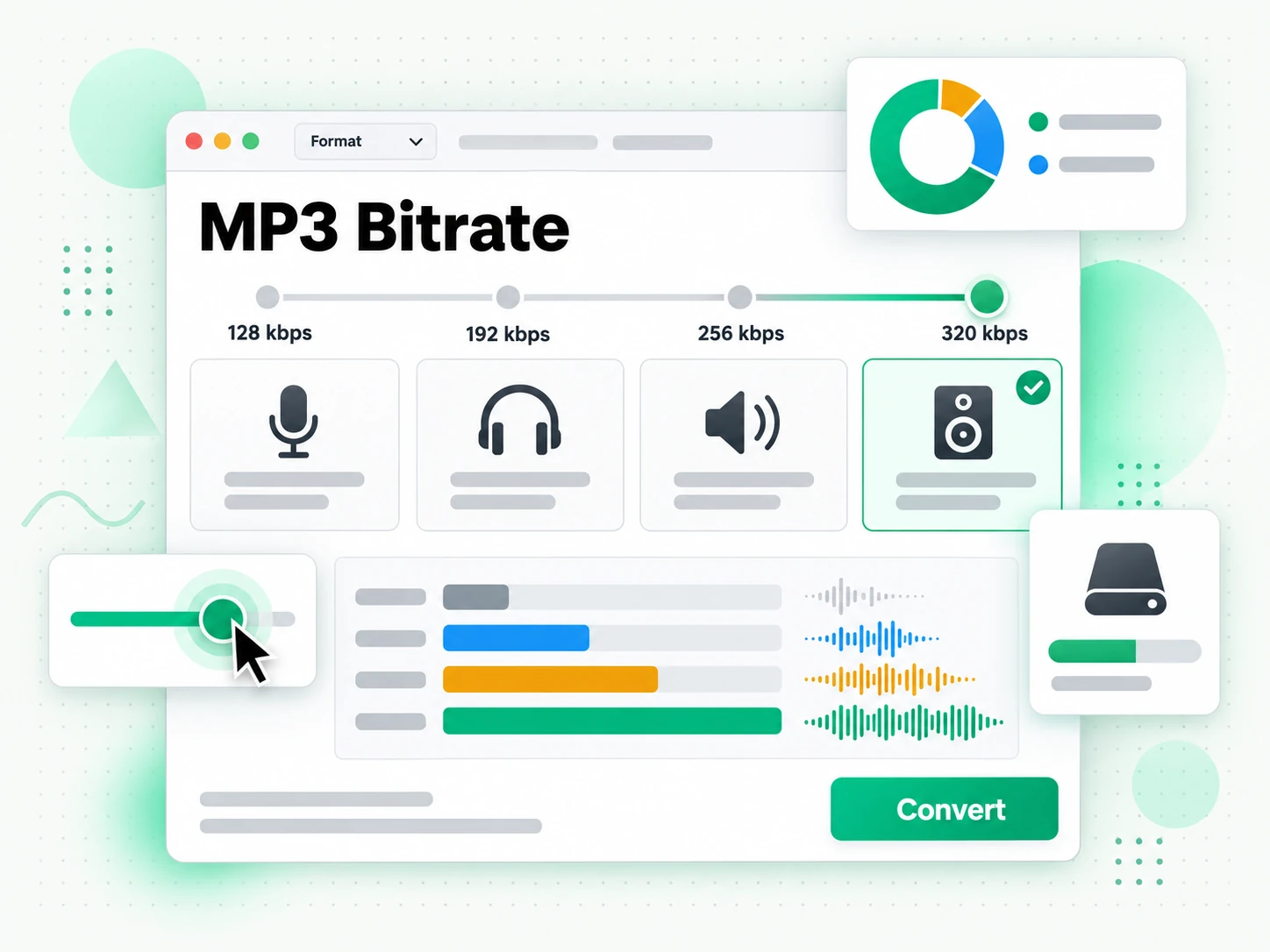
Choose a YTMP3 Encoding Bitrate
The YTMP3 converter offers 128, 192, 256 and 320 kbps settings. For a spoken lesson, a smaller listening copy may be easier to store; for a licensed music reference, you may prefer a higher setting. An online YTMP3 player converter makes that choice explicit instead of treating every recording alike. Bitrate is an encoding setting, not a promise that a compressed source will suddenly gain more detail. Neither a larger encode nor a different player can remove distortion or repair a poor original mix. Decide which matters more for this copy: storage space or a less compressed encode. If you need to inspect gestures, slides or demonstrations as well as the sound, follow the YTMP4 format option. The format switch carries your pasted link, so choosing a different output does not require finding the source again.
- YTMP3 offers four encoding bitrates
- Choose size and compression for the task
- The YTMP3 format switch keeps the source link
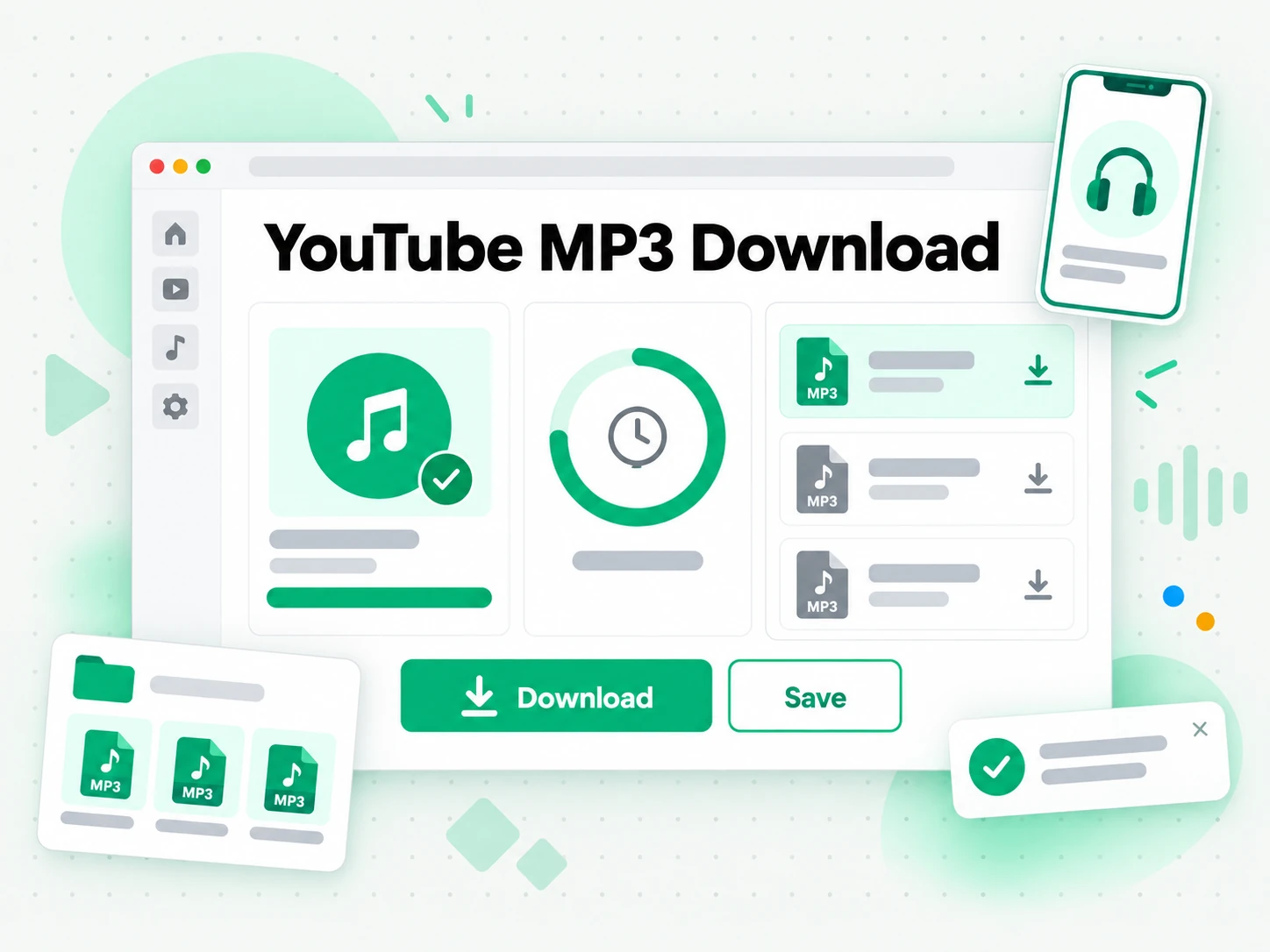
Save the YTMP3 Result
Once processing finishes, the YTMP3 converter provides a direct link to the result. Save the recording to your device rather than treating that temporary address as a permanent archive. A YTMP3 download remains available for 30 minutes, after which the stored result expires. An online YTMP3 player converter has done its job when you have a playable copy in the location you intended to use. Open it once to check the beginning, the end and the volume before you leave the page. The conversion adds no watermark to the output, but markings or spoken tags already present in the source remain. Keep the original address, creator name and any licence note beside the saved copy. Those details are useful when you revisit the material or pass permitted work to an editor.
- A YTMP3 download is a standard MP3
- Save the YTMP3 result within 30 minutes
- Keep the source and permission notes together
Why Choose YTMP3?
✅ YTMP3 on transcript.im
The YTMP3 converter gives you a portable listening copy, a choice of encoding bitrate and a direct saving link. An online YTMP3 player converter fits a browser-based workflow without asking you to record playback. You choose the source, confirm it, and keep the result in the folder or app you use.
❌ YouTube's in-app offline mode
Offline playback inside a streaming app serves a different purpose. It keeps material available within that app rather than handing you an ordinary listening copy for an editor or another player. YTMP3 is useful when you need that portable output and already have the rights to save the recording.
Where YTMP3 Fits
Use the YTMP3 converter for a specific listening task, with the source and permission already understood.
Your Own Recordings
An online YTMP3 player converter can make a listening reference from an upload you created. Use it when reopening the original editing project would be unnecessary work, and keep the saved reference distinct from your production master.
- Check the edition before converting a revised talk, interview or demonstration.
- Choose a bitrate for the recipient, who may need a small review copy rather than a large archive.
- Label the result clearly with the date and version so it is not mistaken for the master.
- Listen to the opening and ending to confirm that the intended recording was processed.
- Keep the source address with the copy when you share your own work for review.
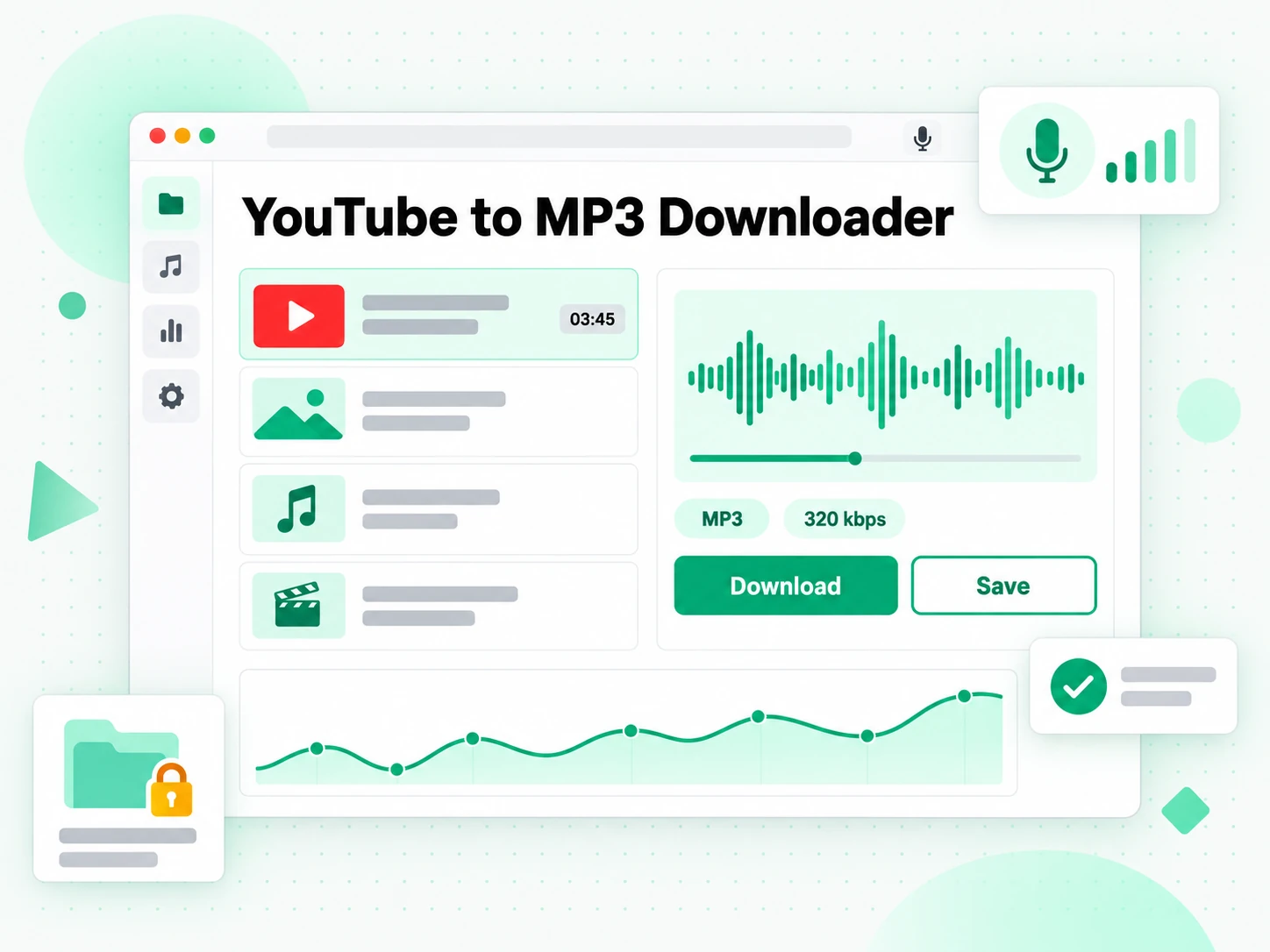
Spoken Lessons
A YTMP3 converter can turn a permitted lesson into material for a commute or a listening session. The YTMP3 player converter approach is most useful when the spoken explanation stands on its own and you do not need to see the screen.
- Check that the lesson works without pictures: references to diagrams may still require the original screen.
- Start with a modest bitrate for speech, then compare the result on your usual headphones.
- Put recordings in a learning folder so a language exercise is easy to find again.
- Keep a source note for each lesson to revisit examples or supporting visuals later.
- Choose permitted recordings, including your own practice sessions and material licensed for reuse.
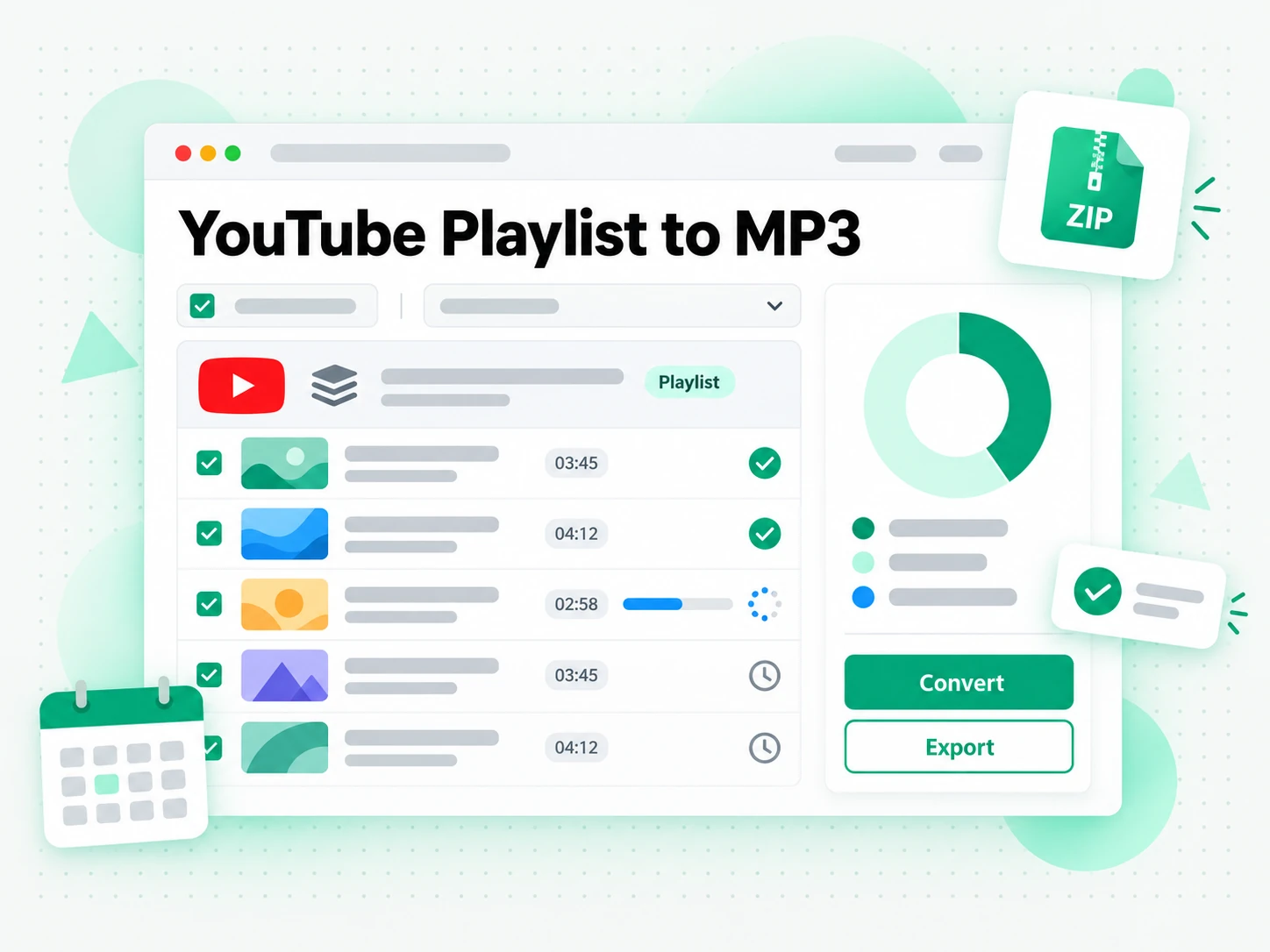
Licensed Sound References
An online YTMP3 player converter can prepare a soundtrack reference from material you are entitled to use. Treat this as a conversion step, with the licence decision made separately, before you move the result into an editing session.
- Read the licence first; a public recording is not automatically reusable.
- Compare encoding settings for the reference, instead of assuming the largest output is always necessary.
- Carry attribution with the saved copy if the licence calls for a creator credit.
- Keep references separate from final assets until you have checked the exact usage conditions.
- Audition a permitted source without expecting a cleaner mix than the creator supplied.
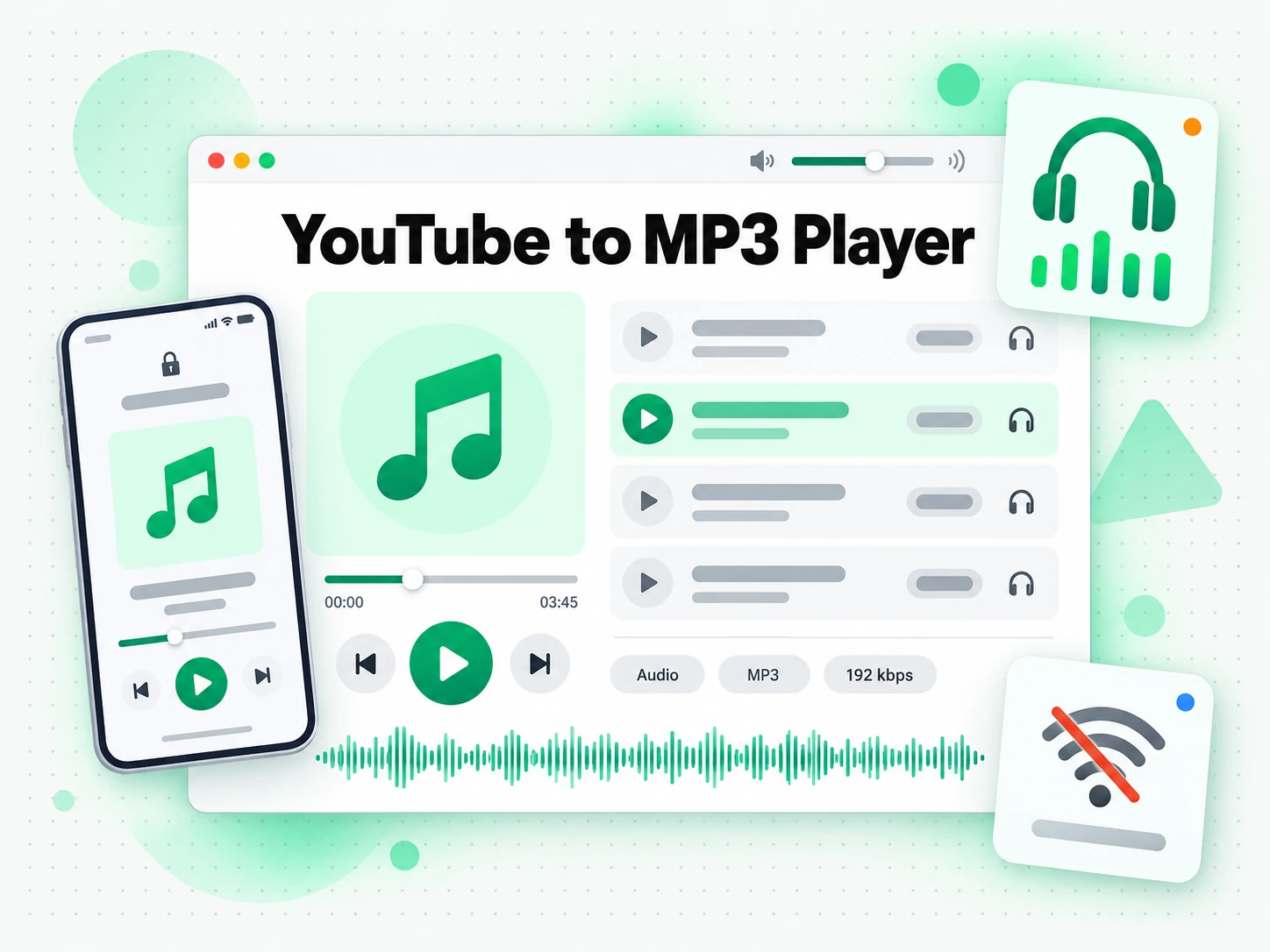
An Offline Listening Queue
The YTMP3 YouTube to MP3 converter can prepare individual recordings for a trip or a period without a connection. Organise the results before leaving, and test the local copies rather than relying on temporary links being available later.
- Choose one recording per request rather than expecting an entire playlist to be packaged at once.
- Save each YTMP3 download promptly, because its temporary address expires after 30 minutes.
- Use a consistent naming scheme for a series so episodes stay in the intended order.
- Open a local copy in your player before travelling to check that it is stored on the device.
- Reserve higher bitrates for recordings that need them, and allow space for the whole listening queue.
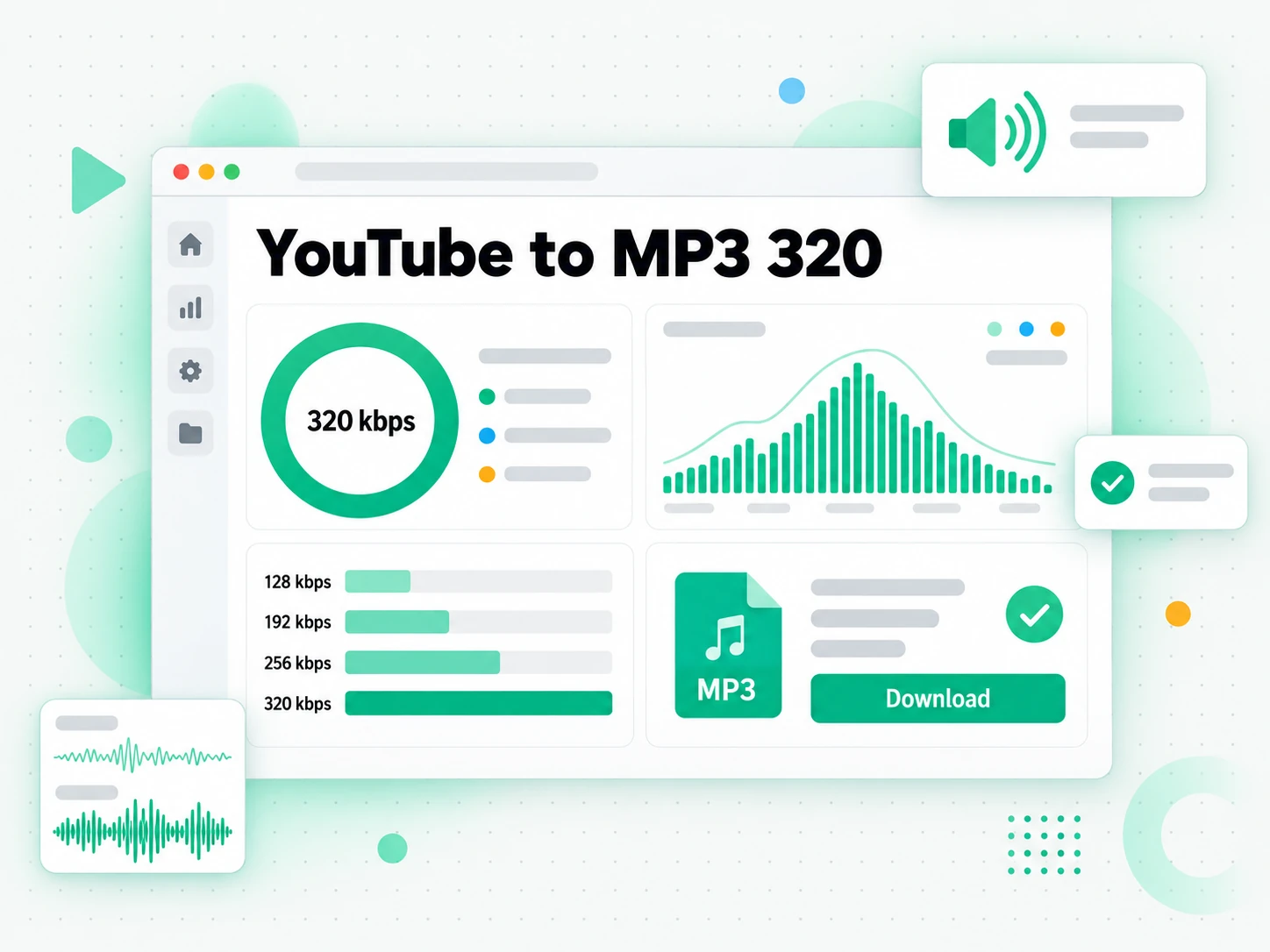
Listening and Language Practice
A YTMP3 converter helps you repeat a pronunciation exercise or review a permitted conversation without keeping a browser player open. Use the YTMP3 player converter result alongside the original context so the words still make sense.
- Repeat a short passage in the player you already use, if that player supports seeking.
- Compare your practice with the source while preserving the speaker and lesson notes.
- Pair listening with a transcript when you need spelling, phrasing or a written outline of the lesson.
- Separate listening from transcription: converting the sound does not itself produce captions or notes.
- Revisit the original recording whenever gestures, slides or subtitles matter to understanding.
How to Use YTMP3
- 1
Paste the Link into YTMP3
Open the specific recording and copy its address into the YTMP3 converter. Check the title and duration that appear. An online YTMP3 player converter starts from that public source, so confirm the edition and creator before choosing an encoding setting or sending the recording for processing.
You are responsible for having the rights to download this content. See our copyright disclaimer.
- 2
Choose the YTMP3 Output Setting
Keep the sound-only format selected in YTMP3, then choose 128, 192, 256 or 320 kbps. Think about the listening task and available storage. A higher setting can produce a less compressed encode, but it cannot recreate detail that was never present in the upload.
- 3
Let YTMP3 Process the Recording
Start the request and follow the status shown by the YTMP3 converter. Processing time depends on the recording and service conditions, so wait for the finished result rather than assuming that clicking the button means conversion is complete. If processing reports a problem, check the source and the displayed message.
- 4
Save and Check the YTMP3 Copy
Save the YTMP3 YouTube to MP3 converter result within its 30-minute availability window. Open the local copy in your player, check that it contains the recording you expected, and store it with a source note. A YTMP3 download link is temporary; the copy on your device is what you keep.
Use YTMP3 in Your Workflow
NotebookLM and Study Notes
YTMP3 handles the listening copy. When a study notebook needs the spoken words, generate a YouTube transcript from the same source before adding text to NotebookLM. The listening copy and that transcript workflow serve different parts of the task.
ChatGPT, Claude, Gemini, Kimi and Manus
Pair YTMP3 listening with a transcript when you want an assistant to outline arguments or draft study questions. Give ChatGPT, Claude, Gemini, Kimi or Manus the text and your instructions; a YTMP3 converter does not create those summaries by itself.
VLC, Audacity and Audio Editors
Open a YTMP3 download in a player such as VLC, or import the saved recording into Audacity, GarageBand or another compatible editor. An online YTMP3 player converter prepares the portable output; your chosen app handles playback, trimming or a larger editing project.
API and MCP Transcript Workflows
Developers can pair YTMP3 listening references with transcript.im's API and MCP transcript tools. The YTMP3 converter on this page is the browser conversion workflow; consult the API documentation separately before designing an automated transcript or analysis pipeline.
Compare YTMP3 Workflows
Choose by the result you need. A YTMP3 converter, in-app offline playback and a recording utility solve different problems.
| Approach | What you get | When it fits |
|---|---|---|
| YTMP3 on transcript.im | A sound-only listening copy with a selectable encoding bitrate and a direct saving link. | Use an online YTMP3 player converter when a permitted public recording needs to travel into your player or editor. |
| In-app offline playback | Access within the streaming app, subject to that app's own availability and conditions. | Use it when staying inside the app is enough; YTMP3 is for a portable output. |
| Another online converter | A browser conversion workflow whose formats, settings and saving behaviour depend on the service. | Compare the available controls with the YTMP3 converter rather than assuming every site behaves alike. |
| A desktop conversion tool | A separately installed workflow with settings and supported sources that vary by application. | Choose it for an established desktop workflow; use YTMP3 when the browser route suits your task. |
| Playback recording | A capture of what plays, which can include interruptions and depend on playback settings. | Reserve it for cases where capture is required; a YTMP3 player converter starts with the recording itself. |
Related tools
YTMP3 Questions
What is a YTMP3 converter?
A YTMP3 converter turns a public source link into a portable MP3 listening copy. This YTMP3 page is provided by transcript.im, with bitrate selection and a direct result link; it does not create notes, captions or a new recording. A YT MP3 converter or YTMP3 downloader describes the same sound-only task.
How does an online YTMP3 player converter work?
An online YTMP3 player converter checks a chosen recording, processes its sound at the selected encoding bitrate, and makes the finished result available to save. You start from the browser, then open the local copy in a compatible player.
Which bitrate should I choose in YTMP3?
YTMP3 offers 128, 192, 256 and 320 kbps encodes. For speech, start with the smaller settings and compare; for a listening reference that needs less compression, choose a higher setting. No encoding setting can recover detail absent from the source.
Does YTMP3 improve the original sound quality?
YTMP3 changes the output encoding, not the quality of the original performance or mix. An online YTMP3 player converter cannot remove distortion, repair clipping or make a compressed source lossless. Listen to the result before deciding that another setting is worthwhile.
Can I keep the picture instead of using YTMP3?
Yes. Choose the YTMP4 format option when you need the picture and sound together. YTMP3 carries the pasted source address across the switch; you can then choose a resolution on the paired page rather than searching for the recording again.
Can YTMP3 convert a complete playlist at once?
YTMP3 works with one chosen recording per request. Use the address of each item you are permitted to save and organise the results yourself. The YTMP3 converter does not turn a channel or a collection link into a packaged listening archive.
Will YTMP3 work with private or unfinished recordings?
YTMP3 needs a publicly accessible, finished recording. A private, removed or unavailable upload cannot be treated as an ordinary public source, and a live broadcast needs a completed replay. Check the message from the YTMP3 converter before trying a different source.
Can I use YTMP3 from a phone?
Yes. Open YTMP3 in a current mobile browser, paste the public address and choose the encoding setting. Your browser and operating system decide how the finished copy is saved, so verify its location and playback before relying on it offline. A YT MP3 download is saved through the browser's own saving or sharing controls.
How long does a YTMP3 download stay available?
A YTMP3 download link remains available for 30 minutes after processing finishes. Save the result during that window and keep the local copy for later listening. The temporary address from a YTMP3 converter is not a permanent archive link.
Can the YTMP3 YouTube to MP3 converter be used for study notes?
The YTMP3 YouTube to MP3 converter makes a listening copy, not a written note. For searchable wording or questions in a study app, use the separate YouTube transcript workflow. Keeping both outputs can help you compare an explanation with the original delivery.
Does a YTMP3 conversion give me permission to reuse the recording?
No. YTMP3 conversion does not change ownership or the licence. Save your own material, authorised recordings or content with suitable reuse rights, and preserve any required credit. The output is a listening copy, not a grant of publishing permission.
Is this YTMP3 page the same as ytmp3.gl?
No. This YTMP3 converter is part of transcript.im and runs its own conversion workflow. Similar search terms can lead to different sites; check the address, available controls and finished result rather than treating similar search results as the same service.
A YTMP3 Listening Copy
Use the YTMP3 Converter
Paste a permitted link into YTMP3, choose a bitrate, and save the recording for your player.