NotebookLM Alternatives: ChatGPT, Claude, Gemini Compared
NotebookLM alternatives compared by task: NotebookLM vs ChatGPT, Gemini, Claude, Notion and Obsidian, and how one transcript feeds every tool.
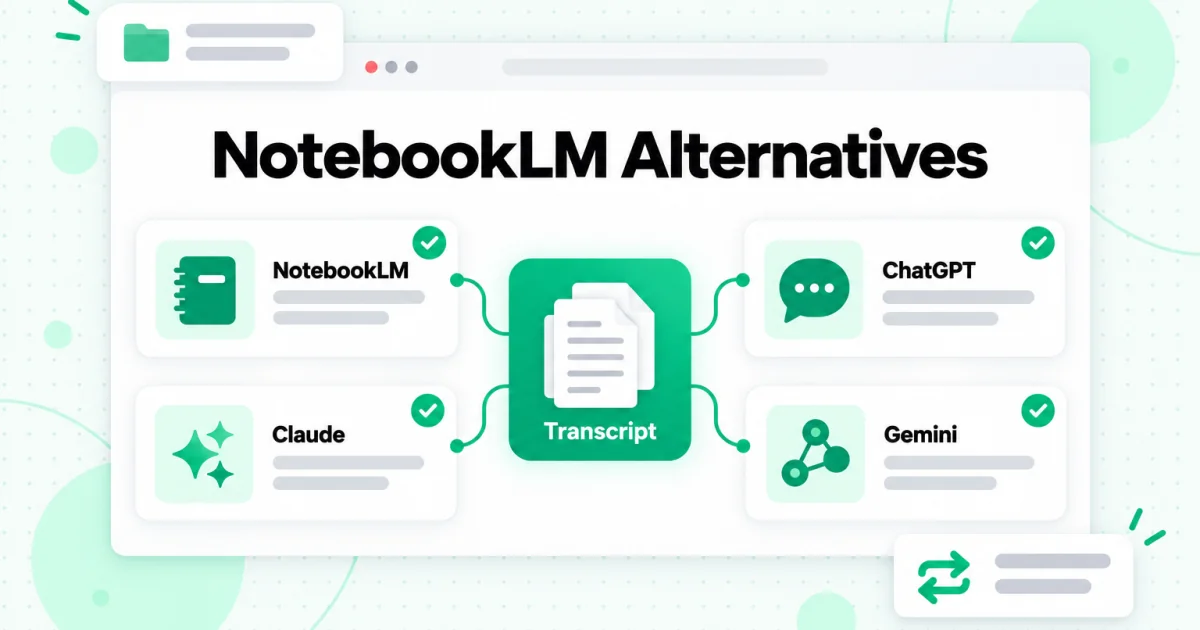
The best NotebookLM alternatives are ChatGPT, Claude, Gemini, Notion and Obsidian, but none of them replaces NotebookLM one for one. Each is stronger at a different job. ChatGPT Projects suit open-ended work that mixes your files with web search and drafting. Claude Projects suit long documents and writing against a fixed brief. Gemini is less an alternative than a second door into your existing notebooks. Notion AI answers from a team's existing workspace. Obsidian keeps your notes as local Markdown files you own. This guide compares NotebookLM with each one by task, says where each tool is weaker, and shows how a single set of transcripts can feed all of them so switching tools never means rebuilding your research.
A naming note first. On July 16, 2026, Google renamed NotebookLM to Gemini Notebook. The product and its notebooks did not change, and this article uses the NotebookLM name because that is what most people still search for. If you want to know what NotebookLM does before comparing it, our NotebookLM review covers its strengths and limits in full. Every product detail below comes from each company's own help pages, checked on October 24, 2026. These tools change fast, so treat the current help page as the final word.
What to Look For in a NotebookLM Alternative
A NotebookLM alternative is worth considering when one of NotebookLM's design choices gets in the way of your task. Those choices are deliberate: it answers only from the sources you add, shows a numbered citation on every claim, caps how many sources one notebook holds, and keeps everything inside Google's app. Before comparing products, decide which of these six qualities your work actually needs.
Grounding
Grounding means the answer comes from your material, not from what the model remembers. NotebookLM is grounded by default. General assistants such as ChatGPT and Claude can use your files, but they also draw on their own training and, when enabled, the web. That is a strength for brainstorming and a risk for research where every claim must trace back to a document.
Citations you can check
NotebookLM's citation links each claim to the exact passage it came from. Other tools cite in different ways, or less precisely, so if your work depends on quoting sources, test how each candidate shows where an answer came from before you move a project.
Capacity
How much material fits matters more than most comparisons admit. NotebookLM counts sources, not words: the free plan allows 50 sources per notebook, and each source can hold up to 500,000 words. Our guide to whether NotebookLM is free lists the limits on each plan. Other tools measure capacity by file count, context window or storage, so one research project can fit easily in one tool and not at all in another. Check capacity first when you compare NotebookLM alternatives.
Outputs
NotebookLM's Studio turns a notebook into study guides, flashcards, quizzes, mind maps, slide decks, infographics, and spoken Audio Overviews. No alternative in this guide matches that set of built-in study formats. Our NotebookLM Audio Overview guide covers each one.
Where your notes live
NotebookLM stores everything in your Google account. Notion stores it in a shared workspace. Obsidian stores it as files on your own device. If you want to keep your research when you change tools, this question matters more than any feature list.
Sharing
Students share a notebook with a study group, teams share a workspace, and solo researchers share nothing. Each tool handles sharing differently, and some limit it to business plans.
NotebookLM Alternatives at a Glance
This table sums up each of the main NotebookLM alternatives by the job it does best. The sections below explain each row, with the specific features behind it.
| Tool | Best at | Weaker at | Choose it when |
|---|---|---|---|
| NotebookLM | Cited answers from a fixed set of sources, plus study formats | Long-form drafting, answers that go beyond your sources | You study or research a defined body of material |
| ChatGPT | Mixing your files with web search, drafting and other tools | Keeping every answer strictly inside your sources | The project needs files, current information and writing in one place |
| Claude | Long documents, careful writing, reasoning against a brief | Built-in study formats such as flashcards or audio | You write or analyze at length from a stable set of documents |
| Gemini | Reaching your notebooks inside the Gemini app and Gems | Being a separate choice: it shares NotebookLM's notebooks | You already live in Google's apps and want notebooks in chat |
| Notion | Answers across a team's existing pages and connected apps | Working on material that is not already in the workspace | Your team's knowledge already sits in Notion |
| Obsidian | Local Markdown notes you own, linked into a graph | AI answers out of the box | You want a permanent personal library that outlives any AI tool |
Notice that the "best at" column rarely overlaps across these NotebookLM alternatives. That is why the most useful setup for heavy users is often two tools, not one: NotebookLM for cited study and another tool for drafting or long-term storage. The part that makes a two-tool setup painless is having your source material as plain text you can move, which the transcript section later in this article covers.
What NotebookLM Still Does Better Than Any Alternative
Before switching, it is worth being clear about what you would give up. NotebookLM is built around one idea: a notebook that reads only what you gave it. Three things follow from that design, and no tool in this comparison matches all three.
The citation is the interface
In NotebookLM, every claim in an answer carries a numbered citation, and selecting it opens the source passage. Checking an answer takes seconds. That is why students and researchers trust it for work where a wrong quote is costly. Our guide on how to use NotebookLM shows how to use those citations well.
Study formats from one notebook
One notebook can become flashcards, a quiz, a mind map, a slide deck, an infographic, and a two-host Audio Overview, all generated from one set of sources without re-uploading anything. Other tools can produce some of these on request, but none has the whole set built in.
A free plan that covers real projects
The free plan includes the core product: notebooks, cited chat and Studio. For one course or one research question at a time, many people never need to pay.
Where NotebookLM is weaker is just as clear. It can search the web, but only to find sources: Fast Research and Deep Research in the Sources panel suggest pages to import, and the chat still answers only from what sits in the notebook. It is not a long-form writing tool, and its YouTube import reads only caption text, one video per source, from public videos that have captions. Our guide to NotebookLM YouTube imports explains each of those limits. If your work bumps into those walls every day, one of the NotebookLM alternatives below may suit you better.
NotebookLM vs ChatGPT
NotebookLM vs ChatGPT comes down to a closed notebook versus an open workspace. NotebookLM answers from your sources and nothing else. ChatGPT Projects keep related chats, files and instructions together, and ChatGPT can use that context alongside its other tools, including web search.
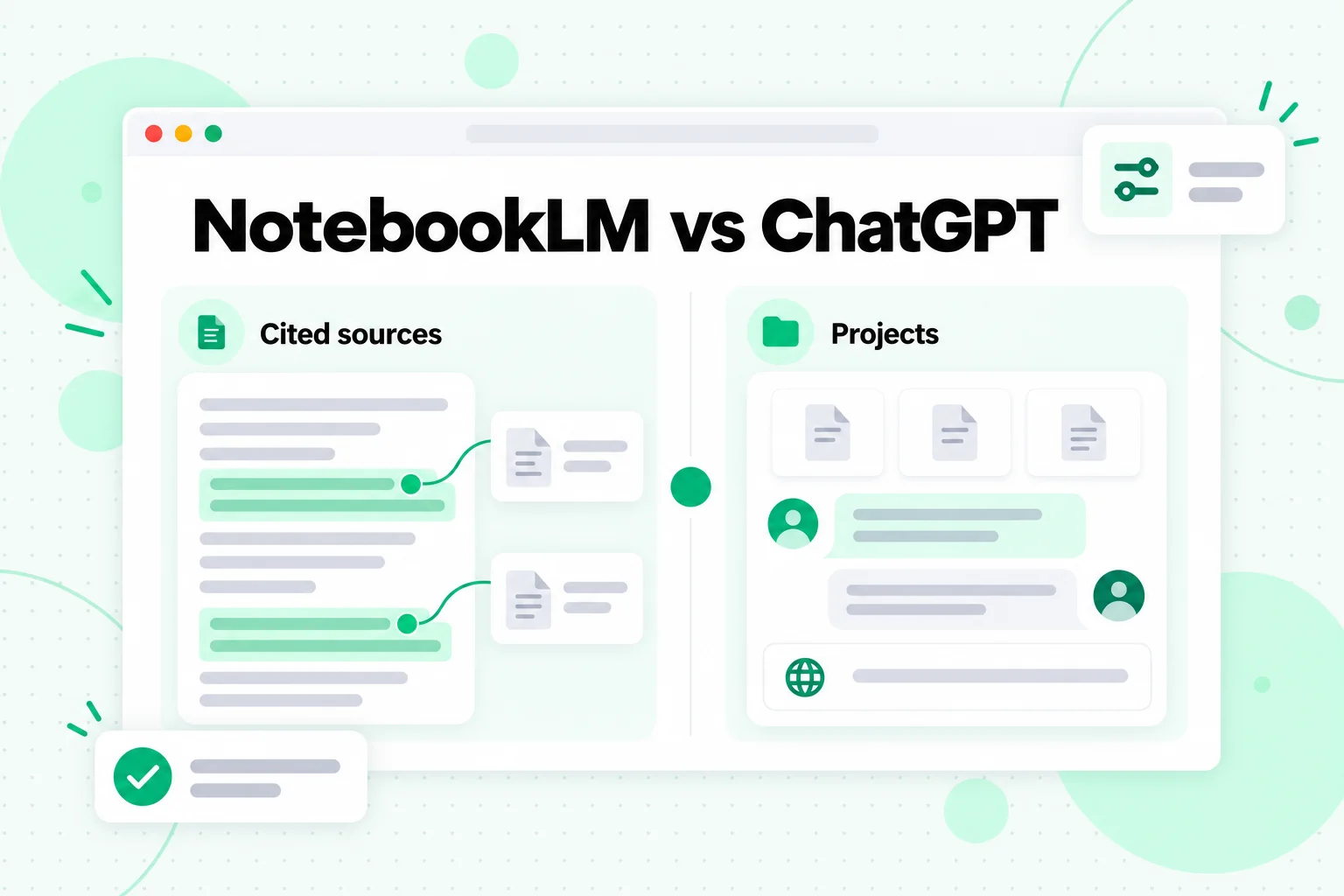
The image above shows the core difference in the NotebookLM vs ChatGPT choice: one tool is built around cited sources, the other around a project that mixes files, chats and tools.
Where ChatGPT is stronger
According to OpenAI's help center, a ChatGPT project can hold PDFs, spreadsheets, docs, images and pasted text, and private projects can add Google Drive files and folders or Slack channels as sources. You can save a good response back into the project as a source, so a summary or decision note becomes part of the project's context. Project instructions apply only inside that project and override your global custom instructions. Inside a project you keep the usual ChatGPT tools: Canvas for drafting, image generation, voice and web search, and paid plans may add agent mode and deep research. OpenAI even lists research as a use case, with the example of keeping transcripts, survey results and market research in one shared project.
That makes ChatGPT the better fit when a project needs more than your documents: current facts from the web, a first draft, a spreadsheet analysis, or a chart, all in one conversation.
Where NotebookLM is stronger
NotebookLM keeps the answer inside your sources and shows the passage behind each claim. ChatGPT is a general assistant that can use your files, so when a question goes beyond them it may answer from its own knowledge or the web. For a literature review, an exam, or any work where you must quote the source correctly, NotebookLM's narrower design is the safer one. NotebookLM's Studio formats are also built in, where in ChatGPT you prompt for each output.
Which to choose
Use NotebookLM to study and verify. Use ChatGPT to research widely and produce. Many people do both: they confirm facts in a notebook, then draft in a ChatGPT project. The number of files a project holds depends on your ChatGPT plan, so check OpenAI's current plan details before moving a large source set.
NotebookLM vs Gemini
NotebookLM vs Gemini is the comparison that turns out not to be a choice. Since the rename, Gemini Notebook and the Gemini app share notebooks: Google's announcement of the Gemini Notebook name says you can access and create notebooks directly within the Gemini app, with full syncing between the two. Google also says notebooks are coming to AI Mode in Search.
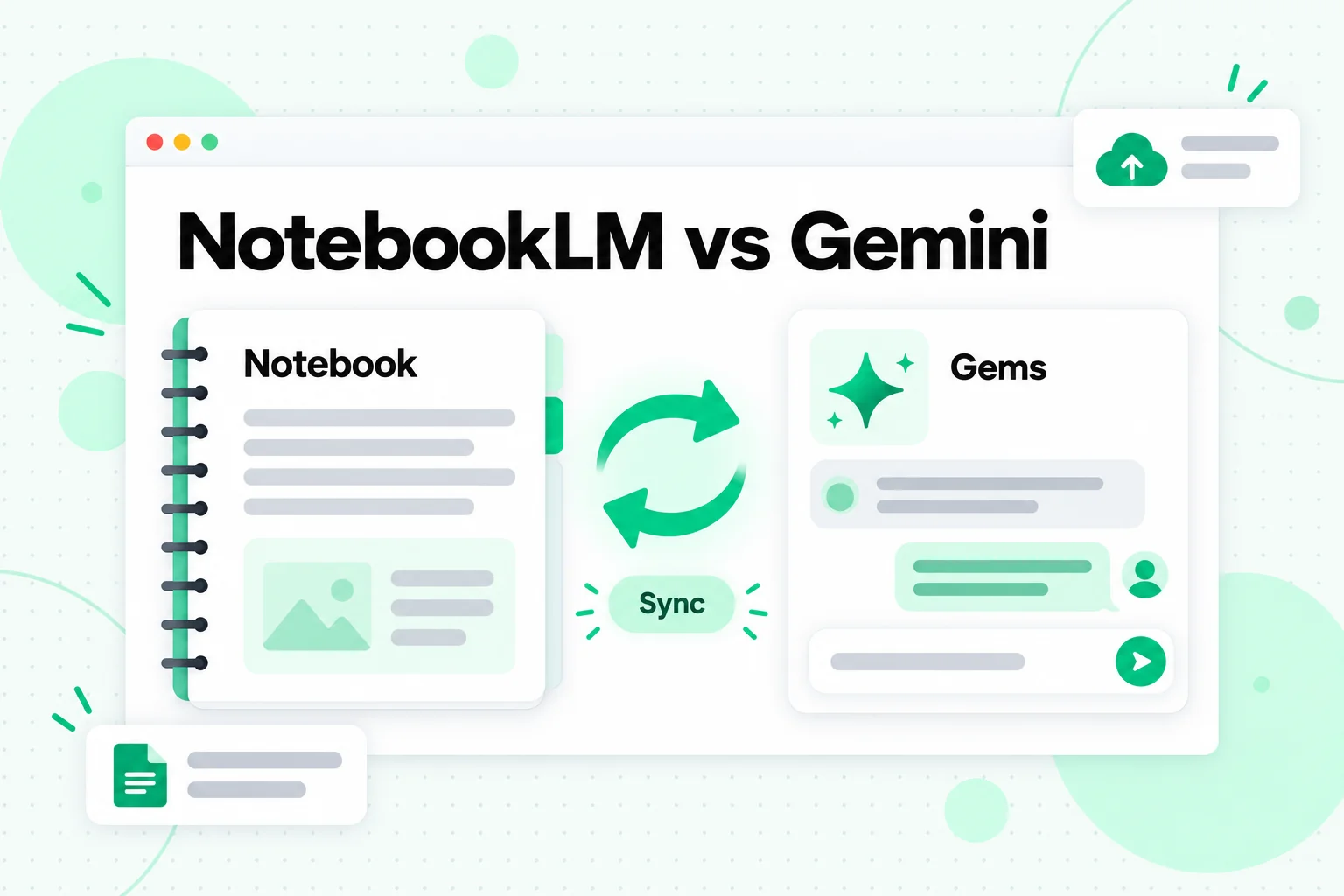
As the image suggests, NotebookLM vs Gemini is about two views of one set of material rather than two competing products, which sets Gemini apart from the other NotebookLM alternatives.
What Gems add
Gems are customized versions of Gemini for repeated tasks. Google's guide to using Gems in Gemini Apps explains that a Gem can hold Knowledge files uploaded from your device or added from Google Drive. A Drive file stays current: Gemini uses the most recent version, so edits you make show up in the Gem. A Gem can also take a whole NotebookLM notebook as knowledge, through More uploads and then Notebooks. Gems can be shared, and Google notes that knowledge citations can be turned off if you do not want them.
When to use each view
Open the notebook itself when you want the full NotebookLM interface: the source panel, numbered citations, and Studio outputs. Use the Gemini app or a Gem when you want a notebook's knowledge inside a broader assistant, for example a Gem with fixed instructions for drafting weekly summaries from a research notebook. If you looked at NotebookLM alternatives because you wanted NotebookLM's sources inside a general chat, a Gem built on your notebook may be all you need.
What does not change
Both views read the same sources, so the quality of the sources decides the quality of the answers. If a source is missing, garbled, or a YouTube video without captions, neither view can fix that.
NotebookLM vs Claude
NotebookLM vs Claude is a choice between a study notebook and a writing partner with a memory for one project. Anthropic's help article on Claude Projects describes them as self-contained workspaces with their own chat histories and knowledge bases. You can upload documents, text, code and other files as project knowledge, and set project instructions such as a tone or a role.
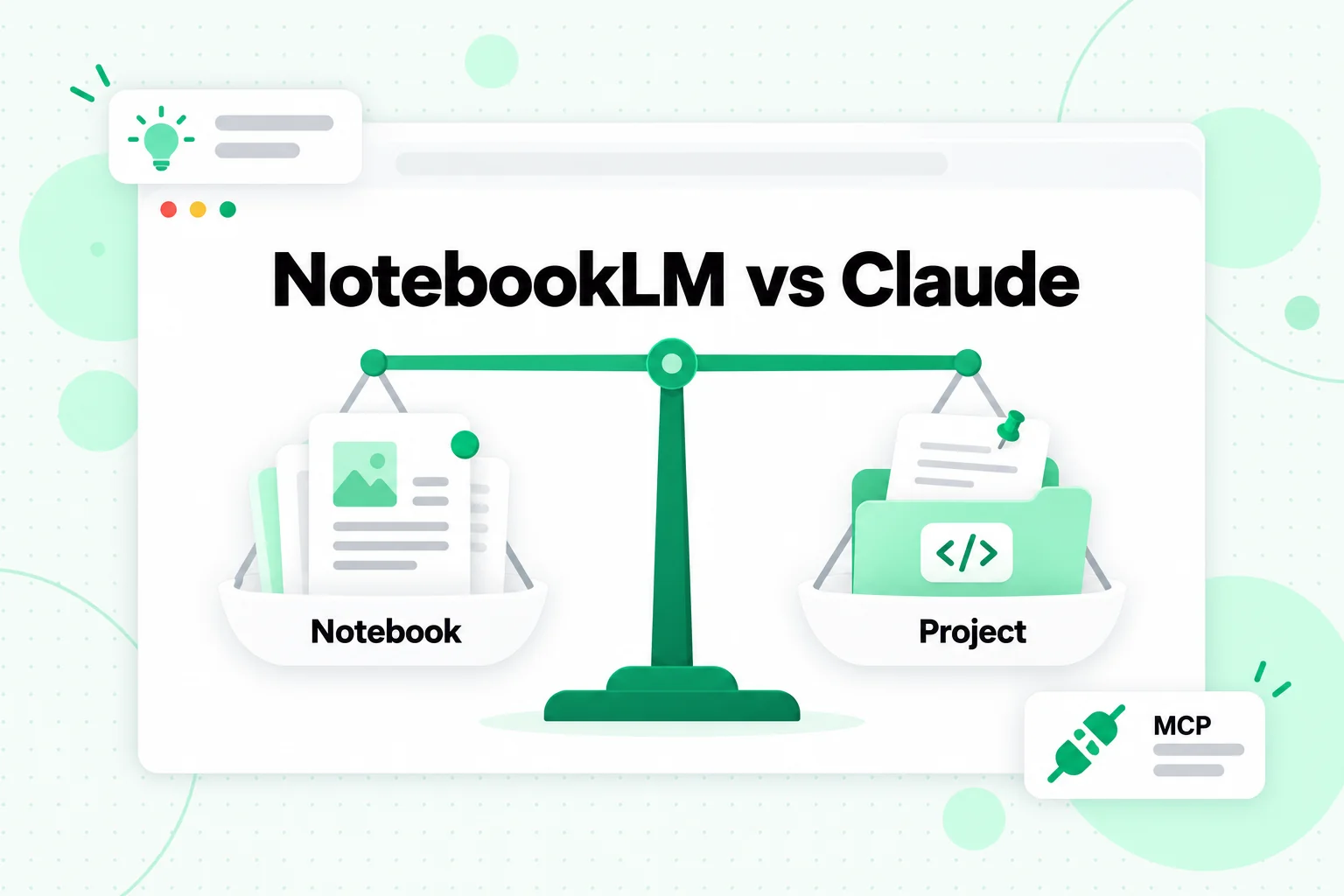
The balance in the image above is the honest answer to NotebookLM vs Claude: both work from your files, but they lean toward different jobs.
Where Claude is stronger
Claude is a strong choice for long-form work: drafting a report from a stack of interviews, editing a manuscript against a style guide, or reviewing code with a project's documentation loaded. Project instructions keep that brief in place for every chat. Anthropic says that on paid plans, when project knowledge grows past the context limit, Claude switches to retrieval mode and can expand capacity by up to 10 times. Free accounts can create up to five projects, and project sharing with view or edit permissions is available on Team and Enterprise plans.
Claude can also call outside tools through MCP, the Model Context Protocol. For example, the Transcript.im MCP server can be added to Claude as a custom connector, so you can ask for a video transcript in plain language and keep working with it in the same chat.
Where NotebookLM is stronger
NotebookLM is built for checking and studying: its citations point to exact passages, and its Studio formats turn sources into flashcards, quizzes, mind maps and Audio Overviews without any prompting. Claude can write a quiz if you ask, but it does not have a set of built-in study formats generated from your sources.
Which to choose
Pick NotebookLM to understand material and Claude to write from it. A common pattern is to study a topic in NotebookLM, then load those source files into a Claude project to draft the paper, script, or report.
Notion vs NotebookLM
Notion vs NotebookLM is a question of where the material already lives. NotebookLM works on sources you bring to it. Notion AI works on the pages your team already keeps.
What Notion AI does
Notion's guide to everything you can do with Notion AI says it answers questions across your workspace and connected apps, including Slack and Google Drive, and only shows you information from places you can access. You can narrow a search with the source picker or by mentioning a specific page. It can analyze files such as PDFs, spreadsheets and presentations, help write and translate pages, and set up databases from a description.
When Notion wins
If your team's meeting notes, specs and project pages already sit in Notion, asking Notion AI saves the step of exporting documents into a notebook. Permissions also follow the workspace, which matters for company information.
When NotebookLM wins
For material that does not live in Notion, such as a stack of papers, a course, or a set of videos, NotebookLM is the more focused tool, with a citation on each claim and study formats built in. The two also work together: keep the polished notes in Notion and the raw sources in a notebook.
Obsidian vs NotebookLM
Obsidian vs NotebookLM compares two very different ideas of a notebook. NotebookLM is an AI reader for a set of sources. Obsidian is a note-taking app where the notes themselves are the product, and they belong to you.
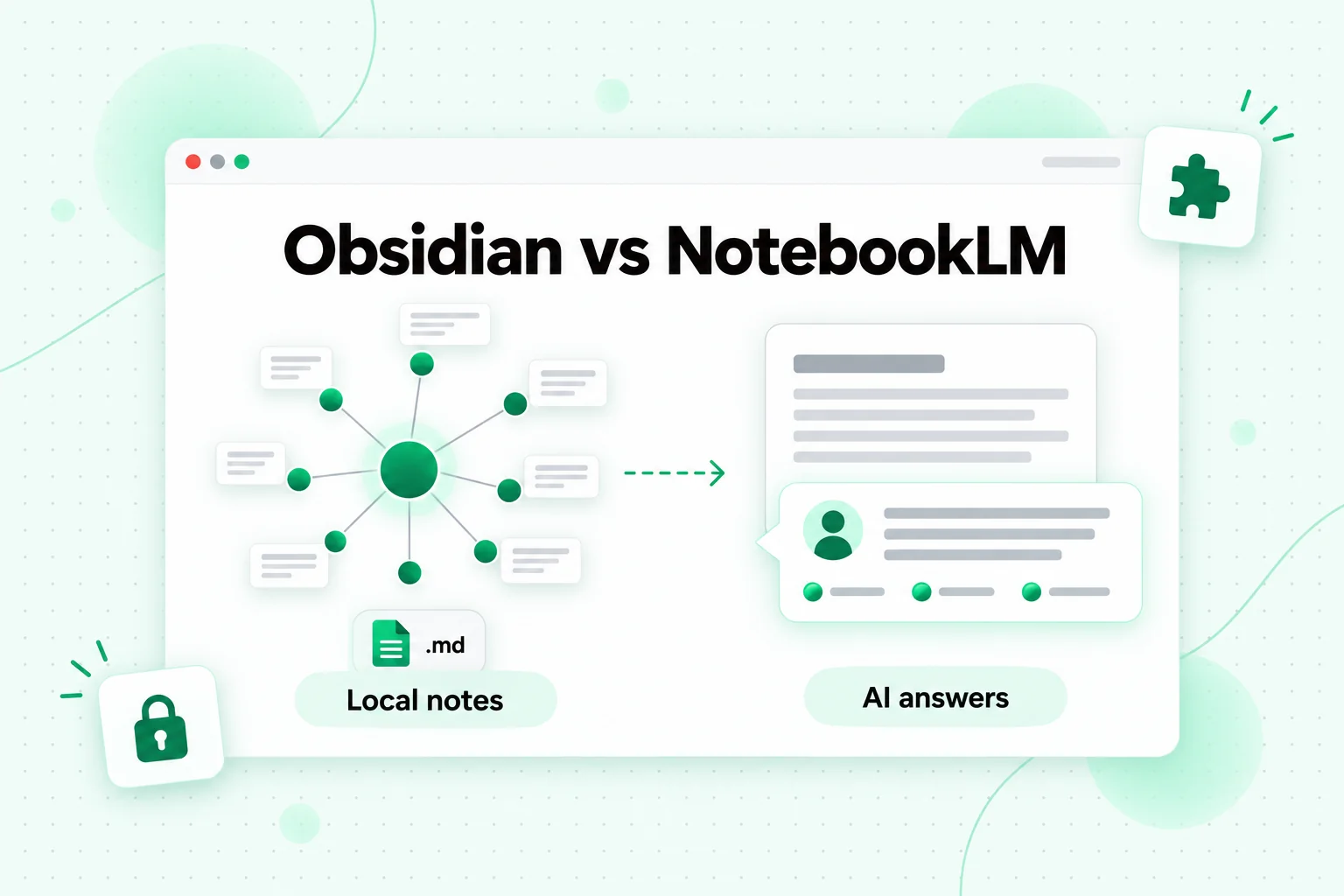
The image above shows the Obsidian vs NotebookLM split: a graph of local notes you own, and a notebook that answers questions about sources.
What Obsidian is good at
According to Obsidian's own site, it stores your notes locally as plain text Markdown files, and the company says no one else can read them, "not even us." Links connect notes, a graph view shows how they relate, and thousands of plugins and themes let you shape the app. Sync across devices is optional and end-to-end encrypted. Because the files are plain Markdown, they open in any text editor and survive any change of tool.
What Obsidian does not do on its own
Obsidian's homepage does not list built-in AI features. AI answers in Obsidian come from community plugins you choose and set up yourself, and how well they cite your notes depends on the plugin. If you want cited answers and study formats without setup, NotebookLM is the simpler path.
Using both
Obsidian and NotebookLM fit together well. Keep your permanent library, including transcripts, reading notes and summaries, as Markdown files in Obsidian. When you study a topic, copy the relevant files into a notebook as sources. The notebook can change or expire; your library stays.
Transcripts: The Source Layer Every NotebookLM Alternative Shares
Every tool in this comparison has one thing in common: it reasons over text. NotebookLM and each of the NotebookLM alternatives above work best when your material arrives as clean, well-labelled text files. For documents, you already have that. For video, you usually do not, and that is where most switching pain comes from.
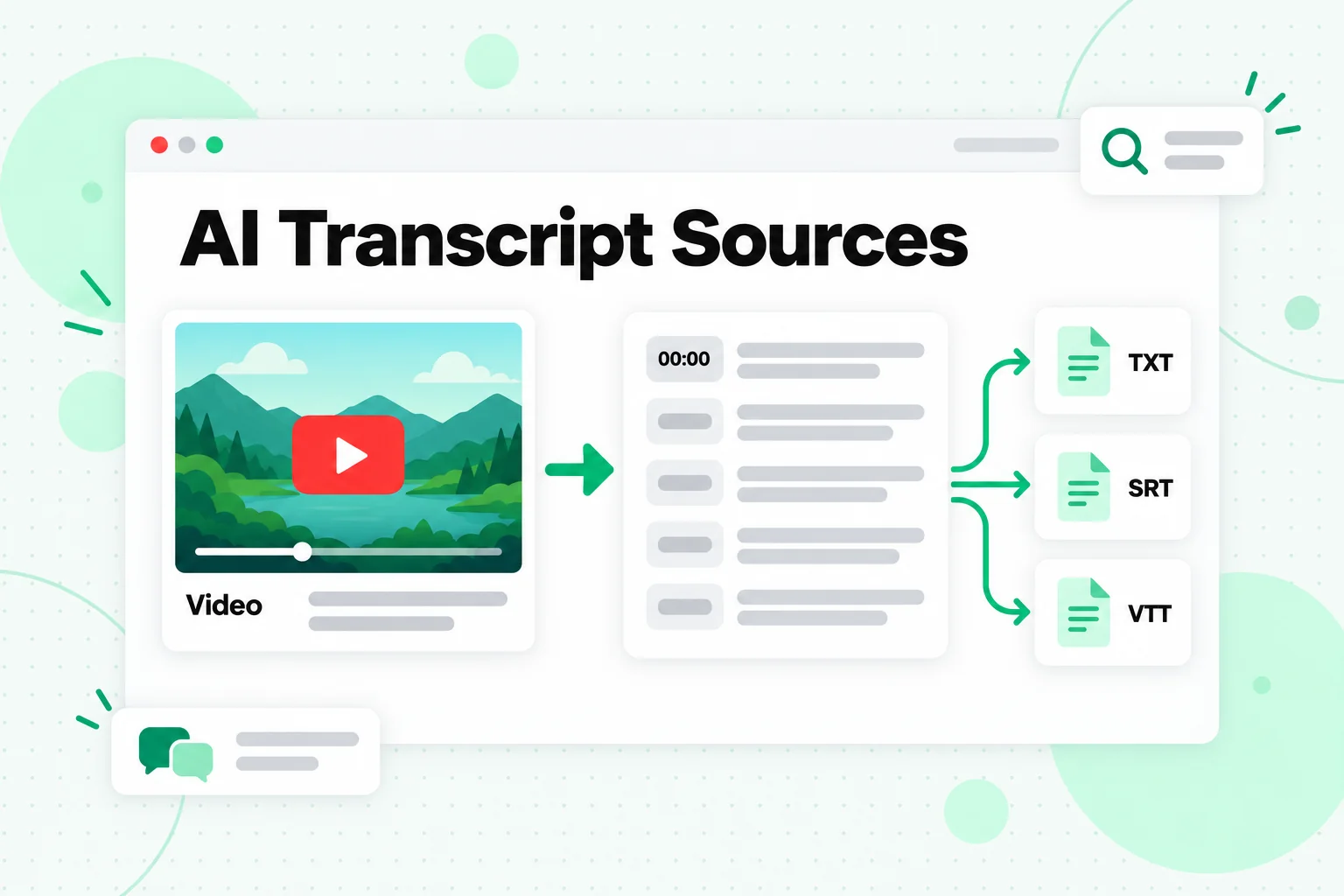
AI transcript sources solve that problem once. A transcript turns a lecture, interview, podcast, or tutorial into a file every AI tool can read, so you prepare the material once and use it anywhere.
Why video is the hard part
NotebookLM can import a YouTube link, but it keeps only the caption text, rejects videos without captions, and treats each video as one source. Other tools handle video links in their own ways, or not at all, and Obsidian stores only what you save. If you rely on one tool's video import, your research is tied to that tool's rules.
Make transcripts once
A YouTube transcript tool such as Transcript.im turns a video link into timestamped text. It reads the creator's caption track when one exists and transcribes the audio with AI when it does not, so a video without captions still becomes text. It also works with TikTok, Instagram, Facebook, X and LinkedIn video links, or an uploaded file. For a whole course, the YouTube playlist transcript page queues every video in playlist order, and the YouTube channel transcript page does this for a channel's public uploads. Each transcript keeps its video title and its timestamps.
Export in formats every tool reads
Export TXT for reading and for AI tools, or SRT and VTT when you need timed subtitles. Plain text pastes cleanly into a ChatGPT or Claude project, uploads as a NotebookLM source, attaches to a Notion page, and saves as a Markdown note in Obsidian. If you need another language for a study group, translate the transcript in Transcript.im first and keep the timestamps.
Name and group files by topic
Put the video title at the top of each transcript and group related videos into one file per module or theme. That keeps the file count low for tools with source or file limits, and gives every tool clear boundaries between videos when it cites or summarizes.
Reuse the same files everywhere
Now choosing between NotebookLM alternatives stops being risky. Study the course in NotebookLM, draft in Claude, research further in ChatGPT, keep the files in Obsidian, and share the final notes in Notion, all from one set of transcripts. If you want to automate this step for many channels or feed transcripts straight into an agent, the developer section below points to the right guide.
How to Choose Between NotebookLM Alternatives
The right choice among NotebookLM alternatives depends on the job. Here is a short guide by type of user.
Students
Stay with NotebookLM for coursework. Its citations and study formats are built for exams, and the free plan usually covers one course. Turn lecture videos into transcripts first so missing captions never leave gaps. Add Claude or ChatGPT later for essay drafting.
Researchers
Use NotebookLM for close reading of a fixed source set, and ChatGPT when the question needs current information from the web. Keep the sources themselves as files in Obsidian or a folder, so the research survives a change of tool.
Writers and content creators
Claude Projects work well for long drafts against a brief, and ChatGPT Projects for mixed tasks such as outlines, images and research in one place. Transcripts of your own videos or interviews are the raw material for both.
Teams
If the knowledge already lives in Notion, start with Notion AI. If it lives in Google Drive, NotebookLM and Gemini Gems keep you inside Google's apps. Check each tool's sharing rules, since some limit shared projects to business plans.
Developers and automation
If you want to move sources into tools by code rather than by hand, the comparison shifts from apps to APIs and MCP servers. That topic has its own guide: NotebookLM API and MCP options.
FAQs
What are the best NotebookLM alternatives?
The best NotebookLM alternatives are ChatGPT, Claude, Gemini, Notion and Obsidian, each for a different job. ChatGPT suits projects that mix files with web search and drafting, Claude suits long writing from a fixed brief, Gemini gives you your notebooks inside the Gemini app, Notion AI answers from a team workspace, and Obsidian keeps your notes as local Markdown files.
Is there a free NotebookLM alternative?
Yes, several NotebookLM alternatives have free plans, but the limits differ. Claude, for example, allows free accounts up to five projects, and ChatGPT's project file limits depend on your plan. Obsidian is a note-taking app rather than an AI tool, so AI features depend on the plugins you add. NotebookLM's own free plan remains one of the most complete for studying.
Is NotebookLM better than ChatGPT?
NotebookLM is better than ChatGPT for work that must stay inside your sources, because every claim carries a citation to the exact passage. ChatGPT is better when a project needs web search, drafting, and other tools alongside your files. In the NotebookLM vs ChatGPT choice, the task decides.
What is the difference between NotebookLM and Gemini?
NotebookLM, now called Gemini Notebook, is a source-grounded notebook, and the Gemini app is Google's general assistant. They share notebooks: you can create and open notebooks inside the Gemini app, and a Gem can use a notebook as knowledge. So NotebookLM vs Gemini is less a choice than two views of the same material.
Is Claude a good NotebookLM alternative?
Claude is a good NotebookLM alternative for writing and analysis from a fixed set of documents. Claude Projects hold files and instructions, and on paid plans they expand capacity with retrieval mode. It lacks NotebookLM's built-in study formats such as flashcards, quizzes and Audio Overviews.
Can Obsidian replace NotebookLM?
Obsidian cannot replace NotebookLM on its own, because it is a note-taking app without built-in AI answers. It is a strong companion: keep your permanent notes and transcripts as Markdown in Obsidian, and add the files you are studying to NotebookLM as sources.
Notion vs NotebookLM: which is better for teams?
Notion AI is better for teams whose knowledge already lives in Notion, because it answers across the workspace and connected apps such as Slack and Google Drive. NotebookLM is better for studying a defined set of outside sources with citations.
How do I move my research between NotebookLM and other tools?
Keep your sources as plain text files outside any single tool. For videos, make transcripts first, export them as TXT, and group them by topic. Those files then work in NotebookLM and in every alternative covered here, from ChatGPT and Claude to Obsidian.
The Bottom Line
There is no single NotebookLM alternative because NotebookLM does one job unusually well: cited answers and study formats from a fixed set of sources. ChatGPT is wider, Claude writes longer, Gemini shares your notebooks, Notion knows your team's pages, and Obsidian keeps your notes forever. Pick by task, and do not be afraid to use two.
What makes that freedom practical is your source layer. Keep your documents and transcripts as plain, well-labelled files, and every tool on this list can read them. For video, that means running the videos, playlists or channels through Transcript.im once and reusing the text wherever you work next.
Transcript Generator
Turn Any Video Into Text
Paste a YouTube, TikTok, or Instagram link and read the transcript, with timestamps on every line.
Exports as TXT, SRT, or VTT.