
TRANSCRIPT
Free TikTok Transcript Generator
Read the caption track or the transcribed speech of public posts and saved clips as timestamped lines, then copy, translate, or repurpose them.
What Is a TikTok Transcript?
A TikTok transcript is the speech in one post, written as lines that keep their timestamps. It is not the caption overlay drawn on the picture. That overlay is for watching, and the app does not give you those words as a file you can take away. The text here is something you read, search, copy, quote, translate, and hand to another tool. Plenty of posts never receive a caption track. The page still returns text, because it transcribes the speech when no track is there. Lettering drawn into the video is not read. Those uncaptioned posts are where a real generator earns its place. Whether you search for a TikTok transcript, TikTok to transcript, or a TikTok video transcript, the result is the same: timestamped lines you can reuse. A clip that lives on YouTube belongs on the YouTube transcript page.
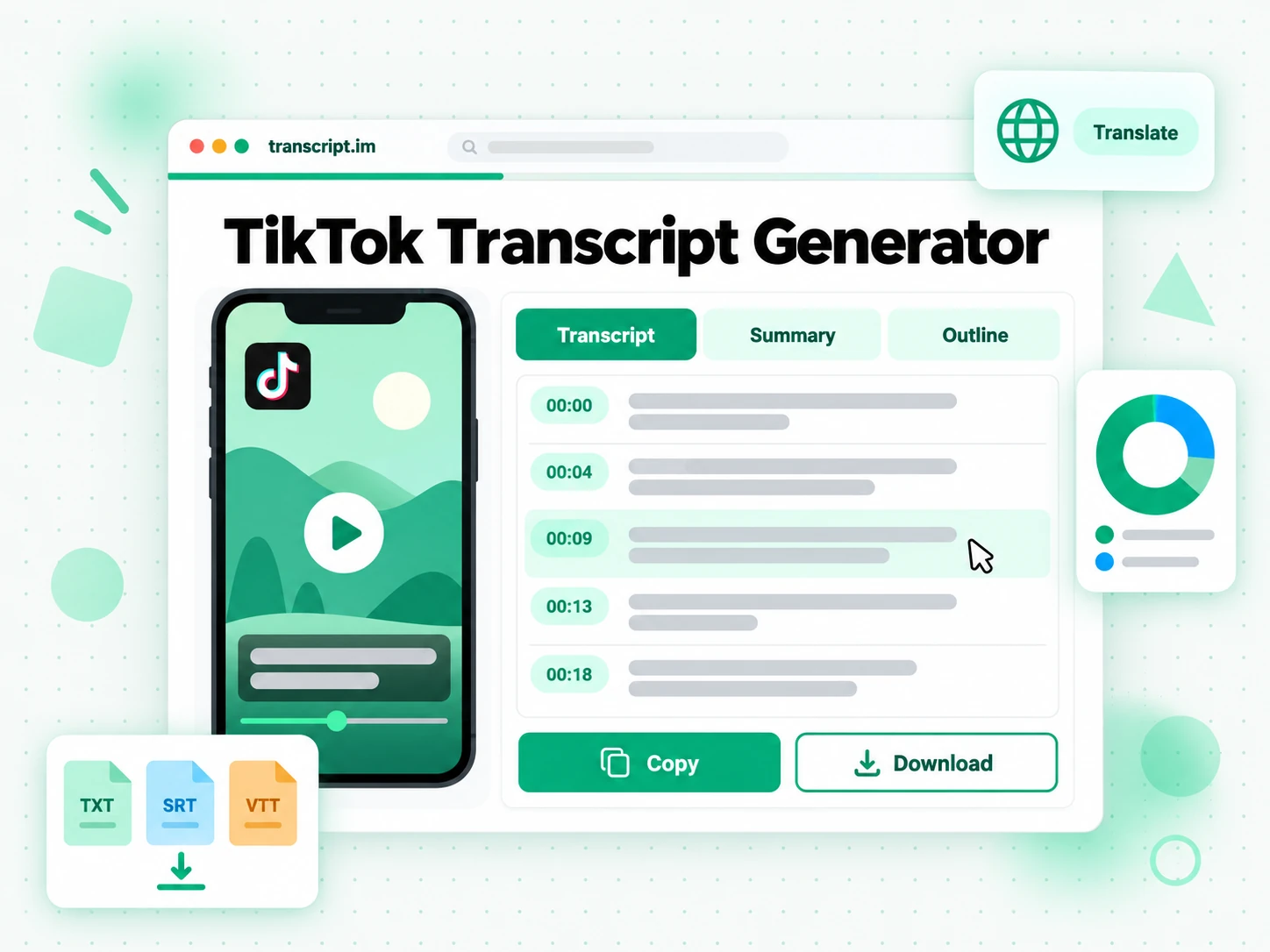
How It Works, From Link to Lines
A public post URL is the input. The rest takes three steps.
Turn a Post Link Into Timed Text
Paste a public tiktok.com video URL on the Link tab, or switch to the Video, Audio tab and upload a clip you already saved. If the creator published a caption track, that track is read first. If the post has no track, the speech in the video is transcribed. The lines come back with timestamps that follow the voice, which is what you want on a fast talking-head clip. A song attached as the post's sound is not what gets transcribed. The step is that simple: the link goes in, and a TikTok transcript comes out. You do not have to find a caption switch inside the app.
- Paste a public link or upload a clip you already saved
- Caption track first, then a transcription of the speech
- Timestamps follow the voice, not a song attached to the post
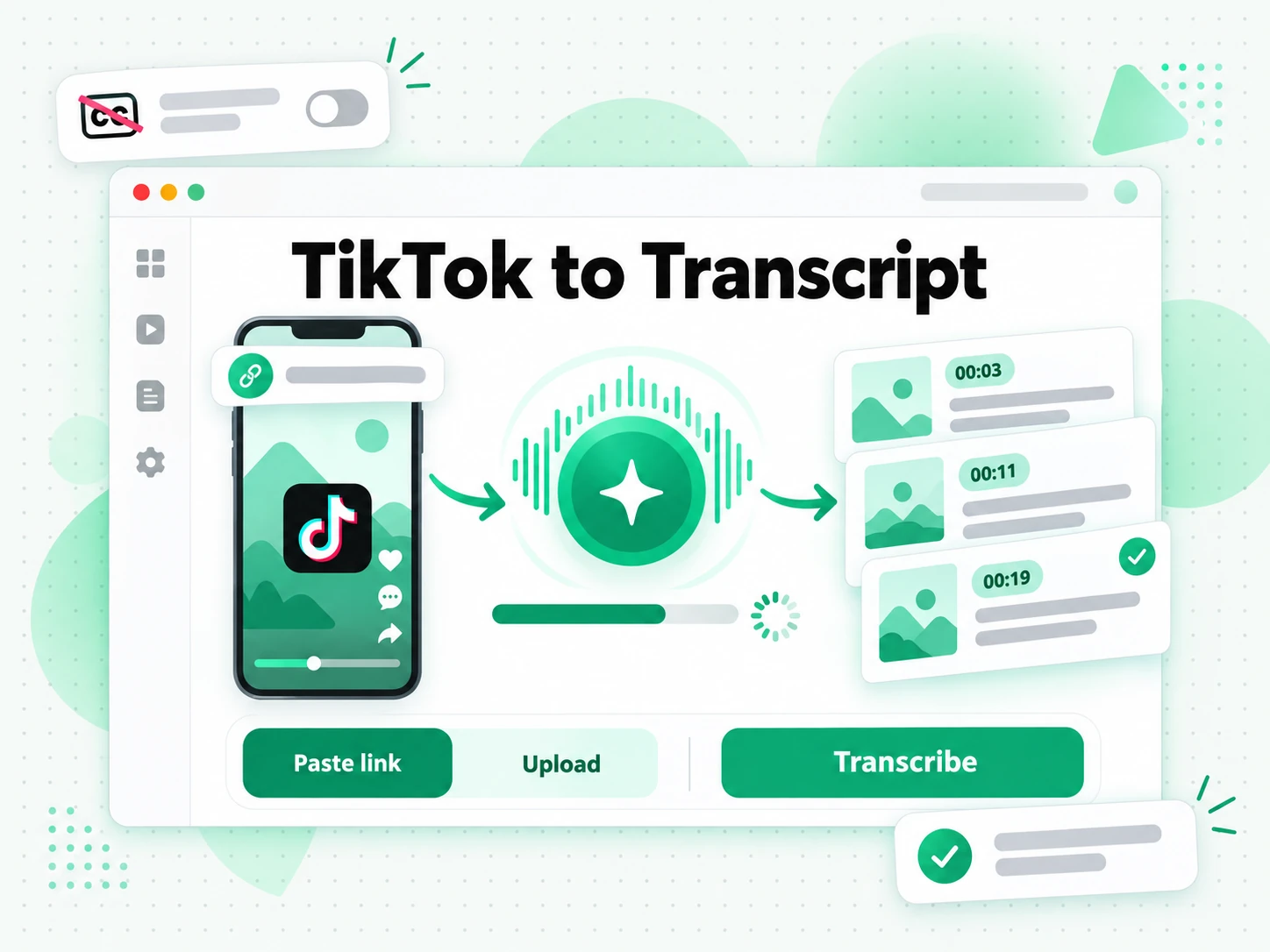
Read and Search the Lines
When the text is ready, search for a phrase, jump to its timestamp, or open a summary or a map of the same lines. Quoting a short post from the text is easier than replaying it until the sentence shows up. Copy one line with its time, or copy the passage. Creator Repurpose can pull hooks and follow-up posts from those lines when the next clip should keep the offer and change the opening. Everything stays in the browser, so checking a claim does not mean watching the post again.
- Summary, Core Points, and MindMap on one page
- Search the lines and copy one with its timestamp
- Creator Repurpose for hooks and the next post
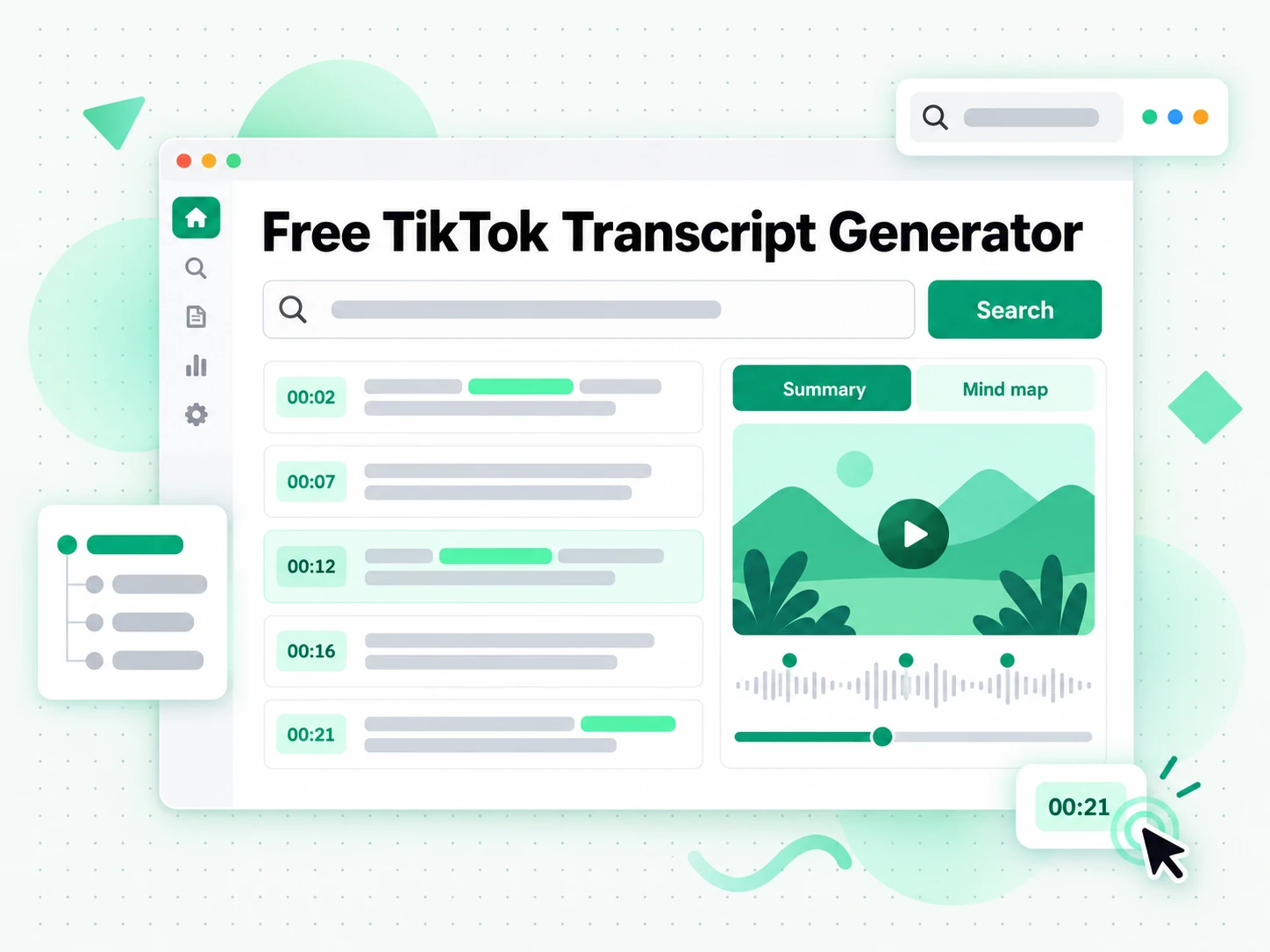
Export, Translate, or Repurpose
Download the text as TXT, SRT, or VTT. Translate keeps the timestamps, so a caption file in another language stays lined up with the voice. Clean can repair misheard words without dropping those times. Creator Repurpose turns a product line or a talking-head sentence into material for the next post. The same lines can leave as notes, a caption file, or a draft. Saving the video file itself is a different job, on the TikTok downloader page.
- Download a text or subtitle file
- Translate and Clean keep the timestamps
- Creator Repurpose for the next short post
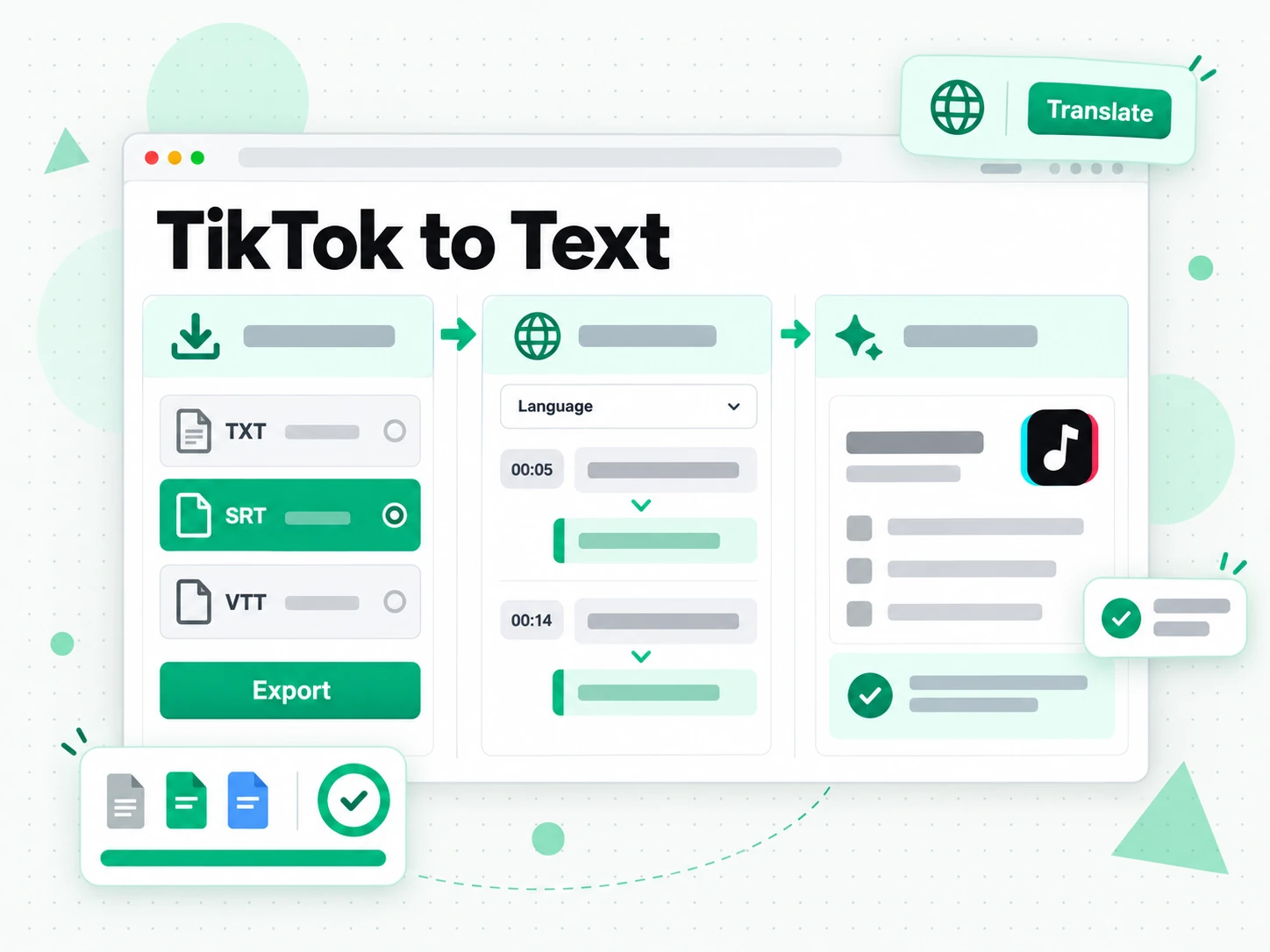
Why Transcript Beats the Captions in the App
✅ Transcript
Drop in a post link and read the full TikTok transcript with timestamps. Search a line, copy it, export a file, translate it, or open Summary and Core Points. Posts that never received captions still come back as text.
❌ Built-in app captions
These captions are an overlay the creator can add while uploading. Viewers only show or hide that overlay. The app does not export the words, and a post with captions left off has nothing there to copy. Text drawn onto the picture is not the spoken record either.
Who a TikTok Transcript Is For
It is for anyone who needs the spoken words of a short post, whether that post is a product pitch, a talking-head script, or a quote.
For Shop and Affiliate Sellers
A shop video packs a claim, a price mention, and a spoken call to action into a few seconds. The text lets you check those lines without replaying the post.
- Check the product claim against the words that were actually spoken.
- Lift the opening line and try it as the hook of the next video.
- Copy the call to action when the same offer has to exist in writing.
- Read two creator pitches for one product side by side.
- Send the lines to Creator Repurpose when the offer stays and the opening changes.
For Talking-Head Creators
On a talking-head post, the script is the video. Reading it shows which sentence carried the clip and which one you would cut.
- Read the spoken script of a post you already published.
- Mark the sentence that should open the next video.
- Draft on-screen captions from the lines instead of retyping them by ear.
- Translate the script when the same talking-head runs in another language.
- Export SRT when a recut of the clip needs captions that match the voice.
- Open Core Points when a longer talking-head still needs a short list of its claims.
For Campaign Reviewers
A campaign review is a stack of short posts. Reading each TikTok transcript is faster than playing every clip in a meeting.
- Quote a creator in a client note with the timestamp still attached.
- Scan a batch of posts by reading them instead of playing them in order.
- Find the line the brief asked for, then show the moment it was said.
- Translate one post when the same campaign runs in two languages.
- Brief the next shoot from lines that already did the job.
For Reporters Quoting a Clip
A news quote often starts in a short video. The text is where you check the wording and the moment it was said.
- Pull the quote without looping the post.
- Keep the timestamp so an editor can open the same moment.
- Export TXT beside the notes for the story file.
- Save the wording before the creator edits or removes the post.
- Send the export to an editor who will not open the app.
For NotebookLM and AI Power Users
AI assistants work from text. The useful input is the spoken record, not the vertical video.
- NotebookLM: add the exported text as a source and ask about that one post.
- ChatGPT, Claude, Gemini, Kimi, and Manus: paste the lines when you want a brief in the chat you already use.
- MindMap: open the map when a longer post should be skimmed before it is reread.
- Creator Repurpose: ask for hooks and posts that stay tied to what was said.
- Translate the lines for readers who will not watch the original.
- Keep each time on every line you paste, so a claim still points at a moment.
How to Generate a TikTok Transcript
- 1
Paste the Post Link
Copy the URL of a public video and paste it into the box at the top of this page. A phone browser and a laptop browser use the same box, and the link is all the tool needs. If the clip is already a file on your device, use the Video, Audio tab instead.
- 2
Generate the Text
A caption track is read when the creator published one. Otherwise the speech is transcribed. The timestamps follow the voice, even on a post that has no captions at all. The lines stay in order, from the first spoken second to the last.
- 3
Read, Search, and Copy
Search for a phrase, jump to the timestamp, and copy a line or the whole passage. A short post still needs search when the line you want is not the opening one. The summary tools sit on the same page when you want the shape of the post before you read every line.
- 4
Export, Translate, or Reuse
Save the lines as a text or subtitle file, translate them with the timestamps kept, or open Creator Repurpose for a hook and a follow-up post. All three start from the same lines.
Use the Text in the Apps You Already Have
Google NotebookLM
Add the TikTok transcript to a notebook as a source. NotebookLM can answer questions about that post, which it cannot do from the vertical video alone.
ChatGPT, Claude, Gemini, Kimi, and Manus
Paste the lines into the assistant you use. Ask for a tighter product pitch, or for the claims in the order they were spoken.
Video Editors and Subtitle Tools
Export a subtitle file and load it into the editor when you recut the clip, or when new captions have to match the speech you just read.
Builders Using the API and MCP
The API and the MCP server accept a post URL and return the same timestamped text, for when the next step is code rather than the page.
How the Options Compare
Match the row to the job. Text you can export is not the same task as watching captions in the app.
| Tool | What it does | Use it when |
|---|---|---|
| Transcript | Timestamped lines from a caption track or from the speech, plus search, export, translation, Summary, and Core Points. | When you need the words of a short post in a form you can reuse. |
| Built-in app captions | An on-screen overlay the creator may add at upload. Viewers can show or hide it. The app does not export the words. | When you only want to read along while the post plays. |
| Google NotebookLM | Answers questions about a text source you add to a notebook. | When the question matters more than keeping the raw lines. |
| Caption downloader sites | Often return a caption file only when a track already exists. | When the post is already captioned and a file is enough. |
| Manual copy and paste | Retype, or select, whatever the app lets you see on screen. | When one short quote is the whole job. |
Related tools
TikTok Transcript FAQs
What is a TikTok transcript?
A TikTok transcript is the speech of a post written as timestamped lines. It comes from the creator's caption track when one exists, and from a transcription of the speech when it does not.
How to get transcript from TikTok video?
Paste the public video URL into the box at the top of this page, on a phone or a computer. A caption track is used when the creator published one, and the speech is transcribed when the post has none. Every line keeps its timestamp.
Can the TikTok transcript generator work on a video without captions?
Yes. With no caption track, the speech is transcribed, so the post still comes back as timestamped text. Lettering drawn onto the picture is not read.
How do I download the text of a TikTok?
Generate it, then save TXT, SRT, or VTT. TXT suits notes, while SRT and VTT suit an editor. The video file is a different download, handled elsewhere on the site.
How is the text different from the captions in the app?
Those captions are an overlay for playback, and the app does not export them as a document. This page returns text you can search, copy, export, and translate, including when the creator left captions off.
Can I translate the text into another language?
Yes. Translate can render the finished lines in another supported language and keep the timestamps lined up with the voice. The original lines follow the spoken language of the post.
Can I copy the TikTok lines into notes or an AI tool?
Yes. Copy the full text, or one timestamped line, into notes, a document, or ChatGPT, Claude, Gemini, Kimi, or Manus. The lines are plain text.
Will Google NotebookLM take the text as a source?
Yes. Export or copy the lines and add them to a notebook. NotebookLM can then answer questions about the post.
Can I get the text of a TikTok live?
Only after the live has ended and a recording is posted as an ordinary video. An ongoing live has no finished file to read. From a link, a recording with captions is transcribed at any length; one without captions is transcribed automatically up to 5 minutes and 20 MB.
Why are some words missing from the text?
A creator caption track is usually tight. Transcription of speech can miss names, a heavy accent, music under the voice, or two people talking at once. Clean can repair some of those errors without moving any times. A clear voice produces better text.
How is this text used differently from a subtitle?
A subtitle is a timed track for a player, while this text is something you read and search. Export SRT or VTT when you need the subtitle file. The lines on the page are those same words in a form you copy.
Can I turn the text into a summary or a mind map?
Yes. Summary, Core Points, and MindMap all run on the same lines. Open Creator Repurpose when you want hooks and posts instead of a summary, then copy the view you need.
Can I transcribe a TikTok video I did not create?
Yes, when the video is public. Your own posts and someone else's posts use the same path. From a link, this page transcribes public TikTok videos with captions at any length, and transcribes ones without captions automatically up to 5 minutes and 20 MB.
Does the text include timestamps?
Yes. Each line keeps the time it was spoken, so you can jump to that moment and quote it.