
TRANSCRIPT
Free YouTube Downloader
You are responsible for having the rights to download this content. See our copyright disclaimer.
A Reliable Free YouTube Video Downloader
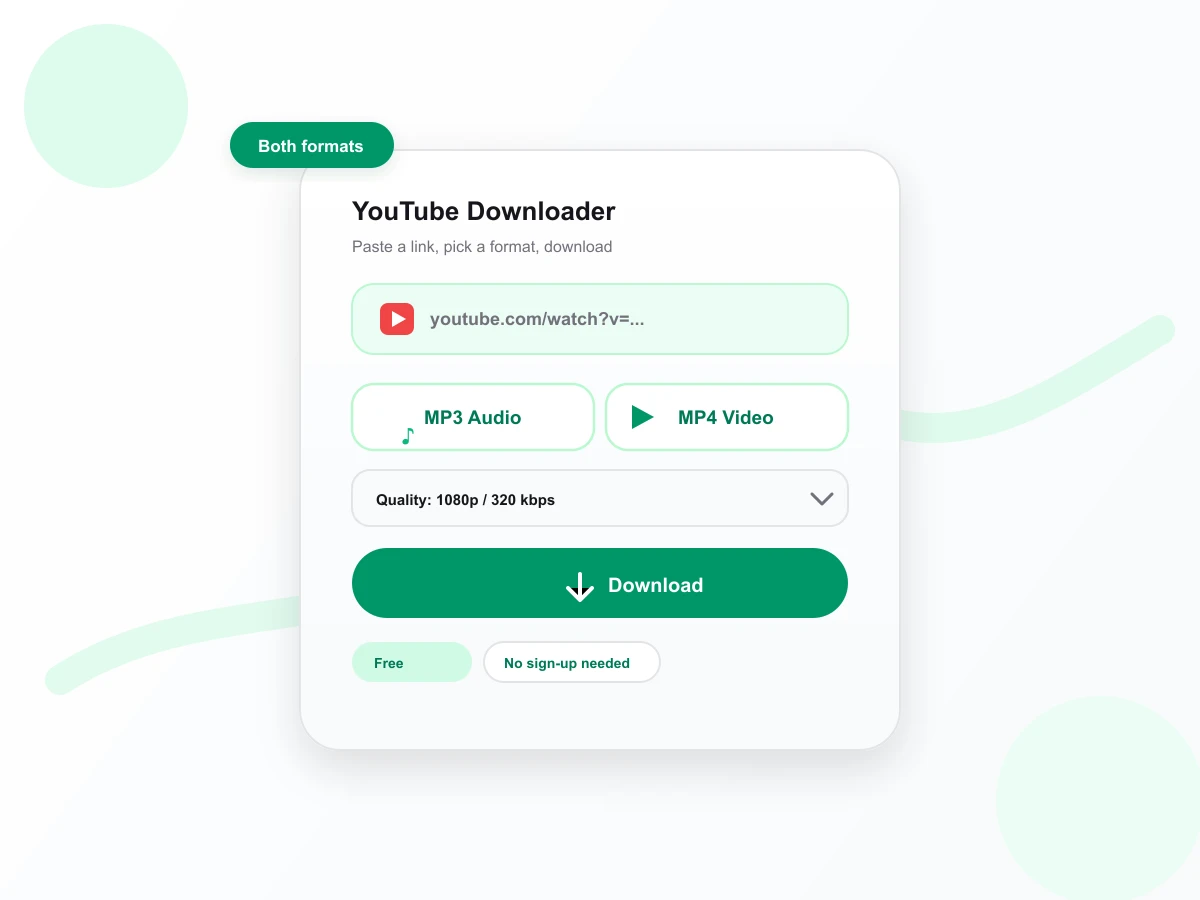
A reliable free YouTube video downloader turns a supported public video into an MP4 file or extracts its audio as MP3. Paste the YouTube URL, let the page load the title, thumbnail, duration, and available qualities, then choose the output that matches your device or workflow. The reliable free YouTube video downloader provides real resolution and bitrate choices instead of one unlabeled file. It runs in your browser with no extension or desktop software to install. Use it for videos you own, public-domain material, licensed content, or media the copyright holder has allowed you to save. Livestreams, upcoming premieres, private videos, and files longer than the supported limit are rejected before a conversion job begins.
How the YouTube Downloader Works
One link becomes an MP4 or MP3 file in three steps.
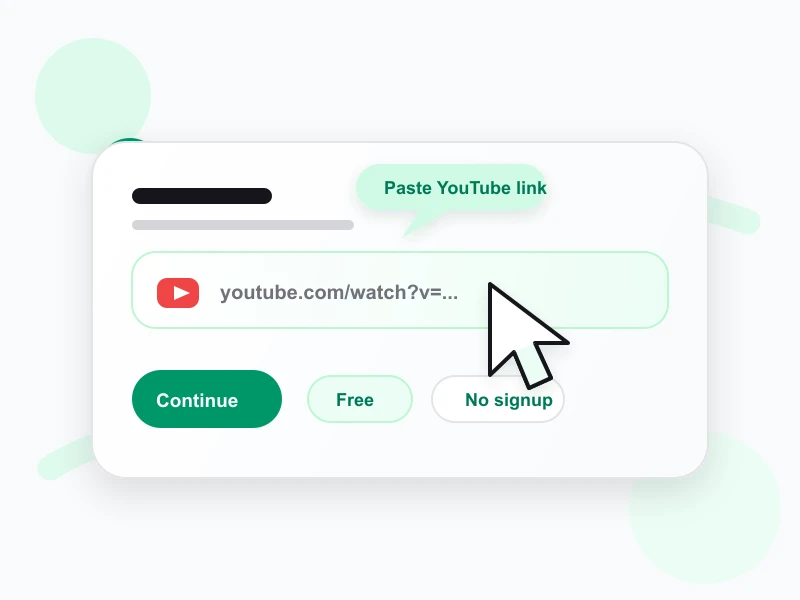
Paste the YouTube link
Copy the URL of any public YouTube video and paste it into the box above. The YouTube downloader loads its title, thumbnail, and length before you choose a format.
Choose MP4 resolution or MP3 bitrate
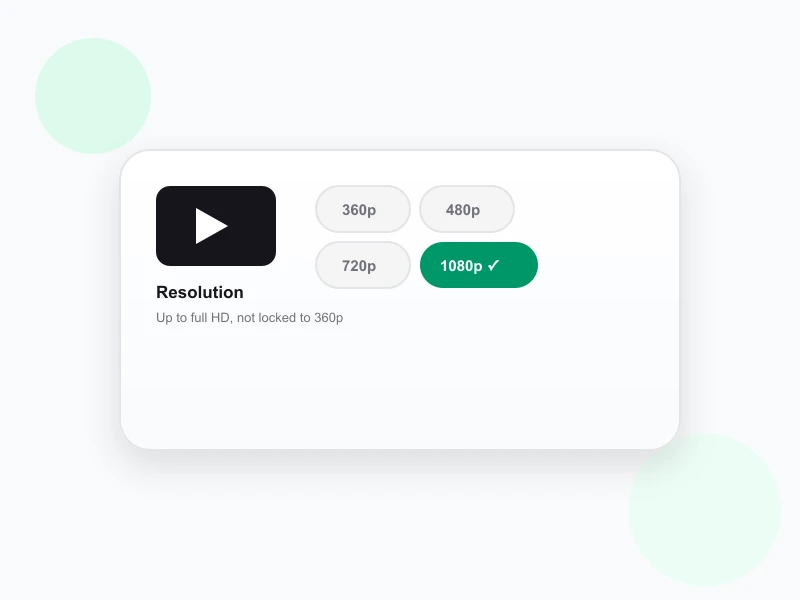
Switch between MP4 and MP3, then pick 360p to 1080p or 128 to 320 kbps. If your chosen quality isn't available for that video, the downloader automatically delivers the next-best option and tells you it happened.
- MP4 resolutions: 360p, 480p, 720p, 1080p
- MP3 bitrates: 128, 192, 256, 320 kbps
Download the finished file
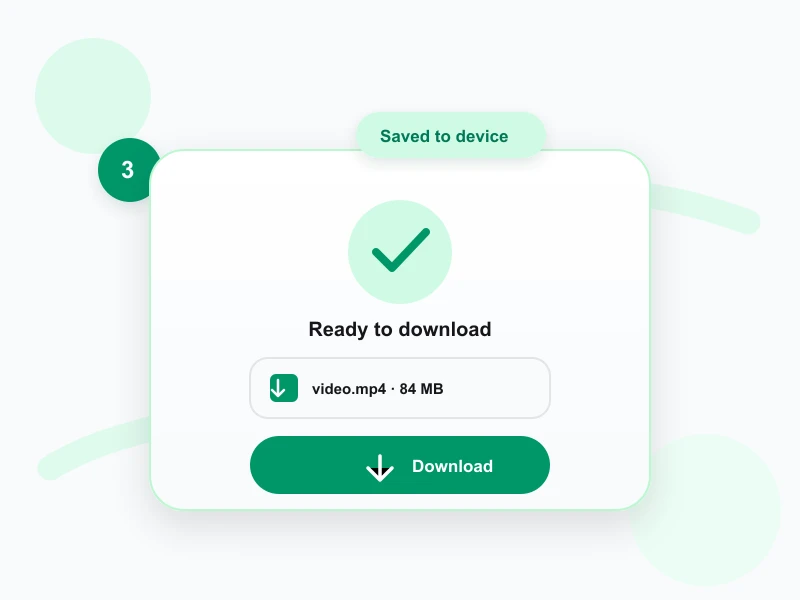
The YouTube downloader creates the selected MP4 or MP3 and returns a direct file link. The completed file stays available for 30 minutes, giving you time to save it while keeping temporary storage bounded. Download it promptly, confirm that it plays correctly, and keep it only for an authorized use.
- Direct file link, no browser extension
- Link stays active for 30 minutes
Tired of YouTube Downloaders That Lock You to 360p?
Many free YouTube-to-MP4 pages cap every file at 360p, disguise redirects as download buttons, or hide the real quality behind a premium prompt. This YouTube downloader exposes the available choices directly: MP4 video up to 1080p and MP3 audio up to 320 kbps when the source supports them. If a requested quality is unavailable, the job uses the next-best source and reports the downgrade instead of silently labeling a smaller file as full HD.
When a YouTube Video Download Is Useful
A local file can support legitimate offline, accessibility, production, and archival tasks when you have the necessary rights.
Back up videos from your own channel
Creators can preserve their own uploads when the original export is misplaced or when they want a simple reference archive. Store the MP4 with the original title, URL, upload date, and project notes. That context makes the download easier to identify later and helps distinguish an archive copy from the editable production master.
Prepare authorized offline viewing
A teacher, presenter, or field team may need a licensed video where connectivity is limited. Download the appropriate resolution before the session, test playback on the destination device, and retain any license or creator permission. Offline convenience does not override a platform restriction, copyright license, or classroom-use requirement.
Create a transcript or captions
An authorized MP4 or MP3 can be uploaded to Transcript for a searchable transcript, subtitles, notes, or quotations. Audio-only MP3 can reduce transfer time when visuals are irrelevant. Transcription improves access to the material, but it does not transfer ownership or give permission to republish another creator's video, voice, or music.
Review an approved production reference
Editors and marketing teams may need an approved reference file for pacing, framing, or campaign analysis. Choose the largest available MP4 when small on-screen details matter, or a lower resolution for a quick internal review. Keep the source URL and usage approval beside the file so the downstream team understands its limits.
YouTube Downloader Features
No extension or desktop app
The complete workflow runs on the webpage. You do not need to install a browser extension, grant it access to every page you visit, or maintain separate converter software.
Video and audio in one tool
Switch between MP4 and MP3 after the preview loads. The combined workflow serves broad downloader intent without replacing the focused YouTube to MP4 and YouTube to MP3 pages.
Clear temporary delivery
Completed files use a direct download link that expires after 30 minutes. The short lifetime is stated in the interface so temporary storage does not look like a permanent media library.
Explicit unsupported states
Private, removed, live, upcoming, over-length, or otherwise unavailable videos return an error instead of sitting indefinitely on a preparing message that can never complete.
YouTube Downloader Related Tools
Frequently asked questions
How do I download a YouTube video with Transcript?
Paste the video's YouTube URL into the box above, wait for the preview to load, then choose MP3 or MP4 and a quality before clicking Download. You'll get a direct link once the file is ready.
What YouTube MP4 resolutions does Transcript support?
360p, 480p, 720p, or 1080p. Transcript delivers the highest resolution available for that specific video, and automatically switches to the next-best option, with a note, if your chosen resolution isn't available.
What YouTube MP3 bitrates does Transcript offer?
128, 192, 256, or 320 kbps, so you can match file size to how you'll use the audio, from a quick voice note to a full-quality music file.
Is there a YouTube video length limit?
Yes, videos up to 30 minutes long. Longer videos are rejected before downloading starts, so you're not left waiting for a job that was never going to finish.
Why can't Transcript save YouTube livestreams or premieres?
Live, upcoming, and rebroadcast videos don't have a fixed, finished file to download, so Transcript blocks them upfront instead of starting a download that can't finish correctly.
How long does a finished YouTube download link stay active?
30 minutes after the file finishes processing. After that, the file is removed, so save it to your device as soon as it's ready.
Does Transcript keep a copy of downloaded YouTube files?
No. Downloaded files are deleted automatically 30 minutes after they're generated, and no personal information is required to use Transcript.
Is Transcript's YouTube tool the same as ytmp3 or yt2mp3?
No. "YTMP3" and "yt2mp3" are generic names people use for any YouTube-to-MP3 tool. Transcript is a separate, independent product, not a rebrand of yt2mp3.im or any other site that uses those names.
Can I use Transcript to download a YouTube video on mobile?
Yes. Open the page in a current iPhone, iPad, or Android browser, paste a public YouTube video URL, and choose MP4 or MP3. Your browser and operating system control where the file is saved. A mobile browser may preview the media first, in which case its download or share menu can save the file to Downloads, Files, Photos, or another available destination.
Does the YouTube video downloader create 1080p when the source is lower quality?
No. A 1080p choice is useful only when the public video exposes the required source streams. The downloader checks the formats available for that upload and uses the closest supported fallback if the selected target cannot be produced. It does not present artificial upscaling as original detail. For a legitimate production archive, retain the creator's master file whenever it is available.
MP4 & MP3, One Link
Try the YouTube Downloader
Use the free YouTube video downloader: paste a public link, pick your resolution or bitrate, and download a direct file.
Download My File