
Transcript
YouTube to Text Converter
Convert any YouTube video into clean, readable text. Paste a link and view the transcript for free.
- Caption-first workflow
- Multilingual transcription
- No Sign-up
- Private & Secure
Supported: YouTube, TikTok, Instagram — video, short, reel, or playlist.
Free to extract & view · No sign-up · supported languages · Copy/export with a paid plan
YouTube to Text Converter — Preview Free, Export as TXT
Our YouTube-to-text converter turns a public video into clean, timestamped text. Paste a link and review the spoken content without creating an account; paid plans unlock copying and file downloads.
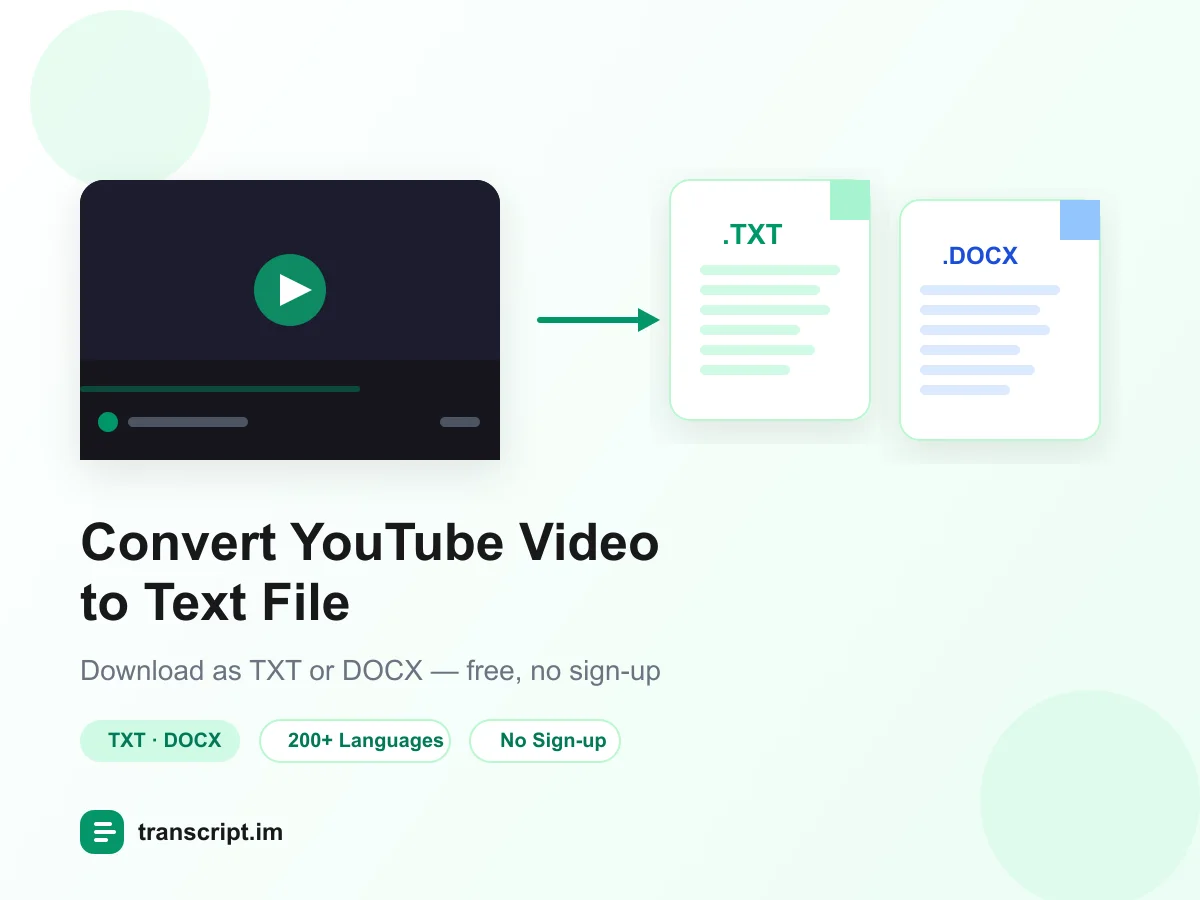
What You Can Do With Your YouTube Text File
Once you convert a YouTube video to text, the content is yours to work with. Here are the three most powerful things you can do next, all in one place.
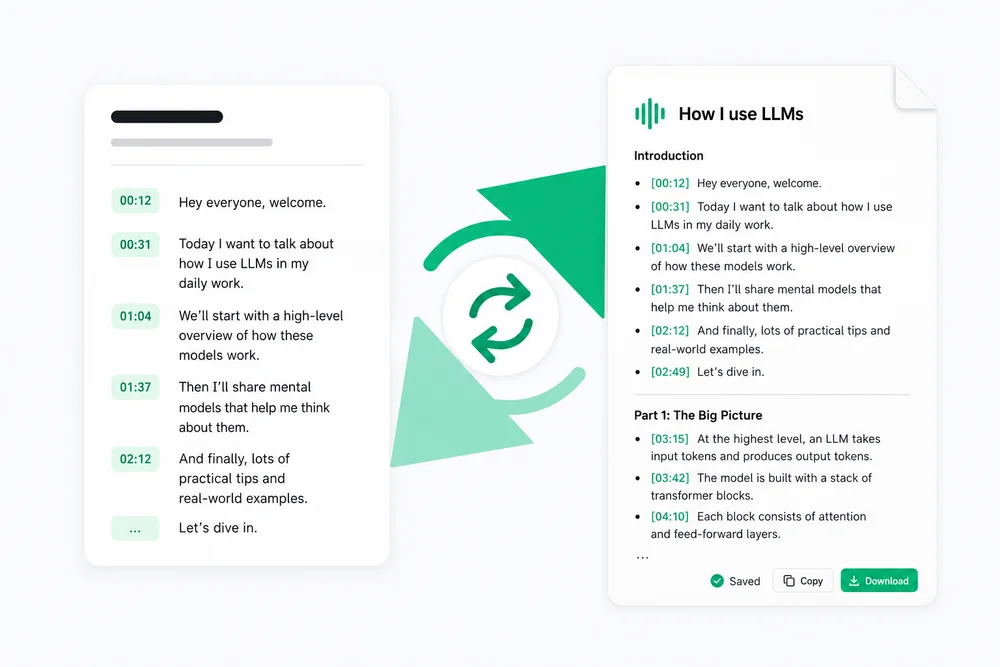
Rewrite or create a new script
Your youtube to text output is the perfect raw material for new content. Rewrite it in your own voice, tighten a rambling video into a punchy script, or repurpose the spoken content into a blog post, newsletter, or social thread. You can also hand it to AI as a brief and generate a brand-new script that keeps what worked — so every YouTube video becomes a head start on your next piece.
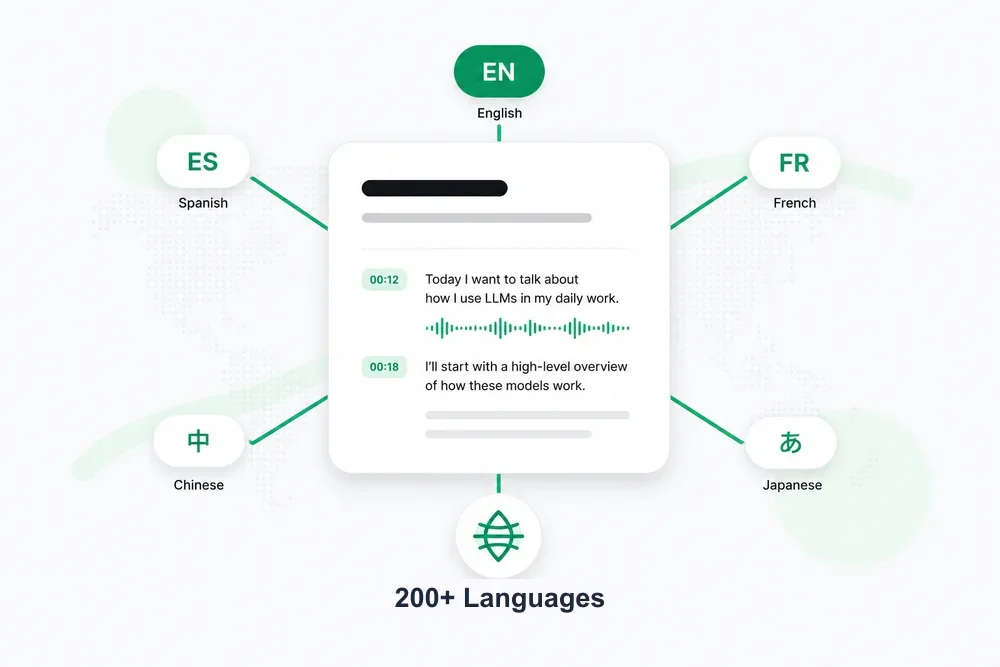
Translate into supported languages
Turn one youtube video to text conversion into a global asset. Translate the text into any supported language in a single click, with timestamps preserved so subtitles still line up perfectly. Ideal for reaching international audiences, studying foreign-language videos, or shipping localized versions of your own content — no re-recording and no separate translation tool required.
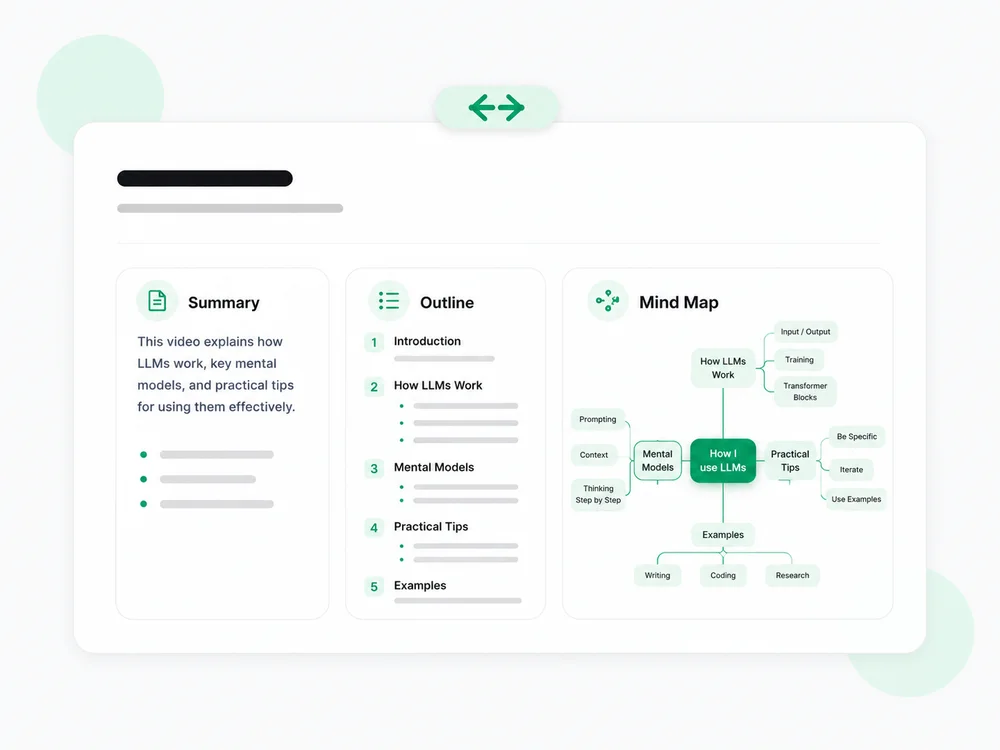
Summarize, outline & MindMap
Skip the rewatch. Generate a concise summary to get the gist, a structured outline to see how ideas connect, or a visual mind map to explore the whole video at a glance. It's the fastest way to review a long tutorial, capture the key points of a lecture, or decide whether a video is worth your time — all from the youtube to text result you just generated.
Struggling to Convert YouTube Video to Text You Can Actually Use?
YouTube's built-in transcript is hidden, read-only, and impossible to export. Third-party workarounds give you raw caption data full of formatting artifacts — not the clean, readable text you need. A proper YouTube to text converter solves this: it pulls every spoken word, timestamps it, and puts it in a file you can open in any editor.
Convert YouTube to Text in 3 Easy Steps
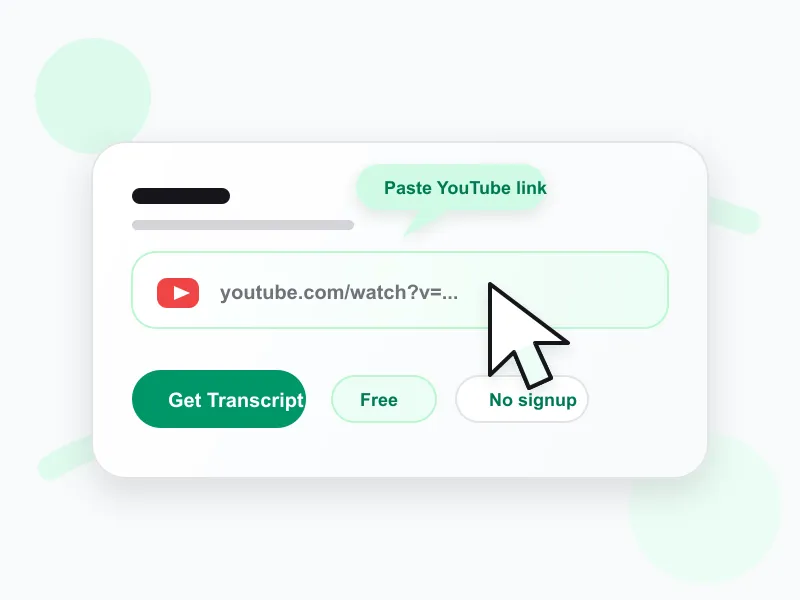 1
1Paste your YouTube video link
Copy any YouTube video URL and paste it into the input above. No account needed — the converter accepts any public YouTube link instantly.
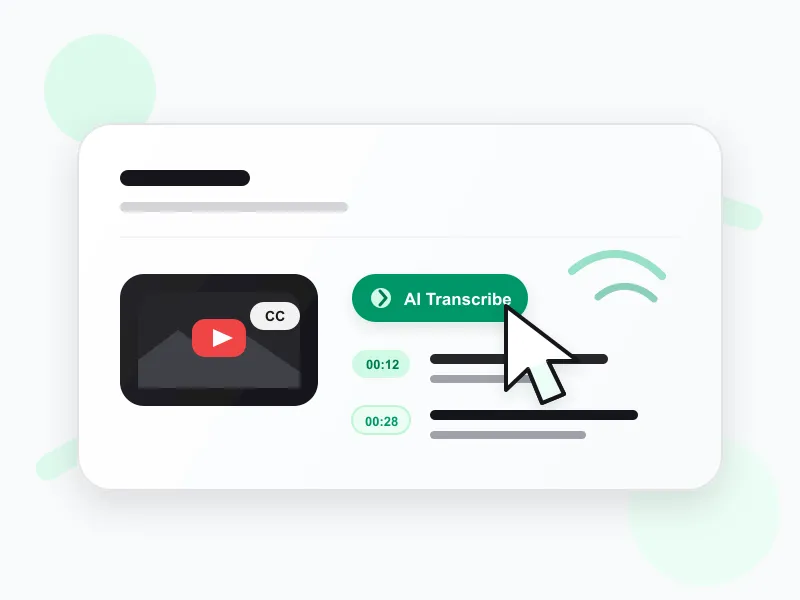 2
2Let AI convert the video to text
We pull existing captions first; if none exist, AI transcribes the spoken audio with Whisper-grade accuracy, giving you a complete youtube to text result with timestamps.
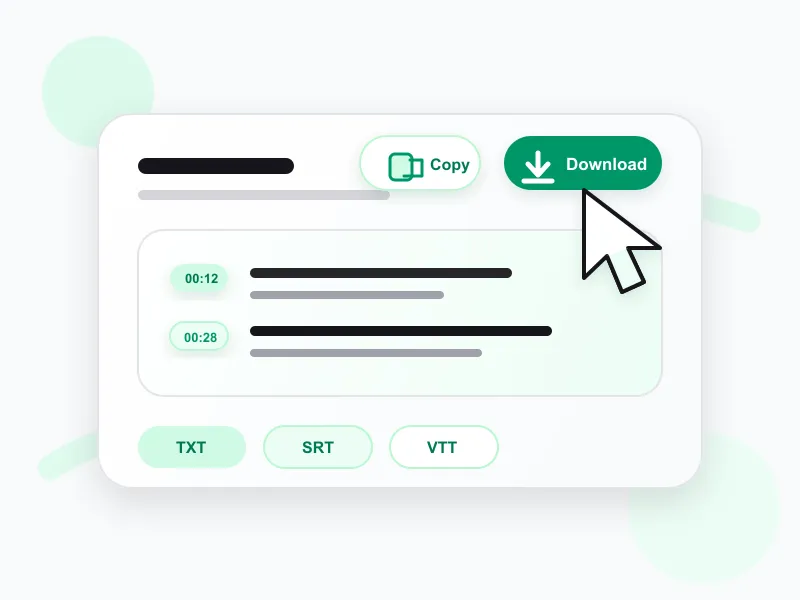 3
3Copy, download, or translate the text
Read the finished text for free. Paid plans unlock copying, TXT/SRT/VTT downloads, translation, and other AI actions.
Ways to Use Your YouTube to Text Conversion
A single youtube video to text conversion powers a surprising range of work. The most popular use cases:
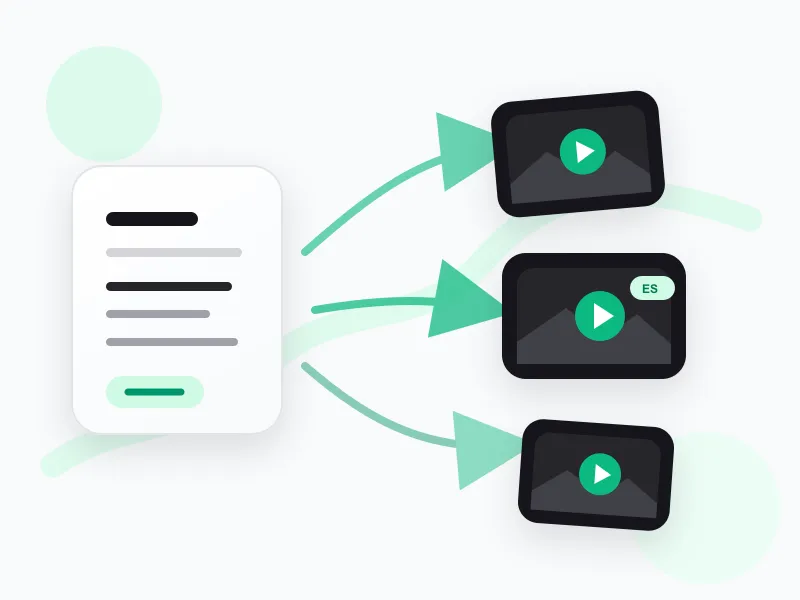
Re-create videos — new scripts or new languages
Use the converted text to script a fresh take, a different angle, or a fully localized version of the video in another language — without starting from scratch.
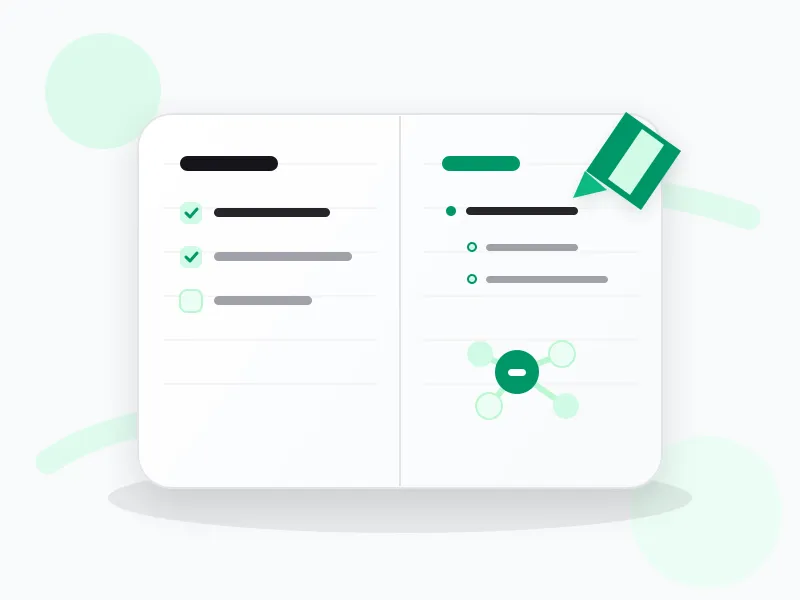
Capture study notes in any form
Turn lectures and tutorials into the notes that work for you — summaries, outlines, or mind maps — for faster review and recall, using the converted text as your source.
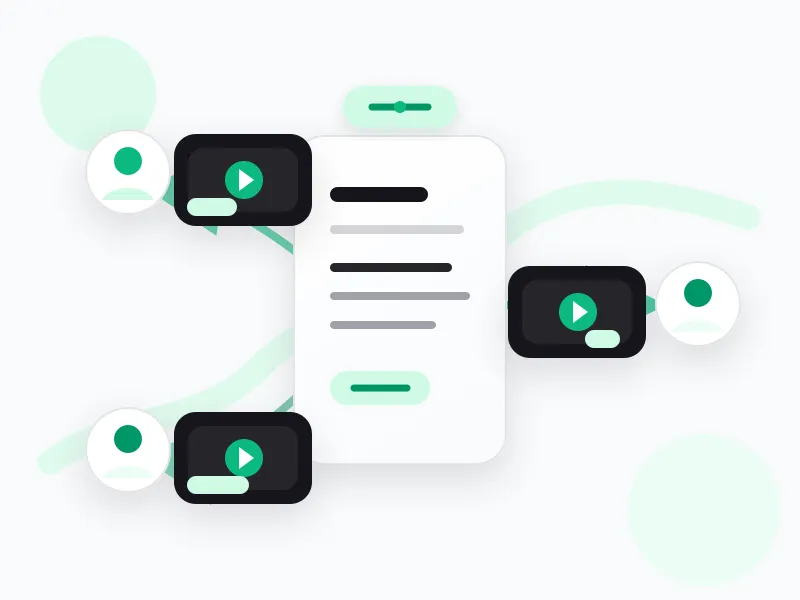
Build personalized sales videos
Spin one youtube to text result into tailored video sales pitches for different customers or segments — personalized video at scale, starting from proven spoken content.
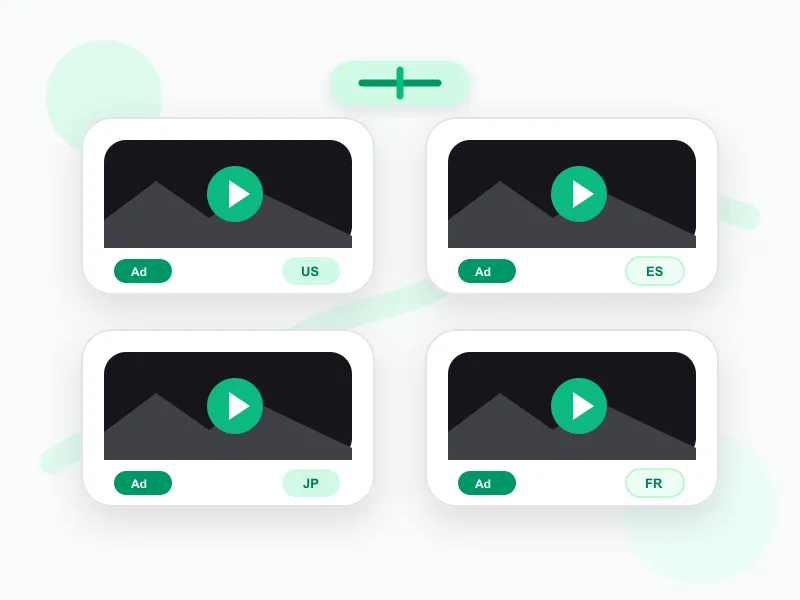
Create localized video ad creatives
Produce creative video ad variations for different countries and languages, all derived from a single youtube video to text conversion — localized creative without starting from scratch.
Convert YouTube to Text in Seconds
Preview clean text from any YouTube video for free, with no sign-up required. Paid plans unlock copying and downloads.
Frequently asked questions
What is a YouTube video transcript?
A transcript of a YouTube video is the written text of what is spoken in the video, usually with timestamps. It can come from the creator's captions or from AI transcription when captions are not available.
Where's my transcript?
Sign in and open Library to find transcripts you generated on transcript.im. Saved items include YouTube, TikTok, Instagram, uploaded video, audio, podcast, playlist, and channel transcripts.
How to get YouTube video transcript?
Paste the YouTube URL into transcript.im. We fetch the existing captions when they are available, or transcribe the audio with AI when captions are missing, then return the full YouTube transcript with timestamps.
How to see transcript on YouTube?
To view a YouTube transcript, paste the link into transcript.im and open the generated result. You get timestamped text that is easier to read, search, copy, and reuse than YouTube's built-in panel.
Is the YouTube to text converter free to use?
Yes. Pasting a YouTube link and reading the text is free with no account. Paid plans unlock copying, downloads, AI post-processing, and bulk exports.
What is the difference between YouTube to Text and YouTube Transcript Generator?
They produce the same content. 'YouTube to text' emphasizes the downloadable file output (TXT/DOCX); 'transcript generator' emphasizes the timestamped transcript view. Both start from a YouTube link and give you the full spoken text.
Can I convert a YouTube video to text without captions?
Yes. When a video has no caption track, our AI transcribes the spoken audio with Whisper-grade accuracy and returns the full youtube to text result — every word, with timestamps.
What file formats can I download?
You can download the youtube to text output as TXT (plain text), SRT (subtitle format with timing), or VTT (web caption format). TXT is the easiest for pasting into documents.
How accurate is the YouTube to text conversion?
Captioned videos are near-perfect. AI-transcribed videos match Whisper-grade accuracy — high for clear speech, and strong across accents and background noise.
Does it support non-English YouTube videos?
Yes. The converter supports multiple source languages and auto-detects the spoken language. You can also translate the text output into another language with one click.
How long does it take to convert a YouTube video to text?
Captioned videos return text in seconds. AI transcription of uncaptioned videos usually takes 1–3 minutes per hour of audio — most videos are ready in under a minute.
Can I convert a whole YouTube playlist to text?
Yes. Use the YouTube Playlist Transcript tool to process every video in a playlist in parallel and download a merged text export.