
Transcript
Free YouTube Transcript Generator
Get the full transcript of any YouTube video in seconds — free, with timestamps, and no sign-up.
- Caption-first workflow
- Multilingual transcription
- No Sign-up
- Private & Secure
Supported: YouTube, TikTok, Instagram — video, short, reel, or playlist.
Free to extract & view · No sign-up · supported languages · Copy/export with a paid plan
Free YouTube Transcript Generator — Fast, Accurate & Editable
Our YouTube transcript generator creates fast, timestamped text even for videos without captions. Paste a public link and review the full transcript without creating an account. Paid plans unlock copying and downloads.
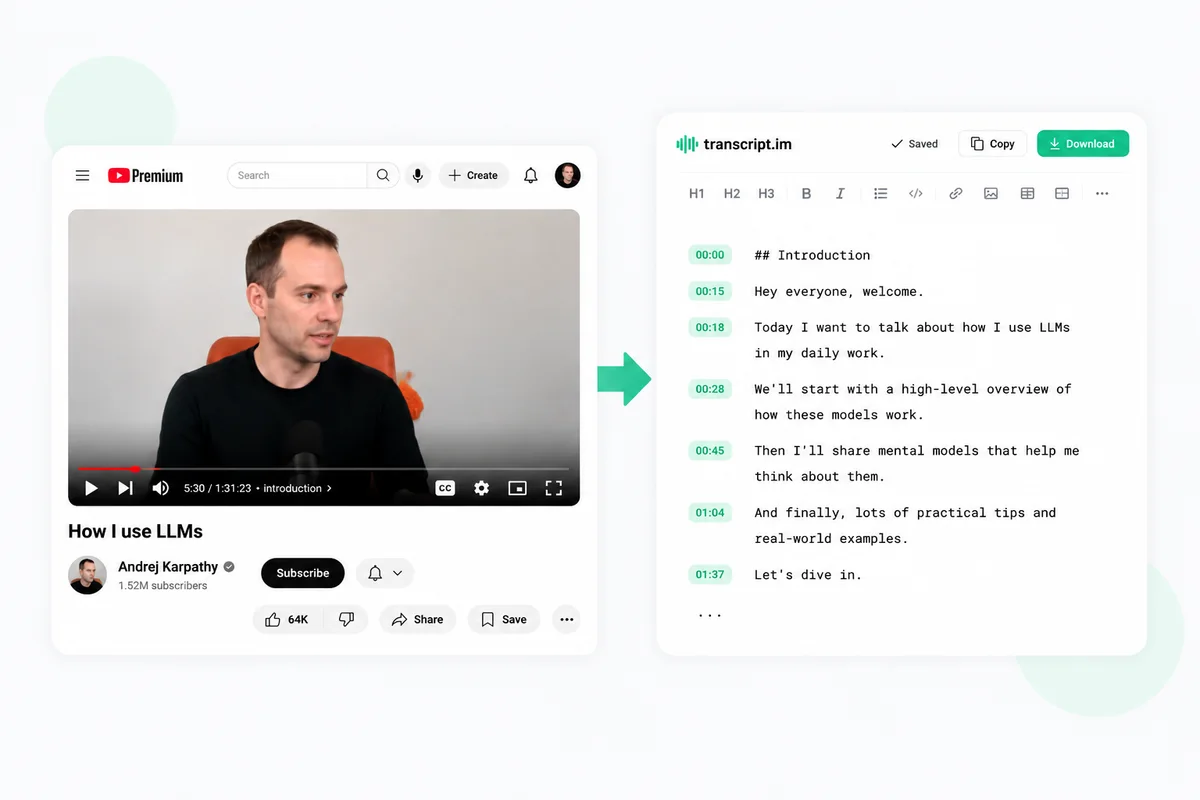
What You Can Do With Your YouTube Transcript
Once your YouTube transcript is ready, it becomes the starting point — not the finish line. Here's what you can do next, all in one place.
Rewrite or create a new script
Your transcript is the perfect raw material for new content. Rewrite it in your own voice, tighten a rambling video into a punchy script, or repurpose the transcript of a YouTube video into a blog post, newsletter, or social thread. You can also hand it to AI as a brief and generate a brand-new script that keeps what worked and drops what didn't — so every video becomes a head start on the next one.
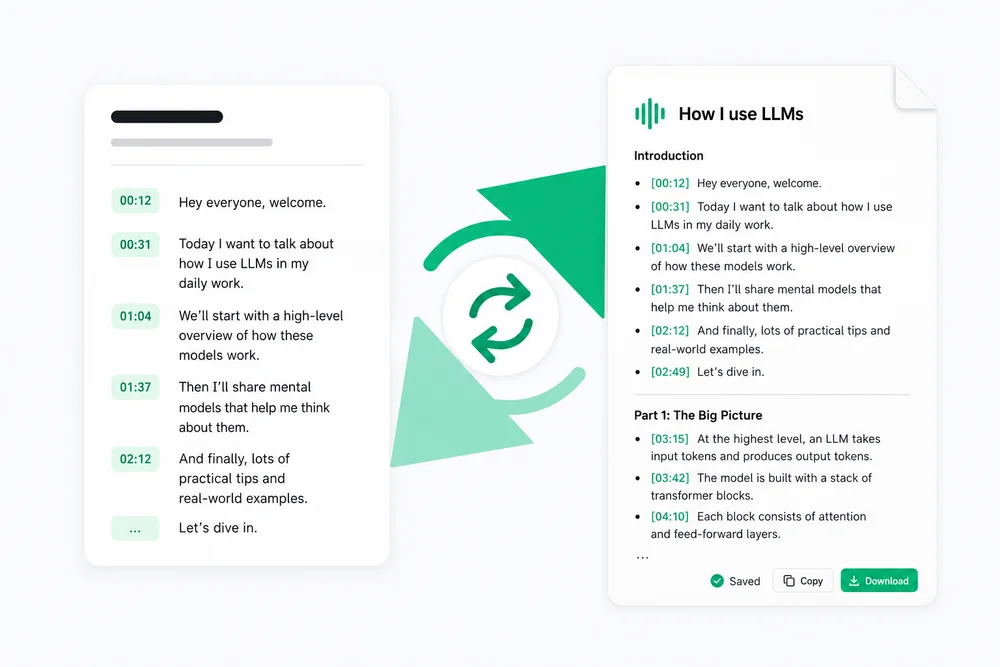
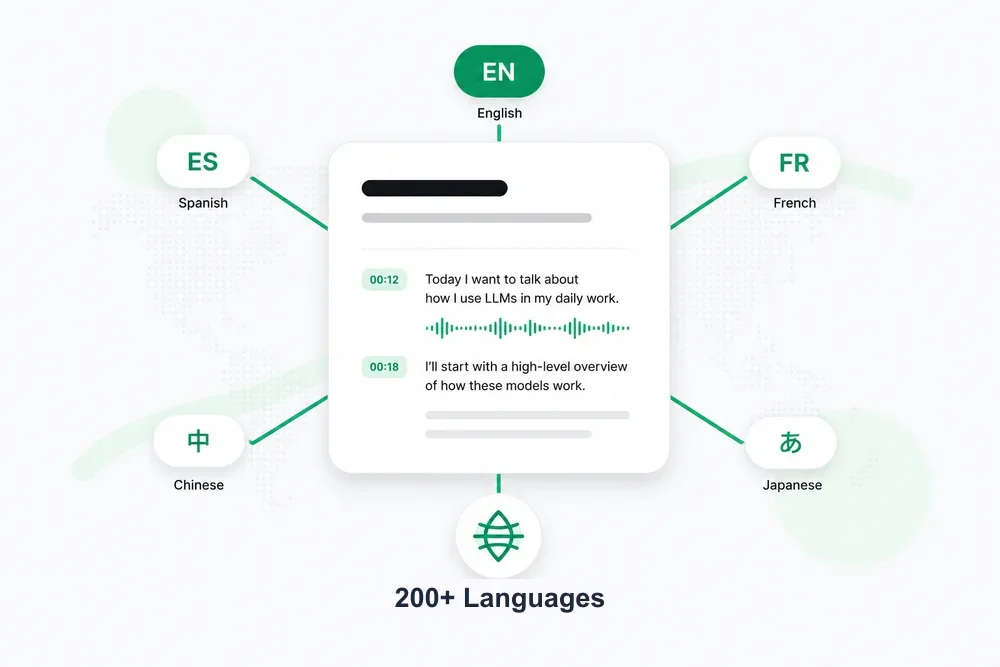
Translate into supported languages
Turn one transcript into a global asset. Translate your YouTube video transcript into any supported language in a single click, with timestamps preserved so subtitles still line up perfectly. It's ideal for reaching international audiences, studying foreign-language videos, or shipping localized versions of your own content — no re-recording and no separate translation tool required.
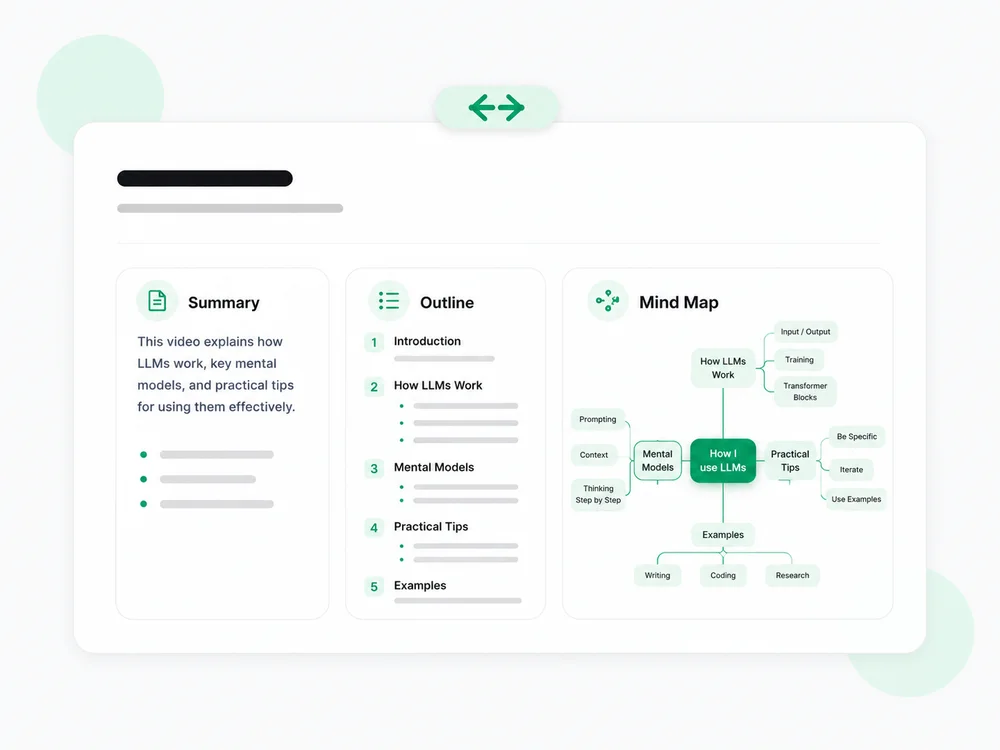
Summarize, outline & MindMap
Skip the rewatch. Generate a concise summary to get the gist, a structured outline to see how the ideas connect, or a visual mind map to explore the whole video at a glance. It's the fastest way to review a lecture, capture the key points of a long interview, or decide whether a video is even worth your time — all from the YouTube transcript you just generated.
Struggling to Get an Accurate YouTube Video Transcript?
Manually replaying a video to type out what's said wastes hours — and it's worse when the video has no captions at all. A reliable YouTube transcript extractor removes that friction: it structures the spoken content into clean, timestamped lines so you get instant access to every word and idea, without scrubbing the timeline.
Get Your YouTube Transcript in 3 Easy Steps
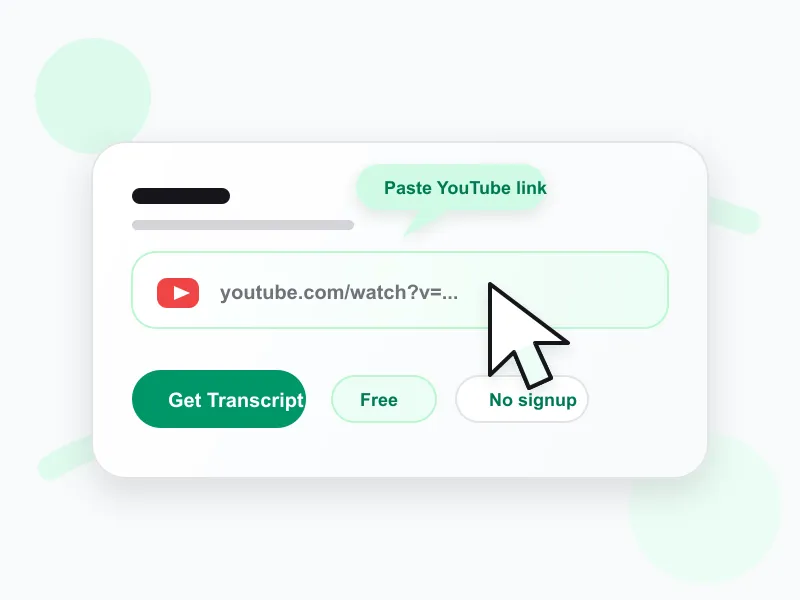 1
1Paste your YouTube video link
Copy the URL of any YouTube video and paste it into the input above to start the YouTube transcript download.
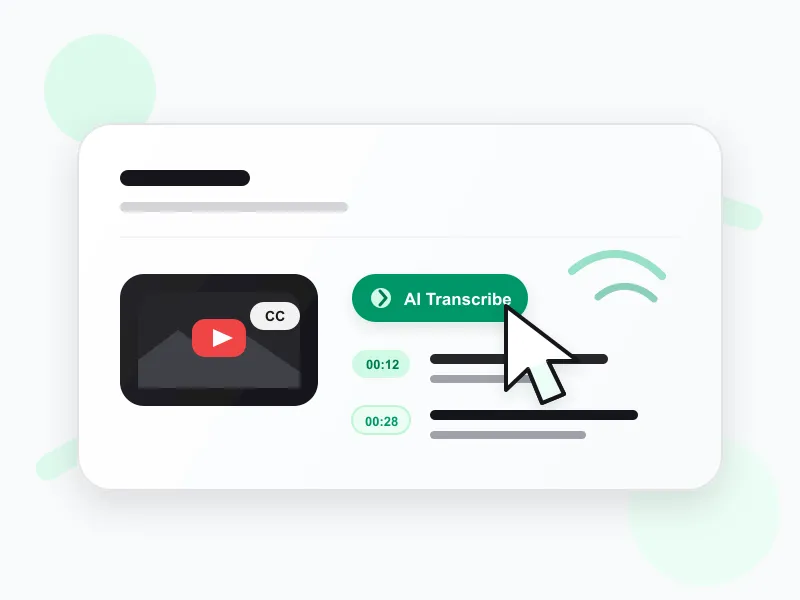 2
2Let AI transcribe the video
The generator pulls existing captions first; if none exist, AI transcribes the audio, capturing every word with timestamps.
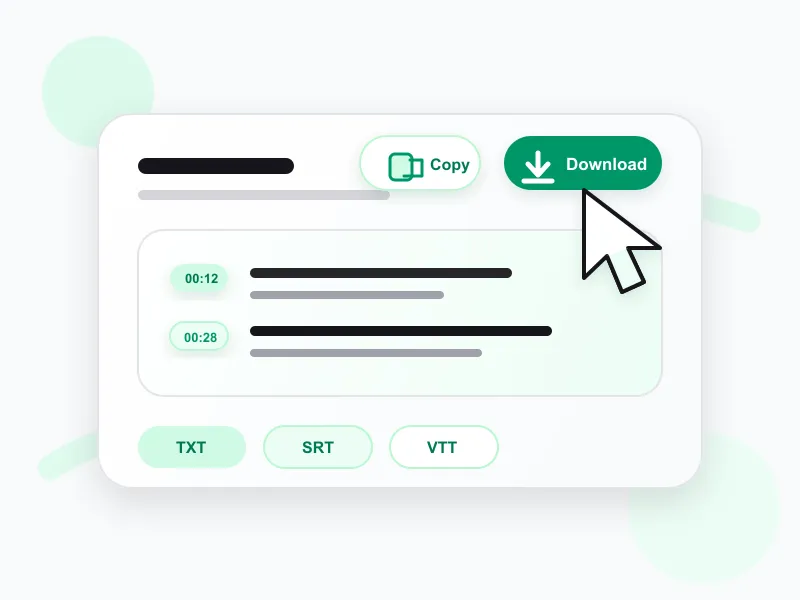 3
3Copy, search, or download your transcript
Read and search the finished text for free. Paid plans unlock copying and TXT, SRT, or VTT downloads.
Ways to Use Your YouTube Transcript
A single YouTube transcript powers a surprising range of work. The most popular use cases:
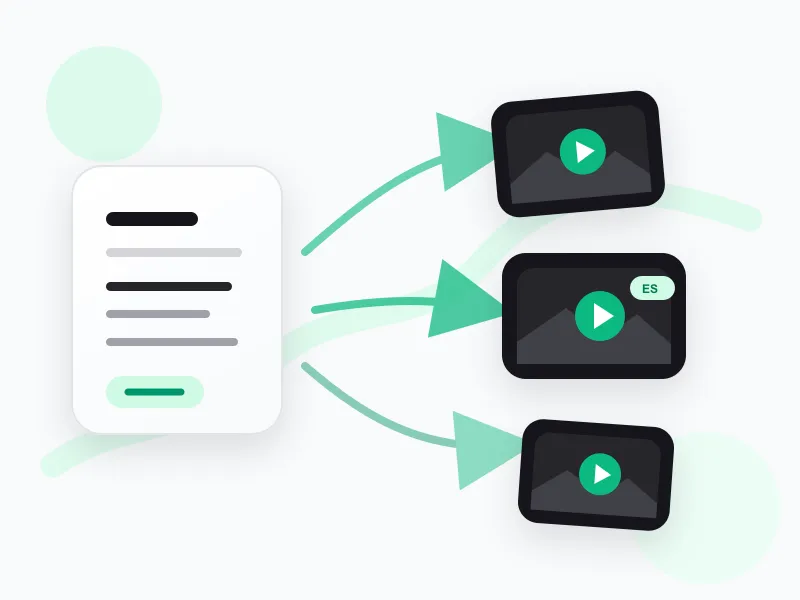
Re-create videos — new scripts or new languages
Use the transcript to script a fresh take, a different angle, or a fully localized version of the video in another language.

Capture study notes in any form
Turn lectures and tutorials into the notes that work for you — summaries, outlines, or mind maps — for faster review and recall.
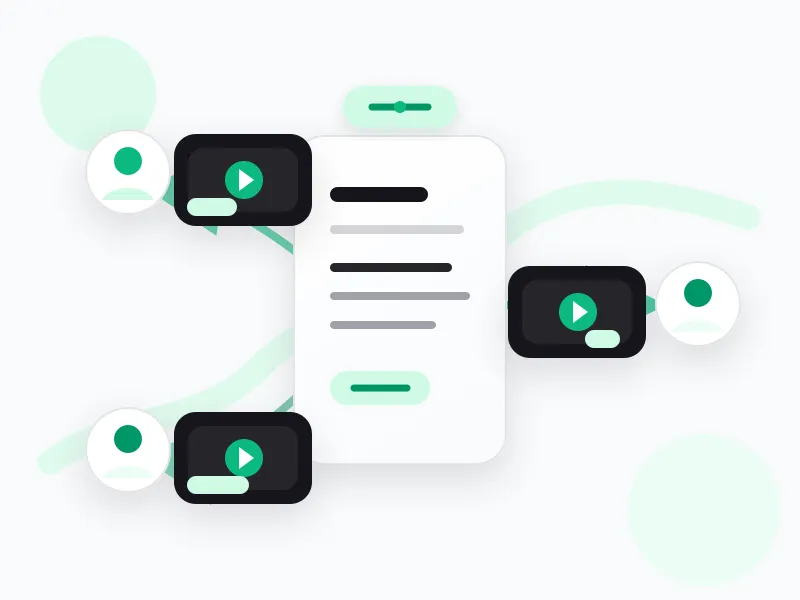
Build personalized sales videos
Spin one source transcript into tailored video sales pitches for different customers or segments — personalized video at scale.
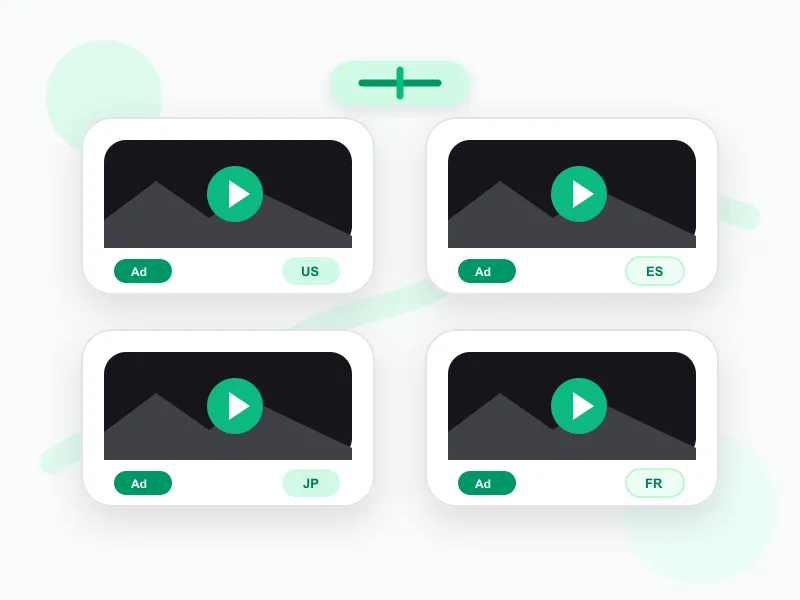
Create localized video ad creatives
Produce creative video ad variations for different countries and languages, all derived from a single YouTube to transcript result.
Get YouTube Transcripts in Seconds
Turn any video into clean, copyable text with our YouTube transcript generator. Grab key points, organize ideas, and create summaries to boost productivity.
Frequently asked questions
What is a transcript of a YouTube video?
A transcript of a YouTube video is the written text of what is spoken in the video, usually with timestamps. It can come from the creator's captions or from AI transcription when captions are not available.
How to get transcript from YouTube video?
Paste the YouTube URL into transcript.im. We fetch the existing captions when they are available, or transcribe the audio with AI when captions are missing, then return the full YouTube transcript with timestamps.
How to find transcript on YouTube?
You can look for YouTube's built-in transcript in the video's description menu, but it only appears when captions exist. transcript.im is simpler: paste the link and get captions or AI transcription in one place.
Is the YouTube transcript generator free to use?
Yes. Reading the transcript of a YouTube video is free with no account. Paid plans unlock copying, downloads, AI post-processing, and bulk exports.
Can I transcribe a YouTube video without captions?
Yes. When a video has no caption track, our YouTube transcript generator transcribes the spoken audio with AI, so you still get a full YouTube video transcript.
How do I get the transcript of a YouTube video?
Paste the YouTube link into the input above. We pull the captions or transcribe the audio and return a timestamped transcript within seconds — no software needed.
What formats can I download the transcript in?
You can download your YouTube transcript as TXT, SRT, or VTT, which covers plain text, subtitles, and captioning use cases.
How is this different from YouTube's own transcript?
YouTube only shows a transcript for videos that have captions, buried under the description. Our YouTube transcript extractor works on any public video and gives you clean, downloadable text.
Does it support multiple languages and accents?
Yes. The generator supports multiple source languages and detects the spoken language automatically, handling accents and background noise well.
How accurate is the generated transcript?
Captioned videos are near-perfect; AI-transcribed videos match Whisper-grade accuracy, which is high for clear speech.
Can I get a transcript from a long video or playlist?
Yes. Paste a single video, or use the playlist and channel options to extract transcripts in bulk.