AI 文字起こしツール
動画とチャットする
YouTube、TikTok、Instagram のリンクを貼るかファイルをアップロードして、何でも質問できます。回答は正確な瞬間を指します。
音声または動画ファイルをドロップするか、ファイルを選択
最大 500 MB · MP4、MOV、MP3、WAV、M4A など
サポートされている:YouTube、TikTok、Instagram、LinkedIn、Twitter、Facebook — 動画、ショート、リール、またはプレイリスト。
· サンプルは無料の文字起こし回数に含まれません。
使い方を見る
YouTube 動画を要約して質問する方法
Transcript の動画とチャットを使って、ブラウザ上で YouTube 動画を要約し、動画に質問する方法。チャットするには Transcript のアカウントが必要です。
聞いて、出典で確かめる
どこから来た答えかがわかる回答
すべての回答が使った行を引用します。タイムスタンプをクリックすると、文字起こしと動画がそこへ移動します。
So today we're going to talk about the James Webb Space Telescope, one of the most ambitious things NASA has ever built.
Before we get into the mirror, I want to explain why it looks at infrared at all.
Infrared light passes through the clouds of dust that block visible light, so we can see stars that are still forming.
And the universe is expanding, so light from the very first galaxies gets stretched into infrared on its way here.
It's made of 18 gold-coated segments that unfold once it's in space.
Explain why Webb looks in infrared.
Because infrared passes through the dust that hides young stars, and light from the first galaxies has been stretched into infrared by the expanding universe.
Say how big the mirror is.
6.5 meters across, made of 18 gold-coated segments that fold to fit inside the rocket.
動画とチャットするとできること
動画を見た人に聞くように、動画とチャットできます。どの回答も文字起こしに戻れます。
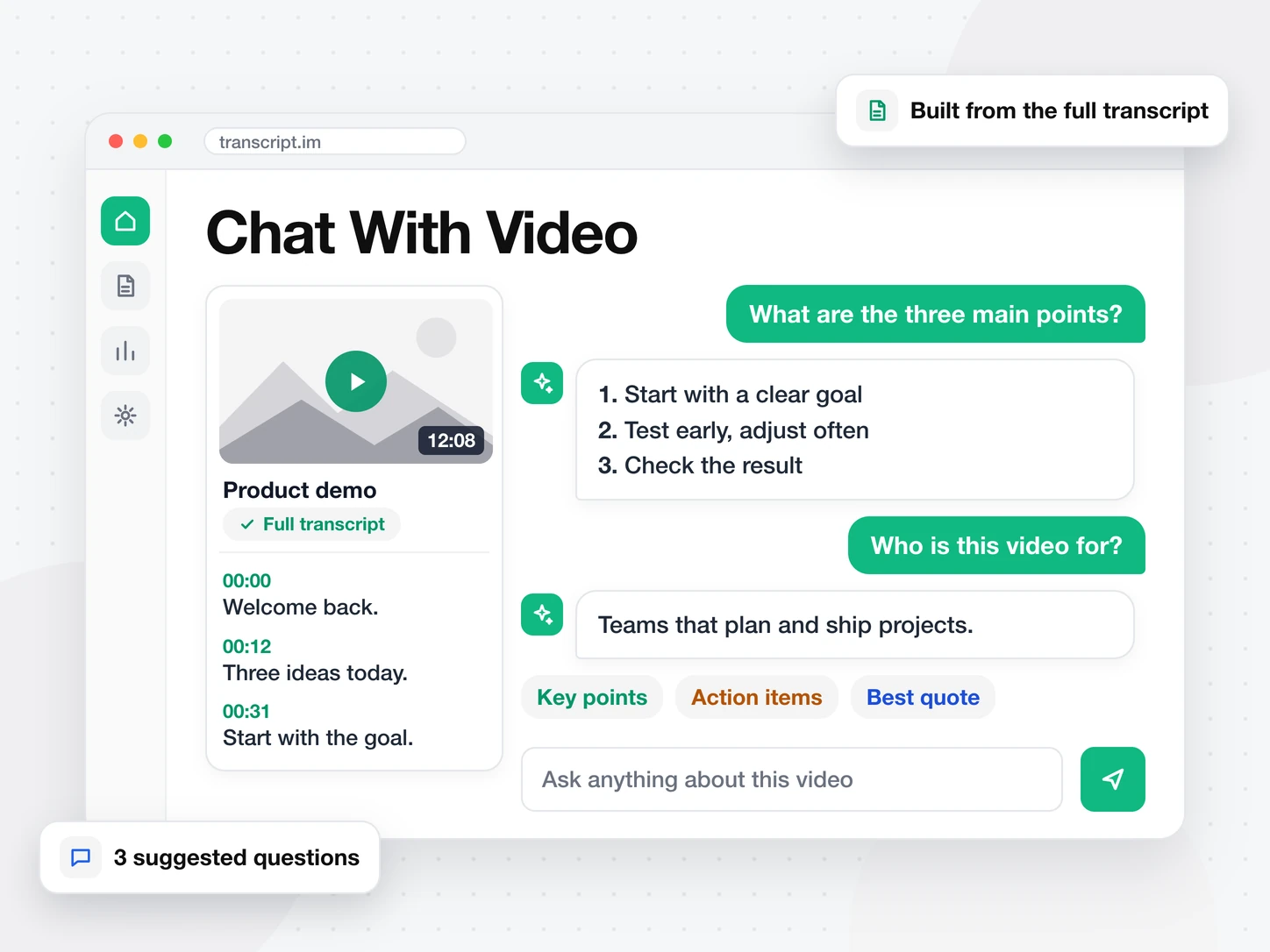
動画について何でも質問
リンクを貼るかファイルをアップロードして、質問を入力します。3 つの候補質問から始めることもできます。回答はプレビューではなく、文字起こし全体から作られます。
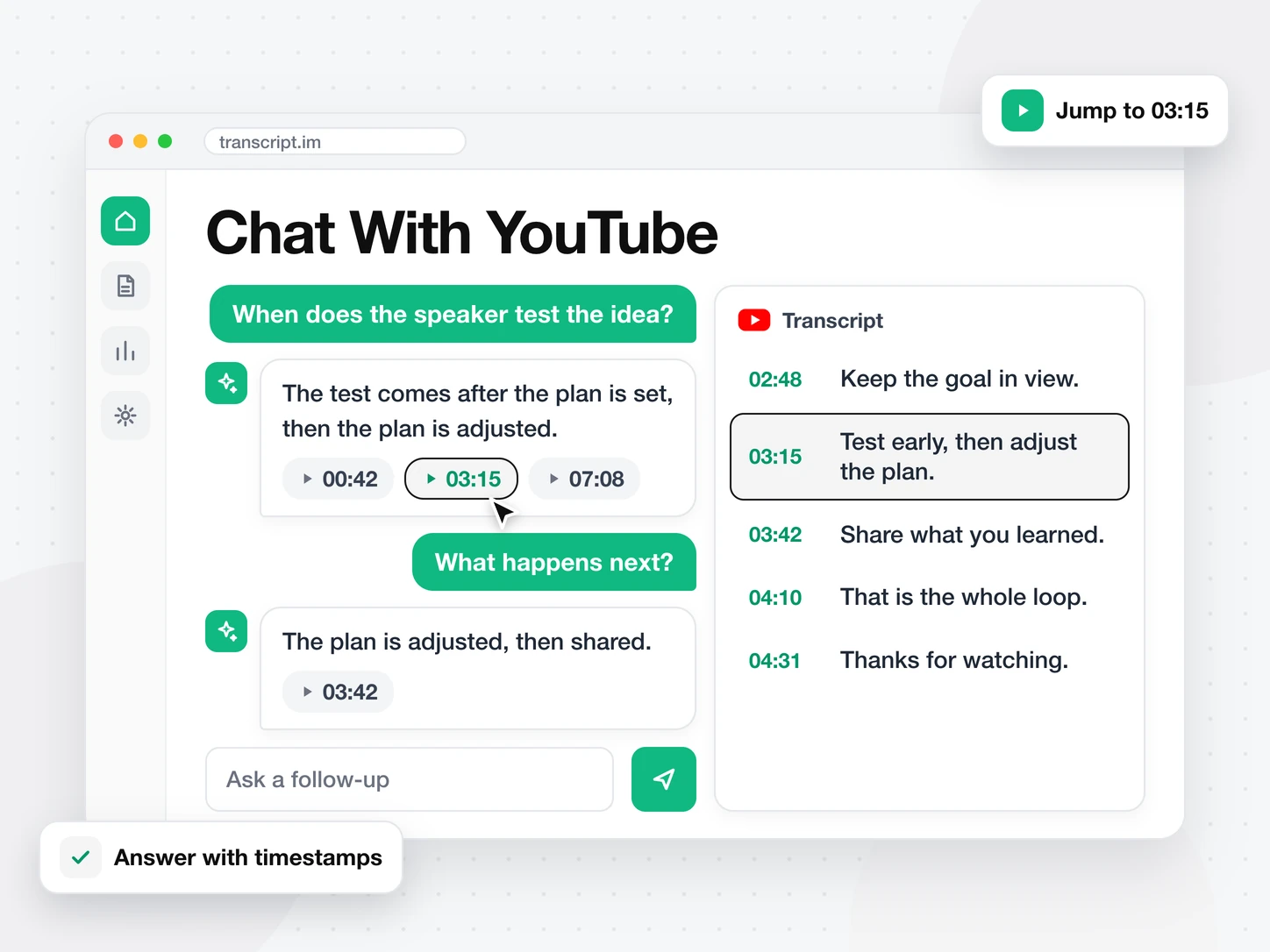
どの回答も出典がわかる
各回答は使った行のタイムスタンプを一覧にします。1 つクリックすると、文字起こしと動画がその瞬間へ移動するので、回答を確かめられます。
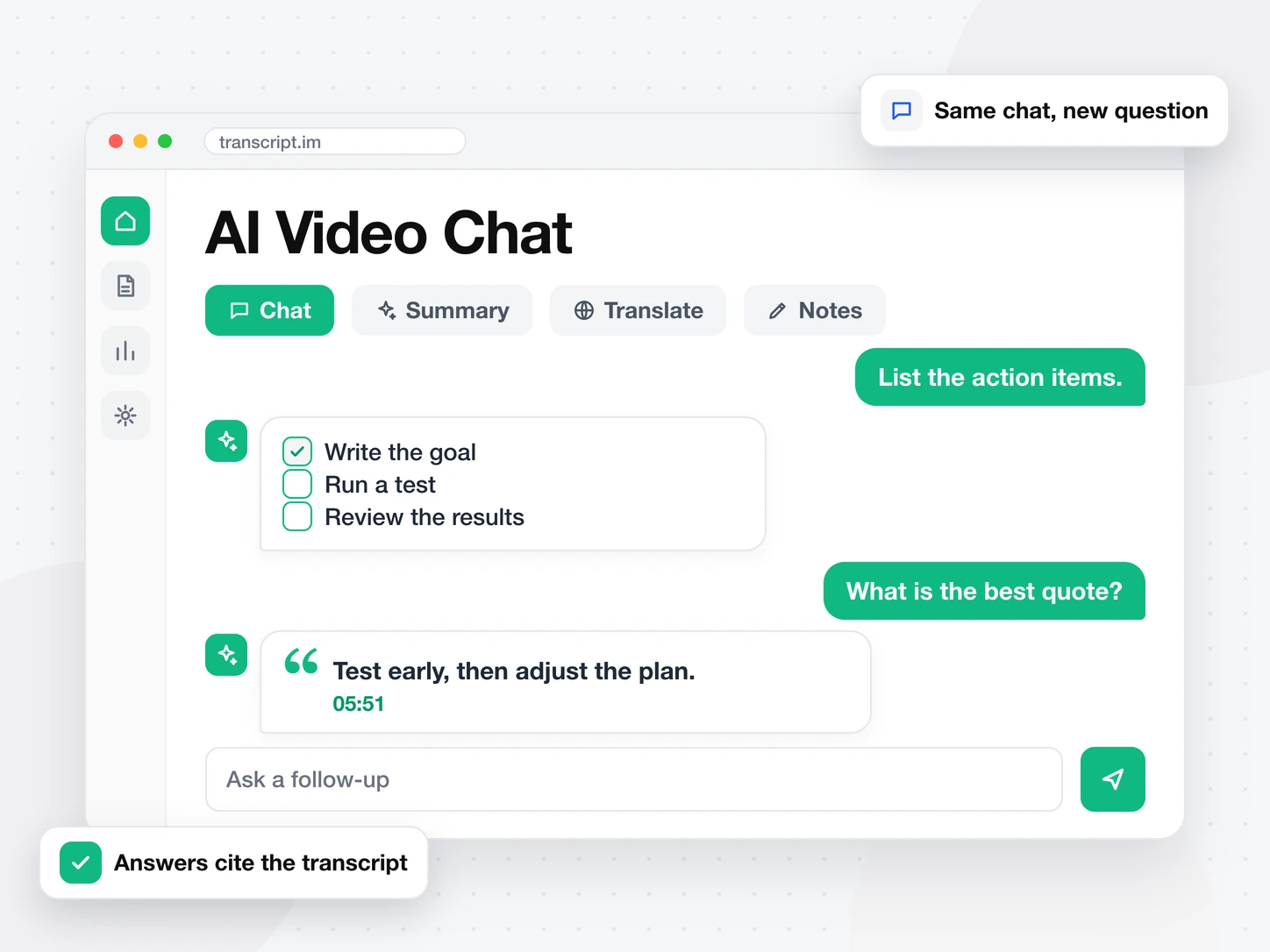
文脈を保ったまま聞き続ける
同じチャットで追加の質問ができます。要点、やること、いちばん良い引用を聞けます。同じ動画を別のタブで要約や翻訳もできます。
AI 文字起こしツール
文字起こしのほかの使い方
よくある質問
よくある質問
動画とチャットとは何ですか?
動画とチャットは、動画について質問し、その文字起こしから回答を受け取る機能です。先に動画を最後まで見る必要はありません。
YouTube 動画とチャットするには?
上に YouTube のリンクを貼り、「チャットを始める」を押します。結果ページ下部の入力欄に質問を入力してください。
字幕のない動画でもチャットできますか?
はい。字幕がない場合は先に音声を文字起こしし、チャットはその文字起こしから回答します。
動画とチャットの回答には出典が表示されますか?
はい。すべての回答が使った行のタイムスタンプを引用します。タイムスタンプをクリックすると、動画のその瞬間へ移動します。