AI 轉錄工具
與影片對話
貼上 YouTube、TikTok 或 Instagram 連結,或上傳檔案,想問什麼都可以,回答會指向確切的時刻。
拖曳音訊或影片檔案到這裡,或點擊選擇
最大 500 MB · MP4、MOV、MP3、WAV、M4A 等
支援:YouTube、TikTok、Instagram、LinkedIn、Twitter、Facebook 的影片、Short、Reel 或播放清單。
· 範例不會佔用你的免費轉錄次數。
看看怎麼用
如何摘要 YouTube 影片並向影片提問
如何用 Transcript 的「與影片對話」,直接在瀏覽器裡摘要 YouTube 影片並向影片提問。對話需要 Transcript 帳號。
先提問,再核對出處
答案會告訴你出自哪裡
每個回答都會引用它用到的原文行。點擊時間戳,轉錄和影片就會跳到那裡。
So today we're going to talk about the James Webb Space Telescope, one of the most ambitious things NASA has ever built.
Before we get into the mirror, I want to explain why it looks at infrared at all.
Infrared light passes through the clouds of dust that block visible light, so we can see stars that are still forming.
And the universe is expanding, so light from the very first galaxies gets stretched into infrared on its way here.
It's made of 18 gold-coated segments that unfold once it's in space.
Explain why Webb looks in infrared.
Because infrared passes through the dust that hides young stars, and light from the first galaxies has been stretched into infrared by the expanding universe.
Say how big the mirror is.
6.5 meters across, made of 18 gold-coated segments that fold to fit inside the rocket.
與影片對話能做什麼
像問一個看過影片的人那樣與影片對話。每個回答都指回轉錄文字。
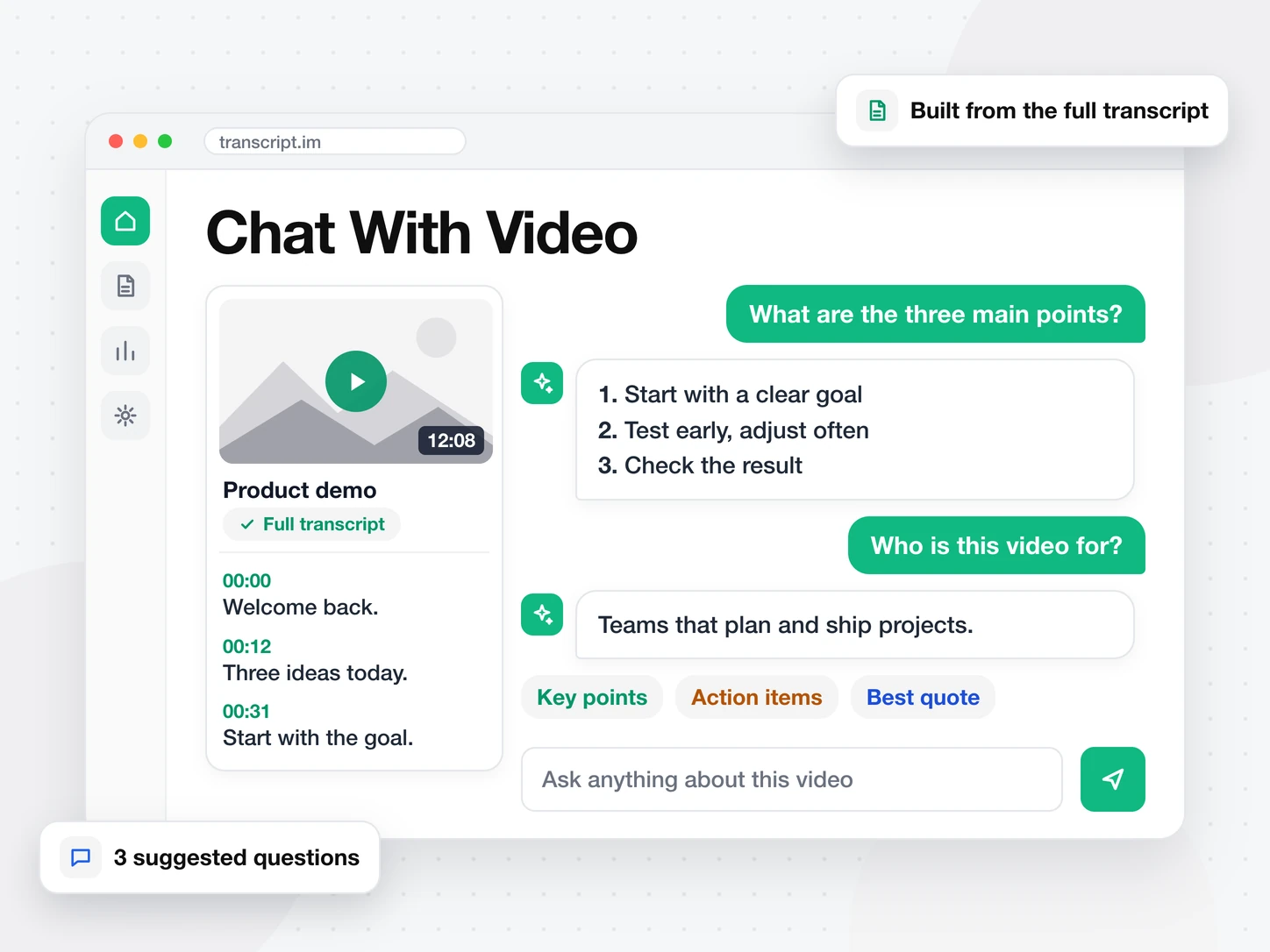
想問影片什麼都可以
貼上連結或上傳檔案,然後輸入問題,也可以從三個建議問題開始。回答來自完整的轉錄文字,而不是預覽。
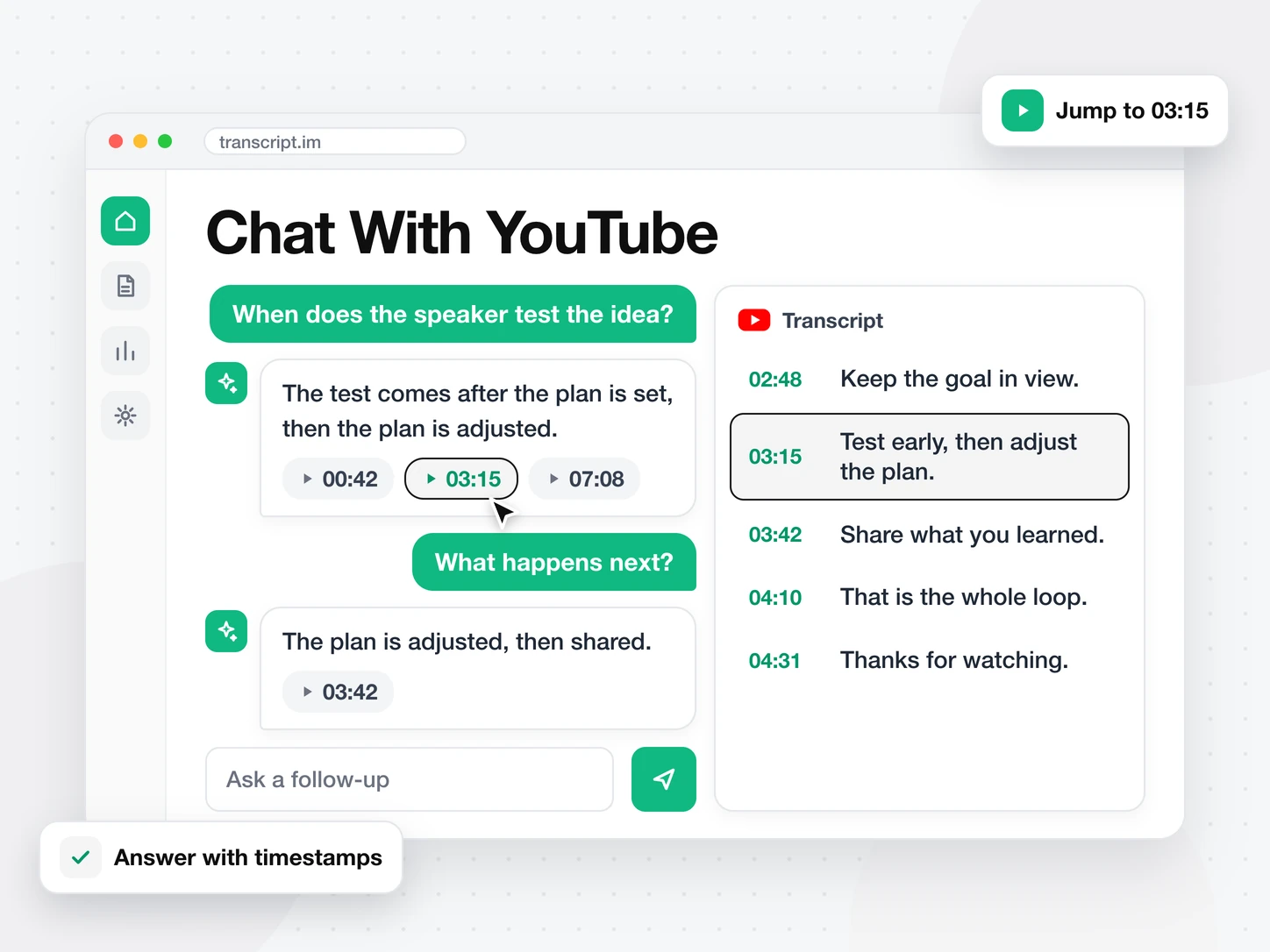
看清每個回答出自哪裡
每個回答都會列出它用到的行的時間戳。點擊其中一個,轉錄文字和影片就會跳到那一刻,方便你核對答案。
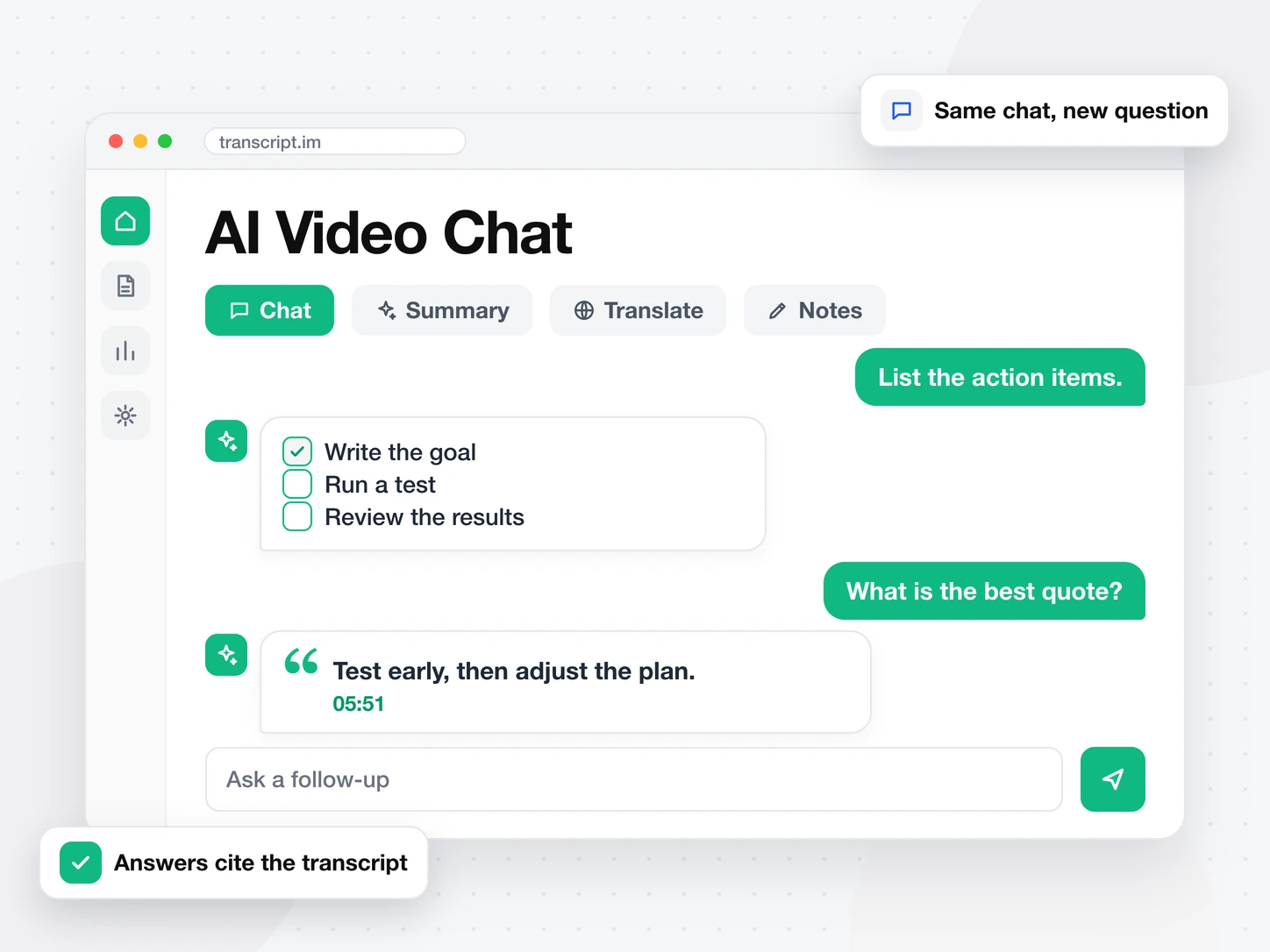
繼續提問,上下文不遺失
在同一個對話裡繼續追問。可以問重點、待辦事項或最精彩的一句話。也可以在其他分頁裡摘要或翻譯同一支影片。
常見問題
常問問題
什麼是與影片對話?
與影片對話讓你向影片提問,並從它的轉錄文字中得到回答。你不必先把影片從頭看到尾。
如何與 YouTube 影片對話?
在上方貼上 YouTube 連結,按下「開始對話」。然後在結果頁底部的輸入框裡輸入你的問題。
沒有字幕的影片也能對話嗎?
能。影片沒有字幕時,會先轉錄音訊,然後對話根據這份轉錄文字回答。
與影片對話的回答會顯示出處嗎?
會。每個回答都引用它用到的行的時間戳。點擊時間戳即可跳到影片中的那一刻。