What Is Video to Text?
Video to text means turning everything spoken in a video into written lines, each with a timestamp. Upload a file or paste a link, and the converter uses the video's captions when they exist or transcribes the audio when they don't. A video transcript generator like this gives you plain text you can search, copy, and download, instead of a subtitle track that only works inside a player.
How the Converter Works
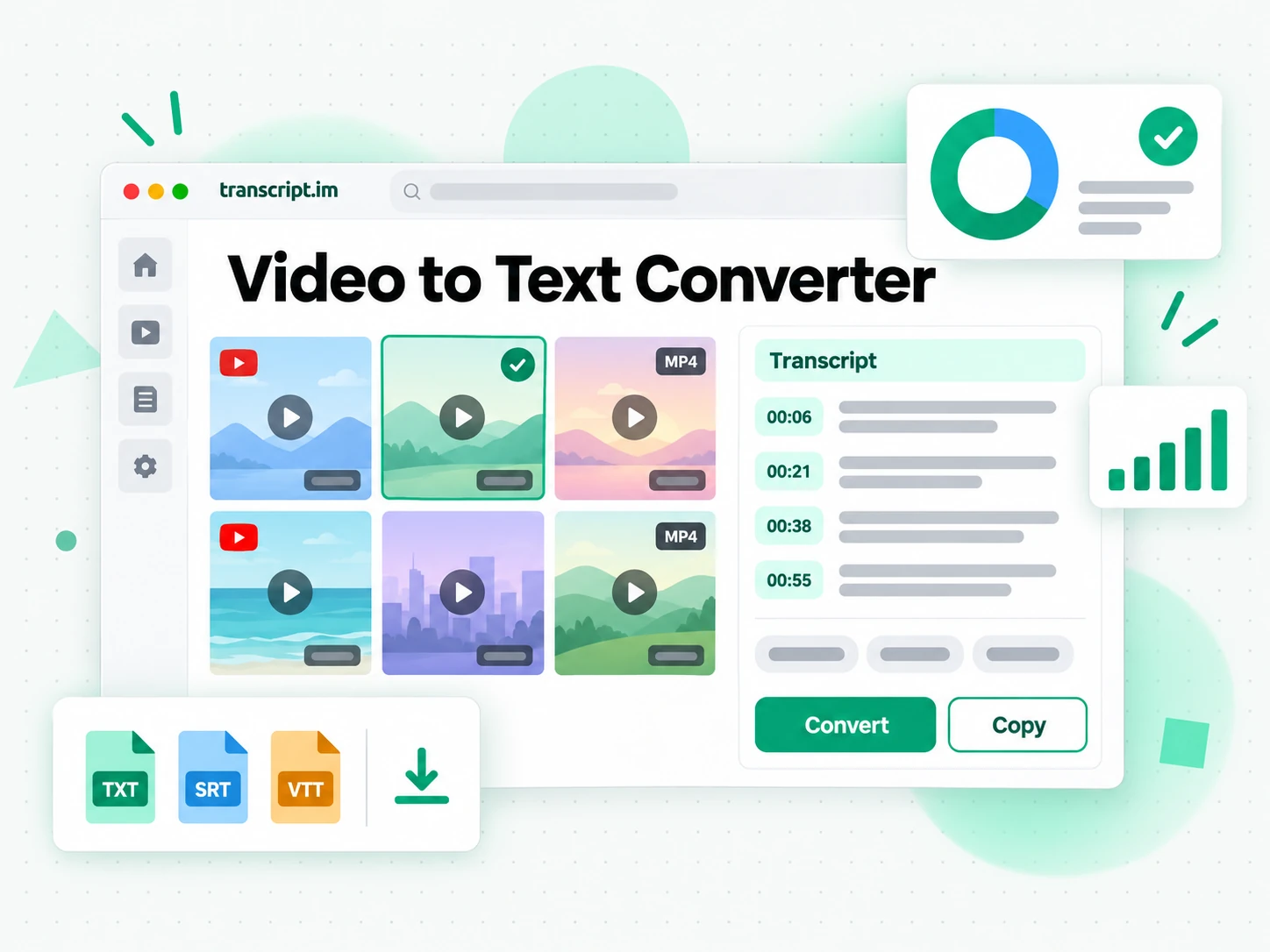
One uploaded file or pasted link takes you from video to text.
Upload a Video or Paste a Link
Upload a video from your device, or paste a public link. An MP4 to text job needs no software: the audio is read from the file itself. Links work too, so a Facebook video transcript or a LinkedIn video transcript takes one pasted URL. Existing captions are used first, and the audio is transcribed when there are none.
- MP4, MOV, MKV, WebM, and more
- Pasted links from public posts
- Captions first, the audio when there are none
Read and Search the Text
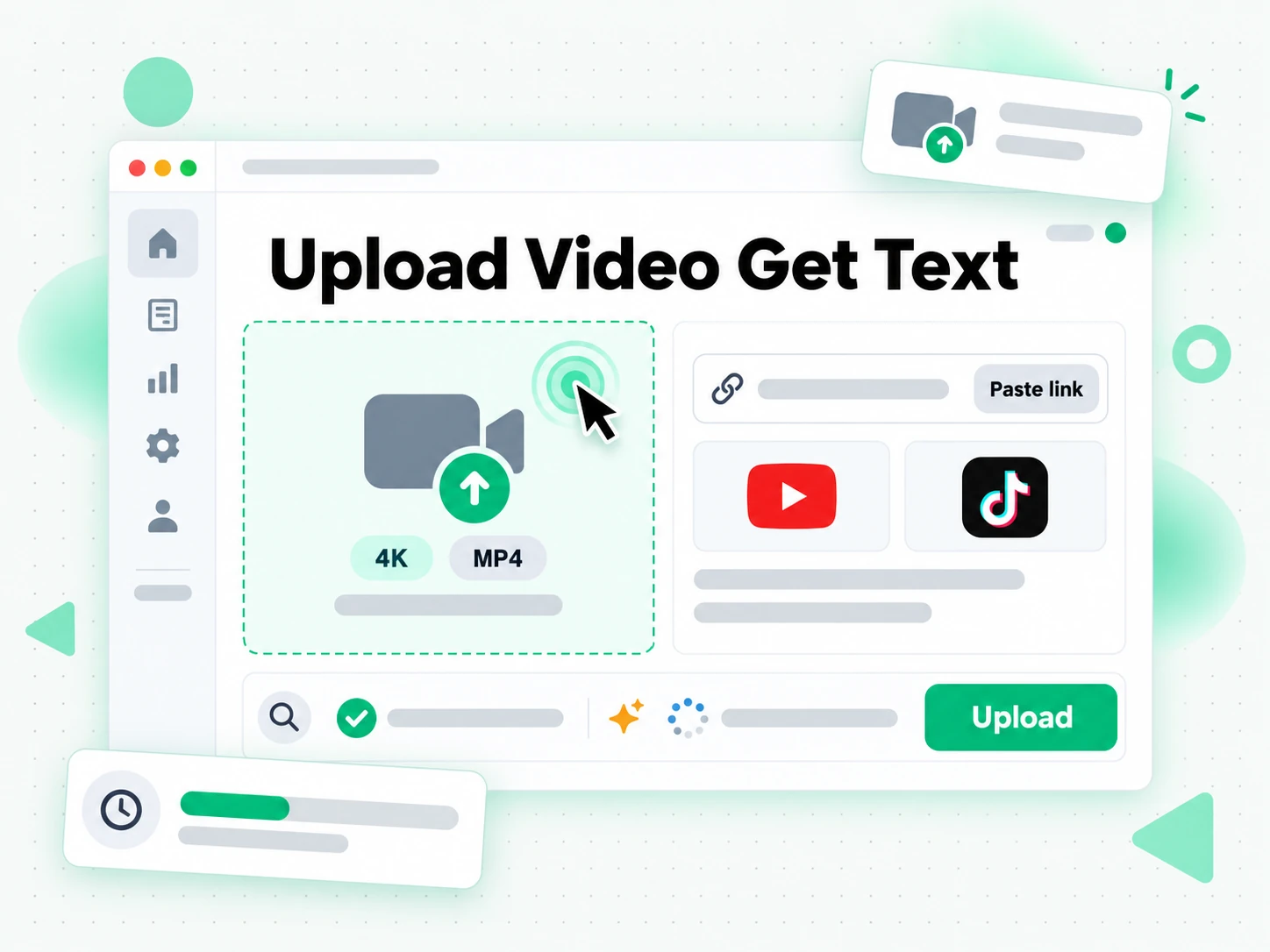
Every line keeps the timestamp of the moment it was spoken. Search for a phrase to find where it appears, and click a timestamp to jump to that moment in the video. Copy takes the whole transcript as plain text without timestamps, so a long recording becomes something you can scan instead of rewatch.
- Search the whole transcript
- Click a timestamp to jump to that moment
- Copy the full text, without timestamps
Download the Text or Subtitles
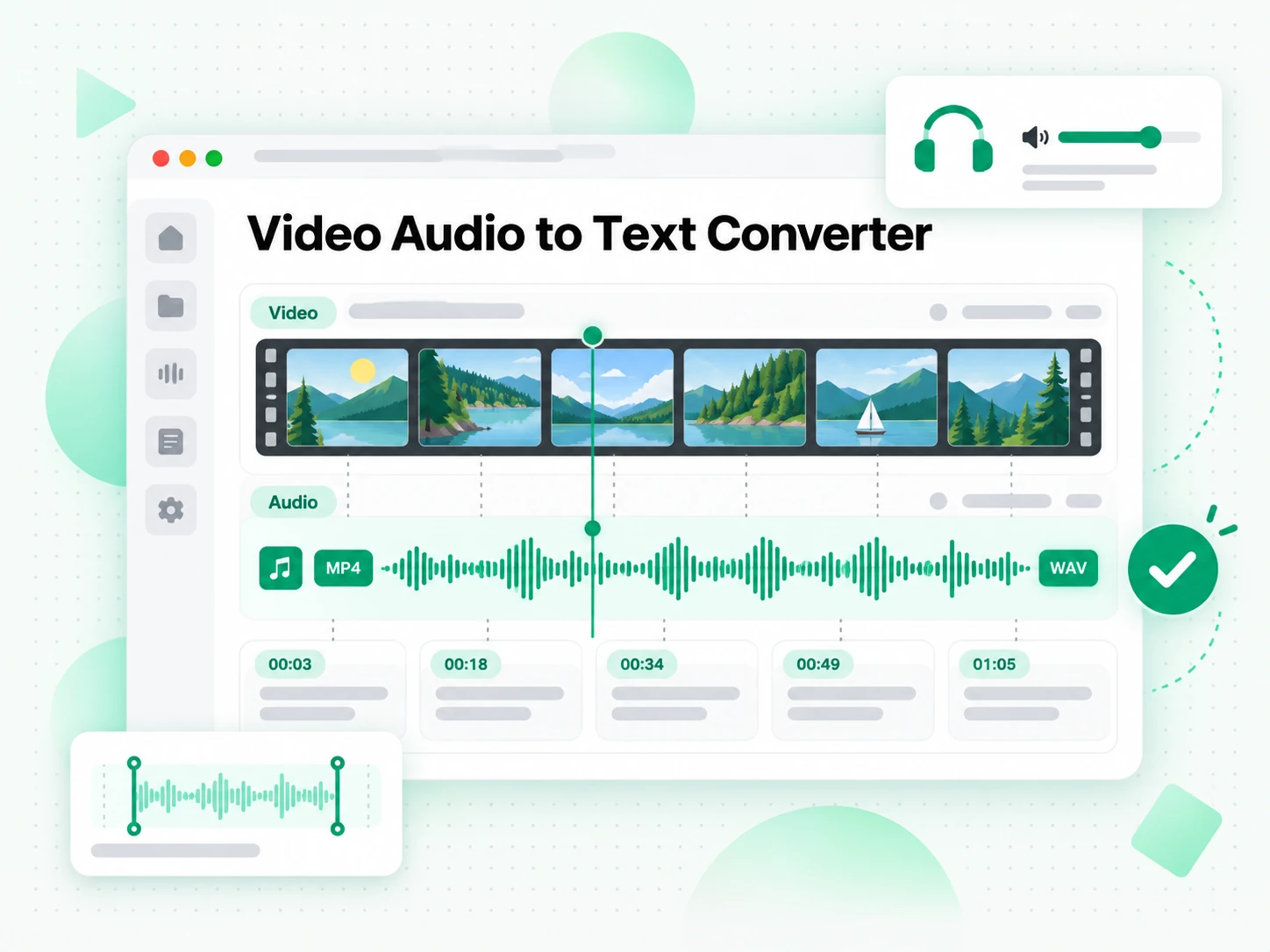
Download the transcript as TXT, SRT, VTT, JSON, or Markdown. TXT can include timestamps or leave them out, while SRT and VTT keep the timings so you can caption your own edit. Each file lines up with the moments in the video, which makes it easy to reuse the words in notes, a script, or a subtitle track.
- TXT, with or without timestamps
- SRT and VTT for players and editors
- JSON and Markdown for other tools
Video to Text FAQs
How do I convert a video to text?
Upload a video file or paste its link into the box at the top of this page. Existing captions are read first, the audio is transcribed when there are none, and the text comes back with timestamps.
Which video formats can I upload?
MP4, MOV, MKV, WebM, AVI, and other common formats, including MPEG, WMV, and 3GP.
Does it work on a video without captions?
Yes. When a video has no captions, the audio is transcribed instead, so you still get the complete timestamped text.
Can I paste a link instead of uploading a file?
Yes. Paste a public link from YouTube, TikTok, Instagram, X, Facebook, or LinkedIn and the text comes back the same way, with nothing to download first.
What is the difference between a transcript and subtitles?
A transcript is the spoken text, meant to be read. Subtitles are the same text cut into short timed cues for a player. Download SRT or VTT for the cues, or TXT for plain text.
Which formats can I download?
TXT, SRT, VTT, JSON, and Markdown. TXT can be downloaded with or without timestamps.
Does it detect the spoken language?
Yes. The language is detected automatically, so you do not need to choose it before you start.
Why are some words wrong in the text?
Creator captions are usually exact. Names, strong accents, and overlapping voices are the usual trouble spots; a cleaner recording helps.
Which videos can't be converted?
Private or login-only posts, deleted videos, posts with no video in them, and streams that are still live.